
NoteGPT
AI Image ResizerMore Image Tools
Upload or Paste an Image
PNG, JPG, JPEG, WebP (max 20MB)
Aspect Ratio
12+ premium credits / image.

Free AI Image Resizer

Resize photos and images online without losing quality. Prepared for Instagram, Facebook, TikTok, YouTube, LinkedIn, and more.

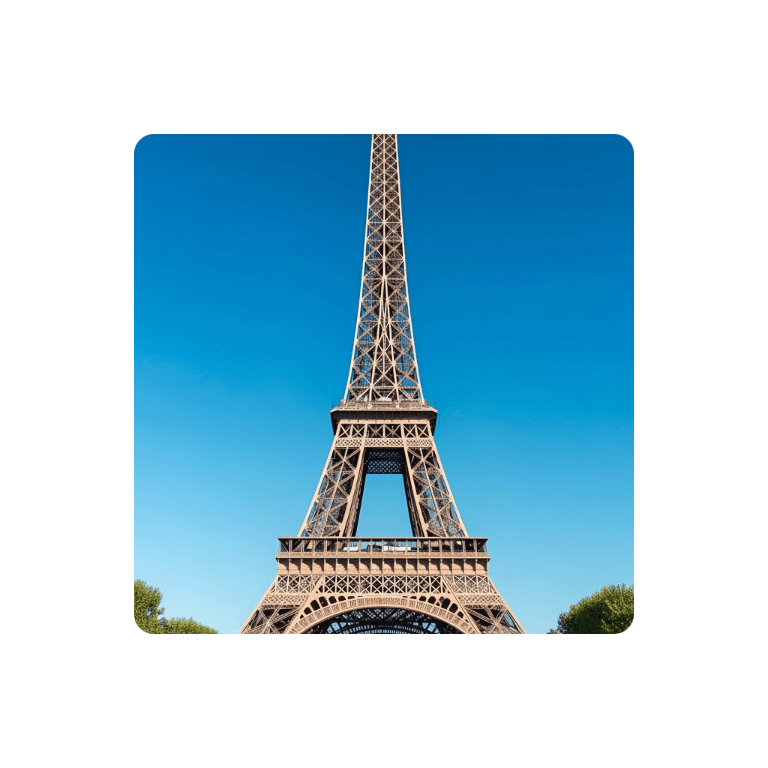
Before
Nano Banana Sample: AI Image Extender(after) | NoteGPT
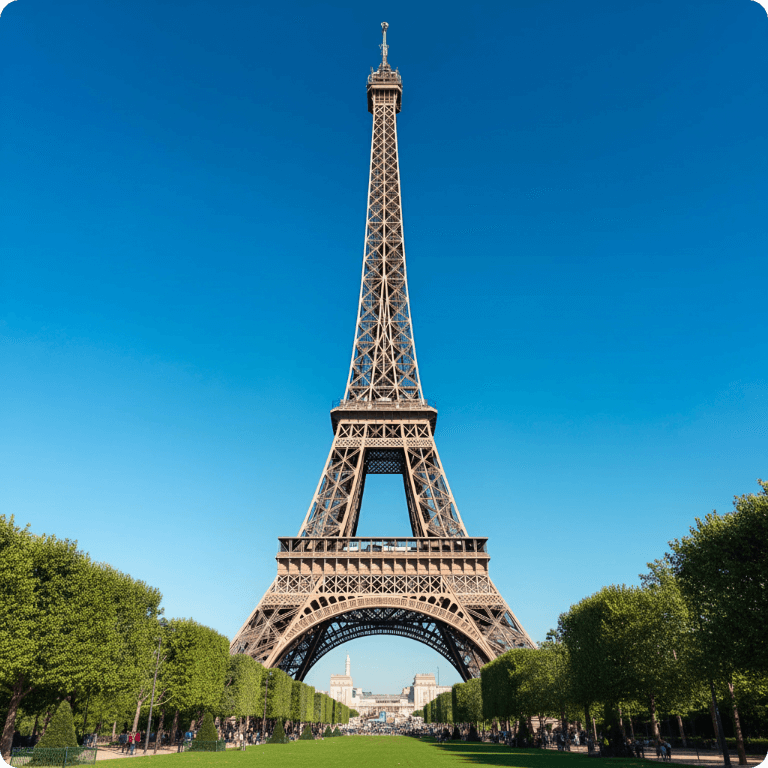
After
Nano Banana Sample: AI Image Extender(before)  | NoteGPT

AI Image Resizer - Free Resize Without Quality Loss

Resize images online with AI while preserving quality. Adjust dimensions, pixels, or file size instantly for social media, websites and more. No watermarks.

AI Image Resizer - Free Resize Without Quality Loss

What is AI Image Resizer?

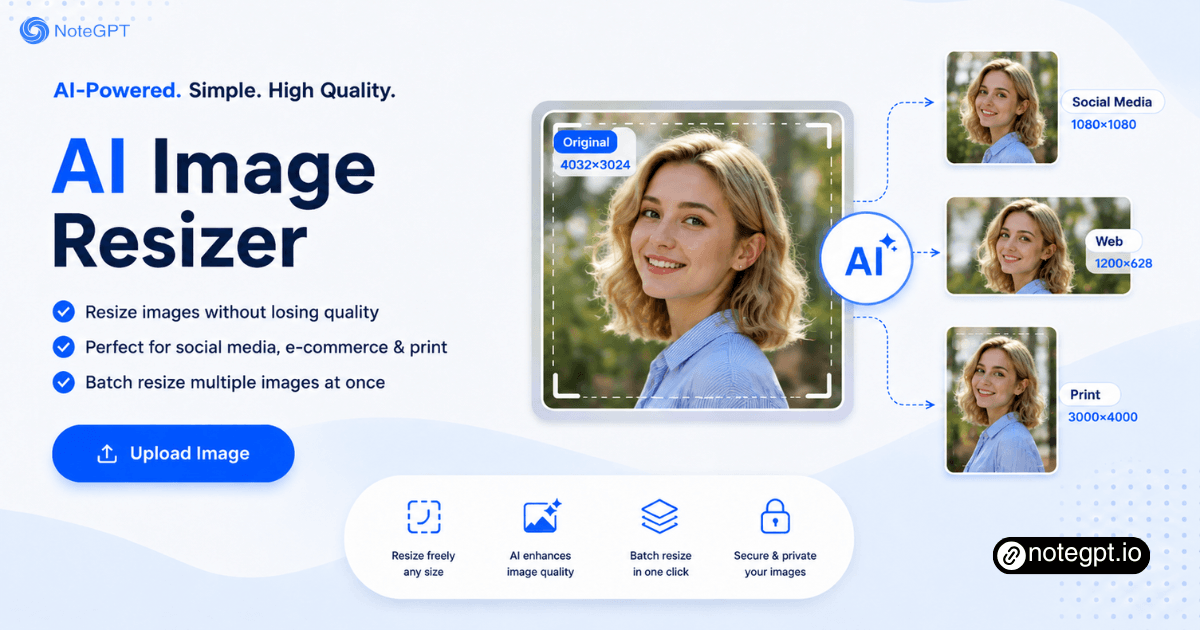
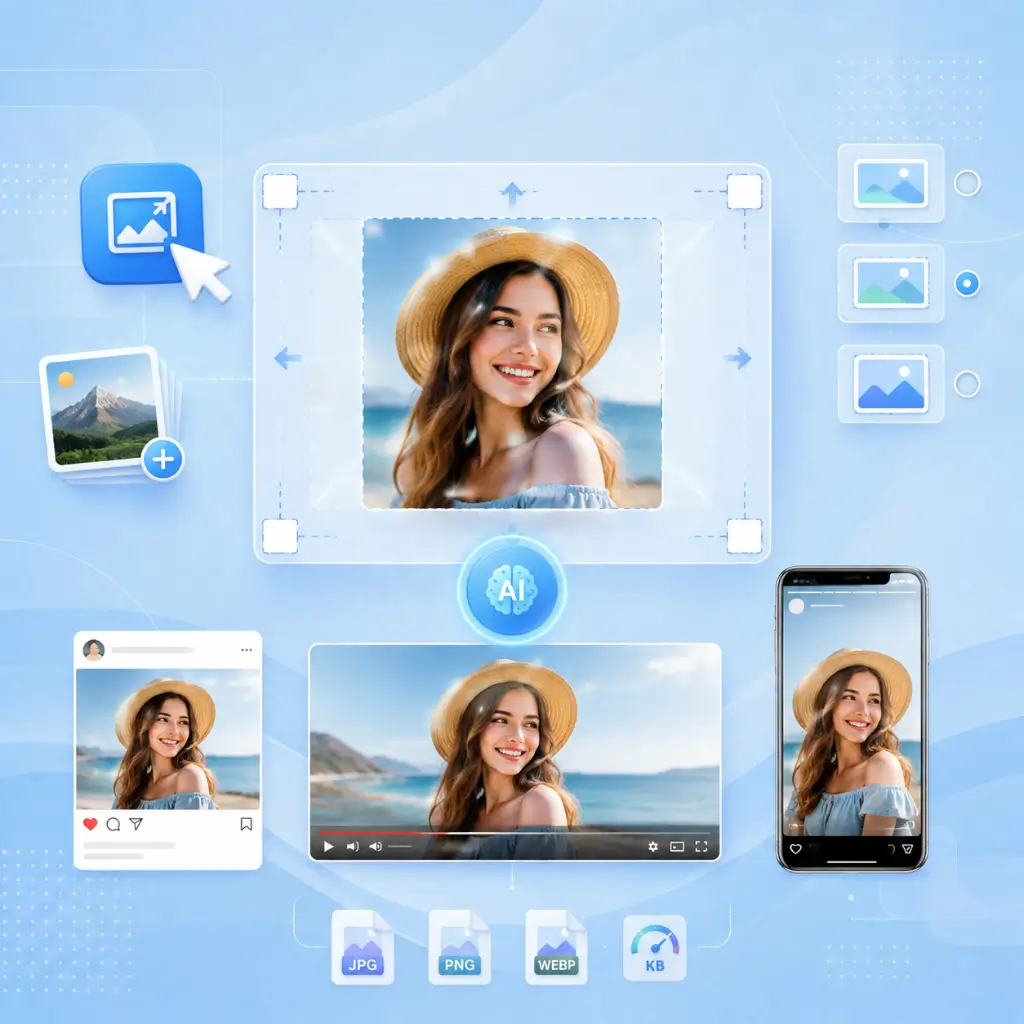
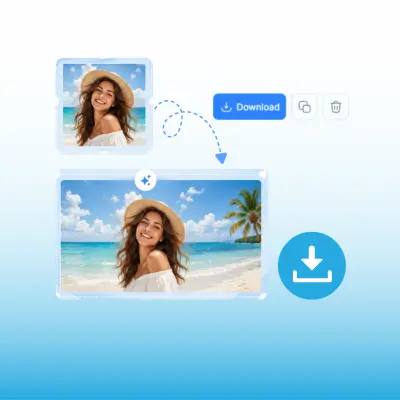
AI Image Resizer is a smart AI tool that changes your image dimensions without cropping, stretching, or distorting the important parts. Instead of cutting into your photo to fit a new size, the AI analyzes the image, identifies faces, products, and key subjects, then expands the background to fill the new shape.
What is AI Image Resizer?

Why Choose Our AI Image Resizer?

Most image resizers give you two bad options: crop important content out, or stretch everything into a distorted mess. AI Image Resizer offers a third option — subject-aware expansion. The AI detects faces, products, and focal points, then intelligently fills the new canvas space with AI-generated background.
Why Choose Our AI Image Resizer?

Still Cropping and Resizing Photos One by One?

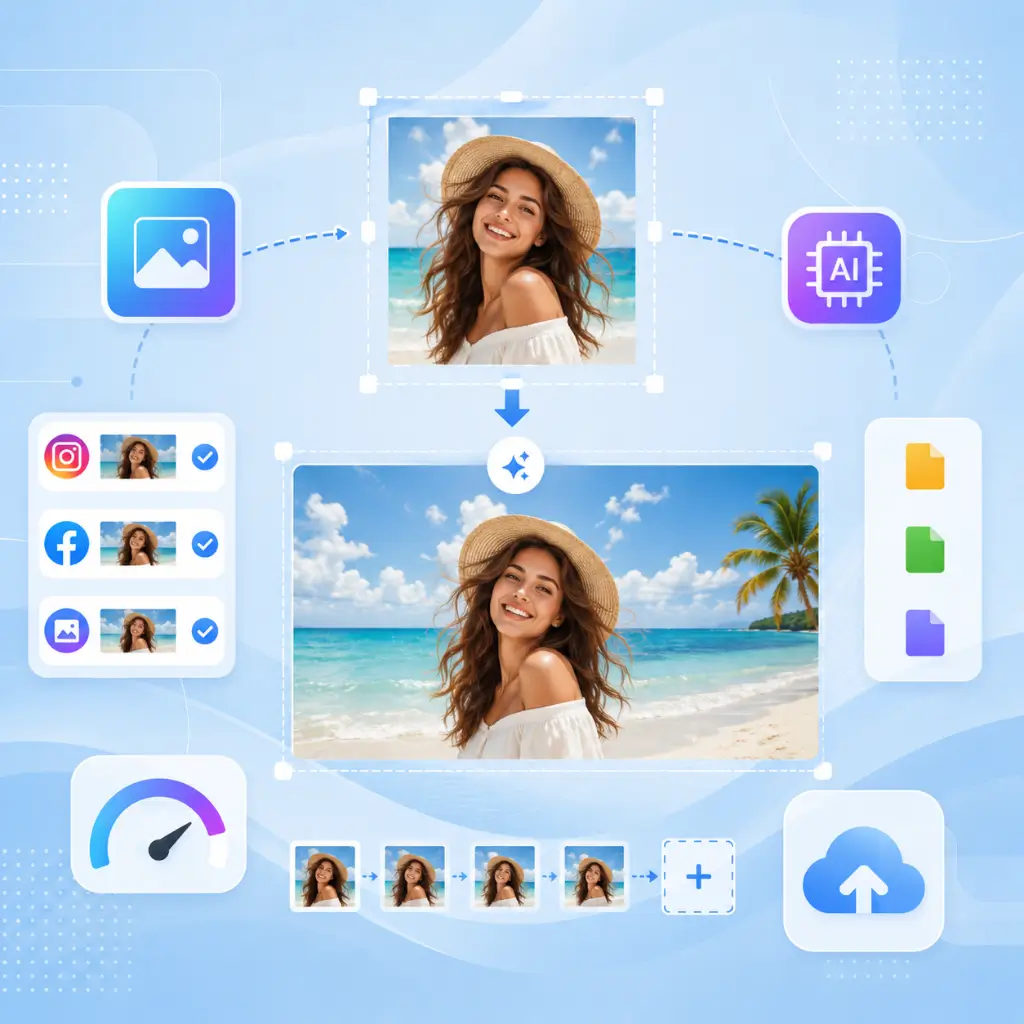
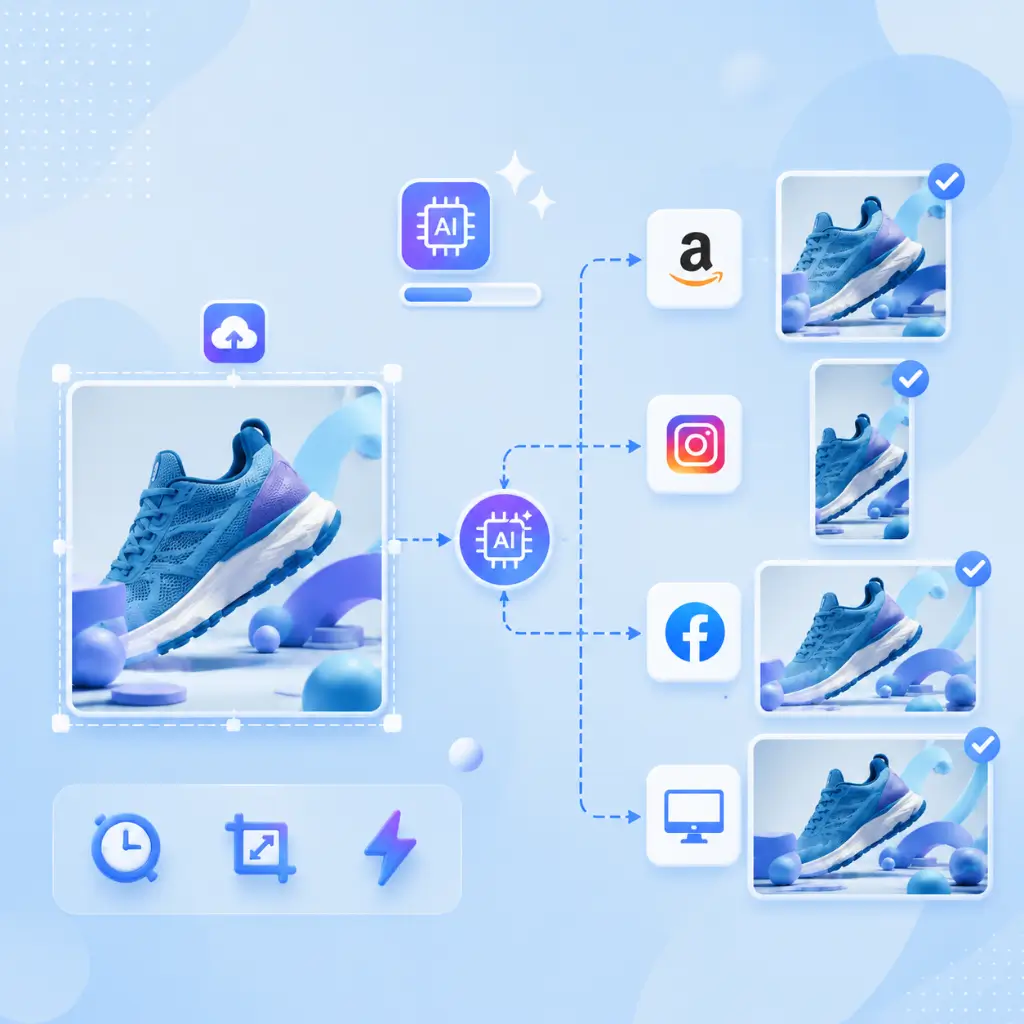
Your product photo needs to be square for Amazon, vertical for Instagram Stories, wide for Facebook ads, and horizontal for your website hero. Manually cropping each version eats hours and inevitably cuts off product edges or makes everything look inconsistent. AI Image Resizer handles all platform sizes from one upload.
Still Cropping and Resizing Photos One by One?

What Makes AI Image Resizer Stand Out

Resize images for any purpose without sacrificing quality. AI automatically optimizes dimensions, supports multiple formats, and helps you work faster across every platform.

Resize Without Losing Quality

AI intelligently resizes images while preserving sharp details and clarity. Enlarge or reduce image dimensions without blurry edges, pixelation, or quality loss.

Resize for Social Media Tool

Instantly fit images to Instagram, Facebook, LinkedIn, YouTube, online stores, and more with ready-made size presets and smart aspect ratio adjustments.

Batch Resize in Multiple Formats

Upload and resize multiple JPG, PNG, WebP, or AVIF images at once. Save time with fast batch processing and consistent, high-quality results.

How to Use AI Image Resizer in 3 Steps

No design skills required. Upload, select, download.

Step 1: Upload Your Image

Step 1: Upload Your Image

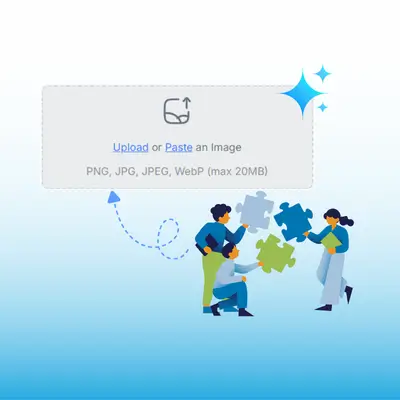
Upload your JPG, PNG, WebP, or other image files to AI Image Resizer. Simply drag and drop your image to start resizing with AI-powered optimization.

Step 2: Choose Size & Platform

Step 2: Choose Size & Platform

Select your preferred image dimensions or choose a social media preset. AI automatically adjusts the size and aspect ratio for Instagram, Facebook, LinkedIn, and more.

Step 3: Resize, Download & Share

Step 3: Resize, Download & Share

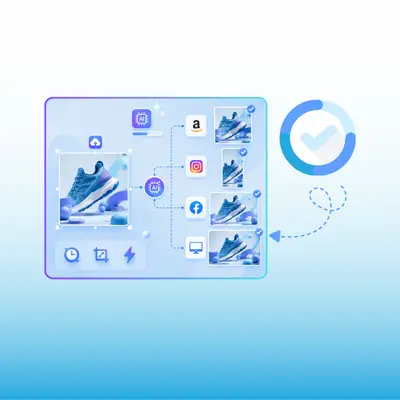
Generate your resized image in seconds, download it in high quality, and share it directly across social media platforms, websites, or online stores.

Ready to Stop Cropping Your Photos to Death?

AI Image Resizer expands your images intelligently — no cropping, no distortion, no content lost. Batch resize with social media presets, resize by KB for web optimization, and export in JPG, PNG, or WebP. Free, online, and your first perfectly resized image is one upload away.

Try AI Image Resizer Free

What Our Users Are Saying About AI Image Resizer

GH avatar

GH

Shopify Store Owner

I run a Shopify store with about 80 products, and every listing needed different sizes. I was manually making four versions of every product photo — 320 files total — and it took two full workdays. AI Image Resizer handled the entire catalog in one batch. The subject-aware scaling kept my products centered and sharp. What used to be a two-day ordeal is now a 15-minute task. For e-commerce, this tool is non-negotiable.
LD avatar

LD

Social Media Manager

Managing social media for three brands meant manually cropping photos for five channels — the biggest bottleneck in my workflow. Now I upload once, select platform presets, and have every version in under a minute. The AI expansion means my subject never gets cut off, even when converting a wide group photo to vertical Story format.
RT avatar

RT

Web Developer

I'm a web developer and page speed is everything. The resize-by-KB feature lets me target exactly 100KB for feature images and 30KB for thumbnails. WebP export delivers better compression than anything manual. Combined with batch processing for srcset generation, this saves about 3 hours per client site build.
MK avatar

MK

Product Photographer

As a product photographer, clients constantly need the same shot at different aspect ratios. I used to do this in Photoshop with content-aware fill — 5-10 minutes per image. AI Image Resizer does it in seconds with results that are often better than my manual work. The background extension is seamless.
SL avatar

SL

Travel Blogger

My blog photos are rarely the right shape for feature images. Traditional resizing meant awkward crops that cut off the best parts of the scene. AI Image Resizer extends the sky, ocean, or table surface to fill the banner format without losing composition. My feature images went from "close enough" to "exactly right" overnight.
PA avatar

PA

Marketing Director

Our marketing team A/B tests ad creative across three platforms weekly. We used to spend our designer's Tuesday morning on this. With batch resize and platform presets, our social media coordinator handles it in 20 minutes. Subject-aware scaling means product shots look intentional in every size.

Frequently Asked Questions About AI Image Resizer