


NoteGPT Logo
NoteGPT

AI Video Generator - Gemini Omni Agent

Create and edit stunning AI videos from text, images, audio and video online now.

PricingUpgrade (Save 30%) · Limited Time
0/7References

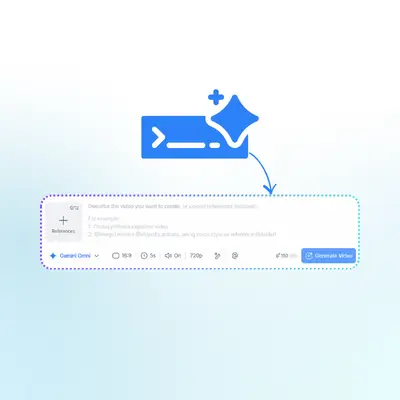
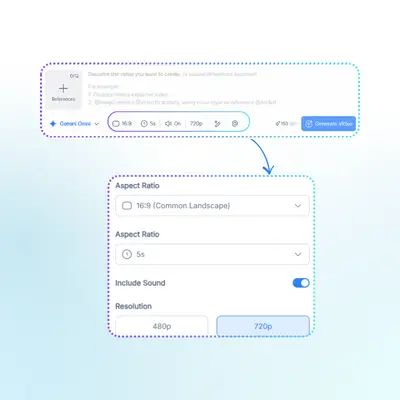
Describe the video you want to create, or upload a Start frame or End frame (optional).

For example:
1. Waterfall in a lush jungle, mist rising
2. Colorful fruit splash in water, high speed capture

NoteGPT - Rated 4.9+ by NoteGPT Users
4.9
Chrome Store
NoteGPT - Rated 4.9+ by NoteGPT Users
NoteGPT - 80,000,000+ Users
80,000,000+
Users
NoteGPT - 80,000,000+ Users
NoteGPT - Trusted By 12,000+ Schools & Teams
12,000+
Schools & Teams
NoteGPT - Trusted By 12,000+ Schools & Teams

Trusted by 12 million users worldwide.

Logo
Logo
YouTube
Logo
Logo
Logo
Logo
Logo
Logo
Logo
Logo
Logo
Logo
Logo
Logo
Logo
Logo
Logo
Logo
Logo
Logo
Logo
Logo
Logo
Logo
Logo
Logo
Logo
Logo
Logo
Logo
Logo
YouTube
Logo
Logo
Logo
Logo
Logo
Logo
Logo
Logo
Logo
Logo
Logo
Logo
Logo
Logo
Logo
Logo
Logo
Logo
Logo
Logo
Logo
Logo
Logo
Logo
Logo
Logo
Logo
Logo
Logo
YouTube
Logo
Logo
Logo
Logo
Logo
Logo
Logo
Logo
Logo
Logo
Logo
Logo
Logo
Logo
Logo
Logo
Logo
Logo
Logo
Logo
Logo
Logo
Logo
Logo
Logo
Logo
Logo

Gemini Omni: Google Multimodal AI Video Generator & Editor Online

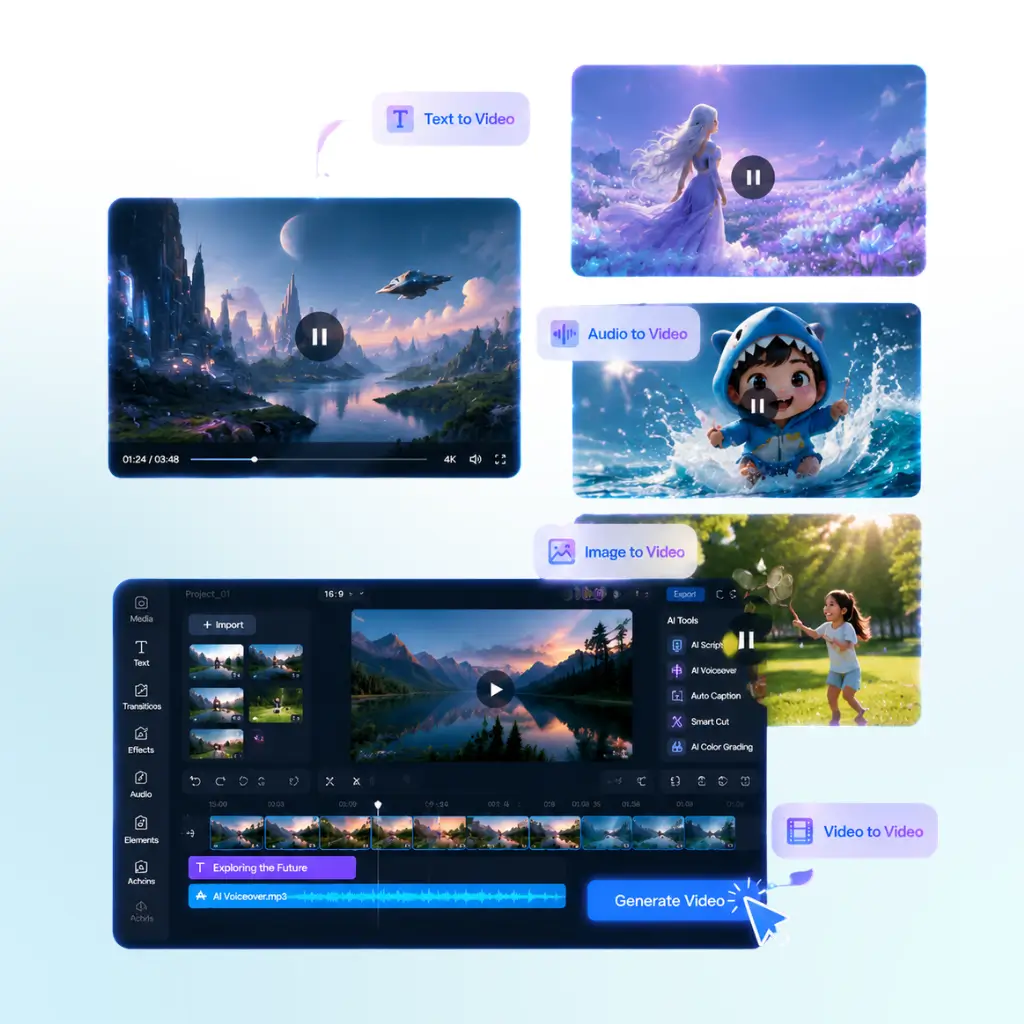
Gemini Omni by Google is the latest multimodal AI video model for generating and editing high-quality videos from text, images, audio and video online with ease.

Gemini Omni: Google Multimodal AI Video Generator & Editor Online

What is Gemini Omni?

Gemini Omni is an AI video generator & editor that helps you create and edit videos online from text, images, audio, or existing video. It’s designed for people who want to quickly turn ideas into videos, do AI video generation, or edit content without complex tools.

What is Gemini Omni?

Tired of spending hours creating videos?

Stop switching between editing tools, cutting clips, syncing audio, and dealing with complex software. With Gemini Omni, you can turn text, images, audio, or video into AI-generated videos online in just a few clicks—fast, simple, and without any editing skills needed.

Tired of spending hours creating videos?

Why Gemini Omni is Recommended

Gemini Omni is recommended because it makes AI video generation and editing much easier for everyone. Instead of using complex video editing software, you can create videos directly from text, images, audio, or existing video online in one simple workflow. It’s a practical choice for users searching for “AI video generator”, “text to video AI tool”, or “AI video editor” who want fast results without technical skills. It also supports different creative needs, from quick social media videos to more polished visual content. By combining generation and editing in one place, Gemini Omni helps users save time and focus more on ideas, not tools.

Why Gemini Omni is Recommended

What makes Gemini Omni different

These features help Gemini Omni stand out from traditional video tools and other AI video generators.

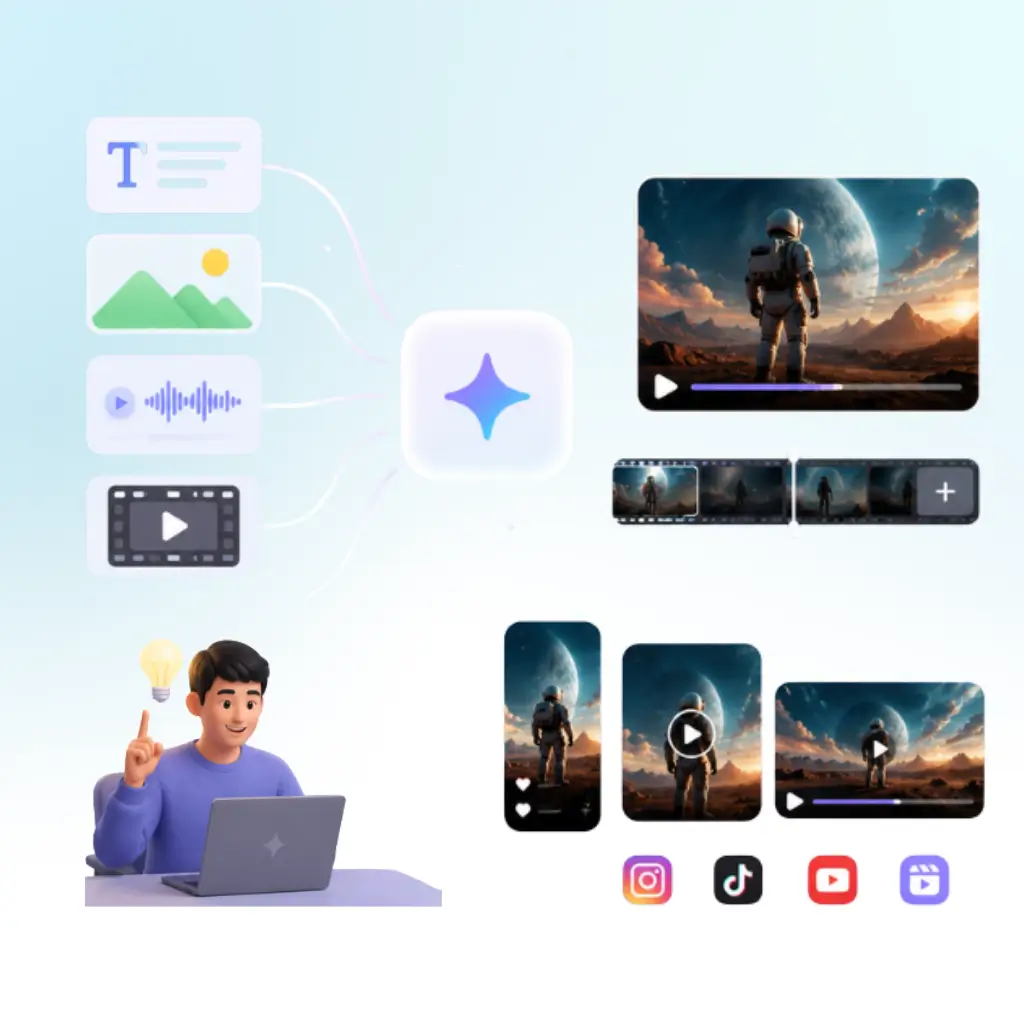
Mix text, images, audio, and video freely

Multimodal input in one place. Gemini Omni lets you combine different formats to create videos more naturally and easily.

Edit videos through simple conversation

Conversational editing. Just describe what you want, and Gemini Omni updates scenes step by step without complex tools.

Simulate scenes like a real world system

World-style generation. Gemini Omni builds consistent and dynamic scenes that behave more like real environments.

How to Use Gemini Omni to Create Videos

Get started in minutes by uploading your content, letting AI generate a video, and then editing or downloading it online with ease.

Step 1: Upload your content

Step 1: Upload your content

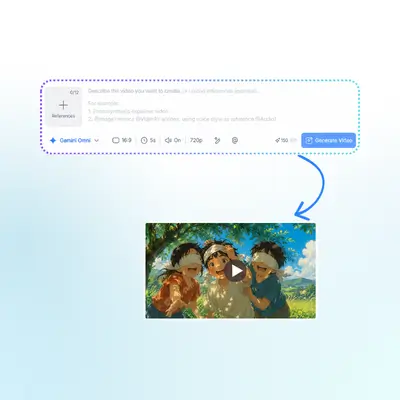
Add text, images, audio, or video to start your project quickly in Gemini Omni.

Step 2: AI generates your video

Step 2: AI generates your video

The system turns your input into a complete AI video with smooth scenes and structure.

Step 3: Edit or download

Step 3: Edit or download

Make quick changes if needed, then export or download your finished video instantly.

Start Creating Videos with Gemini Omni

Turn your ideas into videos in minutes with Gemini Omni. Just upload your text, images, audio, or video and let AI handle the rest. No editing skills needed—start creating, editing, and exploring new video ideas online right away.

Try Gemini Omni Now

What Users Say About Gemini Omni

J. M. avatar

J. M.

Content Creator

I've tried many AI video tools before, but Gemini Omni feels much easier to use. I can turn simple ideas into videos just by uploading text or images, and the results are surprisingly good. The editing process is also smooth, especially when I need quick changes without dealing with complex timelines or software. It saves me a lot of time when working on social media content and short marketing clips.
L. K. avatar

L. K.

Freelance Designer

Gemini Omni makes video creation feel less technical. I like that I can start from different inputs like audio or images and still get a complete video output. It's really helpful for my daily design tasks, especially when I need fast drafts for clients. The workflow is simple and doesn't slow me down.
S. R. avatar

S. R.

Digital Marketer

As a marketer, I often need quick video ideas. Gemini Omni helps me generate and edit videos in one place without switching tools. It's perfect for testing different concepts fast. I can go from idea to finished video in a short time, which improves my workflow a lot.
A. T. avatar

A. T.

Online Tutor

I use Gemini Omni for educational content. It helps me turn lesson notes into visual videos that are easier for students to understand. The process is straightforward, and I don't need advanced editing skills to make something useful and clear.
D. W. avatar

D. W.

Product Designer

Gemini Omni is great when I need fast video prototypes. I can experiment with different inputs and quickly see results. It feels more flexible than traditional editing tools, especially for early-stage creative work.
M. S. avatar

M. S.

Student

I like how Gemini Omni simplifies video creation for beginners like me. I don't have editing experience, but I can still create decent videos for personal projects. It's intuitive and saves me from learning complicated software.

Frequently Asked Questions About Gemini Omni