

NoteGPT

Free AI Image Generator - GPT Image 2.6 Agent

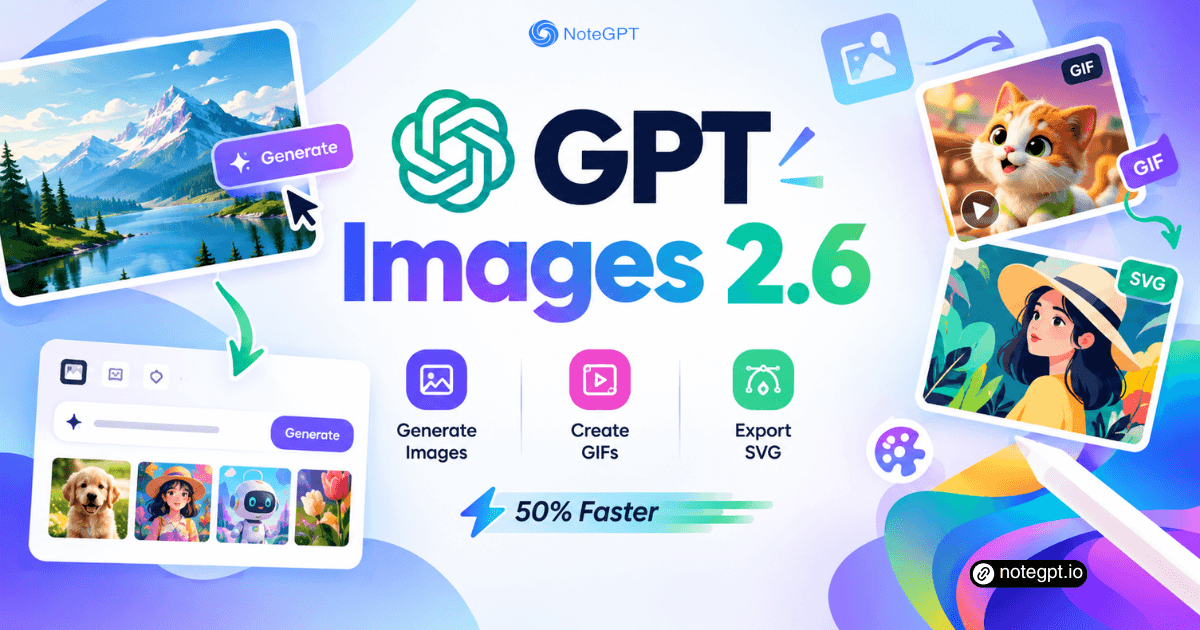
Create AI images, GIFs, and SVGs with OpenAI, 50% faster.

PricingUpgrade (Save 30%)

GPT Image 2.6: Generate Images, GIFs & SVGs 50% Faster Online

Create and edit images with OpenAI ChatGPT Images 2.6. Generate GIF animations from a single prompt, export SVG vectors, and enjoy 50% faster results.

GPT Image 2.6: Generate Images, GIFs & SVGs 50% Faster Online

What Is GPT Image 2.6?

GPT Image 2.6 is OpenAI's newest image model, shipping the two formats creators need most. One prompt returns a looping GIF animation, an SVG vector that scales forever, or a finished raster image. GPT Image 2.6 puts the same engine in a browser, no API key required.
What Is GPT Image 2.6?

Why Choose GPT Image 2.6?

Why pick it over last-generation tools? Older models redraw the whole scene on every edit. This model splits planning from rendering and keeps subjects locked across rounds. Inside GPT Image 2.6, describe the change and only that part moves.
Why Choose GPT Image 2.6?

Why Generic Image Generators Fall Short

Most image tools still treat every job like a one-shot render. You cannot animate a mascot without a video model or export a logo as clean vectors. This one fixes both at once: GIF output and native SVG export. GPT Image 2.6 runs that pipeline online, no key needed.
Why Generic Image Generators Fall Short

What Makes GPT Image 2.6 Different

Three upgrades separate this release from every model that came before. Each one removes a step that used to mean extra software or a full rerender.

GIF From One Prompt

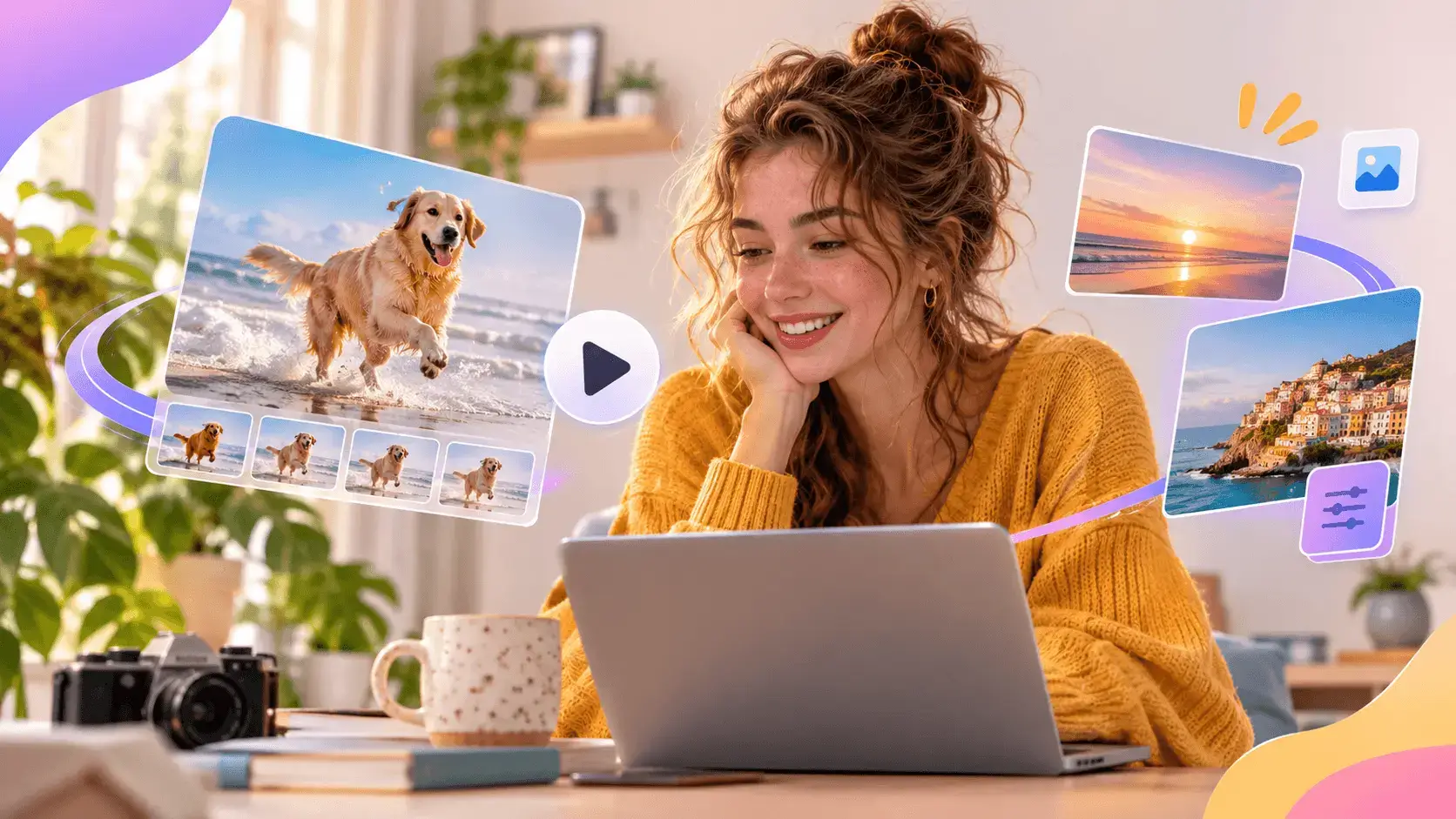
Describe what moves and GPT Image 2.6 builds a looping animation in frames. Speed and frame edits happen in the chat, No editor needed.

Native SVG Export

Logos and icons come back as real vector paths, not bitmaps. Import into Figma or Illustrator and scale with no blur, Crisp at any size.

Edits That Keep the Subject

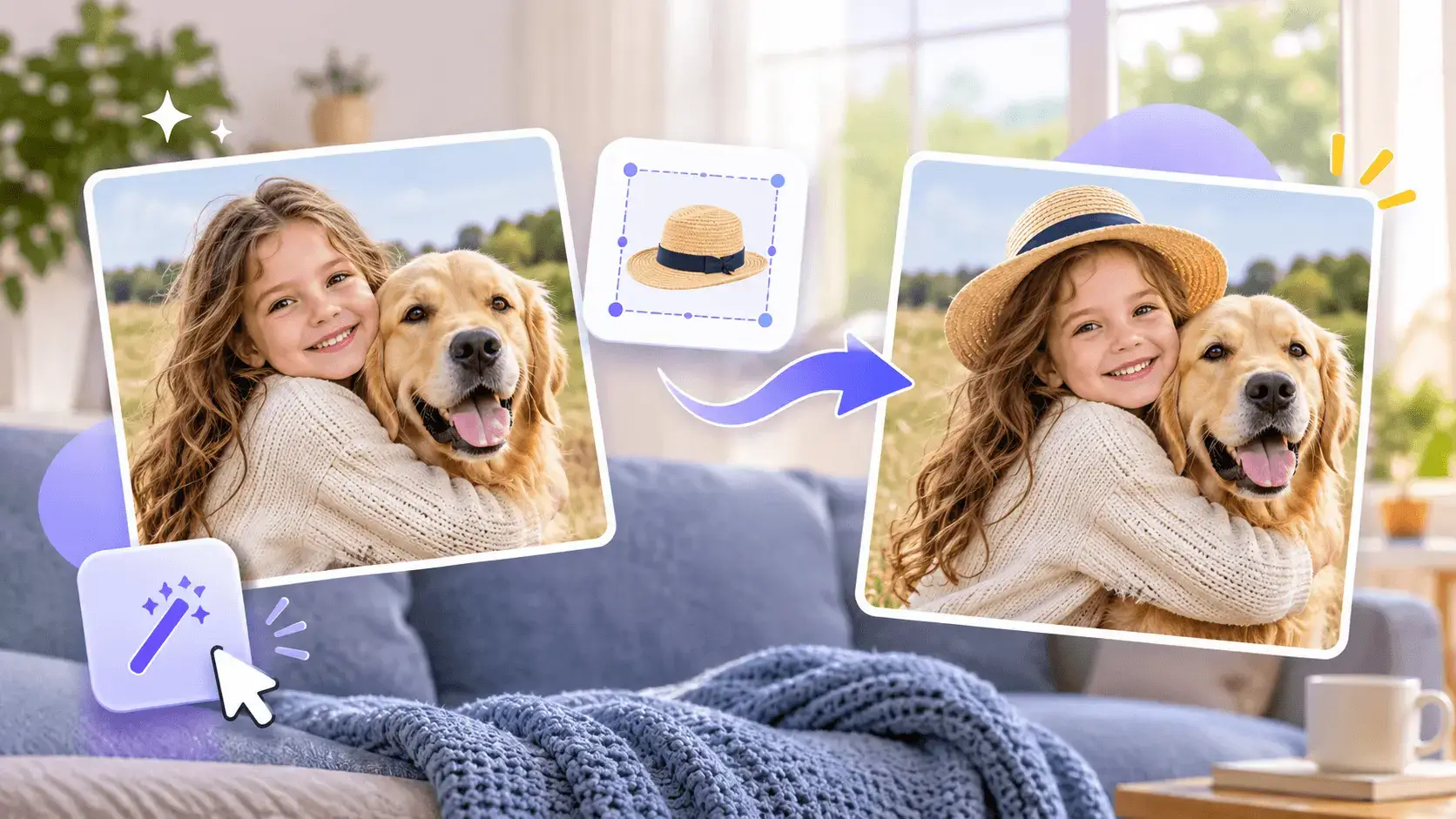
Mark the region to change and GPT Image 2.6 edits just that spot. Faces and products hold steady through every round, Nothing else moves.

Compare GPT Image 2.6 with Other Image Models

GPT Image 2.6 sits among the fastest image models right now, but speed is not the whole story. The table below lines it up against the closest rivals on the features that decide daily work: animation, vector export, and edit consistency.

FeatureGPT Image 2.6Nano Banana 2.1GPT Image 2.5Flux 2
AnimationNative GIF from one promptNot supportedNot supportedNot supported
Vector exportNative SVG outputRaster onlyRaster onlyRaster only
Edit consistencyMarkup-guided, subject lockedStrong multi-turn editingBasic, drifts on complex editsWeak, redraws the scene
Speed~50% faster, Flare ~6sFast (Flash tier)Previous-gen speedMid, quality-focused

Generate Images in 3 Steps

Step 1: Describe the Scene

Describe the Scene

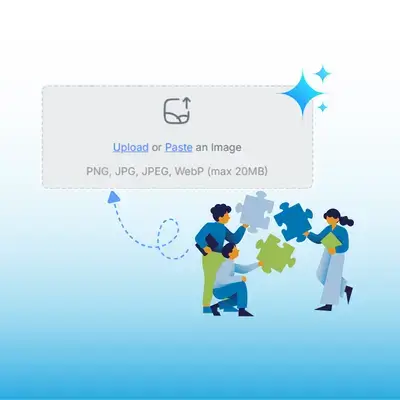
Write the idea in a sentence, quote exact wording, or upload a photo to animate. Tell GPT Image 2.6 what moves, This shapes the output.

Step 2: Pick the Output

Pick the Output

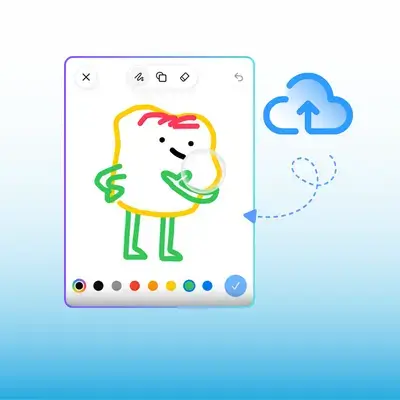
Choose a still image, a looping GIF, or an SVG vector, then set the ratio and hit generate. Speed is up about 50%, Results arrive fast.

Step 3: Refine and Export

Refine and Export

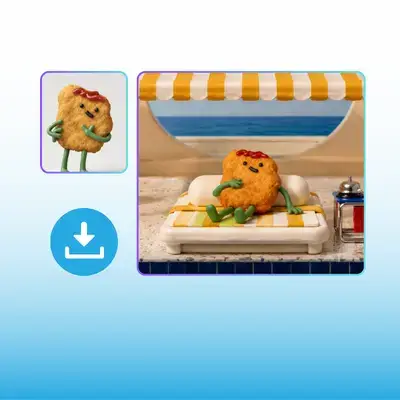
Mark a region to fix, adjust the GIF speed, or swap a frame, then download the file. The result is yours to use anywhere, No editor needed.

Generate GIFs and SVG with GPT Image 2.6 Today

Describe the idea, pick GIF or SVG, and let it handle animation and vectors. Free to try online, so your first animation costs nothing to test.

Try GPT Image 2.6 Free

What Users Say About GPT Image 2.6

Elena Vasquez avatar

Elena Vasquez

E-commerce Manager

We needed a looping animation of our mascot for the storefront and every path before meant hiring a motion designer. GPT Image 2.6 turned the static logo into a clean GIF from one sentence, and the frame editor let us slow the wave to the right pace. What used to be a quote and a week of back-and-forth became an afternoon.
Tomas Lindqvist avatar

Tomas Lindqvist

Brand Designer

SVG export is the feature I have waited for since AI images first appeared. GPT Image 2.6 handed back our icon as real vector paths instead of a pixelated PNG, so it dropped straight into Figma and scaled to the billboard without a trace of blur. I still art-direct every asset, but the redraw step is finally gone.
Aisha Bello avatar

Aisha Bello

Content Marketer

Multi-turn edits always broke us before: change the background and the product suddenly looked different. GPT Image 2.6 kept our packaging pixel-consistent through five rounds of tweaks, and the markup tool let me circle exactly the label I wanted changed. Series production that took a full week now lands the same day.
Kevin Park avatar

Kevin Park

Indie Developer

I wanted to test the new model without wiring an API key first. The browser workspace let me paste a prompt, watch a GIF render, and export an SVG for my landing page icons. GPT Image 2.6 finished drafts noticeably faster than the last version, which matters when I am iterating on ten icons at once.
Marta Nowak avatar

Marta Nowak

Photographer

I sent in a client photo and asked for a subtle animated shimmer on the product. GPT Image 2.6 kept the original lighting and texture while it added the motion, so the GIF still read as my photograph rather than a cartoon. For social cutdowns that need a little life, it is faster than any timeline I have touched.
Diego Fernandez avatar

Diego Fernandez

Startup Founder

Our landing page needed a hero GIF and crisp icons, and we had one afternoon to ship it. GPT Image 2.6 gave us the looping animation from a text prompt and the icon set as SVG in the same session. Between the speed and the vector output, we had the page visuals live that evening instead of waiting a full sprint.

Frequently Asked Questions About GPT Image 2.6