




NoteGPT

Free AI Slide Generator

Unlock the power of AI Slide Generator to create stunning, cross-platform slides in seconds. Transform text and PDFs into polished, professional slides with rich templates and multi-format export for Google Slides with AI Slide Generator.

Settings
NoteGPT - Rated 4.9+ by NoteGPT Users
4.9
Chrome Store
NoteGPT - Rated 4.9+ by NoteGPT Users
NoteGPT - 80,000,000+ Users
80,000,000+
Users
NoteGPT - 80,000,000+ Users
NoteGPT - Trusted By 12,000+ Schools & Teams
12,000+
Schools & Teams
NoteGPT - Trusted By 12,000+ Schools & Teams

Trusted by 12 million users worldwide.

Logo
Logo
YouTube
Logo
Logo
Logo
Logo
Logo
Logo
Logo
Logo
Logo
Logo
Logo
Logo
Logo
Logo
Logo
Logo
Logo
Logo
Logo
Logo
Logo
Logo
Logo
Logo
Logo
Logo
Logo
Logo
Logo
YouTube
Logo
Logo
Logo
Logo
Logo
Logo
Logo
Logo
Logo
Logo
Logo
Logo
Logo
Logo
Logo
Logo
Logo
Logo
Logo
Logo
Logo
Logo
Logo
Logo
Logo
Logo
Logo
Logo
Logo
YouTube
Logo
Logo
Logo
Logo
Logo
Logo
Logo
Logo
Logo
Logo
Logo
Logo
Logo
Logo
Logo
Logo
Logo
Logo
Logo
Logo
Logo
Logo
Logo
Logo
Logo
Logo
Logo

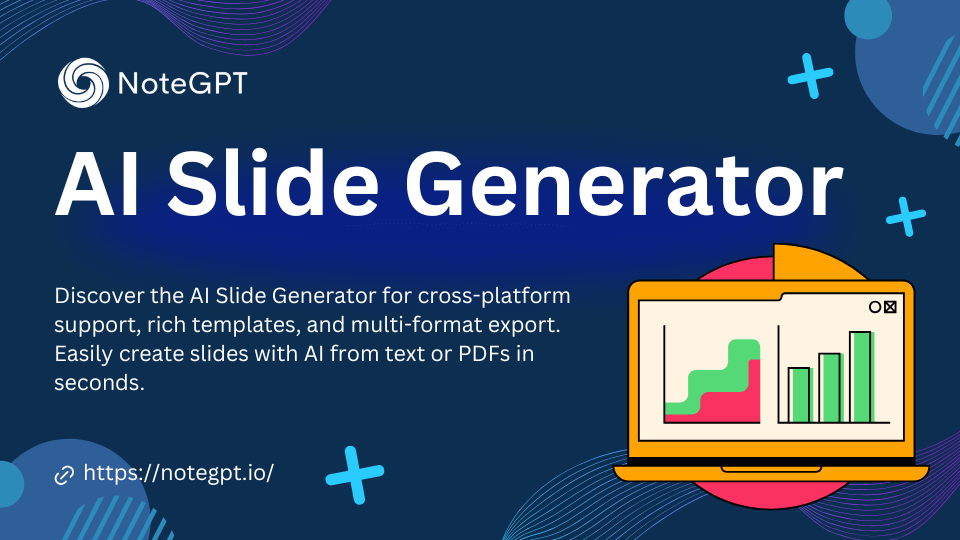
AI Slide Generator - Create Slides with AI Free

Discover the AI Slide Generator for cross-platform support, rich templates, and multi-format export. Easily create slides with AI from text or PDFs in seconds.

Struggling to Create Slides Quickly? Try Free AI Slide Generator!

Say goodbye to tedious slide creation! With AI Slide Generator, effortlessly create slides with AI from text or PDFs. Perfect for cross-platform use, export in multiple formats, and choose from rich templates to make your slides shine.

Struggling to Create Slides Quickly? Try Free AI Slide Generator!

Features of AI Slide Generator

1. AI-Powered Design

The AI Slide Generator utilizes advanced AI algorithms to automatically create stunning slides based on your input. Whether you provide text or upload a PDF, the AI generates professional presentations with diverse templates, saving you time and ensuring top-quality results.

2. Multi-Platform Support

This tool supports cross-platform use, allowing you to generate slides on any device with web access. Whether you're using a PC, Mac, or mobile, you can easily create and edit presentations. It also integrates seamlessly with popular platforms like Google Slides and PowerPoint.

3. Multiple Export Formats

The AI Slide Generator allows you to export your slides in multiple formats, such as PowerPoint (PPT), Google Slides, and PDF. This versatility makes it easy to use your presentations across different platforms and ensures your slides are ready for any situation.

4. Fast and Efficient

With the AI Slide Generator, creating presentations is incredibly fast. The tool generates over 20 slides in just seconds after you input your text or upload a PDF. This speed helps you save valuable time, especially when working under tight deadlines.

5. Customizable Templates

The AI Slide Generator provides a variety of professionally designed templates, and you can fully customize them to fit your needs. You can modify text, change colors, and adjust layouts, ensuring your presentation looks exactly how you want it to.

6. User-Friendly Interface

The AI Slide Generator is designed to be intuitive and easy to use. You don’t need any design skills or experience to create beautiful slides. Just input your content, choose a template, and let the AI handle the rest. The simple interface makes creating presentations quick and hassle-free.

How to Use AI Slide Generator

Create beautiful slides with AI in just three easy steps!

Step 1: Select Template and Language

Step 1: Select Template and Language

Choose from rich slide templates and set your preferred language. AI Slide Generator offers options for all styles and platforms to suit your slides needs.

Step 2: Input Text or Upload PDFs

Step 2: Input Text or Upload PDFs

Enter your content or upload a PDF file, then click the "Generate" button. The AI will process your input to create professional slides with AI Slide Generator in seconds.

Step 3: Download Your AI-Generated Slides

Step 3: Download Your AI-Generated Slides

In just seconds, AI Slide Generator crafts over 20 slides for you. Download your slides for free in a variety of formats, ready for cross-platform use like Google Slides or PowerPoint.

Start Creating AI-Generated Slides Today!

Unleash the power of AI to quickly create stunning slides for your slides. With AI Slide Generator, create professional slides from text or PDFs in just a few clicks!

Frequently Asked Questions of ai presentation maker

User Reviews of Slide Generator

John Davis avatar

John Davis

Marketing Manager

"As a marketing manager, I constantly need to create presentations on tight deadlines. The AI Slide Generatorhas been a lifesaver! It quickly converts my text and PDFs into professional slides with a variety of templates. I love the cross-platform support."
Sarah Lee avatar

Sarah Lee

High School Chemistry Teacher

"I teach high school chemistry, and this tool has made preparing presentations so much easier. The AI-generated slides from my lecture notes are visually appealing, and the templates help me present complex topics in a clear, engaging way."
Daniel Mitchell avatar

Daniel Mitchell

Startup Founder

"I was looking for a way to create clean, impactful presentations for my startup. AI Slide Generator allowed me to turn my ideas into over 20 slides in seconds. The multi-format export feature is a game-changer for my team."
Emily Wang avatar

Emily Wang

Researcher

"As an academic researcher, I often need to present complex data. With AI Slide Generator, I can upload my PDFs and instantly get slides that highlight key points. The templates make the data easy to digest and visually appealing."
Michael Johnson avatar

Michael Johnson

Freelance Consultant

"AI Slide Generator has made my life so much easier! As a freelance consultant, I now generate impressive slides from simple text in seconds. The tool’s ability to support multiple platforms like Google Slides and PowerPoint is a huge plus."
Olivia Green avatar

Olivia Green

Event Planner

"I work as an event planner, and creating presentation decks for my clients is a big part of my job. This AI tool has saved me so much time. I can input my event details and get beautifully designed slides in minutes, perfect for every event."