





NoteGPT

Free AI Data Analyzer

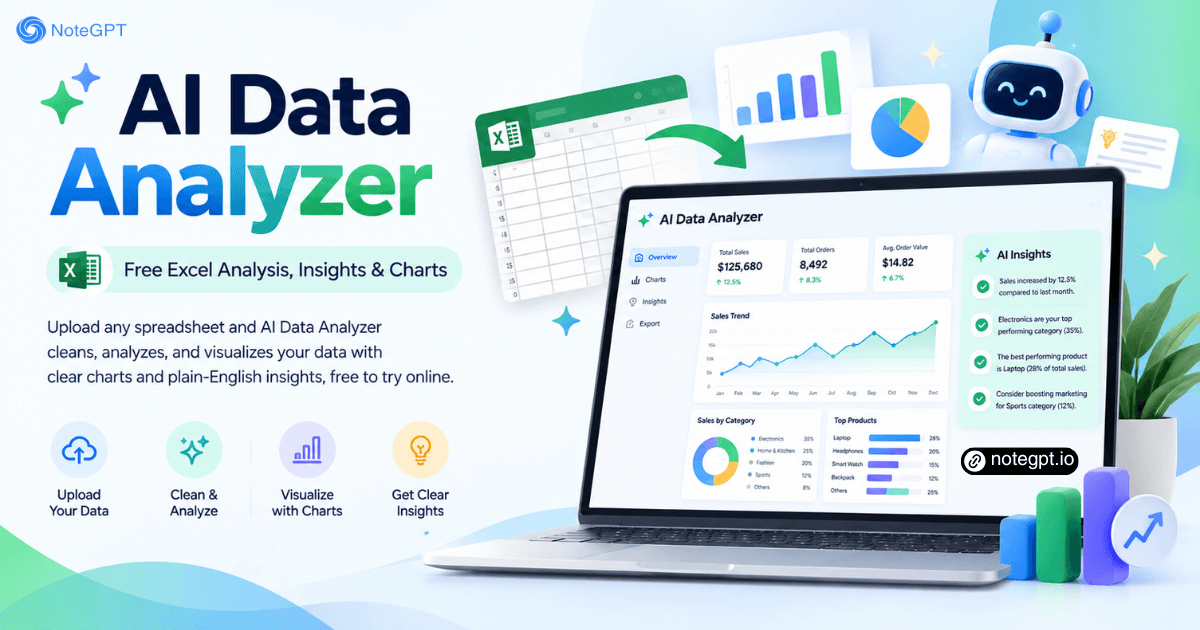
Turn messy spreadsheets into clean charts and plain-English insights in seconds.

PopularAI TranscriberAI ImagesAI VideosText to SpeechAI Podcast
Shared by Users

AI Data Analyzer - Free Excel Analysis, Insights & Charts

Analyze your data with AI Data Analyzer to uncover trends, generate insightful charts, and create clear visual reports. Turn complex data into insights with ease.

Analyze Data Free
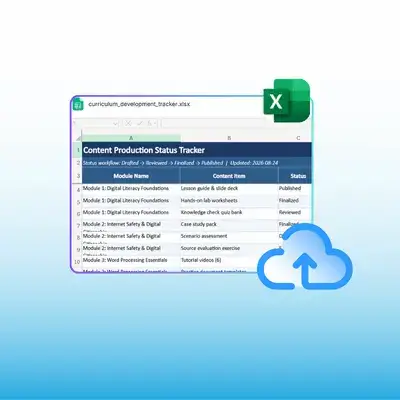
AI Data Analyzer turning a messy spreadsheet into clean charts

What Is AI Data Analyzer?

AI Data Analyzer reads the spreadsheet you upload, fixes broken columns and duplicate rows, then draws the charts that matter. Every step stays visible, so you can check the numbers behind each figure before the result reaches a report.
What Is AI Data Analyzer?

Why Choose AI Data Analyzer?

Most AI tools chart whatever you hand them, even when the columns are wrong. AI Data Analyzer checks the structure first, flags duplicate rows and mixed formats, then explains each figure in plain language. Free access lets you test real files before committing.
Why Choose AI Data Analyzer?

When the File Is Too Messy to Analyze

You open a spreadsheet with 40,000 rows, two date formats, and a column named Untitled. Excel formulas take an afternoon, chat tools forget the file once the chat closes, and the built-in charts flatten the comparison. AI Data Analyzer keeps cleaning, analysis, and charting in one place.
When the File Is Too Messy to Analyze

What AI Data Analyzer Does with Your Spreadsheet

AI Data Analyzer handles the full path from raw export to finished chart, which means fewer manual steps between the file you received and the answer you needed from it.

Clean Files Automatically

AI Data Analyzer finds duplicate rows, mixed dates, extra spaces, and blank cells, then fixes them before any statistics run on the sheet.

Analyze Without Formulas

Ask in plain English and AI Data Analyzer returns totals, trends, and outliers, plus the rows behind them so you can verify each figure.

Turn Data into Charts

AI Data Analyzer picks a chart that fits the question, builds it from real values, and writes one short reading of what the pattern means.

How to Use AI Data Analyzer in 3 Steps

Step 1: Upload Your Spreadsheet

Step 1: Upload Your Spreadsheet

Upload an Excel, CSV, or TSV export from any system, and AI Data Analyzer reads headers, row counts, and data types before anything else.

Step 2: Ask What You Need

Step 2: Ask What You Need

Ask the question in plain English, such as which region grew fastest last quarter, and AI Data Analyzer computes and shows its working.

Step 3: Review and Export

Step 3: Review and Export

Check the chart against the underlying values, tidy the labels where needed, then export the finished analysis and share it with your team.

Turn a Messy Spreadsheet into Charts You Can Present

Stop rebuilding pivot tables. AI Data Analyzer cleans the file, answers your question, and draws the chart, all from one upload.

Analyze Data Free

What Users Say About AI Data Analyzer

Daniel Okafor avatar

Daniel Okafor

Growth Marketer

“Our export lands with inconsistent date formats and three spellings of the same region. AI Data Analyzer cleaned all of it before running the numbers, so I did not report a quietly wrong total. The chart matched what I would have built by hand, and the summary went straight into our Monday leadership deck.”
Priya Raghavan avatar

Priya Raghavan

Finance Analyst

“Month-end reconciliation used to eat a full day of nested IF formulas and cross-checking. AI Data Analyzer returns totals and outliers in one pass and shows the underlying values, so I can trace any figure before it reaches the board pack. That audit trail matters more to me than raw speed ever did.”
Marcus Feld avatar

Marcus Feld

Operations Manager

“We pull inventory data from four systems with different column names. AI Data Analyzer flagged the duplicate SKUs I had missed for months and rebuilt the charts around them. I am not a data person and I never had to write a single formula, which is why this tool earned a permanent place in our weekly routine.”
Elena Soriano avatar

Elena Soriano

University Researcher

“Survey responses arrive as a raw CSV with partial answers and odd encoding. AI Data Analyzer handled the cleaning step and produced the descriptive charts I needed for a first look at the results. I still run confirmatory statistics elsewhere, but a readable overview in minutes changed how fast I can iterate.”
Tomas Berg avatar

Tomas Berg

Ecommerce Founder

“Sales, returns, and ad spend sat in three files nobody had joined. AI Data Analyzer answered which channel actually drove margin instead of revenue, which the built-in dashboard had never told me. Running a clean dataset through the tool took about four minutes and directly changed our ad budget for the whole quarter.”
Aisha Karim avatar

Aisha Karim

Product Analyst

“I review experiment results every week and half my time goes into formatting before any analysis. AI Data Analyzer takes the raw event export, flags rows missing a group assignment, and builds the comparison chart with readable labels. Its note on sample size is honest and genuinely useful when we discuss results as a team.”

Frequently Asked Questions About AI Data Analyzer