


NoteGPT

AI Video Generator Agent

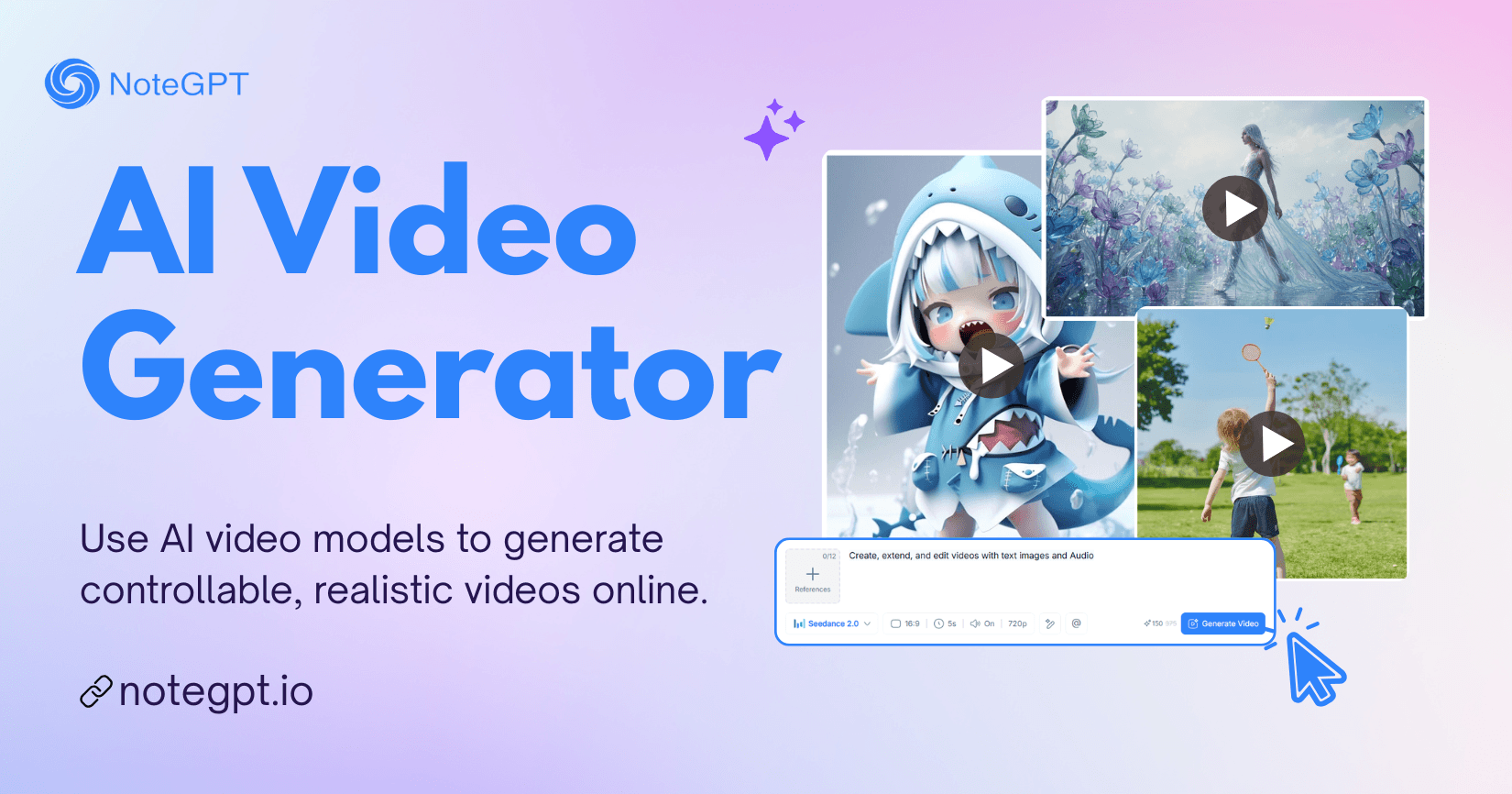
Use AI video models to generate controllable, realistic videos online.

PricingUpgrade (Save 30%) · Limited Time
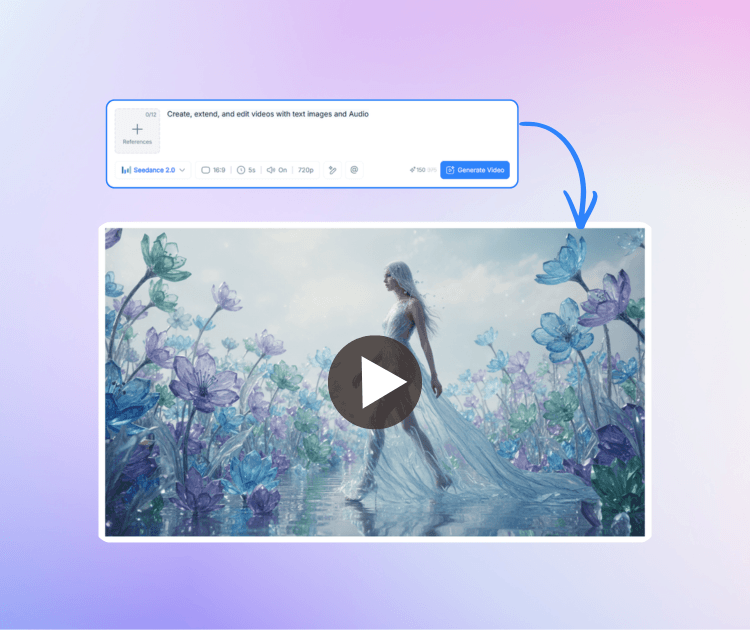
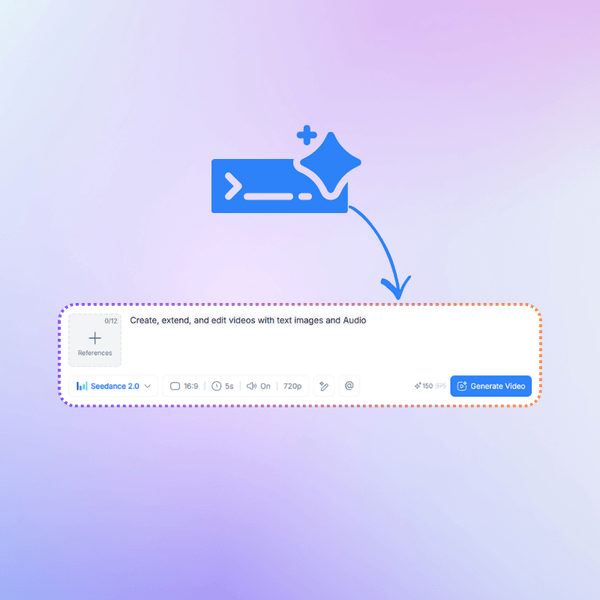
0/12References

Describe the video you want to create, or upload references (optional).

For example:
1. Photosynthesis explainer video
2. @Image1 mimics @Video1’s actions, using voice style as reference @Audio1

NoteGPT - Rated 4.9+ by NoteGPT Users
4.9
Chrome Store
NoteGPT - Rated 4.9+ by NoteGPT Users
NoteGPT - 80,000,000+ Users
80,000,000+
Users
NoteGPT - 80,000,000+ Users
NoteGPT - Trusted By 12,000+ Schools & Teams
12,000+
Schools & Teams
NoteGPT - Trusted By 12,000+ Schools & Teams

Trusted by 12 million users worldwide.

Logo
Logo
YouTube
Logo
Logo
Logo
Logo
Logo
Logo
Logo
Logo
Logo
Logo
Logo
Logo
Logo
Logo
Logo
Logo
Logo
Logo
Logo
Logo
Logo
Logo
Logo
Logo
Logo
Logo
Logo
Logo
Logo
YouTube
Logo
Logo
Logo
Logo
Logo
Logo
Logo
Logo
Logo
Logo
Logo
Logo
Logo
Logo
Logo
Logo
Logo
Logo
Logo
Logo
Logo
Logo
Logo
Logo
Logo
Logo
Logo
Logo
Logo
YouTube
Logo
Logo
Logo
Logo
Logo
Logo
Logo
Logo
Logo
Logo
Logo
Logo
Logo
Logo
Logo
Logo
Logo
Logo
Logo
Logo
Logo
Logo
Logo
Logo
Logo
Logo
Logo

AI Video Generator: Multimodal Text & Image to 4K Video Online

AI Video Generator on NoteGPT lets you create 4K videos from text and images with precise motion control, powered by models like Kling, Seedance, Veo and more.

AI Video Generator: Multimodal Text & Image to 4K Video Online

What is an AI Video Generator?

An AI Video Generator is a tool that turns simple text prompts or images into short videos automatically. With the AI Video Generator on NoteGPT, you can quickly create text-to-video or image-to-video clips for social media, presentations, or creative projects. Just describe the scene or upload an image, and the tool generates a smooth video with motion, visuals, and cinematic effects—no editing skills needed.

What is an AI Video Generator?

Why Is Creating a Video Still So Time-Consuming?

Making a video the traditional way often means learning complex editing software, finding clips, and spending hours adjusting scenes, timing, and effects. For many people, this process feels slow and frustrating, especially if they don’t have video editing experience.

Why Is Creating a Video Still So Time-Consuming?

Why Is AI Video Generator Recommended?

An AI Video Generator makes video creation much easier for anyone. Instead of editing clips manually, you can turn ideas into videos using simple text prompts or images. A text-to-video or image-to-video AI video generator helps creators quickly produce visual content for marketing, social media, tutorials, or presentations. It saves time, reduces the need for complex software, and lets beginners and professionals create videos in minutes.

Why Is AI Video Generator Recommended?

What Makes This AI Video Generator Stand Out?

This AI Video Generator is designed to make video creation simple while still delivering impressive results. It supports different types of input, produces clear and detailed visuals, and gives you better control over motion and scene behavior, helping ideas turn into videos more naturally.

High-Quality Video Output in Minutes

Create sharp and smooth videos without complex editing. The AI Video Generator produces detailed visuals and clean motion, making it suitable for social media, marketing clips, and creative storytelling.

Flexible Multimodal Input Options

Start a video in different ways. You can type a prompt, upload an image, or combine both. This multimodal AI video generator helps transform simple ideas or visuals into engaging video content.

Realistic Motion and Scene Control

Describe how elements should move or interact in a scene. The AI video generator understands motion instructions and generates videos where movement and timing look more natural and believable.

How to Use the AI Video Generator

Creating a video with the AI Video Generator is simple and beginner-friendly. Just upload your content, adjust a few settings, and let the tool turn your idea into a video within minutes.

Step 1: Upload Your Content

Step 1: Upload Your Content

Upload an image or add a short text prompt to describe the scene you want to create.

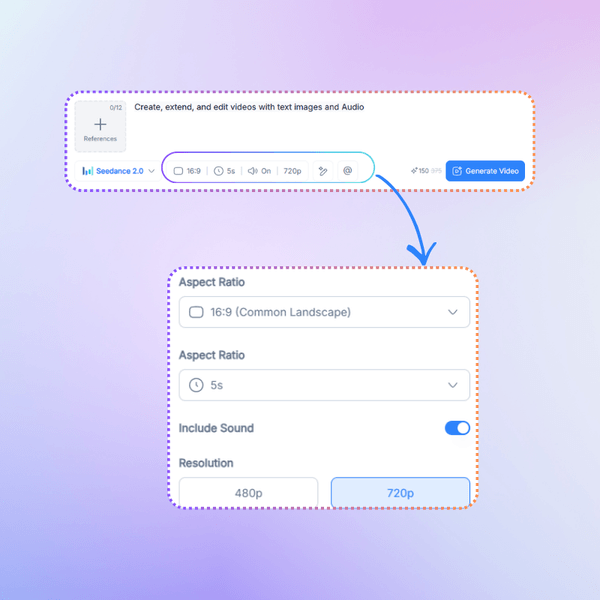
Step 2: Adjust Video Settings

Step 2: Adjust Video Settings

Choose options like motion style, video length, or visual details to guide the result.

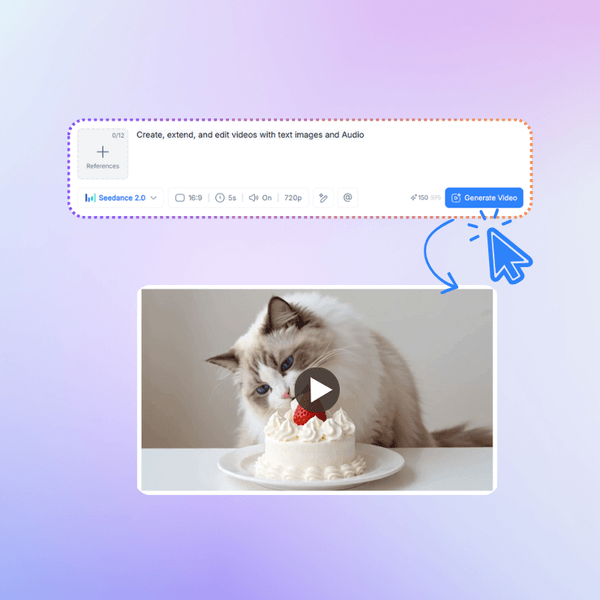
Step 3: Generate Your Video

Step 3: Generate Your Video

Click generate and let the AI Video Generator turn your input into a ready-to-use video.

Start Creating Videos with AI Today

Turn your ideas into videos in just a few steps. With the AI Video Generator, you can transform text or images into engaging video clips for social media, presentations, or creative projects—no editing skills needed.

Create Video Now

What Users Say About AI Video Generator

M. R. avatar

M. R.

Social Media Manager

AI Video Generator helped me turn simple ideas into short videos without touching complicated editing tools. I usually create content for Instagram and TikTok, and writing a short prompt or uploading a picture is enough to get a usable clip. The motion looks natural and the scenes feel much more polished than other text-to-video tools I tried. AI Video Generator saves me a lot of time when I need quick visual content.
D. K. avatar

D. K.

Content Creator

I use AI Video Generator to turn blog ideas into short explainer videos. Before this, I had to search for stock clips and edit everything manually. Now I can just describe the scene and the tool creates something that already looks good. AI Video Generator makes the whole text-to-video process much faster, especially when I need visuals for tutorials or presentations.
S. T. avatar

S. T.

Startup Founder

Our small team started using AI Video Generator for quick marketing videos. Instead of hiring a video editor for every short clip, we can generate visuals from text or images in minutes. The results look clean enough for ads and product demos. AI Video Generator makes it easier for non-designers like me to create content that still looks professional.
L. W. avatar

L. W.

Online Instructor

As a teacher, I sometimes need simple videos to explain ideas to students. AI Video Generator lets me turn a short description or an image into a small visual example. It’s much easier than learning full editing software. The videos are clear and easy to use in slides or online lessons. AI Video Generator fits well into my teaching workflow.
R. J. avatar

R. J.

Tech Blogger

I tested many text-to-video tools while researching AI media creation, and AI Video Generator surprised me with how easy it is to use. The interface is simple, and generating a clip from a prompt takes only a few steps. For quick experiments or concept visuals, AI Video Generator is a practical tool that doesn’t require technical skills.
A. C. avatar

A. C.

Product Designer

I design product concepts and sometimes need quick demo visuals. With AI Video Generator, I can upload an image and generate a short video that shows motion around the object. It helps me present ideas to clients without building a full animation. AI Video Generator makes early stage visual storytelling much easier.

AI Video Generator FAQs