Free AI Image Generator - GPT Image 2.5 Agent
Turn your ideas into images quickly using descriptions or reference images.
 Upgrade (Save 30%)




Trusted by 12 million users worldwide.





























AI Image Generator: Turn Your Ideas Into Stunning Images in Seconds
Looking for a fast way to turn a description into a finished image? NoteGPT AI Image Generator creates high-quality visuals from a simple text prompt, so you can skip the endless search through stock libraries and get custom results in moments. Whether you need social media graphics, marketing assets, product mockups, or original artwork, NoteGPT AI Image Generator gives you professional-looking images without any design skills.
Why Creators Choose NoteGPT AI Image Generator
Everything you need to go from a rough idea to a publishable image — all in one fast, flexible workflow.
Instant text-to-image creation
Describe what you want in plain English, and the AI Image Generator returns multiple polished images in seconds. No drawing, editing, or complicated software required.
Commercial-ready output
Use your generated images for personal and business projects, including campaigns, product pages, and branded content, with clear usage guidance built into NoteGPT AI Image Generator.
Fast variations and easy refinement
Generate a batch of options, pick the closest match, and tweak the prompt to regenerate. The AI Image Generator makes iteration quick, so you never settle for a rough first draft.
Reference-image generation
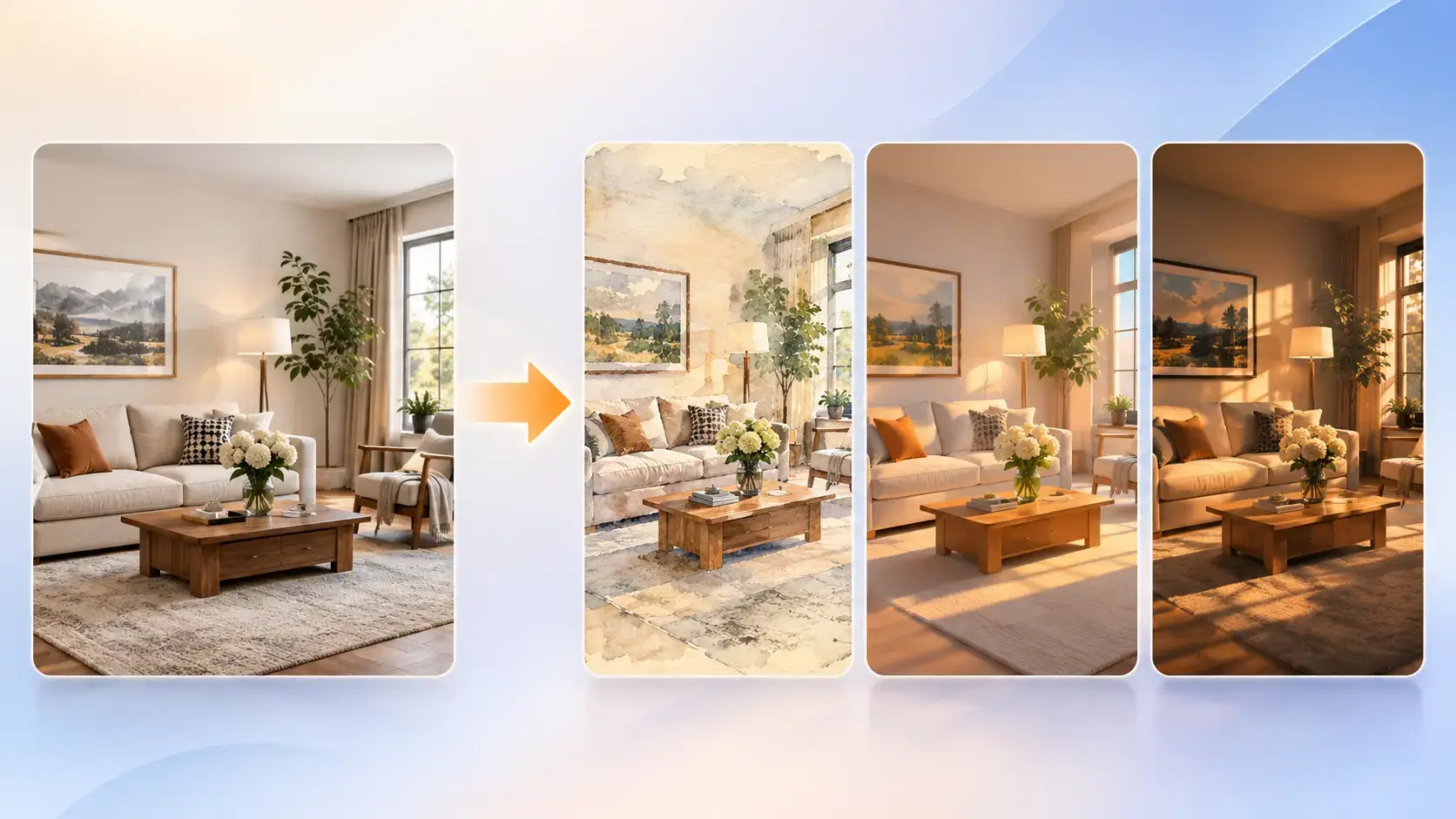
Upload a reference image and describe the changes you want. The AI Image Generator keeps the composition, style, or subject close to your reference while applying your edits, so you can quickly produce a set of images that share the same look.
Styles for every kind of project
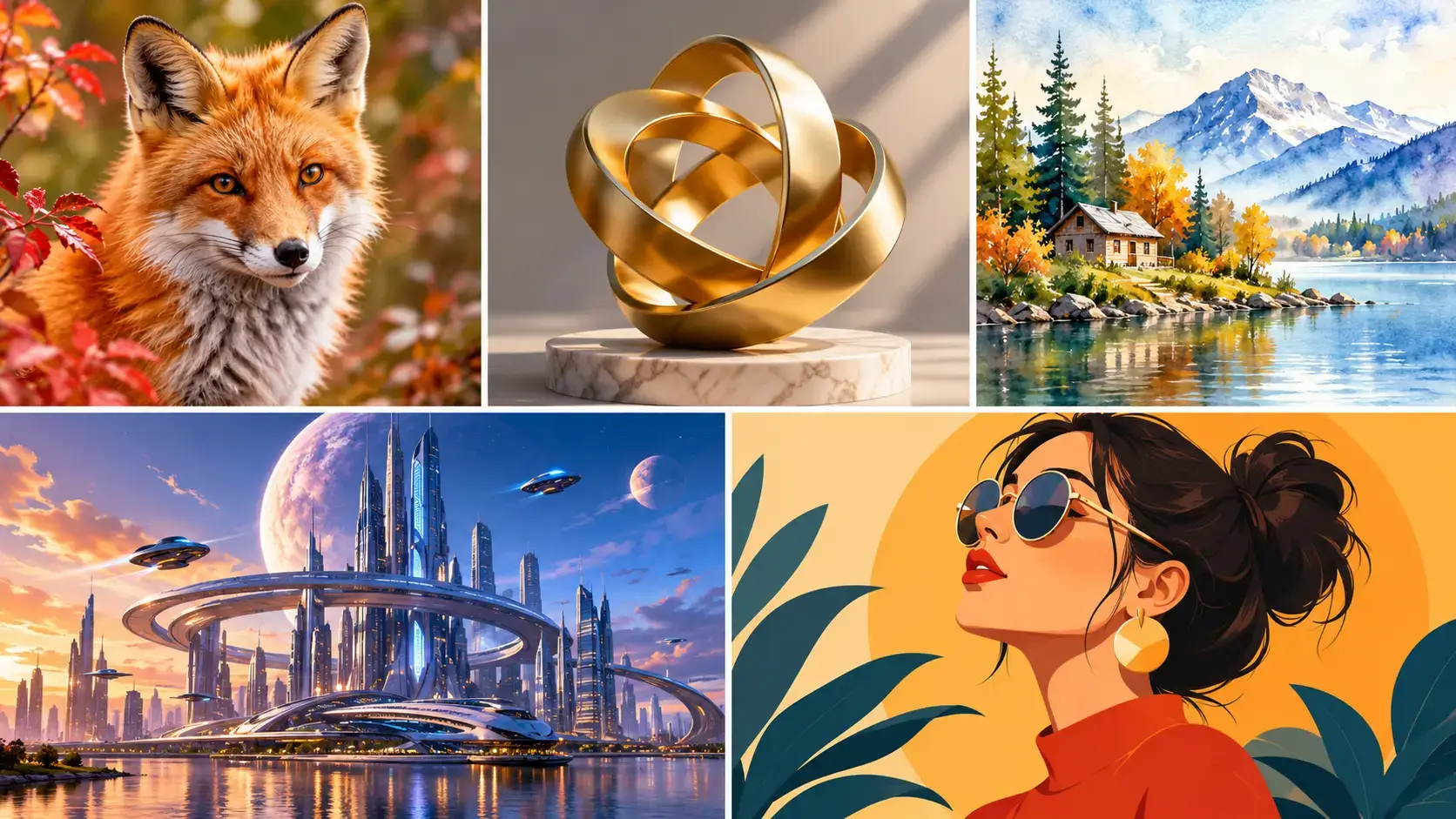
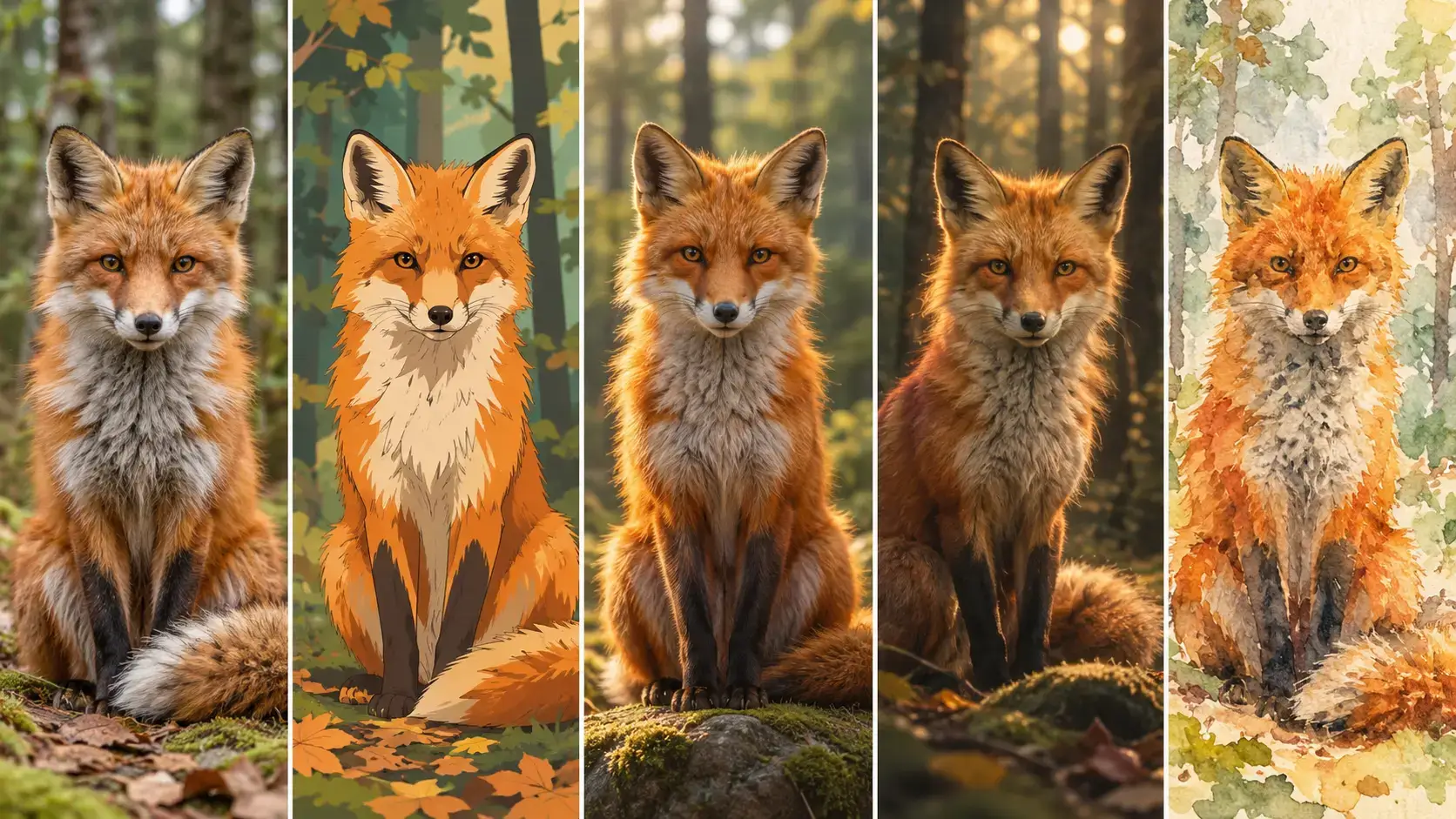
Switch between photorealistic, illustration, 3D render, cinematic, watercolor, anime, minimalist, and many more styles. The same prompt in NoteGPT AI Image Generator can produce completely different moods, so you can test several directions before committing to one.
Leading image models in one place
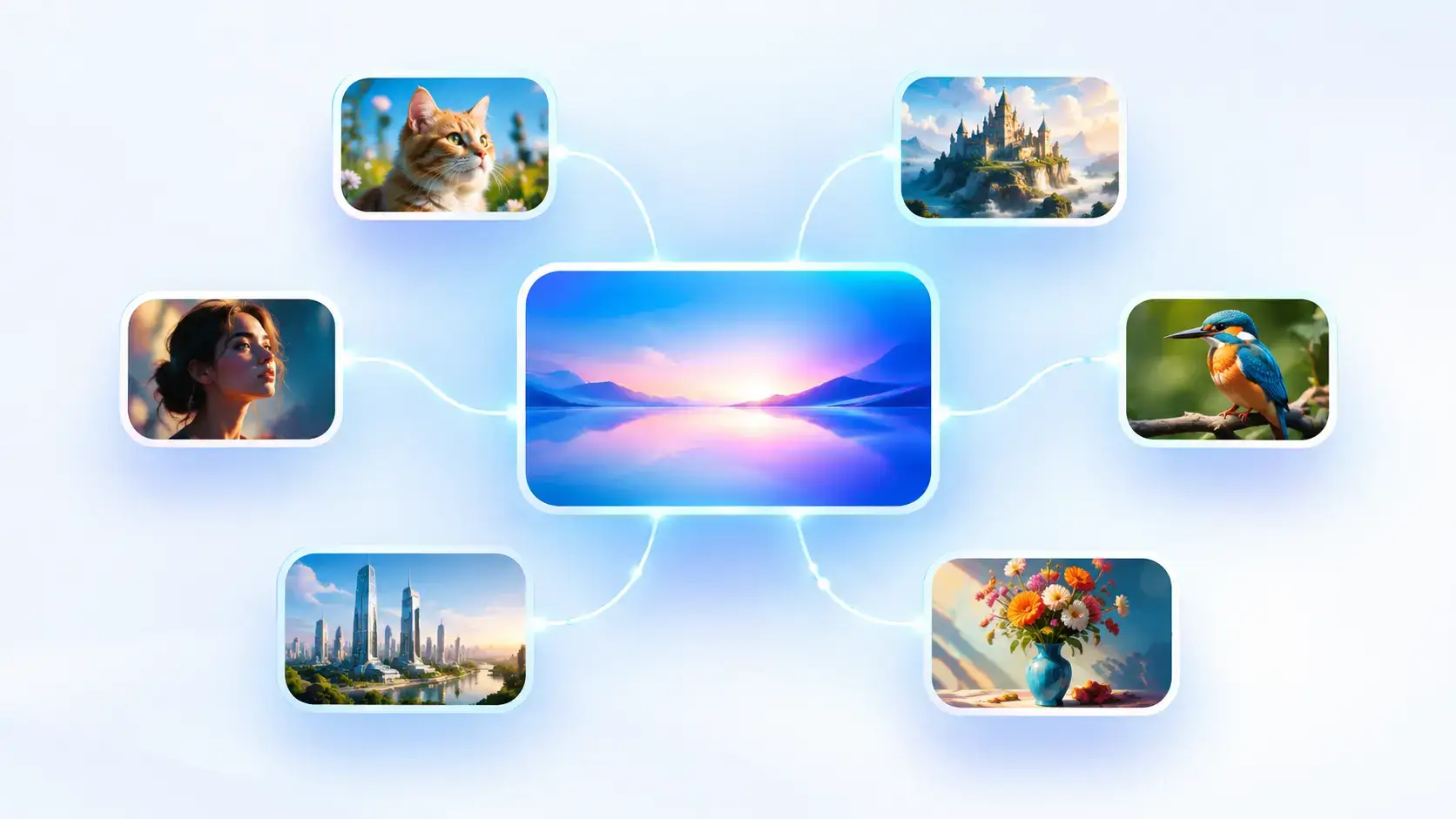
NoteGPT AI Image Generator gives you access to several of the world's top, most up-to-date image models — all in a single plan. You never need to pay for each model separately; switch between them freely and keep the results you like best.
High-resolution, up to 4K results
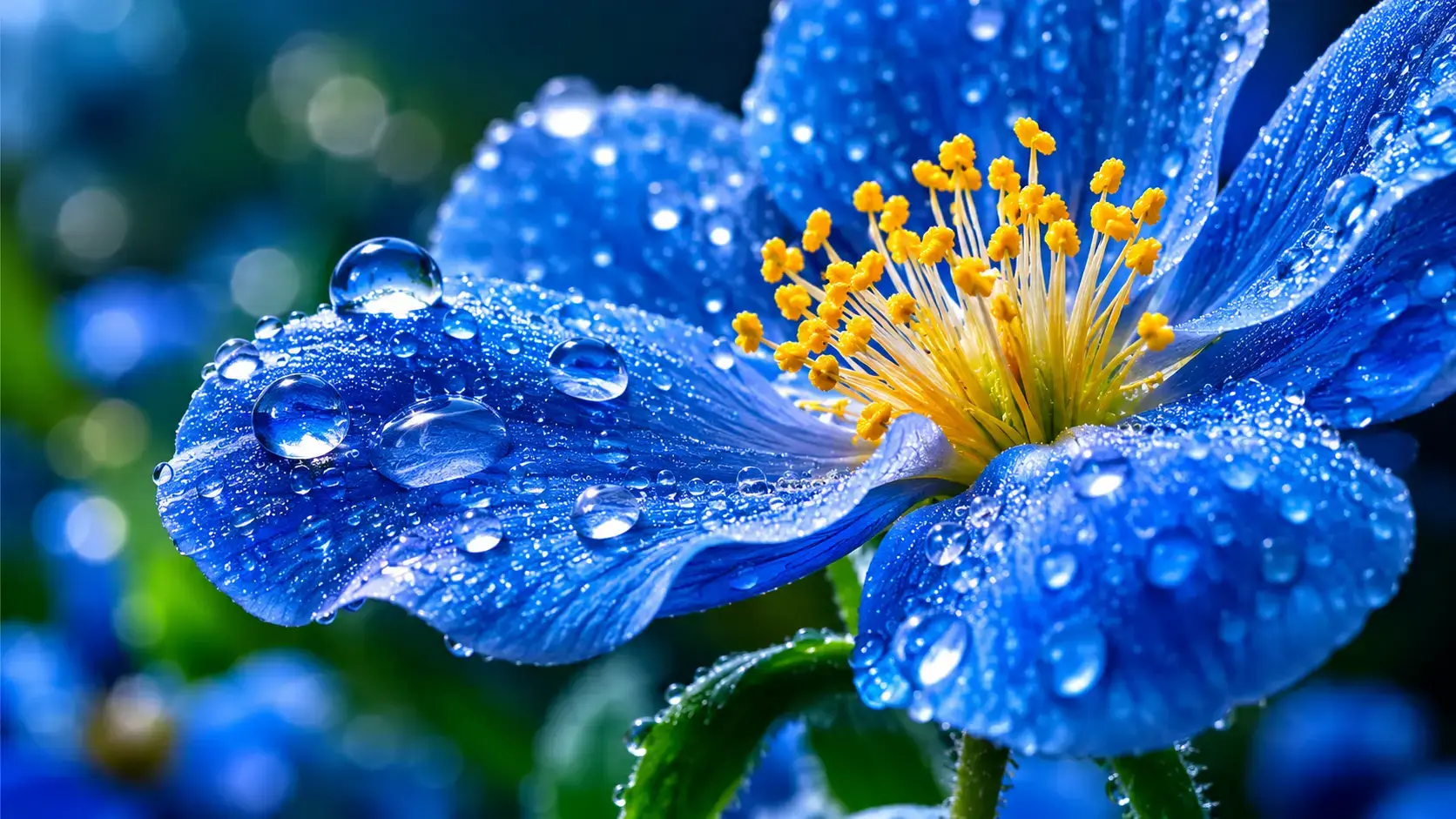
Download your favorites as crisp, high-resolution files up to 4K for print, web, or video with NoteGPT AI Image Generator. Every image is generated at a size that works for blogs, ads, presentations, and social feeds. You can re-export the same image at different sizes later, which keeps your workflow flexible.
The Benefits at a Glance
How to Use the AI Image Generator
Three simple steps separate an idea from a finished, downloadable image in NoteGPT AI Image Generator.
Describe your idea or upload a reference
Type what you want to see in the AI Image Generator, or upload a reference image to match its look: the subject, setting, mood, colors, and style.
Pick a model, style, and size
Choose an image model, an art style, and an aspect ratio in the AI Image Generator, such as square, landscape, or portrait.
Refine and download
Adjust the prompt or settings, then save your favorite in the format you need, up to 4K, from the AI Image Generator.
What You Can Create With an AI Image Generator
From daily social posts to full campaign visuals, one AI Image Generator covers all your visual needs.
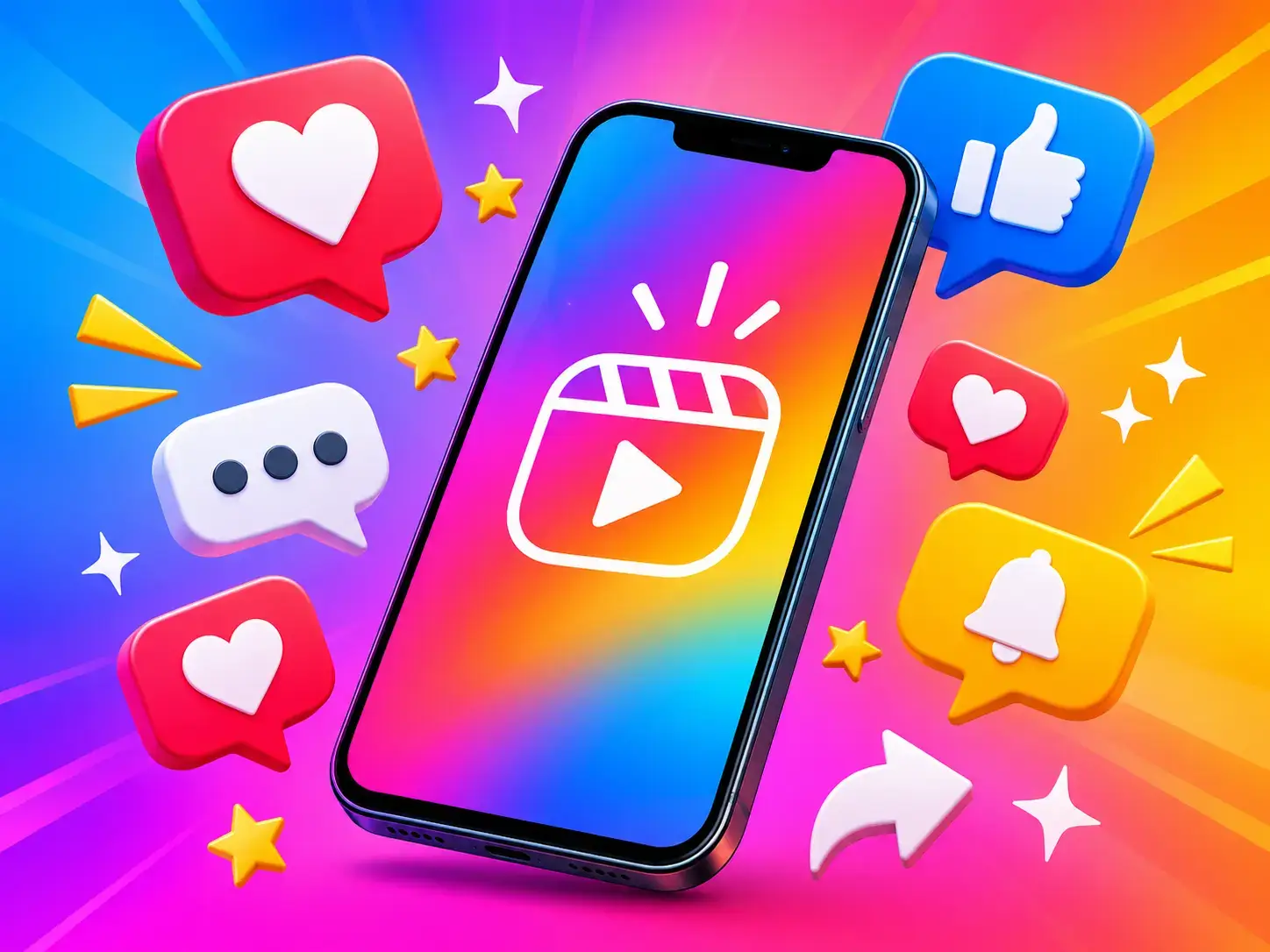
Social media posts
Scroll-stopping images for Instagram, Facebook, TikTok, X, and LinkedIn from NoteGPT AI Image Generator.
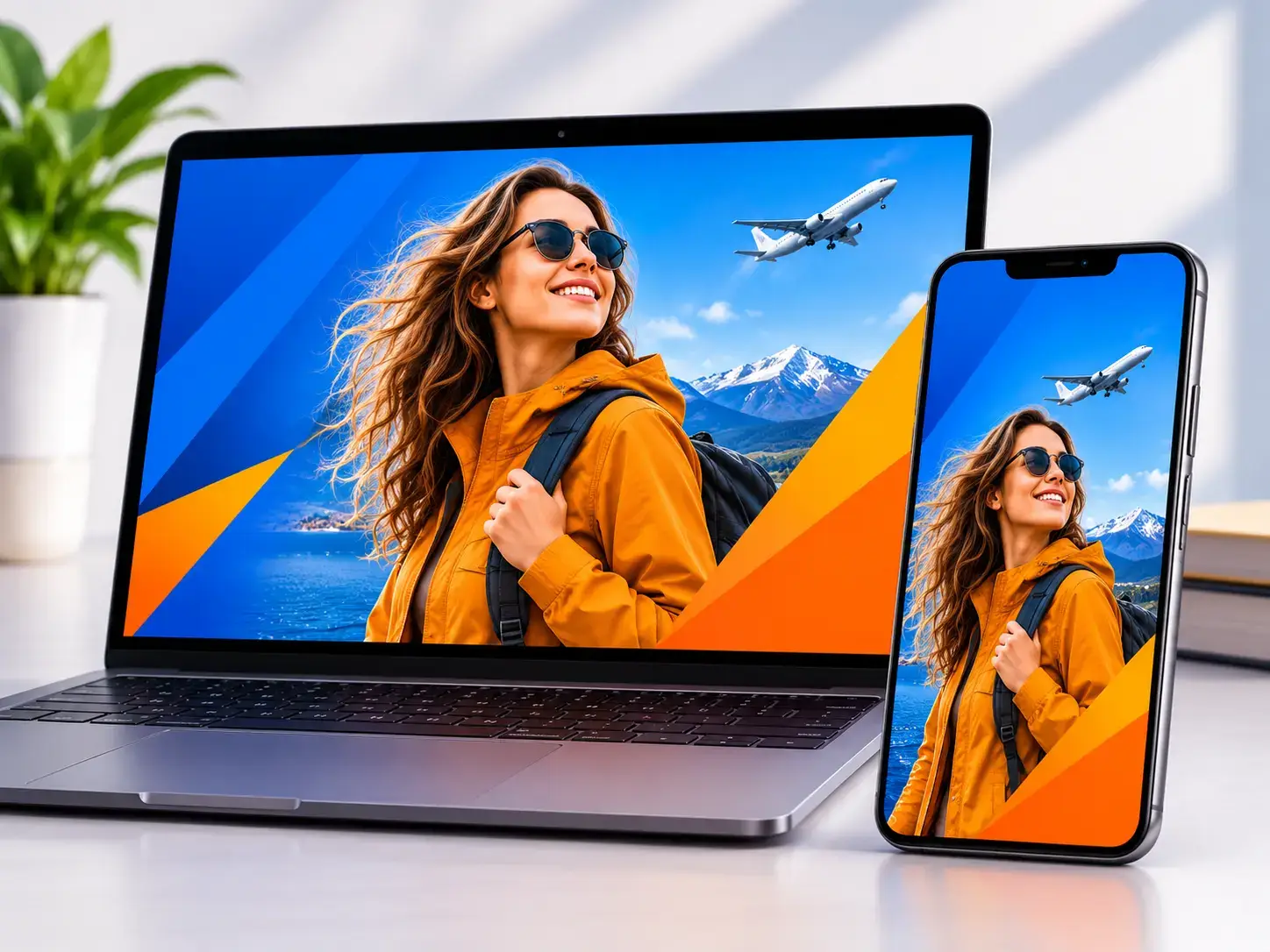
Marketing banners and ads
On-brand visuals for campaigns, promotions, and email headers from NoteGPT AI Image Generator.
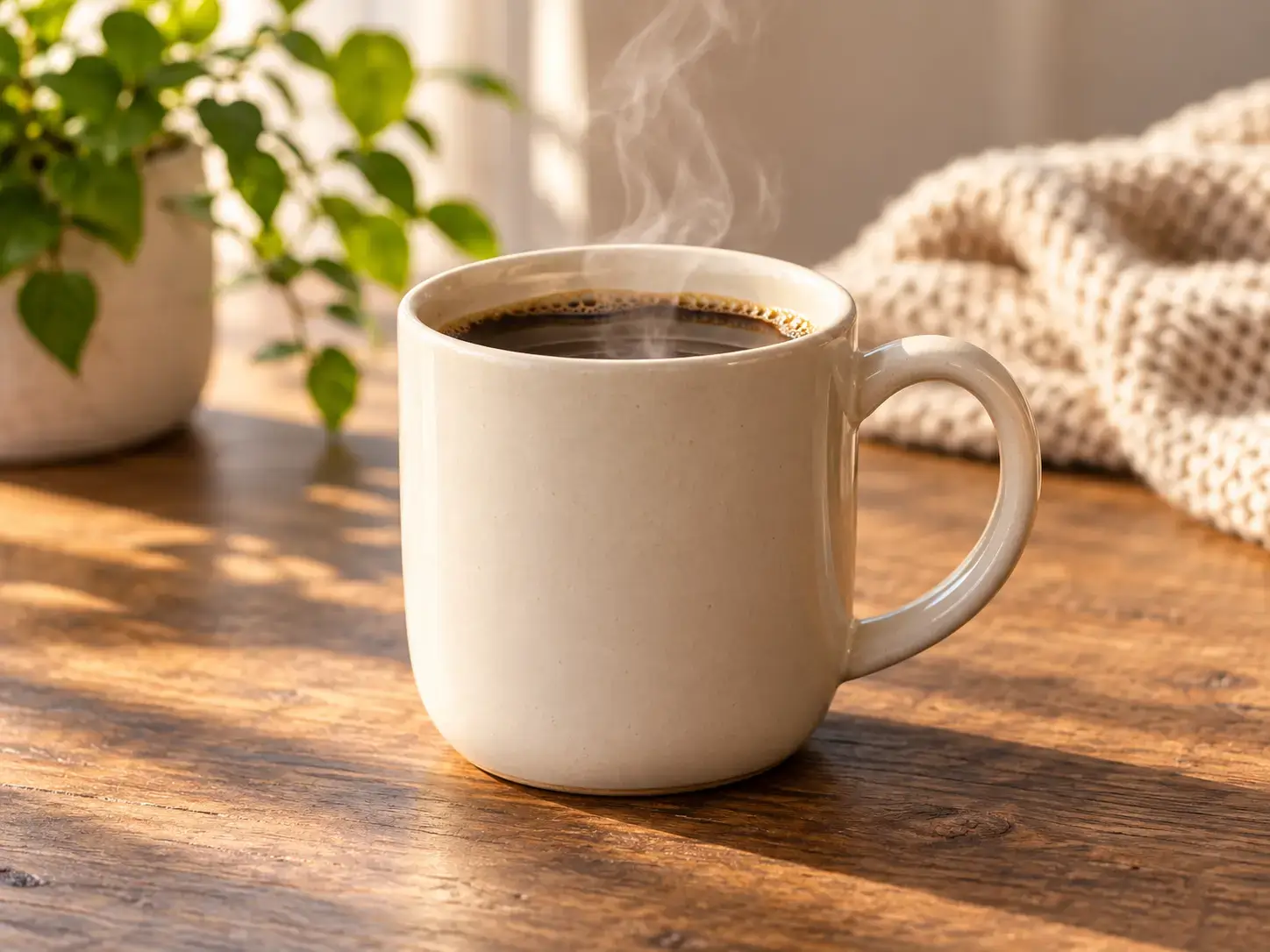
Product visuals and mockups
Concept shots and packaging ideas before production.
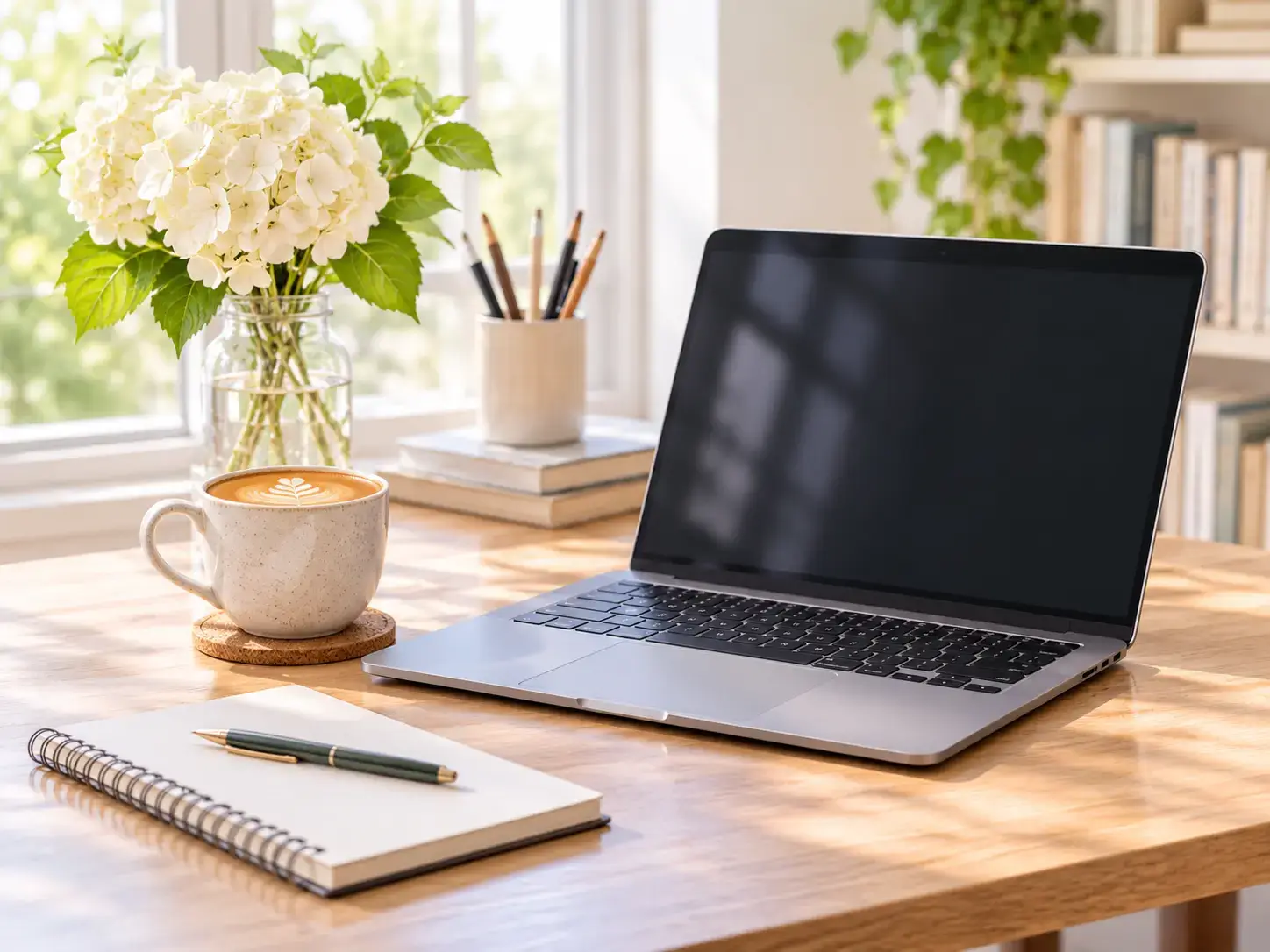
Blog and article images
Unique featured images that make your content stand out with NoteGPT AI Image Generator.
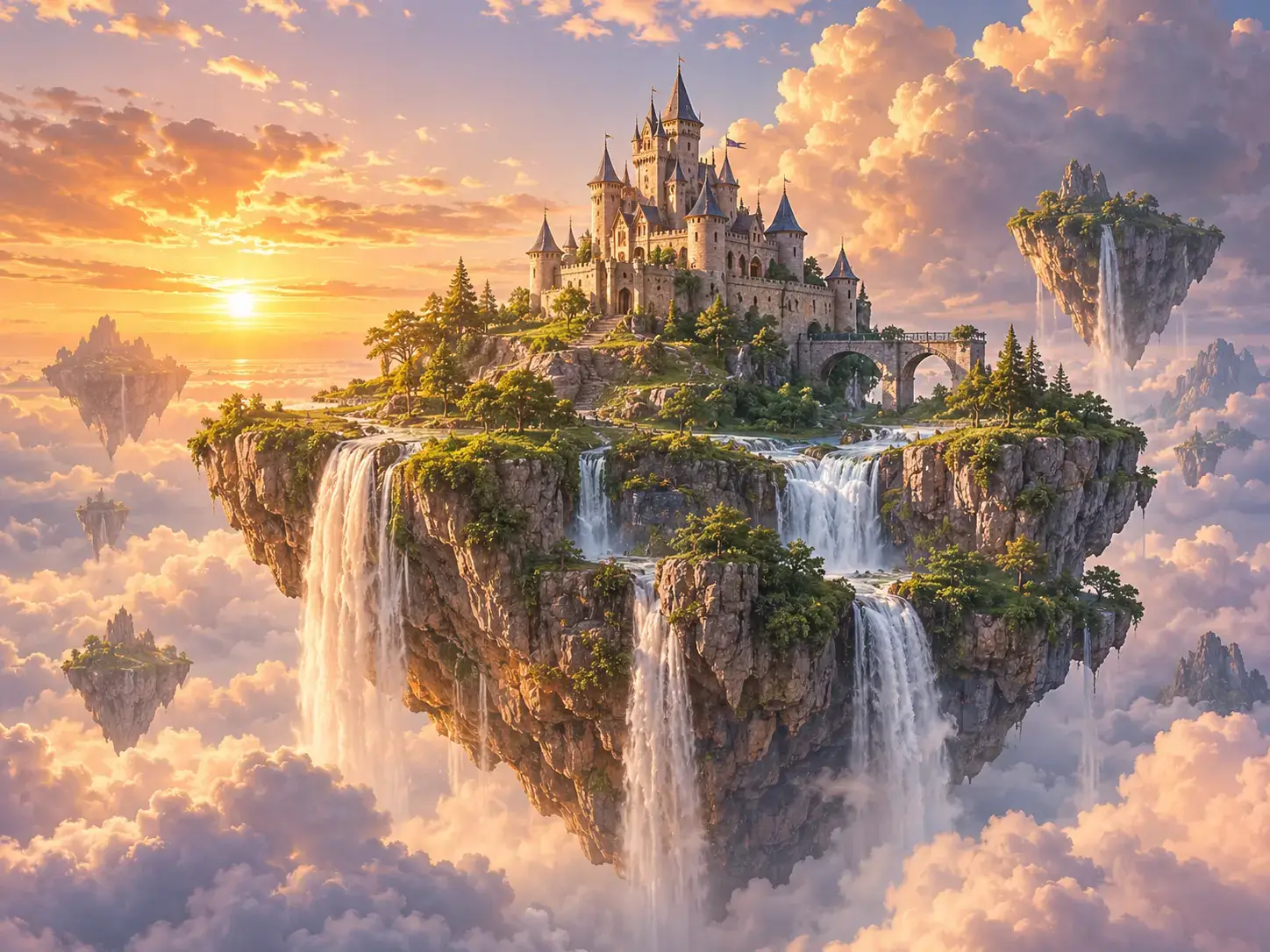
Concept art and illustrations
Character ideas, scene studies, and storyboards.
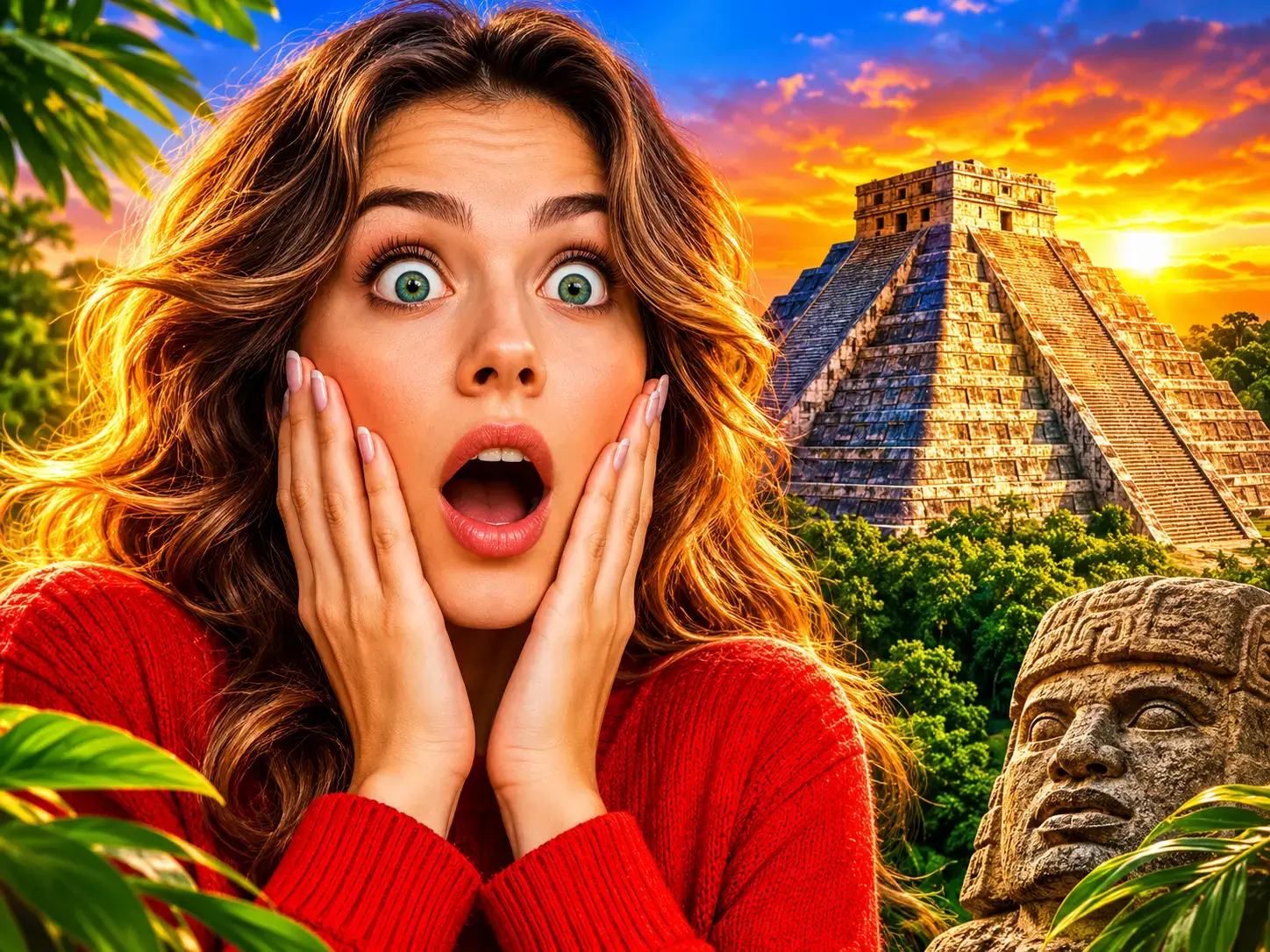
Thumbnails and covers
Eye-catching video thumbnails, podcast art, and book covers from NoteGPT AI Image Generator.
Who Should Use NoteGPT AI Image Generator
No matter your background, an AI Image Generator removes the barrier between an idea and a publishable image.
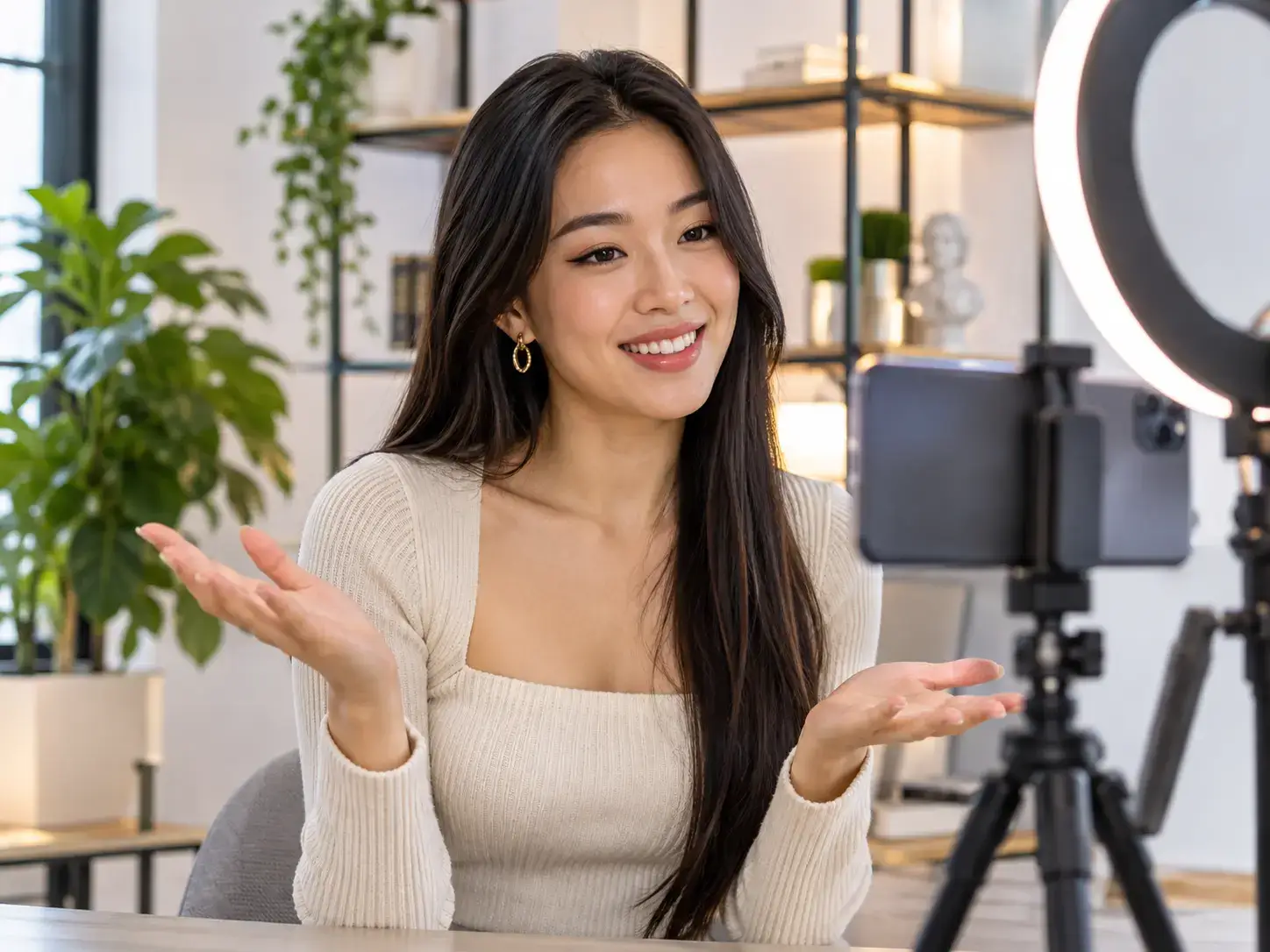
Content creators
Produce unique visuals for posts, reels, and thumbnails that help you stand out.

Marketers and small businesses
Create ads, banners, and social assets without hiring a designer for every task.
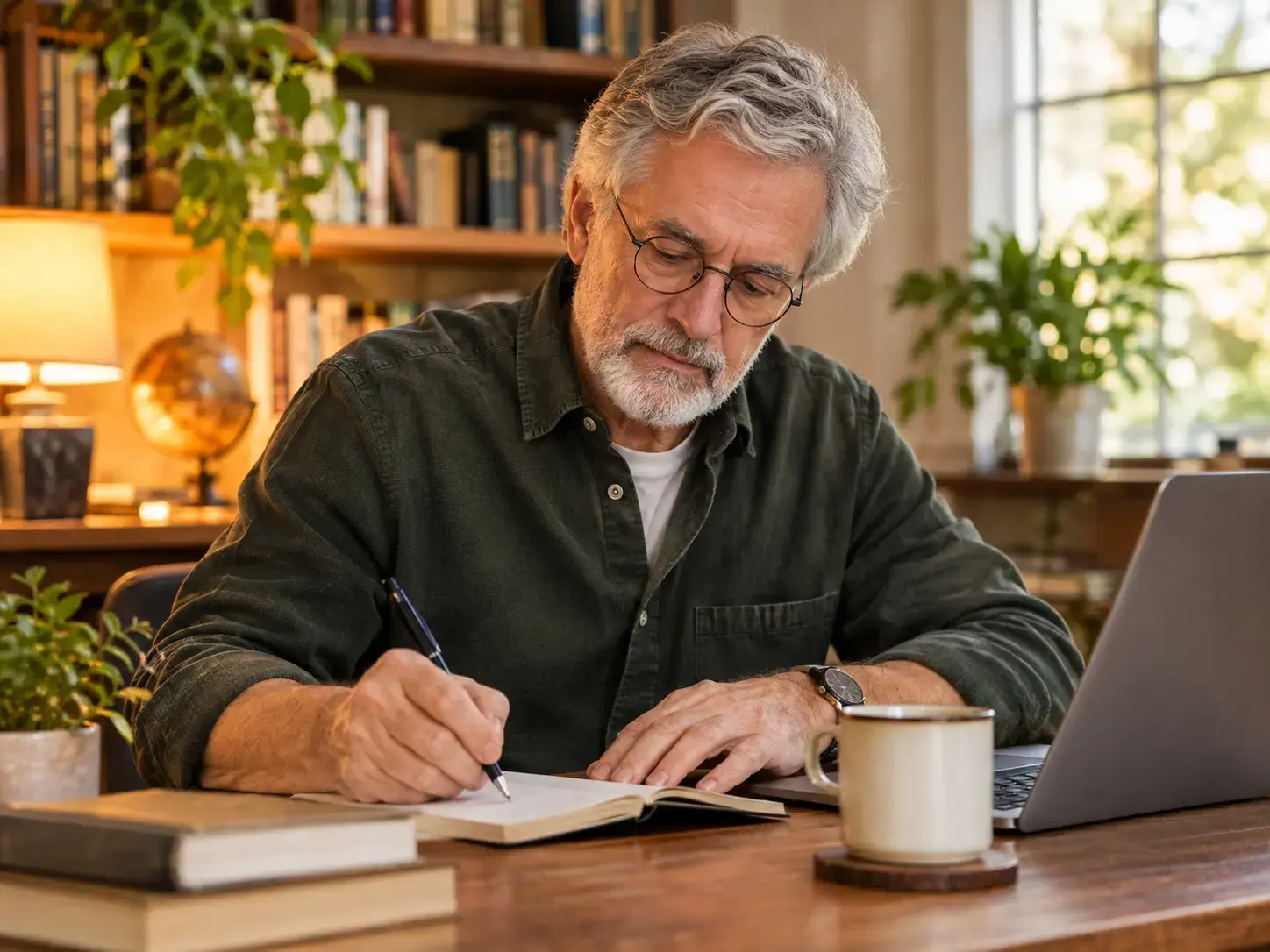
Writers and bloggers
Add original featured images and illustrations to articles and newsletters.
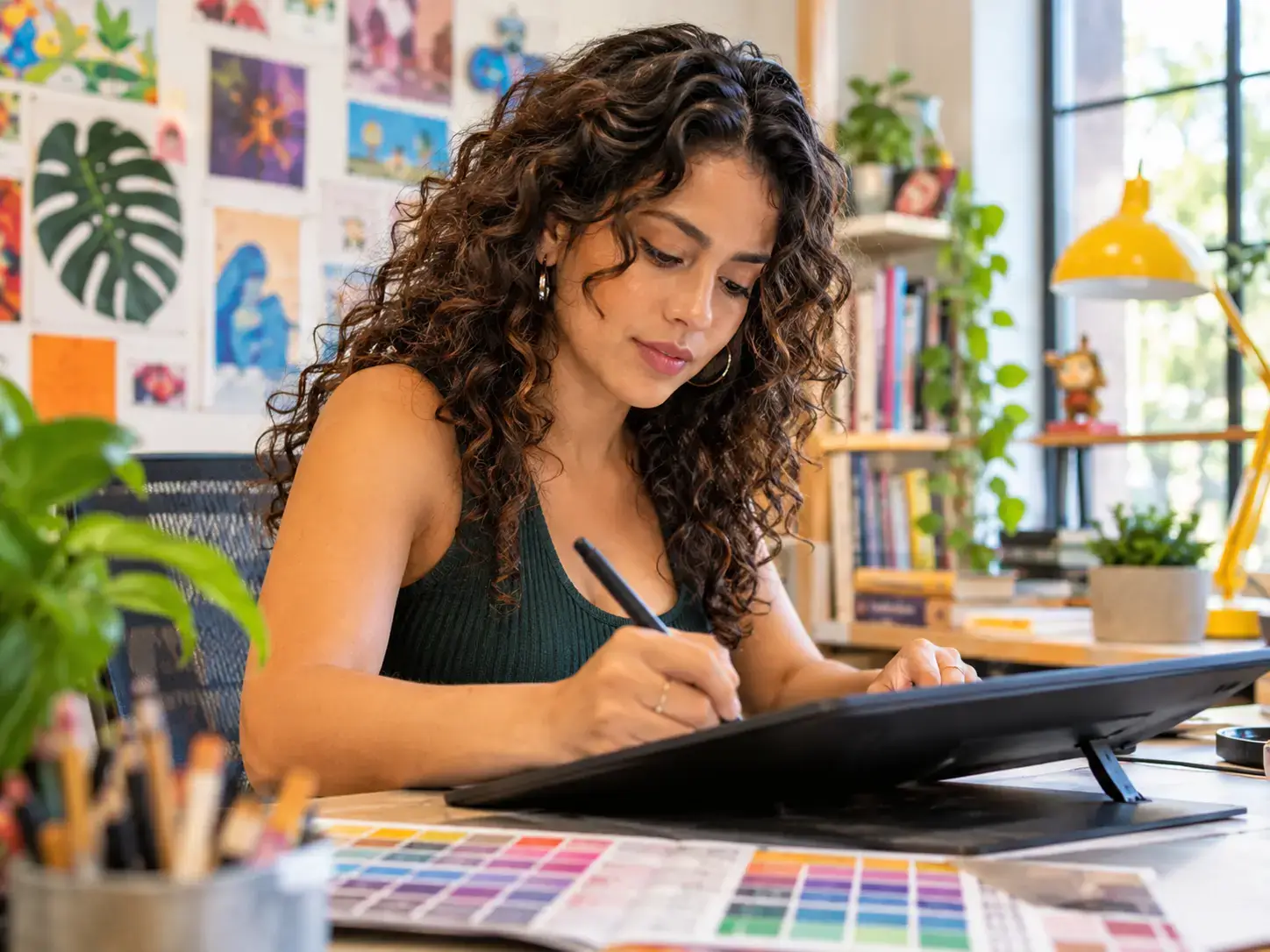
Designers and artists
Rapidly prototype concepts, moods, and compositions before final work.
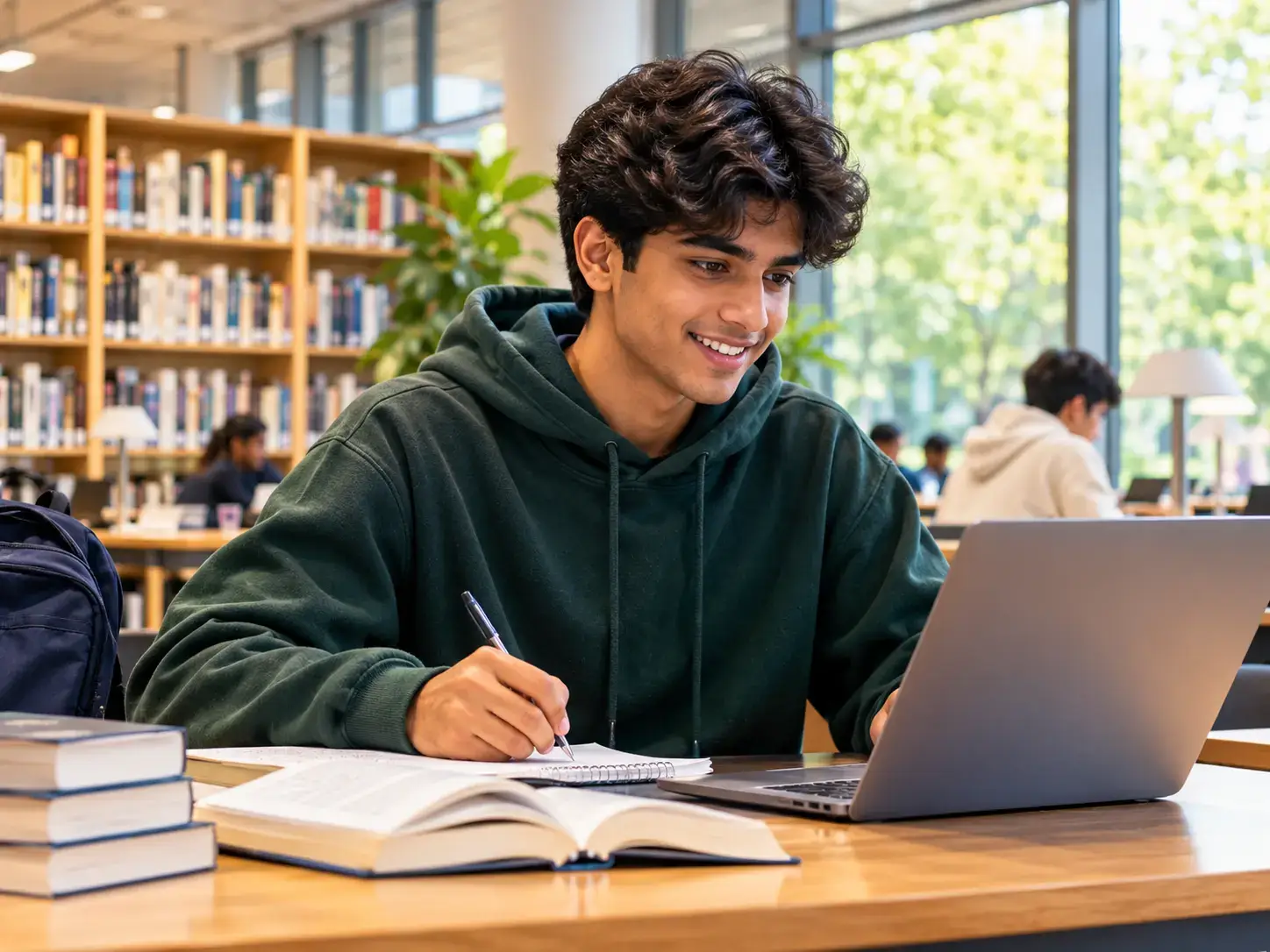
Students and teachers
Generate visuals for projects, presentations, and learning materials.
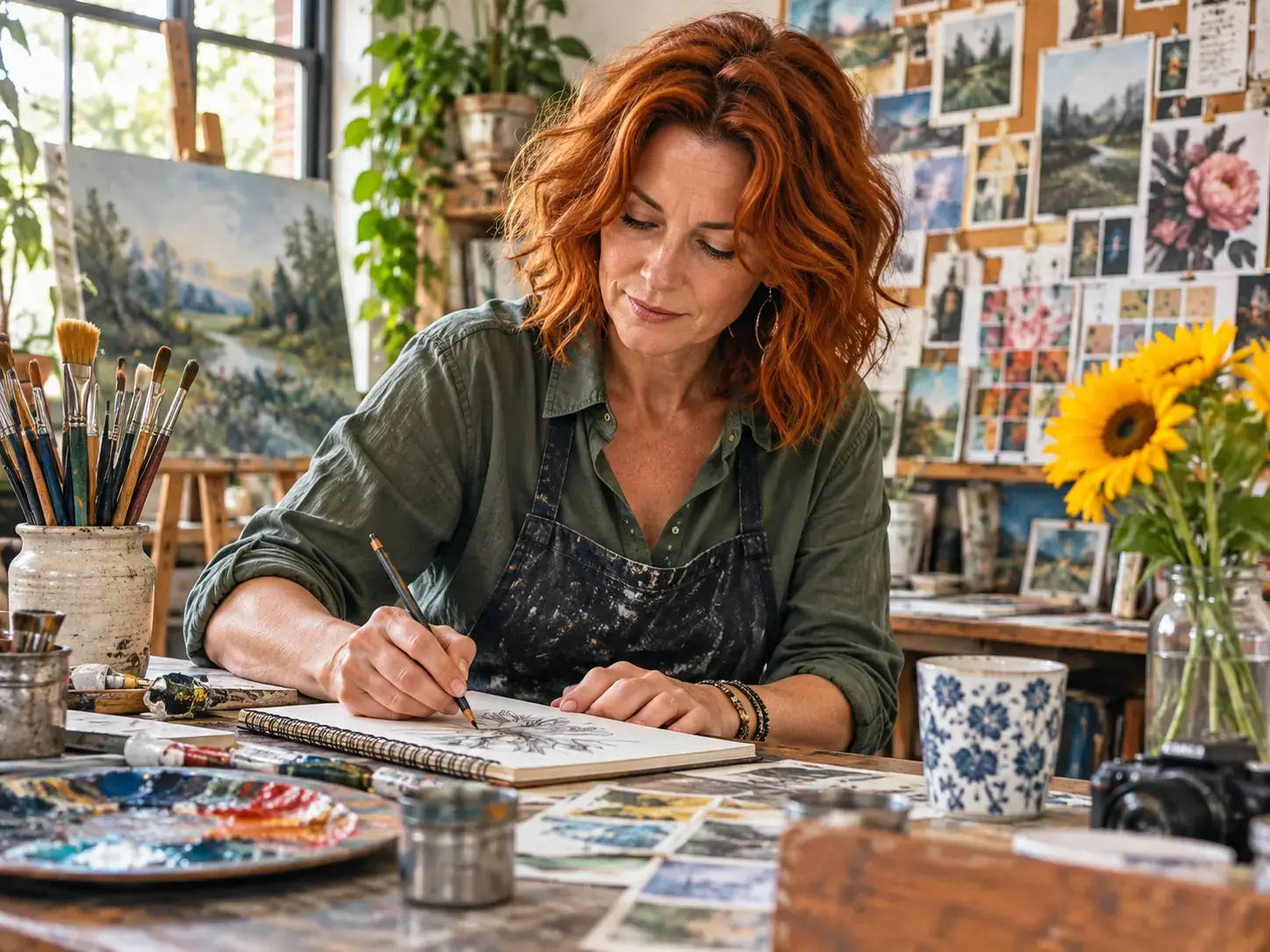
Creatives of all kinds
Turn any spark of an idea into a polished image, no matter the medium.
Example Prompts to Try
The right prompt turns a vague idea into a specific visual in your AI Image Generator. Use these examples as starting points.
"A minimalist ceramic coffee mug on a wooden table, soft morning light, shallow depth of field, product photography."
"A cheerful flat illustration of a person watering plants on a rooftop garden, bright pastel colors, clean shapes."
"A floating island with waterfalls and a small stone castle, dramatic clouds, golden hour lighting, detailed concept art."
"A bold geometric composition with abstract shapes and space on the left for text, vibrant orange and teal palette, modern design."
Each example combines a subject, a setting, a style, and a lighting or color direction — the four ingredients that produce the most consistent results in your AI Image Generator.
Write Better Prompts for Better Results
The quality of your image starts with the quality of your prompt in any AI Image Generator.
Be specific about the subject — Say "a golden retriever puppy in a sunlit park" instead of "a dog."
Add style and medium — Mention "watercolor," "3D render," "photorealistic," or "line art."
Set the mood and lighting — Include words like "warm sunset," "moody fog," or "soft studio light."
Describe composition — Say "close-up," "wide shot," "centered," or "low angle" to control framing.
Iterate — Generate, review, adjust one detail, and generate again in your AI Image Generator for a sharper result.
Styles to explore
Photorealistic works best for product mockups, ads, and lifestyle imagery. Illustration and flat are great for explainers and social posts. 3D render suits product concepts and covers, while cinematic fits mood boards and storyboards. Watercolor and sketch are ideal for cards and soft editorial art. Whatever look you choose, NoteGPT AI Image Generator renders it consistently.
Size for every platform
Use square (1:1) for Instagram and profile images, portrait (9:16) for stories and thumbnails, and landscape (16:9) for banners, headers, and presentations — all available in NoteGPT AI Image Generator.
Getting the Most From Your AI Image Generator
A great image usually comes from a clear plan, not just a lucky prompt. Decide what the image needs to do — sell, explain, or inspire — and let that goal guide the prompt you type into your AI Image Generator.
Experiment with different models
Because one plan unlocks every available model, you can run the same idea through several engines and keep the version your AI Image Generator produced best.
Use reference images for consistency
A reference helps your AI Image Generator match an existing look, which is ideal for keeping a brand or character consistent across several images.
Iterate in small steps
If your first attempt is close but not perfect, adjust one detail and run the AI Image Generator again rather than rewriting everything from scratch.
Save what works
When a prompt works well, keep it, because reusing a proven prompt makes your AI Image Generator faster and more predictable next time.
With a little practice, NoteGPT AI Image Generator becomes the fastest part of your creative workflow.
How NoteGPT AI Image Generator Compares
A quick look at how NoteGPT AI Image Generator stacks up against the most common alternatives for getting images.
| What you get | NoteGPT AI Image Generator | Stock photo sites | Hiring a designer | Single-model tools |
|---|---|---|---|---|
| Cost | One plan unlocks every model | Per image or subscription | High cost per project | Separate payments per tool |
| Speed to finished image | Seconds to minutes | Time-consuming search | Days to weeks | Seconds, one style |
| Originality | Unique on every generation | Often reused by others | Fully custom | Limited by one model |
| Top image models | GPT Image, Nano Banana, Seedream | Not included | Not included | One model only |
| Design skills needed | None | Some editing | None, but you brief | None |
| Commercial use guidance | Built in | License-dependent | Contract-dependent | Varies by tool |
Whether you need a quick social graphic or a full campaign, NoteGPT AI Image Generator removes the cost, waiting, and skill barriers of older approaches.
Frequently Asked Questions
You can start generating images right away, and free usage is available so you can explore the AI Image Generator before upgrading to higher limits and premium features.
Yes. Images from NoteGPT AI Image Generator can be used for personal and commercial projects, including marketing and product content, as long as you follow the platform's usage terms.
With NoteGPT AI Image Generator, you can export images in common formats such as PNG and JPG, with high-resolution options suitable for digital publishing and most print uses. You can typically re-export the same image at different sizes later to keep your workflow flexible.
No. The AI Image Generator is built for beginners and professionals alike — if you can describe an idea in words, you can create an image.
Your work in NoteGPT AI Image Generator is treated as private, and generated images are only visible to you unless you choose to share or publish them. Your generated files and prompt history remain under your account and are not shared with other users.
Simply edit your prompt or settings and generate again. The AI Image Generator produces fresh variations every time, so you can refine until the image matches your vision. Small changes to one word can shift the whole result, so adjust one element at a time to stay in control.
Yes. The AI Image Generator runs in a modern web browser on desktop, tablet, and mobile, so you can create wherever inspiration strikes.
Start Creating With NoteGPT AI Image Generator Today
Your next image is only a prompt away. Describe your idea, choose a style, and watch NoteGPT AI Image Generator turn your words into visuals you can use anywhere — right now.
Start Generating Free