



NoteGPT

Free AI Image Generator - Seedream 5.5 Agent

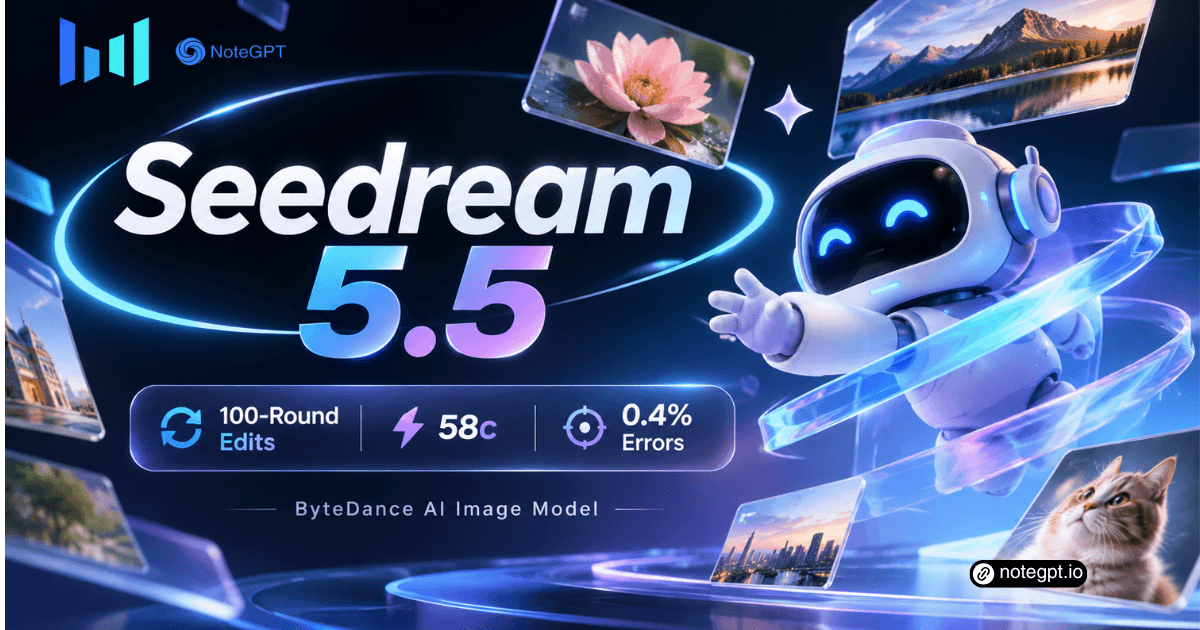
ByteDance's image model for pro workflows: 100-round edits, transparent PNGs.

PricingUpgrade (Save 30%)

Seedream 5.5: ByteDance AI Image Model for 100-Round Edits

Seedream 5.5 is ByteDance's AI image model for professional work: 100 stable edit rounds, native transparent PNGs, and dense small-text errors cut to 0.4%.

Seedream 5.5: ByteDance AI Image Model for 100-Round Edits

What Is Seedream 5.5?

Seedream 5.5 is ByteDance's image model for professional visual production. It holds unedited regions pixel-identical across 100 edit rounds, exports transparent PNG assets without a cutout step, and renders dense small text with a 0.4% severe error rate. Seedream 5.5 puts it all in one canvas.
What Is Seedream 5.5?

Why Choose Seedream 5.5?

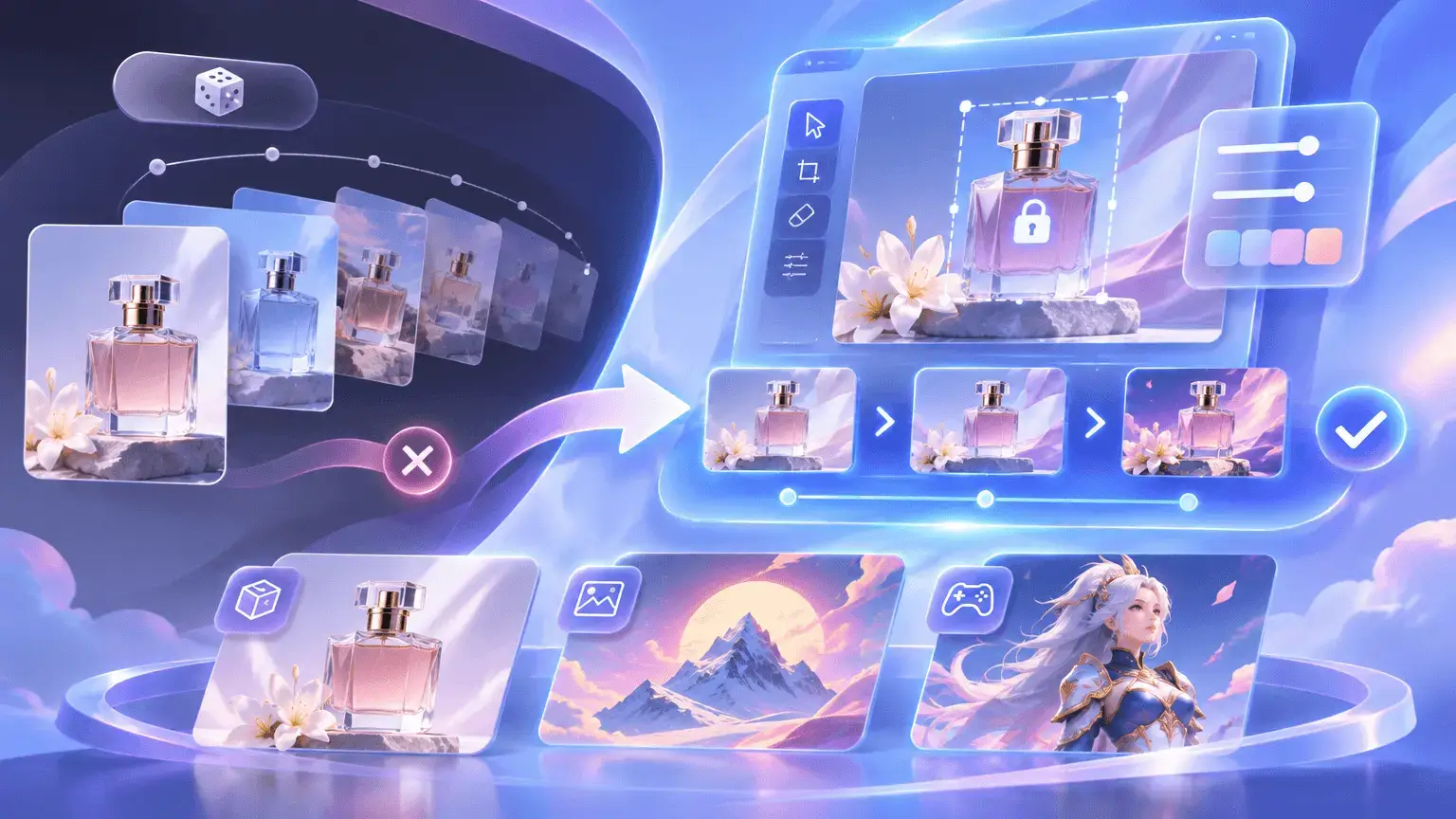
Why choose it over a one-shot generator? Product shots, posters, and game art go through dozens of revisions, and ordinary models drift by round six. Inside Seedream 5.5, each edit lands precisely while approved areas stay locked, so re-rolls and cutouts give way to a short chain of stable edits.
Why Choose Seedream 5.5?

Why Ordinary Image Models Break Down in Revision

Ordinary image models break down where production happens: skin turns gray after a few rounds, backgrounds drift in color, and every asset needs a cutout. Seedream 5.5 removes both failure modes: unedited regions stay pixel-locked, and the alpha channel ships transparency without edge cleanup.
Why Ordinary Image Models Break Down in Revision

What Makes Seedream 5.5 Different

Three upgrades separate Seedream 5.5 from every image model before it. Each one removes a limit that used to force a re-roll or a manual cleanup pass.

100-Round Stable Editing

Seedream 5.5 locks unedited areas at the pixel level while each edit lands precisely, so subject and lighting hold across a hundred rounds.

Native Transparent PNGs

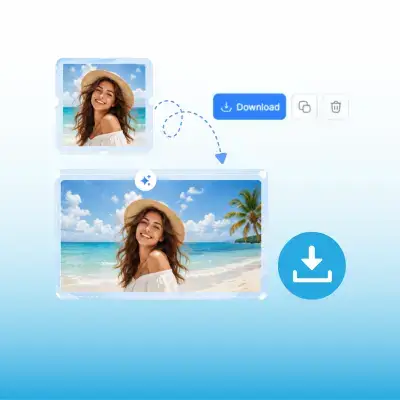
An alpha channel is built in, so products and characters export on transparent backgrounds with clean edges and no separate cutout step.

Accurate Dense Small Text

Severe text corruption drops to 0.4% on dense mixed-language layouts, so complex glyphs in infographics and posters stay crisp and legible.

Compare Seedream 5.5 with Other Image Models

Seedream 5.5 is measured against the two models that set the current standard, GPT Image 2.5 Sunburst and Nano Banana 2.1, plus its own predecessor.

FeatureSeedream 5.5GPT Image 2.5 SunburstNano Banana 2.1Seedream 5.0 Pro
Severe text corruption0.4%0.7%1.7%2.8%
Minor text corruption1.7%7.4%3.0%2.6%
Realism preference (T2I)ReferenceSeedream +37.29%Seedream +21.79%Seedream +39.44%
Realism preference (I2I)ReferenceSeedream +36.05%Nano Banana +6.18%Seedream +55.62%
Continuous edit rounds100, pixel-lockedNot reportedNot reportedNot reported
Native RGBA outputYes, alpha channelNot reportedNot reportedNot supported

How to Use Seedream 5.5 in 3 Steps

Step 1: Describe or Upload the Base

Describe or Upload the Base

Open NoteGPT, type what you need, or upload the image to revise. Attach up to eight references so the model holds your subject and style.

Step 2: Ask for One Change at a Time

Ask for One Change at a Time

Ask for one change per round: swap the outfit or add a label. Seedream 5.5 applies each edit and keeps every untouched region as it was.

Step 3: Export PNG or Layered Assets

Export PNG or Layered Assets

Download the result as a transparent or opaque PNG, or split the scene into layers for compositing. Each version can seed the next round.

Try Seedream 5.5 on Your Hardest Revision

Hand it the image your team already approved and revise it a hundred times without a single drift or cutout. Start free online, no API key required.

Try Seedream 5.5 Free

What Users Say About Seedream 5.5

Lena Ortiz avatar

Lena Ortiz

E-commerce Visual Lead

Our lookbook needed one model in forty outfit variants, and every generator we tried drifted by the tenth change, with skin going gray and the backdrop shifting hue. Seedream 5.5 held the pose, face, and lighting through all forty edits, and each outfit exported as a transparent PNG straight into layout. A week of retouching became one afternoon.
David Kim avatar

David Kim

Brand Designer

Transparent assets are the part everyone underrates. Generate, cut out, and clean edges used to be three separate steps, and hair or sheer fabric always needed manual work. Seedream 5.5 outputs the alpha channel natively, so characters and product shots drop onto any background with clean edges and go to review the same day.
Marta Kowalski avatar

Marta Kowalski

Game Asset Artist

Layer decomposition changed how we build sprite scenes. Seedream 5.5 splits a scene into separate transparent layers, so we reuse the same character across settings while texture and silhouette stay consistent. On a running-sequence test, every frame came out aligned without a single outline redrawn by hand.
Chen Wei avatar

Chen Wei

Marketing Designer

Infographics die when one glyph breaks. Our knowledge cards pack dense small text around illustrations, and earlier models garbled complex characters at small sizes. Seedream 5.5 kept every label legible through a twenty-round revision chain, the first time we shipped AI-assisted posters without a proofing panic.
Sofia Ricci avatar

Sofia Ricci

Photo Studio Director

The realism gains show up in lighting. Backlit portraits used to come out glossy and overexposed, with that plastic AI sheen customers notice. Seedream 5.5 renders skin texture and shadows closer to natural photography, and dense captions in both English and Chinese stayed readable where our old model garbled them.
Tom Becker avatar

Tom Becker

Agency Owner

Cost per finished asset is the number that matters at our volume. A single 2K edit runs about half of what the previous Seedream generation charged, and because revisions no longer force re-rolls, the retry budget shrank as well. Seedream 5.5 paid for itself in the first month on e-commerce work alone.

Frequently Asked Questions About Seedream 5.5