




NoteGPT

Free AI Image Generator - Seedream 5.0 Pro Agent

ByteDance's advanced AI image model for smart editing, creative design, realistic generation, and visual creation.

PricingUpgrade (Save 30%)
0/8Image refs

Seedream 5.0 Pro - Free ByteDance AI Image Editor & Consistent Design

Seedream 5.0 Pro by ByteDance is a free AI image editor with pro-grade canvas, layer editing, and consistent results for ads, ecommerce & brand visuals.

Seedream 5.0 Pro - Free ByteDance AI Image Editor & Consistent Design

What is Seedream 5.0 Pro?

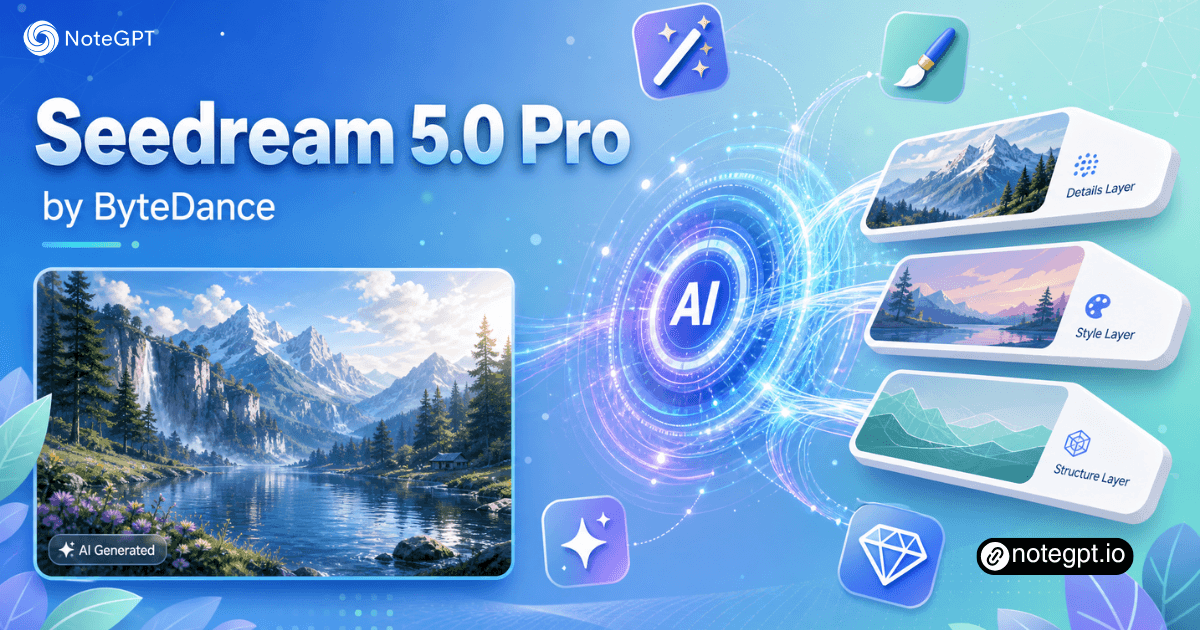
Seedream 5.0 Pro is ByteDance's flagship multimodal image creation model, launched in July 2026. It turns text prompts into native 4K visuals, edits specific regions without breaking the rest of the image, splits renders into 10+ editable transparent layers, and writes clean text in over 14 languages — including English, Chinese, Japanese, Korean, Arabic, and Spanish.
What is Seedream 5.0 Pro?

Why Choose Our Seedream 5.0 Pro?

Seedream 5.0 Pro thinks before it draws, plans composition and physics, then renders in a single coherent pass. You get layer-level control, a real web search inside the prompt, and output clean enough to feed straight into Seedance — all in one model that handles text-to-image, editing, and multi-image fusion.
Why Choose Our Seedream 5.0 Pro?

Want to Edit One Part Without Affecting the Rest?

Select the area you want to change — with a point, lasso, or sketch — and edit it with text instructions while keeping the rest unchanged.
Want to Edit One Part Without Affecting the Rest?

What Can Seedream 5.0 Pro Do?

Three core capabilities turn Seedream 5.0 Pro from a pretty-picture generator into a production-grade creative partner.

Deep-Thinking Generation

Seedream 5.0 Pro reasons through the brief before it renders, planning composition, physics, and typography in multi-step visual thinking. Complex prompts resolve into coherent, realistic images on the first pass, with fewer retries and steadier structure.

Interactive Precision Editing

Seedream 5.0 Pro responds to point, lasso, sketch, and hex-code instructions at the pixel level. Edit one region while the rest of the frame stays locked, then split the result into editable layers for Figma or Photoshop.

Native 4K with 10+ Editable Layers

Seedream 5.0 Pro outputs up to 4096×4096 with a high-compression VAE, so prints, e-commerce hero shots, and film pre-vis keep their detail. Each render also returns over 10 transparent layers you can rearrange without re-cutting.

Seedream 5.0 Pro vs Other Leading AI Models

Seedream 5.0 Pro positions itself as a design-aware production model, not just a pretty-picture generator. The table below compares it against the most common alternatives on the capabilities that matter for professional workflows.

CapabilitySeedream 5.0 ProGPT Image 2Midjourney v7Flux Pro 1.1
Native 4K outputYes (up to 4K)1K / 2K / 4KUp to ~2K upscale~2K
Editable transparent layers10+ per renderNoNoNo
Reference images per promptUp to 10Up to 51–21–2
Interactive region editingPoint, lasso, sketchText-onlyText-onlyText-only
Multilingual in-image text14+ languages10+English-dominantLimited
Infographic & dense text layoutFirst-classStrongWeakWeak
Web search inside promptBuilt-inNoNoNo
Best forProduction pipelines, ad creative, e-commerceGeneral-purpose generationStylistic artFast text-to-image

How to Use Seedream 5.0 Pro on NoteGPT?

Get from a blank canvas to a finished asset with Seedream 5.0 Pro in under three minutes. No API key, no setup, no design background required.

Step 1: Open NoteGPT for Access

Step 1: Open NoteGPT for Access

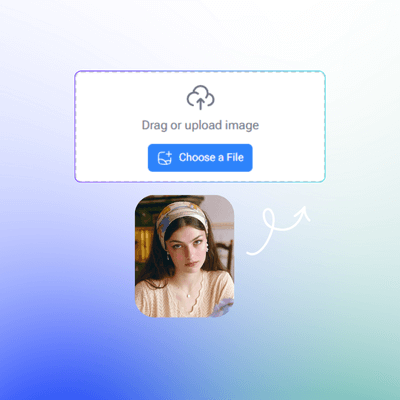
Open NoteGPT, type a prompt, drop in a reference photo, or paste a hex code — whatever matches the brief you're working from. The interface accepts plain language, so no special syntax needed.

Step 2: Describe and Refine

Step 2: Describe and Refine

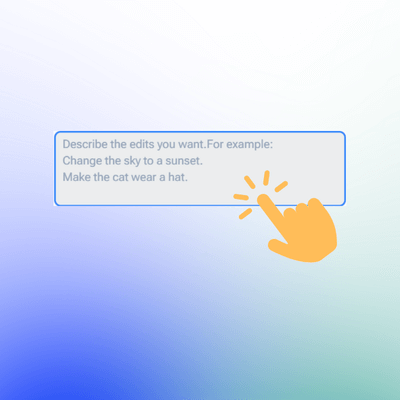
Tell Seedream 5.0 Pro the subject, the layout, the lighting, the materials, and the on-image text. For edits, mark a region by point, lasso, or sketch, then describe the change in one sentence. The model keeps everything outside the mark untouched.

Step 3: Generate and Review

Step 3: Generate and Review

Click generate, review the result, and refine or edit until it matches your expectation.

Start Creating with Seedream 5.0 Pro Today

Open a Seedream 5.0 Pro workspace, type your first prompt, and watch a professional visual come together in seconds. Free tier available, no credit card required.

Try Seedream 5.0 for Free

What People Are Saying About Seedream 5.0 Pro

Mia R. avatar

Mia R.

Senior Brand Designer

I've been using Seedream 5.0 Pro for a week now and it's the first model that doesn't make me dread the edit pass. I mark the region with a lasso, type "change this to matte black," and the rest of the photo stays locked. Layer separation alone saved my team about six hours a week on ad creative.
Kenji T. avatar

Kenji T.

Marketing Lead

Seedream 5.0 Pro handles the Chinese in our posters better than any model I've tested. I dropped a 200-word brand brief and got back a sale poster with the right hierarchy, the right spacing, and zero typos. The 14-language version of the same layout was ready in seconds, which used to be a whole day's work.
Dana L. avatar

Dana L.

Interior Photographer

What I like most about Seedream 5.0 Pro is the deep-thinking pass. Other models guess at "elegant office interior." Seedream 5.0 Pro plans the composition, lays out the lighting, and the result looks like an actual interior shoot. The 4K output is sharp enough to print.
Aris K. avatar

Aris K.

Indie Game Developer

Seedream 5.0 Pro replaced two tools on my pipeline. I used to jump from a generator to a masking app to a translation step. Now I prompt, mark, edit, and download — all in one model. The reference-image fusion is also the cleanest I've seen for character consistency.
Priya S. avatar

Priya S.

E-commerce Owner

I run an e-commerce store with about 200 SKUs, and Seedream 5.0 Pro cut my product photo retouching time by 70%. I drop the original, mark the background, and ask for a clean studio backdrop. Lighting and shadow stay consistent, even across 200 different items.
Prof. Liu W. avatar

Prof. Liu W.

Visual Design Faculty

Seedream 5.0 Pro's layer separation feature is the real deal — 10+ transparent layers, fully editable in Figma. As a design educator, I can finally show my students what a "production-ready AI asset" looks like, not just a one-off pretty picture.

FAQs About Seedream 5.0 Pro