
NoteGPT
AI Image EnhancerMore Image Tools
Upload or Paste an Image(0/8)
PNG, JPG, JPEG, WebP (max 20MB)
Upscale To
2 free image daily, then 2 premium credits / image.

Free AI Image Enhancer Online

Sharpen, Upscale & Restore Images Online

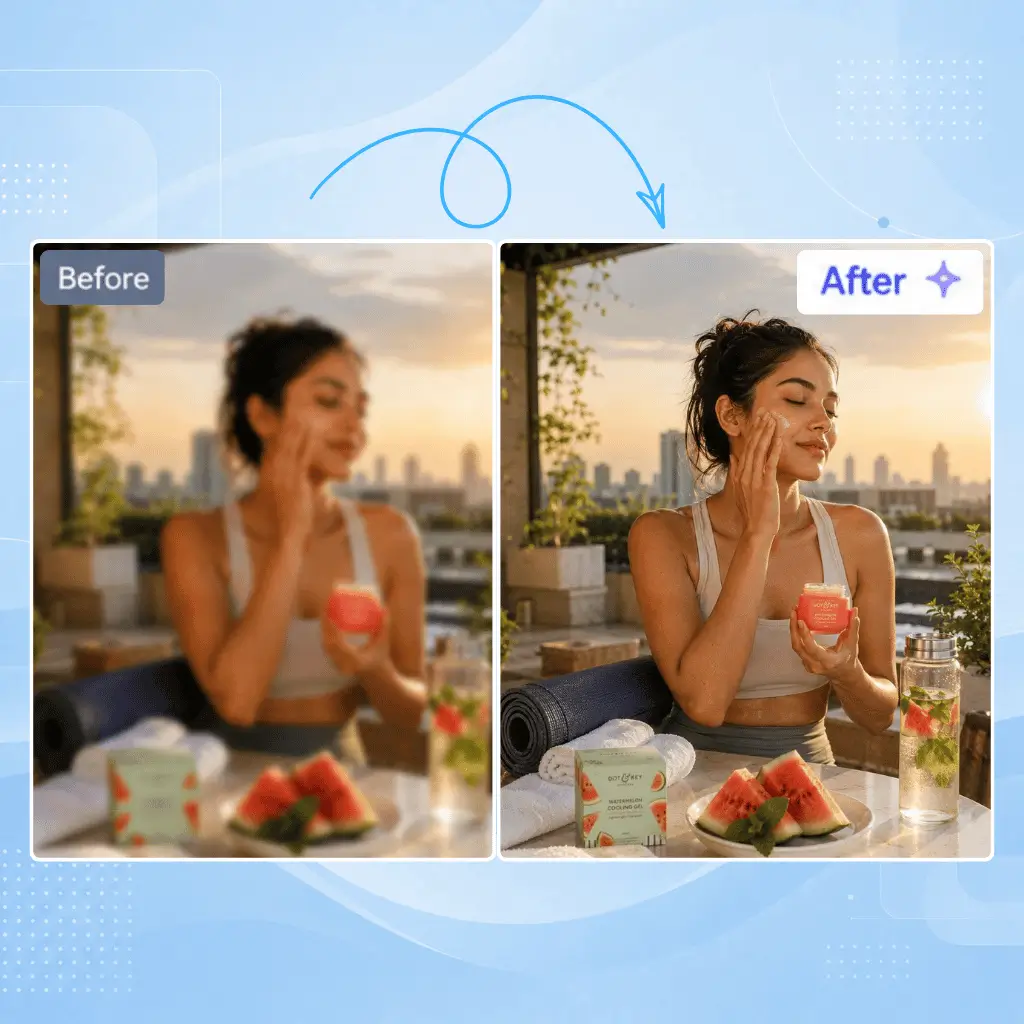
Before
Nano Banana Sample: Enhance image(after) | NoteGPT
After
Nano Banana Sample: Enhance image(before) | NoteGPT

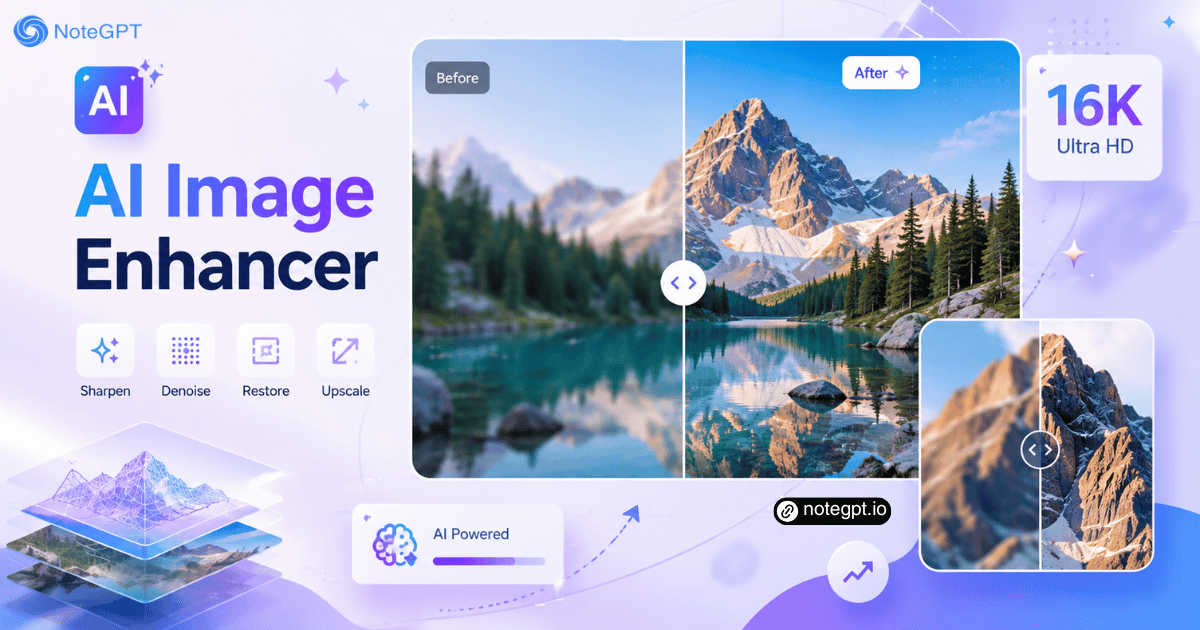
AI Image Enhancer - Enhance Photo Quality to 16K Online

Enhance image quality with AI. Sharpen blurry photos, remove noise, restore details, and upscale images online to create clearer, high-resolution images instantly.

AI Image Enhancer - Enhance Photo Quality to 16K Online

Enhance Image Quality with AI Image Enhancer

Improve your photo quality with our AI Image Enhancer. As a powerful picture quality enhancer, it automatically sharpens blurry photos, removes noise, restores lost details, and enhances image resolution to create clearer, high-quality images online in seconds.
Enhance Image Quality with AI Image Enhancer

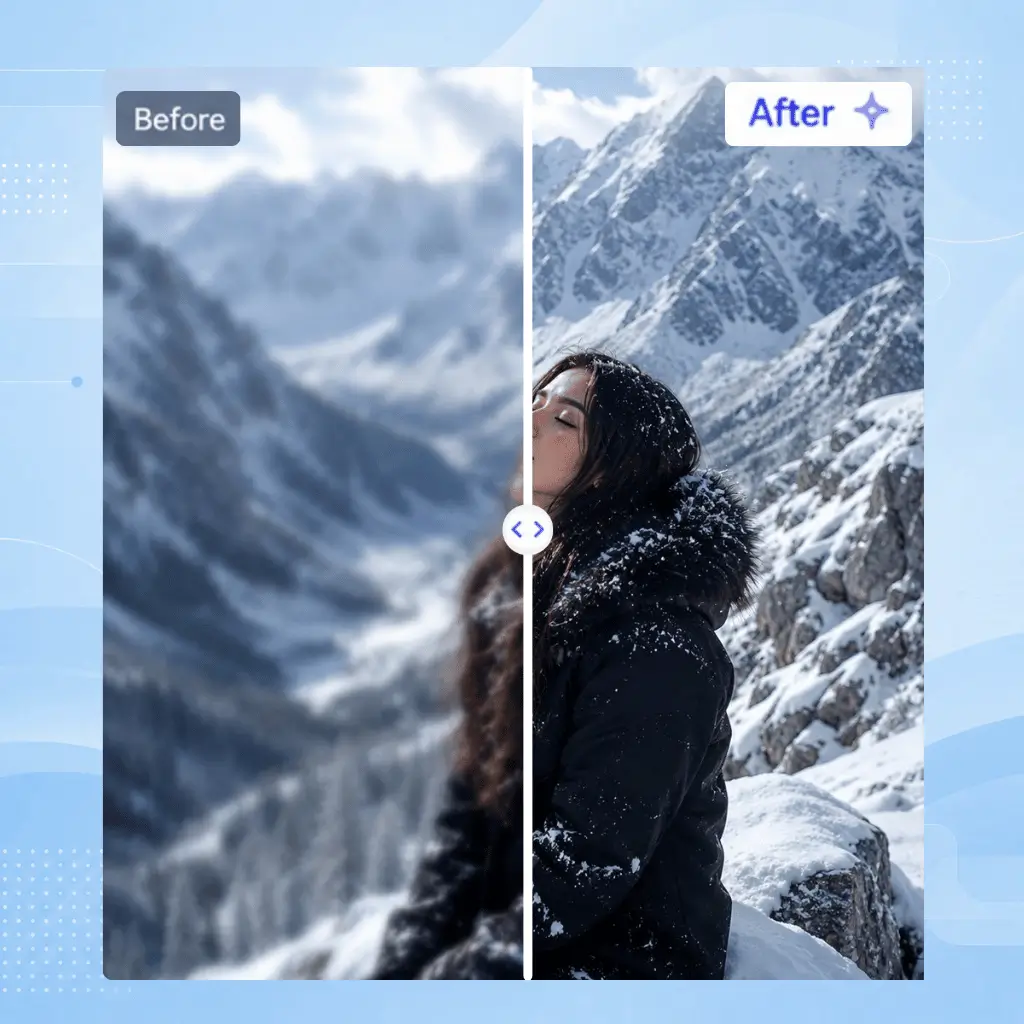
Fix Blurry, Low-Resolution Images with AI

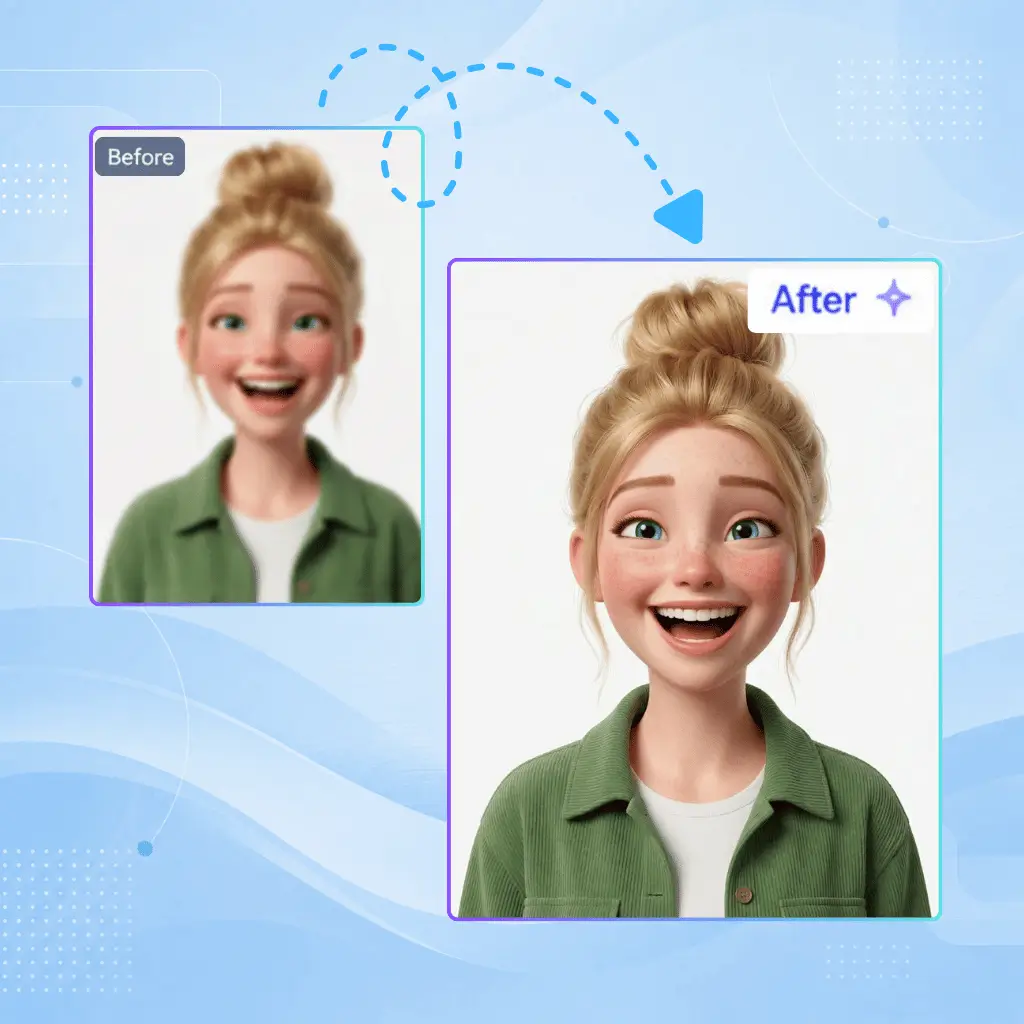
Turn blurry, pixelated, and low-resolution photos into sharper visuals with advanced AI enhancement technology. Our image resolution enhancer analyzes image details, improves clarity, enhances textures, and helps restore old photos without complicated editing skills.
Fix Blurry, Low-Resolution Images with AI

Enhance Photos for Every Creative Need

Whether you need to improve product images, restore old memories, enhance portraits, or refine AI-generated artwork, our AI photo enhancer delivers natural results. Upscale images online, recover fine details, and create high-resolution photos ready for sharing, printing, and professional use.
Enhance Photos for Every Creative Need

What Makes Our AI Image Enhancer Stand Out?

Powered by advanced AI models, our image enhancer improves quality, restores details, and upgrades resolution automatically.

Enhancement Up to 16K Resolution

Enhance images with advanced AI models that intelligently analyze textures, edges, and details. Upscale low-resolution images up to 16K while preserving natural quality, making photos sharper and clearer without losing important details.

One-Click Without Editing Skills

Upload your image and let AI handle the enhancement automatically. Sharpen blurry photos, remove noise, improve image resolution, and restore details instantly without complex Photoshop skills or manual adjustments.

Smart Detail Restoration

Recover missing details from blurry, compressed, or old images with AI restoration technology. Improve facial details, textures, colors, and clarity while maintaining the original look and natural appearance of your photos.

How to Use Our AI Image Enhancer?

Making your images better is easy with our tool. Just three quick steps, and you’ll get clear, high-quality results.

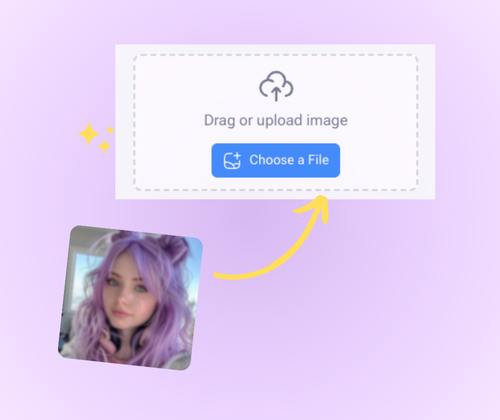
Step 1: Upload Your Image

Step 1: Upload Your Image

Find the “Upload” button on the page. Pick the image you want to fix from your phone or computer, then let it load. No special skills needed here.

Step 2: Enhance Image Automatically

Step 2: Enhance Image Automatically

Once your image is uploaded, the AI starts working right away. It fixes blur, boosts colors, and sharpens details — all on its own, no extra steps.

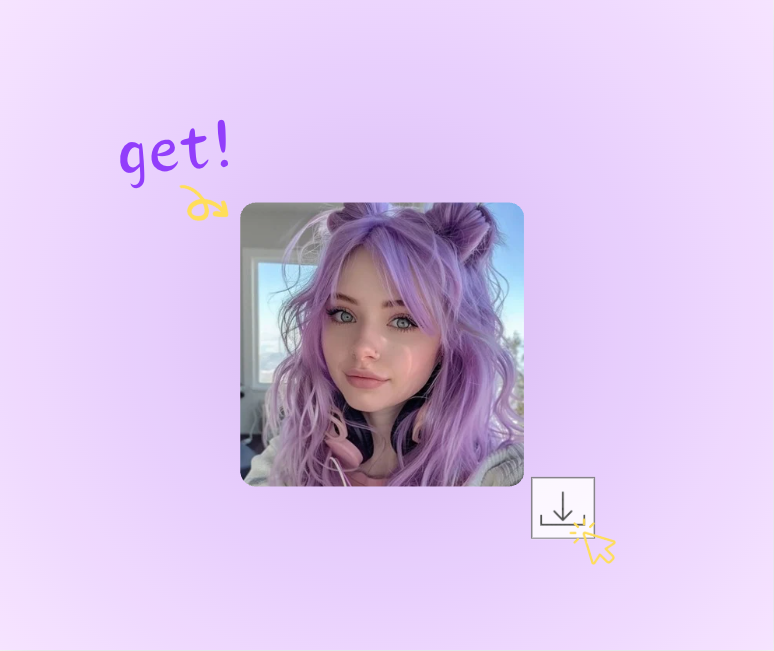
Step 3: Download the HD Image

Step 3: Download the HD Image

Wait a few seconds for the enhancement to finish. Then click “Download” to save your new, high-quality image. It’s ready to share or print.

Ready to Make Your Images Shine?

Turn blurry, dark, or low-res photos into clear, sharp ones. Our free AI Image Enhancer works fast — no skills needed. Upload your image and see the magic happen in seconds.

Enhance Your Image Now

What Users Say About AI Image Enhancer?

L.M. avatar

L.M.

Photographer

Tried the AI Image Enhancer on my blurry birthday photos — they were so fuzzy you could barely make out the cake. It sharpened faces, fixed the messy background, and made the balloons’ colors pop. Just upload, wait a few seconds, and done. Now they look like pro shots, not quick phone snaps. Love it!
J.K. avatar

J.K.

Travel Blogger

Old family photos from the 90s were faded, scratchy, and hard to share. The AI Image Enhancer changed that — brought back the original reds in grandma’s dress, erased the scratch across grandpa’s face, and made their smiles sharp. No editing skills needed, just a click. So glad I can finally show these to the kids!
M.R. avatar

M.R.

Graphic Designer

As a designer, clients send low-res logos that look pixelated on print. The AI Image Enhancer fixes them — sharpens the tiny text, smooths edges, and even boosts quality up to 8K. Faster than my old software, free, and works better. Total lifesaver for tight deadlines!
S.R. avatar

S.R.

Social Media User

Dark concert photos from my phone looked terrible — you could barely see the band. The AI Image Enhancer brightened them just right, kept the stage lights vivid, and cut the grain. Now my Instagram posts get twice the likes. Super easy to use, no fuss at all.
D.W. avatar

D.W.

Pet Owner

My dog’s photos are always blurry — he runs nonstop, so shots end up with a fuzzy tail or smudged face. The AI Image Enhancer fixed that! His fur details are sharp, his eyes clear, even in action. Free, online, no apps to download. Now I have great pics to share with fellow dog lovers.
A.L. avatar

A.L.

Hobbyist

Scanned old photos had dust spots and faded hues — mom’s wedding dress looked gray, not white. The AI Image Enhancer cleaned up the spots, restored the dress’s brightness, and smoothed the creases from folding. They look new! Simple to use, perfect for saving family memories.

Frequently Asked Questions About AI Image Enhancer