




NoteGPT

AI Data Visualizer

Analyze your data and generate easy-to-understand visual insight reports and professional charts, including line, bar, pie, scatter, radar, funnel, word cloud, and dozens more.

PopularAI TranscriberAI ImagesAI VideosText to SpeechAI Podcast
Shared by Users

AI Data Visualizer - Charts from Excel & CSV Data Online

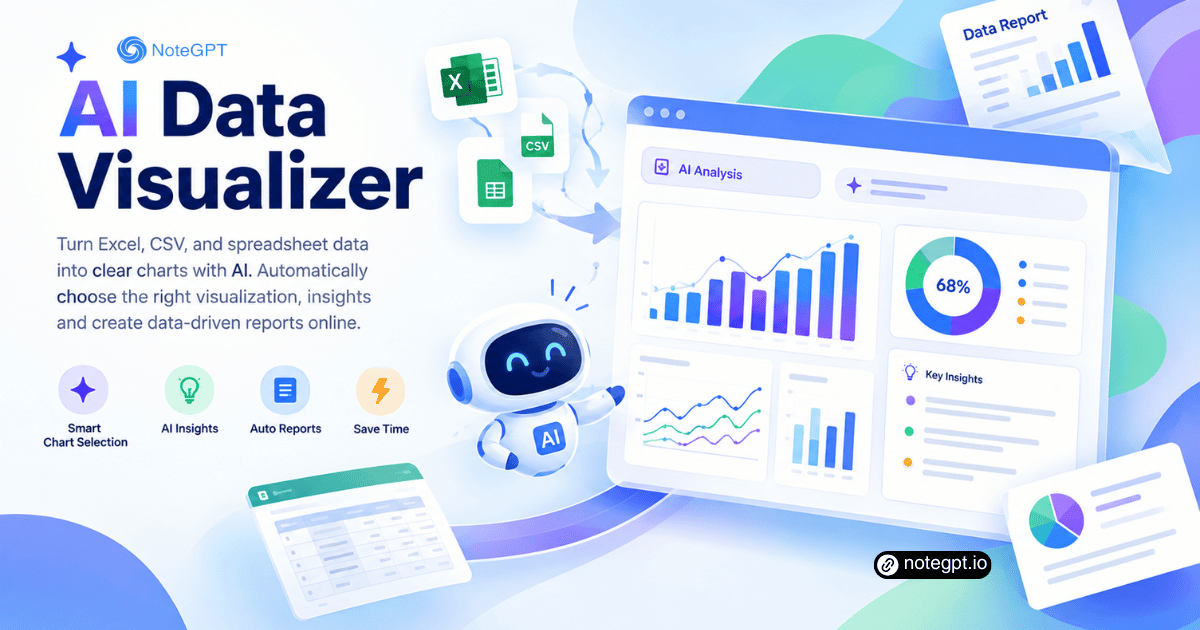
Turn Excel, CSV, and spreadsheet data into clear charts with AI. It chooses the right visualization, surfaces insights and creates data-driven reports online.

Auto Chart Selection Charts to Insights
Create a Chart Free
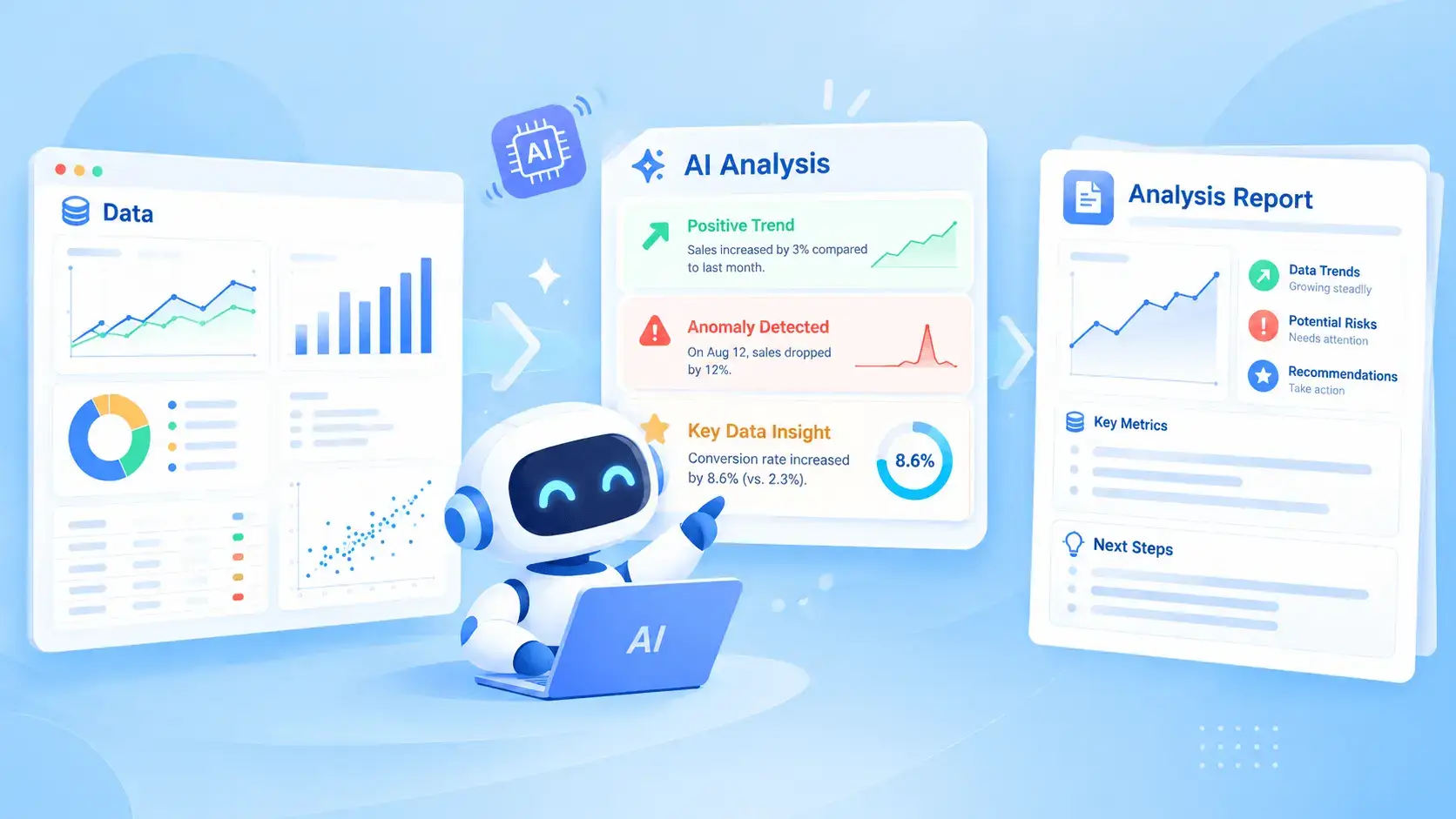
AI Data Visualizer turning spreadsheet data into an AI-generated chart

What Is AI Data Visualizer?

AI Data Visualizer reads the spreadsheet behind your numbers, picks the chart that fits the question, and writes one line explaining what it shows. AI Data Visualizer draws from your real values, so the axis labels and totals match the file instead of a rounded guess.
What Is AI Data Visualizer?

Why Choose AI Data Visualizer?

Most chart tools make you pick the type before you know what the data says. AI Data Visualizer reads the shape of your columns first, then recommends a chart and explains why it suits that question. Free access lets you test real files before deciding.
Why Choose AI Data Visualizer?

When Charts Take Longer Than the Analysis

You have a spreadsheet of monthly figures and one hour before the meeting. Bar or line? Which column is the axis? The default chart comes out unreadable, colors clash, and nobody can tell what it means. AI Data Visualizer reads the table and picks the chart that fits.
When Charts Take Longer Than the Analysis

What AI Data Visualizer Does with Your Data

AI Data Visualizer covers the whole path from raw spreadsheet to a chart you can drop into a slide, which removes the guesswork that usually sits between the two and keeps one tab open.

Pick the Right Chart

AI Data Visualizer reads column types and value ranges, then picks the chart that answers your question, not the first template offered.

Draw from Real Values

Every bar, line, and slice is calculated from the uploaded rows, and the axis labels carry the actual column names so nothing is renamed.

Explain the Pattern

Alongside each chart, AI Data Visualizer gives a short reading of the trend, the outlier and the comparison, so you have an opening line.

How to Make a Chart in 3 Steps

Step 1: Upload Your Spreadsheet

Step 1: Upload Your Spreadsheet

Drop in an Excel, CSV, or TSV export, and AI Data Visualizer reads headers, column types, and row counts before it suggests a single chart.

Step 2: Describe What You Need

Step 2: Describe What You Need

Say what you want to show, such as monthly revenue by region, and AI Data Visualizer selects the chart and maps columns to the right axis.

Step 3: Review and Export

Step 3: Review and Export

Check the chart against your underlying values, adjust the labels or colors where needed, then export the visual for a deck or a report.

Turn Spreadsheet Data into a Chart in Minutes

Skip the chart-picker. AI Data Visualizer reads your table, chooses the chart, and explains what it shows, all from one upload.

Create a Chart Free

What Users Say About AI Data Visualizer

Nadia Petrov avatar

Nadia Petrov

Marketing Manager

“Every Monday I turn a channel export into a slide for the leadership call, and picking the chart used to take as long as the analysis. AI Data Visualizer reads the columns, suggests a stacked bar, and writes a one-line reading of the trend that goes straight into the deck, so the job now takes minutes, with no separate design step.”
Kwame Mensah avatar

Kwame Mensah

Financial Analyst

“Our variance tables have twelve regions and three scenarios, and the built-in charts always come out crowded. AI Data Visualizer asked what I needed to show, chose a chart that fits that question, and kept the real column names on the axes. Being able to check each figure against the source rows is what made me trust it for board material.”
Sofia Lindqvist avatar

Sofia Lindqvist

Operations Lead

“I track fulfilment times across four warehouses and used to rebuild the same chart every week. AI Data Visualizer handles the messy export, drops the blank rows, and produces a chart I can actually read on a phone screen. The short explanation under each chart is the part I did not expect to use so much when briefing the team.”
Arjun Desai avatar

Arjun Desai

Startup Founder

“Investor updates used to mean an evening in a spreadsheet trying to make a chart look presentable. AI Data Visualizer turned the same file into three clean visuals and told me the trend it could see, which caught a drop I had missed. For a company without an analyst, that mix of drawing and explaining is useful.”
Clara Bennett avatar

Clara Bennett

University Lecturer

“Teaching materials need charts that survive a projector and a lecture recording. AI Data Visualizer produces readable output from survey exports and keeps the category labels intact, which matters more than any styling option. My students can follow the numbers in a figure without me describing every axis aloud, and slides are faster.”
Ravi Chandra avatar

Ravi Chandra

Product Analyst

“Experiment results arrive as a raw event table, and the first chart I made by hand always flattened the comparison. AI Data Visualizer suggested a grouped bar, mapped the columns correctly, and wrote a note about the sample size. I still check the rows, but starting from a sensible chart instead of a blank canvas saves time weekly.”

Frequently Asked Questions About AI Data Visualizer