

M.L.
Digital Marketer
“AI Image Extender saved me so much time. I often need wider images for ads, and this tool expands the background without making it look fake. It feels like magic—just upload and it fixes everything.”

Free AI Image Extender Online
Turn tightly cropped photos into wider compositions with our AI image expander.
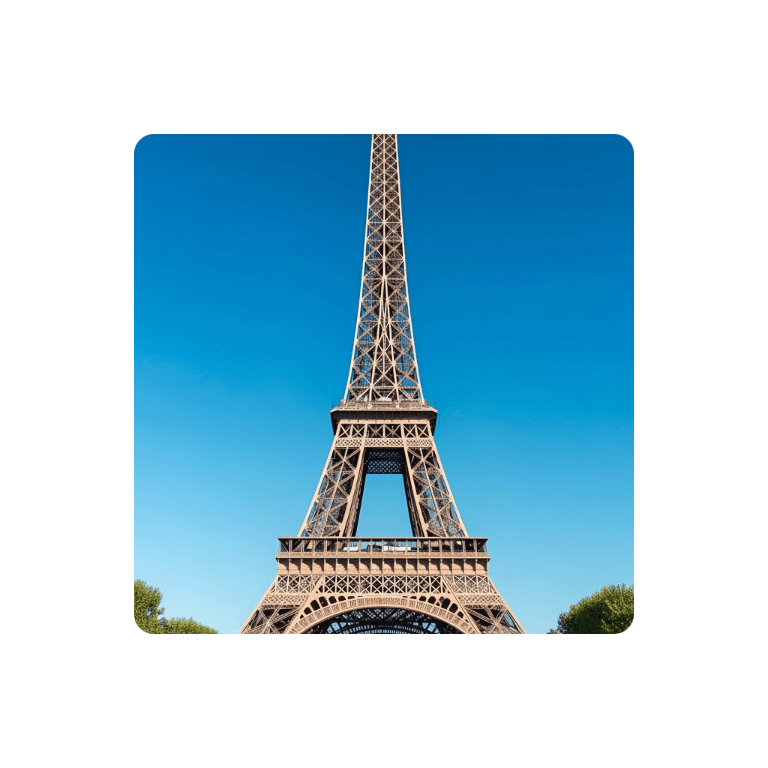
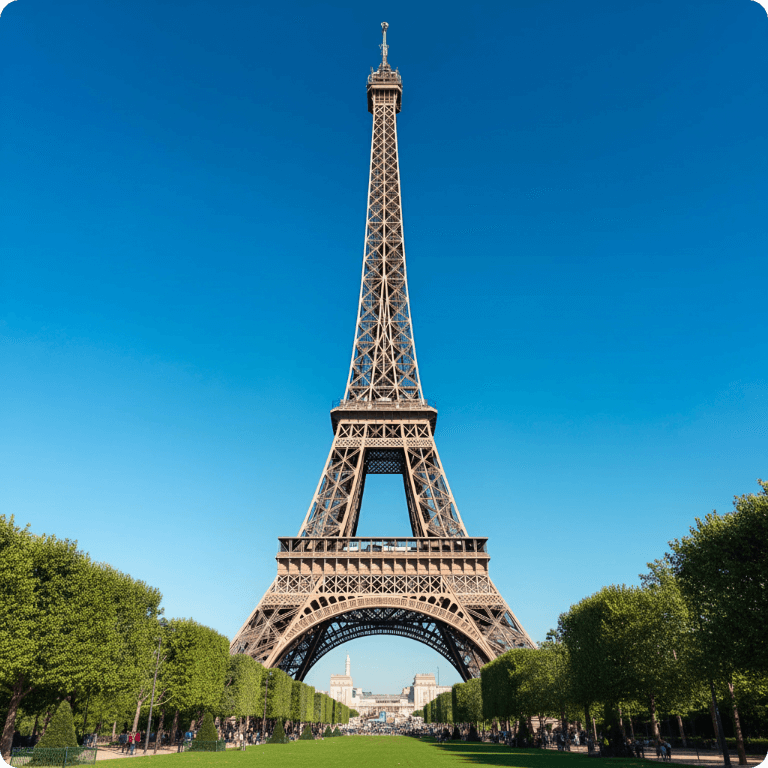
Expand photos beyond their borders with NoteGPT’s AI Image Extender. Uncrop images, extend backgrounds, and adjust aspect ratios for social posts and banners.
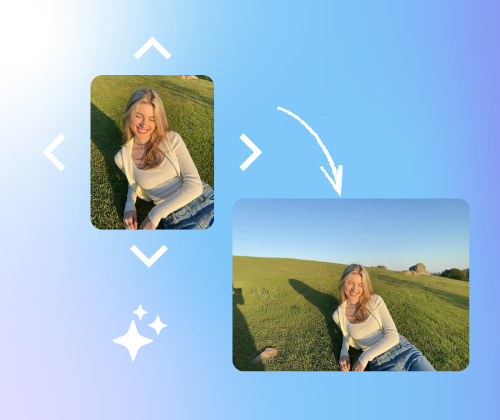
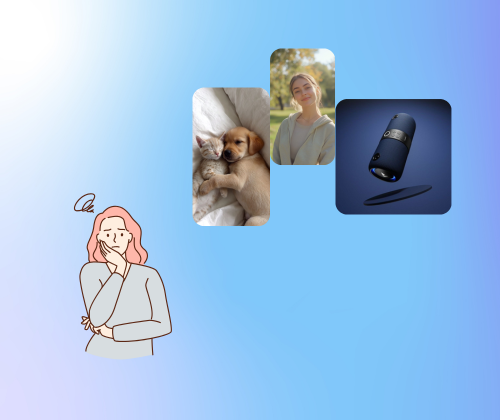
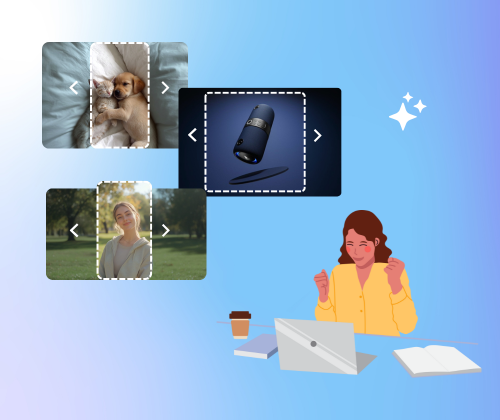
The following advantages make AI Image Extender stand out from other tools:
With AI Image Extender, you can adjust to any aspect ratio, whether it’s standard or custom, to fit your needs perfectly.
The AI doesn't just stretch your image—it intelligently fills in backgrounds and adds fine details for a seamless look.
Need to enlarge multiple images at once? AI Image Extender lets you process images in bulk without sacrificing image quality.
Using AI Image Extender is super easy! Just follow these 3 simple steps to enlarge, extend, and customize your images with no hassle.
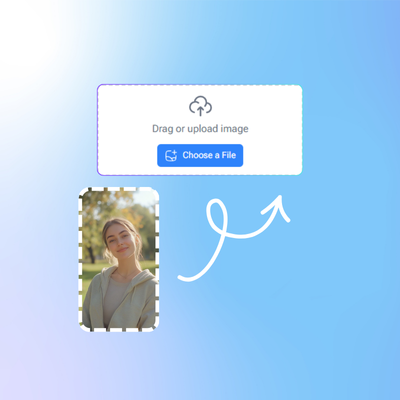
Start by uploading the image you want to resize or extend. You can drag and drop or browse your files.
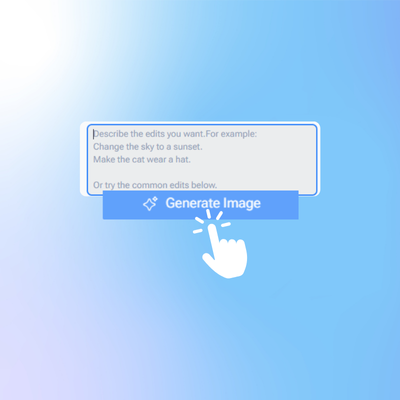
Select your desired aspect ratio or customize it. Adjust the image area you want to extend, and the AI will take care of the rest.
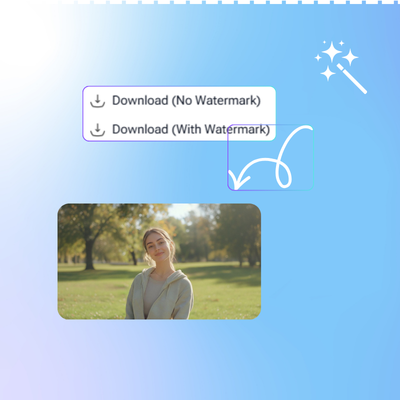
Once the image is processed, just download it. You’ll get a high-quality, enlarged image with no quality loss!
If you need more space in your photo or want a clean, natural-looking background, AI Image Extender makes it easy. No sign-up, no learning curve—just upload, extend, and download. Give it a try and see how fast it works.
Start Extending NowM.L.
Digital Marketer
“AI Image Extender saved me so much time. I often need wider images for ads, and this tool expands the background without making it look fake. It feels like magic—just upload and it fixes everything.”

J.R.
Small Business Owner
“I use AI Image Extender for my online shop. Product photos don’t always fit the layout, but this tool helps me extend the canvas while keeping the image clean and sharp. Super easy to use.”

K.S.
Content Creator
“As a content creator, I’m always dealing with images that don’t match the format I need. AI Image Extender gives me quick fixes without quality loss. It’s honestly the tool I was missing.”

T.H.
Social Media Manager
“AI Image Extender makes my workflow smoother. I can adjust proportions, add more space, and prepare images for social posts in minutes. No distortion, no stress.”

R.P.
Graphic Designer
“I was surprised by how natural the extended part looked. AI Image Extender does a great job blending new details into the original photo. Perfect for quick design tasks.”

S.W.
Blogger
“I run a travel blog and often need landscape photos in different sizes. AI Image Extender helps me get the perfect dimensions without cropping out important parts. It’s reliable and super fast.”