



NoteGPT
AI Magic EraserMore Image Tools
Upload or Paste an Image
PNG, JPG, JPEG, WebP (max 20MB)
2 free image daily, then 6 premium credits / image.

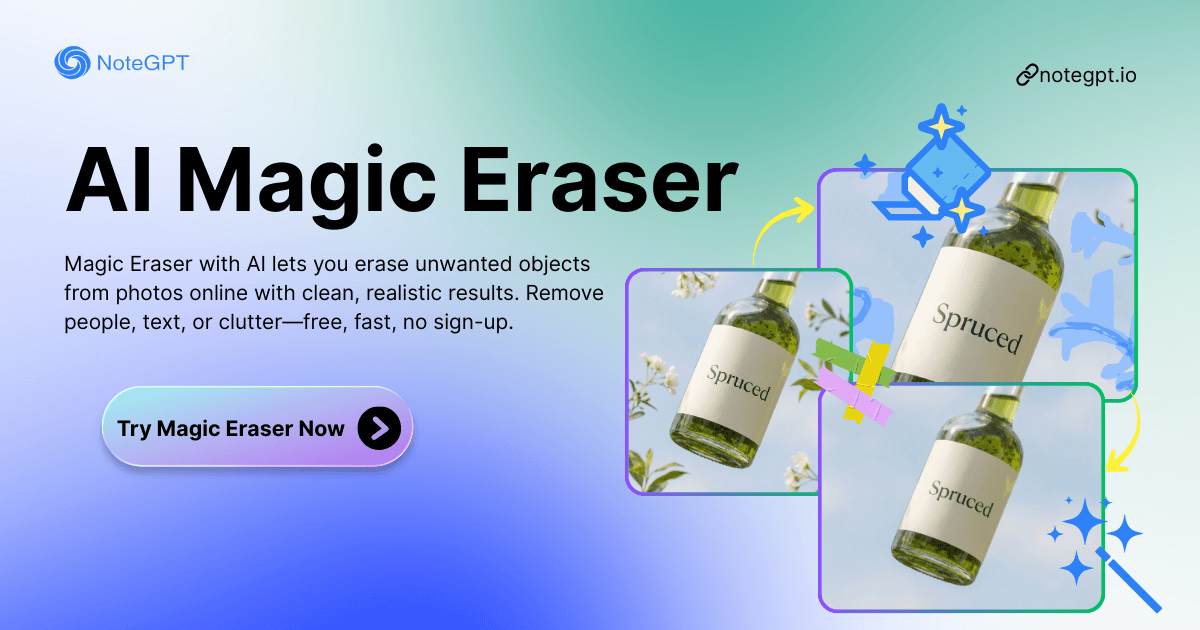
Magic Eraser with AI: Free Clean Photo Object Erasing Online

Edit, transform, and enhance your images instantly with Nano Banana. Start creating stunning visuals online today!

Before
Nano Banana Sample: Remove Object(after) | NoteGPT
After
Nano Banana Sample: Remove Object(before)  | NoteGPT
NoteGPT - Rated 4.9+ by NoteGPT Users
4.9
Chrome Store
NoteGPT - Rated 4.9+ by NoteGPT Users
NoteGPT - 80,000,000+ Users
80,000,000+
Users
NoteGPT - 80,000,000+ Users
NoteGPT - Trusted By 12,000+ Schools & Teams
12,000+
Schools & Teams
NoteGPT - Trusted By 12,000+ Schools & Teams

Trusted by 12 million users worldwide.

Logo
Logo
YouTube
Logo
Logo
Logo
Logo
Logo
Logo
Logo
Logo
Logo
Logo
Logo
Logo
Logo
Logo
Logo
Logo
Logo
Logo
Logo
Logo
Logo
Logo
Logo
Logo
Logo
Logo
Logo
Logo
Logo
YouTube
Logo
Logo
Logo
Logo
Logo
Logo
Logo
Logo
Logo
Logo
Logo
Logo
Logo
Logo
Logo
Logo
Logo
Logo
Logo
Logo
Logo
Logo
Logo
Logo
Logo
Logo
Logo
Logo
Logo
YouTube
Logo
Logo
Logo
Logo
Logo
Logo
Logo
Logo
Logo
Logo
Logo
Logo
Logo
Logo
Logo
Logo
Logo
Logo
Logo
Logo
Logo
Logo
Logo
Logo
Logo
Logo
Logo

Magic Eraser with AI: Free Clean Photo Object Erasing Online

Magic Eraser with AI lets you erase unwanted objects from photos online with clean, realistic results. Remove people, text, or clutter—free, fast, no sign-up.

Magic Eraser with AI: Free Clean Photo Object Erasing Online

What is Magic Eraser?

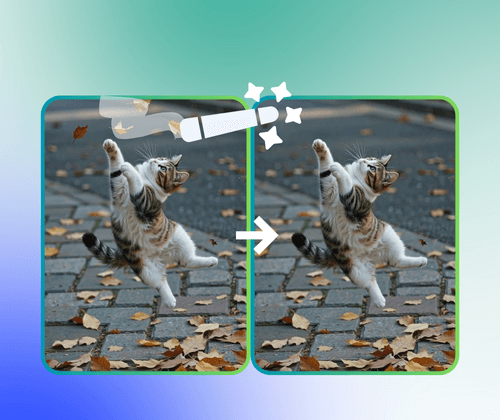
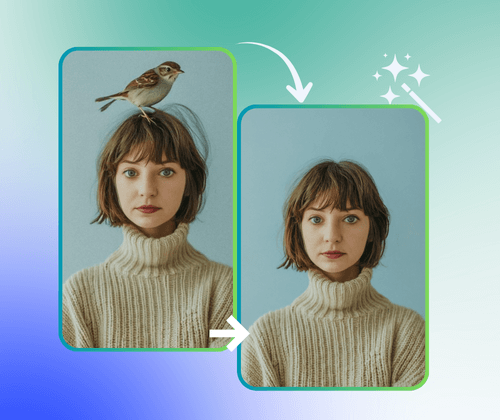
Magic Eraser with AI is an easy online tool that helps you remove unwanted objects from photos in seconds. You can erase people, text, clutter, or any distractions, and the AI will fill the background naturally. It's perfect for cleaning up pictures for social media, e-commerce, or personal use, letting you get smooth, realistic results without any complicated editing.

What is Magic Eraser?

Spending Too Much Time on Photoshop?

Editing photos manually in Photoshop can be slow and tricky. Magic Eraser with AI lets you remove unwanted objects, people, or text online instantly, giving clean, realistic results without any complicated steps.

Spending Too Much Time on Photoshop?

Why Magic Eraser Is Recommended?

Magic Eraser with AI is recommended for anyone who wants quick and easy photo editing. Unlike traditional tools, it removes unwanted objects, clutter, or people instantly with AI, saving time and effort. The tool works online, requires no downloads, and delivers smooth, realistic results every time, making it perfect for social media, e-commerce, or personal photos.

Why Magic Eraser Is Recommended?

Why Magic Eraser with AI Stands Out

Magic Eraser with AI makes photo editing simple and fast. It removes unwanted objects perfectly, delivers clean results in seconds, and works free and safe online.

Perfectly Remove Objects from Photos

Erase people, text, or clutter seamlessly with AI. The tool fills backgrounds naturally for smooth, realistic results every time.

Fast and Clean Photo Editing

Get quick results without complex steps. AI processes images instantly, letting you edit multiple photos effortlessly online.

Free, Safe, and Easy to Use

No downloads or sign-ups required. Your photos stay secure, and everyone can clean up images easily with just a few clicks.

How to Use Magic Eraser with AI

Easily remove unwanted objects from your photos in three simple steps. No downloads or skills needed.

Step 1: Upload Your Photo Online

Step 1: Upload Your Photo Online

Select the image you want to edit. Upload it directly to the Magic Eraser with AI tool.

Step 2: Mark Objects to Remove

Step 2: Mark Objects to Remove

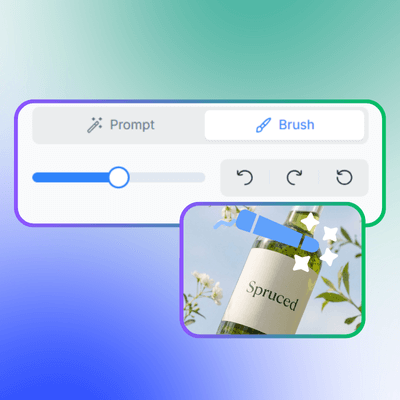
Highlight people, text, or clutter you want gone. The AI will detect and prepare them for removal.

Step 3: Erase and Download

Step 3: Erase and Download

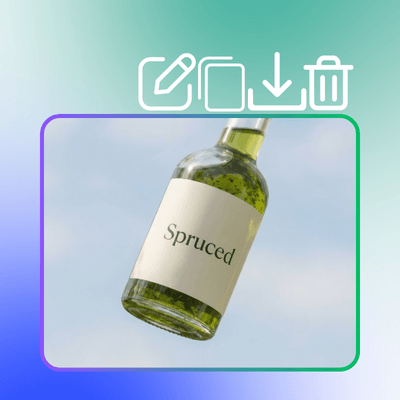
Click erase to remove unwanted objects instantly. Download the clean, realistic photo in seconds.

Start Editing Photos with Magic Eraser

Ready to remove unwanted objects and clutter from your photos? Magic Eraser with AI makes it fast, easy, and free. Just upload your image, erase distractions, and get clean, realistic results instantly.

What Users Say About Magic Eraser with AI

J.D. avatar

J.D.

Photographer

I've tried several photo editing tools before, but Magic Eraser with AI is by far the easiest and fastest. It removes unwanted objects instantly, and the background looks natural every time. It really saves me hours of work compared to Photoshop.
L.S. avatar

L.S.

Social Media Manager

As a social media manager, I often need clean photos quickly. Magic Eraser with AI lets me erase clutter, text, or people from images in seconds. The results are always realistic, and it works online without complicated steps.
K.M. avatar

K.M.

Blogger

I was worried about using AI tools, but Magic Eraser with AI is safe and simple. I can remove objects from my personal photos without downloading software. It's free, fast, and the final photos look professional.
R.T. avatar

R.T.

E-commerce Seller

Editing product photos for my online store used to be a headache. Magic Eraser with AI makes it effortless. I erase unwanted items quickly, and the photos look clean and appealing to customers every time.
M.H. avatar

M.H.

Travel Enthusiast

I love taking pictures during trips, but sometimes strangers or trash ruin the shot. Magic Eraser with AI lets me remove all distractions instantly. It's intuitive, online, and the results are always smooth and natural.
A.C. avatar

A.C.

Student

As a student, I needed to clean images for my projects. Magic Eraser with AI made it so simple. I upload a photo, remove unwanted objects, and get realistic, polished results in seconds—without any complicated software.

Frequently Asked Questions About Magic Eraser