
NoteGPT
AI Portrait GeneratorMore Image Tools
Upload or Paste an Image(0/8)
PNG, JPG, JPEG, WebP (max 20MB)
ProfessionalProfessional
BusinessBusiness
ID PhotoID Photo
EnergeticEnergetic
CasualCasual
SophisticatedSophisticated
ModernModern
AcademicAcademic
TechTech
2 free image daily, then 6 premium credits / image.

Free AI Portrait Generator

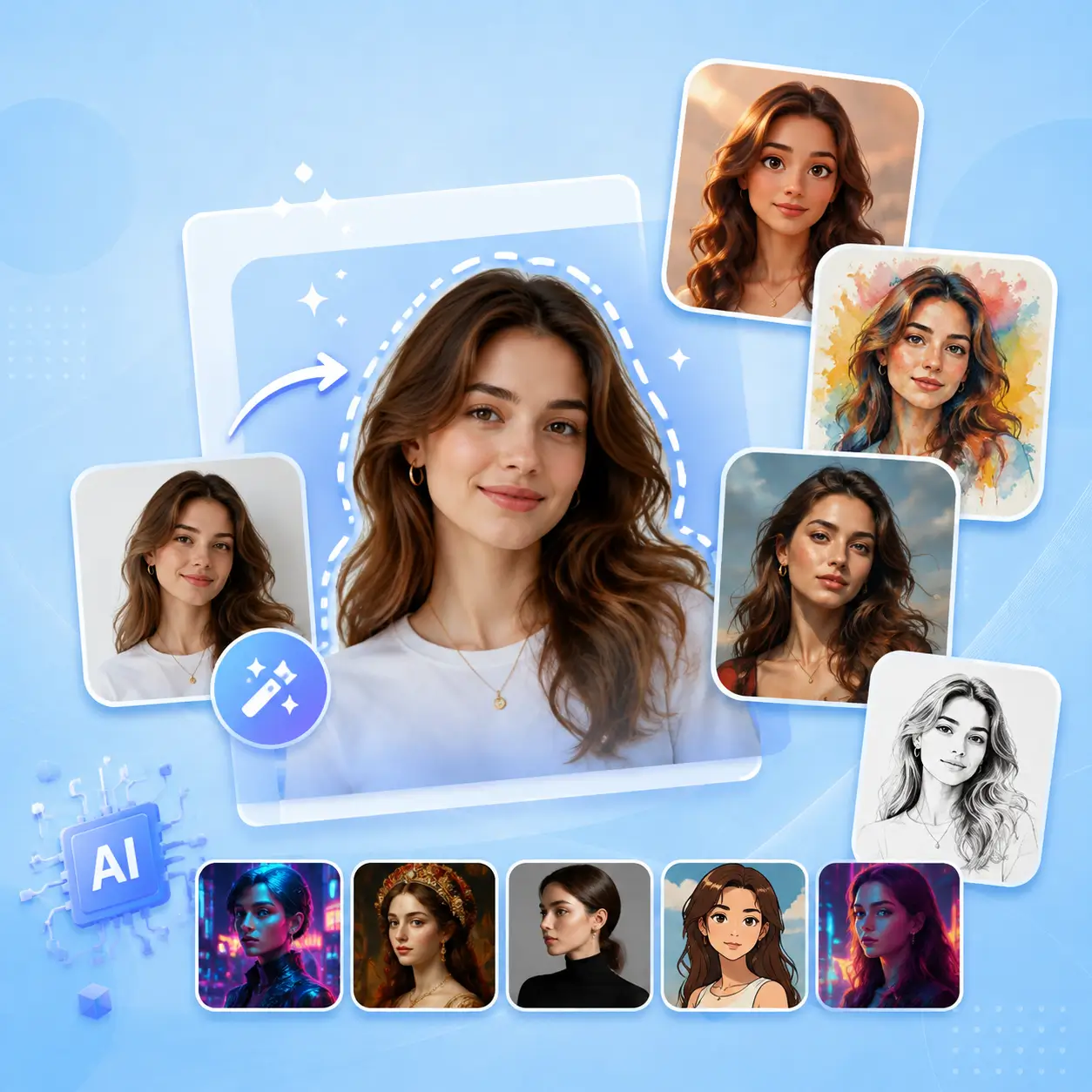
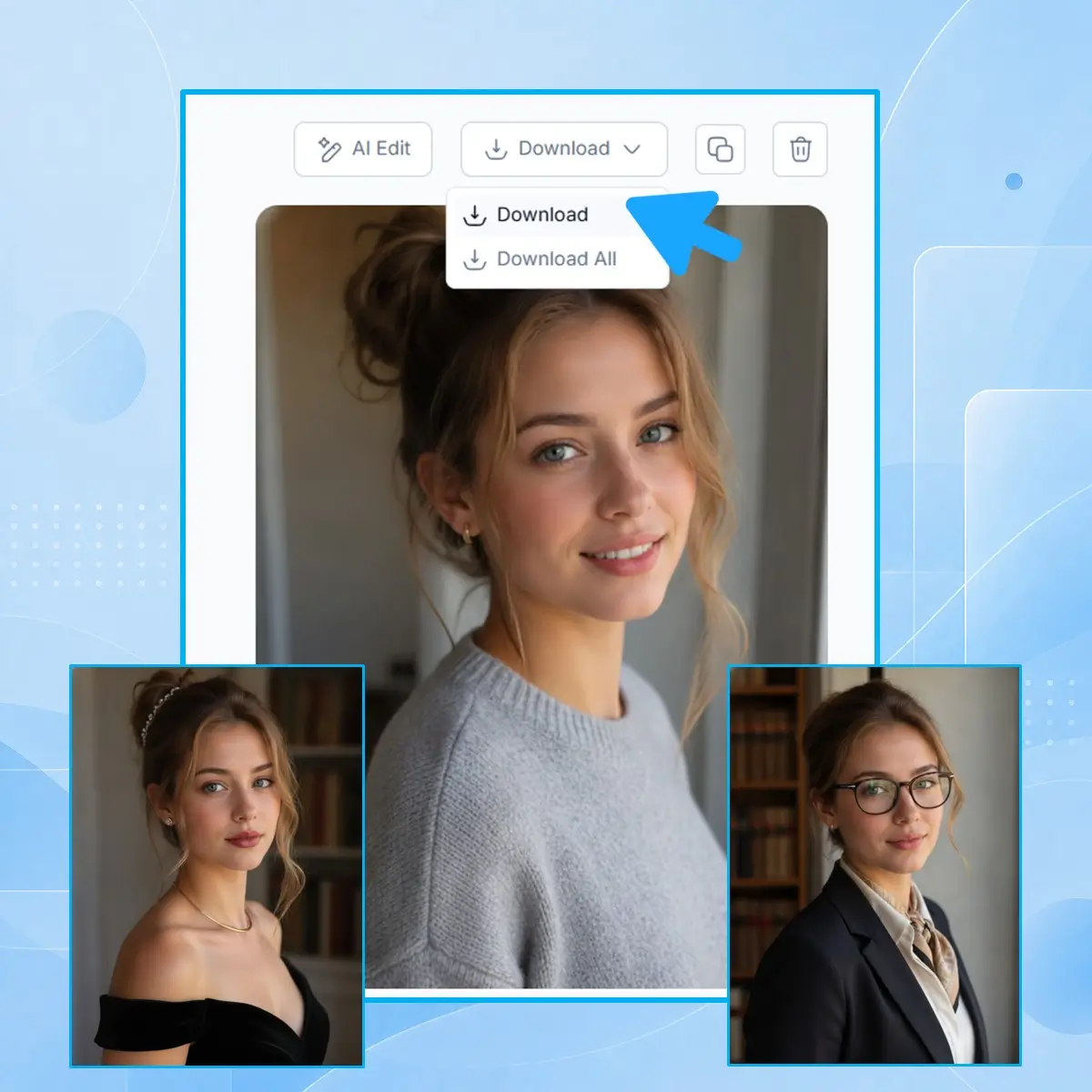
Create AI portraits fast from one photo with NoteGPT. Explore creative styles while keeping your unique facial features.

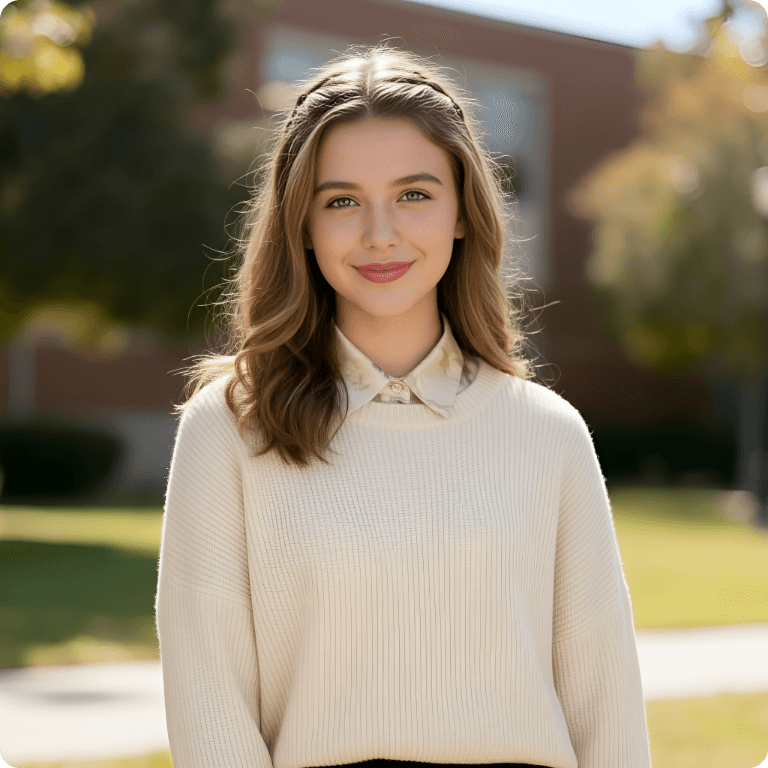
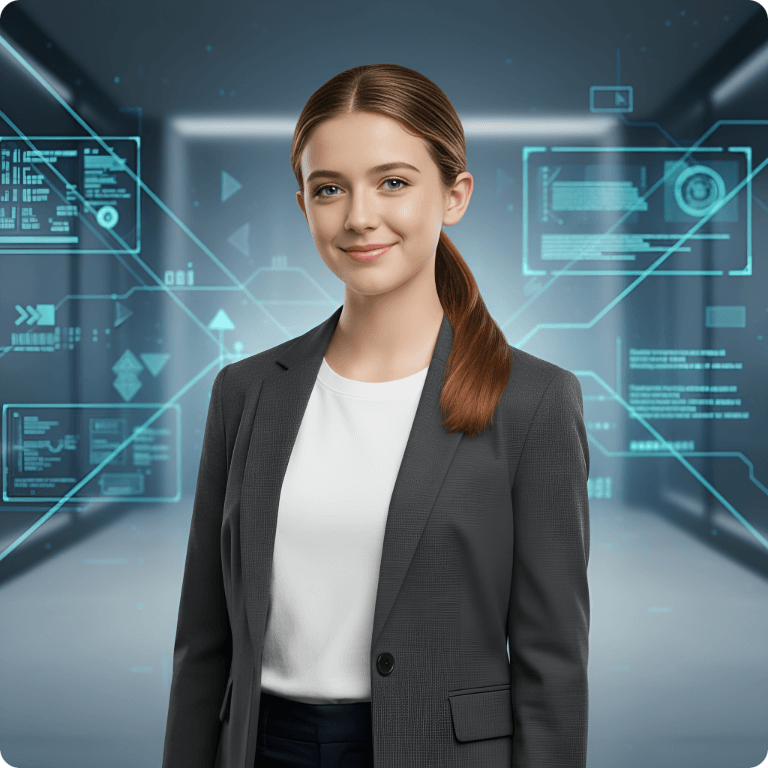
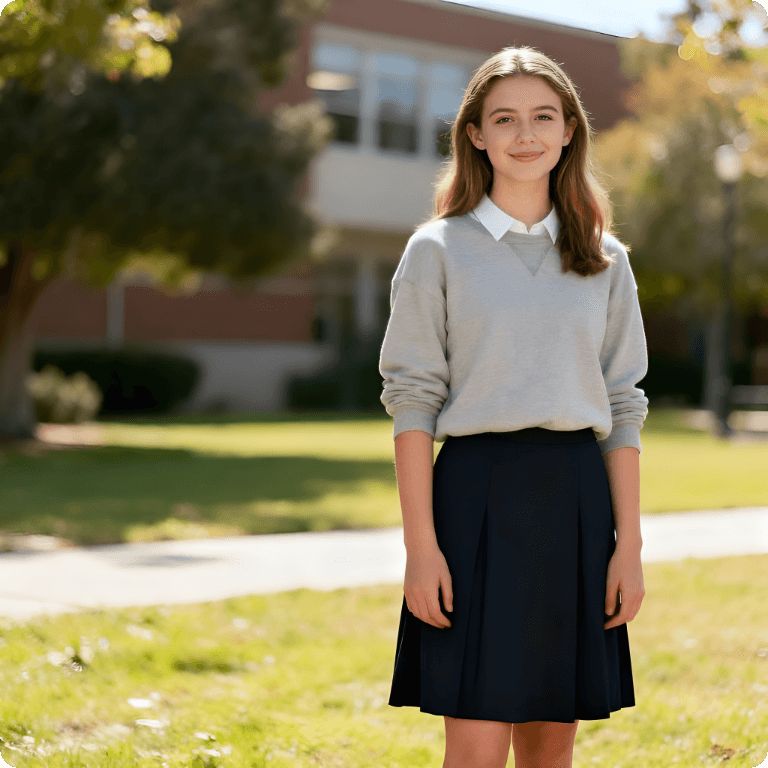
Before
AI Portrait Generator Sample | NoteGPT
After
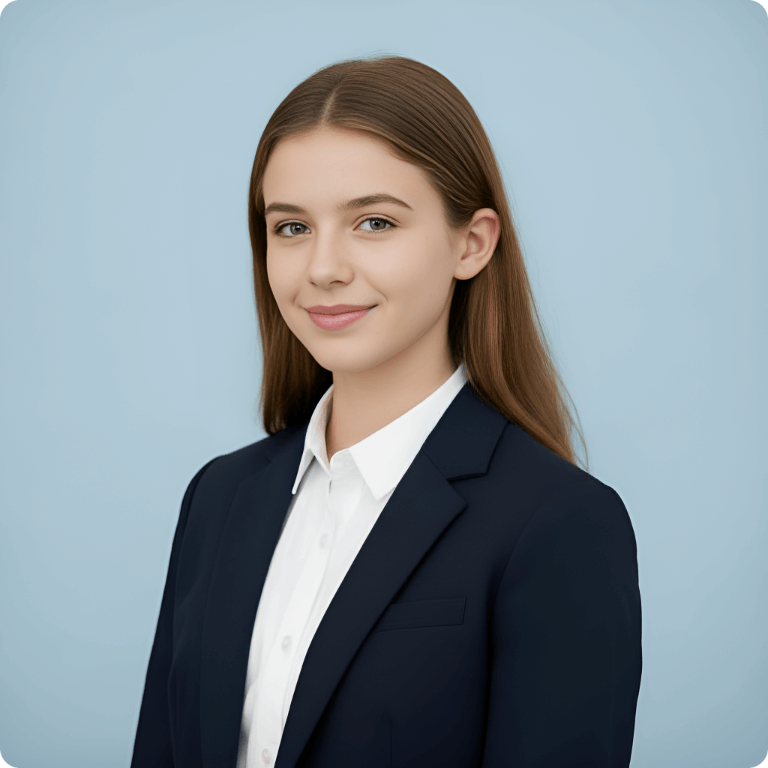
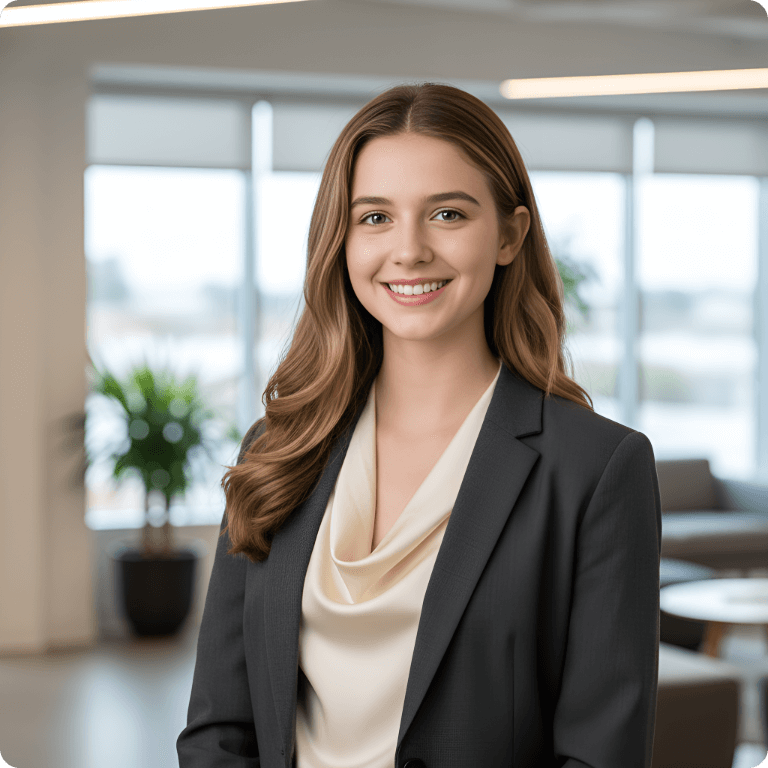
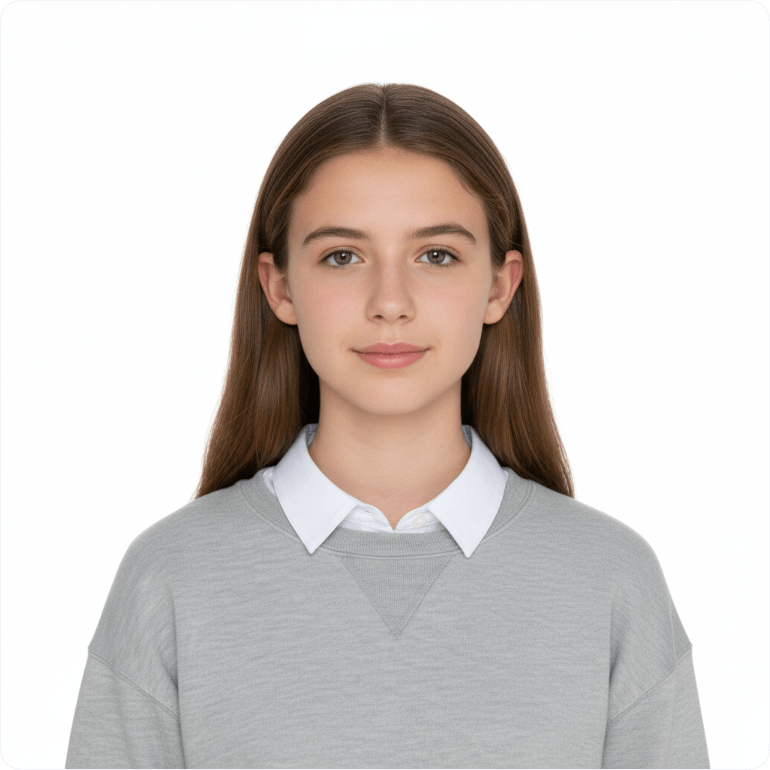
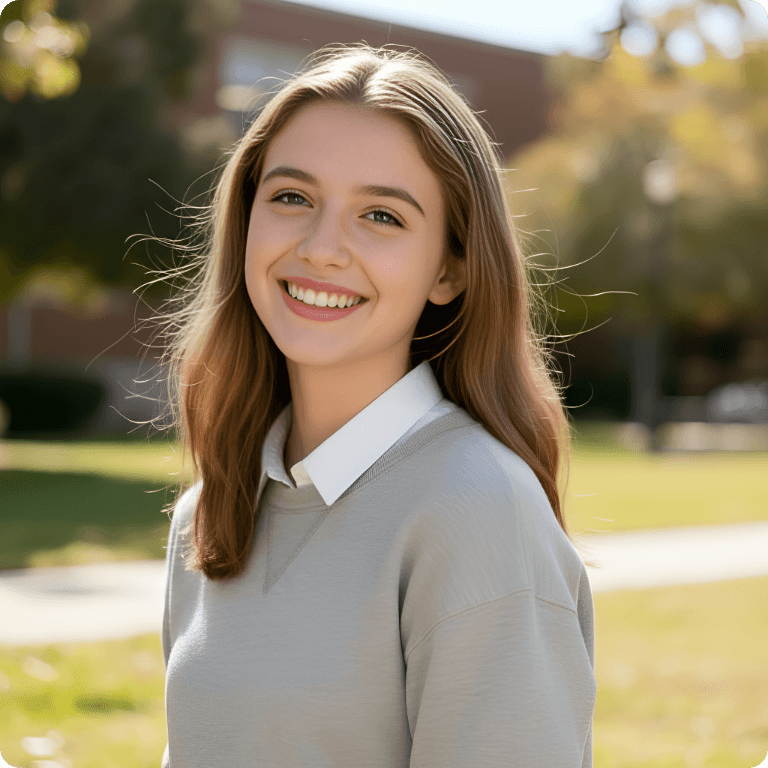
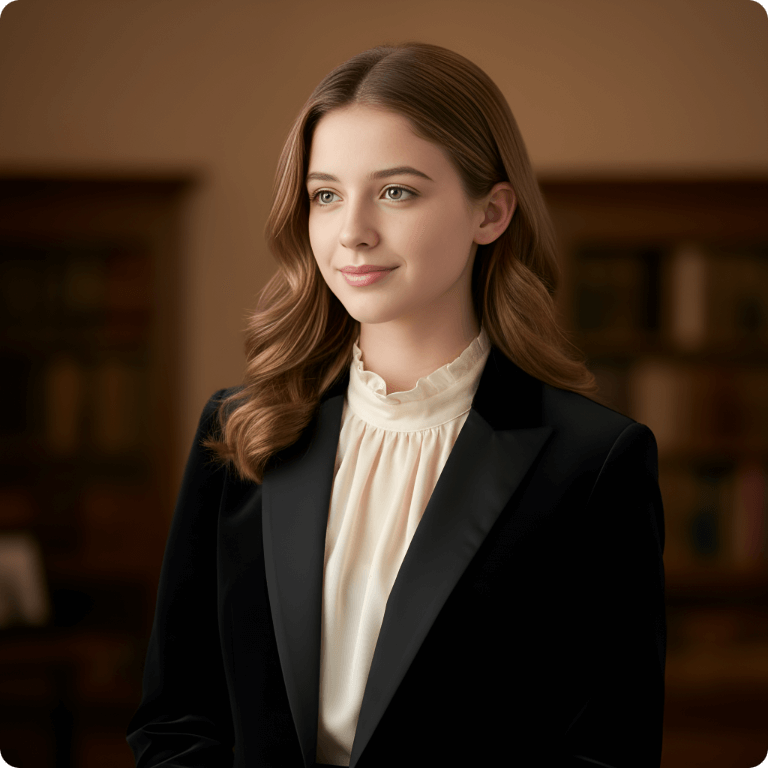
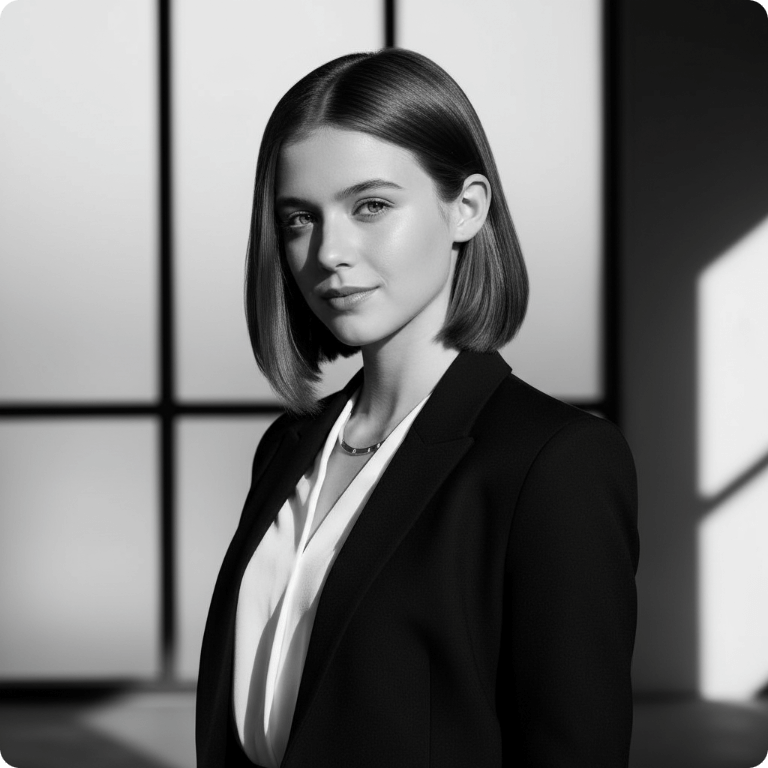
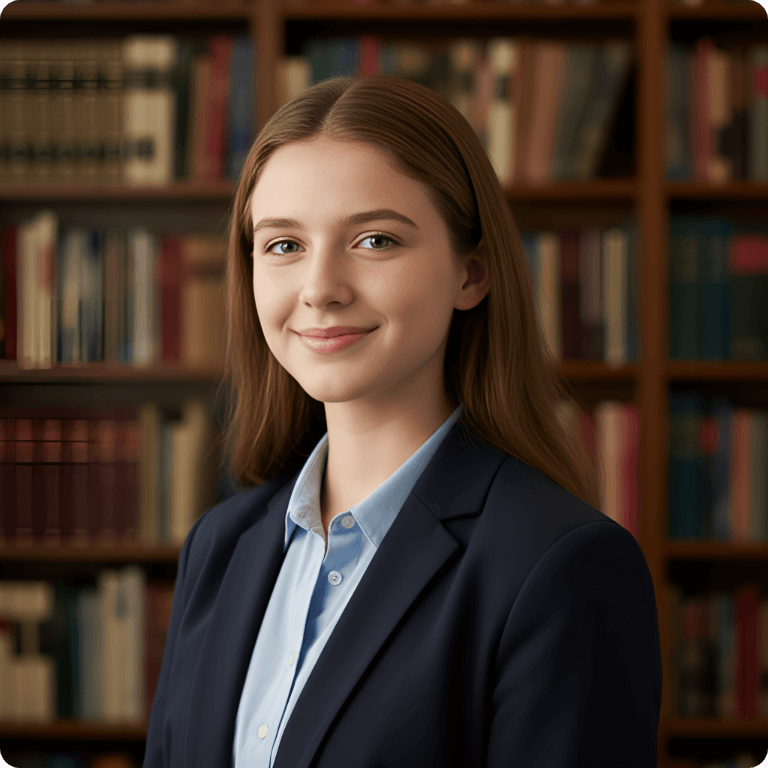
ProfessionalBusinessID PhotoEnergeticCasualSophisticatedModernAcademicTech

AI Portrait Generator – One Photo, Unlimited Styles Free

Create stunning AI portraits from one photo with unlimited styles. Transform selfies into realistic, artistic, and creative portraits online for free with NoteGPT.

AI Portrait Generator – One Photo, Unlimited Styles Free

What is AI Portrait Generator?

AI Portrait Generator is an online tool that turns your photos into unique AI portraits in seconds. By uploading a selfie or personal photo, you can create realistic, artistic, and creative portraits in different styles. It helps you generate AI portraits from photos, explore new looks, and create personalized images without any design skills.
What is AI Portrait Generator?

Why Choose NoteGPT AI Portrait Generator?

NoteGPT AI Portrait Generator makes it easier to create personalized images without spending hours on photo editing. Whether you need an AI portrait generator from photo for social media, creative projects, or personal use, you can quickly turn simple pictures into eye-catching portraits with less effort. It’s a simple way to explore AI-generated portraits and bring new ideas to life.
Why Choose NoteGPT AI Portrait Generator?

Create AI Portraits Without Expensive Photo Editing

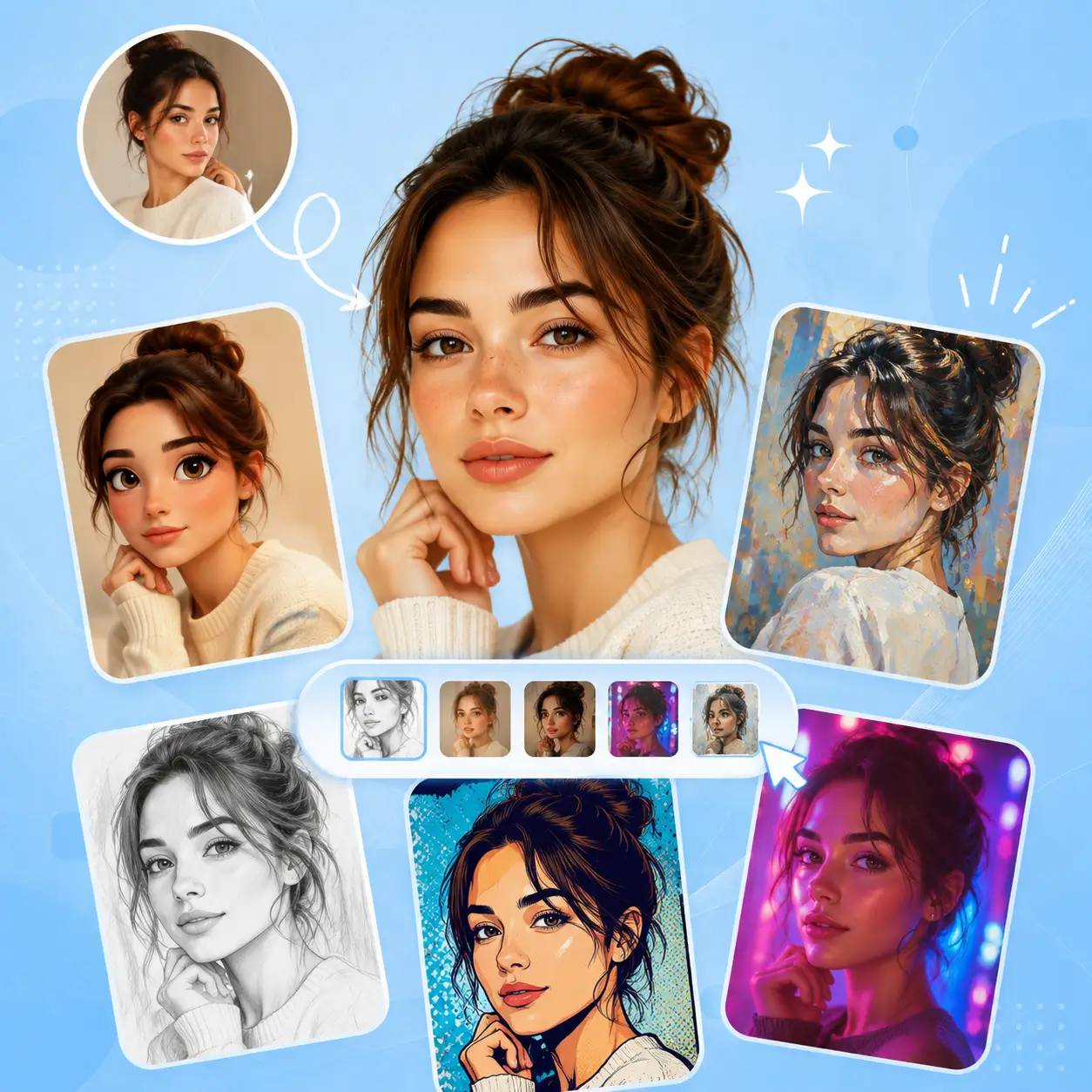
Creating a unique portrait often takes time, editing skills, or professional tools. With NoteGPT AI Portrait Generator, you can turn a simple photo into creative AI portraits in seconds, without complicated steps or manual edits.
Create AI Portraits Without Expensive Photo Editing

Create Unique AI Portraits with NoteGPT

With NoteGPT’s AI Portrait Generator, you can turn one photo into unique AI portraits with fast generation, creative styles, and natural-looking results. Explore different ways to transform your photos without complicated editing tools.

Turn One Photo into Multiple Portrait Styles

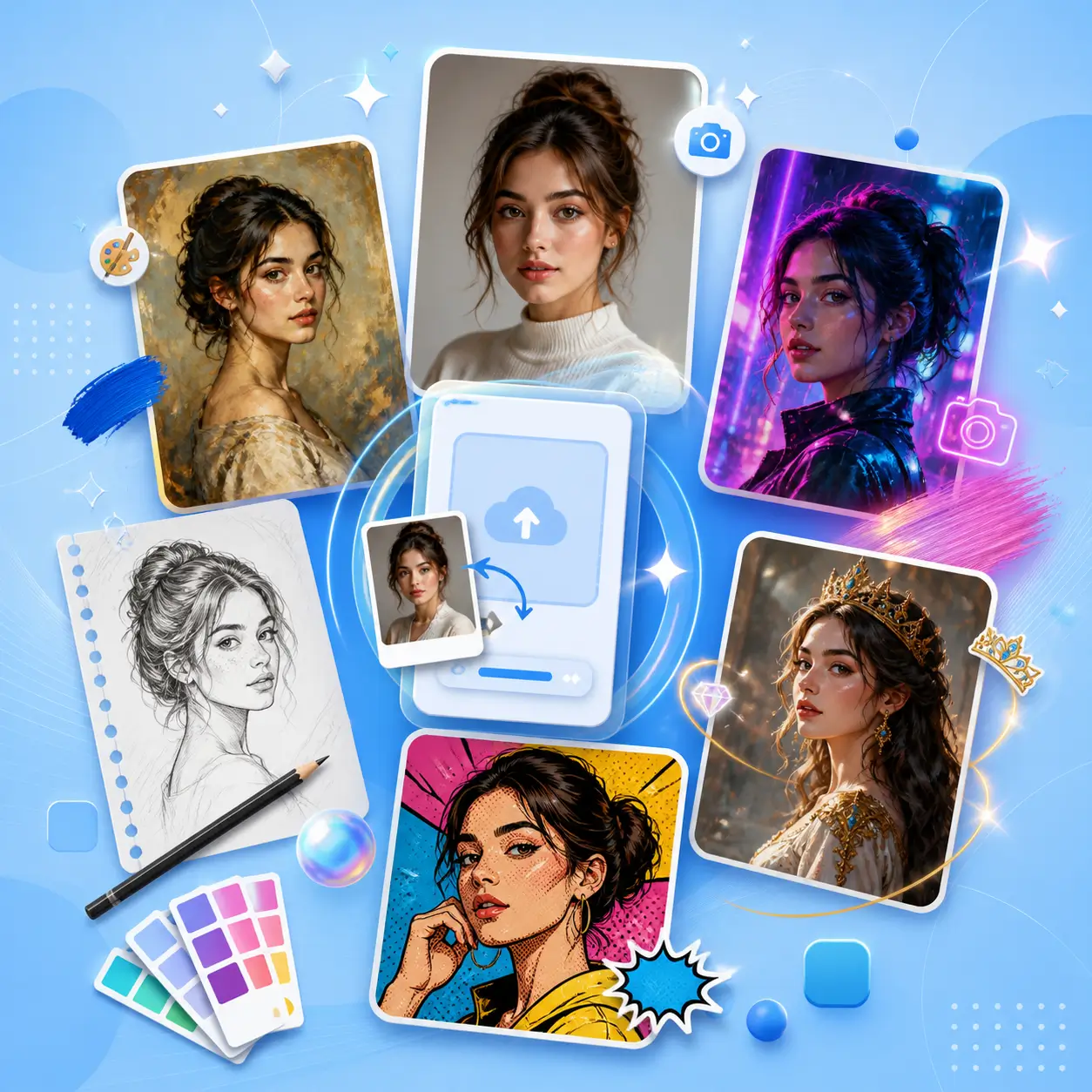
Upload your photo and create different AI portrait styles, from realistic looks to artistic effects. Explore new versions of yourself with just one image.

Keep Your Features Natural in Every Portrait

Create personalized portraits while keeping your unique facial details. NoteGPT helps your AI-generated images look more natural and still feel like you.

Create Your Portraits Fast and Easily

No design skills are needed. Simply upload your photo and let NoteGPT generate personalized portraits quickly for social media, creative projects, or personal use.

How to Use AI Portrait Generator?

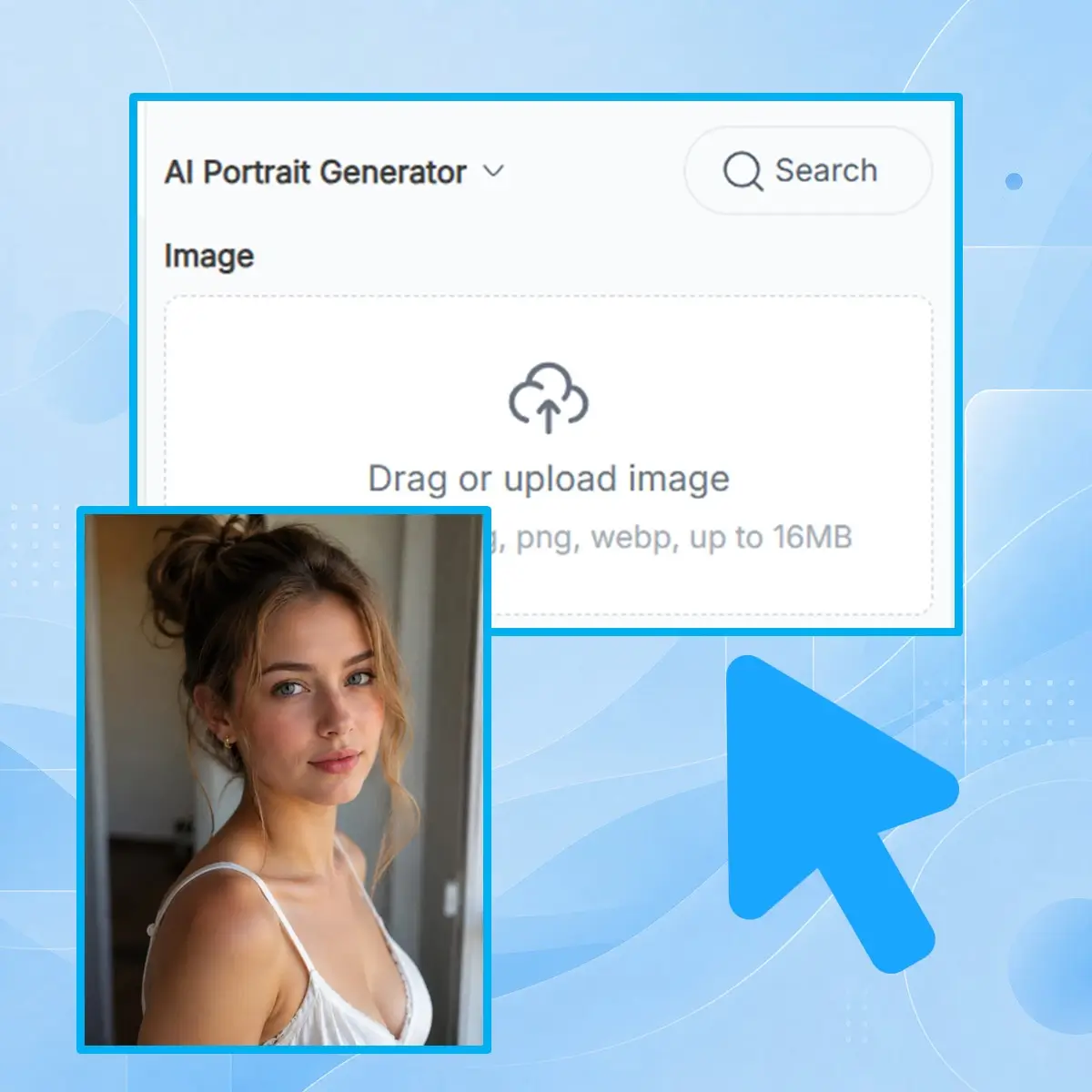
Step 1: Upload Your Photo

Step 1: Upload Your Photo

Add a clear selfie or portrait photo to start. A high-quality image helps create more natural and detailed results.

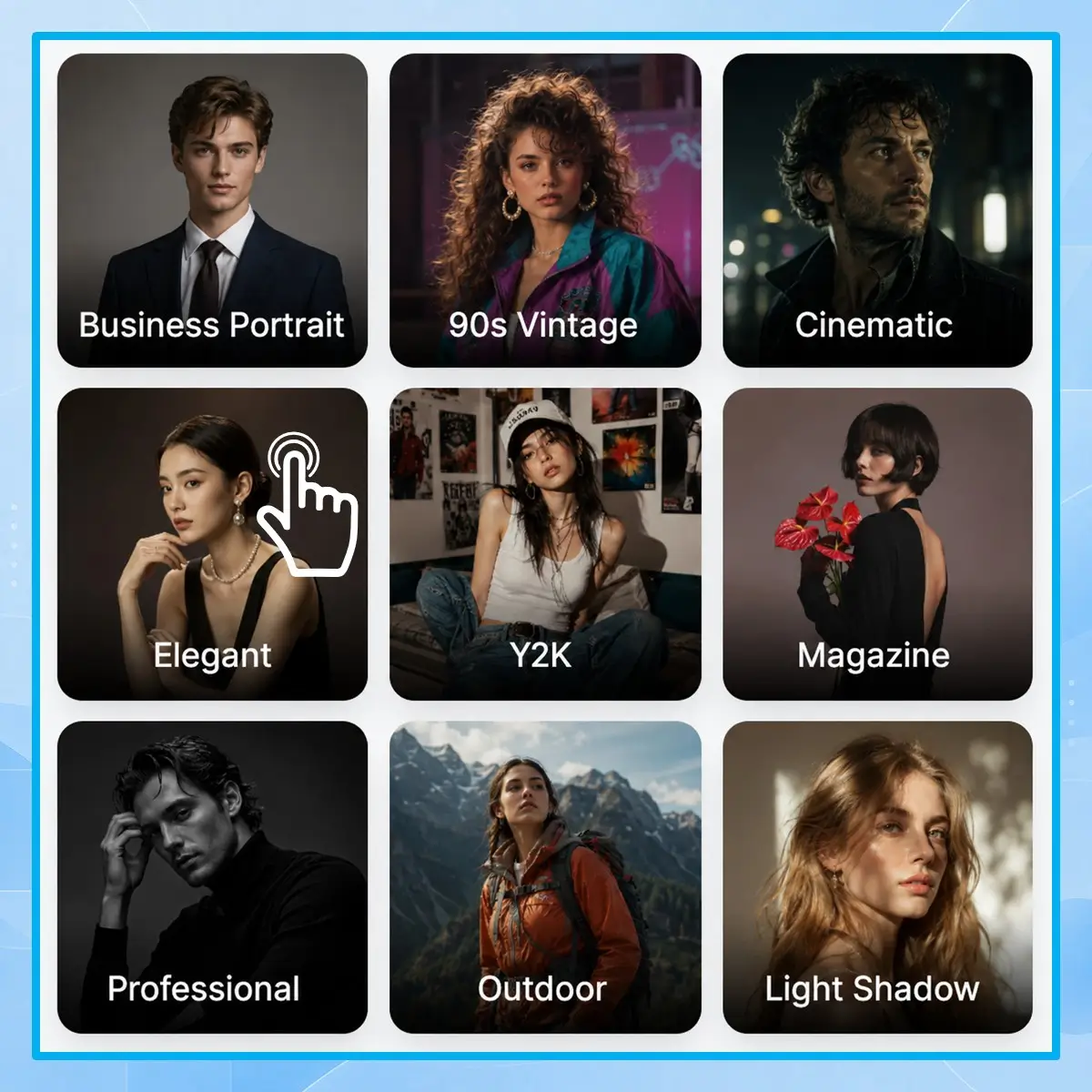
Step 2: Choose a Style or Prompt

Step 2: Choose a Style or Prompt

Pick a creative style or describe your idea with a simple prompt. Customize the look you want for your AI portrait.

Step 3: Generate Your AI Portrait

Step 3: Generate Your AI Portrait

Click generate and get your AI portrait in seconds. Preview the result, save your favorite image, and share it anywhere.

Create Your AI Portrait Today

Upload your photo and see how AI can transform it into a unique portrait. Try different creative styles with NoteGPT AI Portrait Generator and create an image that feels like you in just a few clicks.

Generate My Portrait

What Users Say About NoteGPT AI Portrait Generator

Mia R. avatar

Mia R.

Content Creator

I tried NoteGPT AI Portrait Generator with a regular selfie, and it turned out to be a simple way to create new portrait ideas. I like that I can explore different styles without learning photo editing. The results feel personal and creative, which makes it easy to create images for social media, personal pages, or just for fun.
Kevin T. avatar

Kevin T.

Social Media Specialist

I wanted something different from a normal profile photo, and this tool helped me create a more unique look. The AI portrait generator from photo process is simple — just upload an image and let AI transform it. I can try different styles quickly and choose the one that fits my personality best.
Anna L. avatar

Anna L.

Graphic Designer

As a designer, I often need fresh visual inspiration. NoteGPT helps me turn basic photos into creative portrait concepts that I can use as references. I enjoy testing different styles and exploring new ideas without spending too much time on manual edits.
Jason W. avatar

Jason W.

College Student

I don’t have any experience with design software, but creating AI portraits was surprisingly easy. I uploaded my photo, selected a style, and got a result quickly. It’s a convenient option for anyone who wants to make personalized images without complicated tools.
Emily C. avatar

Emily C.

Marketing Manager

I like experimenting with different versions of my photos, and this tool makes the process much easier. Instead of taking many pictures or editing them myself, I can create different portrait styles from one image. It’s great for exploring new creative possibilities.
Daniel P. avatar

Daniel P.

Freelancer

I use AI-generated portraits for online content and personal branding ideas. The tool helps me create different visual styles while keeping the process simple. NoteGPT is useful when I need a quick way to transform a photo into something more creative and eye-catching.

Frequently Asked Questions About AI Portrait Generator