
NoteGPT
AI Blur BackgroundMore Image Tools
Upload or Paste an Image(0/8)
PNG, JPG, JPEG, WebP (max 20MB)
Aspect Ratio
2 free image daily, then 6 premium credits / image.

Free AI Blur Background

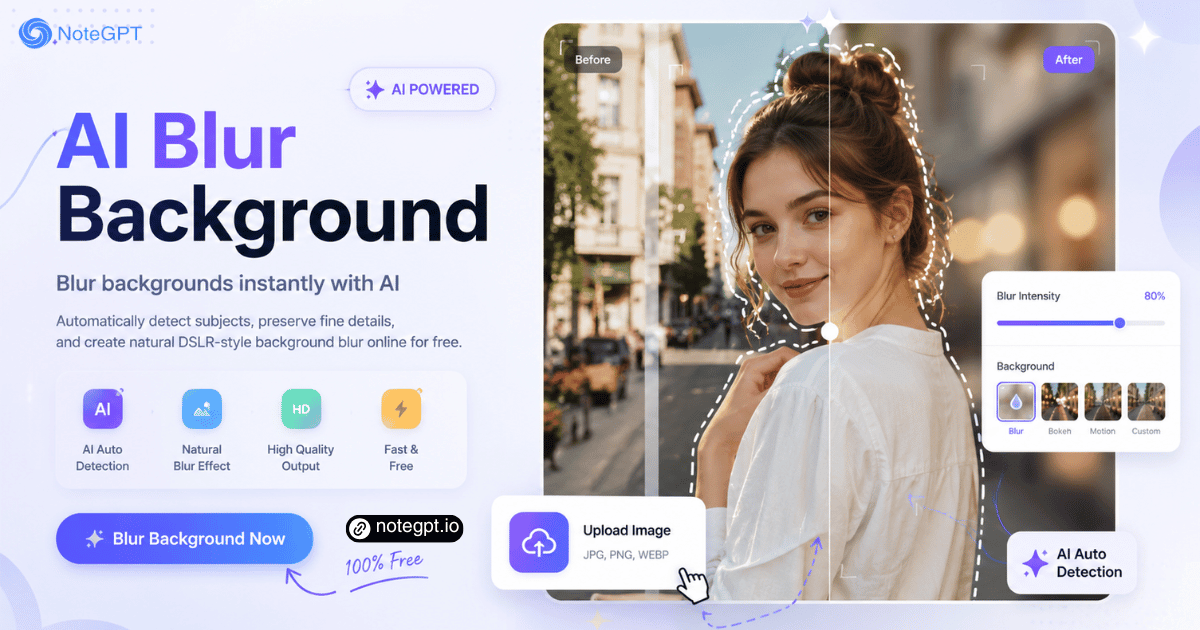
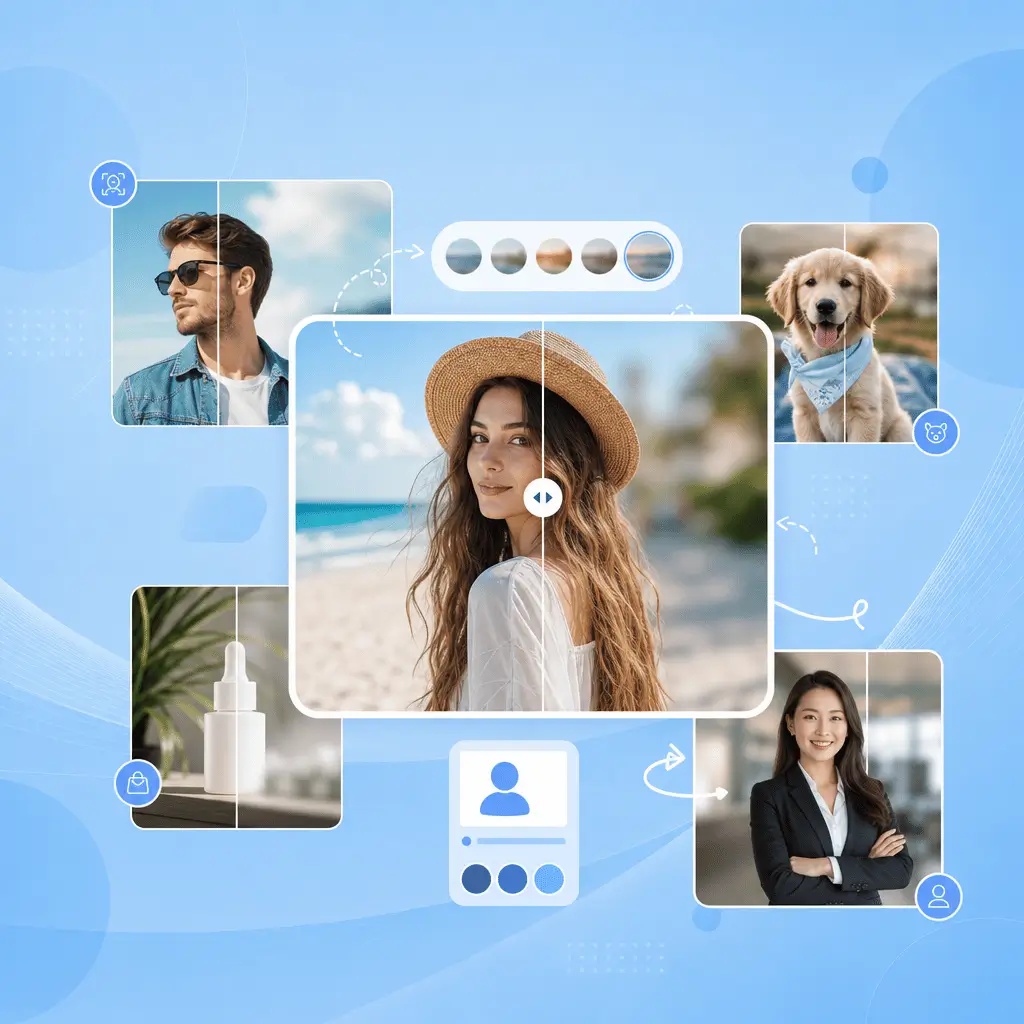
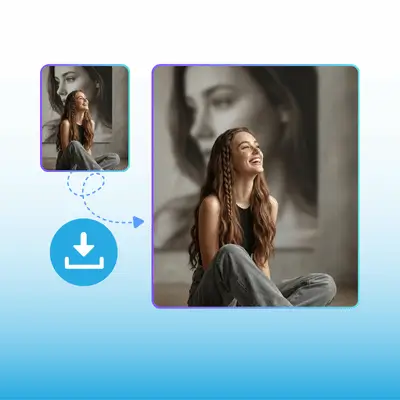
Automatically detect subjects, preserve fine details, and create natural DSLR-style background blur online.

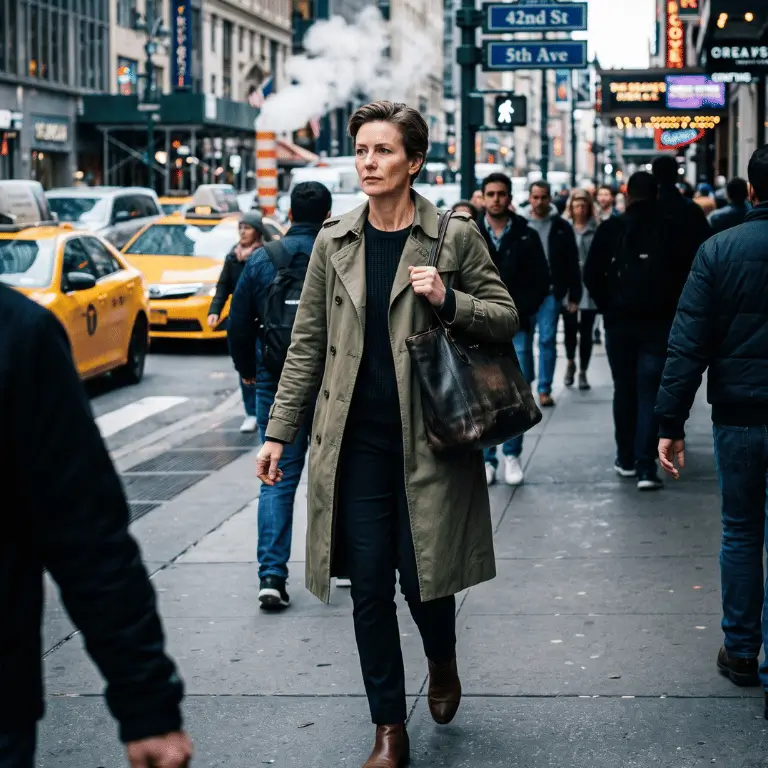
Before
AI Blur Background Sample | NoteGPT
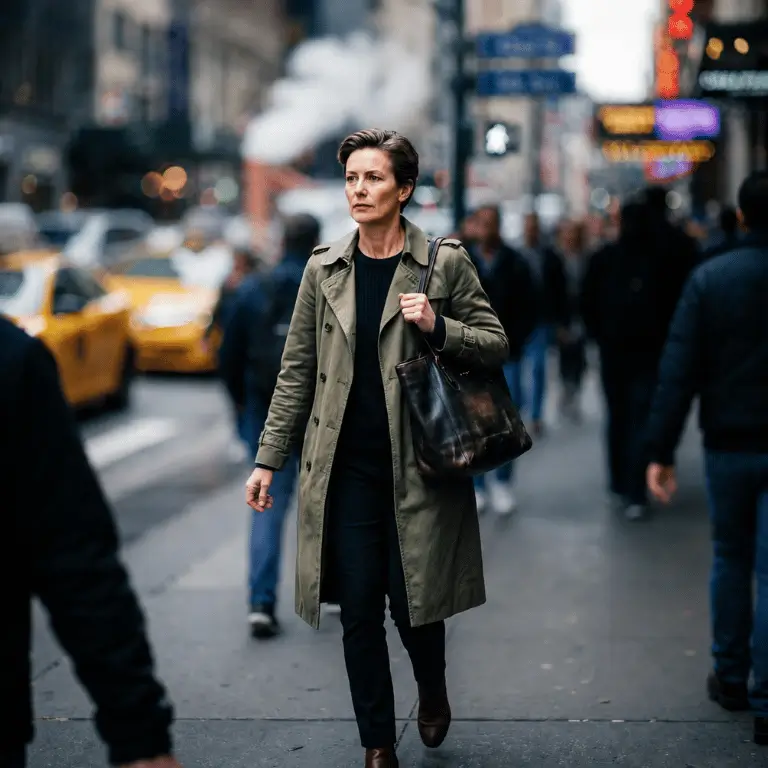
After
AI Blur Background Sample | NoteGPT

AI Blur Background - Auto Subject Detection Free Online

Blur backgrounds instantly with AI. Automatically detect subjects, preserve fine details, and create natural DSLR-style background blur online for free.

AI Blur Background - Auto Subject Detection Free Online

What is AI Blur Background?

AI Blur Background is a free online tool that automatically detects your subject and blurs image background online free in one click. It uses smart edge recognition so the person, product, or pet stays sharp while the background fades into a soft, natural blur. You don't need Photoshop or any design skills — just upload a photo, pick a blur level, and download a professional-looking result with DSLR-style depth of field.
What is AI Blur Background?

Why Choose Our AI Blur Background?

Most blur tools either flatten the whole image or leave jagged edges around your subject. Our ai blur background keeps the foreground crisp with intelligent edge detection, while smoothly fading the background at whatever intensity you choose — from a gentle soft-focus to a dramatic DSLR bokeh effect.
Why Choose Our AI Blur Background?

Still Masking Backgrounds Manually?

Manual masking is slow and messy — stray edges, halo artifacts, and hours per photo. Phone portrait mode often mis-blurs hair or ears. With this ai blur background tool, you upload, click, and get a clean depth-of-field effect that keeps every strand sharp and the background soft. Blur background of image in seconds, not hours.
Still Masking Backgrounds Manually?

Core Features of AI Blur Background

Discover the intelligent features that create smooth, professional-looking background blur with ease.

AI Auto Subject Detection

No manual masking, no lasso tools. The AI automatically identifies people, products, pets, or any foreground subject and separates it from the background in milliseconds. Just upload your image and the tool knows exactly where to apply the blur.

Natural Edge Preservation

Smart edge recognition keeps hair strands, product contours, and pet fur crisp — no halo artifacts, no jagged lines, no accidentally blurred ears or fingers. The transition between subject and blur is smooth, just like a real camera lens.

Adjustable Blur Intensity

Slide the intensity bar from a gentle soft-focus to a full DSLR bokeh effect. Whether you want a subtle depth enhancement for a LinkedIn photo or a dramatic cinematic blur for social media, you control the look — and every adjustment previews instantly.

How to Blur Image Background Online in 3 Steps

It takes under a minute to blur background of image with our AI-powered tool.

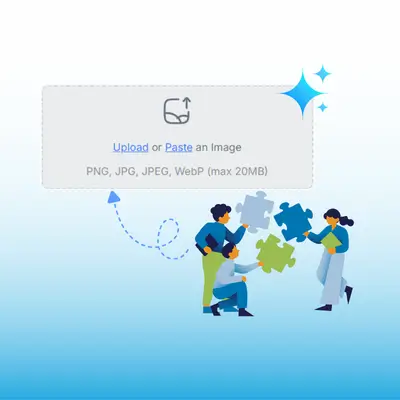
Step 1: Upload Your Image

Step 1: Upload Your Image

Drag and drop or click to upload any JPG, PNG, or WebP image. Photos with a clear subject against a visible background work best for the most natural blur effect.

Step 2: Adjust Blur Intensity

Step 2: Adjust Blur Intensity

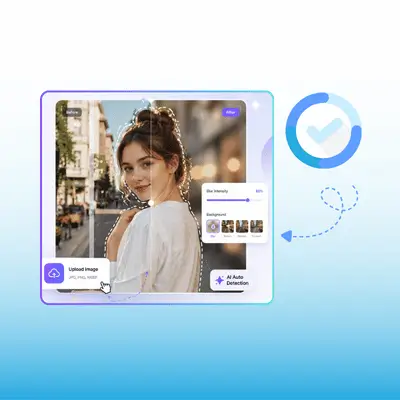
The AI auto-detects your subject and applies an initial blur. Use the slider to fine-tune the intensity — from soft-focus to full DSLR-style bokeh. The preview updates in real time.

Step 3: Download Your Result

Step 3: Download Your Result

Happy with the look? Click download to save your high-resolution image. You can re-adjust and re-download as many times as you want — all free, no watermarks.

Blur Your Photo Background — Free, Online, No Sign-up

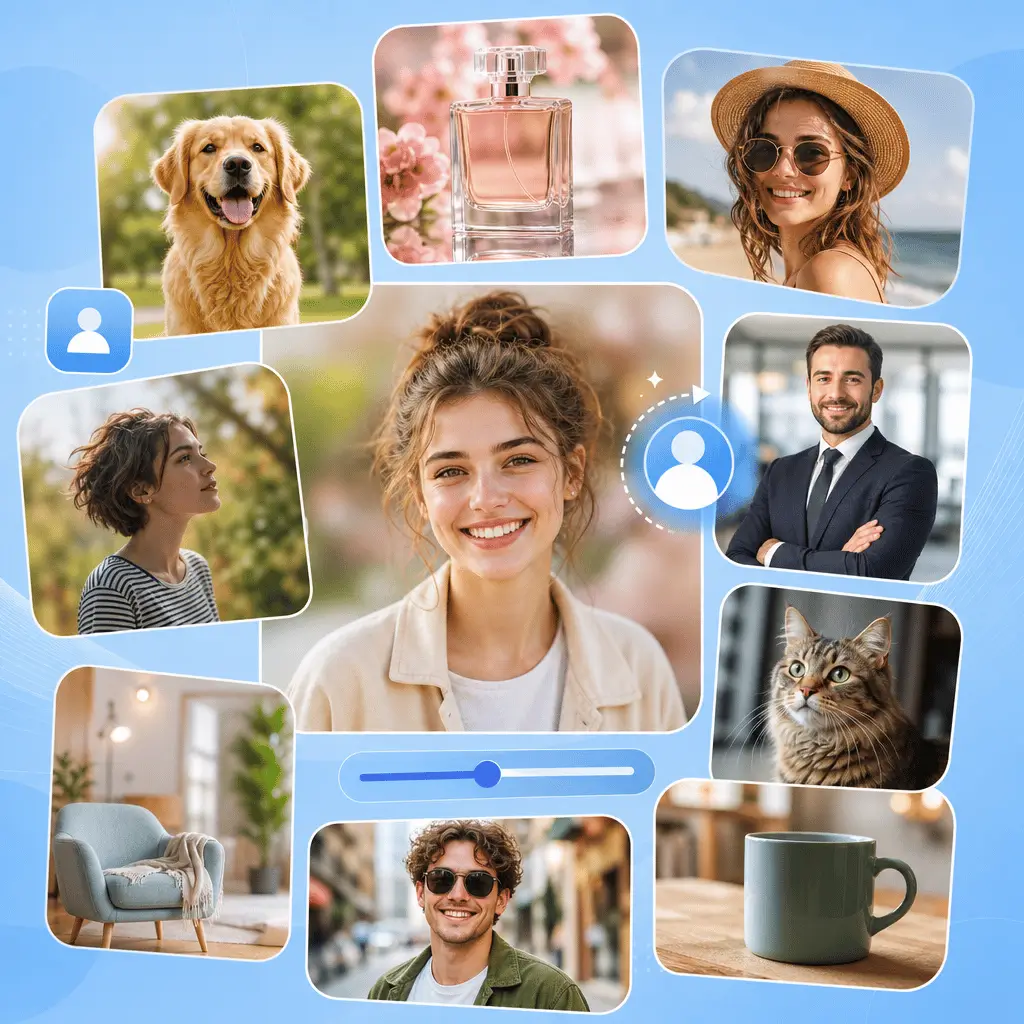
Upload any photo and watch the AI add a natural depth-of-field effect in seconds. Blur background of image for portraits, products, pets, or ID photos — no software, no cost, no hassle.

Try AI Blur Background Free

What People Say About AI Blur Background

K.R. avatar

K.R.

Etsy Shop Owner

I take product photos for my Etsy shop at home and the backgrounds are always messy. With AI Blur Background, I upload the raw shot, slide the blur to medium, and download a clean listing image in 15 seconds. It looks like I shot it in a studio. No more reshoots or Photoshop masking — this saved me hours every week.
J.W. avatar

J.W.

Marketing Manager

I needed a professional LinkedIn headshot but only had a selfie taken in my kitchen. This blur image background online free tool turned it into a polished profile photo with a soft bokeh behind me. My hair and face stayed sharp — no weird halo. My colleagues actually asked who my photographer was.
S.M. avatar

S.M.

Pet Photographer

As a pet photographer, I struggle with busy park backgrounds that distract from the animal. AI Blur Background preserves every whisker and ear while turning grass and trees into a creamy bokeh. It's like having a $2,000 lens built into a browser tab. My clients love the results.
D.L. avatar

D.L.

Frequent Traveler

I submit passport photos for visa applications and the rules demand a plain background. Instead of going to a photo center, I take a selfie at home and use the background blur photo editor to soften everything behind me. It's accepted every time — saves me $20 and a trip to the studio.
A.N. avatar

A.N.

Social Media Strategist

I run Instagram for a fashion brand and need every post to look premium. Blurring backgrounds with this tool takes 10 seconds per photo and transforms a sidewalk shot into something magazine-worthy. The adjustable intensity is key — some posts need gentle depth, others need dramatic bokeh.
M.H. avatar

M.H.

Event Planner

My wedding photos had a ton of clutter in the background — chairs, signs, random guests. I used AI Blur Background on the group shots and the whole scene feels elevated now. Faces are perfectly sharp while the chaos fades into a dreamy blur. Best free editing tool I've ever tried.

FAQs About AI Blur Background