
NoteGPT
AI Image CombinerMore Image Tools
Upload or Paste an Image(0/8)
PNG, JPG, JPEG, WebP (max 20MB)
Aspect Ratio
2 free image daily, then 6 premium credits / image.

Free AI Image Combiner

Combine multiple images with AI to create realistic blends, seamless visuals, and creative images online.

Example
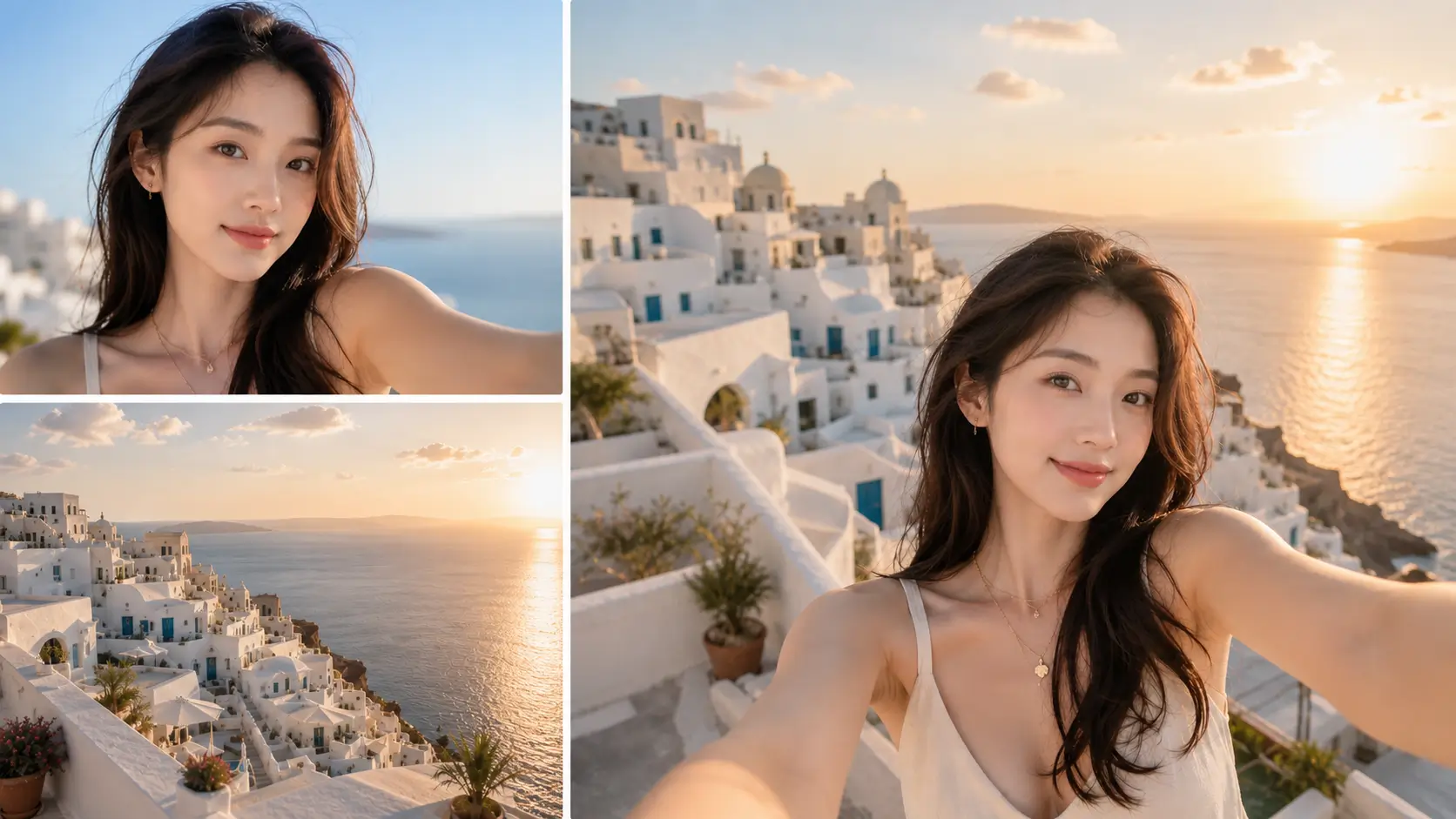
AI Image Combiner Sample | NoteGPT

AI Image Combiner : Blend Multiple Images Naturally Online

Combine multiple images naturally with AI Image Combiner online. Blend photos, merge visuals, and create seamless AI-generated images with realistic results.

AI Image Combiner : Blend Multiple Images Naturally Online

What Is AI Image Combiner?

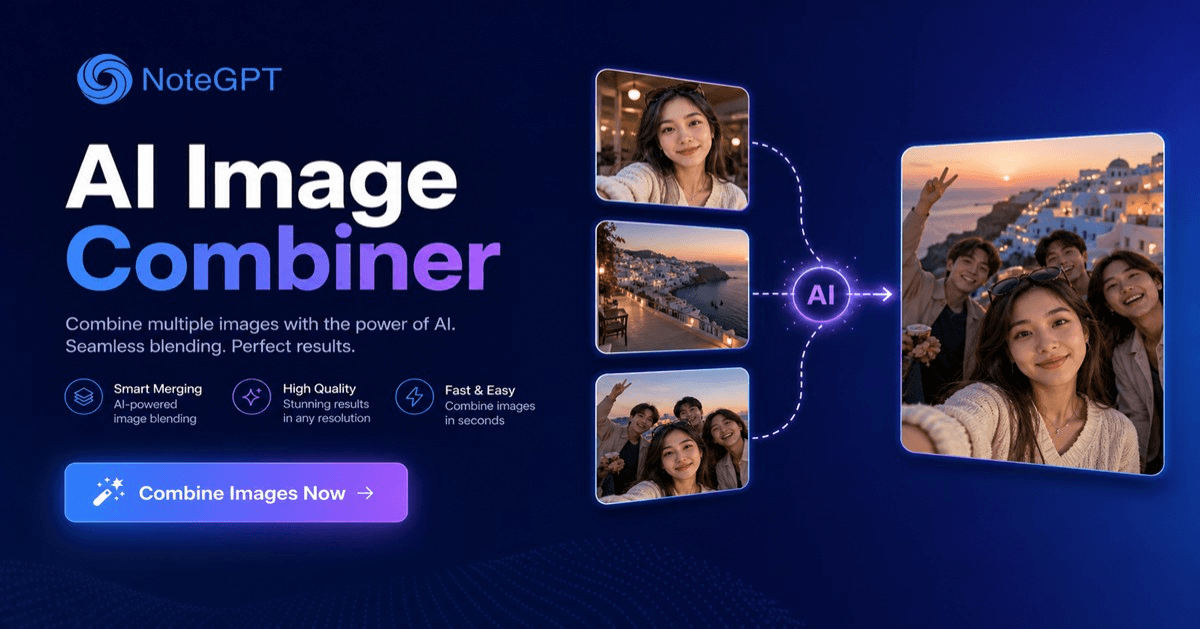
AI Image Combiner merges multiple photos into one composite using AI. It matches lighting, shadows, and perspective automatically so results look natural. NoteGPT AI Image Combiner runs in your browser, no software needed. Pair with AI Object Remover and AI Image Editor for a full editing workflow.
What Is AI Image Combiner?

Why Choose NoteGPT AI Image Combiner?

NoteGPT AI Image Combiner delivers composites that look photographed rather than stitched together. AI Image Combiner analyzes each image and adjusts color, shadows, and perspective for natural blending. Results render fast at high resolution, upload, describe, and download within a minute.
Why Choose NoteGPT AI Image Combiner?

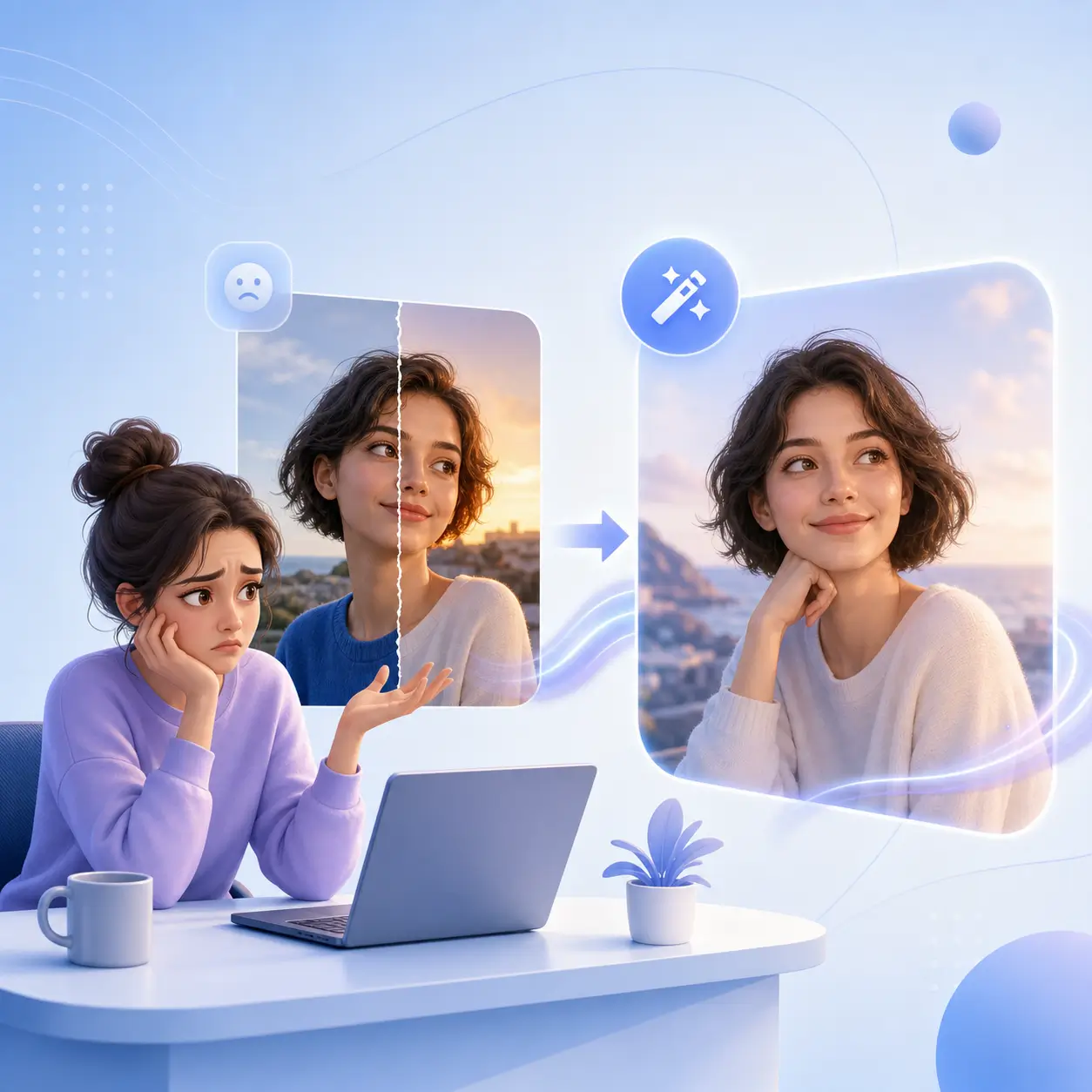
Struggling to Create Natural Image Combinations?

Traditional photo editing requires time-consuming adjustments, while simple image merger tools often produce unrealistic results with visible edges and inconsistent styles. NoteGPT AI Image Combiner automatically blends multiple images, matches visual details, and creates seamless AI-generated images without complicated editing skills.
Struggling to Create Natural Image Combinations?

Key Features of AI Image Combiner

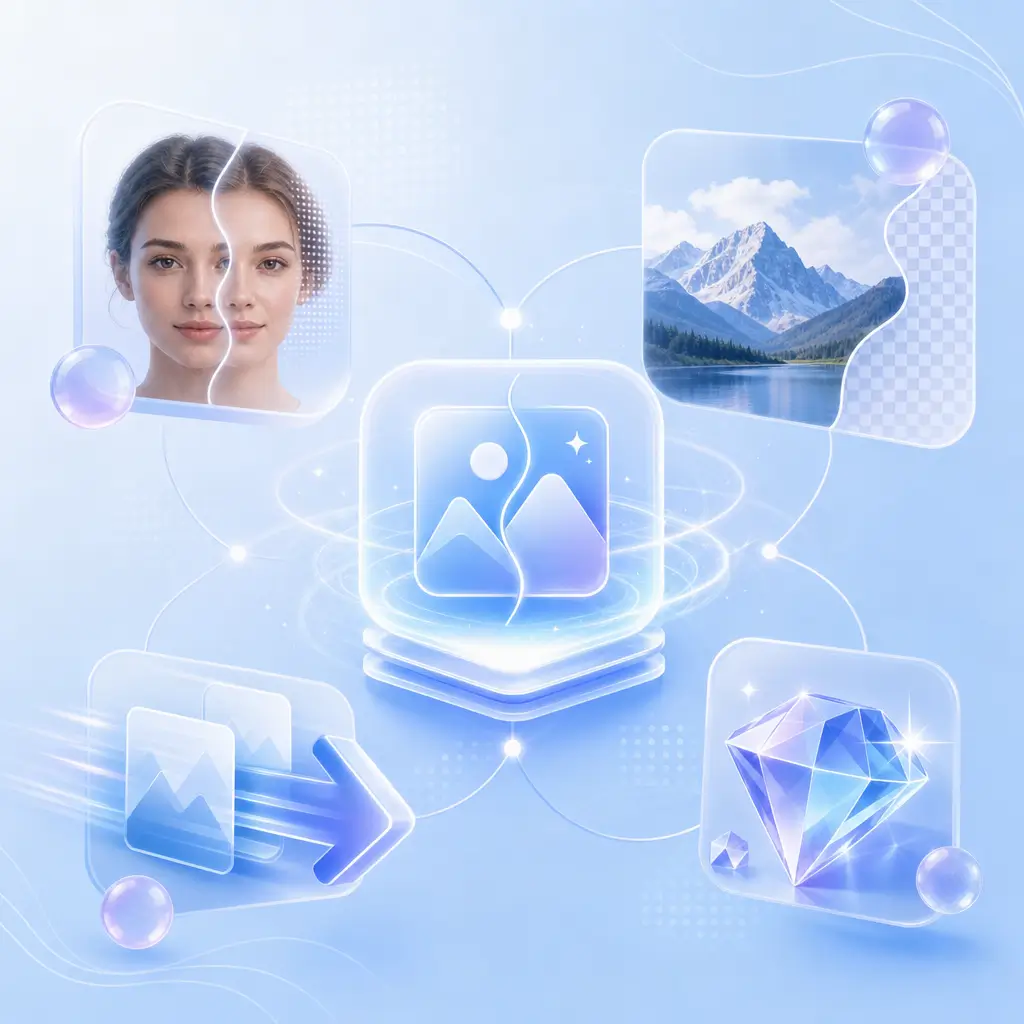
Combine multiple images effortlessly with AI. From realistic photo blends to creative compositions, NoteGPT AI Image Combiner helps you create seamless visuals without complex editing.

Seamless AI Blending

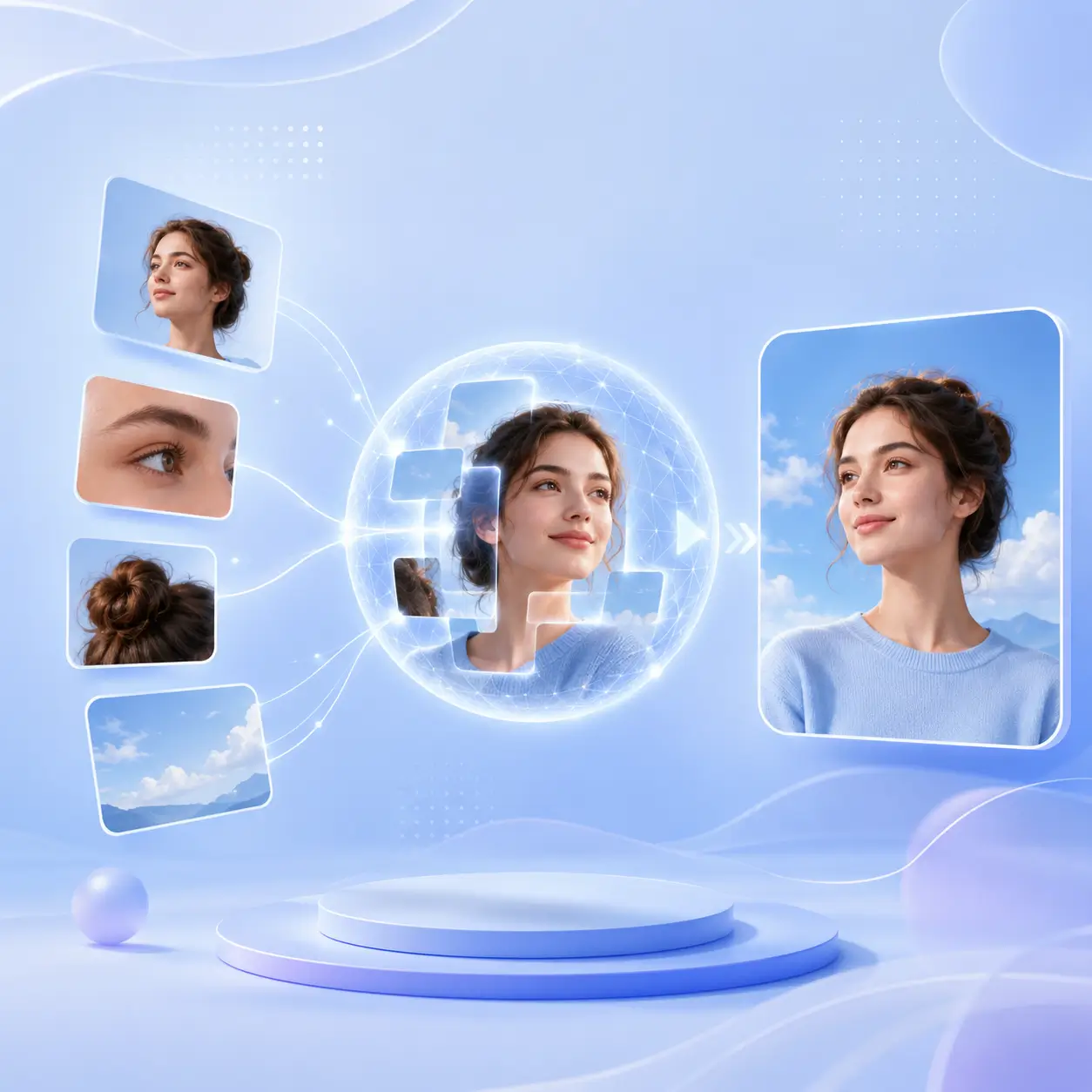
AI automatically matches lighting, colors, shadows, and perspectives to merge different images into one natural-looking composition.

Creative Image Combination

Combine people, products, objects, and backgrounds to create new visuals for social media, marketing, and personal projects.

Easy AI-Powered Creation

Simply upload your images and describe your idea. AI handles the complex editing process and generates high-quality results with minimal effort.

How to Use AI Image Combiner

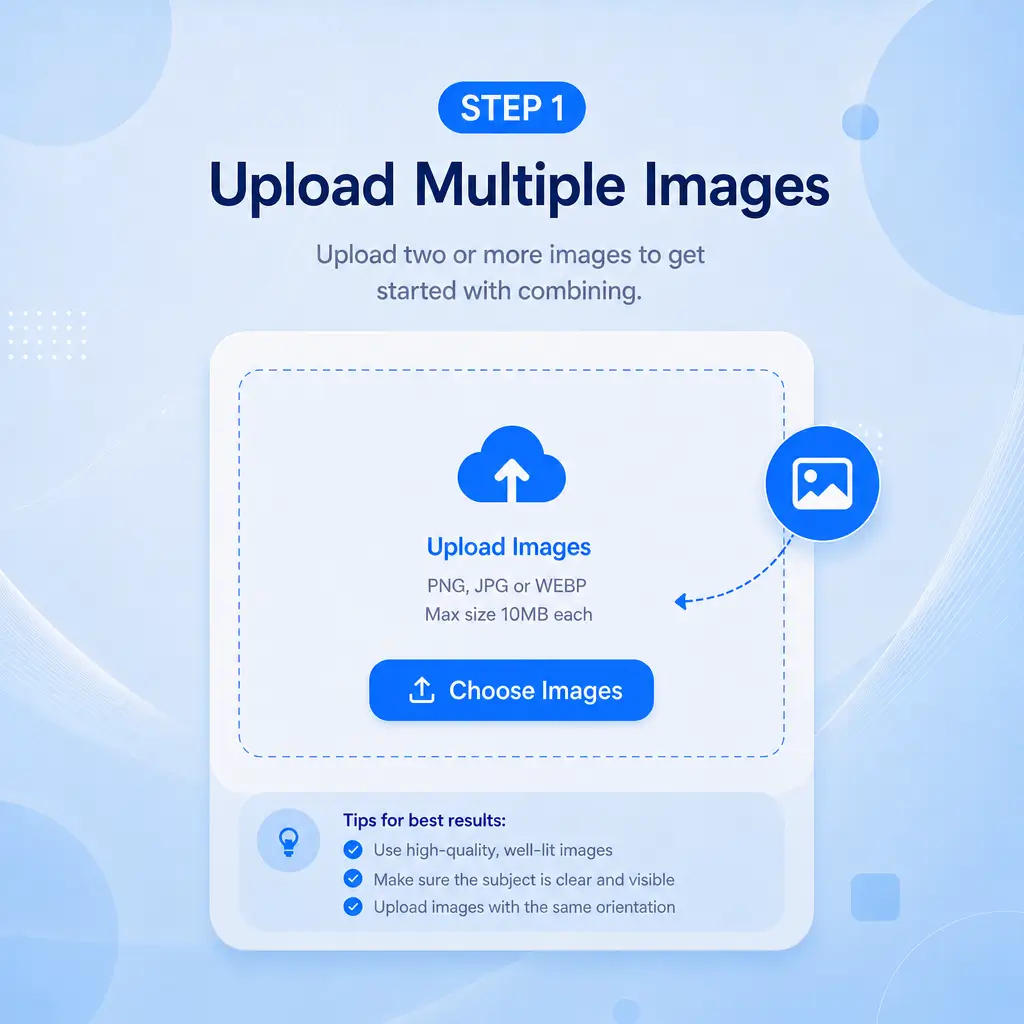
Step 1: Upload Multiple Images

Step 1: Upload Multiple Images

Upload two or more images to get started. Add clear, high-quality photos to help AI understand details and create a more natural image combination.

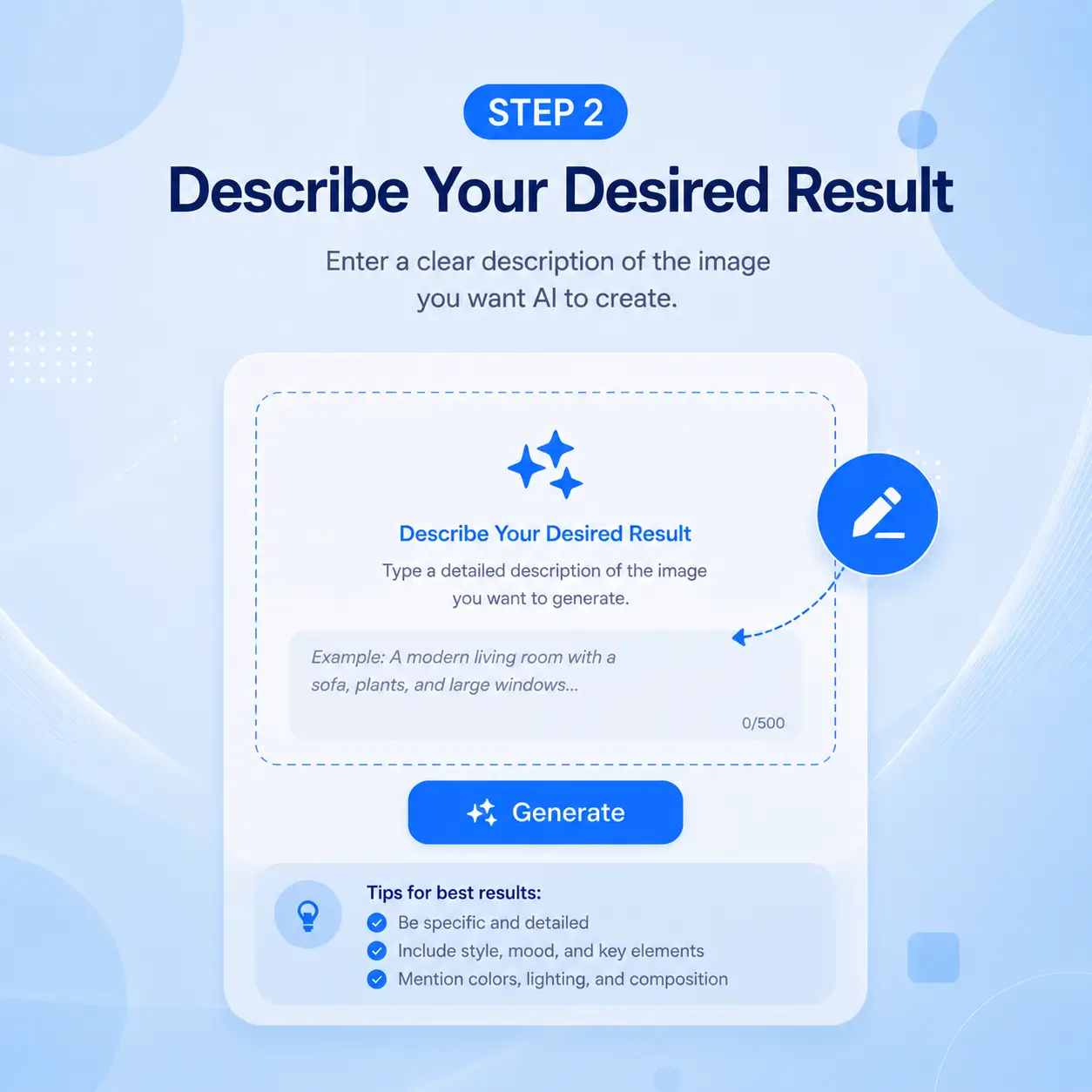
Step 2: Describe Your Desired Result

Step 2: Describe Your Desired Result

Tell AI how you want your images combined with a simple prompt. Describe the layout, background, style, lighting, or mood to guide the final composition.

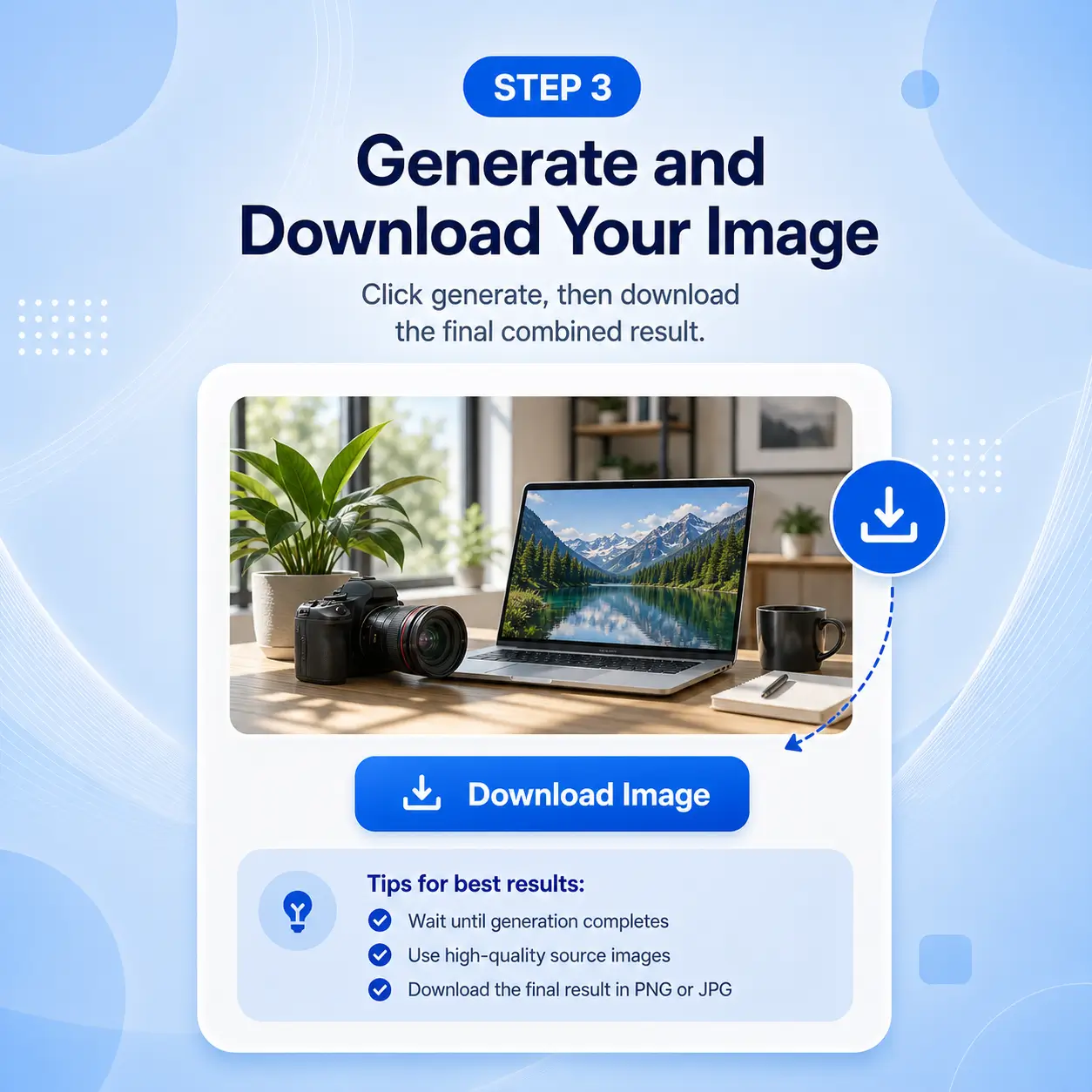
Step 3: Generate and Download Your Image

Step 3: Generate and Download Your Image

Let AI blend your images into a seamless visual in seconds. Preview the result, refine your prompt if needed, and download your high-quality image for sharing, marketing, or personal projects.

Ready to Combine Your Images with AI?

Create seamless image combinations with NoteGPT AI Image Combiner. Upload your photos, describe your idea, and let AI create natural, high-quality visuals in seconds.

Combine Images for Free

What Users Say About AI Image Combiner

Sarah Mitchell avatar

Sarah Mitchell

Etsy Seller

I needed a quick way to merge product shots with lifestyle backgrounds for my Etsy store. AI Image Combiner saved me hours of manual editing — the lighting match is surprisingly natural and my listings look so much more professional now.
James Park avatar

James Park

Travel Blogger

As a travel blogger, I often combine myself into scenic shots my partner took separately. AI Image Combiner blends the two photos so well that followers always ask how we got that perfect couple shot in every location.
Maria Rodriguez avatar

Maria Rodriguez

Marketing Manager

I used AI Image Combiner to create a family photo with my parents who live in different countries. The result brought tears to their eyes — it genuinely looks like we were all sitting together in one room. Incredibly easy to use.
David Chen avatar

David Chen

Fashion Brand Owner

Running a small fashion brand means constant content creation on a tight budget. AI Image Combiner lets me drop new products into on-brand lifestyle scenes without booking a photographer. The time savings have been a real help for my business.
Emily Watson avatar

Emily Watson

Teacher

I am not tech-savvy at all but AI Image Combiner made it effortless. Uploaded two photos of my dog and me, described what I wanted, and got an adorable composite in under a minute. My friends thought I hired a pet photographer.
Alex Turner avatar

Alex Turner

Graphic Designer

As a freelance graphic designer, I use AI Image Combiner for quick concept mockups before moving to Photoshop. It handles the initial blending so well that I often use the output directly for client presentations. A reliable addition to my creative toolkit.

Frequently Asked Questions About AI Image Combiner