

NoteGPT
AI Photo Collage MakerMore Image Tools
Upload or Paste an Image(0/4)
PNG, JPG, JPEG, WebP (max 20MB)
2 free image daily, then 6 premium credits / image.

Free AI Photo Collage Maker

Easily combine multiple photos into stunning collages with AI Photo Collage Maker

Example
AI Photo Collage Maker - Free Auto Layout, Unlimited Photos

AI Photo Collage Maker - Free Auto Layout, Unlimited Photos

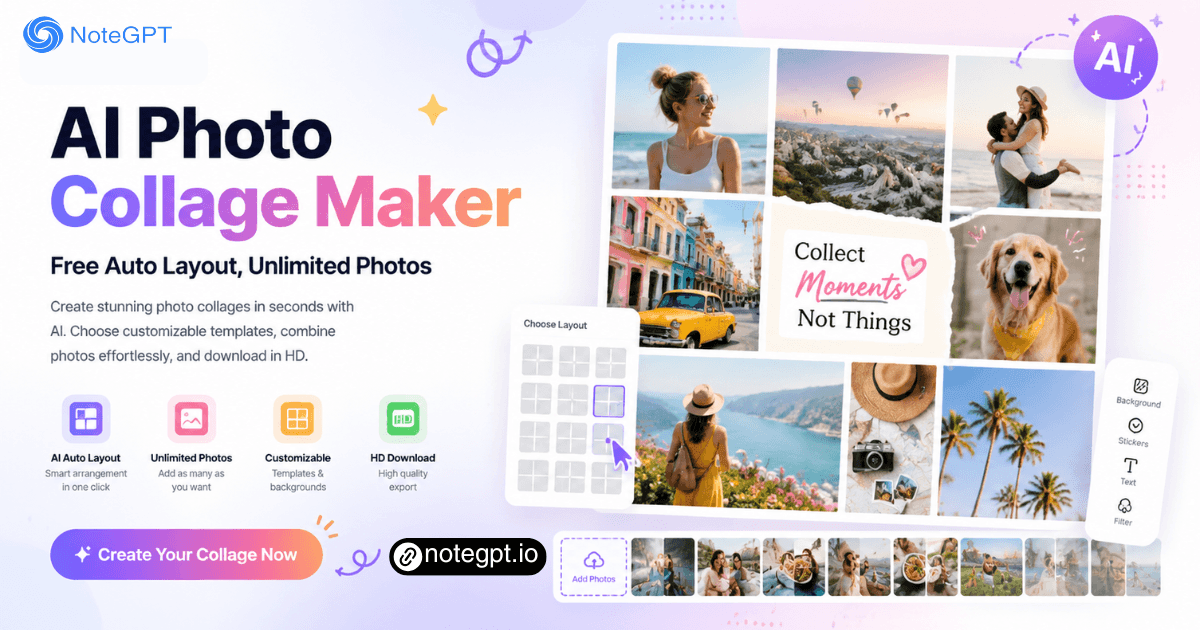
Create Stunning photo collages with AI Photo Collage Maker. Choose customizable templates, combine photos in seconds, and download in HD for social media.

AI Photo Collage Maker - Free Auto Layout, Unlimited Photos

What is AI Photo Collage Maker?

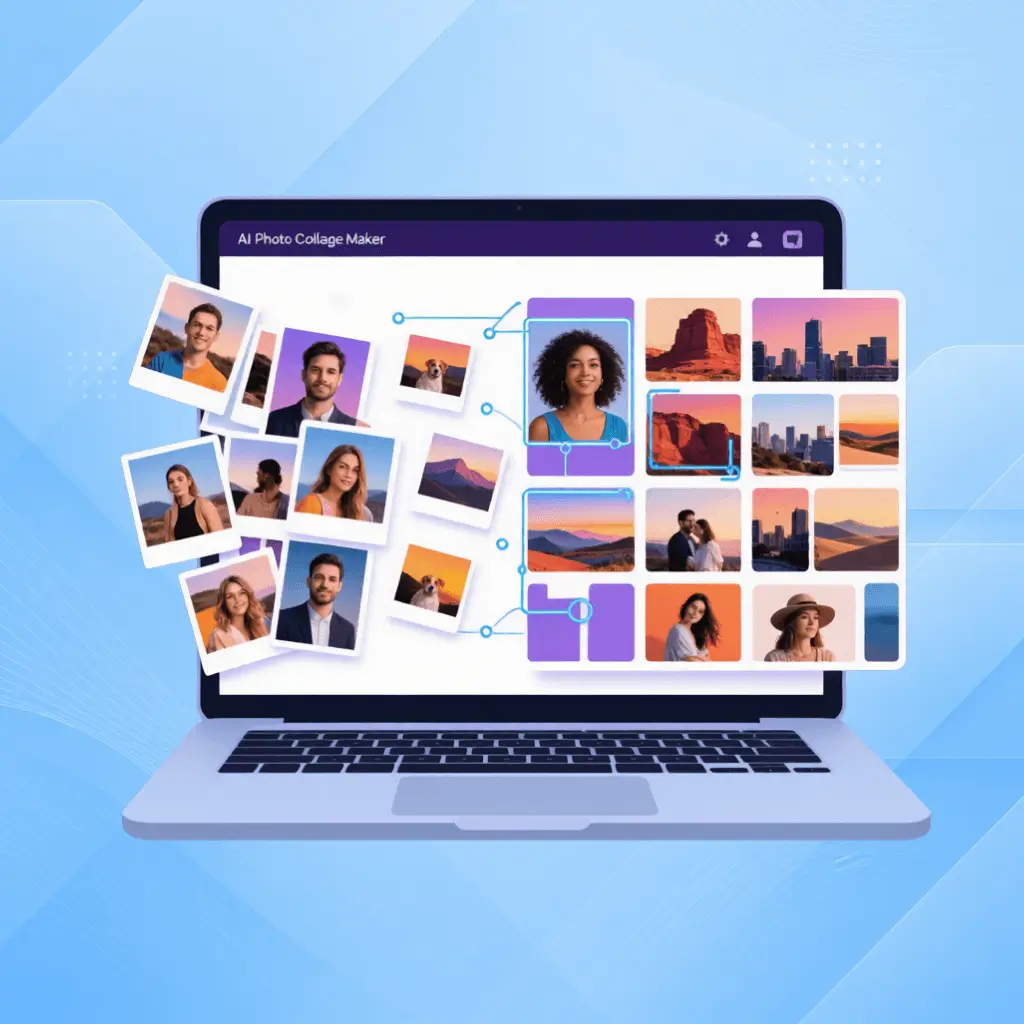
AI Photo Collage Maker is an online tool that turns your scattered photos into polished, share-ready collages using artificial intelligence. Instead of manually dragging, resizing, and aligning each image, you upload your photos, pick a layout or let the AI suggest one, and get a balanced, professional-looking collage in seconds.
What is AI Photo Collage Maker?

Why Choose Our AI Photo Collage Maker?

Most collage tools give you a grid and leave you to figure out the rest. Our image collage maker uses AI to do the heavy lifting — it analyzes your photos, suggests layouts that fit your image count, and auto-crops faces and key subjects so nothing important gets cut off.
Why Choose Our AI Photo Collage Maker?

Still Arranging Photos by Hand?

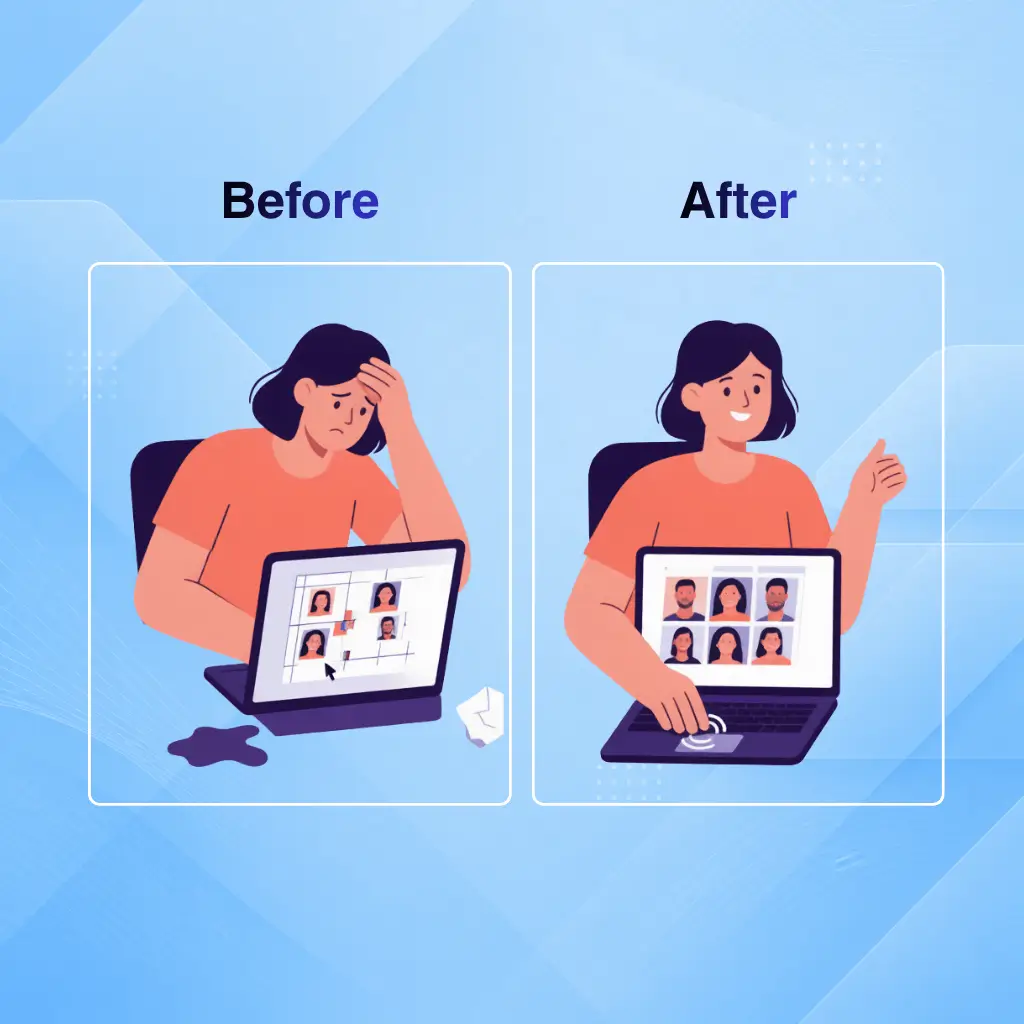
Building a photo collage by hand means dragging, resizing, nudging, re-cropping, starting over when the spacing is off, and accepting a result that looks "good enough." AI Photo Collage Maker auto-arranges your photos, maintains consistent spacing, and crops intelligently around faces and key subjects — a finished, share-ready collage in under 30 seconds.
Still Arranging Photos by Hand?

What Makes AI Photo Collage Maker Stand Out

NoteGPT's AI Photo Collage Maker combines intelligent automation with creative flexibility, making it easy to turn your photos into polished collages for any occasion in just a few clicks.

Auto Layout and Smart Cropping

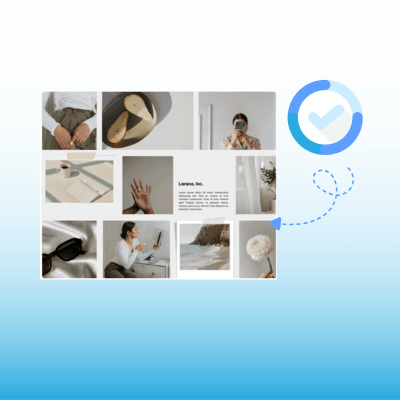
Upload your photos and the AI instantly suggests the best layout. It analyzes each photo, detects faces and key subjects, and crops intelligently so nothing important gets cut off. Switch layouts with one click — photos stay in place.

Customizable Templates

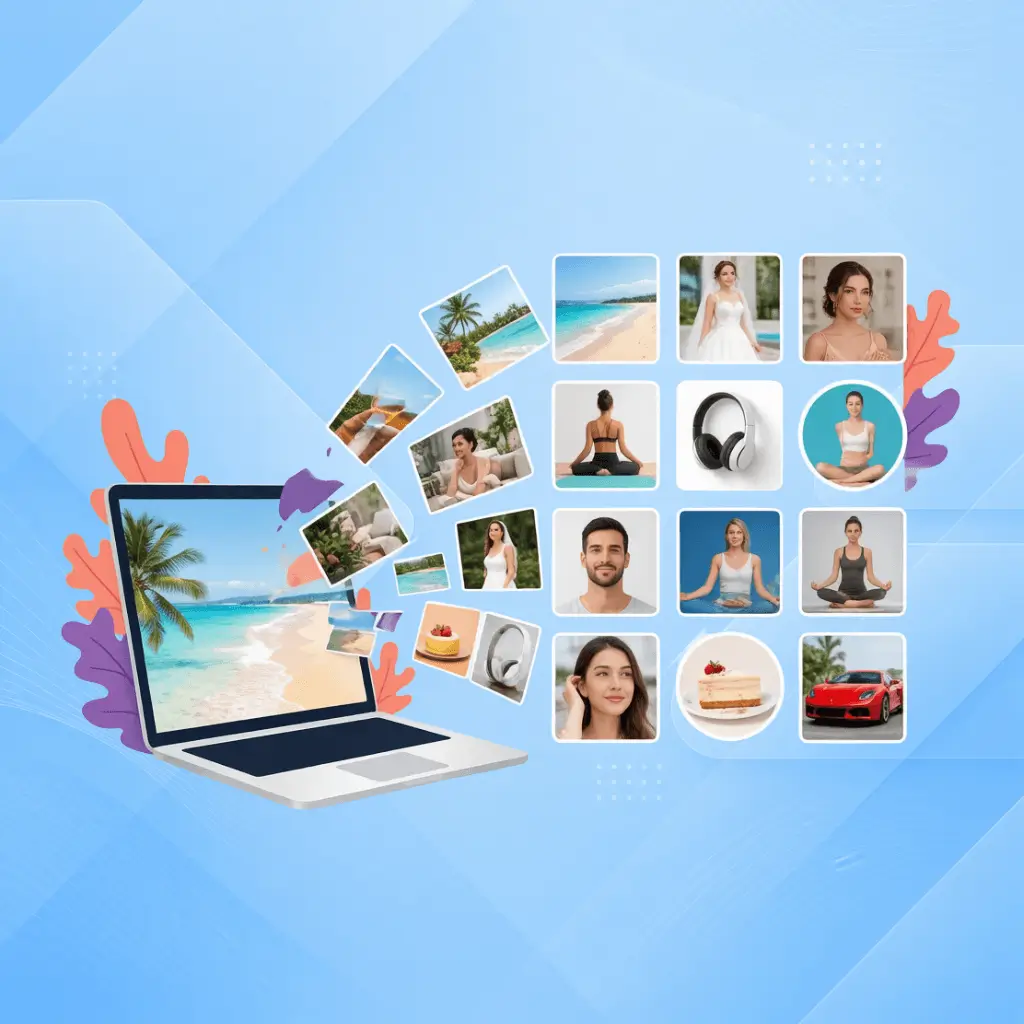
Birthday grids, wedding layouts, product showcases, travel journals, Instagram carousels — the template library covers every occasion. Change colors, adjust spacing, add text overlays. No two collages look the same.

HD Export for Social Media

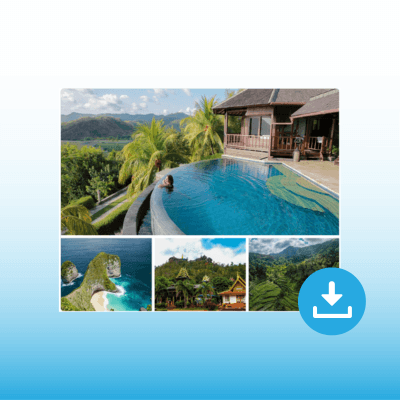
Download in high resolution optimized for any platform — square for Instagram, vertical for Stories, horizontal for YouTube. Print-ready quality for photo books and framed prints. No watermark on any download.

How to Use AI Photo Collage Maker in 3 Steps

Step 1: Upload Your Photos

Step 1: Upload Your Photos

Drag and drop your photos or upload from your computer, phone, or cloud storage. Upload up to 20 images at once. JPG, PNG, and WebP formats supported — no conversion needed.

Step 2: Choose a Template or Let AI Decide

Step 2: Choose a Template or Let AI Decide

Browse hundreds of templates organized by occasion and platform, or click "Auto Layout" and let the AI arrange your photos into a balanced composition. Preview different layouts with one click.

Step 3: Customize and Download

Step 3: Customize and Download

Adjust spacing, borders, background colors, and aspect ratio. Add text captions or filters. Download in HD — optimized for Instagram, Facebook, print, or wherever your collage is headed next.

Ready to Turn Your Scattered Photos Into Stunning Collages?

AI Photo Collage Maker arranges your photos, crops intelligently, and delivers a polished collage in under a minute. Hundreds of templates, HD download, no watermark. Free, no signup, and your first beautiful collage is one upload away.

Create Your Collage Now

What Users Say About Our Photo Collage Maker

AV avatar

AV

Jewelry Brand Owner

I run a small jewelry brand on Etsy and Instagram, and product collages are basically my entire visual strategy. Before this tool, I was manually arranging photos in Canva, fighting with alignment. Now I upload my product shots, pick a clean grid template, and have a professional-looking collage in under a minute. The smart cropping is what sold me — it never cuts off my earrings at weird angles. My Instagram engagement went up noticeably once my collages started looking consistent.
RM avatar

RM

Wedding Photographer

I'm a wedding photographer and the day-after sneak peek collage is a client expectation now. Before, I'd spend an hour in Lightroom building a highlight grid. With this AI collage maker, I upload the top 10 shots, pick a romantic template, add the couple's names, and have it ready to post before breakfast. Clients love the quick turnaround and the collages look like I spent way more time on them than I actually did.
TS avatar

TS

Parent

As a mom of three, my phone has about 8,000 photos and zero albums. I uploaded 15 photos from the past year into this collage maker, picked a family template, and had a beautiful year-in-review collage in literally two minutes. I printed it and gave it to my mom. She cried. Now I make one every season.
KL avatar

KL

Social Media Manager

I manage social media for a lifestyle brand posting 4-5 times a day. The template variety means I never reuse the same layout twice. The ability to switch layouts with one click without re-uploading photos is a massive time saver. I've cut my collage creation time by about 70% since switching from manual design tools.
JW avatar

JW

Elementary Teacher

I teach 4th grade and make a weekly newsletter for parents. Adding photo collages of the week's activities makes the newsletter something parents actually read. I upload photos during lunch, generate a quick collage, and drop it into the newsletter. The whole thing takes maybe 5 minutes.
ND avatar

ND

Travel Content Creator

I travel full-time as a digital nomad and making collages used to be the bottleneck in my posting. Now I batch-create collages for the week ahead during a single coffee shop session. The HD export quality holds up even when I print postcards to send home.

FAQs About AI Photo Collage Maker