
NoteGPT

Free AI Video Editor Online Agent

Free AI Video Editor helps you edit videos in minutes – auto captions & AI translation, no skills needed.

PricingUpgrade (Save 30%) · Limited Time
0/7References

Describe the video you want to create, or upload a Start frame or End frame (optional).

For example:
1. Waterfall in a lush jungle, mist rising
2. Colorful fruit splash in water, high speed capture

NoteGPT - Rated 4.9+ by NoteGPT Users
4.9
Chrome Store
NoteGPT - Rated 4.9+ by NoteGPT Users
NoteGPT - 80,000,000+ Users
80,000,000+
Users
NoteGPT - 80,000,000+ Users
NoteGPT - Trusted By 12,000+ Schools & Teams
12,000+
Schools & Teams
NoteGPT - Trusted By 12,000+ Schools & Teams

Trusted by 12 million users worldwide.

Logo
Logo
YouTube
Logo
Logo
Logo
Logo
Logo
Logo
Logo
Logo
Logo
Logo
Logo
Logo
Logo
Logo
Logo
Logo
Logo
Logo
Logo
Logo
Logo
Logo
Logo
Logo
Logo
Logo
Logo
Logo
Logo
YouTube
Logo
Logo
Logo
Logo
Logo
Logo
Logo
Logo
Logo
Logo
Logo
Logo
Logo
Logo
Logo
Logo
Logo
Logo
Logo
Logo
Logo
Logo
Logo
Logo
Logo
Logo
Logo
Logo
Logo
YouTube
Logo
Logo
Logo
Logo
Logo
Logo
Logo
Logo
Logo
Logo
Logo
Logo
Logo
Logo
Logo
Logo
Logo
Logo
Logo
Logo
Logo
Logo
Logo
Logo
Logo
Logo
Logo

AI Video Editor: Edit Videos with Gemini, Kling, Seedance & Wan

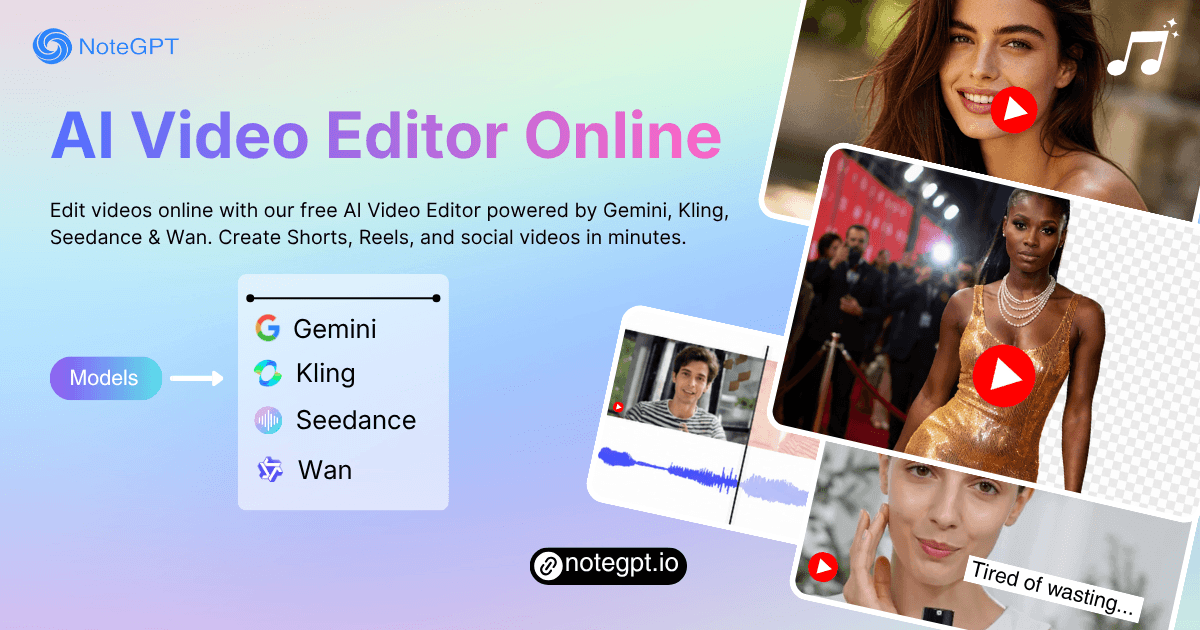
Edit videos online with our free AI Video Editor powered by Gemini, Kling, Seedance & Wan. Create Shorts, Reels, and social videos in minutes.

AI Video Editor: Edit Videos with Gemini, Kling, Seedance & Wan

What is AI Video Editor?

AI Video Editor is a free online tool that helps you edit videos faster with simple prompts and AI-powered tools. You can trim clips, add effects, generate captions, improve quality, and create social videos in minutes. Whether you want a free AI Video Editor for YouTube, Shorts, or marketing content, it makes video editing easier without complex software.

What is AI Video Editor?

Tired of Slow and Complicated Video Editing?

Editing videos shouldn't take hours. With our AI Video Editor, you can upload videos, type simple prompts, add subtitles, improve audio, and create social-ready clips in minutes. No confusing timeline or advanced skills required.

Tired of Slow and Complicated Video Editing?

Convert Videos Safely and Privately

Your files stay secure while using our AI Video Editor online. We don't permanently store your videos, images, or personal content. Edit videos with AI in a faster, safer, and more private way anytime.

Convert Videos Safely and Privately

What Makes AI Video Editor Stand Out?

AI Video Editor helps creators edit videos faster with smart AI tools. From subtitles to social clips, everything is designed to save time and simplify editing.

AI-Powered Video Editing in Minutes

Upload videos and edit them with simple prompts. AI helps trim scenes, improve pacing, and create smoother content for social media or marketing.

Smart Captions and Subtitle Generation

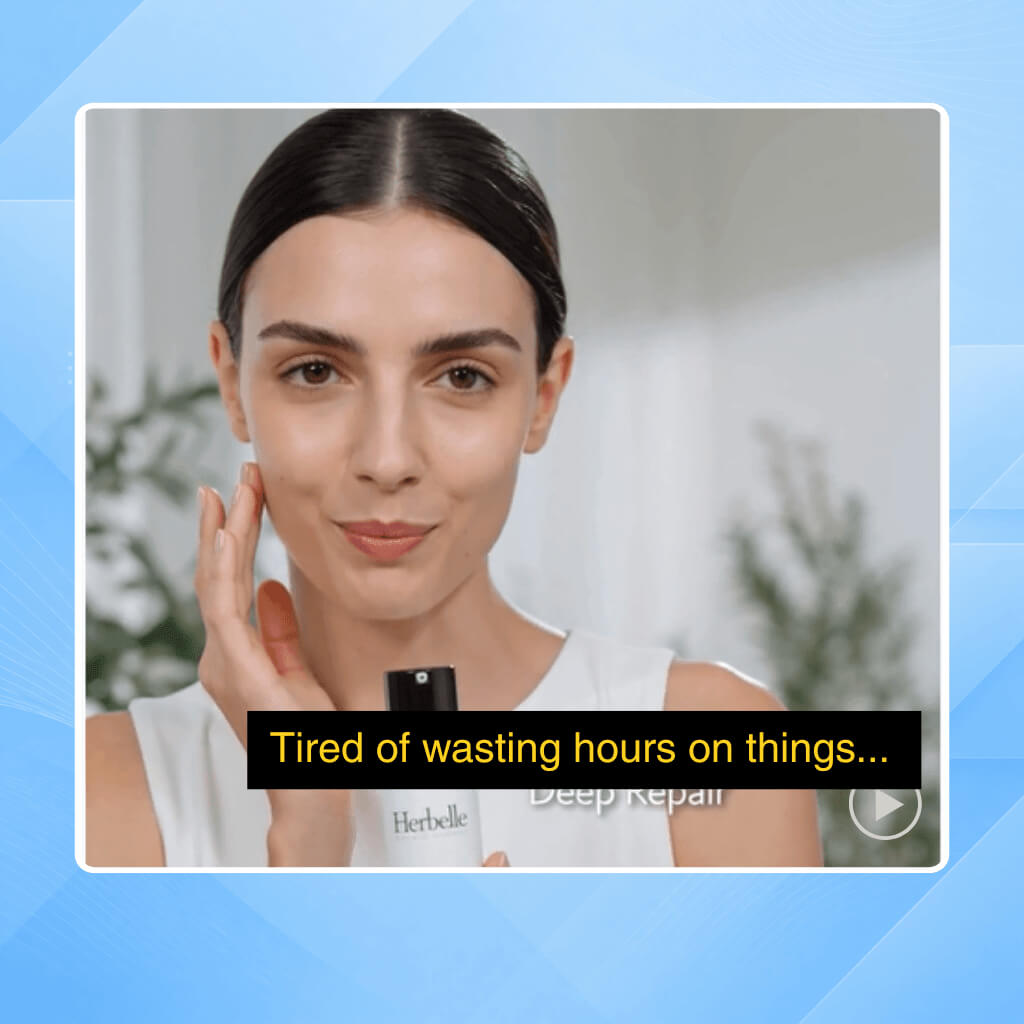
Generate subtitles automatically with AI Video Editor. Add captions for Shorts, Reels, YouTube videos, and podcasts without manual typing or syncing.

Create Social Videos Faster

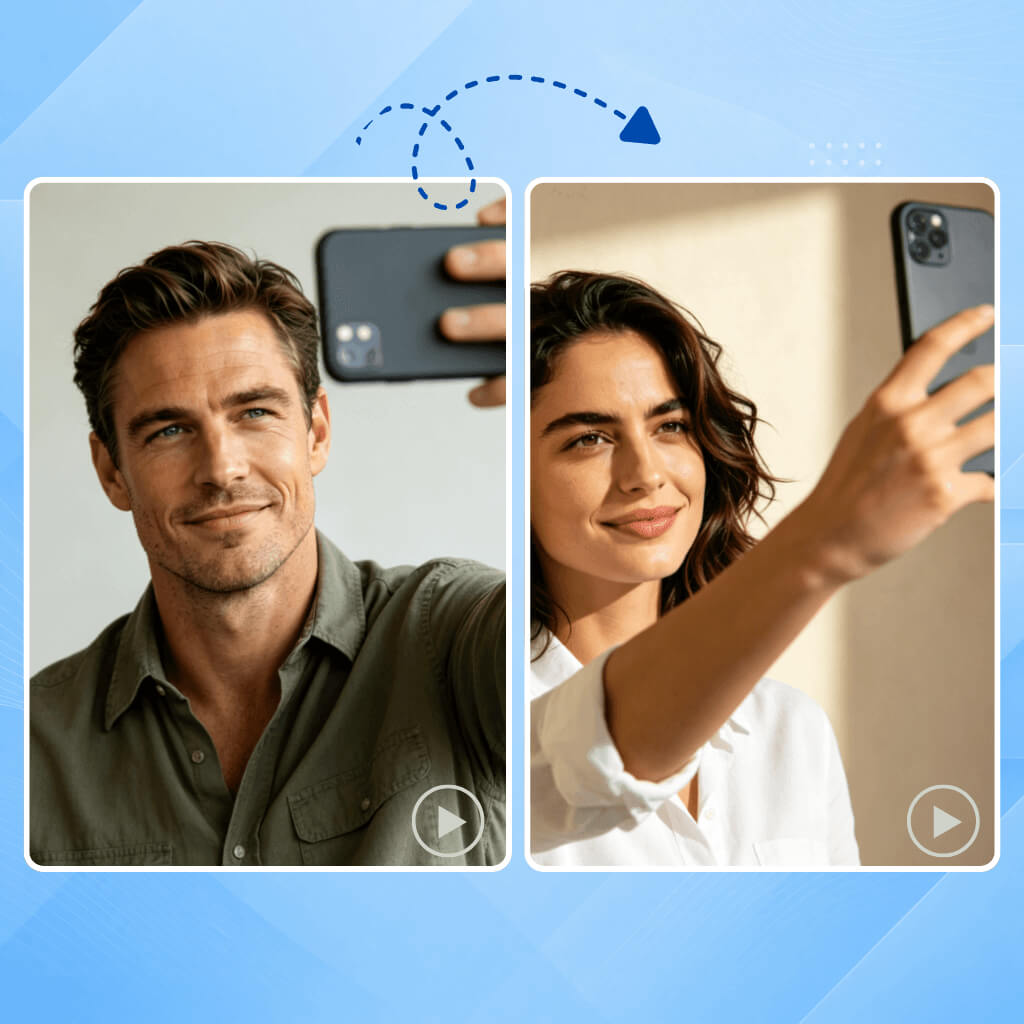
Turn long videos into viral-ready clips for TikTok, Instagram Reels, and YouTube Shorts with smart AI editing and auto formatting tools.

How to Use AI Video Editor Online?

Edit videos online in just a few steps. Upload your file, describe the changes you want, choose an AI model, and download your finished video.

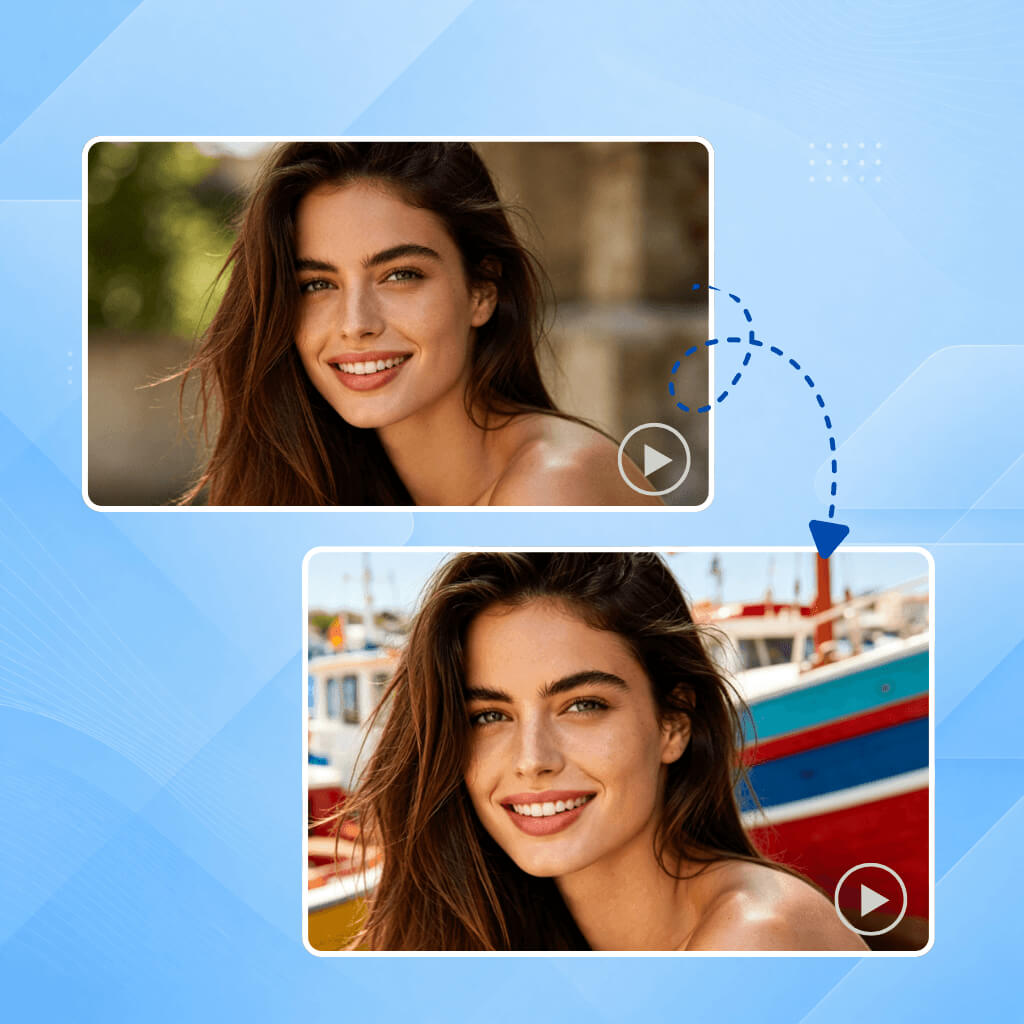
Step 1: Upload Your Video

Step 1: Upload Your Video

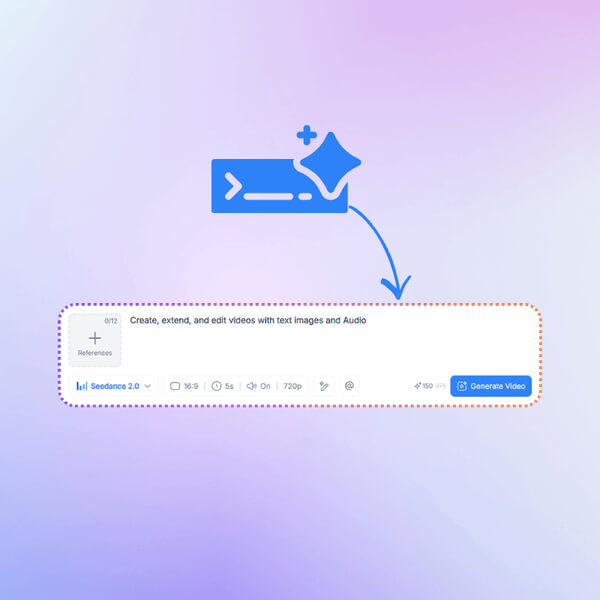
Type prompts like “add subtitles,” “make it cinematic,” or “turn this into a Reel.”

Step 2: Describe Your Edits

Step 2: Describe Your Edits

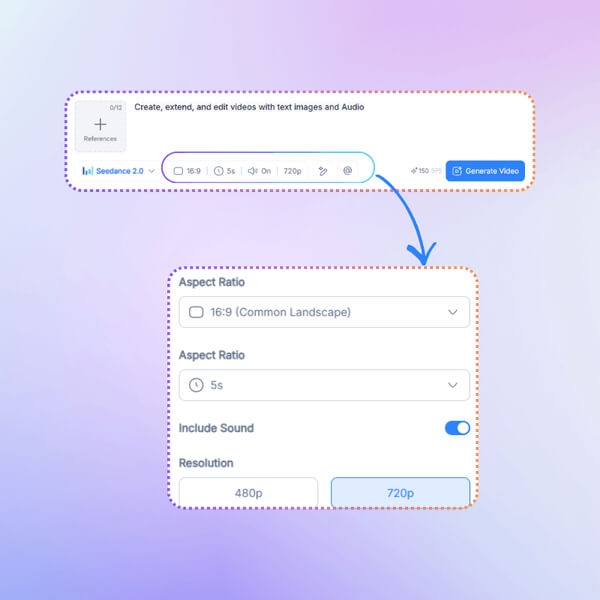
Select language, speaker recognition, and transcription accuracy options before processing.

Step 3: Choose an Model and Generate

Step 3: Choose an Model and Generate

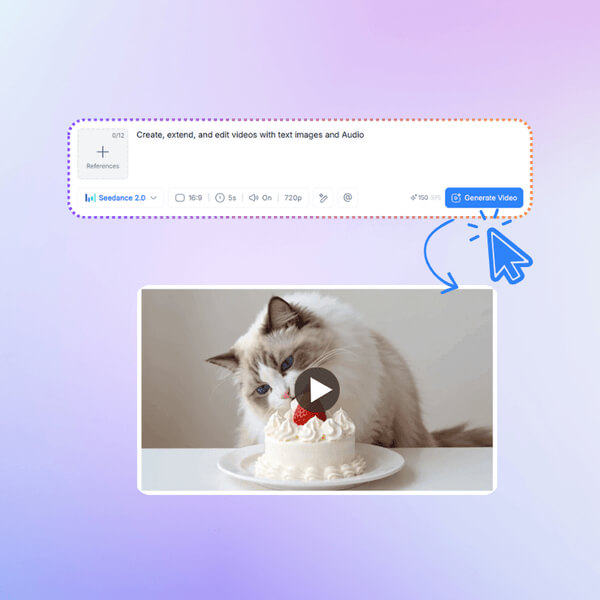
Select Gemini, Kling, Seedance, or Wan to process your video and generate the final result.

Start Editing Videos with AI Today

Create better videos without spending hours editing. Use our free AI Video Editor online to make Shorts, Reels, ads, tutorials, and social content faster with AI-powered tools.

Start Editing Now

What Users Say About AI Video Editor

J.D. avatar

J.D.

YouTube Creator

I used AI Video Editor to turn a long YouTube video into multiple Shorts with captions and transitions. The workflow felt much faster than traditional editing software, and the results looked clean enough for social media posting right away.
M.K. avatar

M.K.

Small Business Owner

I don’t know professional editing tools, so AI Video Editor made things much easier. I uploaded my clips, added a few prompts, and got a polished Reel in minutes without learning complicated timelines.
S.R. avatar

S.R.

TikTok Creator

The automatic captions and vertical formatting worked really well for TikTok videos. AI Video Editor helped me post more content consistently without spending all day editing.
A.L. avatar

A.L.

Podcast Host

I tested several online video editors, and this one generated accurate captions much faster. It’s helpful for podcast clips and talking videos.
C.W. avatar

C.W.

Marketing Manager

AI Video Editor helped our team quickly create product videos and social ads. The AI tools reduced editing time and made content production easier.
T.H. avatar

T.H.

Freelance Designer

I liked that I could edit videos online without downloading heavy software. The AI Video Editor handled most of the editing work while still giving me control over the final result.

FAQs About AI Video Editor