


NoteGPT

MiniMax H3 - Multimodal AI Video Model Agent

Experience MiniMax H3, a multimodal AI video model

PricingUpgrade (Save 30%) · Limited Time
0/7References

Describe the video you want to create, or upload a Start frame or End frame (optional).

For example:
1. Waterfall in a lush jungle, mist rising
2. Colorful fruit splash in water, high speed capture

40100

MiniMax H3 - Multimodal AI Video Model with Reference Control

Experience MiniMax H3, a multimodal AI video model that creates videos from text, images, videos, and audio. Generate high-quality videos with advanced reference control.

MiniMax H3 - Multimodal AI Video Model with Reference Control

What Is MiniMax H3?

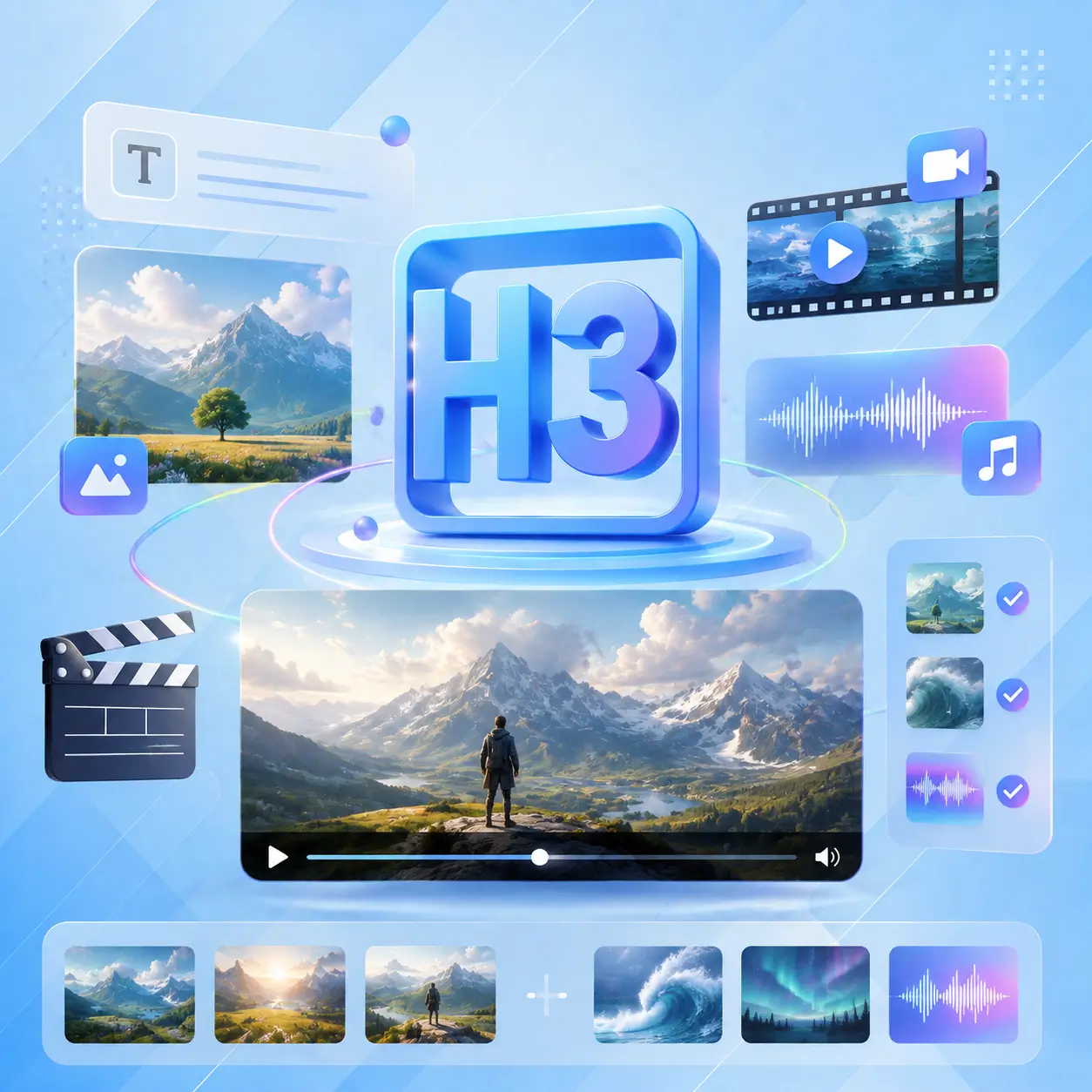
MiniMax H3 is a general-purpose multimodal AI video generator from MiniMax. Unlike older models that only handle one input type, H3 reads text, images, video clips, and audio together as one creative context — then outputs a finished video with native stereo sound. It supports text-to-video, image-to-video, first-and-last-frame generation, and multi-reference creation with up to 9 images + 3 videos + 3 audio tracks. Open-source and free to try online.
What Is MiniMax H3?

Still Rendering Silent Clips and Dubbing Separately?

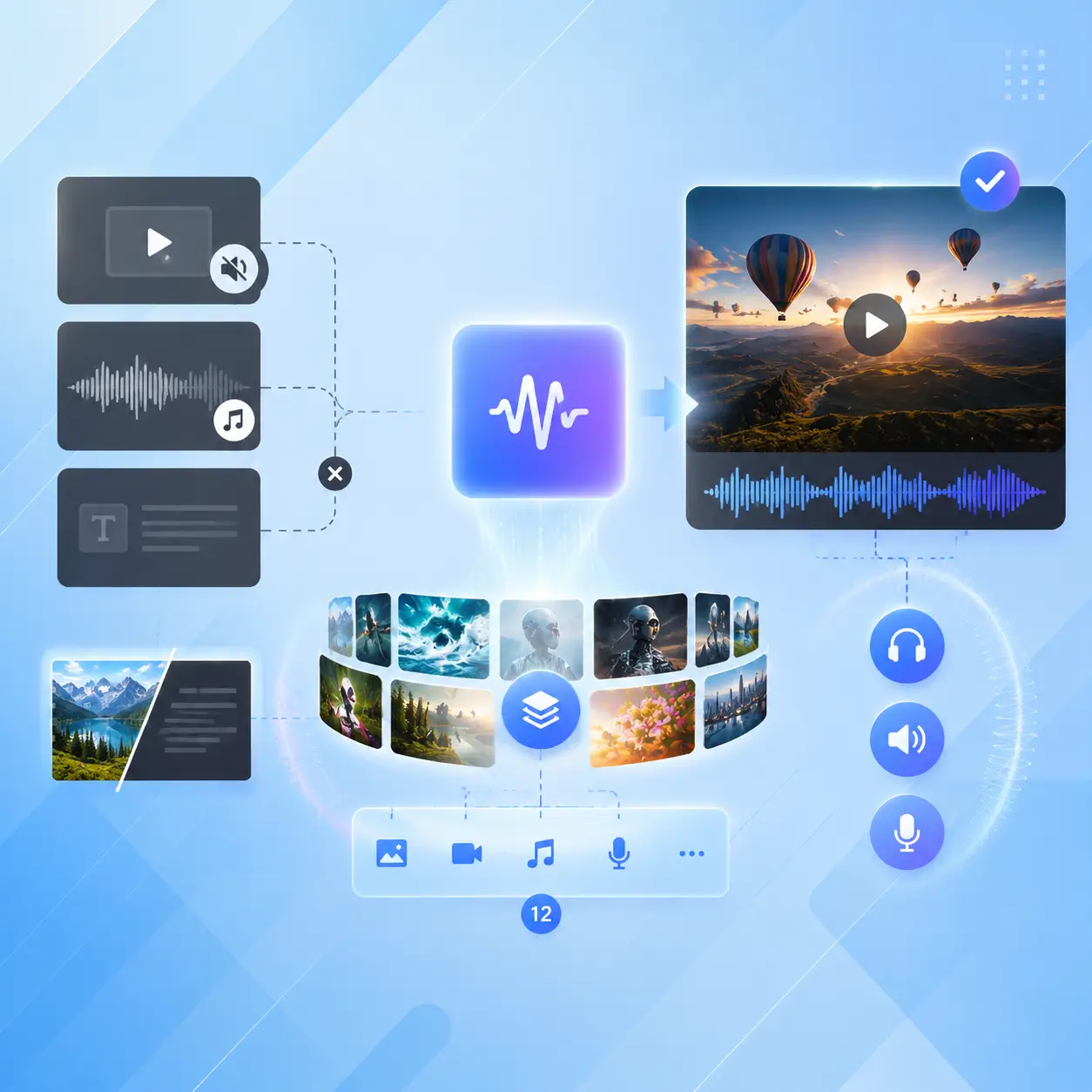
Most AI video generators give you a silent clip, then you manually add sound, music, or dialogue in post. Others force you to pick one input type — either text OR an image, never both. MiniMax H3 fixes that: every output includes native stereo audio synced to the visuals, and you can mix up to 12 reference files in a single request. One generation, one finished video.
Still Rendering Silent Clips and Dubbing Separately?

Why Choose MiniMax H3 on NoteGPT?

MiniMax H3 stands out as a multimodal video generation model that actually unifies inputs — text, images, audio, and video clips all feed into one generation, not separate tools. It produces up to 2K resolution with native stereo audio in a single pass, supports instruction-based editing without regenerating the entire clip, and costs roughly one-third of comparable models. Free to start, no signup required on NoteGPT.
Why Choose MiniMax H3 on NoteGPT?

Core Features of MiniMax H3

Together, these capabilities make MiniMax H3 more than a video generator—it delivers a complete, audio-visual creation workflow.

Multimodal Context Understanding

MiniMax H3 doesn't just read your text prompt — it simultaneously processes images, video clips, and audio tracks as one unified context. This multimodal AI video generator understands how your references relate to each other and to the target output, producing coherent results from complex, multi-source creative directions.

Native Stereo Audio Generation

Every MiniMax H3 video ships with native 32 kHz stereo audio — ambience, sound effects, music, and synced dialogue generated in the same forward pass as the visuals. No separate dubbing, no post-production audio sync. This AI video generator with audio handles it all at once.

Instruction-Based Video Editing

Need to swap a character, change the background, or rewrite a line of dialogue? Just describe the change in plain language. MiniMax H3 applies your edit precisely while keeping the rest of the video stable. No need to regenerate the entire clip — save time and credits with targeted, instruction-based edits.

MiniMax H3 vs Other AI Video Models

MiniMax H3 competes with leading open and closed-source video models. It leads in multimodal input flexibility, native audio output, and cost efficiency — especially at 2K resolution where its per-second price is under one-third of mainstream alternatives.

FeatureMiniMax H3Seedance 2.0Kling v3Hailuo 2.3Wan 2.7
Max Resolution2K (768p + 2K regen)4K1080p1080p1080p
Max Duration15s30s10s6s15s
Native Audio✅ Stereo✅ Stereo
Multi-Reference Input✅ 9 img + 3 vid + 3 aud✅ 50 refs❌ Image only❌ Image only❌ Image only
Instruction Editing✅ Partial edit✅ Partial edit
Open Source✅ H3-Base✅ Apache 2.0
Cost at 2K~$0.13/s~$0.40/sN/AN/AN/A
Aspect Ratios6 (21:9–9:16)7334

How to Use MiniMax H3 in 3 Steps

From idea to 2K video with sound — no timeline editing required. MiniMax H3 handles visuals, motion, camera, and audio in one generation pass.

Step 1: Upload Your References

Step 1: Upload Your References

Gather your creative materials — up to 9 reference images, 3 video clips, and 3 audio tracks. Write a scene description explaining what you want. The more context you give this text and image to video AI generator, the closer the output matches your vision.

Step 2: Describe Your Scene

Step 2: Describe Your Scene

Type a natural-language prompt covering subject, action, camera behavior, and sound. MiniMax H3 supports prompts up to 7,000 characters and responds to real film language — "rack focus," "handheld," "slow push-in." Choose your aspect ratio and duration (4–15 seconds).

Step 3: Generate and Refine

Step 3: Generate and Refine

Click Generate and get a finished video with native stereo audio. Need changes? Describe them in plain language — swap a prop, change lighting, adjust dialogue — and H3 edits just that part without regenerating the whole clip.

Ready to Create Realistic AI Videos with Sound?

Stop settling for silent clips and one-at-a-time inputs. MiniMax H3 lets you mix text, images, video, and audio into a single generation — and outputs a finished video with native stereo sound. Free to try, no signup needed.

Try MiniMax H3 Free

What Users Say About MiniMax H3

AT avatar

AT

Creative Director

I've been testing AI video tools since Runway's early days, and MiniMax H3 is the first model where I didn't immediately think "cool demo, can't actually use this." The native stereo audio is a real differentiator — every other tool gives you a silent clip that you have to manually dub, which adds 30 minutes of post work per video. With H3, I describe the scene, drop in a couple of reference images, and I get a 15-second clip with synced sound that's actually usable. I used it for a client's product launch teaser and they were impressed. The multi-reference input is clutch too — I can load brand guidelines and product photos in one request. This is the first AI video generator I've recommended to my team without hedging.
MR avatar

MR

Documentary Filmmaker

As a documentary filmmaker, pre-visualization is everything — and MiniMax H3 has become my go-to for testing scene concepts. I can feed in 9 location photos, 3 mood clips, and even a voice reference, and the model actually incorporates them all. That's what makes it a true multimodal AI video generator, not just a text-to-video toy. The instruction-based editing is the real game changer though. If a character's movement looks off, I just describe what I want changed and H3 fixes that part without me having to regenerate the whole 15-second sequence. For pre-vis work, this saves hours per project.
JC avatar

JC

E-Commerce Operations Lead

We run an e-commerce brand with 200+ SKUs and needed product showcase videos for every item. Before MiniMax H3, we paid freelancers or used older AI tools that gave us blurry, inconsistent, silent clips. Now I upload product photos and a brief description, and H3 gives me a 15-second 2K video with audio that I can actually put on our product pages. The brand text rendering is shockingly accurate — logos and product names look right. We've cut per-video cost from 600 RMB to almost nothing and our listing conversion rate went up 18% in the first month.
KN avatar

KN

Game Cinematic Director

In game development, cinematic sequences normally take weeks of motion capture and rendering. We tried MiniMax H3 as a rapid prototyping tool and the results were surprisingly production-ready. I fed it 30 reference images — character designs, environment sketches, lighting references — and it produced a 15-second cinematic with native audio that captured the mood perfectly. The 2K output meant we could actually evaluate at full resolution. We ended up using two clips as in-game teaser content after minor polish. For rapid concept iteration, this AI video generator with audio has become our go-to.
ZH avatar

ZH

Social Media Agency Owner

Running a social media agency means we need daily video content across multiple clients. MiniMax H3 gives us the best balance of speed, quality, and flexibility. The multi-reference input is our most-used feature — each client has brand guidelines, color palettes, and style references, and we load all of them into one generation. The native audio means we skip the dubbing step entirely. Before H3, we spent an hour per clip on manual editing after generation. Now it's maybe 10 minutes of fine-tuning. Our output volume tripled and client satisfaction scores went up.
WL avatar

WL

YouTube & Bilibili Creator

I'm a solo content creator on YouTube and Bilibili, and I've been looking for a tool that can produce b-roll and transition clips without spending hours in Premiere. MiniMax H3 finally delivers something I can use. The 15-second clips are long enough to serve as actual scene transitions, not just flashy three-second fillers. And the instruction editing means if one part looks weird, I fix just that part instead of rolling the dice on a full re-generation. The native audio is a huge time saver too — my viewers actually commented that the b-roll "sounds way better now." For independent creators, this tool closes the gap.

Frequently Asked Questions About MiniMax H3