

Free AI Video Translator
Translate videos into different languages and transform voice styles with AI.
Upload a video to translate subtitles
Drag and drop a video here, or upload from your device.
MP4, MOV, WebM, MKV, AVI, MPEG, MPG, M4V, WMV, FLV, 3GP, TS, MTS, M2TS, OGV · Up to 3GB / 120 minutes
AI Video Translator - Translate & Dub Videos Online
Translate videos into other languages with AI Video Translator. Review subtitles, change available voice styles, and prepare multilingual videos that make your content easier to understand.
Translate Your Video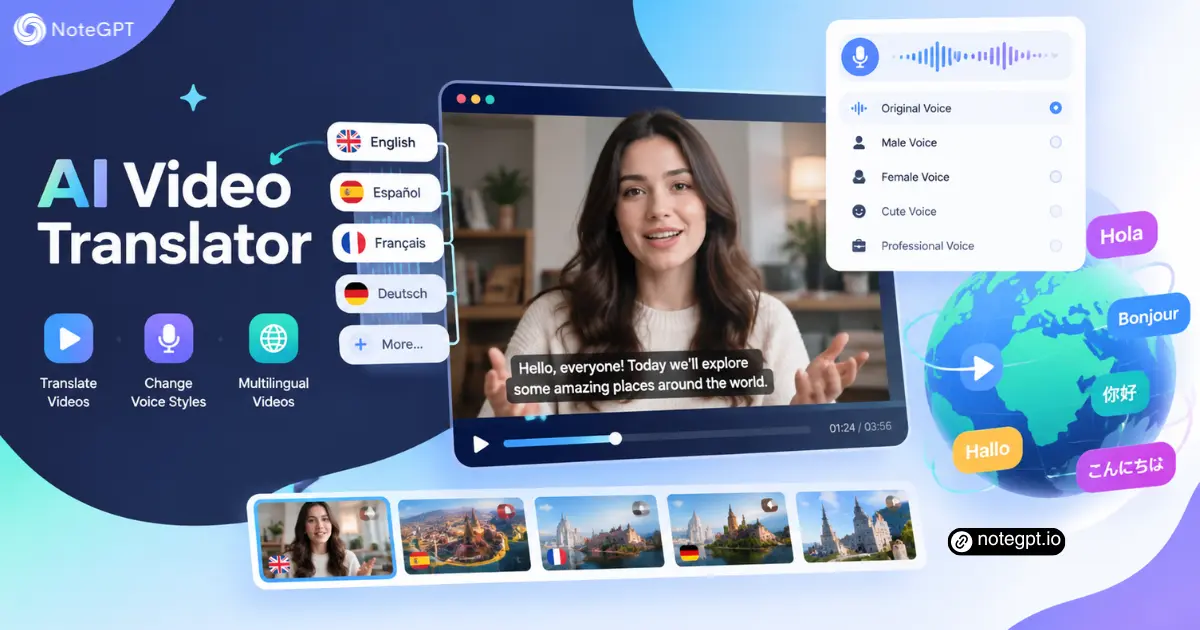
What You Can Do with AI Video Translator
Help your existing videos reach audiences in another language.
Translate video content into different languages
Explore AI Video Translator for your next localized video.
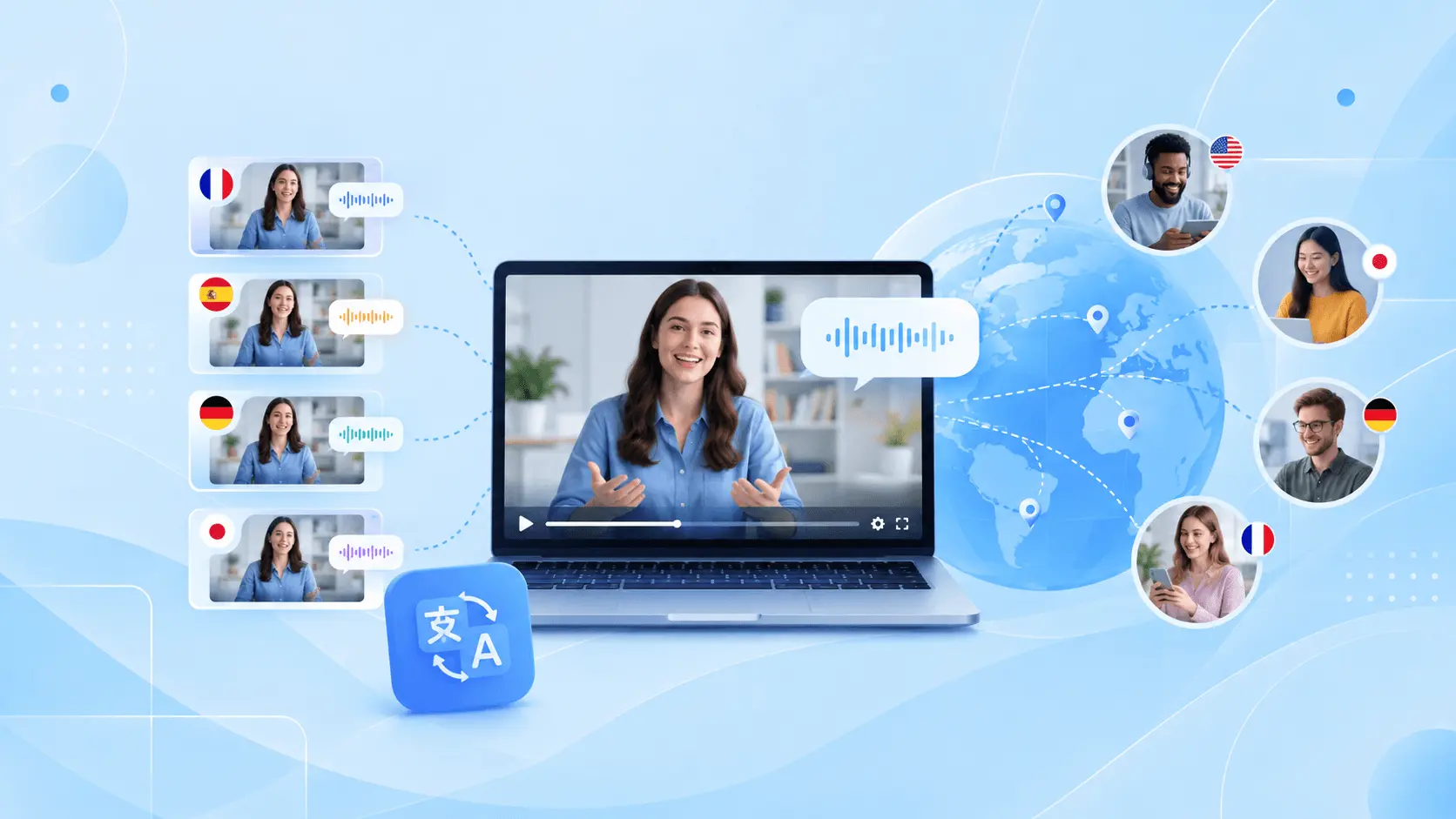
Generate voiceovers with AI Video Translator

Simplify multilingual video production

Why Choose Our AI Video Translator?
AI Video Translator brings translated subtitles, text review, and voiceovers into one workflow. Start with your video and review the translation before sharing.
Multilingual Video Translation
Use AI Video Translator to translate spoken content for international audiences. Review the wording and subtitle timing to keep your original message clear.
AI-Powered Video Dubbing
AI Video Translator turns translated text into voiceovers. Adapt tutorials, lessons, and product videos without recording every language version from scratch.
Flexible AI Voice Options
Choose an available voice in AI Video Translator that matches your video's tone. Check pronunciation, pacing, and meaning before exporting the result.
Who Is AI Video Translator For?
Reuse helpful content across languages, teams, and channels.
Teachers & Educators
Adapt recorded lessons for students who learn in different languages. Review subject terminology and explanations so the translated version supports the same learning goals.
SaaS Teams
Localize product demos and onboarding videos. Keep interface names, feature descriptions, and instructions consistent with the experience your customers will see.
YouTube Creators
Prepare translated versions of videos you own. Use subtitles and voiceovers to explore a new audience while keeping the original message intact.
HR & Training Teams
Translate workplace learning materials for regional teams. Have a subject expert review important procedures and terminology before distributing the finished video.
Course Creators
Reuse recorded courses instead of filming every lesson again. Check examples, specialist vocabulary, and narration pacing for each intended audience.
Marketing Teams
Adapt explainers and campaign videos for different markets. Review local phrasing and brand language so every version communicates the same clear message.
How to Use AI Video Translator
Upload your video, select a language, and review the translation.
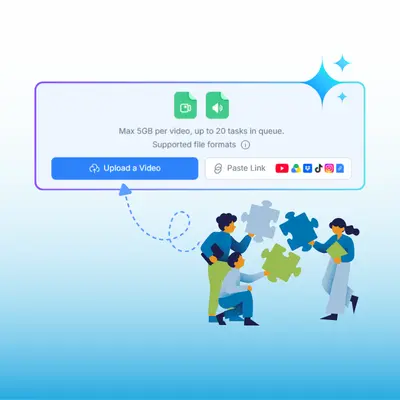
Step 1: Upload your video
Open AI Video Translator and choose your source video. Clear speech gives the process a better starting point.
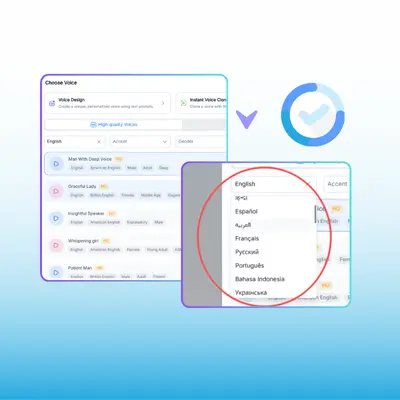
Step 2: Select the target language
Choose a supported language in AI Video Translator. Adjust the subtitle and voice options to suit your audience.
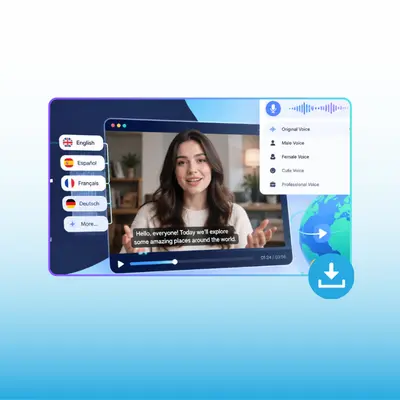
Step 3: Generate and review
Check the translated wording, subtitle timing, and pronunciation. Use AI Video Translator to prepare a draft, then review it before export.
Create Multilingual Videos with AI Video Translator
Use AI Video Translator to translate your existing content, explore voice options, and prepare a localized version for your next audience.
Translate a Video NowFAQs About AI Video Translator
Find answers about video translation, subtitles, voiceovers, and preparing content for another audience.