

Sarah Chen
Graduate Student
I use Concept Map Maker to prep for exams. I paste lecture notes and get a visual map of key concepts in seconds. NoteGPT's AI labels are accurate and editable, saving me hours every week.

Free Concept Map Maker
Create AI concept maps from text and PDFs. Organize ideas into clear visual maps instantly.
Create AI concept maps online for free with no sign up. Turn text and PDFs into visual maps for students, teachers, and professionals to organize ideas faster.
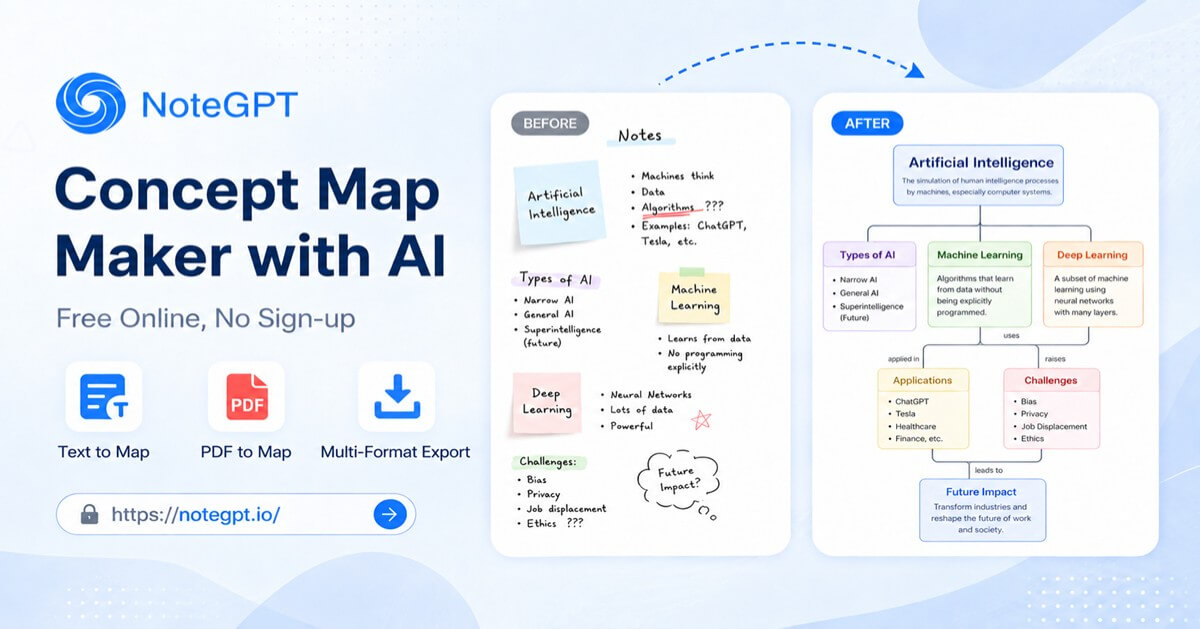
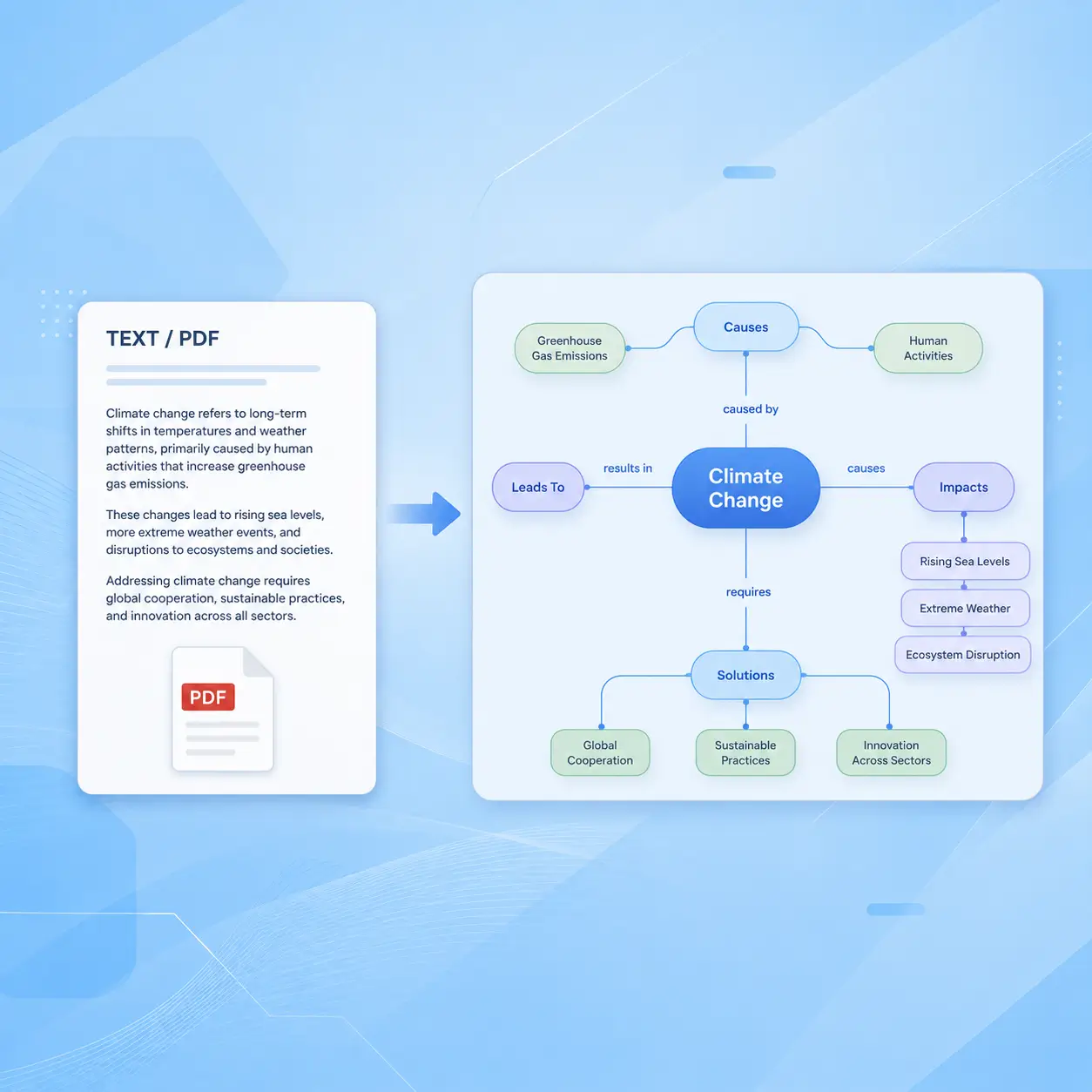
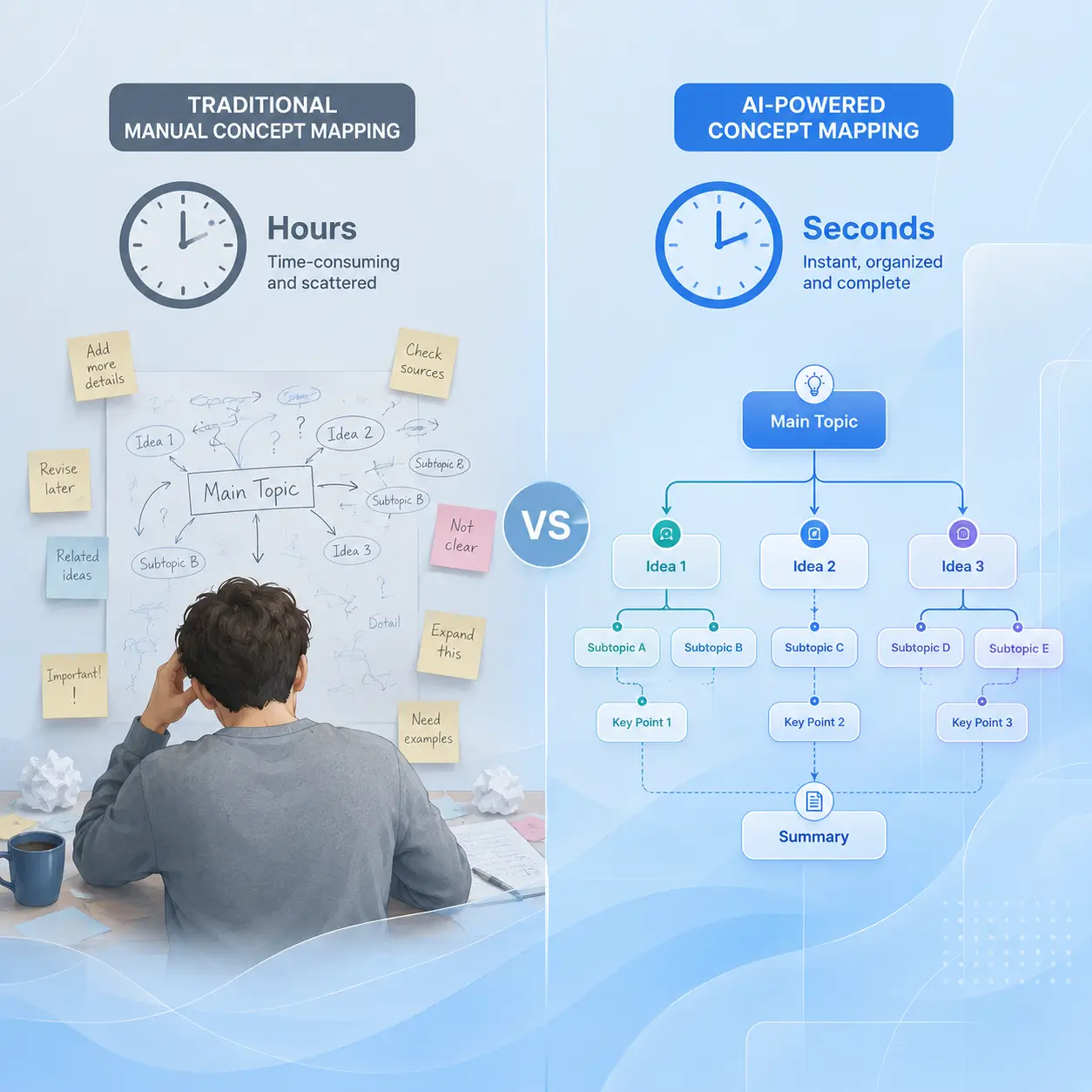

Create clear concept maps faster with AI. NoteGPT helps you turn text and PDFs into visual maps with automatic generation, smart organization, and easy export.
Upload notes or PDFs, and AI extracts key concepts, identifies relationships, and creates structured concept maps in seconds without manual drawing.
AI analyzes your content and organizes ideas into clear relationships, helping you understand complex topics and review knowledge faster.
Export concept maps as PNG or PDF files for studying, presentations, or sharing your ideas anytime.
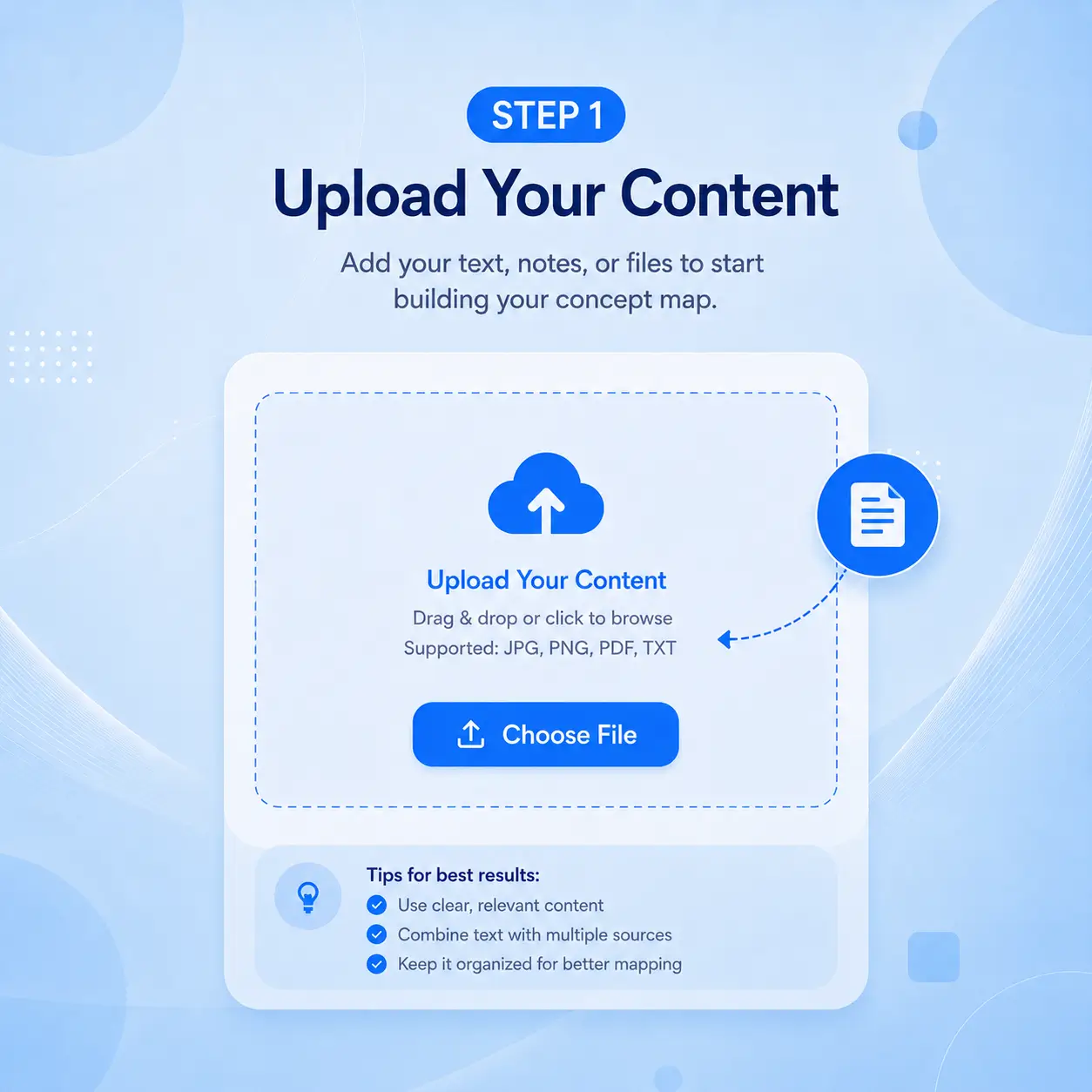
Open NoteGPT's Concept Map Maker, paste your text or upload a PDF. AI quickly analyzes your content and prepares it for concept map generation.
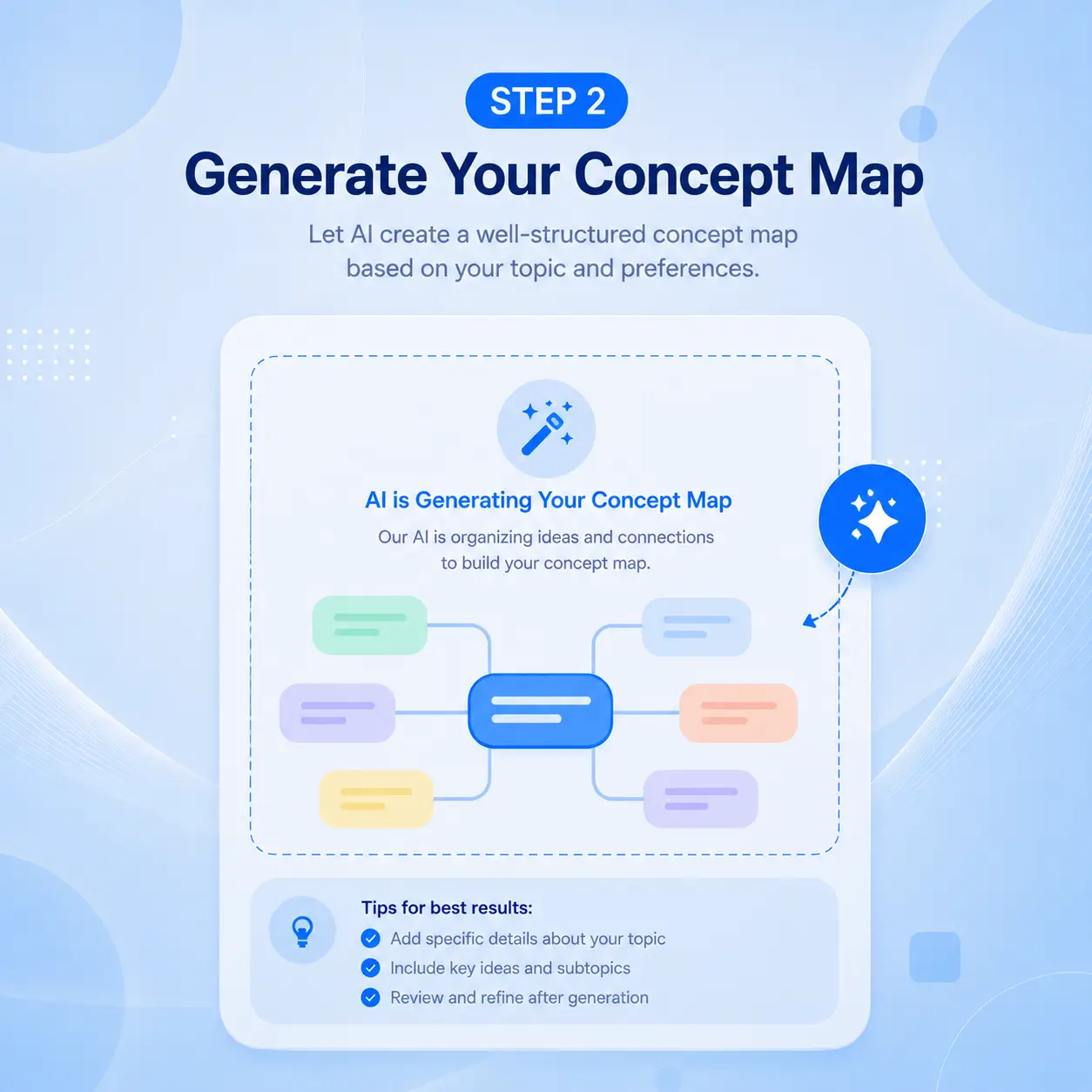
Click generate and AI extracts key concepts, finds connections, and creates a structured visual map in seconds.
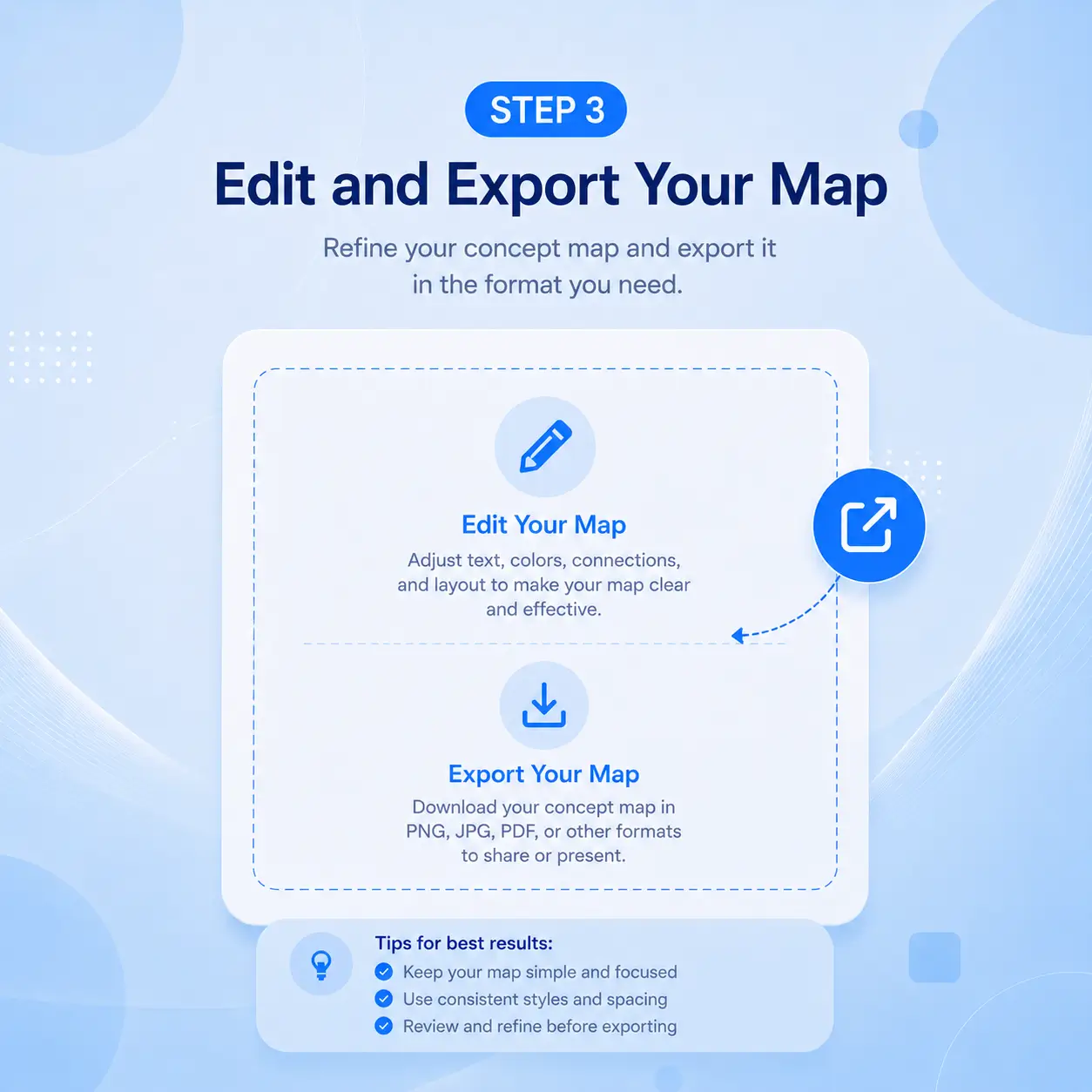
Adjust concepts, refine relationships, and customize your map. Export your concept map as PNG or PDF for study, presentations, or sharing.
Turn your notes and PDFs into clear visual concept maps in seconds. NoteGPT's Concept Map Maker is free with no sign-up, and works entirely online. Create your first map now.
Create Your Concept MapSarah Chen
Graduate Student
I use Concept Map Maker to prep for exams. I paste lecture notes and get a visual map of key concepts in seconds. NoteGPT's AI labels are accurate and editable, saving me hours every week.

James Miller
High School Teacher
As a teacher, Concept Map Maker helps me build visual study guides fast. The AI reads my lesson plans and generates structured maps my students grasp quickly. What took weekends now takes minutes.

Dr. Aisha Patel
Research Scientist
Concept Map Maker streamlines my literature reviews. I upload research papers and the tool maps concepts and relationships instantly. Seeing how studies connect helps me spot gaps. SVG export works well for publications.

Marcus Wong
Product Manager
I map user flows and feature dependencies with Concept Map Maker. I type an outline and get a structured visual map in seconds. Sharing a live link with my team makes sprint planning smoother.

Elena Rodriguez
PhD Candidate
Writing my dissertation felt easier once I found Concept Map Maker. I upload chapter drafts and see my argument structure visually. Spotting gaps in reasoning helped me reorganize sections. My advisor noticed the improvement.

Tom Anderson
Instructional Designer
Concept Map Maker is my go-to tool for structuring course content. I paste learning objectives and AI generates a concept map as my outline. Clients appreciate the visual maps I include in every proposal.