

NoteGPT

Transcribe Audio to Text with AI

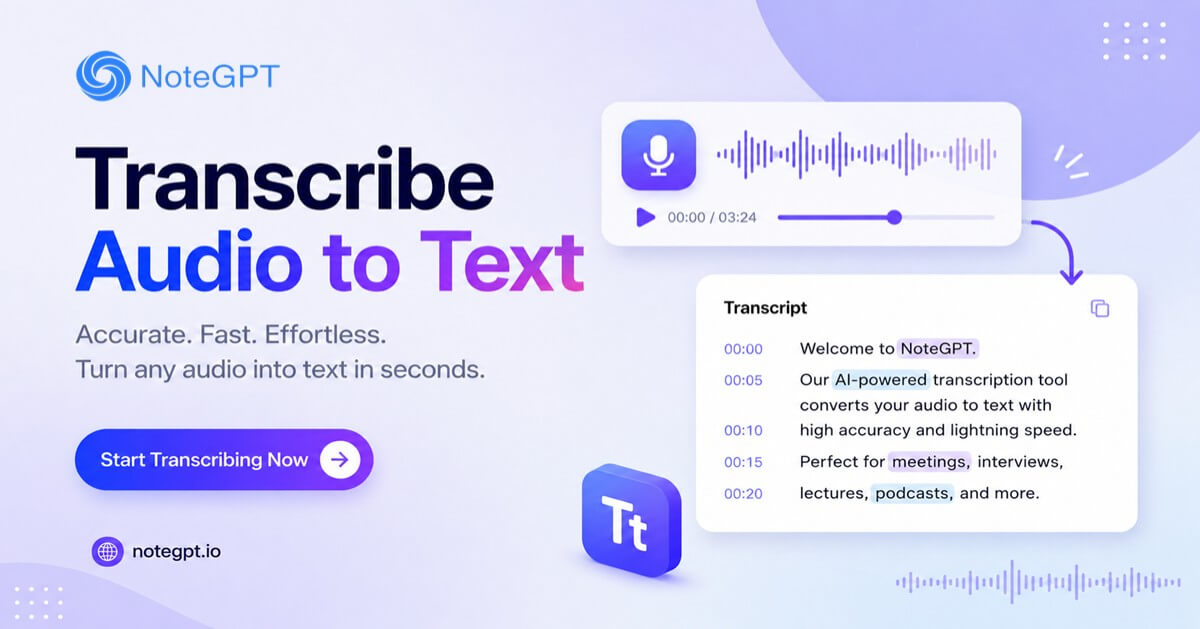
Transcribe audio to text online with AI. Get accurate transcripts for meetings, lectures, interviews, and more.

NoteGPT Video IconNoteGPT Audio Icon
Max 5GB per audio, up to 20 tasks in queue.
Supported file formats
Video
[Example]
Essentials: The Science of Learning & Speaking Languages | Dr. Eddie Chang
Video28:32
Video
[Example]
How to Capture Your Audience’s Attention | TED Idea Search
Video48:11
Audio
[Example]
What Makes an Idea Stick? | TED Idea Search
Audio42:55
Audio
[Example]
From Small Town to Global Fame
Audio03:41

Transcribe Audio to Text: Free AI Audio Transcription Online

Transcribe audio to text online with AI. Get accurate transcripts from lectures, meetings, interviews, and recordings in seconds with automatic speech recognition.

Transcribe Audio to Text: Free AI Audio Transcription Online

What Is Transcribe Audio to Text?

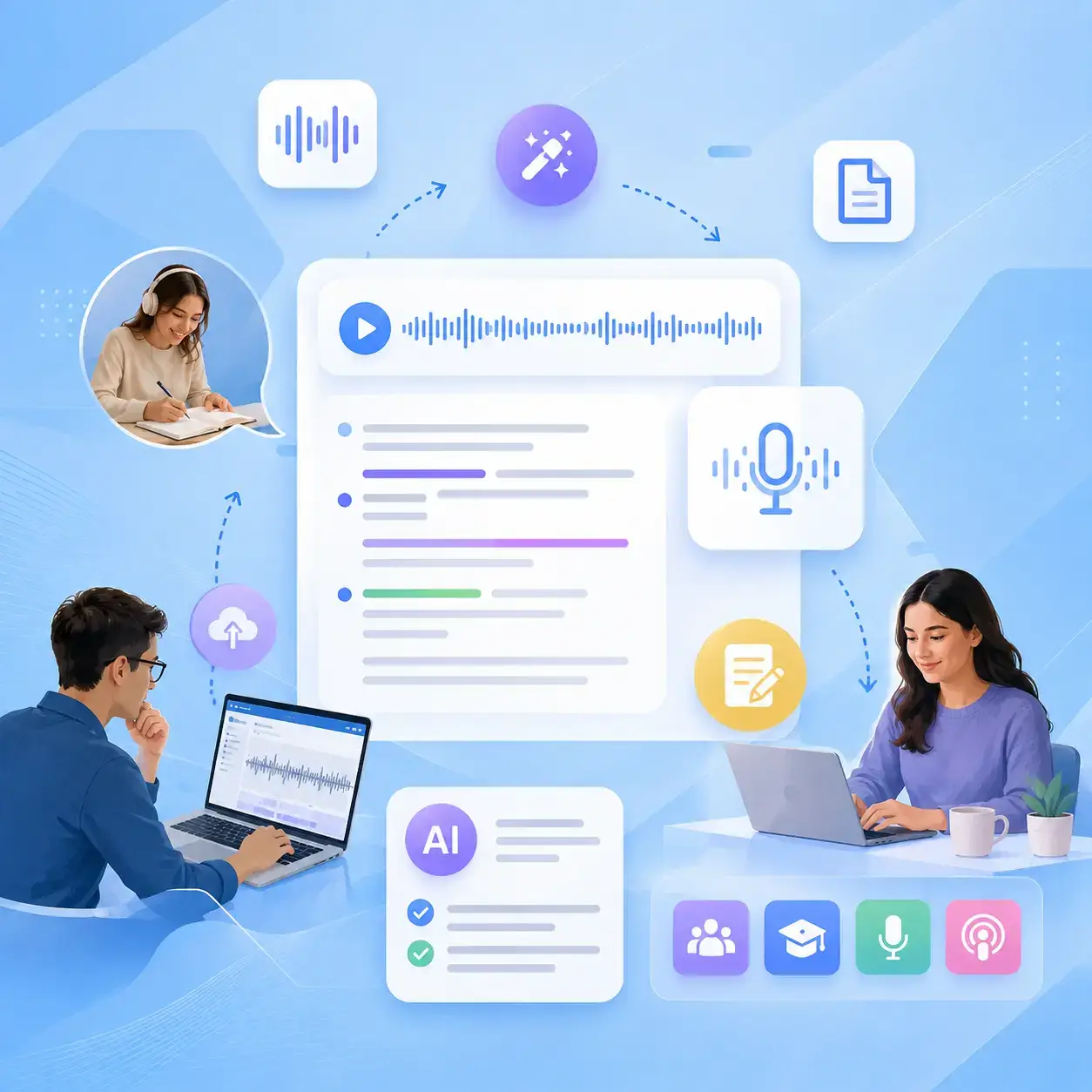
Transcribe Audio to Text is an AI tool that turns audio recordings into accurate text transcripts online. It helps you transcribe meetings, lectures, interviews, podcasts, and voice recordings with automatic speech recognition. After creating transcripts, you can use AI Note Taker to organize key points and turn raw text into structured notes for easier review.
What Is Transcribe Audio to Text?

Why Choose Transcribe Audio to Text?

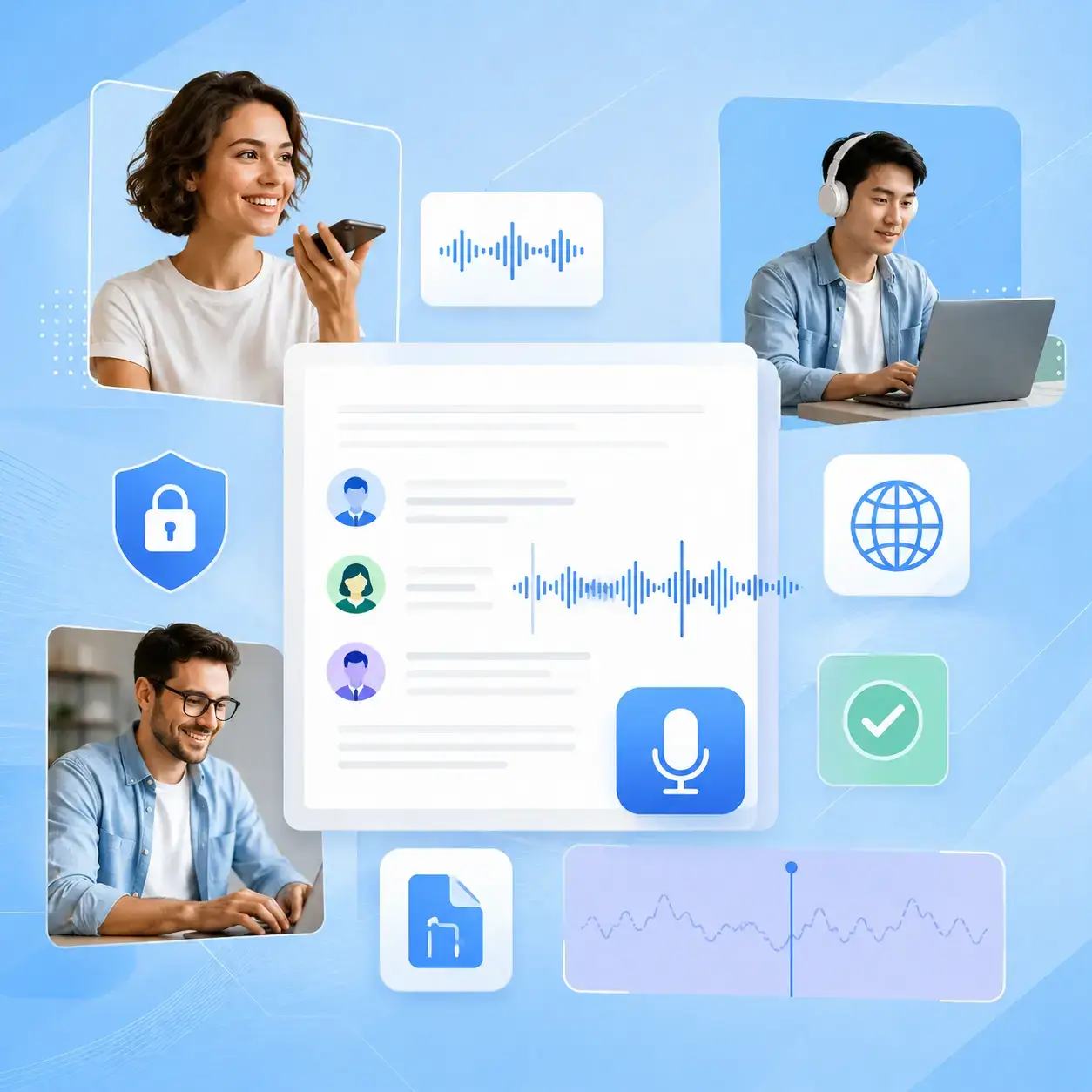
NoteGPT helps you create accurate audio transcripts online for free, with no subscriptions or per-minute limits. Get clean, well-formatted transcripts with punctuation, speaker identification, and multilingual support. Your files are securely processed, encrypted, and automatically deleted after transcription to keep your content private.
Why Choose Transcribe Audio to Text?

Stop Spending Hours on Manual Transcription

Turning audio recordings into text manually requires constant listening, typing, and editing. For long recordings or multi-speaker conversations, the process can quickly become overwhelming. With AI audio transcription, you can generate clear transcripts faster and spend more time focusing on the content.
Stop Spending Hours on Manual Transcription

Key Features of Transcribe Audio to Text

NoteGPT uses AI speech recognition to turn audio into clear transcripts. Transcribe meetings, lectures, interviews, and voice notes quickly and easily.

Accurate AI Transcription

Create clear transcripts from different types of audio, including accented speech, background noise, and specialized terms. AI helps capture spoken content with proper punctuation and natural formatting for easier reading.

Multi-Language Transcription

Transcribe audio in multiple languages with automatic language detection. Whether you are working with English, Spanish, Chinese, Japanese, or other languages, NoteGPT helps create readable transcripts for different content needs.

Speaker Identification

Automatically recognize and separate different speakers in conversations. Keep meeting notes, interviews, and group discussions organized with clearly labeled dialogue.

How to Transcribe Audio to Text

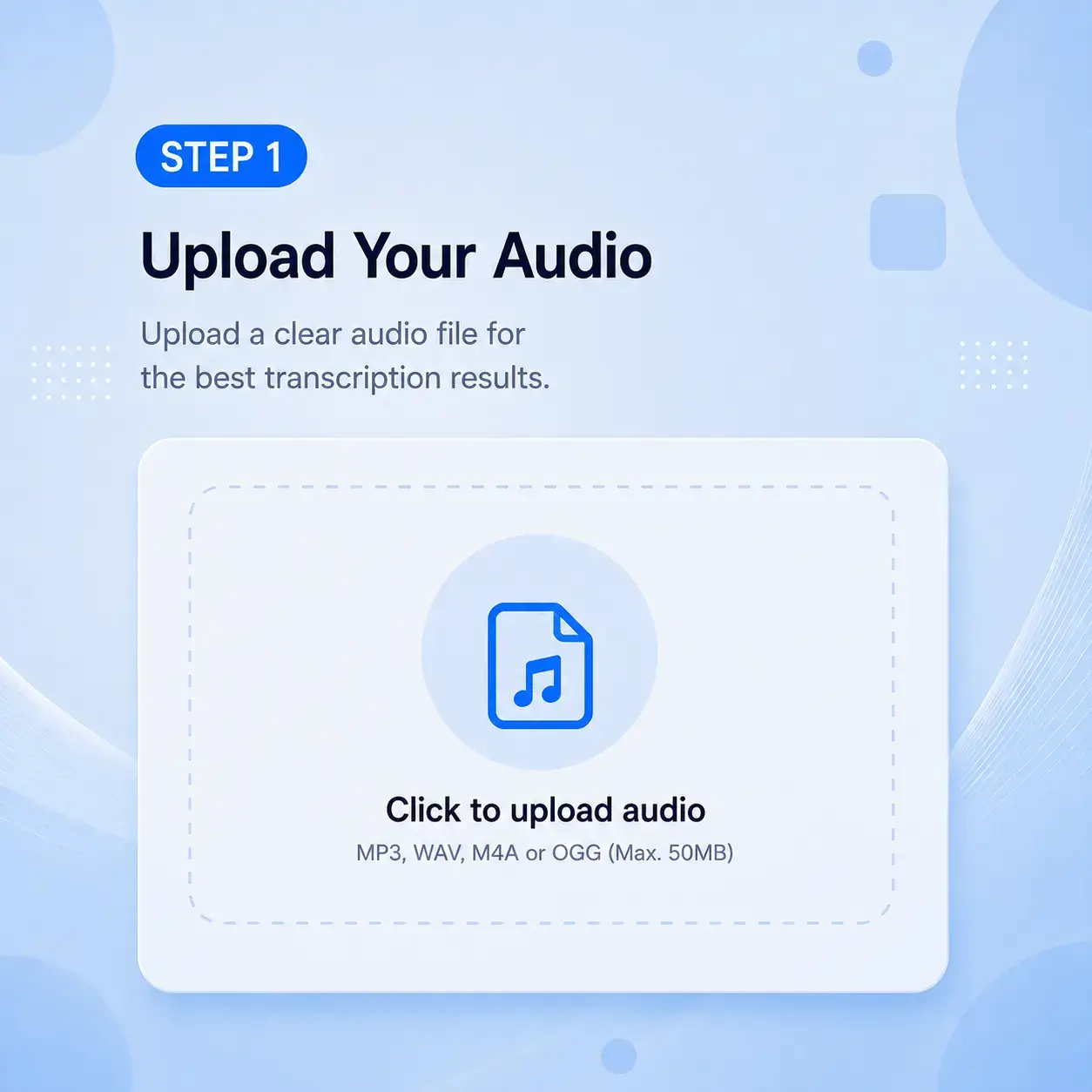
Upload Your Audio

Upload Your Audio

Upload MP3, WAV, or M4A files to NoteGPT, or add a supported video/audio link to get started. No extra software or complicated setup is required.

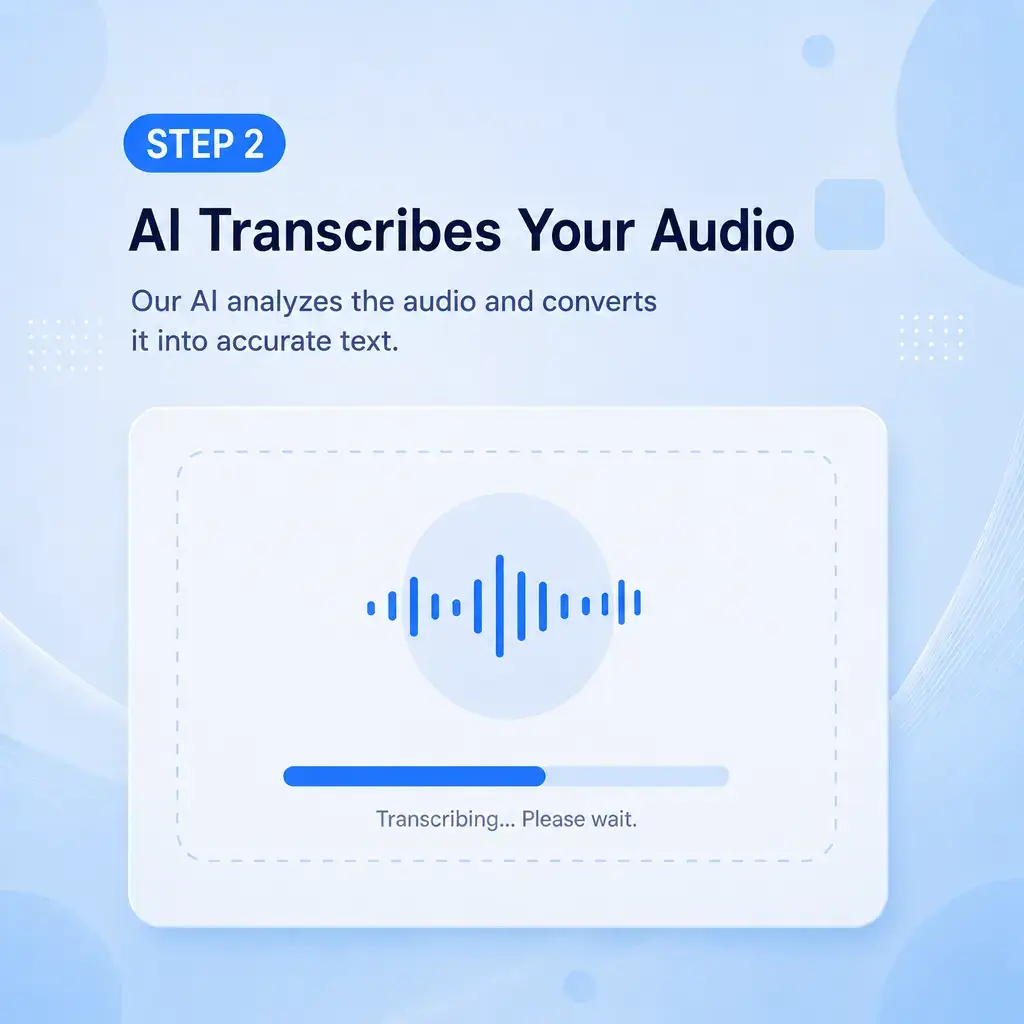
AI Transcribes Your Audio

AI Transcribes Your Audio

NoteGPT analyzes your recording and creates a clear transcript with punctuation, speaker identification, and proper formatting for easier reading.

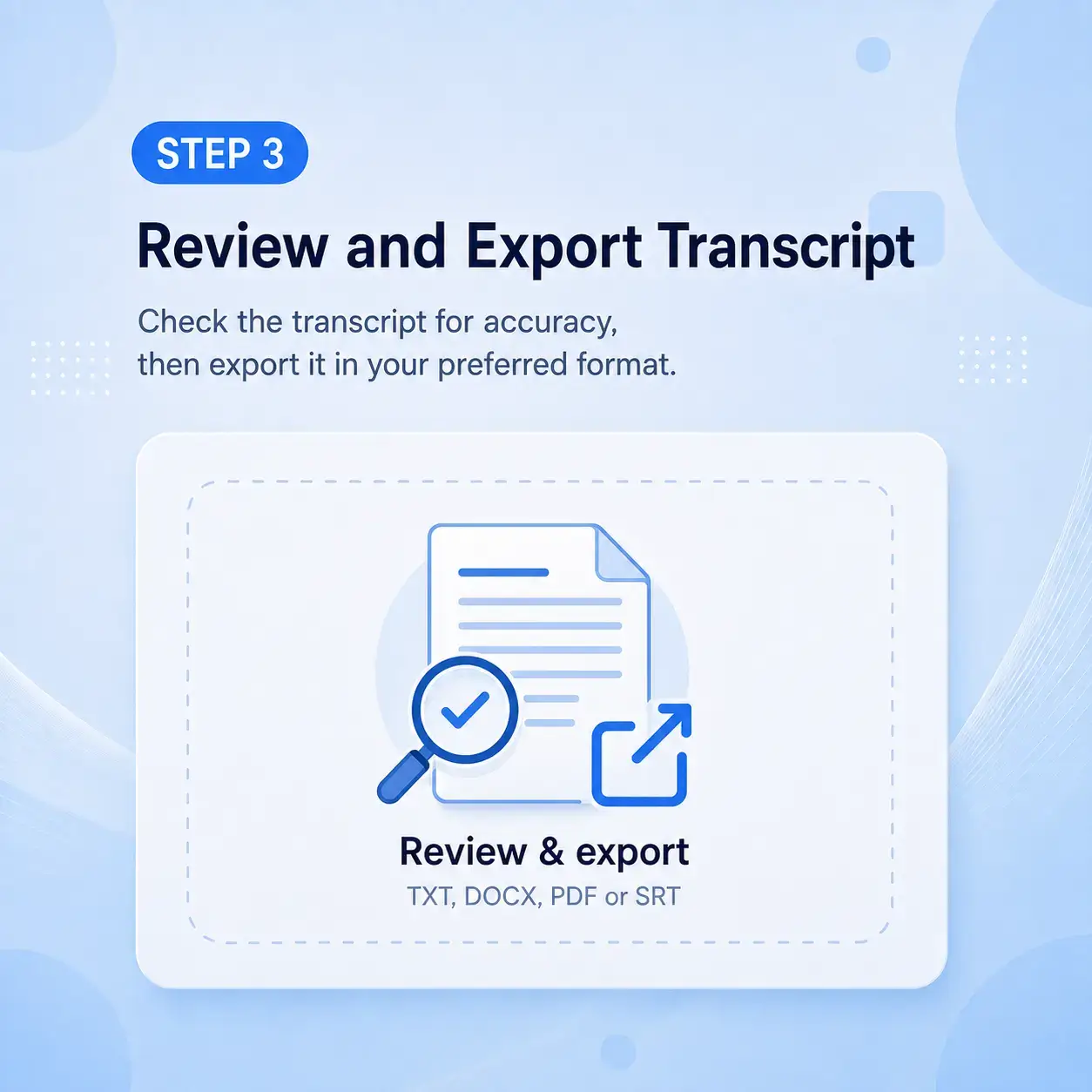
Review and Export Transcript

Review and Export Transcript

Check your transcript, make edits if needed, and export it as TXT, SRT, or DOCX. Your text is ready to search, translate, or share.

Start Transcribing Audio to Text Free

Skip manual typing and turn your audio into clear text in seconds. Upload your recording and get a well-formatted transcript with speaker identification and multilingual support.

Start Transcribing Free

User Reviews: Transcribe Audio to Text Tool in Action

Sarah Chen avatar

Sarah Chen

Graduate Researcher

“Transcribe Audio to Text saved me weeks on PhD interviews with over 30 hours of recordings. NoteGPT helped me create organized transcripts with clear speaker identification, making it easier to review academic conversations and extract key insights.”
Marcus Rivera avatar

Marcus Rivera

Journalist

“I used to spend hours typing out interview recordings before deadlines. With NoteGPT’s audio transcription feature, I can upload audio, get a clear transcript, and focus more time on writing instead of manual typing.”
Emily Thornton avatar

Emily Thornton

Podcast Host

“I needed a simple way to create transcripts for my weekly episodes. NoteGPT’s free audio transcription online tool helps me turn recordings into searchable text and prepare show notes much faster.”
David Park avatar

David Park

Product Manager

“Our team records client calls and sprint reviews every week. Transcribe Audio to Text helps us turn those recordings into searchable transcripts that are easy to share and review across the team.”
Aisha Okafor avatar

Aisha Okafor

University Student

“I upload my lecture recordings after class and use Transcribe Audio to Text to create study materials. NoteGPT handles different languages well, and speaker labels make group discussions easier to follow.”
James Liu avatar

James Liu

Freelance Translator

“Working with multilingual recordings requires reliable transcription. NoteGPT helps me create accurate audio transcripts from English, Mandarin, and Japanese audio, saving time on manual note-taking.”

FAQs About Transcribe Audio to Text