
NoteGPT
Seedream 5.0More Image Tools
Aspect Ratio
2 free image daily, then 6 premium credits / image.

Seedream 5.0: Bytedance's Latest AI Model

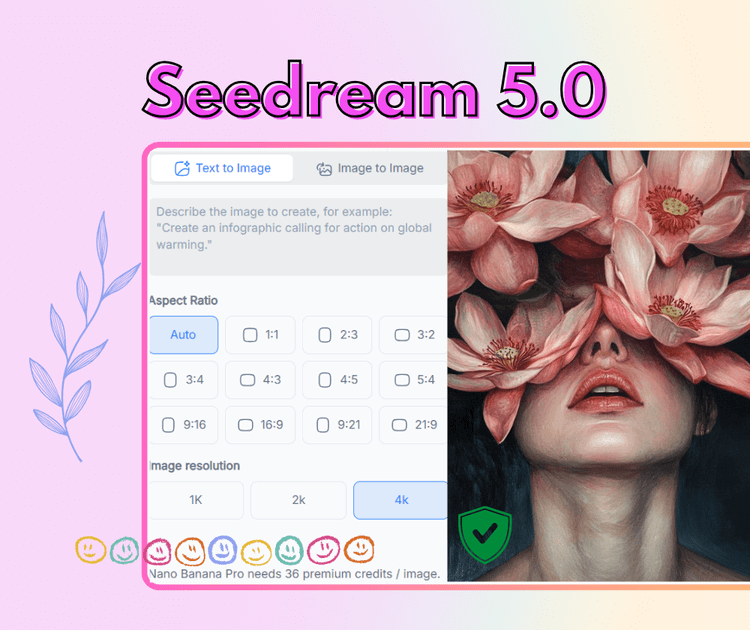
Generate, edit, and refine images with Seedream 5.0 in real-time.

Example
Seedream 5.0: Bytedance's Latest AI Model
NoteGPT - Rated 4.9+ by NoteGPT Users
4.9
Chrome Store
NoteGPT - Rated 4.9+ by NoteGPT Users
NoteGPT - 80,000,000+ Users
80,000,000+
Users
NoteGPT - 80,000,000+ Users
NoteGPT - Trusted By 12,000+ Schools & Teams
12,000+
Schools & Teams
NoteGPT - Trusted By 12,000+ Schools & Teams

Trusted by 12 million users worldwide.

Logo
Logo
YouTube
Logo
Logo
Logo
Logo
Logo
Logo
Logo
Logo
Logo
Logo
Logo
Logo
Logo
Logo
Logo
Logo
Logo
Logo
Logo
Logo
Logo
Logo
Logo
Logo
Logo
Logo
Logo
Logo
Logo
YouTube
Logo
Logo
Logo
Logo
Logo
Logo
Logo
Logo
Logo
Logo
Logo
Logo
Logo
Logo
Logo
Logo
Logo
Logo
Logo
Logo
Logo
Logo
Logo
Logo
Logo
Logo
Logo
Logo
Logo
YouTube
Logo
Logo
Logo
Logo
Logo
Logo
Logo
Logo
Logo
Logo
Logo
Logo
Logo
Logo
Logo
Logo
Logo
Logo
Logo
Logo
Logo
Logo
Logo
Logo
Logo
Logo
Logo

Seedream 5.0 - Try the latest Free Real-Time Web Image Model

Seedream 5.0 generates images with real-time web search and smart reasoning. Create up-to-date visuals with accurate details, clear logic, free 2K/4K output.

Seedream 5.0 – Try the latest Free Real-Time Web Image Model

Introducing Seedream 5.0 AI Image Generation

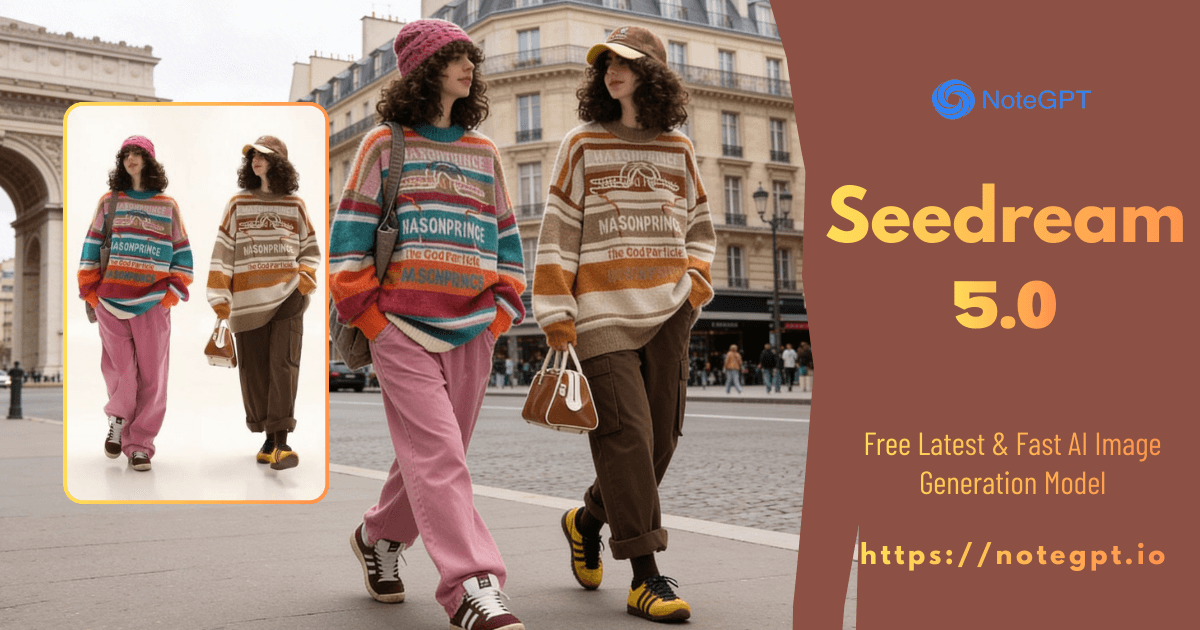
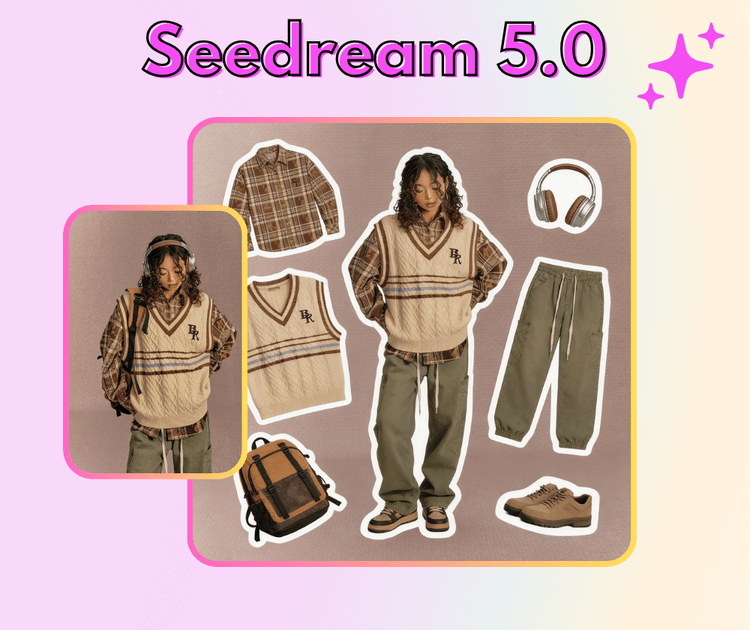
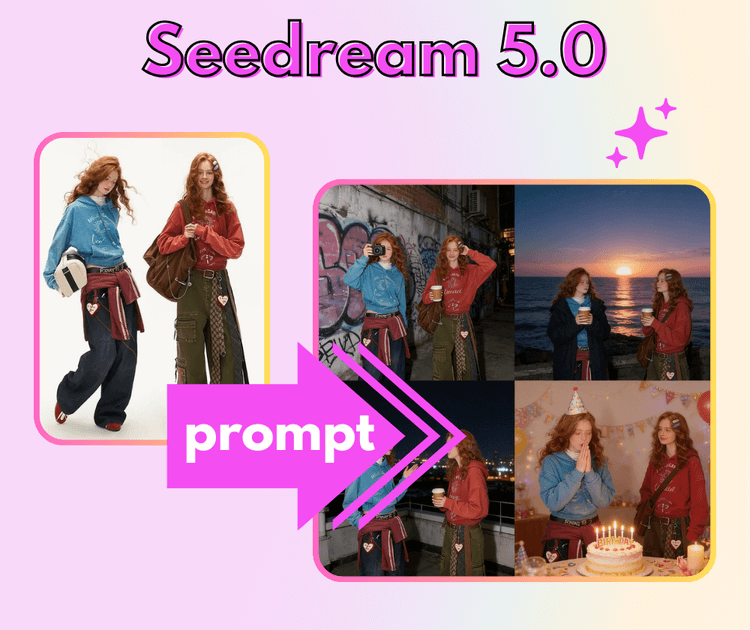
Seedream 5.0 lets you generate images in real-time using live web search and smart reasoning. Whether you want to create visuals for stories, ads, social posts, or concept art, it helps you explore accurate details, realistic layouts, and fresh ideas fast. You can edit, refine, and combine images easily, making it a go-to AI image generator for creators, designers, and content makers.

Introducing Seedream 5.0 AI Image Generation

Explore Our Seedream 5.0 AI Image Generation

Pick your style, enter a prompt, and watch Seedream 5.0 generate images in real-time. Edit, refine, and combine visuals instantly to create accurate, fresh, and stunning results every time.

Explore Our Seedream 5.0 AI Image Generation

Generate Safe and Fun Images with Seedream 5.0

Create images safely with Seedream 5.0 for stories, social posts, ads, or concept art. Generate, edit, and explore visuals instantly while keeping your creations private and realistic.

Generate Safe and Fun Images with Seedream 5.0

What Makes Seedream 5.0 Different

Seedream 5.0 stands out by mixing real-time web visuals, high-quality image output, and smarter logic. You get images that feel current, clear, and closer to how the real world actually looks.

Real-Time Visuals from the Web

Seedream 5.0 can pull fresh visual info from the web, helping you create images that match current trends, events, and topics instead of outdated ideas.

High-Quality Images That Look Clean

Generate sharp, detailed images with better structure and balance. Seedream 5.0 focuses on clear layouts and stable visuals that work well for sharing or reuse.

Images That Make Real-World Sense

Seedream 5.0 understands basic logic and physical rules, so scenes look more natural. Objects feel placed right, proportions make sense, and results feel more believable.

How to Generate Images with Seedream 5.0

Using Seedream 5.0 is simple and fast. Just follow three easy steps to generate, edit, and refine images with real-time web support.

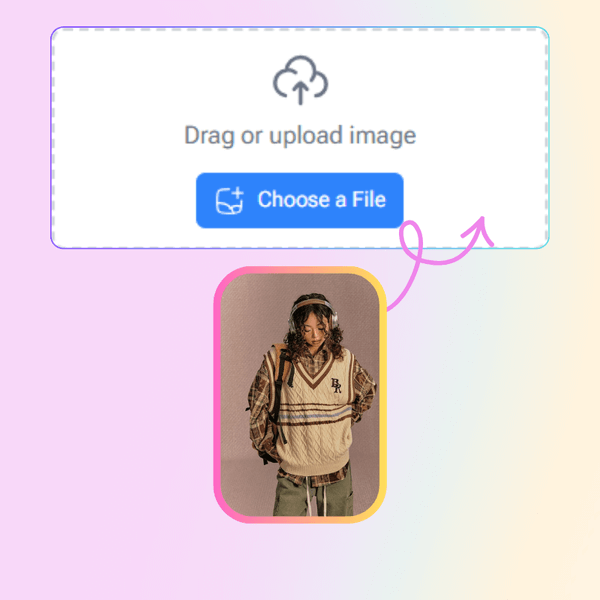
Step 1: Enter Your Idea

Step 1: Enter Your Idea

Type what you want to create or upload a reference image. Keep it simple or add details for better results.

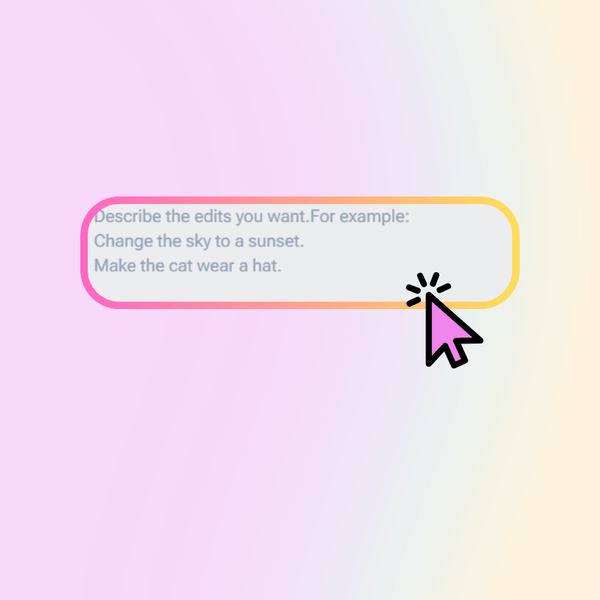
Step 2: Generate in Real Time

Step 2: Generate in Real Time

Turn on real-time web search and let Seedream 5.0 create images based on fresh visual data and smart logic.

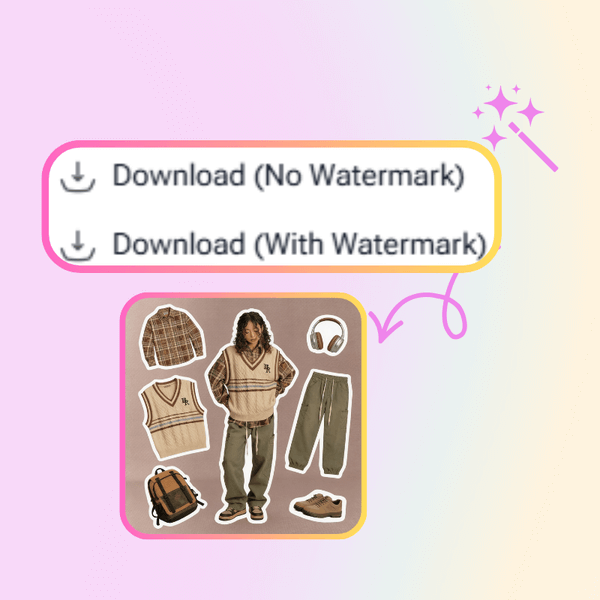
Step 3: Edit and Download

Step 3: Edit and Download

Adjust details, refine the look, and export your image in high quality when it feels just right.

Start Creating Images with Seedream 5.0 Today

Jump in and turn your ideas into images in seconds. With Seedream 5.0, you can generate fresh visuals, edit details, and explore real-time web-based image creation. No setup stress—just type, try, and see results fast.

What Users Say About Seedream 5.0

A.M. avatar

A.M.

Content Creator

I’ve tried a lot of image tools, but Seedream 5.0 feels way more practical. I use it when I need visuals tied to current topics, and the real-time web search really helps. I don’t need to guess prompts for ages—the results usually make sense on the first try. Editing is also easier than I expected. I can tweak details without breaking the whole image. For fast content work, Seedream 5.0 saves me a lot of time and mental energy.
J.L. avatar

J.L.

Product Manager

Seedream 5.0 fits well into my daily workflow. I often need clean, realistic images for presentations, and this tool gives me solid results without extra steps. The logic behind the images feels more natural, especially with layouts and object placement. I also like that I don’t have to worry about my images being stored. It feels safe to test ideas freely. For anyone who needs quick and reliable visuals, Seedream 5.0 is easy to trust.
R.K. avatar

R.K.

Marketing Specialist

What I like most about Seedream 5.0 is how clear and usable the images are. I don’t need overly artistic results—I need images that make sense. The real-time web image generation helps a lot when working with trends or real-world references. It feels less random than other tools I’ve used. I can generate, edit, and move on without friction. That alone makes Seedream 5.0 part of my regular toolkit.
S.T. avatar

S.T.

Visual Designer

As a designer, I care about consistency and realism. Seedream 5.0 does a good job keeping proportions and layouts believable. The images feel grounded in the real world, not overly AI-looking. I also appreciate how fast it responds, even when refining details. It’s not trying to replace my design work, but it helps me explore ideas quickly. Seedream 5.0 is great for early drafts and concept testing.
C.W. avatar

C.W.

Startup Founder

Seedream 5.0 surprised me with how simple it is to use. I’m not technical, but I was able to generate useful images right away. The steps are clear, and the results match what I expect most of the time. I also feel comfortable knowing my images aren’t saved. That matters when working on internal ideas. For non-designers who still need visuals, Seedream 5.0 is very approachable.
D.H. avatar

D.H.

Online Educator

I use Seedream 5.0 mainly for educational content. The smart reasoning helps create images that actually support what I’m explaining, instead of distracting visuals. Real-time web search makes examples feel current, which students notice. I don’t need perfect art—just accurate images that tell a clear story. Seedream 5.0 delivers that balance well and helps me focus more on teaching than image tweaking.

Seedream 5.0 FAQs