

Sarah
Project Manager in a Tech Startup
The AI PPT Maker saved me so much time for my investor pitch! It helped me create a professional presentation in minutes.

Agent Slides
Professional slides with smart reasoning and design perfect for all your presentation needs.
 Gemini 3.1 Pro
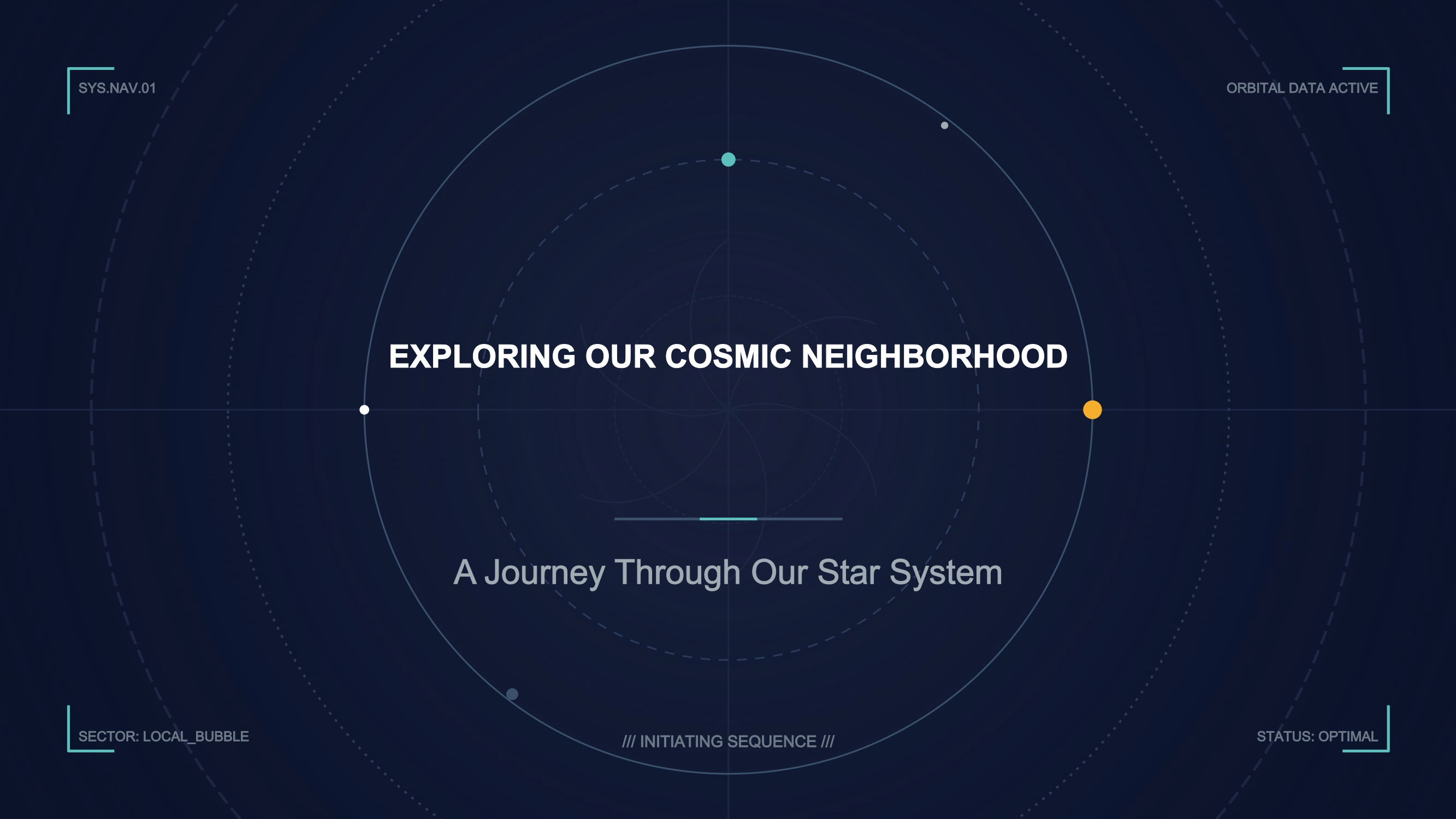
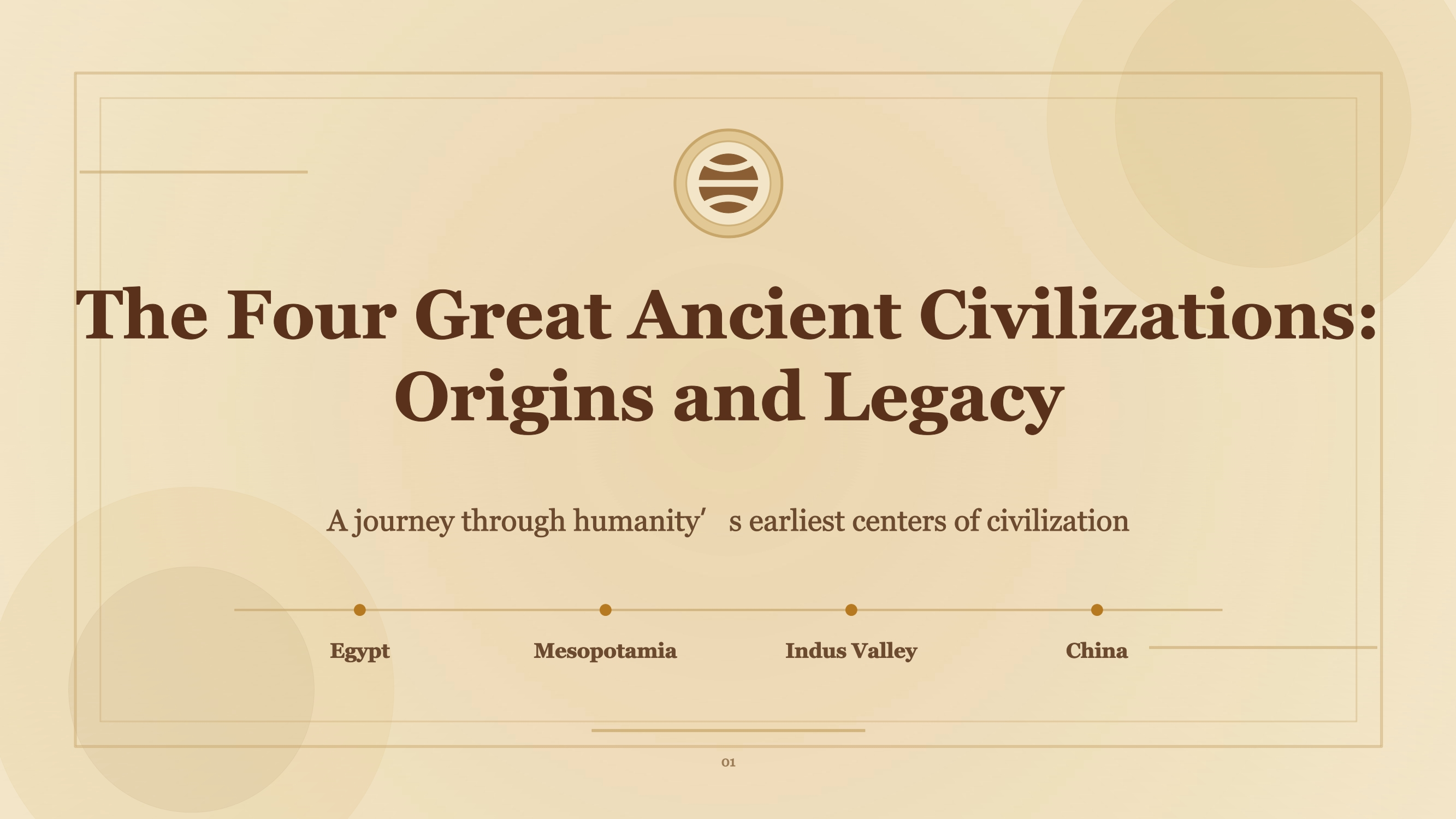
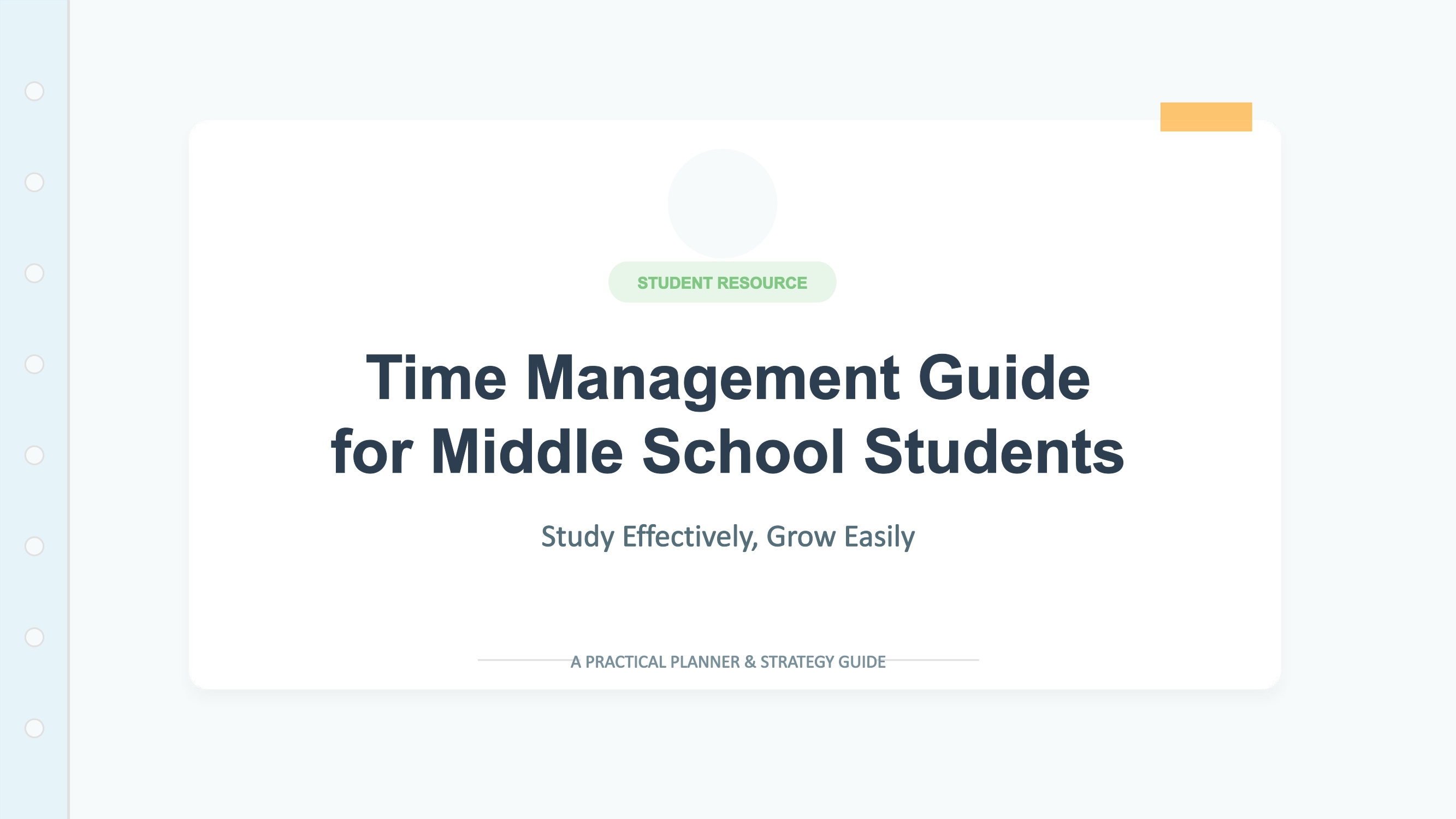
Create professional presentations with NoteGPT’s free AI PPT maker. Turn a topic, document, article, or YouTube video into editable slides and export to PPTX or PDF.
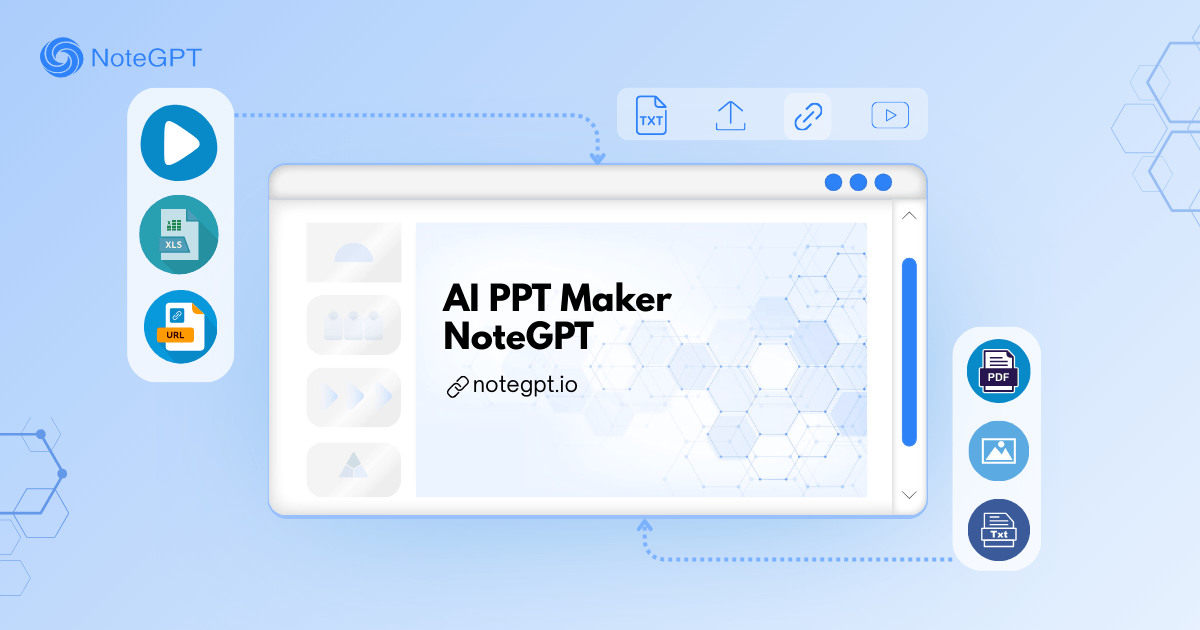
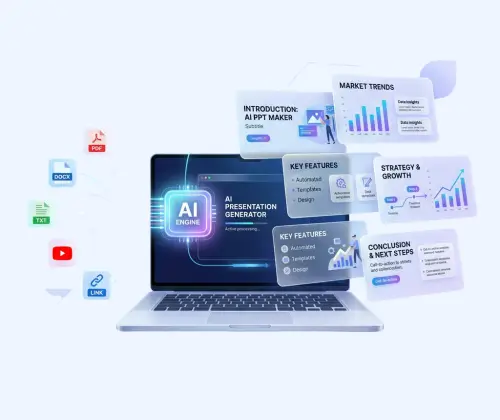

Using an AI PPT Maker offers many benefits, including:
Start with a complete PPT instead of building one from scratch. Enter a topic or a few key points, and the AI PPT Maker generates a structured PPT with titles, sections, and a clear flow. Save time and organize your ideas into a polished PPT quickly.
Choose from a variety of PPT templates that fit your topic. Pick a style—simple, creative, or professional—customize the layout and design, and download your PPT for editing or sharing anytime.
Download your PPT in the format that works best for you. Once ready, export as PPT, PPTX, or PDF files. Easily present, share with your team, or continue editing in your preferred PPT software.
Turn a simple idea into a complete, visually engaging presentation in three steps.
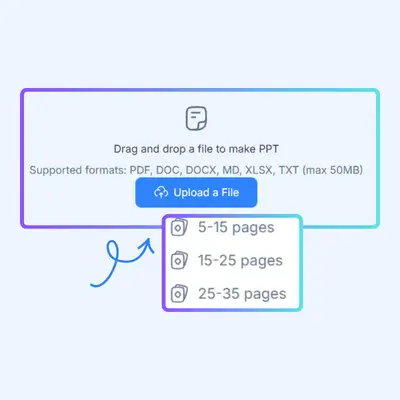
Enter a topic, describe your presentation goal, paste text, upload a document, or add an article or YouTube link. You can also define the audience, tone, language, and preferred number of slides.
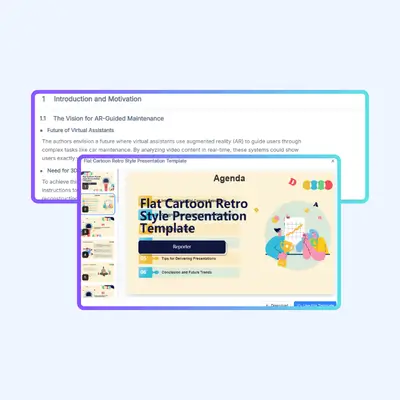
AI PPT Maker explores the topic, identifies the key points, and builds a logical narrative for the entire presentation. It develops the content, organizes each section, and generates relevant visuals to support the story.
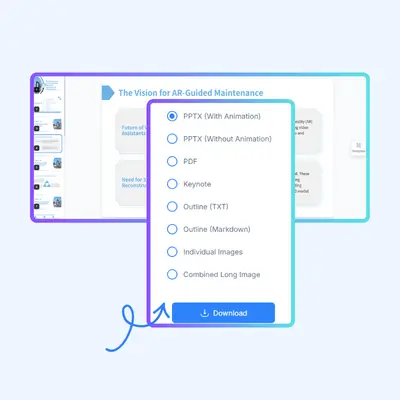
Review the complete deck, refine the content, adjust the structure, and customize the visual style. When it is ready, export your presentation for further editing, presenting, or sharing.
Both NoteGPT and Gamma can help you create presentations with AI, but they approach the process differently. NoteGPT Agent Slides is built for users who want AI to help think through, develop, and visualize the entire presentation.
| Capability | NoteGPT Agent Slides | Gamma |
|---|---|---|
| Generate a presentation from a prompt | Yes | Yes |
| Plan the full presentation before designing | Agent-based planning across the complete deck | AI-generated outline and presentation flow |
| Expand an initial idea into richer content | Develops topics, key questions, and supporting points | Primarily transforms provided ideas or content into a presentation |
| Maintain context across the entire deck | Global reasoning helps keep sections connected | Maintains a consistent presentation structure |
| Generate original AI images | Generates visuals to support slide-specific content | Supports AI-generated and other image sources |
| Work from multiple source types | Topic, text, file, article link, or YouTube video* | Prompt, text, documents, and imported content* |
| Review and refine the outline | Yes | Yes |
| Customize style and layout | Yes | Yes |
| Export options | PPTX, PDF, and Keynote* | PPTX, PDF, PNG, and online sharing* |
| Best suited for | Research-rich, content-driven, and visually supported presentations | Fast, polished presentations and web-based decks |
Turn your ideas into a clear PPT without spending hours on design and structure. This AI PPT Makerhelps you create PPTs quickly, customize templates, and download your PPT in multiple formats. Just add your topic and get started.
Create Your PPT NowSarah
Project Manager in a Tech Startup
The AI PPT Maker saved me so much time for my investor pitch! It helped me create a professional presentation in minutes.

John
Marketing Executive in a Financial Firm
As a marketing executive, this tool is a game-changer for client presentations. It's easy to use, and the AI's summaries are spot-on.

Emily
Graduate Student in Psychology
As a graduate student, AI PPT Maker is a lifesaver for my thesis presentations. It makes creating engaging slides a breeze.

Michael
Sales Manager in a Retail Company
The ability to generate slides manually is fantastic! It allows me to tailor presentations to specific clients and products.

Amanda
HR Specialist in a Large Corporation
AI PPT Maker's multiple download formats make sharing training presentations seamless among teams. It's a great asset for HR.

David
Consultant in a Management Firm
While I wish for more font and color options, AI PPT Maker is still a go-to tool for quick presentations in client meetings. Very efficient.