

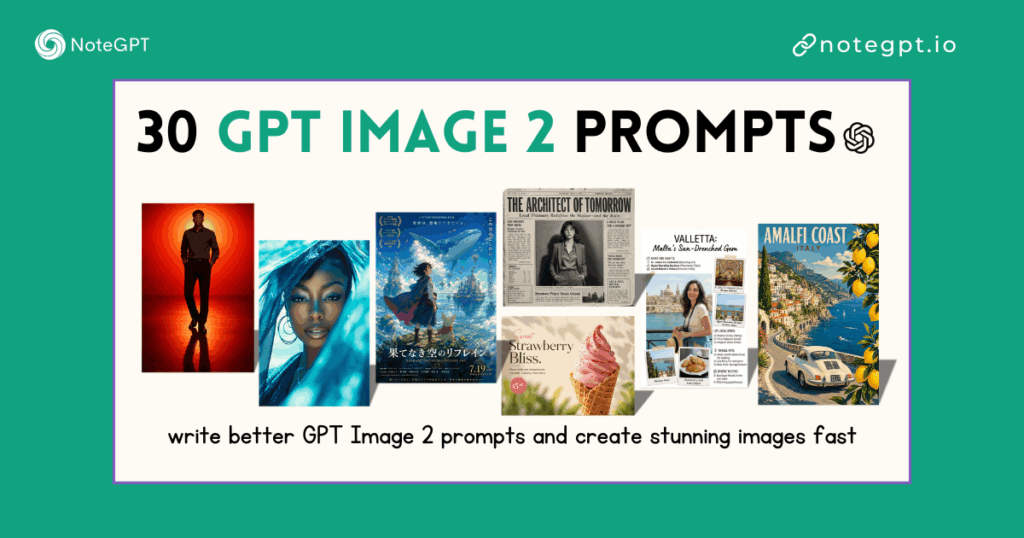
If you’ve been following the AI space in 2026, you know that the "text-to-image" game just changed forever. We’ve moved past the era of "lucky guesses" and entered the era of precision. GPT Image 2 (often called GPT-Images 2.0) isn't just a slight upgrade to DALL·E 3—it’s a native multimodal powerhouse that actually understands what you’re asking for.
Whether you're a marketer trying to hit a deadline, a founder building a brand, or a creator stuck in "prompt hell," this guide is for you. I’ve spent hundreds of hours stress-testing this model to see where it shines and where it breaks.
Let’s dive into how you can master GPT Image 2 to create professional-grade visuals without a design degree.
What is GPT Image 2?
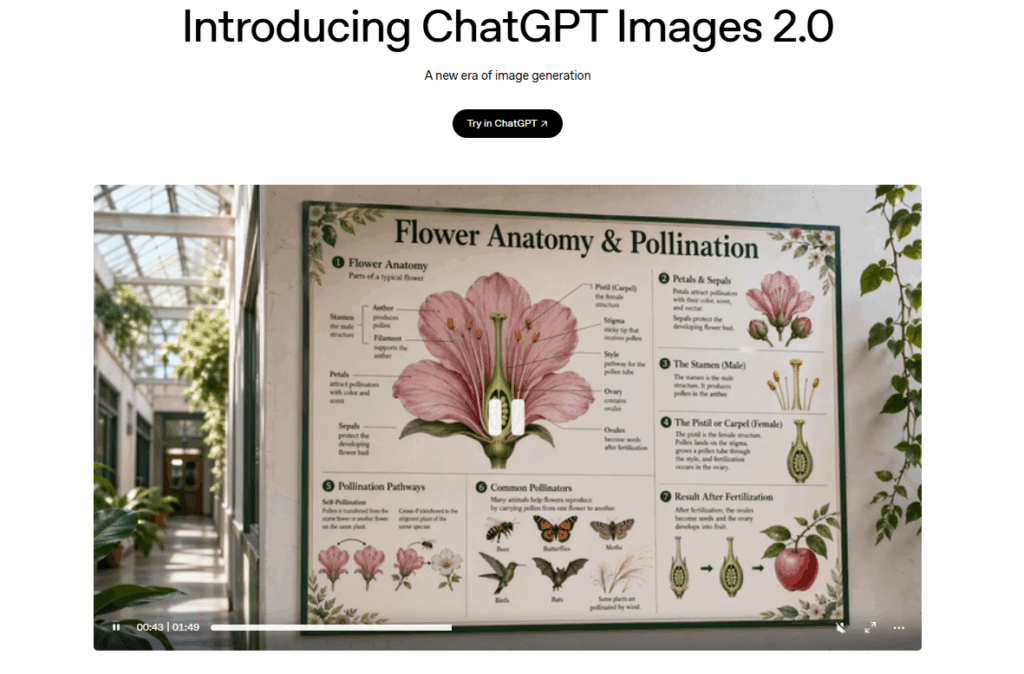
GPT Image 2 is OpenAI’s latest leap into native multimodal generation. Unlike previous versions that essentially "translated" your text into a separate image engine, GPT Image 2 is built directly into the GPT-4o architecture.
What does that mean for you? Literal interpretation. If you ask for a specific number of objects, a precise text string on a coffee cup, or a very particular camera angle, GPT Image 2 actually listens. It has set the new 2026 standard for:
- Perfect Typography: No more "AI gibberish" on signs or labels.
- Complex Instruction Following: It can handle 7-8 distinct constraints in a single prompt.
- Spatial Awareness: It understands "left," "behind," and "overlapping" better than any model before it.
The GPT Image 2 Prompt Formula
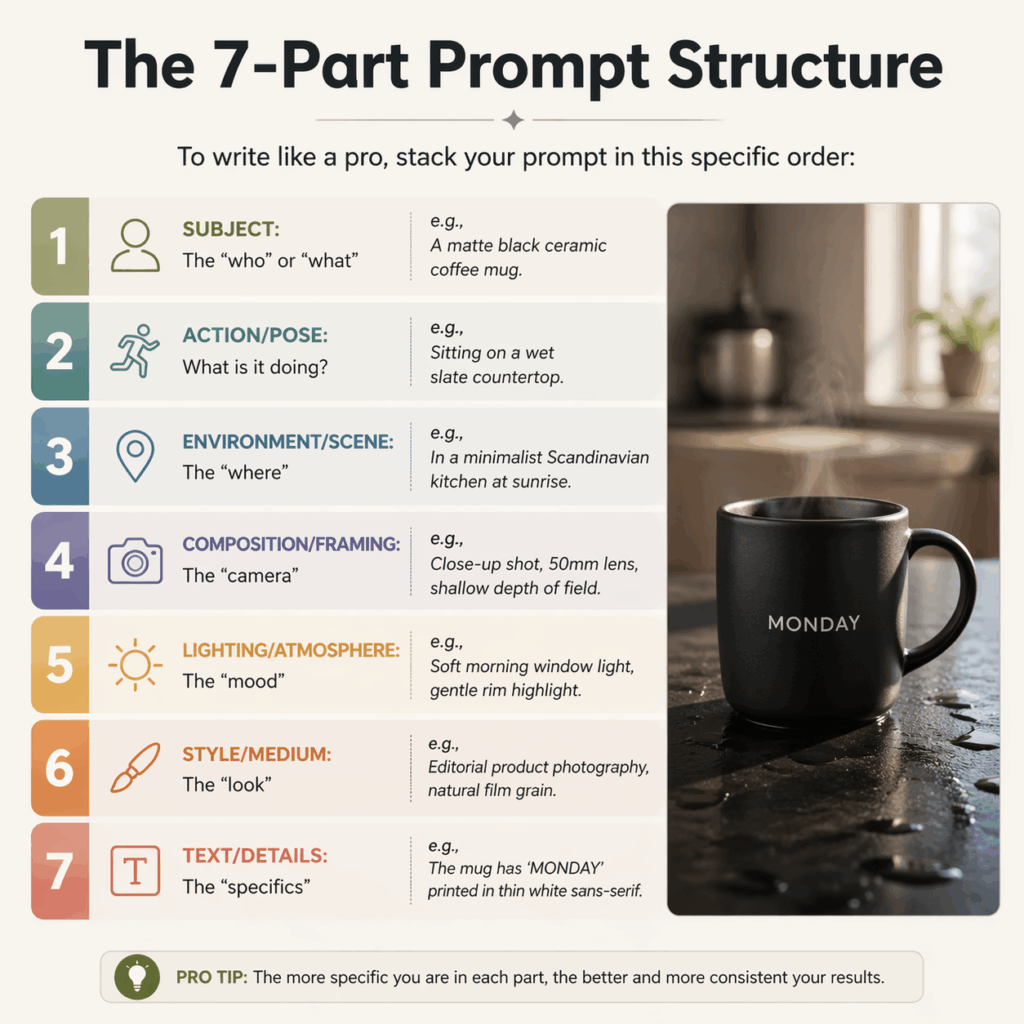
The secret to professional results isn't "magic words" like stunning or hyper-realistic (pro tip: those actually dilute your prompt). The secret is structure. After thousands of generations, I’ve found the 7-Part Prompt Formula is the only way to get consistent 10/10 results.
The 7-Part Prompt Structure
To write like a pro, stack your prompt in this specific order:
- Subject: The "who" or "what" (e.g., A matte black ceramic coffee mug).
- Action/Pose: What is it doing? (e.g., Sitting on a wet slate countertop).
- Environment/Scene: The "where" (e.g., In a minimalist Scandinavian kitchen at sunrise).
- Composition/Framing: The "camera" (e.g., Close-up shot, 50mm lens, shallow depth of field).
- Lighting/Atmosphere: The "mood" (e.g., Soft morning window light, gentle rim highlight).
- Style/Medium: The "look" (e.g., Editorial product photography, natural film grain).
- Text/Details: The "specifics" (e.g., The mug has 'MONDAY' printed in thin white sans-serif).
Pro Tips: Composition, Camera Angles, and Mood
Stop using generic terms. If you want a specific look, use photography language:
- For "Cinematic": Use "Anamorphic lens, low-angle shot, teal and orange color grade."
- For "Clean/Modern": Use "High-key lighting, centered composition, generous negative space."
- For "Authentic/UGC": Use "Handheld iPhone photo, slightly overexposed, cluttered background."
From "Meh" to "Wow": Before & After Examples
- The Beginner Prompt: "A cat drinking coffee in an office, realistic."
- The Pro GPT Image 2 Prompt: "A fluffy ginger tabby cat sitting at a mahogany office desk, sipping from a small espresso cup. High-angle POV shot. The background shows a blurry modern office with plants. Natural soft-box lighting. Cinematic photography style, 8k resolution, highly detailed fur texture."
30 Copy-Paste GPT Image 2 Prompts (Real Use Cases)
Here are 30 copy-paste GPT Image 2 prompts across 8 core industries. Simply copy your favorite and head over to NoteGPT to see the magic happen.
1. Marketing & Social Media
These are designed for high engagement and clear messaging.
- Prompt 1 (Viral X/LinkedIn Post): "A 3D isometric illustration of a digital workspace. A glowing laptop in the center with a 3D speech bubble coming out of the screen saying 'AI IS HERE' in bold, clean 3D letters. Vibrant purple and blue color palette. Soft clay-style render, high-quality 3D art."
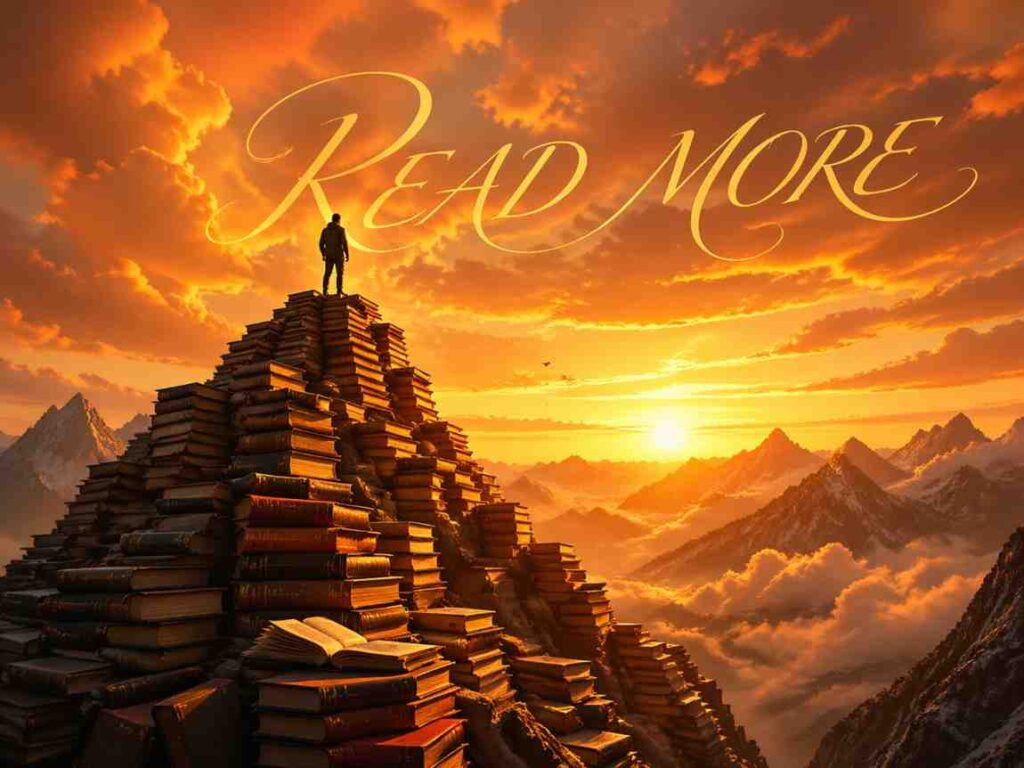
- Prompt 2 (Blog Header): "A wide-angle shot of a person standing on top of a mountain made of giant books. The sky is a sunset orange. Cinematic lighting. In the sky, the text 'READ MORE' is written in elegant, thin gold cursive. Professional editorial style."
- Prompt 3 (YouTube Thumbnail): "A split-screen image. Left side: A frustrated man looking at a messy pile of papers. Right side: The same man smiling, holding a clean tablet. High-contrast colors, expressive facial features. Central text overlay in bright yellow: 'THE FIX'."
- Prompt 4 (Instagram Story Ad): "A flat-lay photograph of a high-end skincare set on a marble surface. Surrounded by pink peony petals. Soft natural light. Clean white text at the bottom reads '7-DAY GLOW' in a modern serif font."
2. E-commerce & Product Photography
Focus on lighting and texture to make products look "sellable."
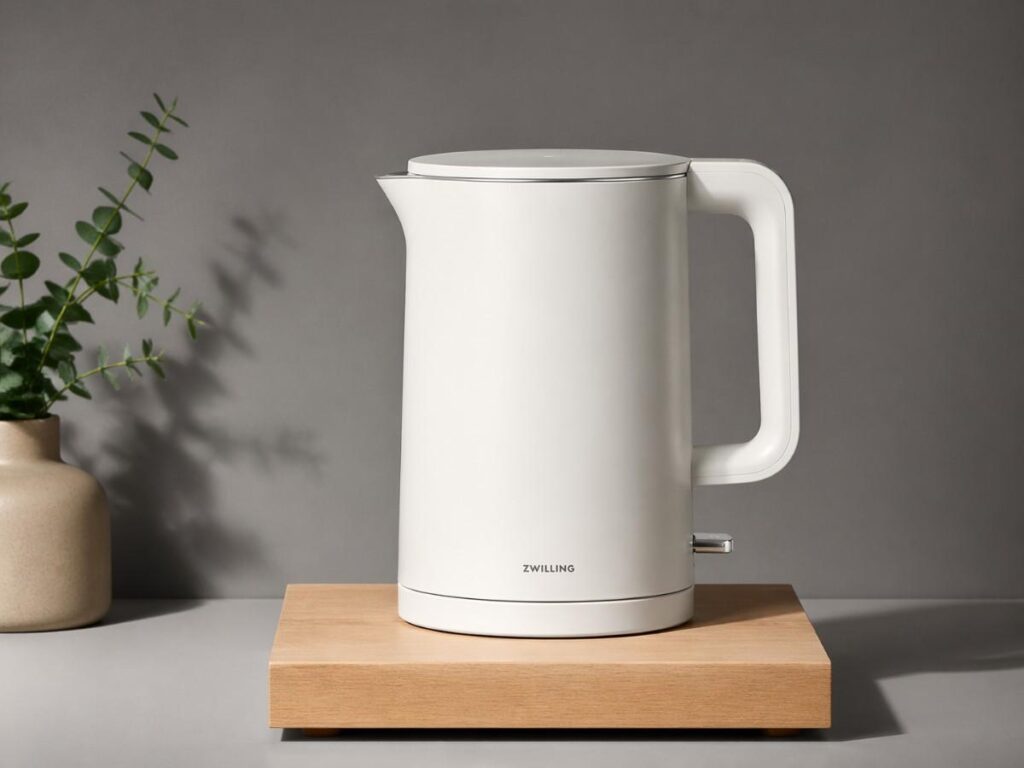
- Prompt 5 (Minimalist Product Shot): "A premium matte white electric kettle on a light oak wooden stand. Simple grey background. Studio lighting with a crisp drop shadow. High-end lifestyle photography."
- Prompt 6 (Packaging Mockup): "A close-up of a brown kraft paper coffee bag standing upright. The label is perfectly legible and says 'MIDNIGHT ROAST' in bold black vintage typography. Small coffee beans scattered around the base. Realistic paper texture."
- Prompt 7 (Beauty/Cosmetics): "A clear glass perfume bottle filled with light pink liquid. Submerged in clear water with small air bubbles. Dramatic refraction of light. No text. Luxury advertising style."
- Prompt 8 (Tech Accessory): "A pair of sleek silver wireless earbuds inside an open charging case. The case has a small glowing green LED light. Dark metallic background. Macro photography, extreme detail on the metal mesh."
3. UI/UX Design & App Prototyping
Perfect for mockups and presentations.
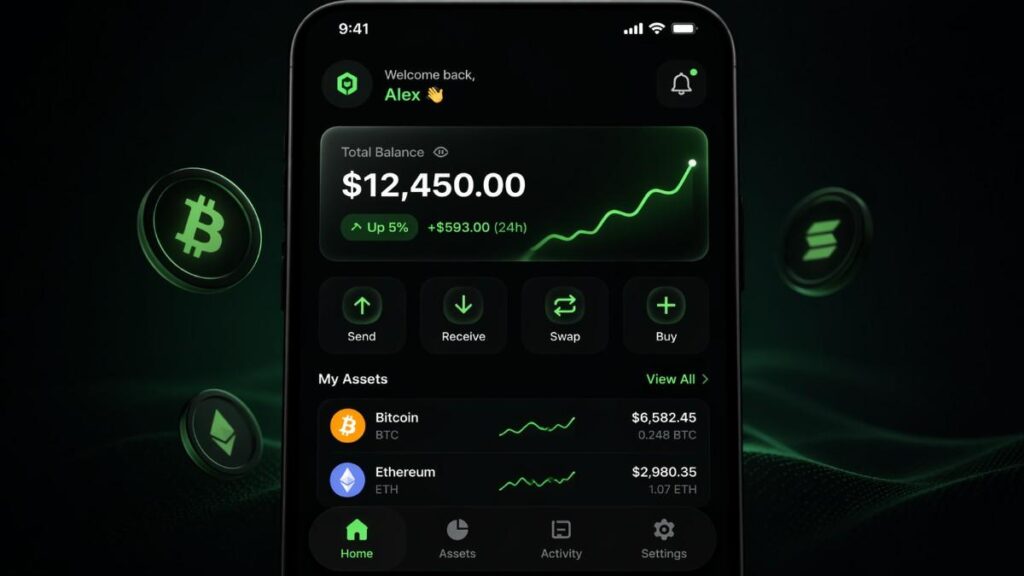
- Prompt 9 (Fintech App): "A high-fidelity mobile app UI for a crypto wallet. Showing a 'Total Balance' card with '$12,450.00' and a green 'Up 5%' trend line. Dark mode, neon green accents. Minimalist glassmorphism style."
- Prompt 10 (Landing Page Hero): "A website hero section design for a travel agency. Background is a stunning drone shot of a tropical island. Large white headline: 'ADVENTURE AWAITS'. A clear 'Book Now' button in the center."
- Prompt 11 (Smart Home Interface): "A tablet screen displaying a smart home dashboard. Controls for 'Living Room Light' (at 70%) and 'AC' (at 22°C). Clean, accessible icons. Soft UI design."
4. Education & Data Visualization
Turn complex ideas into clear visuals.
- Prompt 12 (Process Flowchart): "A clean infographic showing the 3-step 'Seed to Tree' process. 1. Seed, 2. Sprout, 3. Tree. Simple flat vector icons, pastel colors. Perfectly legible numbers and titles for each stage."
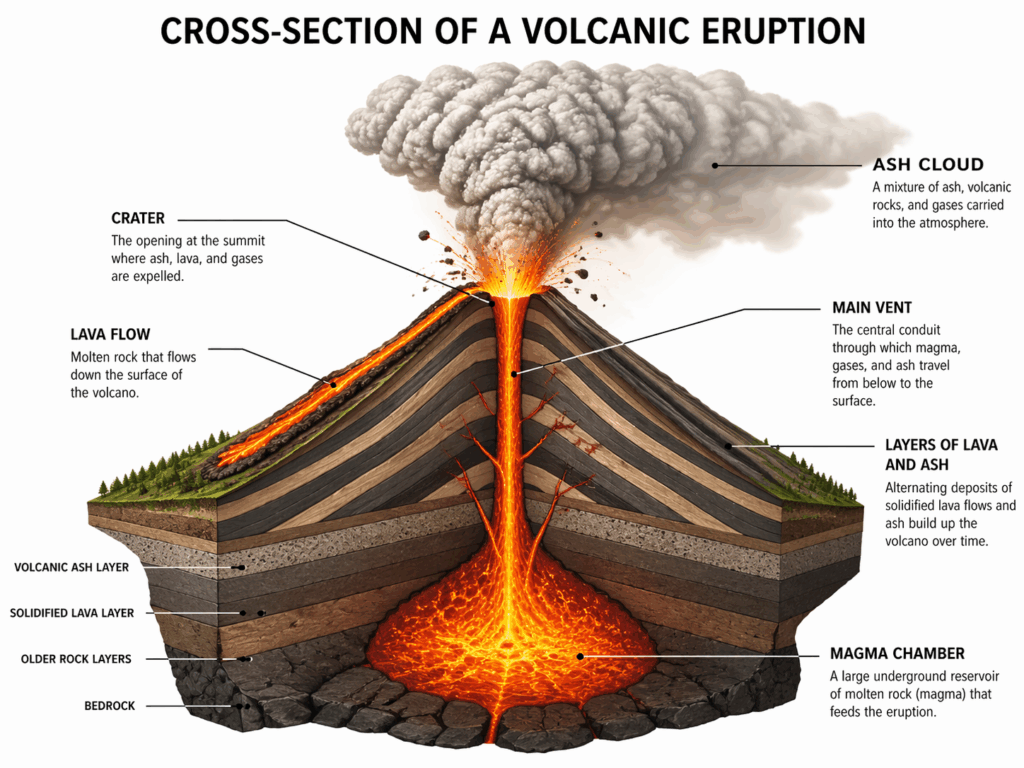
- Prompt 13 (Educational Diagram): "A cross-section diagram of a volcanic eruption. Labeled parts: 'Magma Chamber', 'Main Vent', and 'Ash Cloud'. Scientific illustration style, clear labels in black sans-serif font."
- Prompt 14 (Comparison Chart): "A 'Vs' comparison image. Left side: 'OLD TECH' with a chunky grey monitor. Right side: 'NEW TECH' with a thin holographic screen. High contrast, clean layout."
- Prompt 15 (Concept Map): "A mind map with a central glowing brain. Connecting nodes include 'Creativity', 'Logic', and 'Memory'. 3D stylized render, dark background."
5. Portraits & Personal Branding
Perfect for when you need a professional presence without the cost of a studio session.
- Prompt 16 (The LinkedIn Headshot): "A professional medium-shot portrait of a confident woman in her 30s wearing a tailored navy blue blazer. Neutral grey studio background. Soft three-point lighting. Realistic skin texture, visible pores, and natural hair strands. 8k resolution, shot on 85mm lens."
- Prompt 17 (Creative Professional): "A waist-up portrait of a man in a black turtleneck standing in a sun-drenched artist’s loft. Large windows and blurry paintings in the background. Natural morning light with soft shadows. Authentic, approachable vibe."
- Prompt 18 (Personal Brand Lifestyle): "A person sitting in a modern outdoor cafe, working on a sleek laptop. A cup of latte with latte art on the table. Soft-focus background of a city street. Lifestyle photography style, warm color grading."

6. Creative Art & Concept Design
Pushing the limits of imagination and character consistency.
- Prompt 19 (Character Sheet): "A character design sheet of a futuristic female explorer. Three views: front, side, and back. She wears copper-toned modular armor and a glowing blue visor. Clean white background. Digital art style, sharp lines."
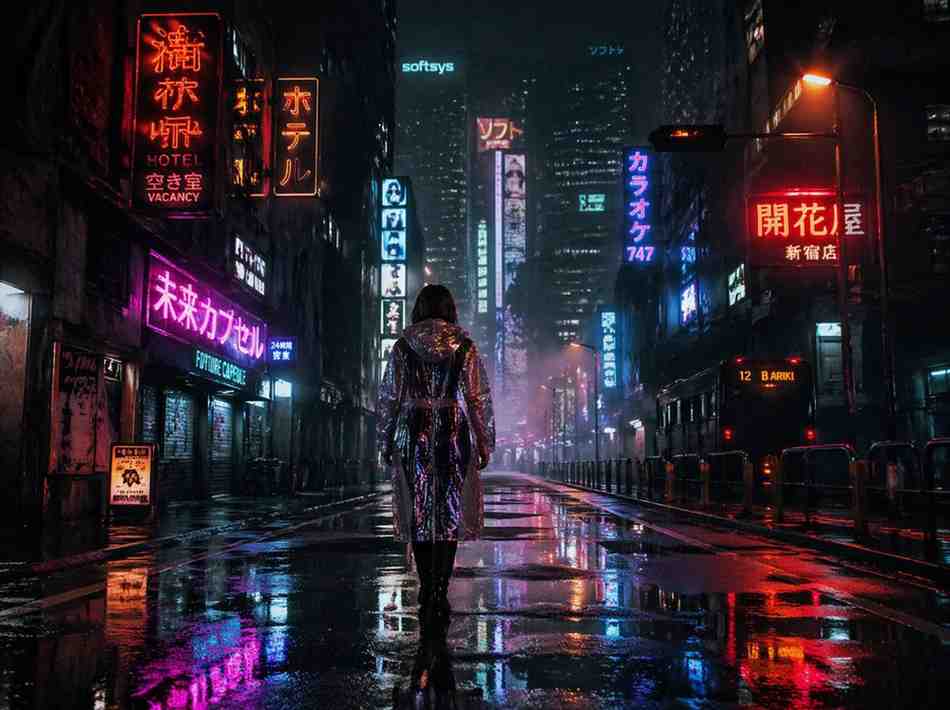
- Prompt 20 (Cyberpunk Cityscape): "A rainy street in a cyberpunk city at night. Neon signs in Japanese and English reflecting in puddles. A lone figure in a transparent raincoat walks away. Cinematic atmosphere, heavy grain, Blade Runner aesthetic."
- Prompt 21 (Surrealism): "A giant whale floating through a sea of clouds above a desert. The whale’s back carries a small, lush forest. Surrealist oil painting style, vibrant colors, dreamlike lighting."
7. Interior & Architectural Design
Visualize spaces with stunning accuracy.
- Prompt 22 (Modern Living Room): "Interior design photography of a sunken living room with a large floor-to-ceiling window overlooking a pine forest. Minimalist furniture, a cream-colored bouclé sofa, and a concrete fireplace. Soft evening light."
- Prompt 23 (Exterior Architecture): "A modern A-frame cabin made of charred wood and glass, nestled in a snowy mountain landscape. Warm orange lights glowing from inside. Blue hour photography, high contrast."
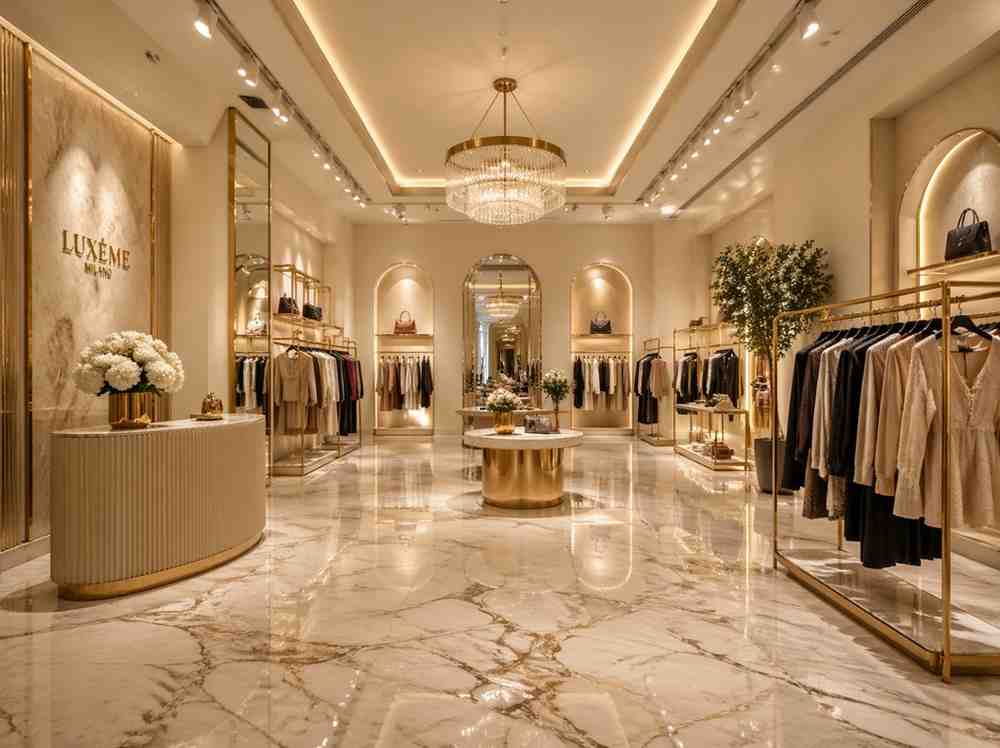
- Prompt 24 (Retail Space): "A luxury boutique interior with gold accents and marble flooring. Clothing racks are spaced out neatly. Elegant lighting. High-end architectural visualization."
8. Fun & Experimental
Experimenting with styles and "impossible" scenarios.
- Prompt 25 (Retro 8-Bit): "A sprawling 8-bit pixel art landscape of a medieval castle during a thunderstorm. Purple lightning bolts. Retro video game aesthetic."
- Prompt 26 (Knitted World): "A macro shot of a tiny forest made entirely out of colorful knitted wool. Knitted squirrels and birds. Soft, tactile texture, macro photography style."
- Prompt 27 (Double Exposure): "A double exposure silhouette of a man’s head. Inside the silhouette is a dense, foggy pine forest with a soaring eagle. White background, artistic fine art style."
- Prompt 28 (Pencil Sketch): "A detailed charcoal and pencil sketch of a vintage 1960s sports car. Realistic shading, smudged edges, on textured cream paper."
- Prompt 29 (3D Toy Style): "A cute 3D vinyl toy of a robot holding a flower. Glossy plastic material, bright pastel colors. Soft studio lighting, 3D render style."
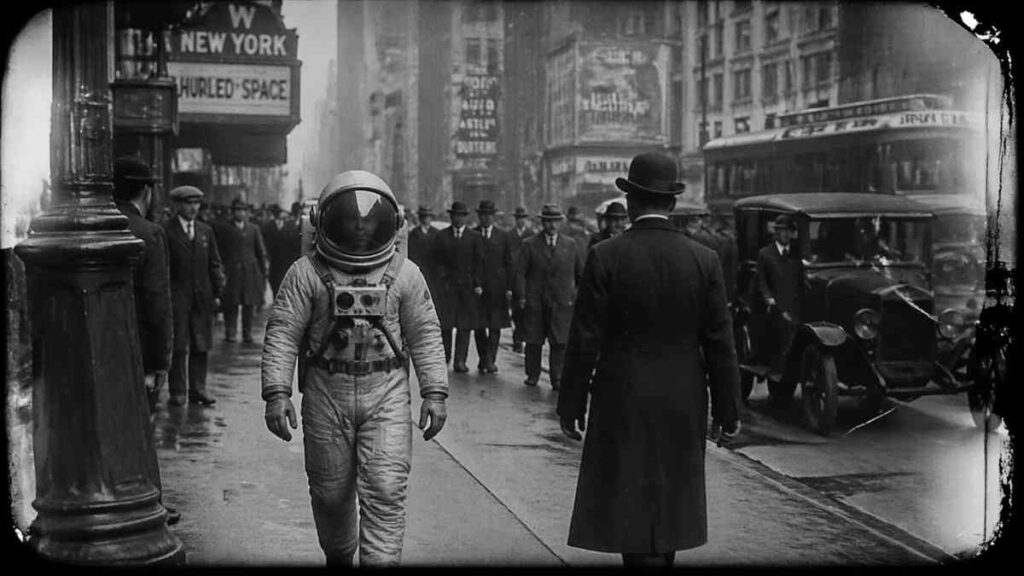
- Prompt 30 (Historical Remix): "A high-quality 1920s black and white silent film still showing an astronaut walking through a vintage New York City street. Film grain, light leaks, authentic antique look."
Troubleshooting: How to Fix Common Issues
Even with GPT Image 2, things can go wrong. Here is how to "debug" your images.
How to Fix Messy Text and Typography
If the text is garbled, it's usually because the prompt is too "noisy."
- The Fix: Put the text in "QUOTES" and use words like "The text reads..." or "With the word... printed on it." Avoid asking for too many words at once. GPT Image 2 is best at 1–5 words.
Adding Realism & Texture
If your images look like plastic:
- The Fix: Add specific material keywords. Instead of "realistic," use "visible pores," "fabric weave," "natural imperfections," or "film grain." Mentioning a specific camera like "Shot on Sony A7R IV" also forces the model to mimic high-end sensor data.
Iterating Without Losing Your Concept
When you like an image but want a small change:
- The Fix: Don’t rewrite the whole prompt. Use "Maintain the same composition and character but change the [specific element]." (In NoteGPT, this is where the reference image feature becomes a lifesaver).
Level Up Your Workflow: GPT Image 2 + NoteGPT
If you are using GPT Image 2 for work, the native interface can be limiting. This is where NoteGPT turns a "cool tool" into a professional workstation.
Multi-Image Reference: Add Up to 8 Images
While most tools let you use one reference, NoteGPT allows you to upload up to 8 images. This is a game-changer for Character Consistency. Upload your character from different angles as references, and GPT Image 2 will maintain that identity across new generations.
Intelligent AI Prompt Optimizer
Stuck with a simple idea? NoteGPT’s Prompt Optimizer takes your 5-word sentence and expands it into a 7-part pro formula automatically. It adds the lighting, the lens, and the style so you don't have to.
Custom Aspect Ratio & Batch Generation
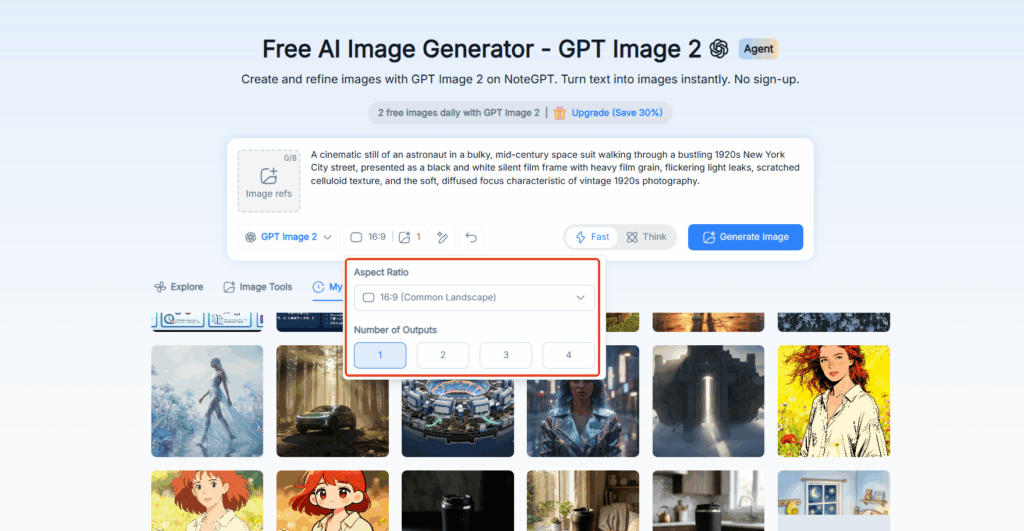
No more square-only limitations. Set your ratio (9:16 for TikTok, 16:9 for YouTube) with one click. Plus, use Batch Generation to create 4 variations at once—saving you minutes of waiting for individual renders.
All-in-One Workspace: Notes, Videos & Visuals
The real power is integration. You can take notes on a YouTube video or a PDF, and then immediately generate a visual aid or a social media post image based on those notes—all in the same tab.
GPT Image 2 vs. The Others
Here’s how it compares across the current landscape:
| Feature / Model | GPT Image 2 | Nano Banana (Gemini Image) | Seedream | Midjourney | DALL·E |
| Model Type | Multimodal reasoning | Multimodal (Gemini-based) | Diffusion Transformer | Diffusion | Multimodal |
| Prompt Understanding | Very strong (structured prompts) | Extremely strong (reasoning-based) | Strong | Medium | Medium |
| Text Rendering | Strong | Strong | Medium | Weak | Medium |
| Photorealism | High | High | Very high (4K detail) | High (stylized) | Good |
| Layout / UI Generation | Strong | Medium | Strong | Weak | Limited |
| Editing Capability | Strong | Very strong (iterative edits) | Strong (unified editing) | Limited | Basic |
| Consistency (characters / objects) | High | Very high | High | Medium | Medium |
| Speed / Iteration | Medium | Very fast | Fast (batch-friendly) | Medium | Fast |
| Best Use Cases | Ads, UI, infographics | Iteration, editing, character consistency | High-res visuals, batch production | Art & style | General use |
Conclusion: Mastering the Art of the Prompt
GPT Image 2 is only as good as the instructions you give it. In 2026, the "skill" isn't being an artist—it’s being a clear communicator. Use the 7-Part Formula, don't be afraid to troubleshoot your textures, and leverage tools like NoteGPT to handle the heavy lifting of batching and references.
Now, go copy those prompts and start creating!