

NoteGPT

Seedance 2.0 Mini Agent

Try Seedance 2.0 Mini free — ByteDance's fastest, cheapest AI video maker. Turn text or images into short clips online. No editing software needed.

PricingUpgrade (Save 30%) · Limited Time
0/7References

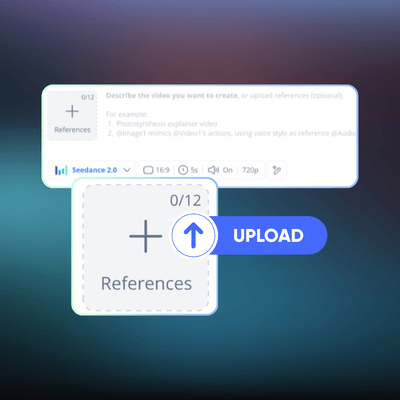
Describe the video you want to create, or upload a Start frame or End frame (optional).

For example:
1. Waterfall in a lush jungle, mist rising
2. Colorful fruit splash in water, high speed capture

40100
NoteGPT - Rated 4.9+ by NoteGPT Users
4.9
Chrome Store
NoteGPT - Rated 4.9+ by NoteGPT Users
NoteGPT - 80,000,000+ Users
80,000,000+
Users
NoteGPT - 80,000,000+ Users
NoteGPT - Trusted By 12,000+ Schools & Teams
12,000+
Schools & Teams
NoteGPT - Trusted By 12,000+ Schools & Teams

Trusted by 12 million users worldwide.

Logo
Logo
YouTube
Logo
Logo
Logo
Logo
Logo
Logo
Logo
Logo
Logo
Logo
Logo
Logo
Logo
Logo
Logo
Logo
Logo
Logo
Logo
Logo
Logo
Logo
Logo
Logo
Logo
Logo
Logo
Logo
Logo
YouTube
Logo
Logo
Logo
Logo
Logo
Logo
Logo
Logo
Logo
Logo
Logo
Logo
Logo
Logo
Logo
Logo
Logo
Logo
Logo
Logo
Logo
Logo
Logo
Logo
Logo
Logo
Logo

Seedance 2.0 Mini - Faster & Low-Cost AI Video Model Online

Seedance 2.0 Mini is ByteDance's budget AI video generator. Turn text or images into TikTok clips, Reels, and product videos online, faster & cheaper than ever.

Seedance 2.0 Mini - Faster & Low-Cost AI Video Model Online

What is Seedance 2.0 Mini?

Seedance 2.0 Mini is ByteDance's lightweight AI video model that turns plain text into short, watchable clips — fast. You type a scene description, it generates a smooth video with consistent characters and clean transitions, no camera gear required. It's built for speed and scale, so you can produce dozens of clips without burning through your budget. Try it free online and see your words come alive in seconds.

What is Seedance 2.0 Mini?

Still Editing Videos Frame by Frame at Midnight?

You've got ideas, a deadline, and zero footage. Hiring a videographer takes days and costs a fortune. Seedance 2.0 Mini changes the math — type your script, get a polished clip, and move on. No editing software, no render queue, just instant results you can actually post.

Still Editing Videos Frame by Frame at Midnight?

Why Choose Seedance 2.0 Mini on NoteGPT?

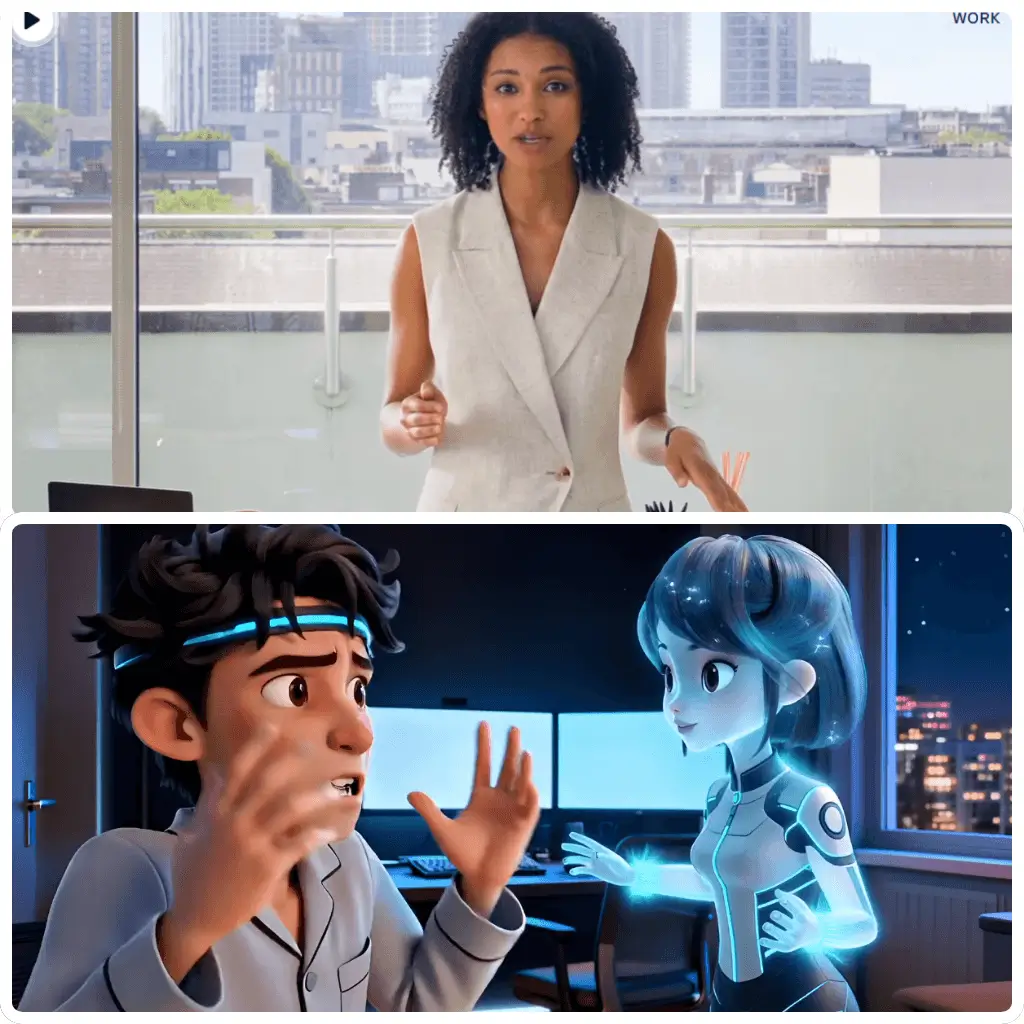
Seedance 2.0 Mini on NoteGPT is a lightweight AI video generator built for users who want fast, simple, and online video creation without complex steps. It supports text to video and image to video workflows, making it easy to turn ideas, prompts, or reference frames into short AI video clips. Compared with heavy tools, Seedance 2.0 Mini online AI video generator focuses on quick generation, smooth motion, and lower cost usage, ideal for creators who need fast drafts, AI video generator free online try, or daily content testing.

Why Choose Seedance 2.0 Mini on NoteGPT?

What Makes Seedance 2.0 Mini Stand out?

Seedance 2.0 Mini is fast, simple, and easy to use online. It helps you turn text or images into short AI videos quickly, without heavy editing or long waiting time. Perfect for fast ideas, daily content, and simple video creation.

Text-to-Video in Seconds

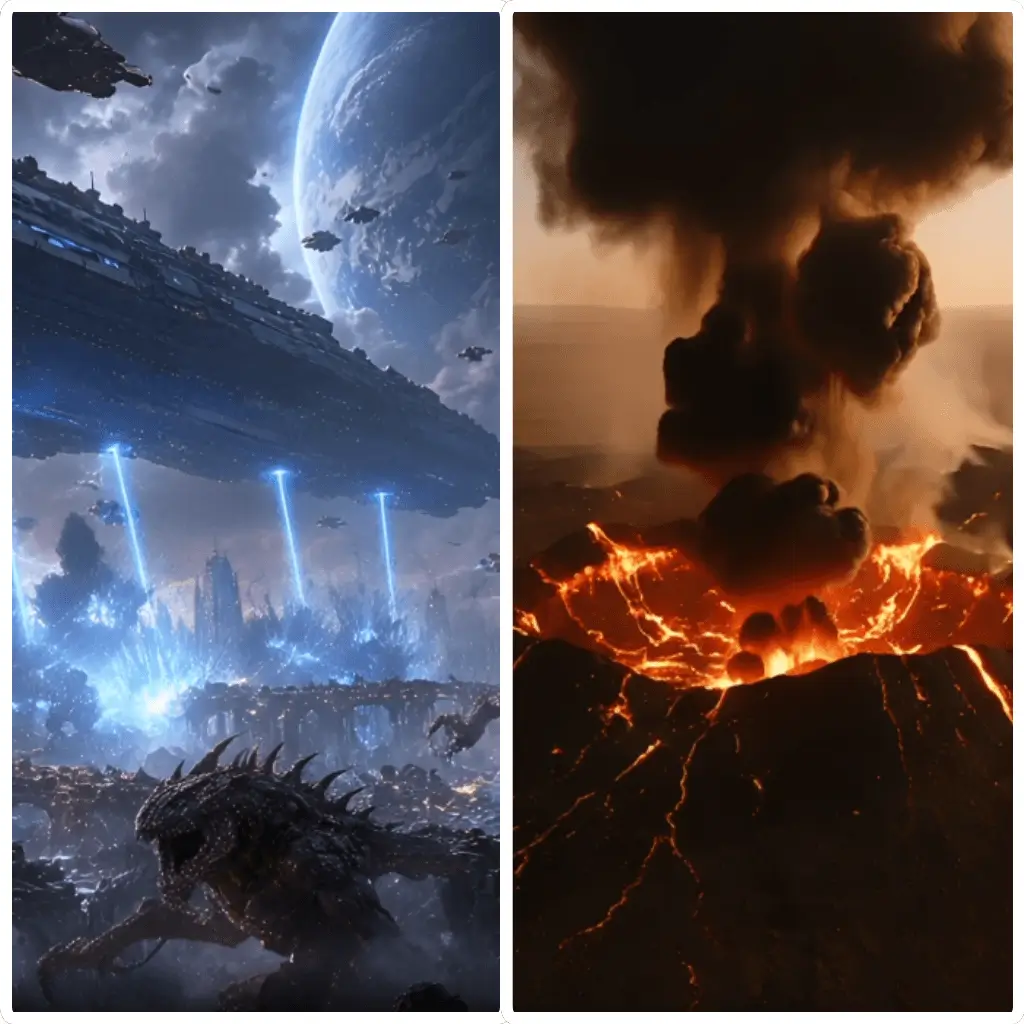
Type a description, get a clip. Seedance 2.0 Mini generates smooth, watchable video from plain text — fast enough to iterate on the fly without staring at a progress bar.

Scene Consistency That Actually Holds

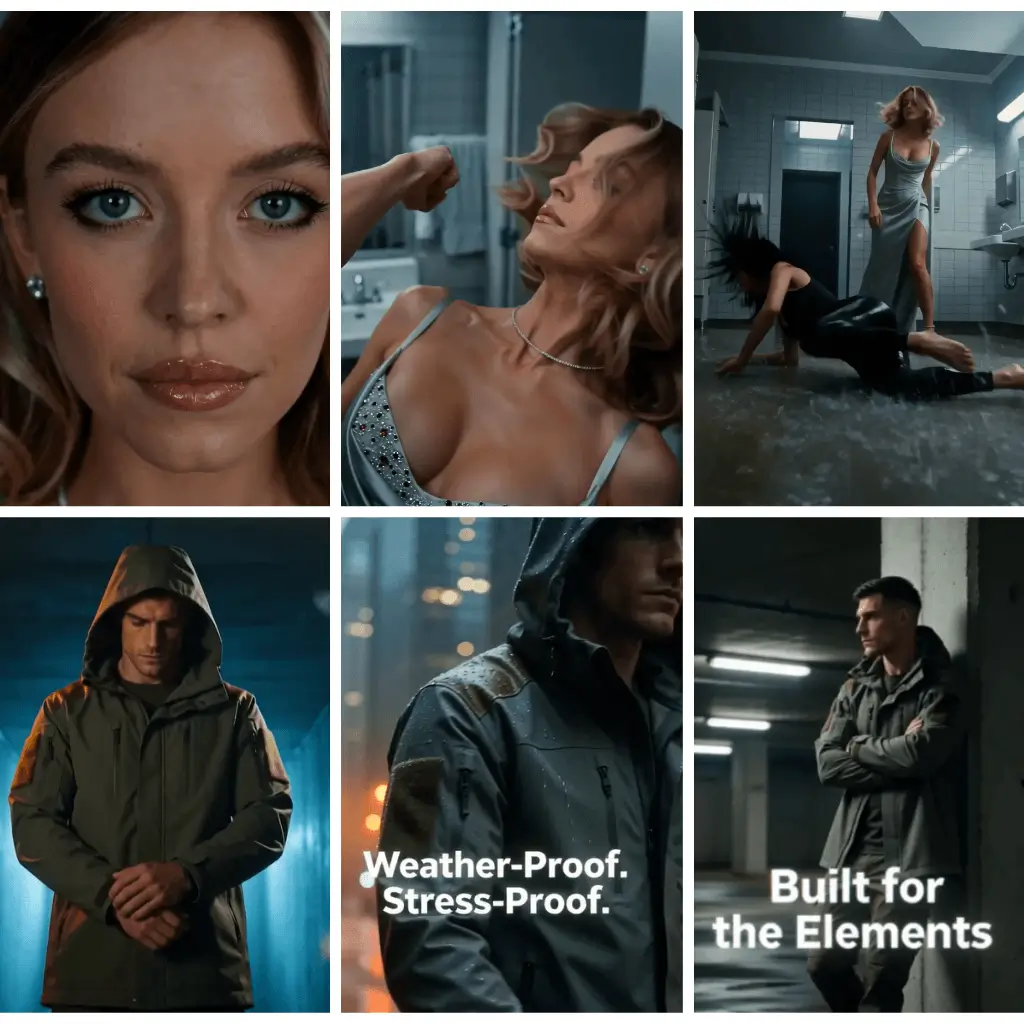
Characters, backgrounds, and lighting stay coherent across multiple shots. No weird morphing, no random style jumps — just footage that looks like it came from one shoot.

Built for Scale, Priced for Real Use

The "Mini" means lightweight and affordable. Generate dozens of clips per session without watching your credits vanish. Perfect for teams that need volume, not just one pretty demo.

Seedance 2.0 Mini vs Other Leading AI Video Models

A quick comparison of Seedance 2.0 Mini with other popular AI video models shows how it focuses more on speed, simplicity, and low-cost online generation. While other models may prioritize higher-end cinematic quality or advanced editing control, Seedance 2.0 Mini is built for fast text to video and image to video workflows, making it a strong choice for daily AI video creation, quick drafts, and lightweight online use.

ModelSpeedVideo QualityCost EfficiencyEase of Use
Seedance 2.0 Mini⭐⭐⭐⭐⭐⭐⭐⭐⭐⭐⭐⭐⭐⭐⭐⭐⭐⭐⭐
Seedance 2.0 Fast⭐⭐⭐⭐⭐⭐⭐⭐⭐⭐⭐⭐⭐⭐⭐⭐⭐
Seedance 2.0⭐⭐⭐⭐⭐⭐⭐⭐⭐⭐⭐⭐⭐⭐
Gemini Omni⭐⭐⭐⭐⭐⭐⭐⭐⭐⭐⭐⭐⭐⭐⭐
Hailuo 2.3⭐⭐⭐⭐⭐⭐⭐⭐⭐⭐⭐⭐⭐⭐⭐⭐
Kling⭐⭐⭐⭐⭐⭐⭐⭐⭐⭐⭐⭐⭐⭐⭐
Vidu⭐⭐⭐⭐⭐⭐⭐⭐⭐⭐⭐⭐⭐⭐⭐⭐
PixVerse⭐⭐⭐⭐⭐⭐⭐⭐⭐⭐⭐⭐⭐⭐⭐⭐⭐⭐

How to Use Seedance 2.0 Mini in 3 Simple Steps

No software to install, no timeline to scrub. Just describe and go.

Step 1: Describe Your Scene

Step 1: Describe Your Scene

Type what you want to see — a setting, a mood, an action. The more specific, the better the output.

Step 2: Generate the Video

Step 2: Generate the Video

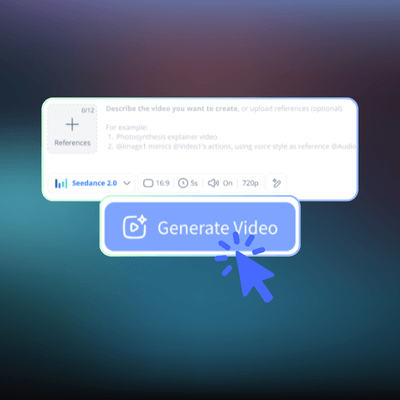
Hit generate and Seedance 2.0 Mini builds your clip in seconds. Watch a short preview before committing.

Step 3: Download and Share

Step 3: Download and Share

Happy with the result? Save it directly or share it where you need. Tweak the prompt and regenerate anytime.

Turn Your Text into Video Now

Why wait for a film crew when you can type and get a clip? Seedance 2.0 Mini is free to try, no signup hoops, no credit card. Just describe, generate, and watch your idea come to life.

Try Seedance 2.0 Mini Free

What Users Say About Seedance 2.0 Mini

RT avatar

RT

TikTok Creator

I run a TikTok account focused on tech news and I was struggling to keep up with the daily posting schedule. Producing even a 15-second clip meant shooting, editing, adding captions — easily two hours per post. With Seedance 2.0 Mini, I type a short description of the scene I need, and within seconds I've got a usable clip. The scene consistency is genuinely impressive — characters don't randomly change appearance between cuts, which was my biggest complaint with other tools. I've gone from posting 3 times a week to daily, and my engagement is up 40%. This tool paid for itself in the first week.
WZ avatar

WZ

Senior Developer

As a backend developer, I was using Copilot for code but needed something better for understanding long technical docs in Chinese. GLM 5.2 actually keeps track of the full context — I pasted a 8-page API spec and it summarized the key endpoints without missing the edge cases. That alone saved me two hours. The reasoning on code logic is solid too, not just surface-level pattern matching.
LM avatar

LM

E-commerce Marketing Manager

As a marketing manager at a mid-size e-commerce brand, I need to produce product showcase videos constantly. Before Seedance 2.0 Mini, we were spending around 500 RMB per video outsourcing to freelancers, and turnaround was 2–3 days. Now I generate product clips in-house, in minutes, for a fraction of the cost. The quality isn't cinematic-grade, but for social media ads and product pages, it's more than good enough. What surprised me most is the multi-scene handling — I can describe a sequence and it keeps the product looking consistent across shots. That alone saves us from tedious manual editing.
DK avatar

DK

Indie Game Developer

I'm a solo indie game developer and I needed trailer footage for my Steam page but had zero budget for a video editor. A friend recommended Seedance 2.0 Mini and honestly, I was blown away. I described the mood of my game — neon city, rain, a character walking — and it gave me exactly the vibe I wanted. I generated about 20 clips, picked the best 5, and stitched them together in a free editor. My trailer looks professional and I spent maybe an hour total on it. For indie devs who can't afford a video team, this is a genuine lifesaver.
SY avatar

SY

Product Lead at a Content Platform

We integrated the Seedance 2.0 Mini API into our content platform about three months ago, and it's been a game changer for our user engagement. Before, users would write posts but rarely add video because the friction was too high. Now they can generate a video clip directly from their text with one click. Our video content volume went up 6x, and average session duration increased by 25%. The API integration was straightforward — took our dev team about two days to get it live. The cost per generation is low enough that we can offer it as a free feature to most users.
PH avatar

PH

Digital Media Professor

I teach digital media at a university and I've been looking for an accessible AI video tool for my students to experiment with. Most tools are either too expensive for classroom use or produce results so rough they're discouraging. Seedance 2.0 Mini hits a sweet spot — affordable, fast, and the output quality is good enough for students to actually use in their projects. I had 40 students generate short narrative clips as a homework assignment, and the variety of creative approaches they came up with was amazing. The tool didn't get in the way of their creativity — it enabled it.

FAQs About Seedance 2.0 Mini