
NoteGPT Logo
NoteGPT

Create Slides with GPT Image 2

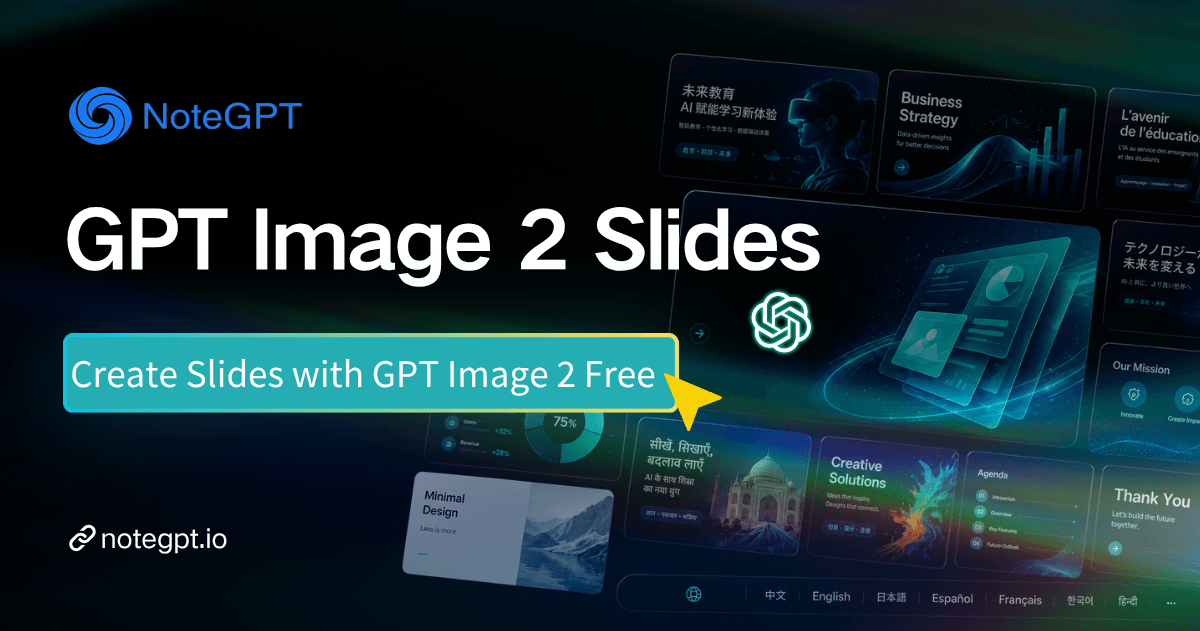
GPT Image 2 Slides powered by OpenAI AI understands your content and builds slides automatically.

0/100000
Custom Style
NoteGPT - Rated 4.9+ by NoteGPT Users
4.9
Chrome Store
NoteGPT - Rated 4.9+ by NoteGPT Users
NoteGPT - 80,000,000+ Users
80,000,000+
Users
NoteGPT - 80,000,000+ Users
NoteGPT - Trusted By 12,000+ Schools & Teams
12,000+
Schools & Teams
NoteGPT - Trusted By 12,000+ Schools & Teams

Trusted by 12 million users worldwide.

Logo
Logo
YouTube
Logo
Logo
Logo
Logo
Logo
Logo
Logo
Logo
Logo
Logo
Logo
Logo
Logo
Logo
Logo
Logo
Logo
Logo
Logo
Logo
Logo
Logo
Logo
Logo
Logo
Logo
Logo
Logo
Logo
YouTube
Logo
Logo
Logo
Logo
Logo
Logo
Logo
Logo
Logo
Logo
Logo
Logo
Logo
Logo
Logo
Logo
Logo
Logo
Logo
Logo
Logo
Logo
Logo
Logo
Logo
Logo
Logo
Logo
Logo
YouTube
Logo
Logo
Logo
Logo
Logo
Logo
Logo
Logo
Logo
Logo
Logo
Logo
Logo
Logo
Logo
Logo
Logo
Logo
Logo
Logo
Logo
Logo
Logo
Logo
Logo
Logo
Logo

GPT Image 2 Slides: Free AI Slide Generator from Images Online

Create slides in seconds with GPT Image 2 Slides. Free, online, no sign-up. Powered by OpenAI to better understand and structure content into ready-to-present slides.

GPT Image 2 Slides: Free AI Slide Generator from Images Online

What is GPT Image 2 Slides?

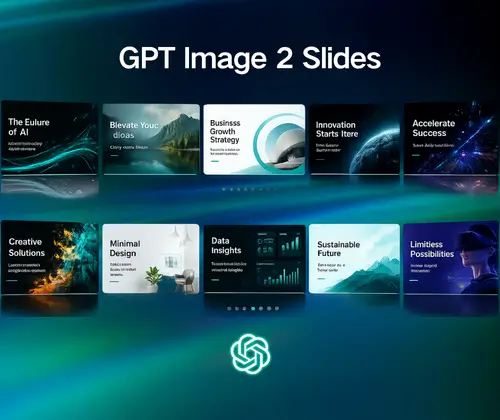
GPT Image 2 Slides is an AI tool that turns images, text, documents, and other content into clear, ready-to-use slides. Powered by OpenAI's latest image-generation AI model, it automatically analyzes your content, finds key ideas, and lays them out into visually clean slides with a natural flow, so you can present without extra work.

What is GPT Image 2 Slides?

Struggling to organize your ideas and find the right visuals for your slides?

You may have ideas, notes, or images, but turning them into clear slides takes more effort than expected. You adjust structure, rewrite points, and search for visuals, yet things still feel unclear. GPT Image 2 Slides helps everything fall into place, so your slides feel clear and easy to present from start to finish.

Struggling to organize your ideas and find the right visuals for your slides?

Why GPT Image 2 Slides is Recommended?

GPT Image 2 Slides is recommended because it helps you start with something usable right away. Instead of building slides step by step, you get a complete first version that you can review and refine, making the whole process quicker and more practical.

Why GPT Image 2 Slides is Recommended?

What Makes GPT Image 2 Slides Stand Out?

GPT Image 2 Slides is not just about creating slides. It focuses on how your content is understood and presented, so each slide feels connected, clear, and built with purpose instead of being put together piece by piece.

Understand and Refine Complex Content

GPT Image 2 Slides works with a wide range of content, including images, text, documents, and even audio or video. It pulls out what matters most, reduces noise, and highlights key ideas, so even dense or unstructured content becomes easier to turn into clear slides.

Turn Content into Structured and Visual Slides

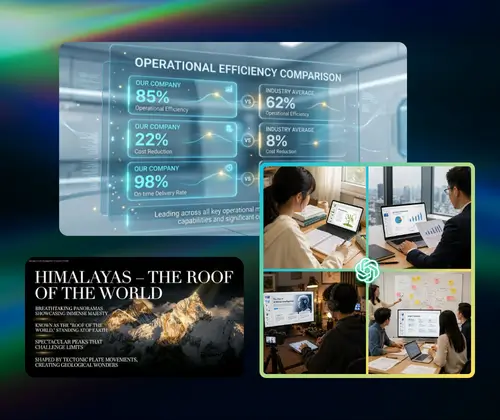
GPT Image 2 Slides does more than organize content. It arranges ideas with balanced layout and clear visual structure, so each slide feels well-composed, easy to read, and ready to present without extra design work.

Support Multiple Languages with Consistent Clarity

From long text and detailed information to multiple languages, GPT Image 2 Slides keeps everything consistent and easy to follow. It helps maintain clarity across different languages, so your slides stay readable and natural.

How to Use GPT Image 2 Slides in 3 Simple Steps

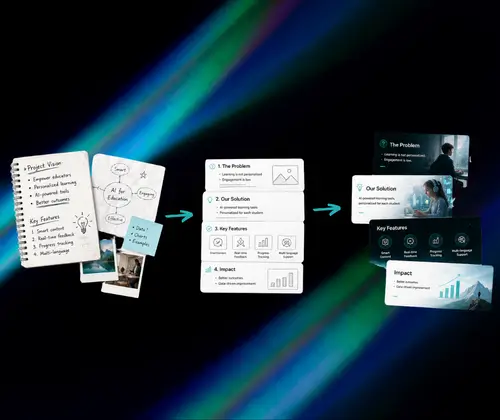
Getting started with GPT Image 2 Slides is simple. Just input your content or upload reference files to turn it into presentation slides in seconds, whether it is text, documents, images, or more complex materials.

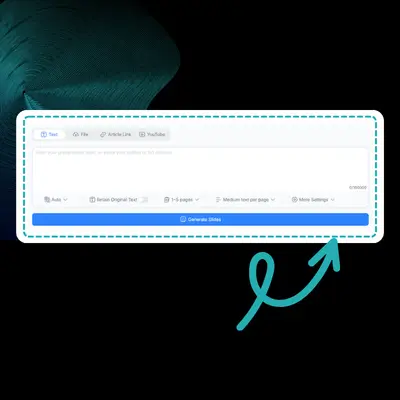
Step 1: Input Your Content or Upload Files

Step 1: Input Your Content or Upload Files

Add your content by pasting text or uploading reference files. You can start directly with what you already have, without extra preparation.

Step 2: Let AI Turn Content into Slides

Step 2: Let AI Turn Content into Slides

GPT Image 2 Slides processes your input and turns it into a complete set of presentation slides. The AI handles the heavy lifting, so you can go from raw content to a usable slide deck in seconds.

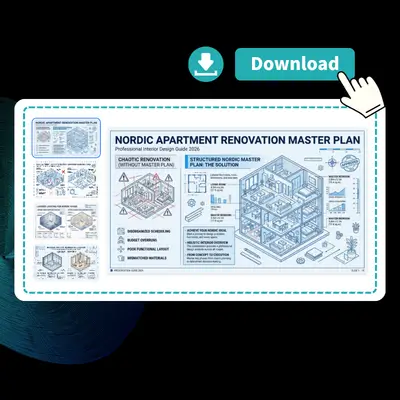
Step 3: Review and Use Your Slides

Step 3: Review and Use Your Slides

Once your slides are ready, you can review and make small edits if needed. GPT Image 2 Slides gives you a solid starting point, so you can quickly present or share your slides.

Create Slides Instantly with GPT Image 2 Slides

Turn your content into slides with thoughtful structure and balanced composition. GPT Image 2 Slides helps you create presentations that feel designed from the start.

Create Slides Instantly

What Users Say About GPT Image 2 Slides

A. Kim avatar

A. Kim

Marketing Manager

GPT Image 2 Slides helped me improve how I present ideas to my team. I often deal with campaign concepts that are hard to explain clearly, but GPT Image 2 Slides turns my rough notes into slides that feel structured and easy to follow. It makes my ideas easier for others to understand without over-explaining everything.
J. Carter avatar

J. Carter

Freelance Consultant

As a consultant, I need slides that look professional and are ready for clients. GPT Image 2 Slides gives me a solid draft that already feels well put together. I don't have to spend time fixing layout or structure. It helps me deliver work faster while still keeping a high standard.
L. Chen avatar

L. Chen

University Student

I use GPT Image 2 Slides mainly for school presentations. It helps me turn long notes into slides that are easier to review and present. Instead of guessing what to put on each slide, I get something that already makes sense, which saves me a lot of time during busy weeks.
M. Davis avatar

M. Davis

Product Manager

GPT Image 2 Slides is useful when I need to turn detailed documents into slides for internal updates. It helps me break down complex information into something more presentable without losing the main points. That makes it easier for my team to stay aligned.
S. Patel avatar

S. Patel

Startup Founder

When I prepare pitch decks, I often start with messy ideas. GPT Image 2 Slides helps me turn those ideas into slides that feel more complete and easier to present. It gives me a strong starting point, so I can focus on refining the message instead of building everything from zero.
R. Wilson avatar

R. Wilson

Sales Executive

Sometimes it's hard to explain ideas clearly on the spot. GPT Image 2 Slides helps me turn quick notes into slides that make my points easier to understand. It gives me something to lean on when I need to explain things clearly.

Frequently Asked Questions About GPT Image 2 Slides