
NoteGPT
HD Photo ConverterMore Image Tools
Upload or Paste an Image (0/8)
PNG, JPG, JPEG, WebP (max 20MB)
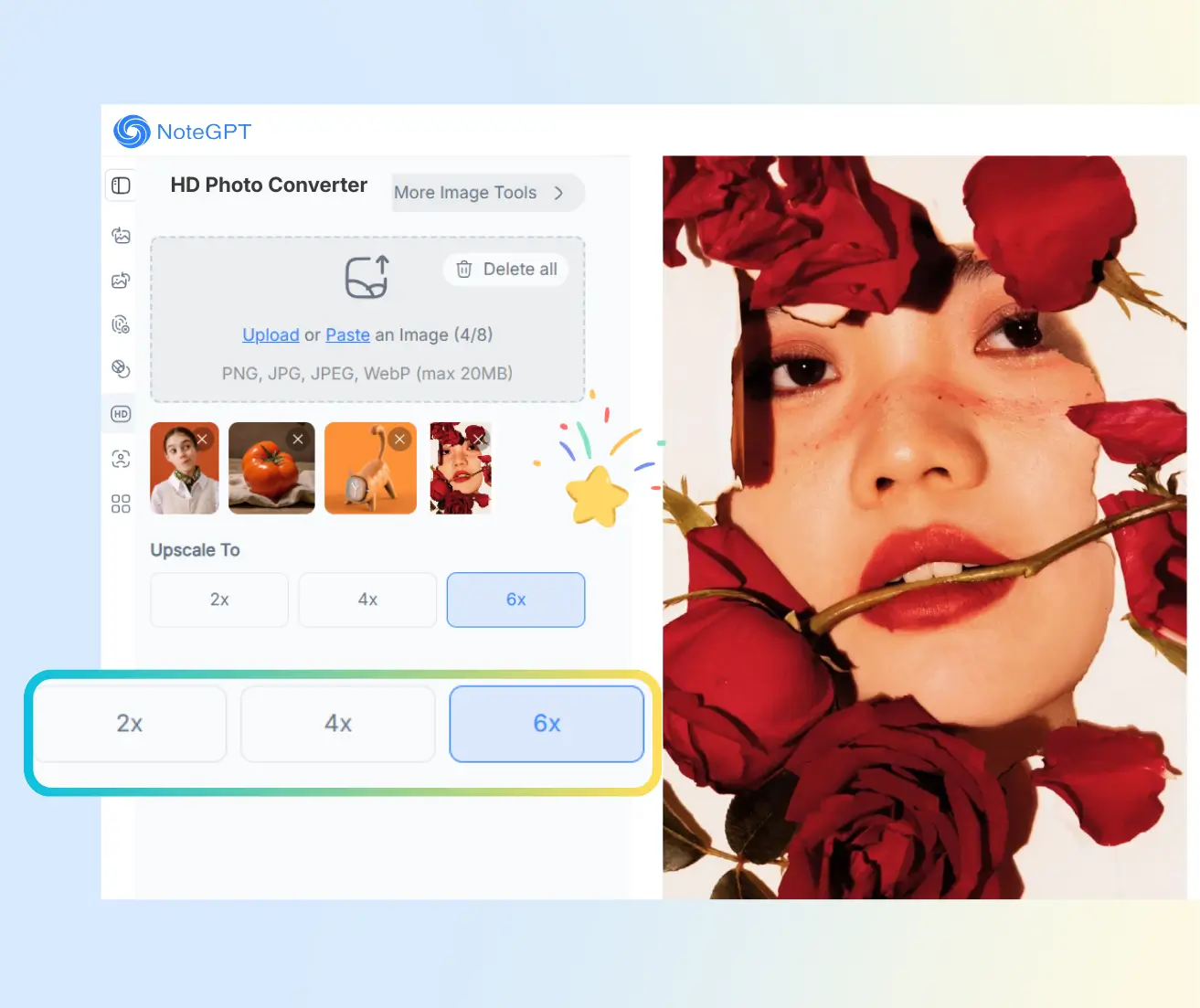
Upscale To
2 free image daily, then 2 premium credits / image.

Free HD Photo Converter

Enhance, sharpen, and upscale your photos to HD instantly. Try it free online now!

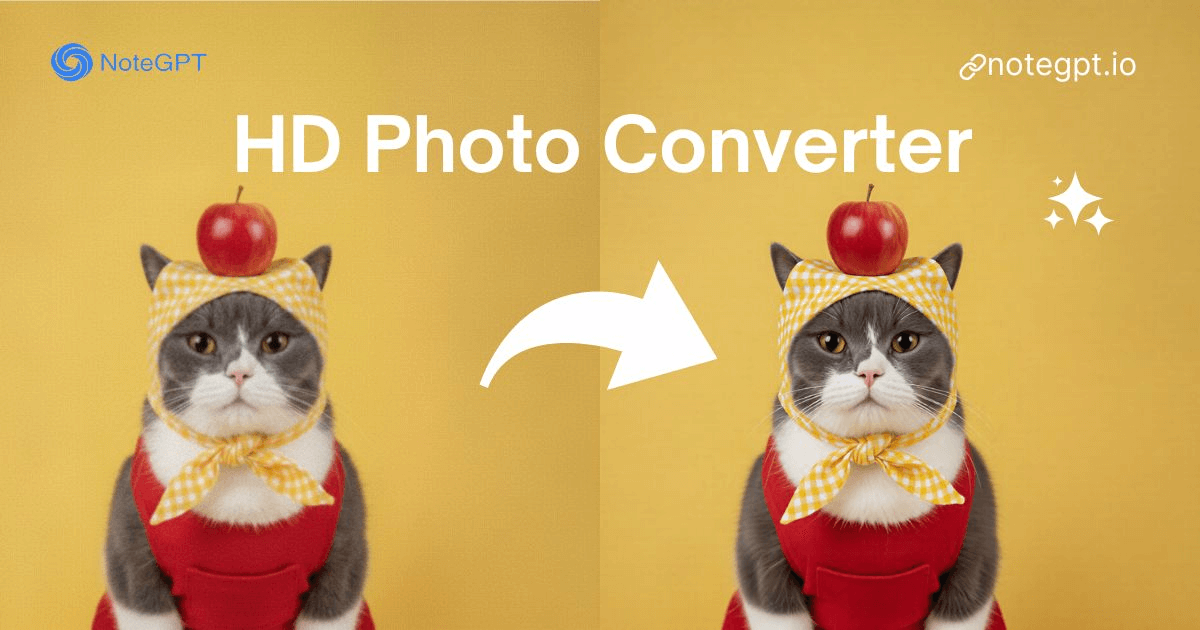
Before
Nano Banana Sample: Enhance image(after) | NoteGPT
After
Nano Banana Sample: Enhance image(before) | NoteGPT
NoteGPT - Rated 4.9+ by NoteGPT Users
4.9
Chrome Store
NoteGPT - Rated 4.9+ by NoteGPT Users
NoteGPT - 80,000,000+ Users
80,000,000+
Users
NoteGPT - 80,000,000+ Users
NoteGPT - Trusted By 12,000+ Schools & Teams
12,000+
Schools & Teams
NoteGPT - Trusted By 12,000+ Schools & Teams

Trusted by 12 million users worldwide.

Logo
Logo
YouTube
Logo
Logo
Logo
Logo
Logo
Logo
Logo
Logo
Logo
Logo
Logo
Logo
Logo
Logo
Logo
Logo
Logo
Logo
Logo
Logo
Logo
Logo
Logo
Logo
Logo
Logo
Logo
Logo
Logo
YouTube
Logo
Logo
Logo
Logo
Logo
Logo
Logo
Logo
Logo
Logo
Logo
Logo
Logo
Logo
Logo
Logo
Logo
Logo
Logo
Logo
Logo
Logo
Logo
Logo
Logo
Logo
Logo
Logo
Logo
YouTube
Logo
Logo
Logo
Logo
Logo
Logo
Logo
Logo
Logo
Logo
Logo
Logo
Logo
Logo
Logo
Logo
Logo
Logo
Logo
Logo
Logo
Logo
Logo
Logo
Logo
Logo
Logo

HD Photo Converter with AI - Convert Photos to HD & 8K Free

HD Photo Converter uses AI to make your photos instantly sharp in HD and 8K. Bring blurry or low-res pictures to life free, online, no sign-up required.

HD Photo Converter with AI - Convert Photos to HD & 8K Free

Introducing NoteGPT's HD Photo Converter

With NoteGPT's HD Photo Converter, you can instantly turn low-res or blurry pictures into sharp, high-quality images. This tool uses AI to enhance and upscale your photos to HD or even 8K resolution. You don't need any design skills—just upload your image and watch it come to life. It's all online, free, and super easy, making it perfect for anyone who wants their photos clearer, brighter, and more detailed.

Introducing NoteGPT's HD Photo Converter

Explore Our HD Photo Converter

Let our HD Photo Converter bring your photos to life. Upload any image and see AI instantly enhance, sharpen, and upscale it to HD and 8K—easy, online, and free.

Explore Our HD Photo Converter

Convert Photos to HD Safe and Secure

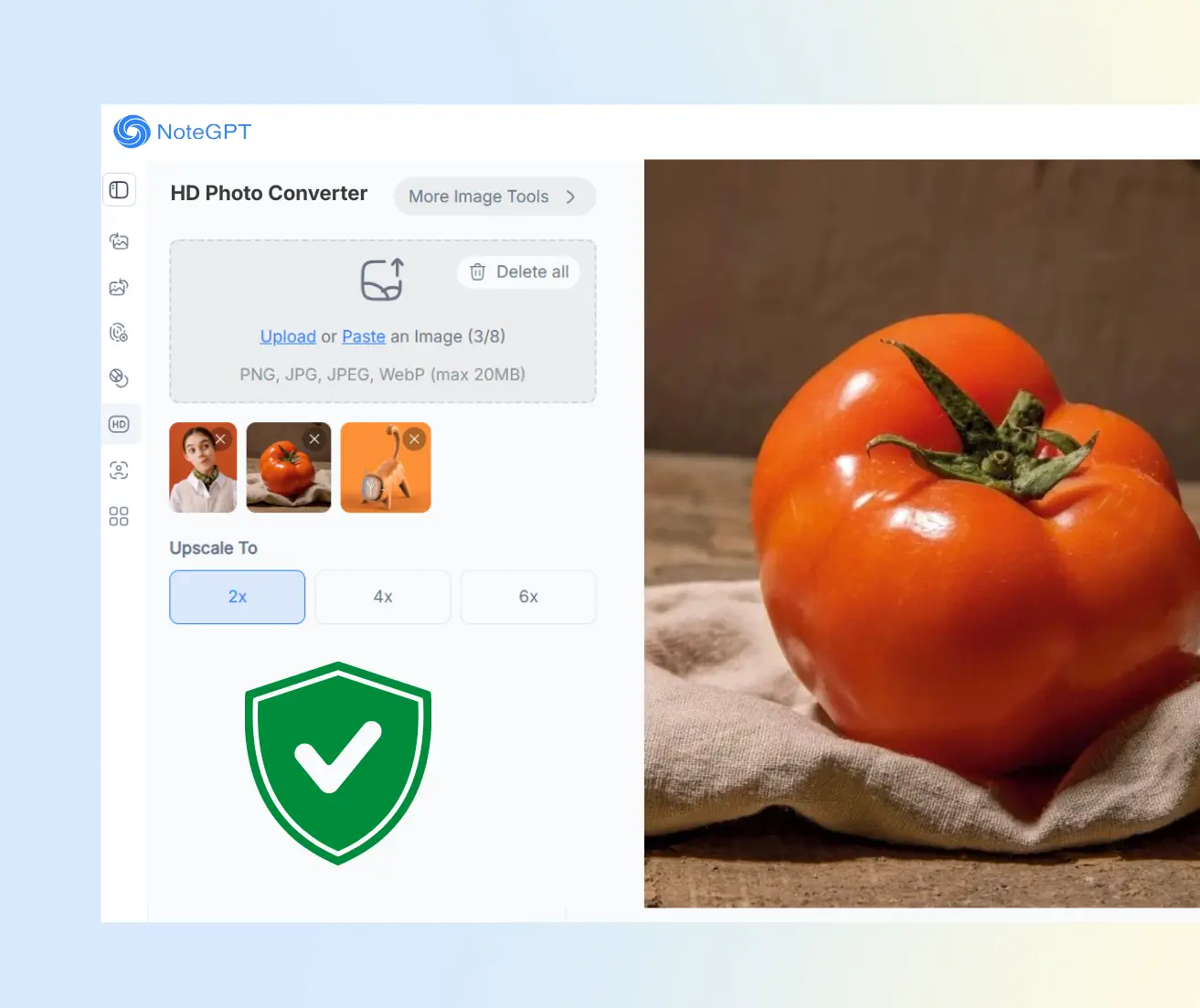
Feeling good about your photos matters. With NoteGPT's HD Photo Converter, you can safely enhance and upscale your images to HD or 8K. We don't save your pictures, and everything happens online. Upload your photo, let AI do its magic, and enjoy sharper, clearer images—quick, free, and worry-free.

Convert Photos to HD Safe and Secure

Why Choose NoteGPT's HD Photo Converter?

Convert Multiple Photos to HD at Once

No need to upload images one by one. You can enhance several photos in a single go, which saves time and keeps your workflow smooth—perfect for batches, projects, or quick cleanups.

Turn Blurry Photos into Clear 8K Images

Old or blurry pictures don't have to stay that way. Our AI sharpens details and boosts clarity, turning fuzzy photos into crisp images with up to 8K resolution.

Upscale Small Images Up to 6× Without Blur

Small images often lose quality when enlarged. NoteGPT's HD Photo Converter scales photos up to 6× while keeping edges clean and details natural, no strange artifacts.

Why Choose NoteGPT's HD Photo Converter?

The HD Photo Converter for Work, Business, and Daily Life

Not all photos are taken in perfect conditions. The HD Photo Converter helps different people improve image quality without complex tools. It's built for real tasks, from professional projects to everyday memories, and keeps the process simple and fast.

For Professional Visual Creators

Designers, photographers, and video editors often work with images that need higher clarity. This tool helps upgrade resolution and fix blur, so visuals look clean and ready for print, web, or client work.

For Online Business and Marketing Teams

Marketing images need to stand out. The HD Photo Converter improves product photos, ads, and banners, helping brands look more polished without extra shoots or long edits.

For Everyday Content and Memory Keepers

Daily photos, screenshots, or old memories may look small or unclear. This tool makes them sharper and easier to share, print, or save without changing their natural look.

How to Convert Photos to HD in 3 Easy Steps

Getting clear, high-quality images doesn't have to be complicated. With the HD Photo Converter, you can enhance photos in just a few clicks, no design skills or extra software needed.

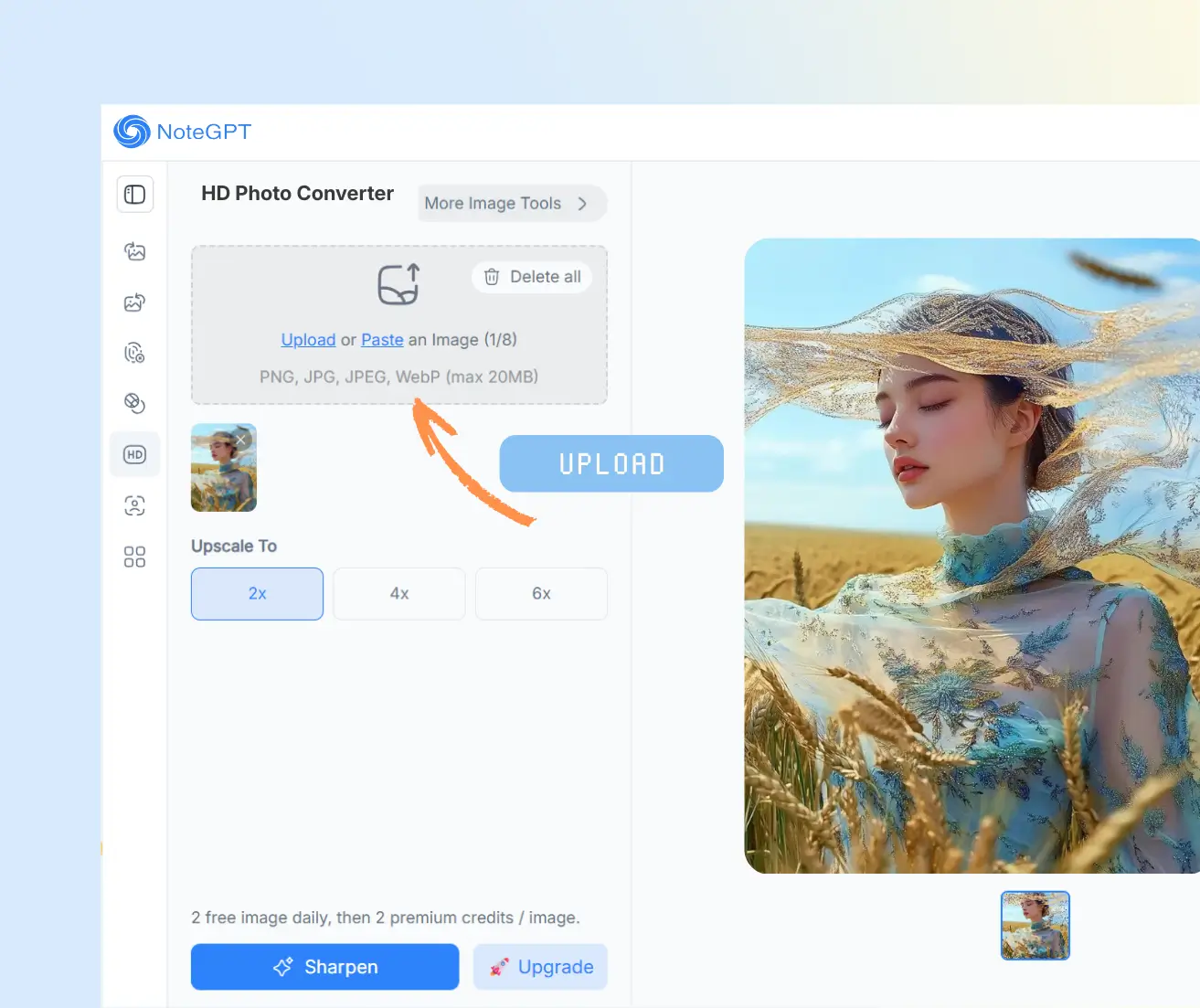
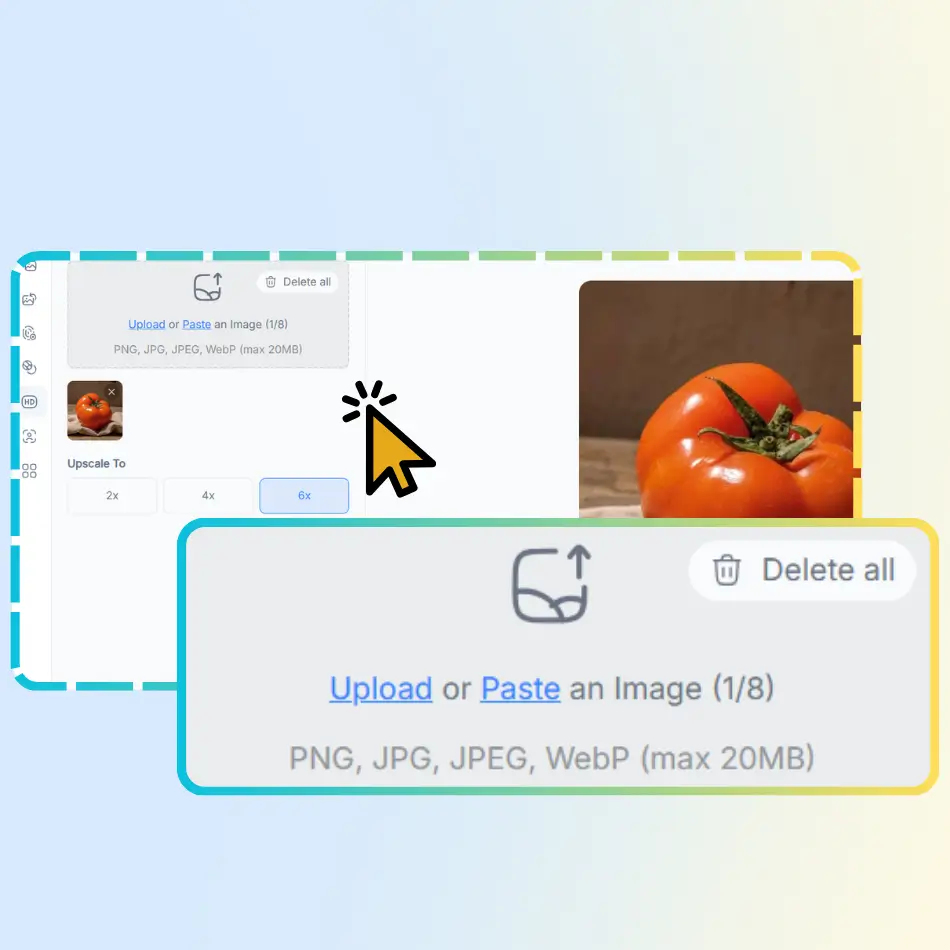
Step 1: Upload Your Photos

Step 1: Upload Your Photos

Add one or several images from your device. The tool supports batch uploads, so you can work on multiple photos at the same time.

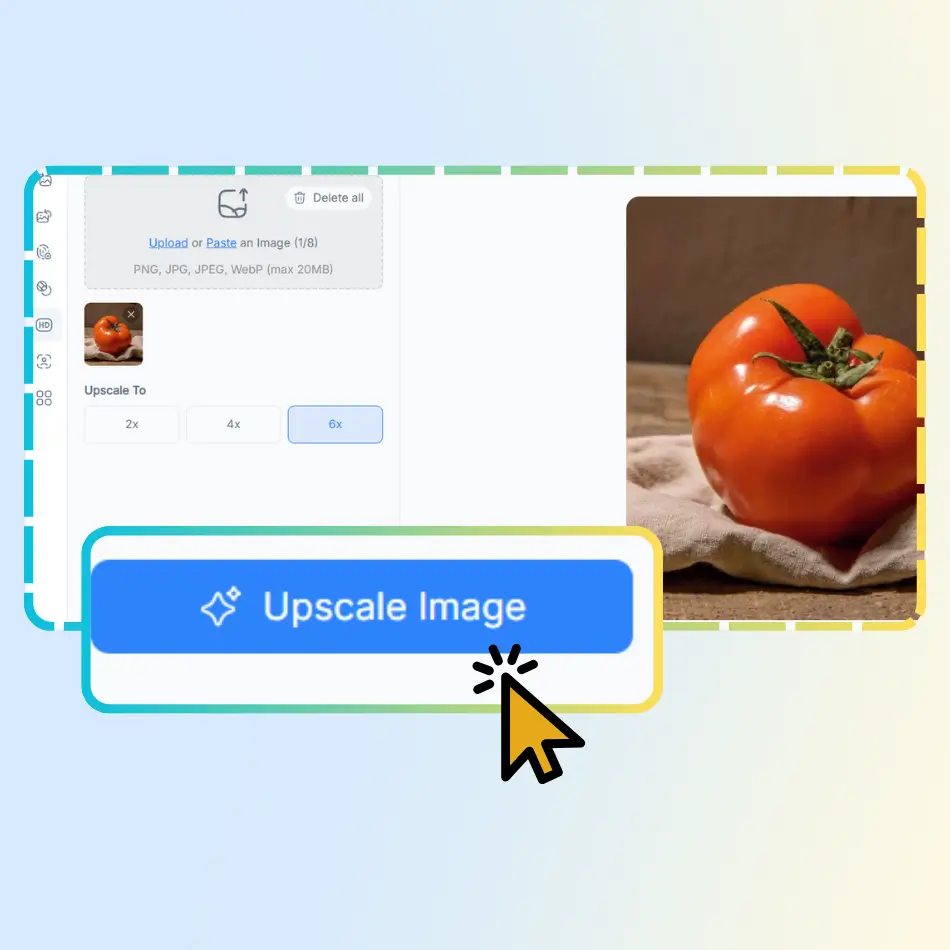
Step 2: Let AI Enhance the Quality

Step 2: Let AI Enhance the Quality

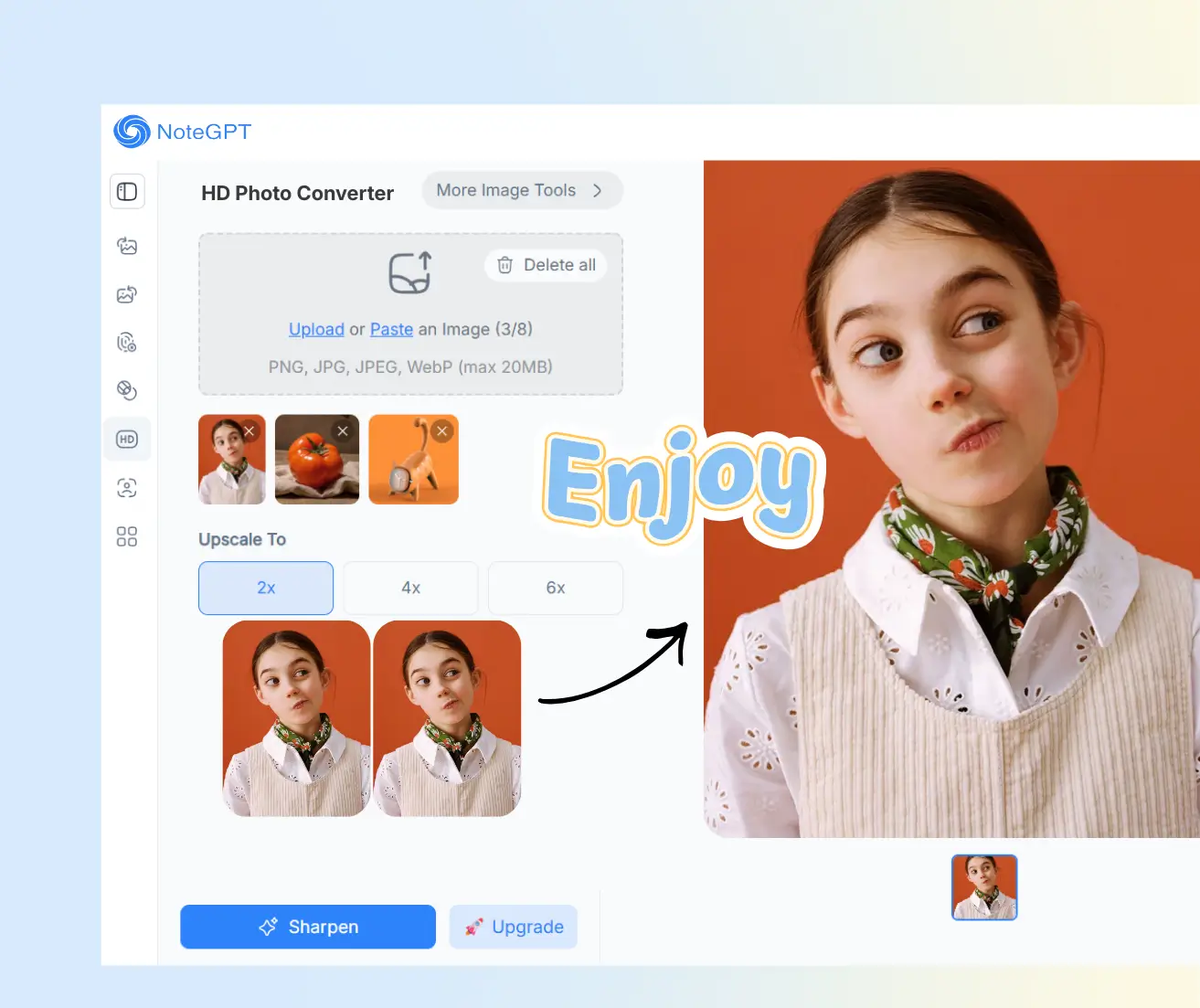
Once uploaded, the AI improves clarity, fixes blur, and increases resolution automatically without changing the natural look.

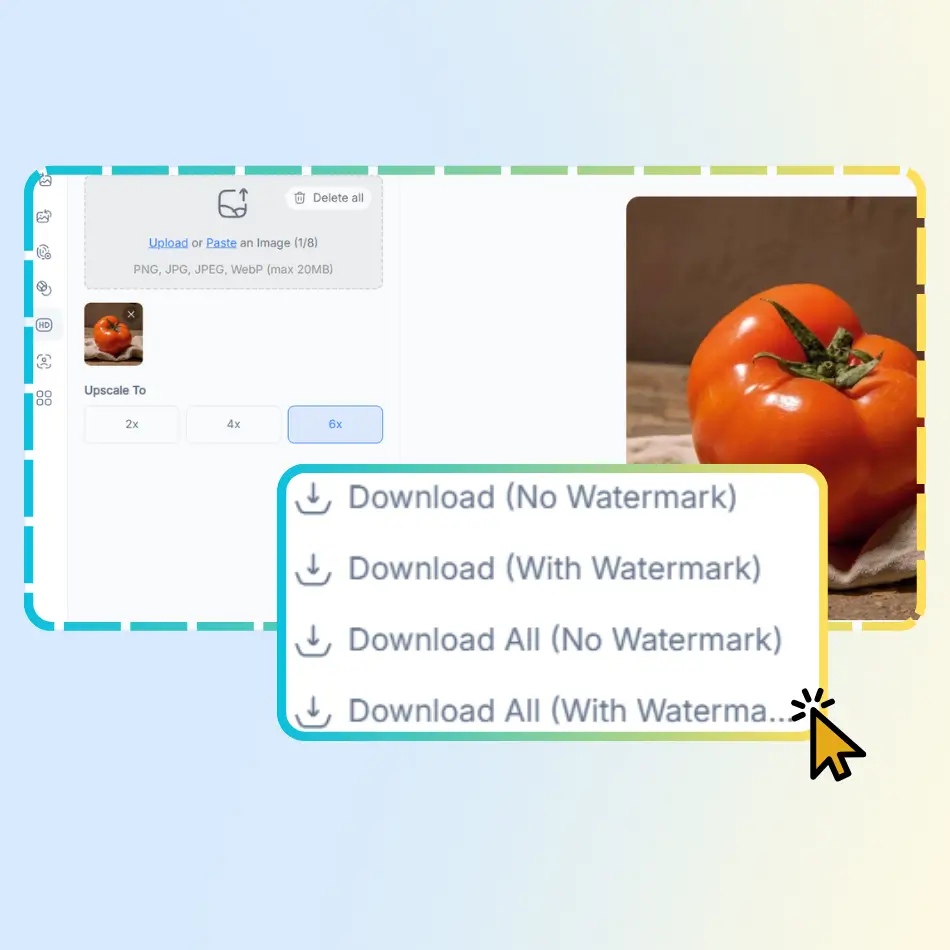
Step 3: Download Your HD Images

Step 3: Download Your HD Images

After processing, preview the results and download your enhanced photos. They're ready to share, post, or print right away.

Ready to Convert Your Photos to HD?

Turn blurry or low-quality images into clear HD photos in just a few clicks. No setup, no learning curve—just upload your photos and let AI handle the rest. It's fast, simple, and free to start.

What Users Say About NoteGPT's HD Photo Converter

A.L. avatar

A.L.

Graphic Designer

I use NoteGPT's HD Photo Converter for client images that come in low quality. It helps me fix blur and improve resolution fast, without messing up details. The results look clean and natural, which makes my work easier and saves a lot of time.
M.K. avatar

M.K.

Digital Marketing Specialist

NoteGPT's HD Photo Converter is now part of our marketing workflow. We use it to upgrade ad images and social visuals that look soft. It's simple to use, works fast, and the images look sharper without feeling over-edited.
J.S. avatar

J.S.

E-commerce Store Owner

I run a small online shop and reuse old product photos a lot. NoteGPT's HD Photo Converter helped me make those images clear again. I didn't need to reshoot anything, and the products look much more professional on my site.
R.T. avatar

R.T.

Content Editor

I often work with scanned images and screenshots. NoteGPT's HD Photo Converter makes text and details easier to see without changing the original look. It's quick, easy, and saves me from doing manual edits every time.
E.W. avatar

E.W.

Everyday Photo User

I use NoteGPT's HD Photo Converter for personal photos that came out blurry. The steps are simple and the results look clean. It's great for fixing everyday pictures before sharing or printing them with better quality.
D.H. avatar

D.H.

Video Editor

As a video editor, I need clear images for thumbnails. NoteGPT's HD Photo Converter helps me upscale small photos without breaking the image. Faces stay sharp and backgrounds look fine, which saves me a lot of editing time.

Frequently Asked Questions About HD Photo Converter