

























NoteGPT

Your Next Chapter Starts with Your LinkedIn Profile

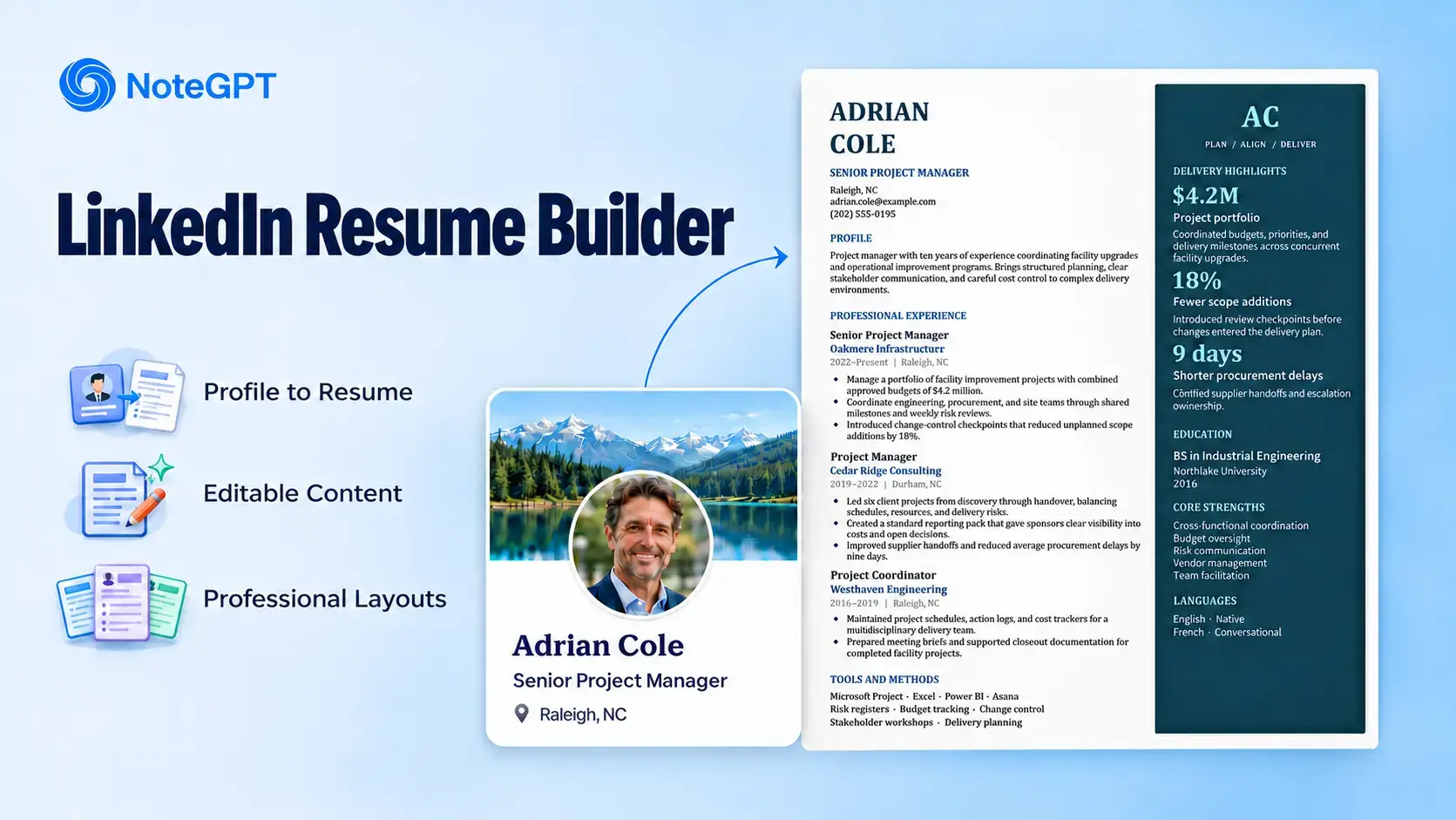
Turn your profile into a professional resume with NoteGPT’s LinkedIn Resume Builder. Bring your experience, education, and skills together without starting from scratch.

Profile to resumeEditable contentProfessional layouts

Your resume stays private.

Popular roles

Choose your LinkedIn Resume Builder layout

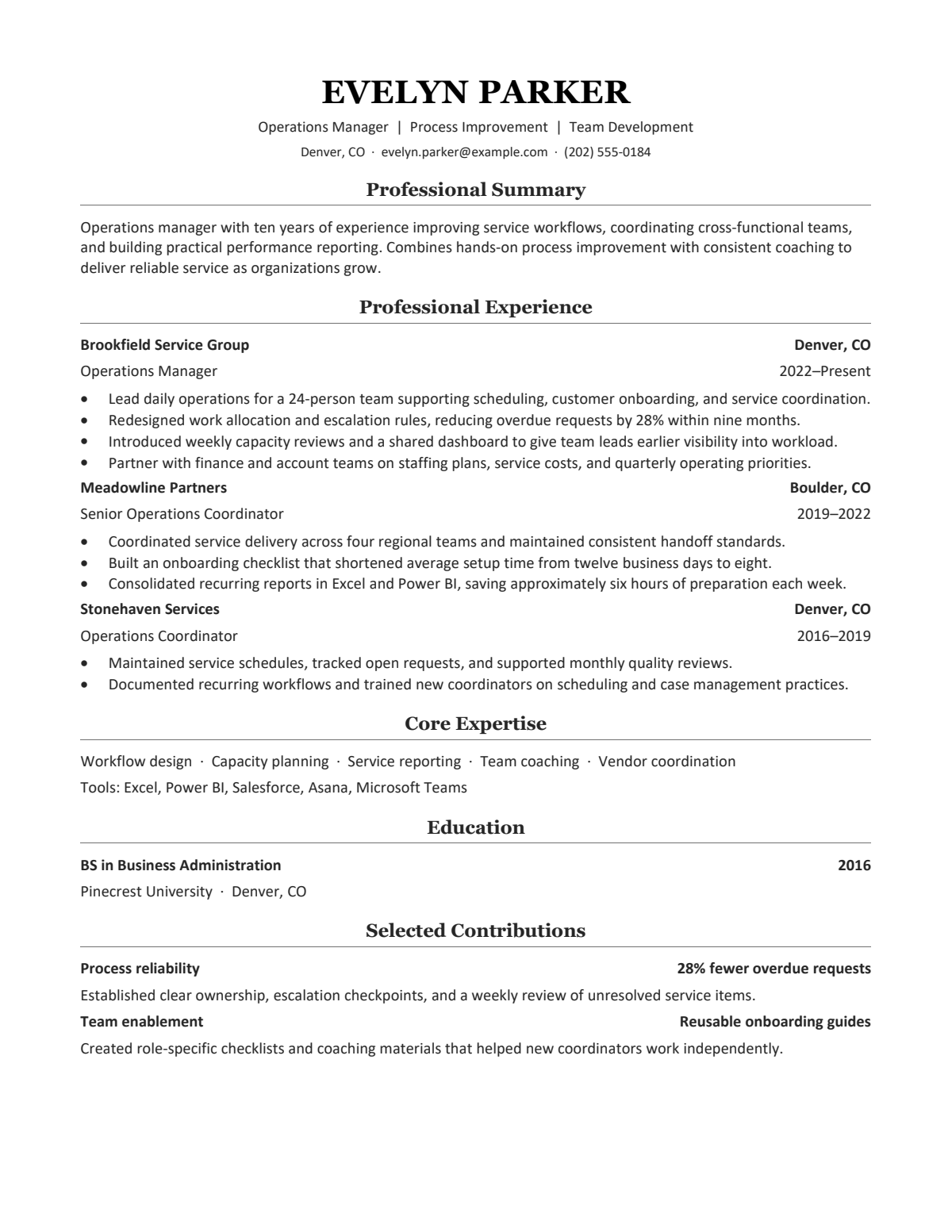
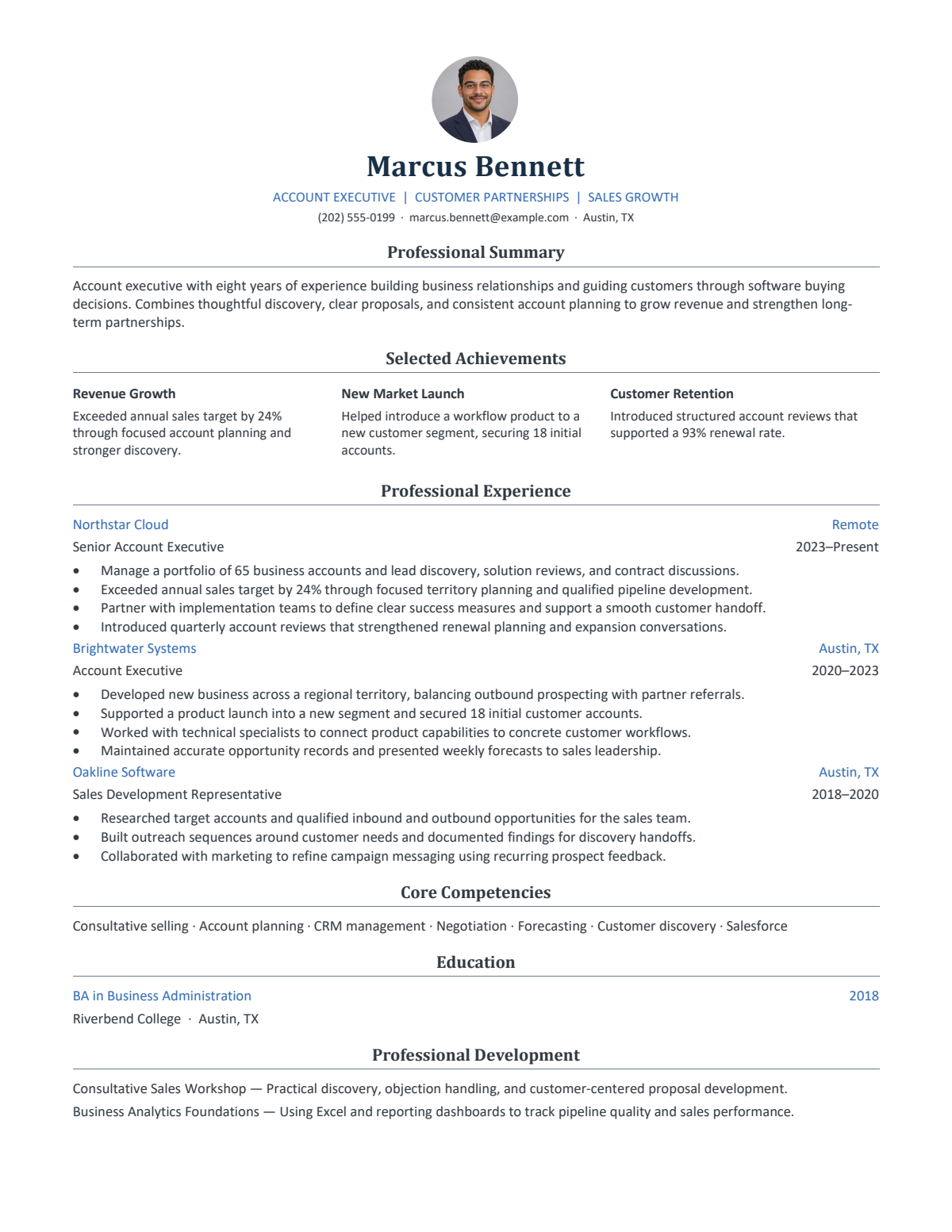
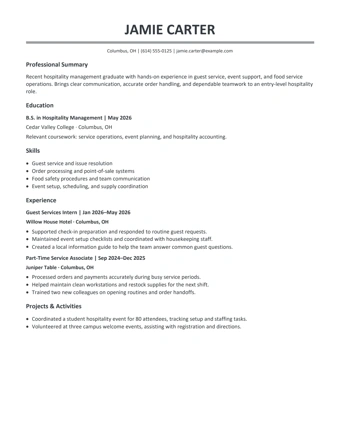
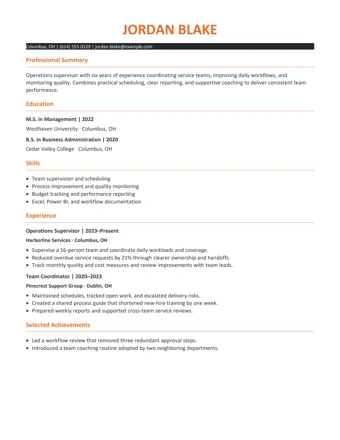
Scholarly ClassicFreeScholarly Classic
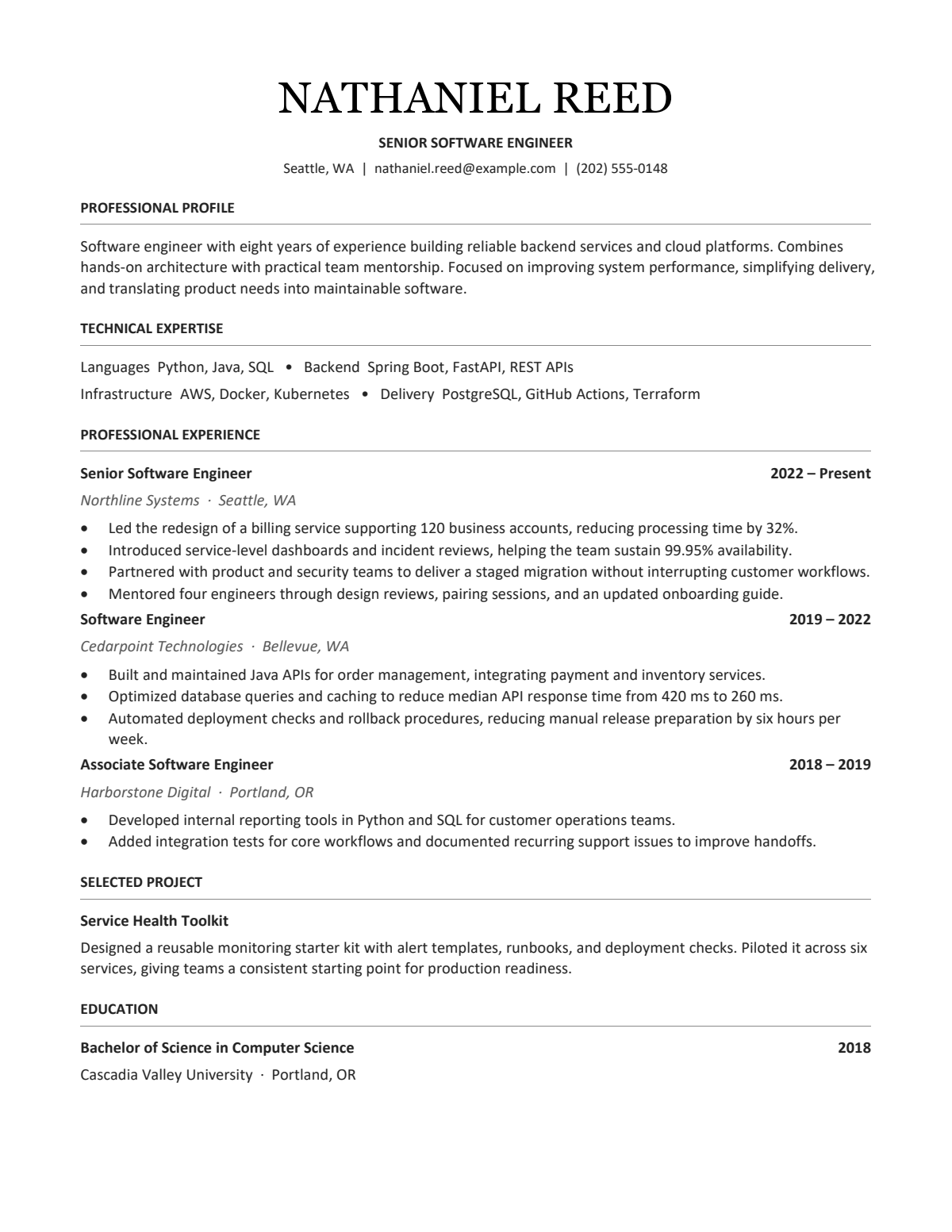
Open MinimalFreeOpen Minimal
Executive StructureFreeExecutive Structure
Classic BriefPremiumClassic Brief
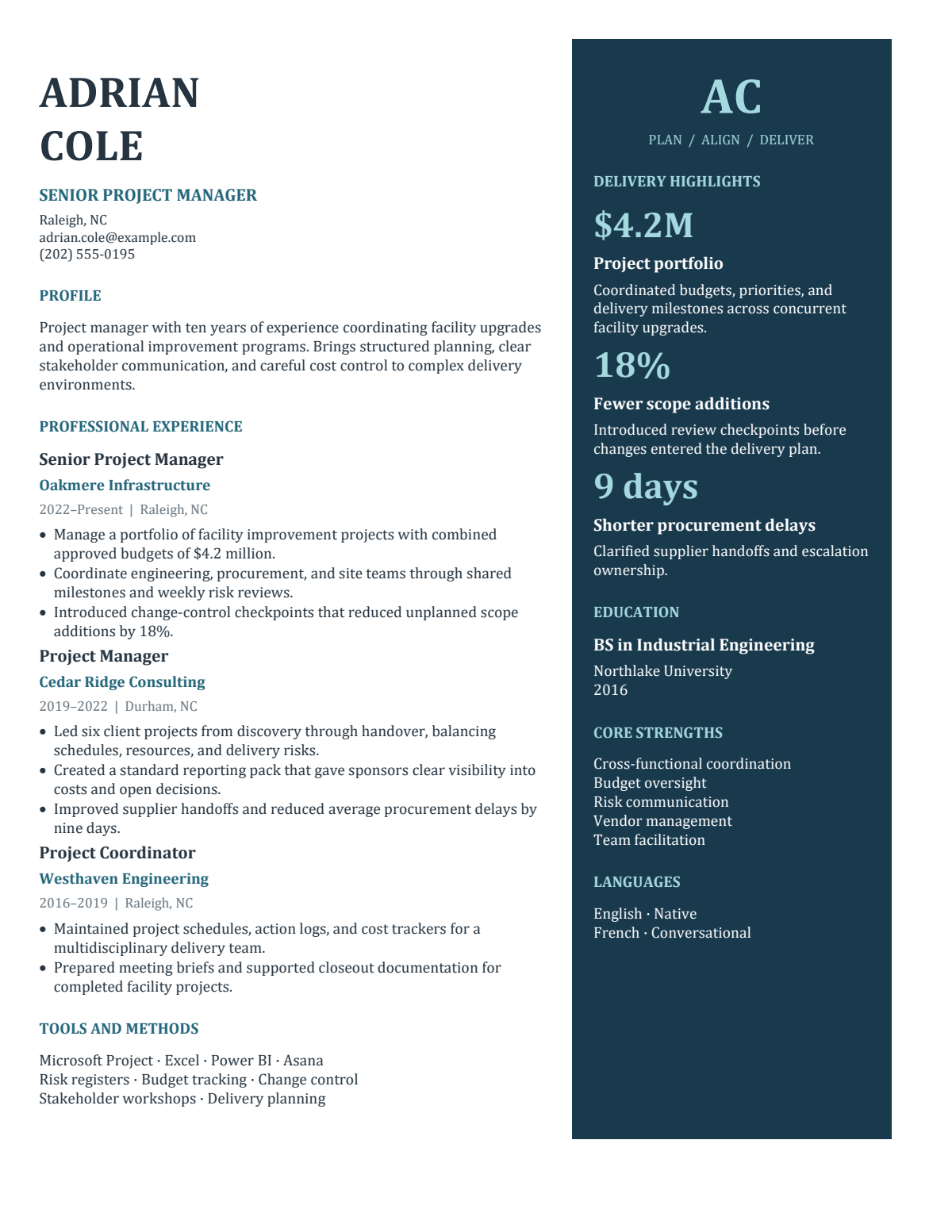
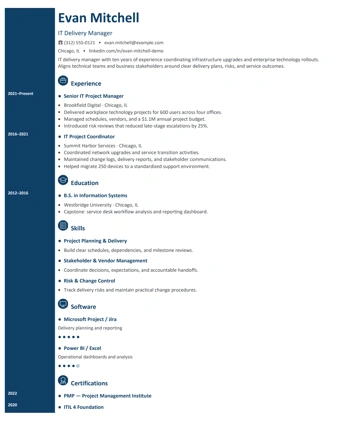
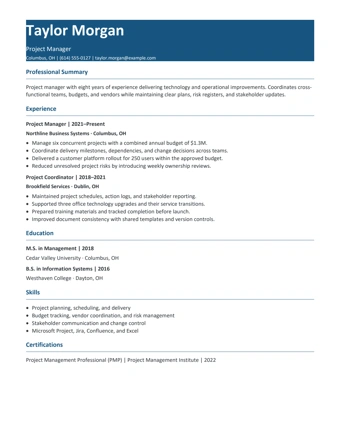
Navy PanelPremiumNavy Panel
Impact ClassicPremiumImpact Classic
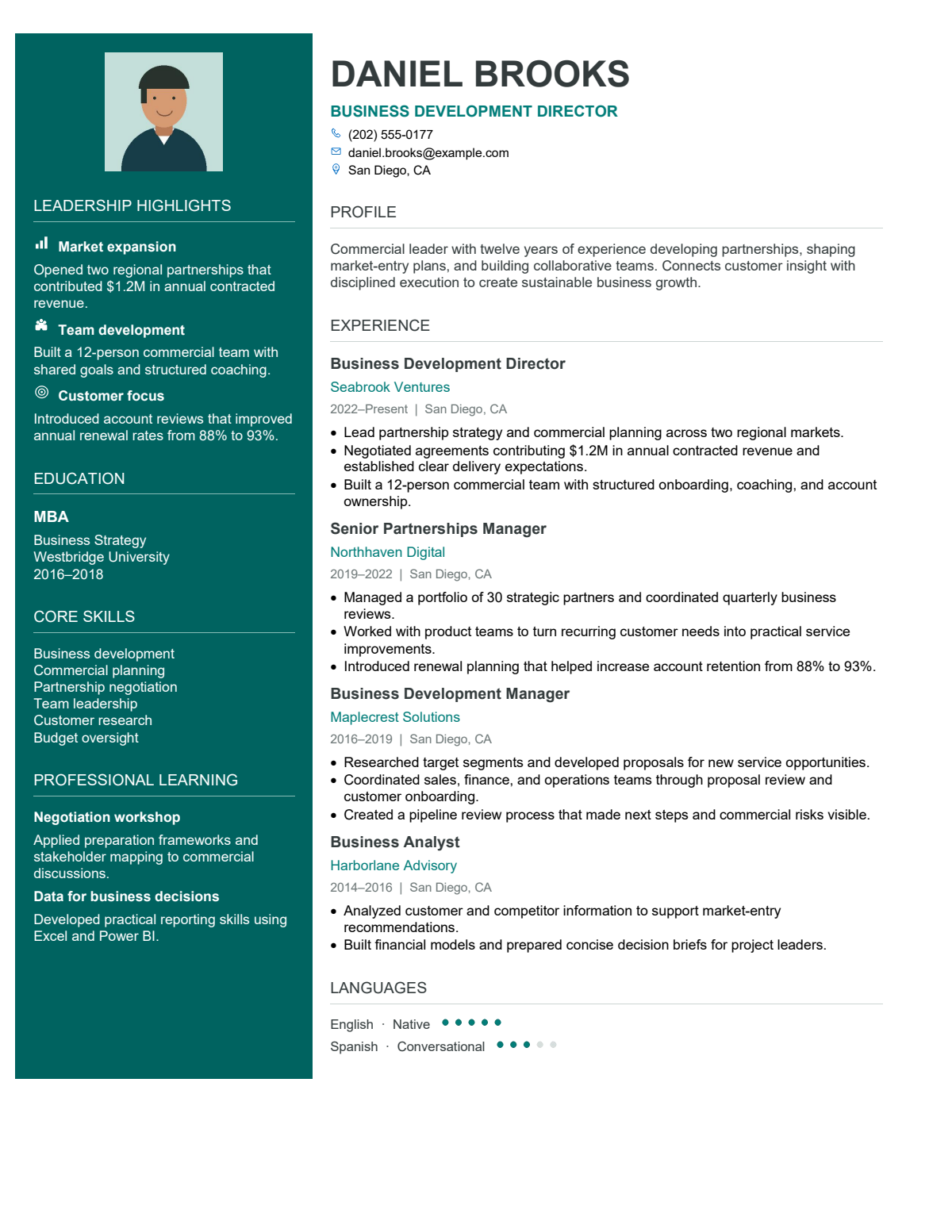
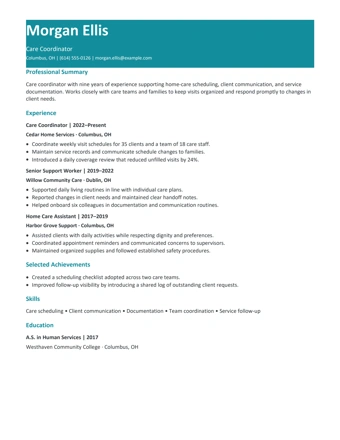
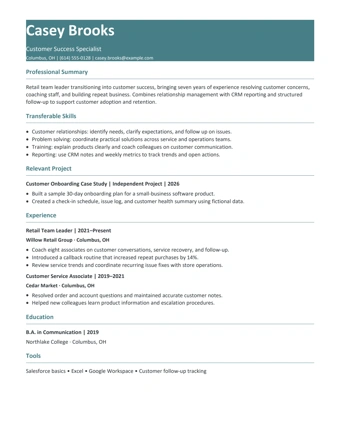
Teal LeadershipPremiumTeal Leadership
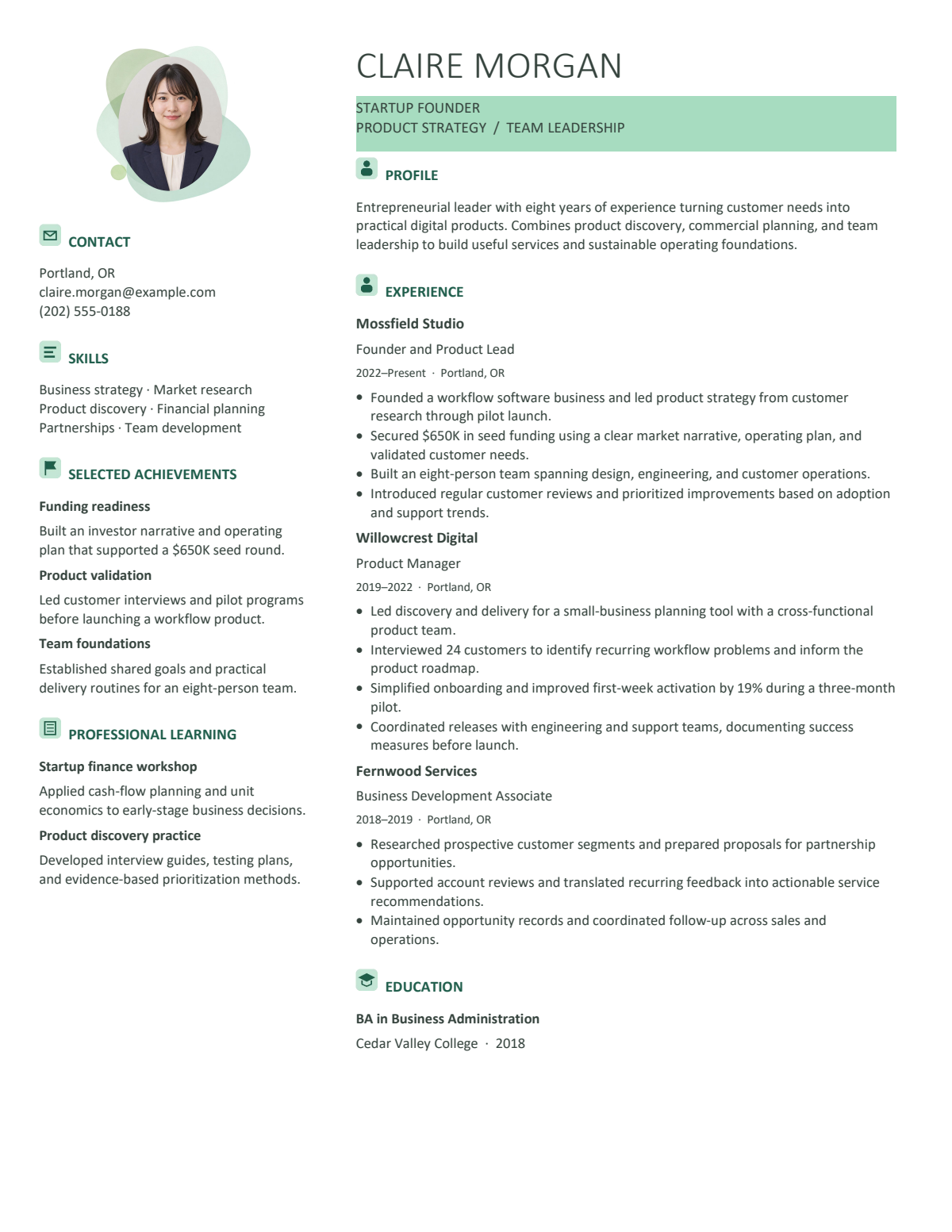
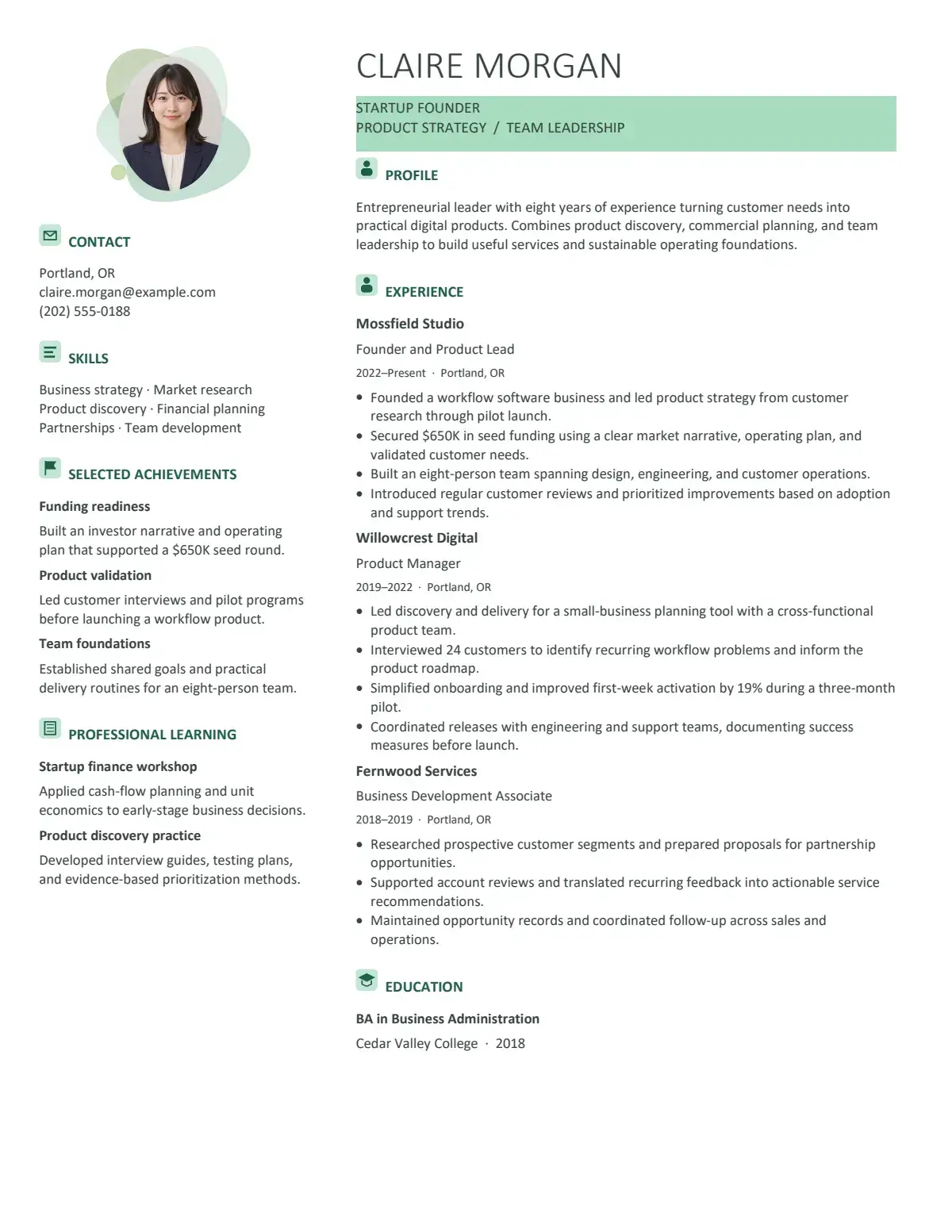
Mint FounderPremiumMint Founder
Portrait ClassicPremiumPortrait Classic
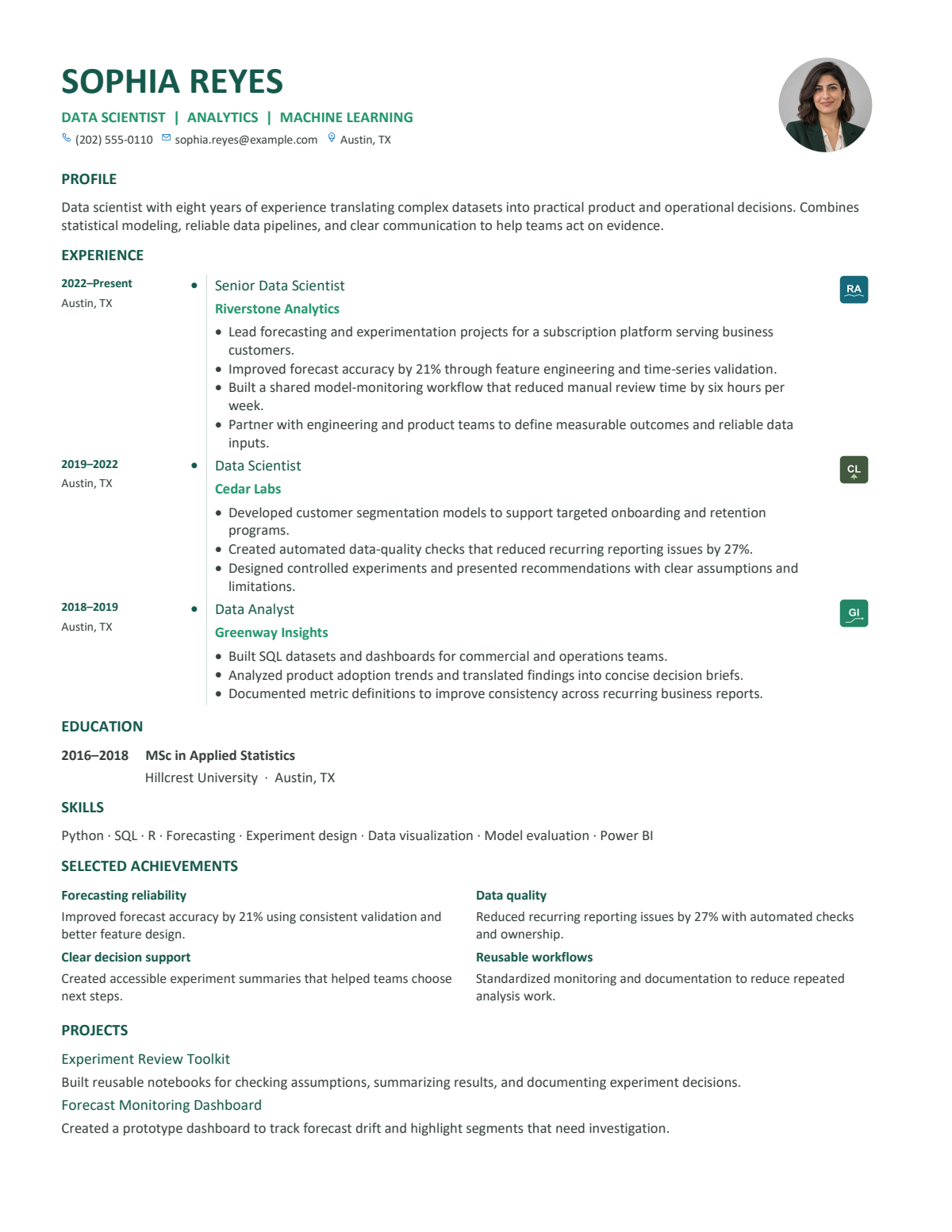
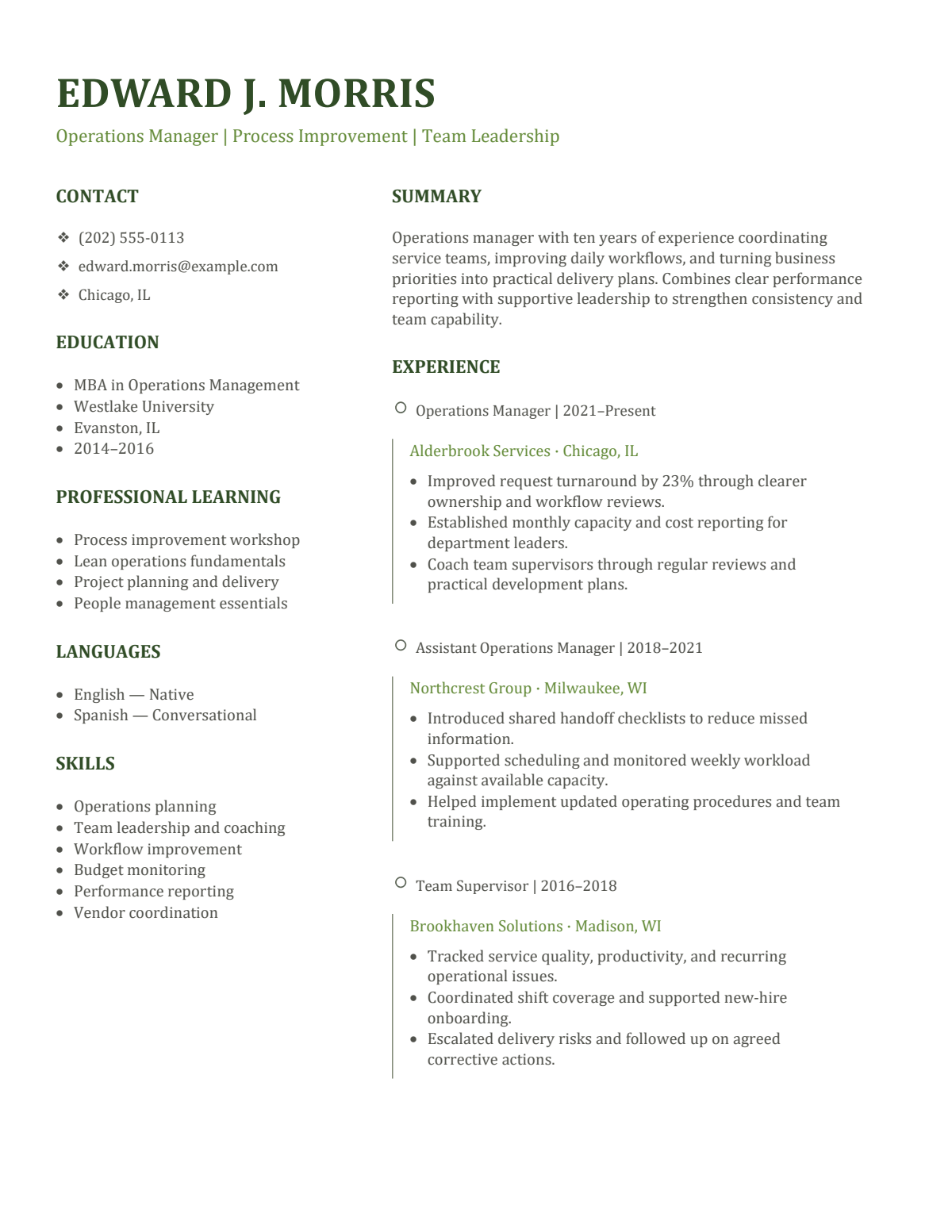
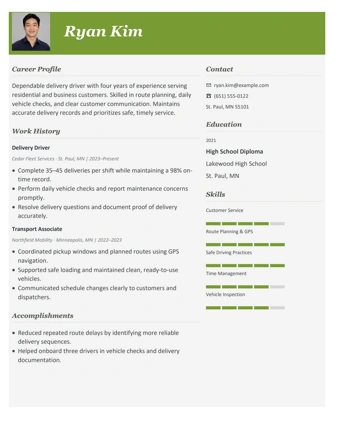
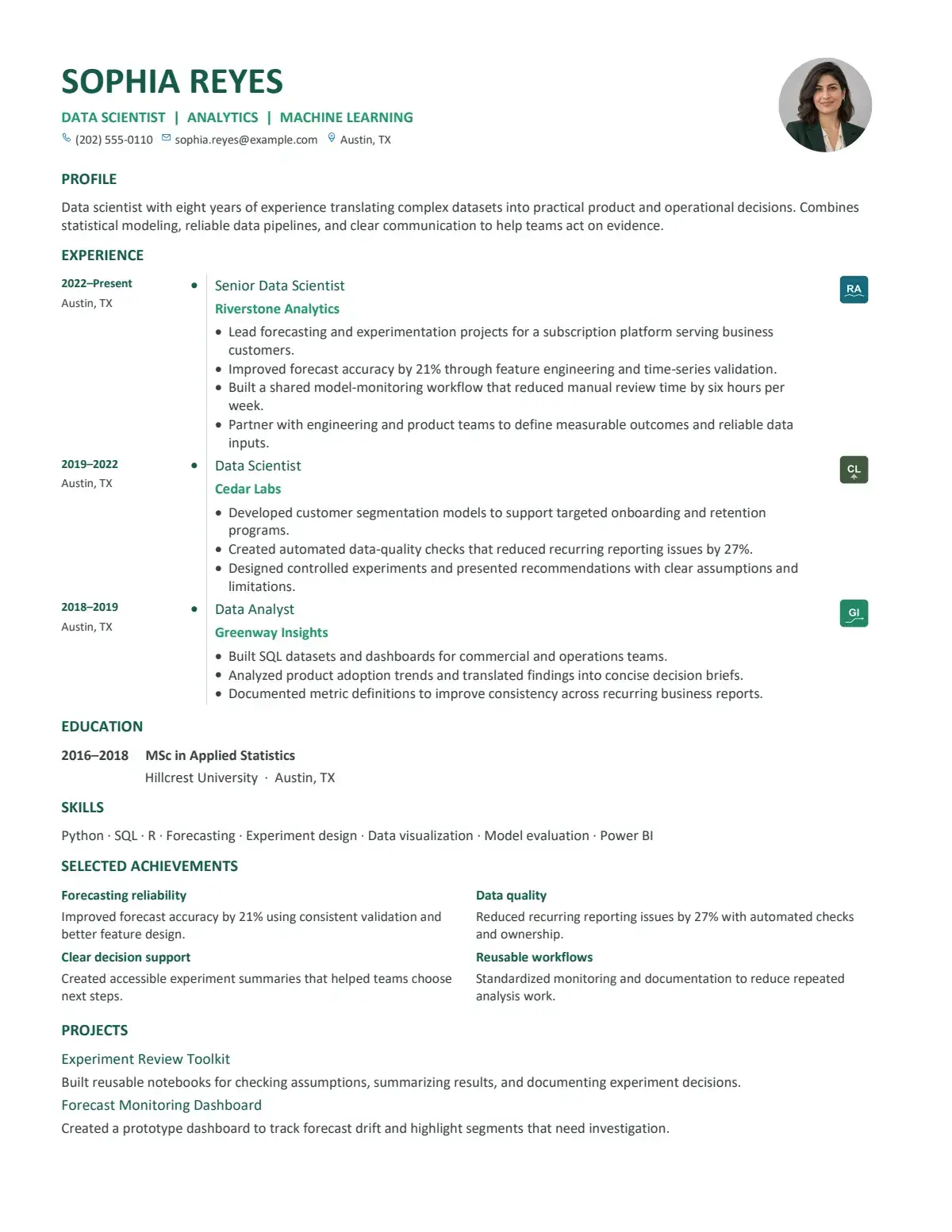
Green TimelinePremiumGreen Timeline
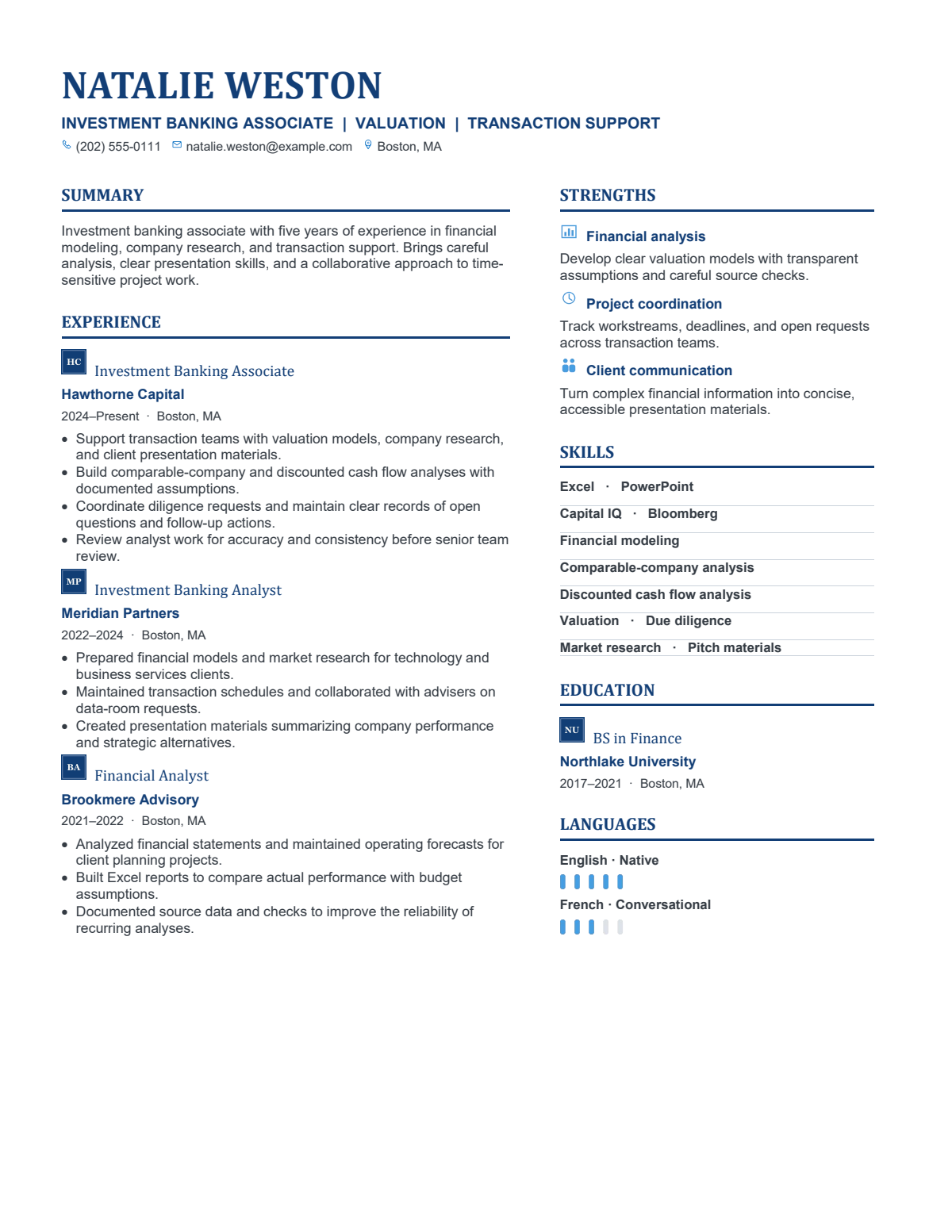
Blue FinancePremiumBlue Finance
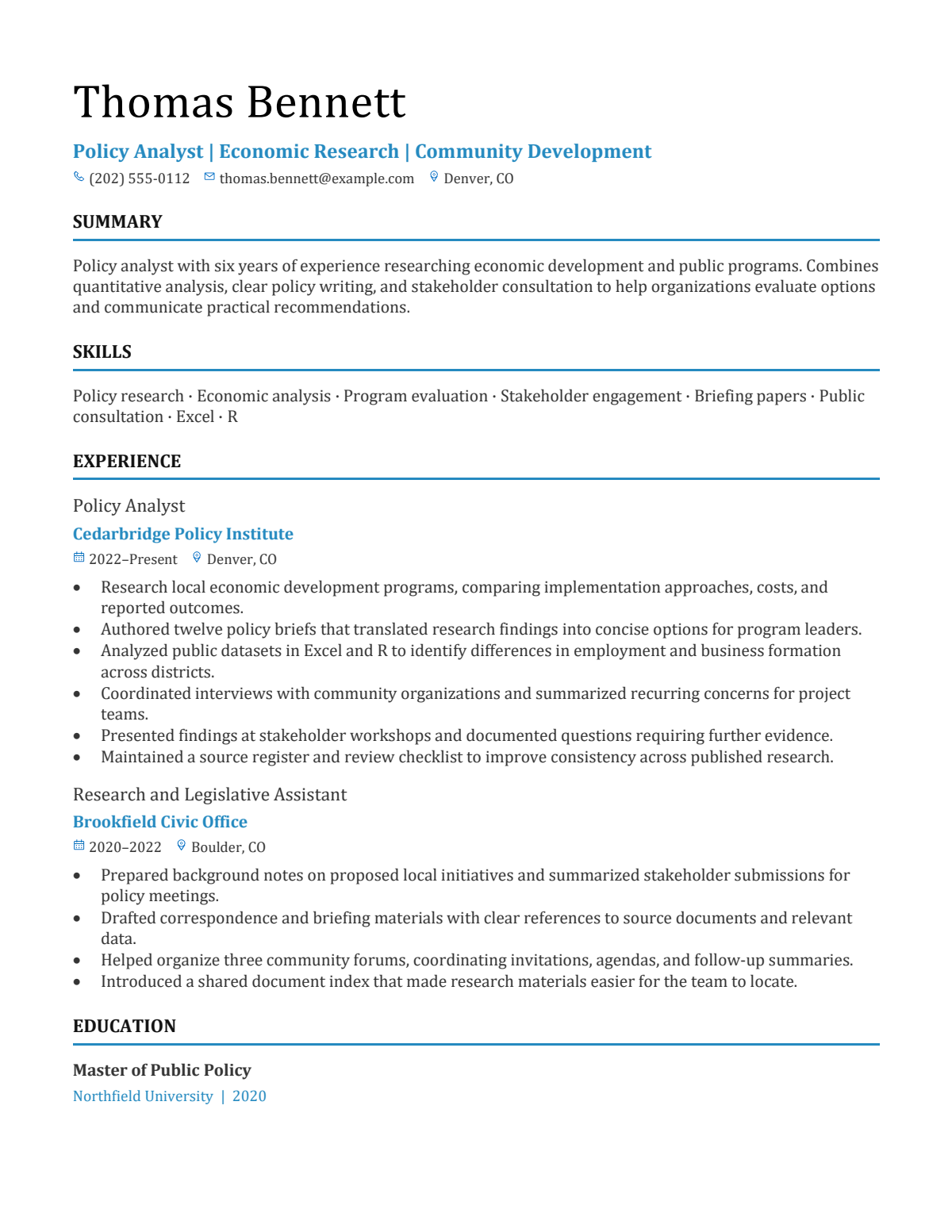
Civic SerifPremiumCivic Serif
Olive TimelinePremiumOlive Timeline
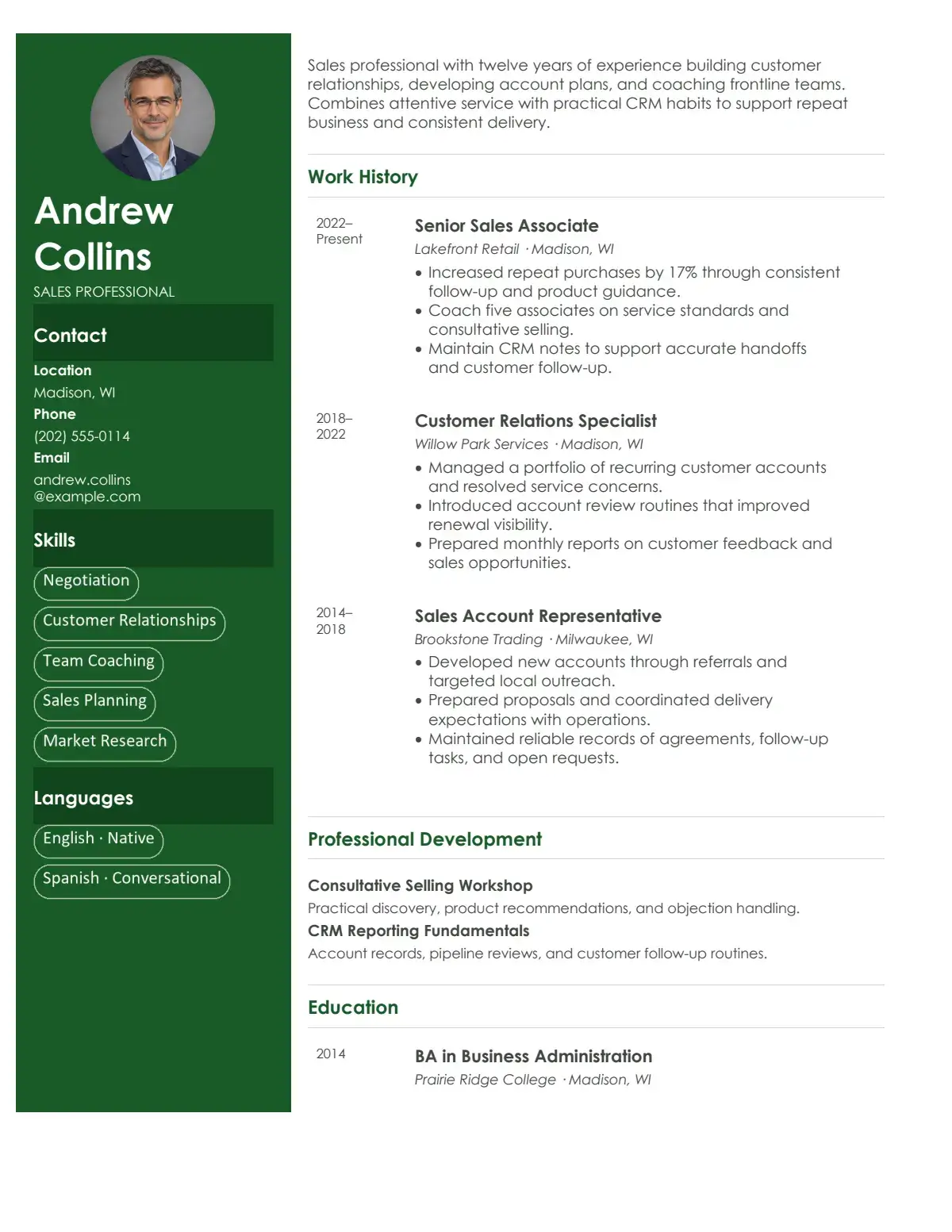
Forest ProfilePremiumForest Profile
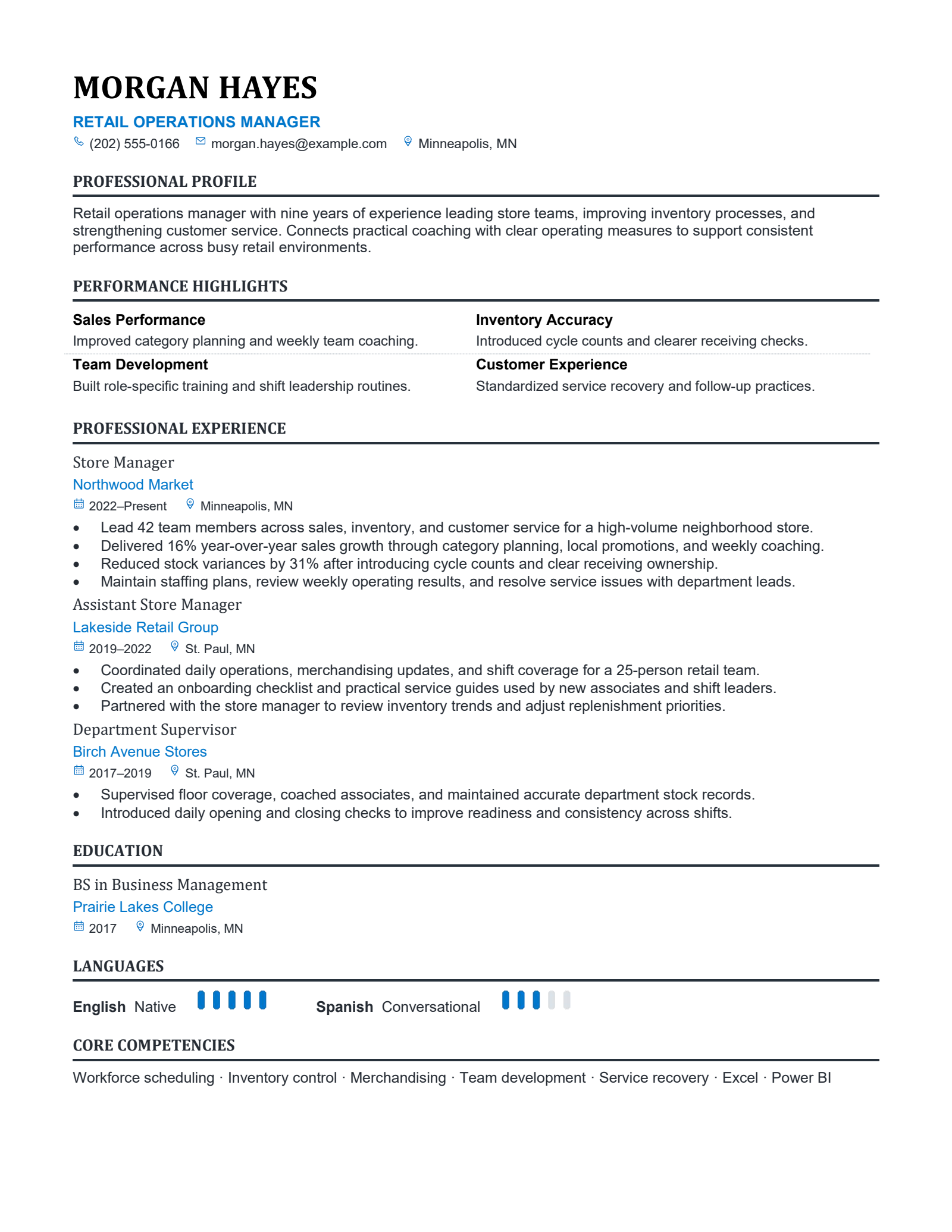
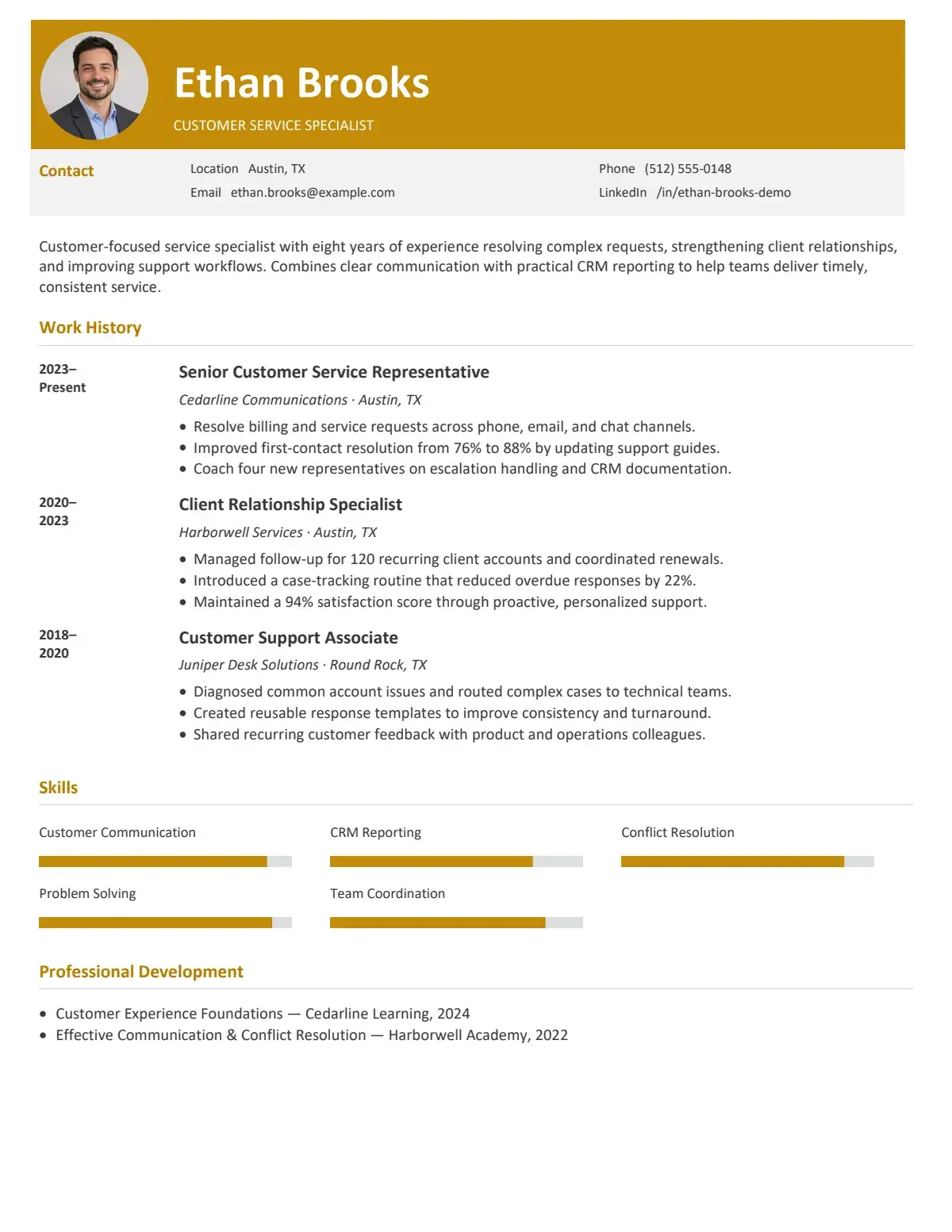
Amber HeaderPremiumAmber Header
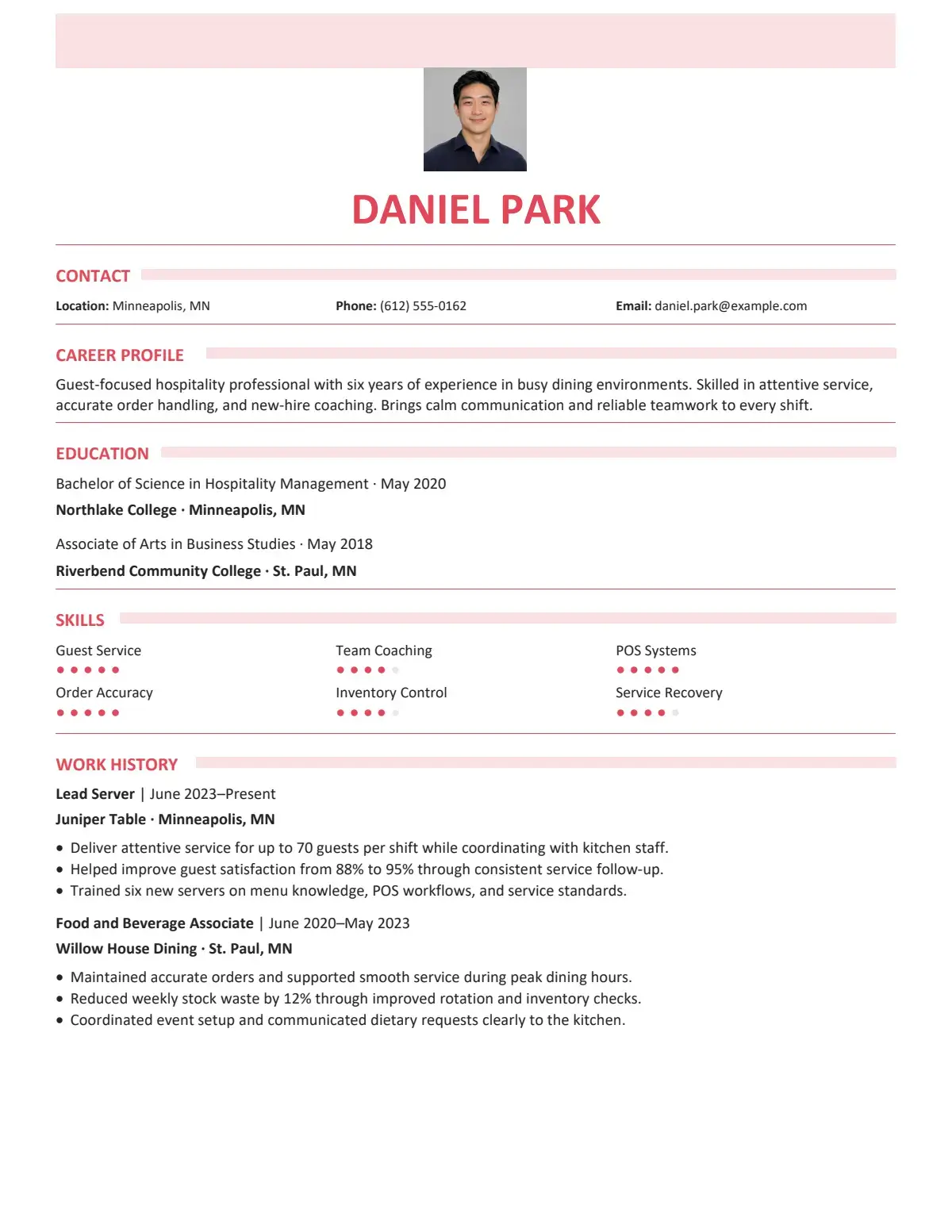
Coral RibbonPremiumCoral Ribbon
Amber TimelinePremiumAmber Timeline
Slate PortraitPremiumSlate Portrait
Navy CommandPremiumNavy Command
Azure ExecutivePremiumAzure Executive
Navy ChroniclePremiumNavy Chronicle
Olive HorizonPremiumOlive Horizon
Monogram ClassicPremiumMonogram Classic
Graphite ExecutivePremiumGraphite Executive
Essential StartPremiumEssential Start
Aqua ServicePremiumAqua Service
Blue DeliveryPremiumBlue Delivery
Teal TransitionPremiumTeal Transition
Ember FocusPremiumEmber Focus
NoteGPT - Rated 4.9+ by NoteGPT Users
4.9
Chrome Store
NoteGPT - Rated 4.9+ by NoteGPT Users
NoteGPT - 80,000,000+ Users
80,000,000+
Users
NoteGPT - 80,000,000+ Users
NoteGPT - Trusted By 12,000+ Schools & Teams
12,000+
Schools & Teams
NoteGPT - Trusted By 12,000+ Schools & Teams

Trusted by 12 million users worldwide.

Logo
Logo
YouTube
Logo
Logo
Logo
Logo
Logo
Logo
Logo
Logo
Logo
Logo
Logo
Logo
Logo
Logo
Logo
Logo
Logo
Logo
Logo
Logo
Logo
Logo
Logo
Logo
Logo
Logo
Logo
Logo
Logo
YouTube
Logo
Logo
Logo
Logo
Logo
Logo
Logo
Logo
Logo
Logo
Logo
Logo
Logo
Logo
Logo
Logo
Logo
Logo
Logo
Logo
Logo
Logo
Logo
Logo
Logo
Logo
Logo

LinkedIn Resume Builder: Get a Job-Ready Resume from Your Profile

LinkedIn Resume Builder brings your career information into focus for one opportunity. Decide what belongs on the page before polishing the wording.

LinkedIn Resume Builder: Get a Job-Ready Resume from Your Profile

Six ways to make your experience easier to read

Prepare a focused application with LinkedIn Resume Builder, from accurate career details to readable formatting.

Start with familiar information

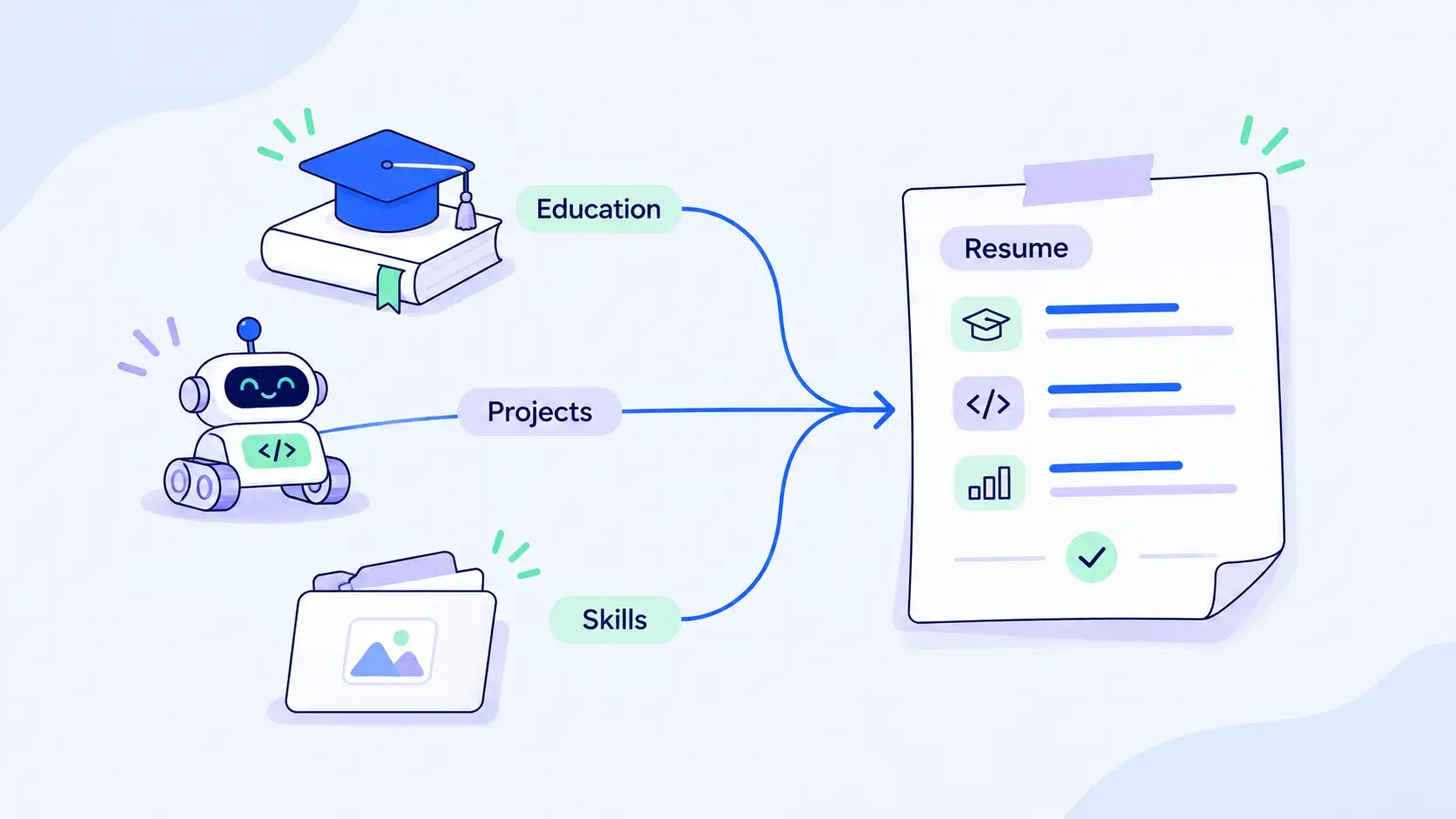
Bring your work history, education, and skills together. LinkedIn Resume Builder gives your existing profile information a clear purpose beyond your public professional presence.

Lead with relevant experience

Put your strongest fit first in LinkedIn Resume Builder. Choose projects and responsibilities that support your target role, keeping unrelated details brief.

Make each bullet specific

Describe what you did, how you did it, and what changed. Keep measurable results only when you can verify them from your own experience.

Give your summary a direction

Replace a broad introduction with a concise explanation of your background and focus. LinkedIn Resume Builder starts with your experience, rather than an invented career story.

Keep the details consistent

Your LinkedIn Resume Builder should help present your experience clearly without changing the facts. Check that job titles, employers, qualifications, and dates match your LinkedIn profile. You can refine the wording, but keep the details consistent.

Choose a readable structure

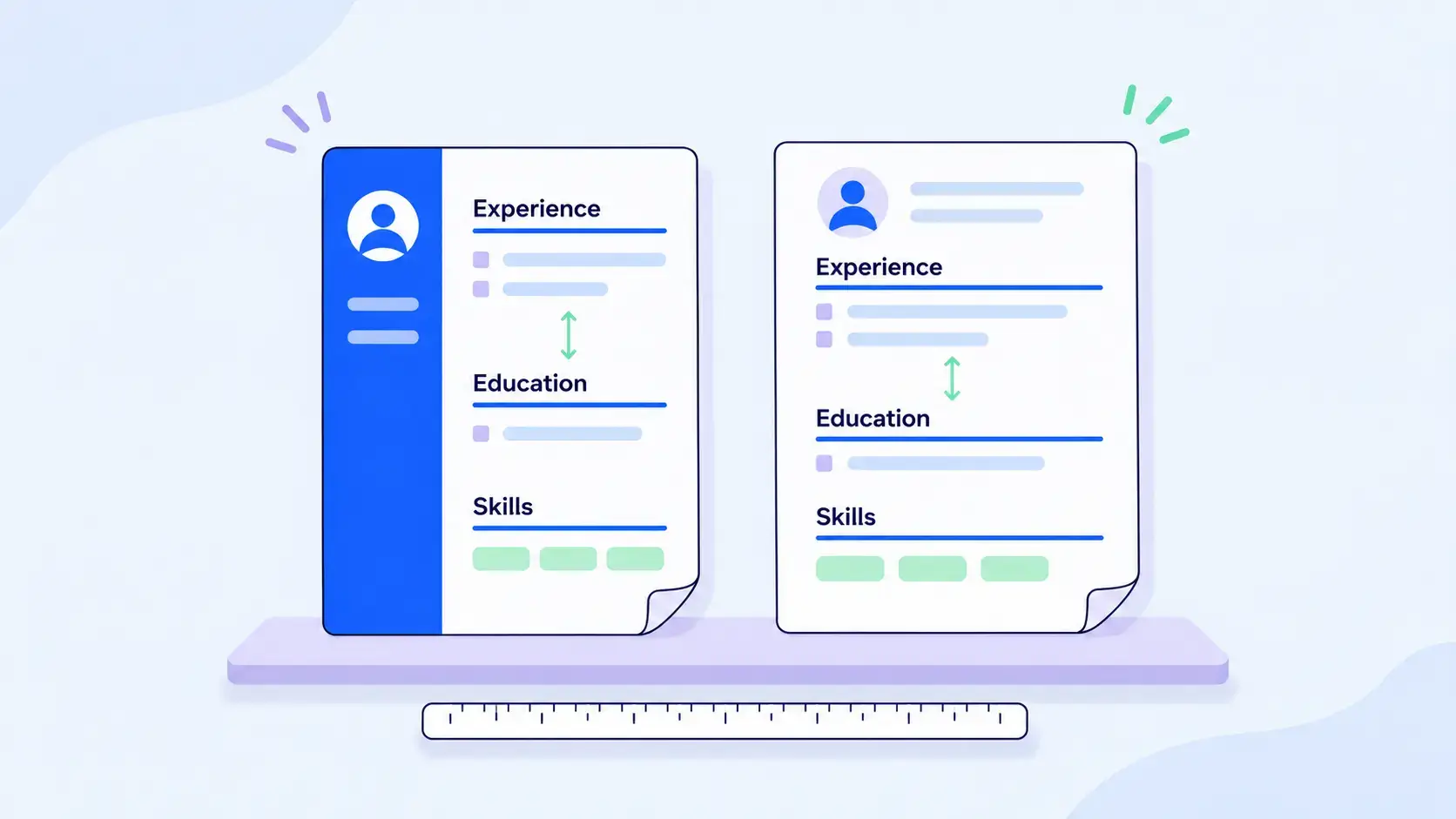
Clear headings make your experience easier to find. Compare layouts in LinkedIn Resume Builder, then review how your work history reads across the complete document.

Build a draft from the experience you already have

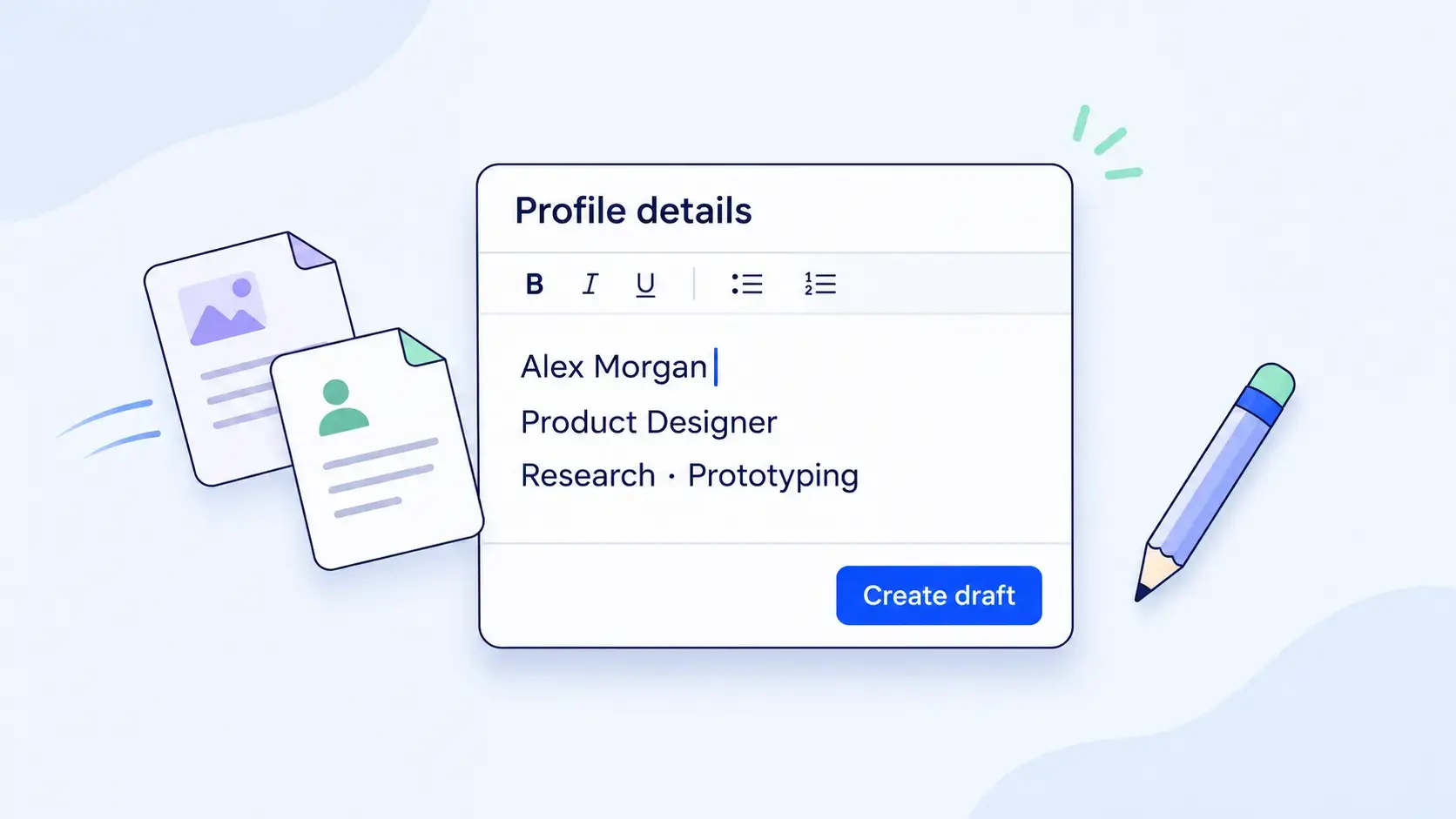
Bring your experience, education, and skills into LinkedIn Resume Builder, then add projects missing from your profile. Starting with career notes instead? AI Resume Builder gives you another starting point. Check dates and job titles against your records before refining the draft.

Build a draft from the experience you already have

Make every bullet explain your contribution

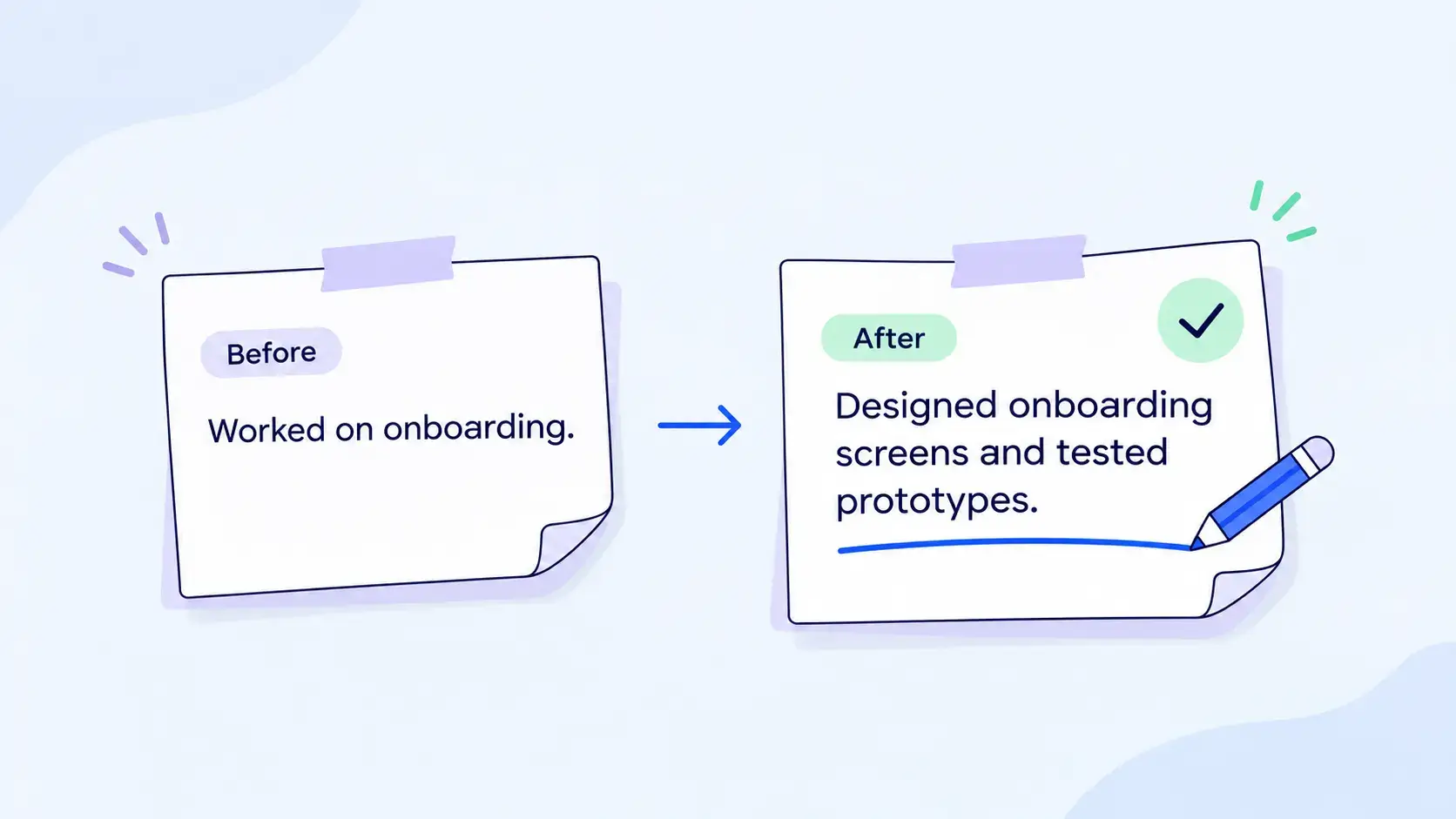
Vague duties can hide your contribution. Review wording in LinkedIn Resume Builder and explain what you did, which tools you used, and what changed. Check each suggestion against your records, keeping only results you can support and language that sounds like you.

Make every bullet explain your contribution

Give your next employer a focused introduction

Your profile summary may speak to a broad professional network. In LinkedIn Resume Builder, shape that introduction around the work you want next. Connect your background, strongest skills, and relevant experience in a short opening that gives the rest of your resume a clear direction.

Give your next employer a focused introduction

Bring your education and projects into the picture

An early career does not mean an empty resume. Add coursework, internships, or independent projects to LinkedIn Resume Builder alongside your profile details. Explain your role and the work you completed, giving employers concrete examples of skills that a job title alone cannot show.

Bring your education and projects into the picture

Choose a layout that lets your experience breathe

Give your most relevant experience room in LinkedIn Resume Builder without crowding the page. The same priorities matter when choosing ATS Resume Builder: clear section headings, consistent spacing, and readable text. Before applying, check contact details, dates, and page breaks in the finished document.

Choose a layout that lets your experience breathe

Explore LinkedIn Resume Builder templates for your next application

Compare six visual layouts, then choose the structure that gives your relevant experience enough room.

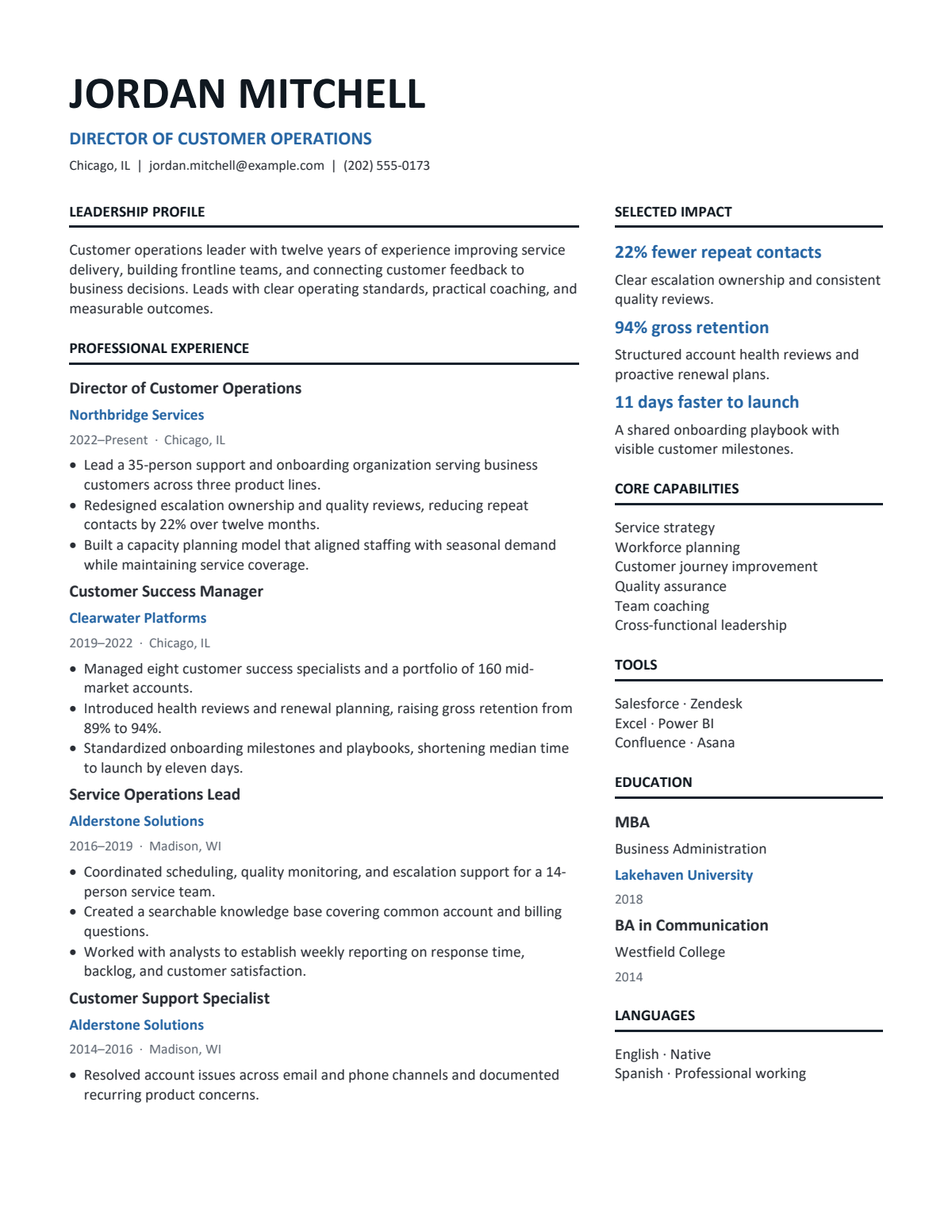
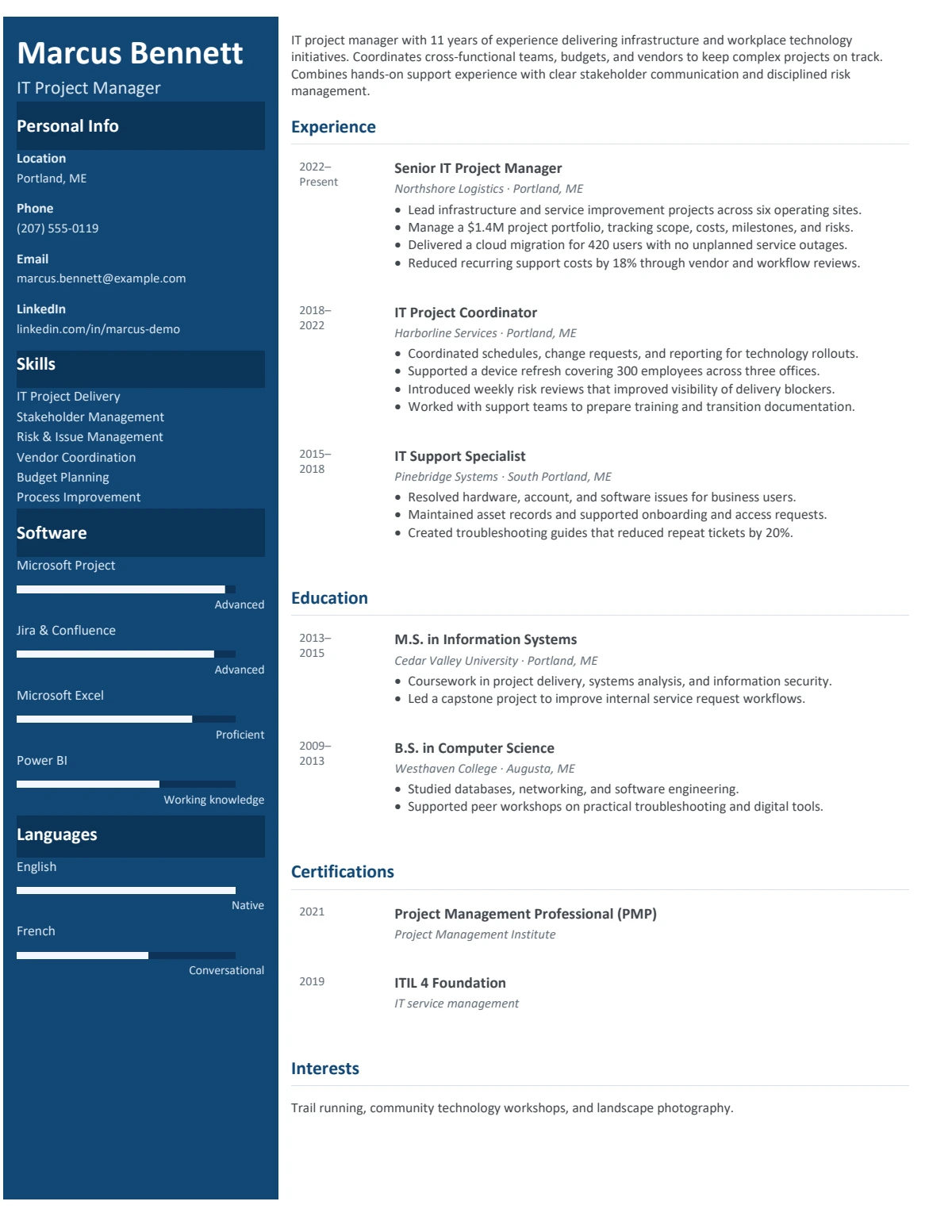
Navy Panel

Navy Panel

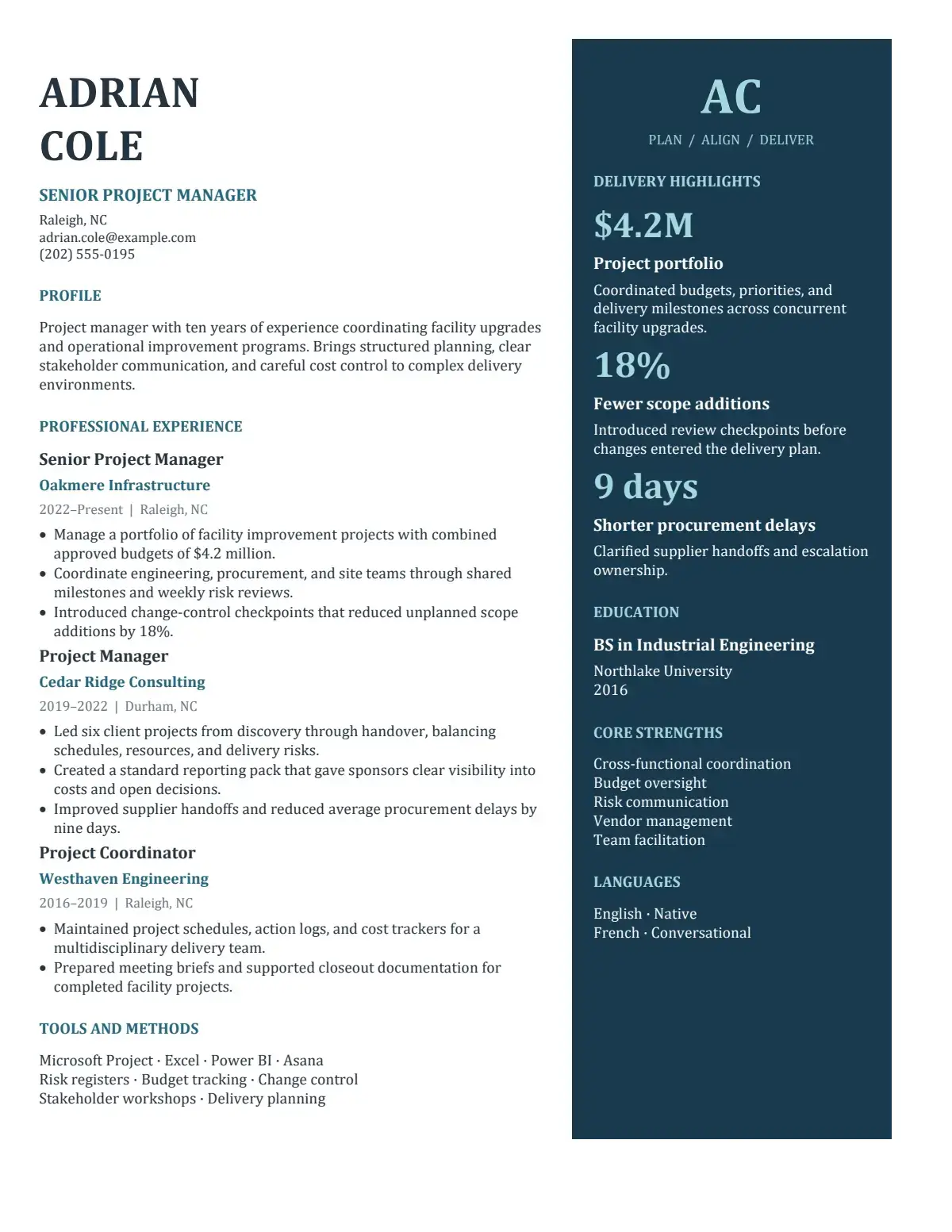
A navy sidebar separates contact details from your career story.

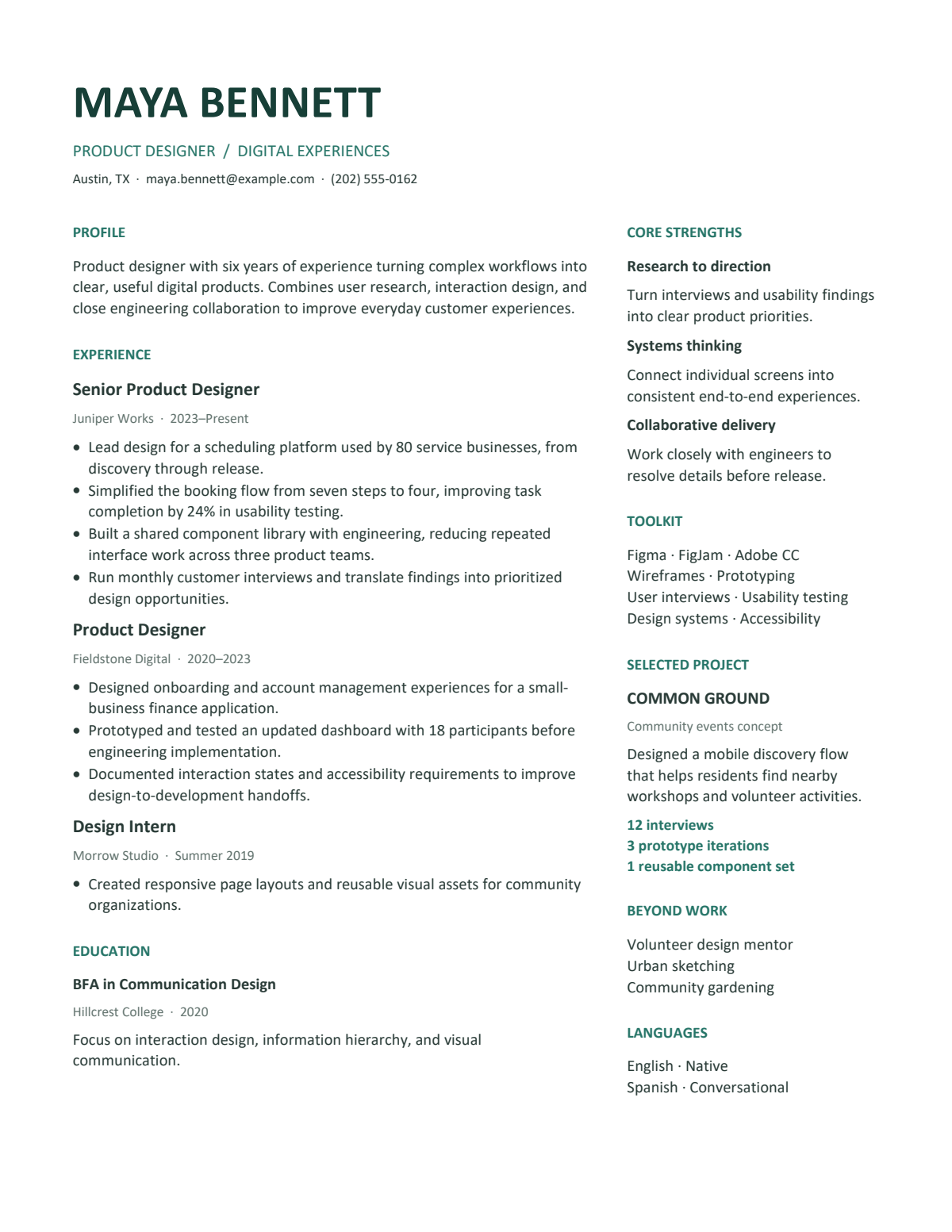
Mint Founder

Mint Founder

Mint accents give skills and experience distinct spaces.

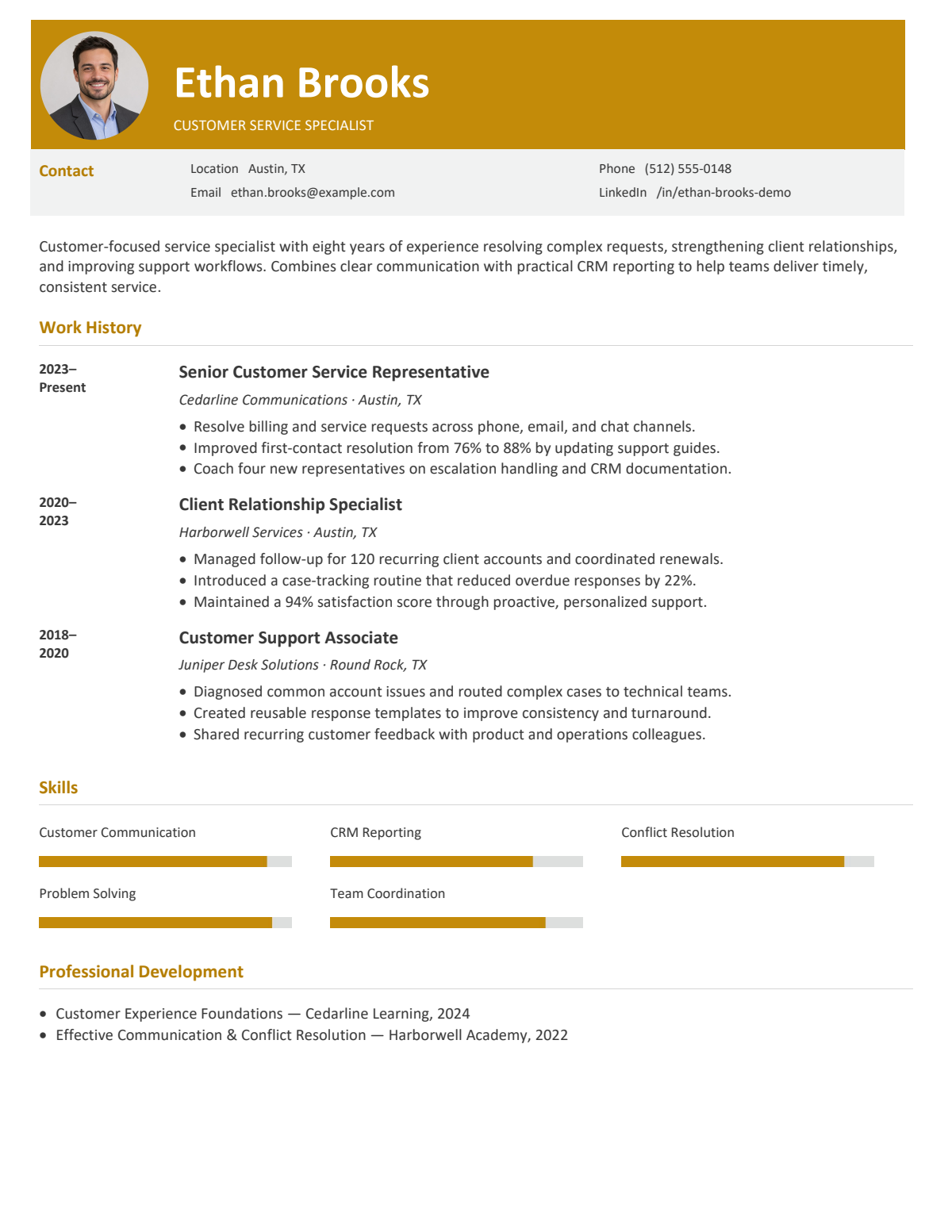
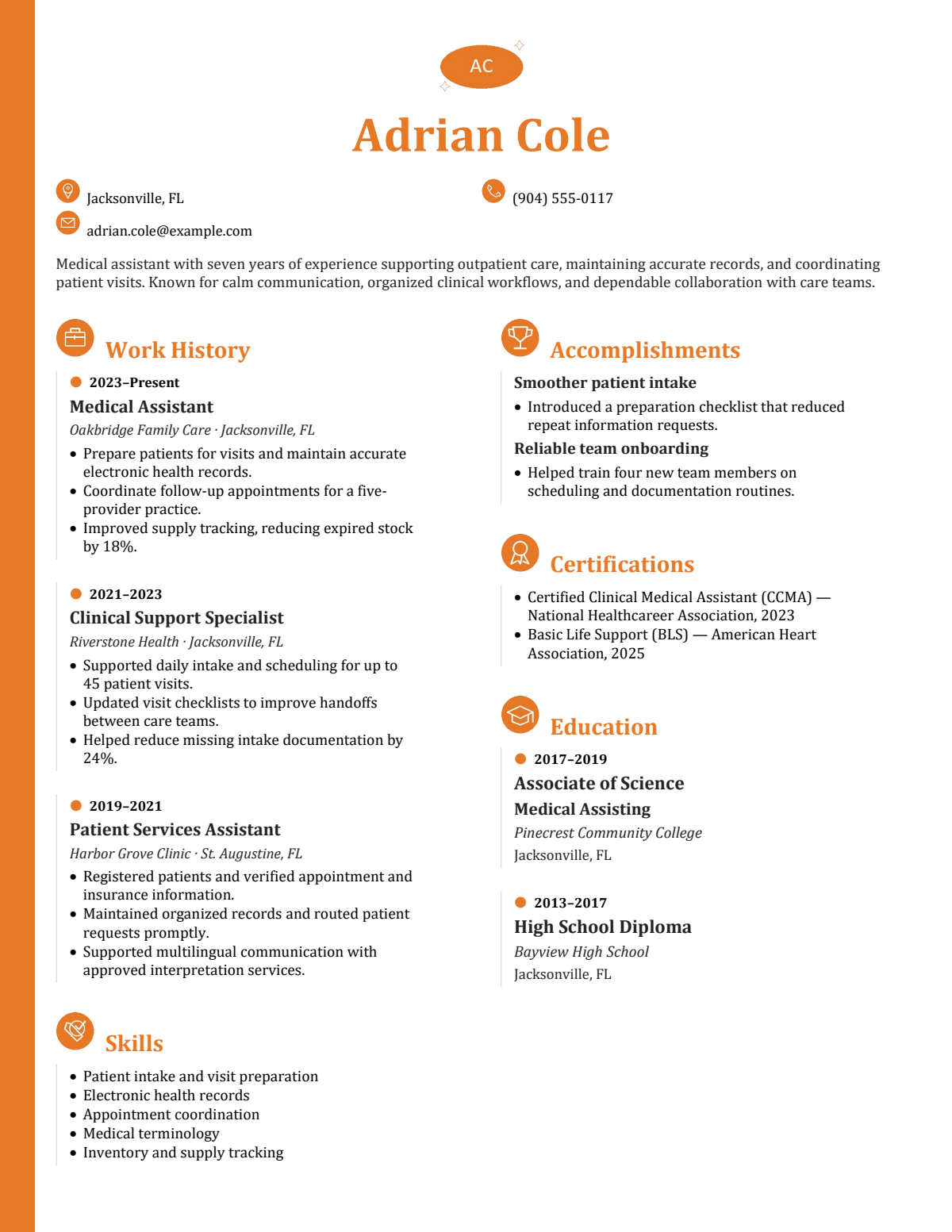
Amber Header

Amber Header

An amber heading draws attention to your introduction.

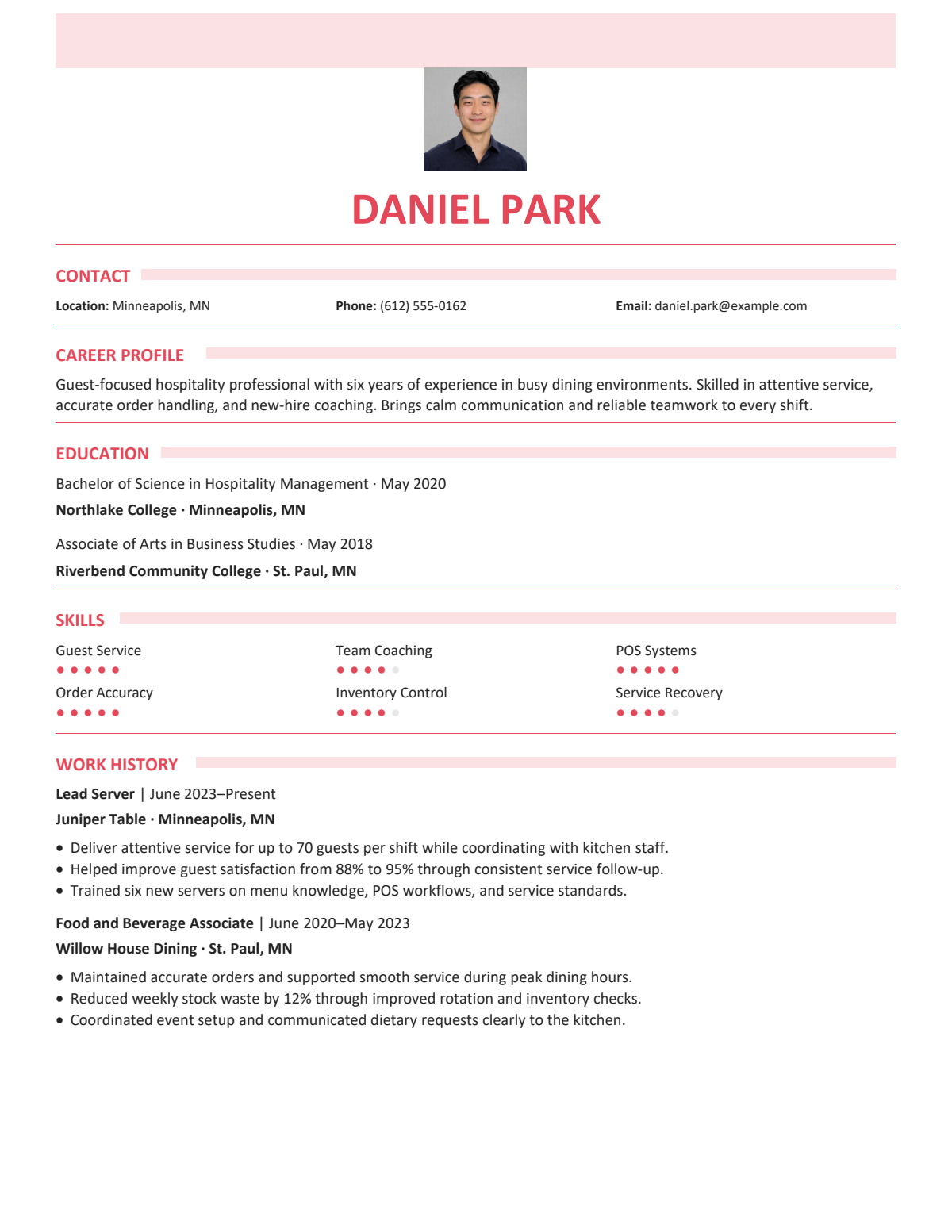
Coral Ribbon

Coral Ribbon

Coral section headings guide readers through each part.

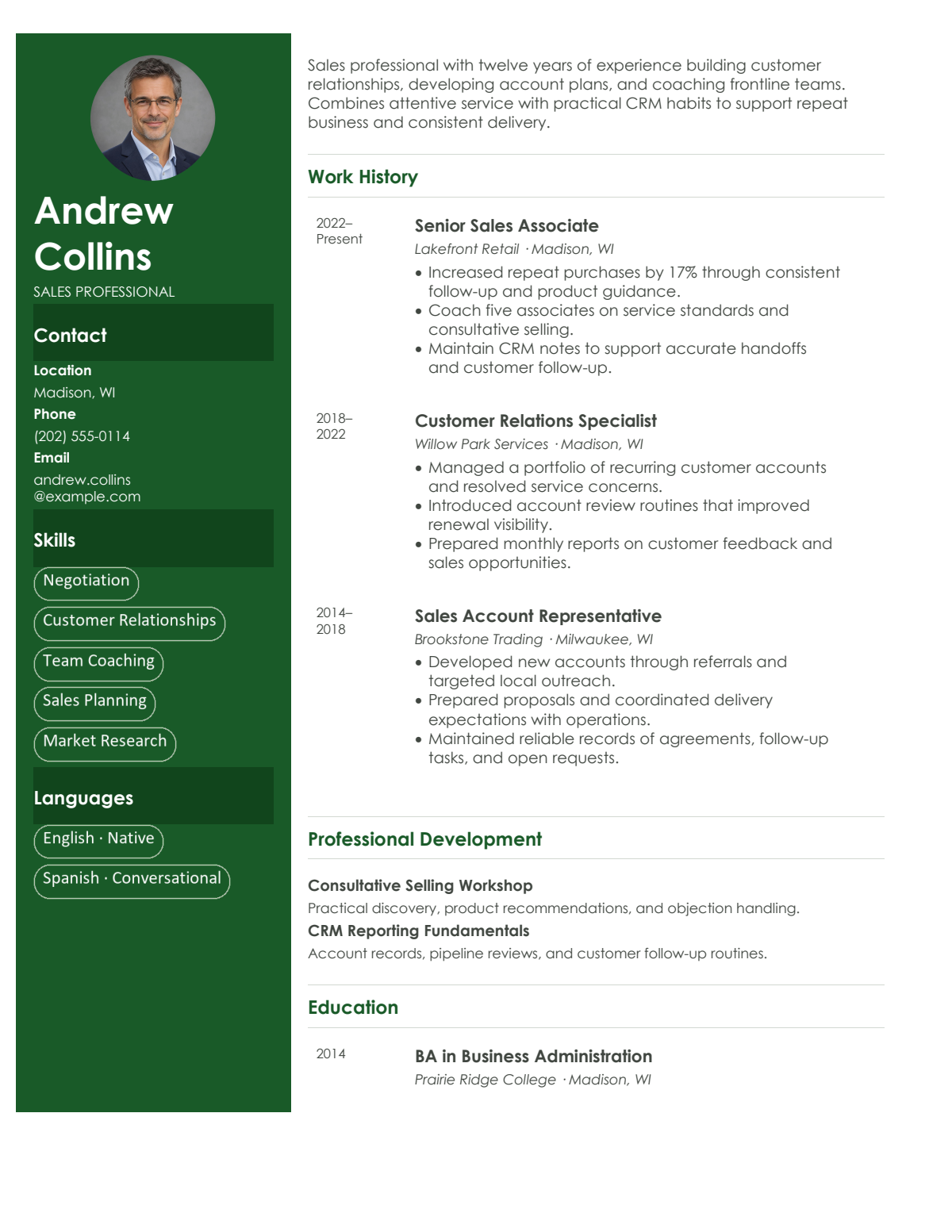
Forest Profile

Forest Profile

A forest green sidebar frames profile details and skills.

Green Timeline

Green Timeline

A green timeline connects the stages of your experience.

A useful starting point for your next move

LinkedIn Resume Builder helps you organize evidence for first jobs, internships, and a change of direction.

Prepare your first professional resume

Prepare your first professional resume

Use coursework and personal projects to explain your contribution. Organize early experience in LinkedIn Resume Builder to give your first application a clear starting point.

Changing career direction

Changing career direction

Bring transferable skills and relevant projects forward in LinkedIn Resume Builder. Explain their connection to your next role while keeping past job titles and responsibilities accurate.

Apply for an internship with relevant evidence

Apply for an internship with relevant evidence

Highlight class projects, volunteering, and practical skills that relate to the internship. Describe your contribution in LinkedIn Resume Builder while making your level of experience clear.

How to use LinkedIn Resume Builder

Move from career details to a reviewed document, checking the facts at every stage.

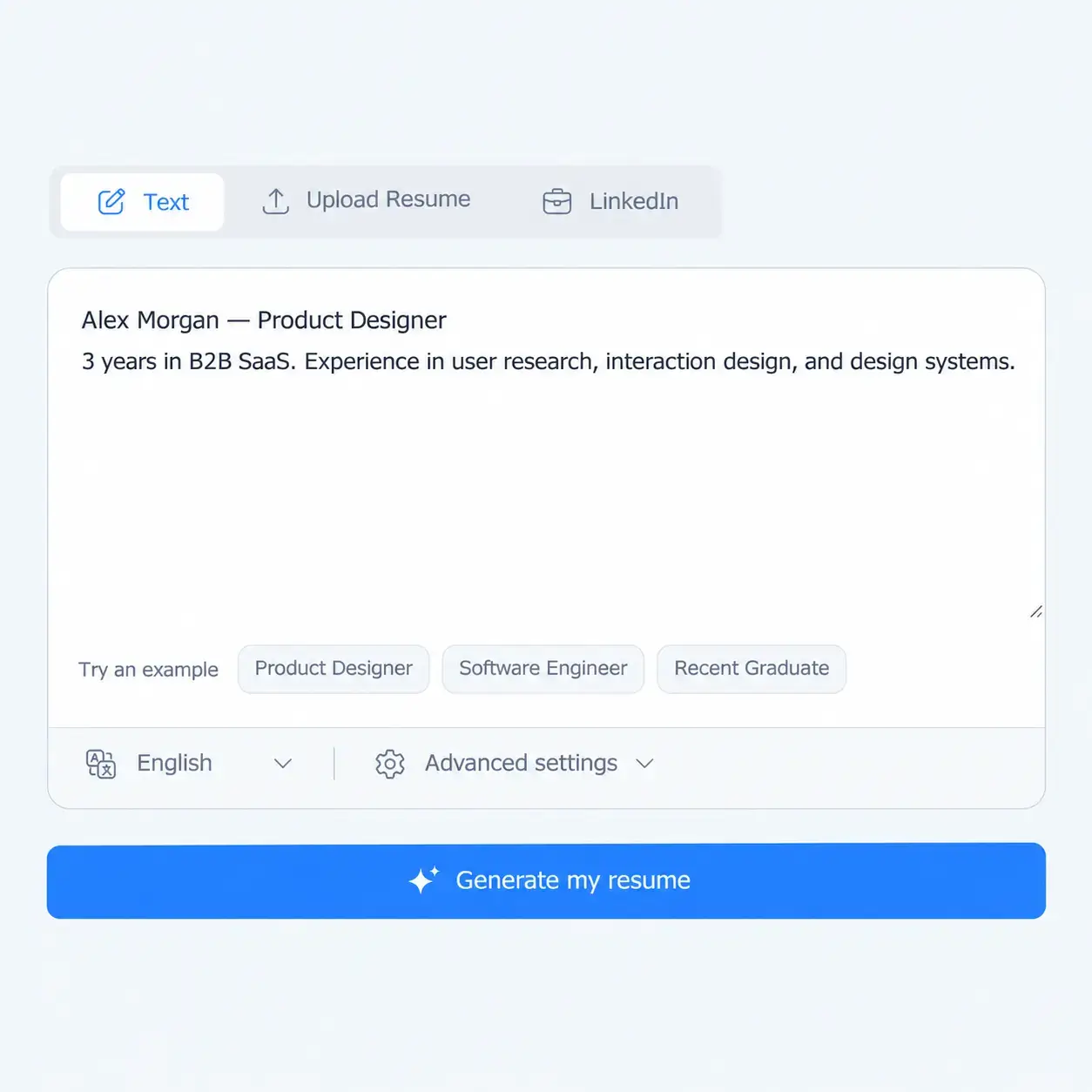
Gather your profile details

Gather your profile details

Copy your experience, education, and skills into LinkedIn Resume Builder. Add your target role and any relevant projects missing from your profile.

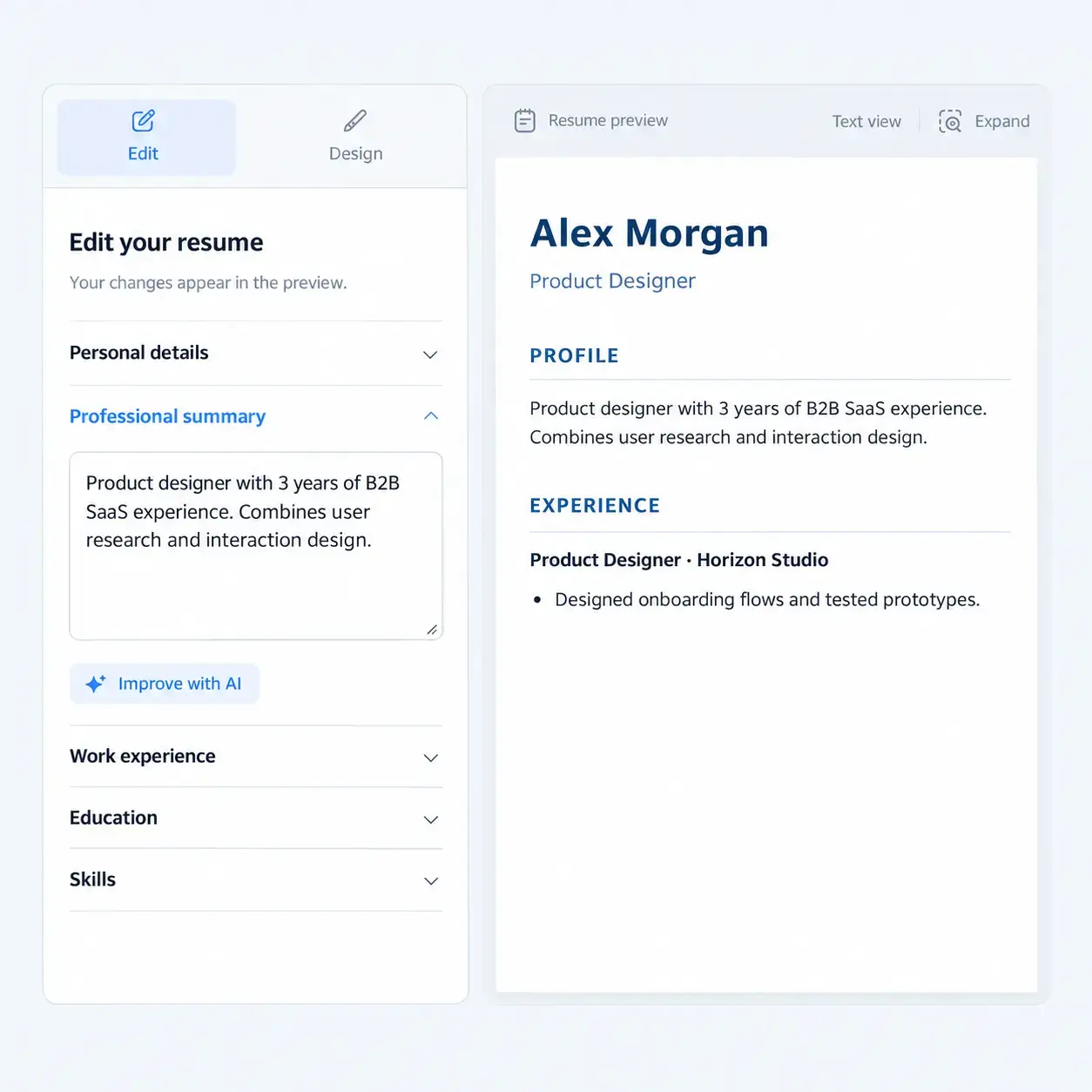
Review and refine your draft

Review and refine your draft

Check names, dates, and responsibilities. Use LinkedIn Resume Builder to focus the content, then add missing context and remove information that does not support your application.

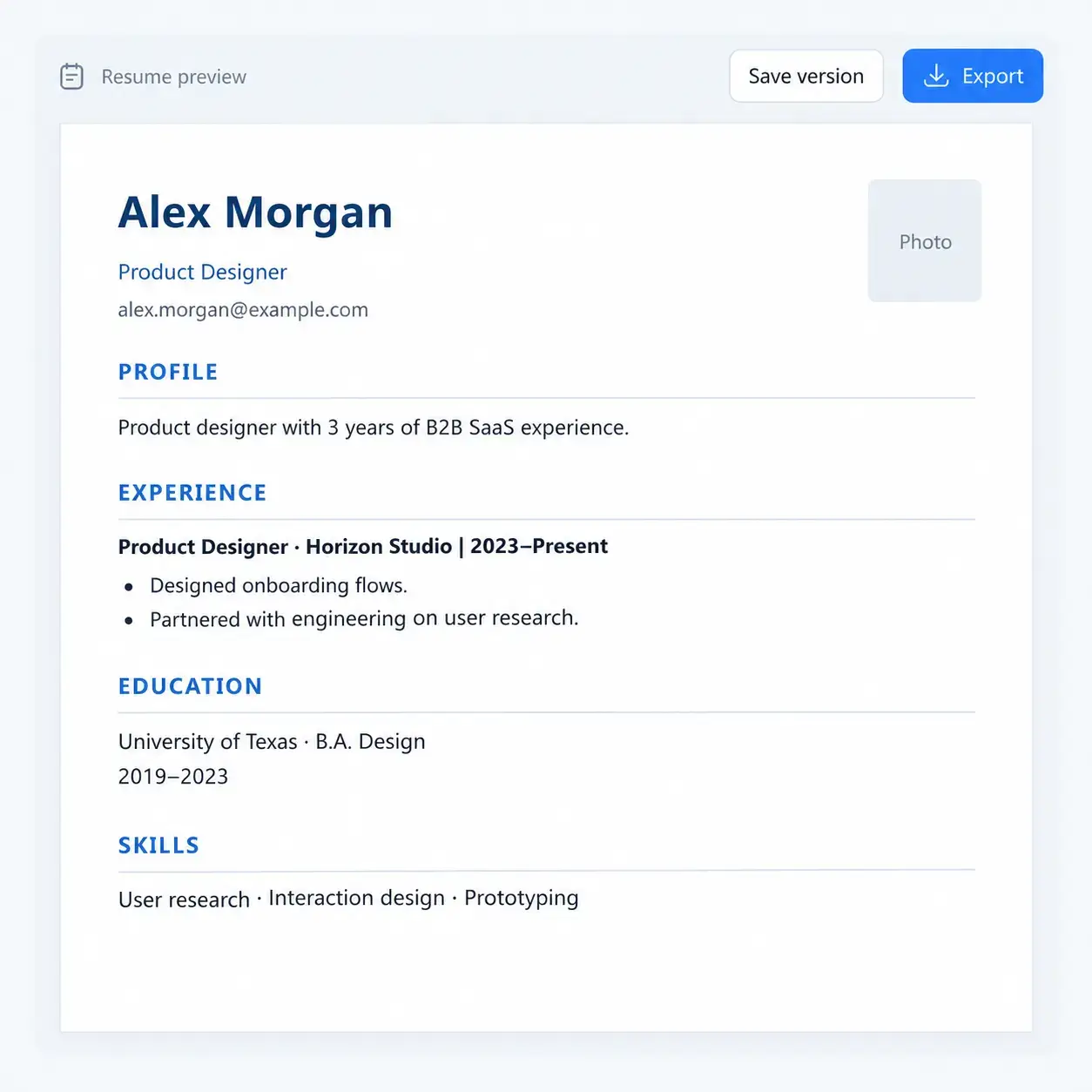
Check the final document

Check the final document

With a LinkedIn Resume Builder, review the layout and every claim before submitting. Confirm the available download options and plan requirements in the product.

Your experience is ready for its next chapter

Bring your career details to LinkedIn Resume Builder and turn them into a focused first draft for your next application.

Build My Resume

From LinkedIn Profiles to Resumes: Job Seeker Stories

Daniel Mercer avatar

Daniel Mercer

Product Marketing Manager

My LinkedIn was up to date, but my resume still listed my previous job. When a former coworker asked for a copy, I used NoteGPT’s LinkedIn Resume Builder to put a draft together from my profile details. I added a recent product launch and checked the dates. Having something concrete to edit made getting started much easier.
Emily Chen avatar

Emily Chen

Computer Science Student

I kept putting off my first resume because I didn’t think I had enough experience. NoteGPT’s LinkedIn Resume Builder gave me a starting point using my campus IT job and class projects. I expanded the database project to explain my own contribution. It still sounds like a student resume, but now there’s something specific to talk about.
Rachel Bennett avatar

Rachel Bennett

Hotel Operations Supervisor

Moving from hotel operations into customer success has been hard to explain on paper. With NoteGPT’s LinkedIn Resume Builder, I worked from my profile details and brought staff training and customer escalations closer to the top. I kept my actual job titles. The change was in which parts of the work I chose to explain.
Marcus Williams avatar

Marcus Williams

Logistics Coordinator

Twelve years in logistics gives you plenty to write about. Deciding what to cut is harder. I used NoteGPT’s LinkedIn Resume Builder to organize my work history, then reviewed the draft beside a vacancy I wanted to apply for. I shortened two older roles and gave my recent supplier coordination work more room.
Sophie Laurent avatar

Sophie Laurent

Social Media Manager

I’m picky about wording. If I wouldn’t say it in an interview, I don’t want it on my resume. I used NoteGPT’s LinkedIn Resume Builder with my profile details, then shortened the introduction and added a campaign example. I still changed some phrases myself, which was fine. The finished draft sounded much more like me.
Adrian Patel avatar

Adrian Patel

Software Engineer

Most of my job applications happen on Sunday evenings. I used NoteGPT’s LinkedIn Resume Builder to make a current base resume from my profile instead of patching up another old file. For a backend opening, I expanded an API migration project and trimmed an older frontend entry. Having a clear starting version made that edit easier.

LinkedIn Resume Builder: Frequently Asked Questions