



























NoteGPT

AI Product Explainer Video

Turn SaaS Products into Clear, Engaging Demo Videos

≈3895
NoteGPT - Rated 4.9+ by NoteGPT Users
4.9
Chrome Store
NoteGPT - Rated 4.9+ by NoteGPT Users
NoteGPT - 80,000,000+ Users
80,000,000+
Users
NoteGPT - 80,000,000+ Users
NoteGPT - Trusted By 12,000+ Schools & Teams
12,000+
Schools & Teams
NoteGPT - Trusted By 12,000+ Schools & Teams

Trusted by 12 million users worldwide.

Logo
Logo
YouTube
Logo
Logo
Logo
Logo
Logo
Logo
Logo
Logo
Logo
Logo
Logo
Logo
Logo
Logo
Logo
Logo
Logo
Logo
Logo
Logo
Logo
Logo
Logo
Logo
Logo
Logo
Logo
Logo
Logo
YouTube
Logo
Logo
Logo
Logo
Logo
Logo
Logo
Logo
Logo
Logo
Logo
Logo
Logo
Logo
Logo
Logo
Logo
Logo
Logo
Logo
Logo
Logo
Logo
Logo
Logo
Logo
Logo

Product Explainer Video - Create AI Product Videos Online

Create AI Product Explainer from product ideas, features, or text. Automatically generate scripts, storyboards, whiteboard animations to explain your product clearly.

Create Explainer Video
Product Explainer Video - Create AI Product Videos Online

What Is Product Explainer Video?

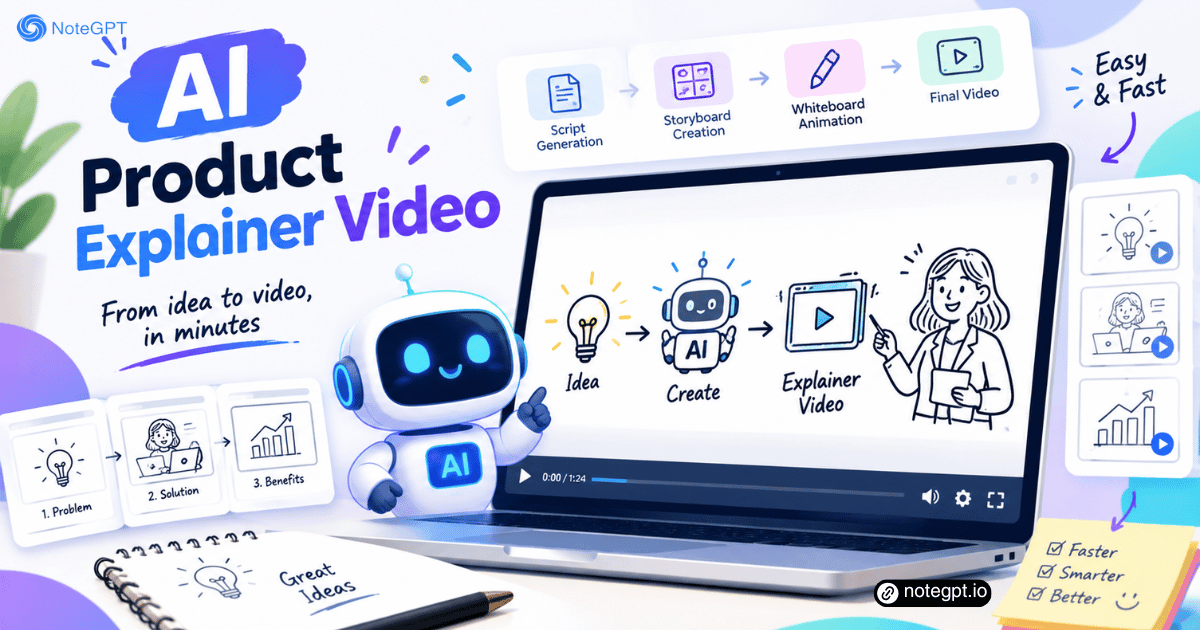
Product Explainer Video turns what your product does into a short animated story visitors finish. Describe the product in plain sentences and get a script, storyboard, and whiteboard animation with synced voiceover. See Product Explainer Video.
What Is Product Explainer Video?

Why Choose Product Explainer Video?

Teams pick Product Explainer Video over an agency for cycle time. The first draft exists in minutes, and revisions cost nothing: change a sentence and the scenes update together. Start at Product Explainer Video.
Why Choose Product Explainer Video?

Why Most Product Pages Fail to Explain What the Product Does

Product pages often explain a version of the product that no longer exists. Feature lists describe the menu, not the meal, and agency videos age badly. Product Explainer Video makes regeneration cheap, so the story keeps up. See Product Explainer Video.
Why Most Product Pages Fail to Explain What the Product Does

What Makes Product Explainer Video Work for SaaS Teams

Three capabilities decide whether an explainer actually helps a page convert. Each one below removes a specific bottleneck that slows video projects down.

Script from Plain Input

Type what the product does in everyday sentences and the script arrives structured with a hook, problem, and fix, No blank page, no fee.

Explainer Video Synced

Scenes are drawn in the whiteboard style that keeps viewers watching, and every scene matches the narration line by line, The pair agrees.

Voiceover Without Recording

Pick a voice and the narration is generated with correct pacing, so no microphone or editing timeline is involved, No mic, no timeline.

Make One in 3 Steps

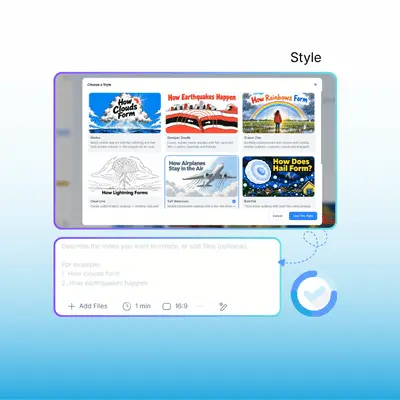
Describe Your Product

Describe Your Product

Write a short paragraph or paste your feature list into the input box, Include who it is for, because that context shapes the opening hook.

Review Script and Storyboard

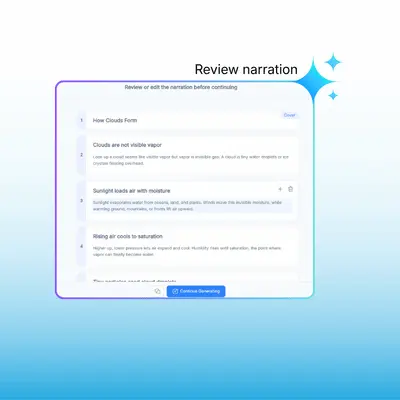
Review Script and Storyboard

Read the draft with narration beside each scene, cut sentences that stall the story, and adjust the tone, Then render the complete video.

Render and Publish

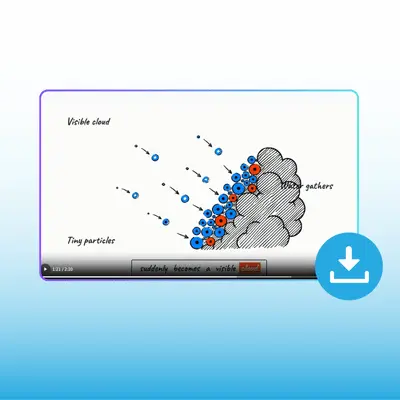
Render and Publish

Choose the voice, render, and download the finished file, It drops into a landing page or onboarding email with no further editing work.

Turn Your SaaS Product Into an Explainer Video Today

Paste a product description and your Product Explainer Video draft builds itself. Script, storyboard, and voiceover arrive in minutes, so your page explains the product today.

Create Explainer Video

What Users Say About Product Explainer Video

Marcus Webb avatar

Marcus Webb

SaaS Founder

“I had a launch in two weeks and no video budget. The first Product Explainer Video from one paragraph of input was close enough that I only cut two sentences. The whiteboard style matches our page and the voiceover sounds natural. I have already started a second one for the pricing page, which I never would have commissioned at agency rates.”
Priya Raman avatar

Priya Raman

Product Marketing Lead

“Our old Product Explainer Video was made by an agency two versions of the product ago. I rebuilt it in an afternoon and the narration now matches what we actually ship. Revisions used to mean emails and invoices. Now they mean typing. The storyboard preview made it easy to show the team before committing to a render.”
Daniel Cho avatar

Daniel Cho

Indie Developer

“I launched three small tools this year and each one got its own Product Explainer Video without me touching an editor. The scene sync is the part I did not expect to care about, but when the drawing matches the sentence exactly, the video feels deliberate. Setup took one evening and everything shipped the next morning.”
Sofia Marino avatar

Sofia Marino

Growth Manager

“We tested the page with and without the video. The version with our Product Explainer Video held visitors noticeably longer, which is what we wanted in the first place. The hook it wrote for the opening was better than the one I drafted myself. We now regenerate the video at every major release without debate.”
Ethan Brooks avatar

Ethan Brooks

Content Strategist

“What sold me was the regeneration habit. Product changes, I update one paragraph, and my Product Explainer Video is current again the same day. Compare that to the six-week agency cycle we accepted as normal and the decision stops being a debate. The script tone options also saved us from the usual corporate voice problem.”
Hana Sato avatar

Hana Sato

Startup Operations

“Onboarding emails were our unexpected use. New users watch a ninety second Product Explainer Video before they ever open the app, and support questions about basic setup dropped. The same file works on the help center page, so nothing was wasted. Voice selection was easier than expected and the pacing needed no manual fixes.”

Frequently Asked Questions About Product Explainer Video