


NoteGPT

Transcribe Video to Text Online Free

Transcribe video to text online free, upload files, batch convert, generate transcripts, download.

NoteGPT Upload Icon
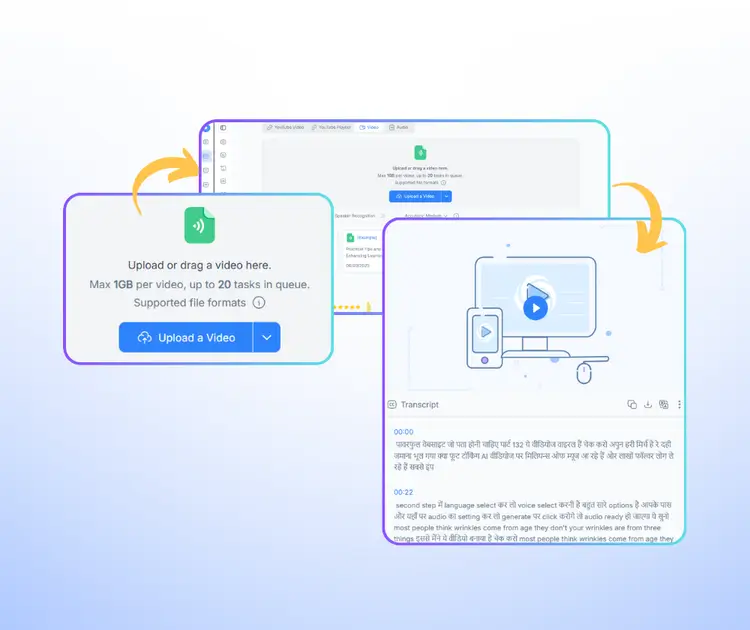
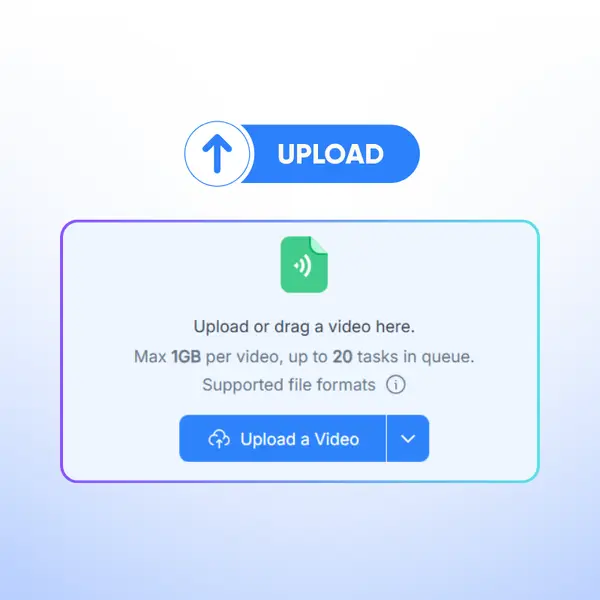
Upload or drag a video here.
Max 1GB per video, up to 20 tasks in queue.
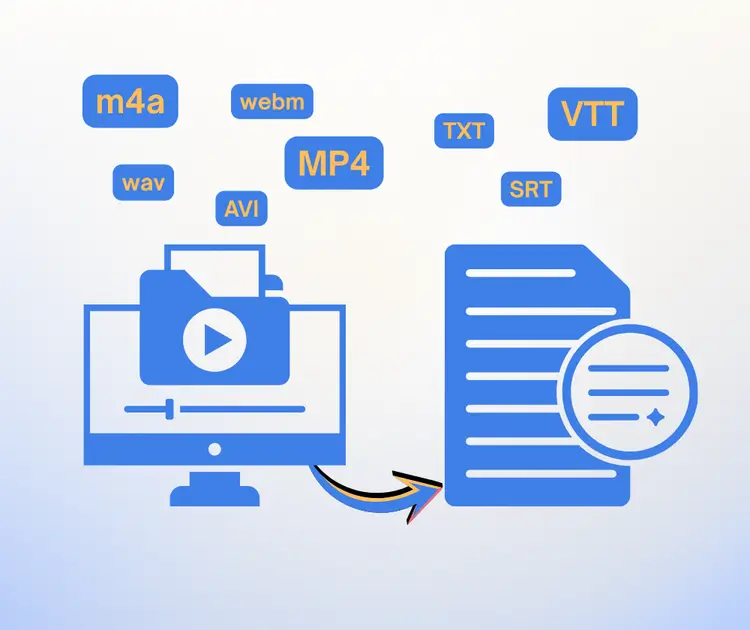
Supported file formats
Speaker Recognition
Audio
[Example]
Leveraging AI Tools to Boost Classroom Engagement
06/03/2025
Audio
[Example]
Practical Tips and Case Studies for Enhancing Learning Efficiency
06/03/2025
Audio
[Example]
Inside a Bestseller's Creative Process
06/03/2025
Audio
[Example]
From Small Town to Global Fame
06/03/2025
NoteGPT - Rated 4.9+ by NoteGPT Users
4.9
Chrome Store
NoteGPT - Rated 4.9+ by NoteGPT Users
NoteGPT - 80,000,000+ Users
80,000,000+
Users
NoteGPT - 80,000,000+ Users
NoteGPT - Trusted By 12,000+ Schools & Teams
12,000+
Schools & Teams
NoteGPT - Trusted By 12,000+ Schools & Teams

Trusted by 12 million users worldwide.

Logo
Logo
YouTube
Logo
Logo
Logo
Logo
Logo
Logo
Logo
Logo
Logo
Logo
Logo
Logo
Logo
Logo
Logo
Logo
Logo
Logo
Logo
Logo
Logo
Logo
Logo
Logo
Logo
Logo
Logo
Logo
Logo
YouTube
Logo
Logo
Logo
Logo
Logo
Logo
Logo
Logo
Logo
Logo
Logo
Logo
Logo
Logo
Logo
Logo
Logo
Logo
Logo
Logo
Logo
Logo
Logo
Logo
Logo
Logo
Logo
Logo
Logo
YouTube
Logo
Logo
Logo
Logo
Logo
Logo
Logo
Logo
Logo
Logo
Logo
Logo
Logo
Logo
Logo
Logo
Logo
Logo
Logo
Logo
Logo
Logo
Logo
Logo
Logo
Logo
Logo

Transcribe Video to Text with AI - Free Video Transcription Online

Transcribe video to text with AI for free. Batch transcribe long videos with high accuracy for meetings, lectures, interviews, and YouTube. Fast and easy online.

Transcribe Video to Text with AI - Free Video Transcription Online

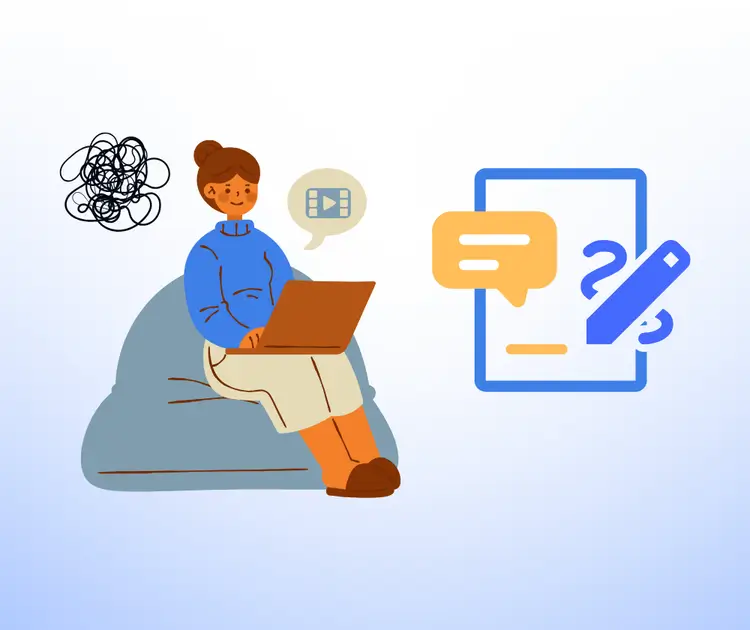
Tired of Manually Turning Video into Text?

Ever tried to transcribe video to text by hand? Pausing, rewinding, typing every word—it's slow and exhausting. Long videos make it worse, and errors are easy to miss. You need a faster way to convert video to text accurately without wasting hours.

Tired of Manually Turning Video into Text?

Using NoteGPT to Transcribe Video to Text

With NoteGPT, you can transcribe video to text online in just a few clicks. Upload your file, let AI handle the heavy lifting, and get clear, accurate text fast. It works great for long videos, meetings, lectures, or YouTube clips. You can also batch transcribe videos, edit the transcript, and download it anytime.

Using NoteGPT to Transcribe Video to Text

See How Easy It Is to Transcribe Video to Text

Just drop in your video and let it run. No more pausing or typing line by line. From long lectures to quick clips, it turns speech into clear text fast. You can fix small parts, save it, or share it anytime.

See How Easy It Is to Transcribe Video to Text

Transcribe Video to Text Safely and Privately

When you transcribe video to text with our tool, your files stay yours. We don't store or reuse your videos, audio, or transcripts. Whether you convert video to text online or handle long recordings, everything is processed securely and cleared after use. You can focus on getting accurate results without worrying about your data.

Transcribe Video to Text Safely and Privately

What Makes Transcribe Video to Text Better

Not all tools feel this smooth. From speed to accuracy, everything is built to help you transcribe video to text faster, handle more files, and get clean results without extra steps.

Transcribe Multiple Videos with Easy Downloads

Upload several files and transcribe video to text without doing it one by one. Each transcript is ready to download anytime, so you can move through your files faster with less hassle.

Handle Long Videos in Just Seconds

Convert long recordings without the usual wait. Even large files are processed fast, so you can get text from video without wasting time.

Accurate Results with Multi Language Support

Get clear transcripts with strong accuracy. It also supports different languages and translation, so you can turn video into text that's easy to use anywhere.

How to Transcribe Video to Text in Seconds

You don't need any setup or skills to get started. Just follow a few simple steps to transcribe video to text online and get clean, ready-to-use text fast.

Step 1: Upload Your Video

Step 1: Upload Your Video

Add your file in seconds. It works with long videos, meetings, or clips.

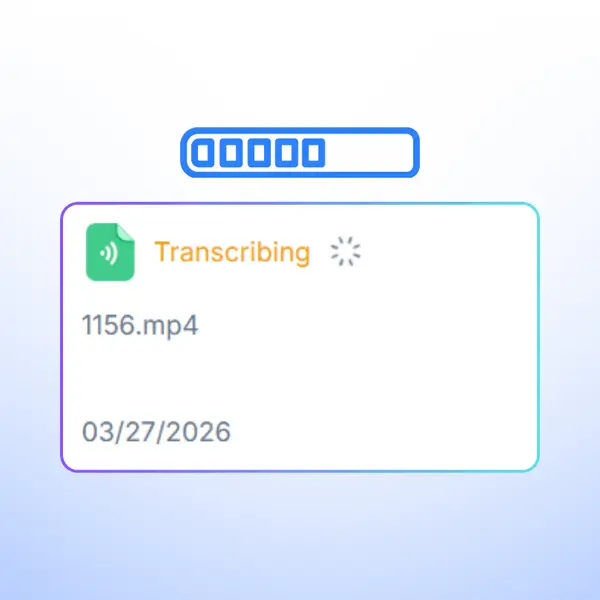
Step 2: Let AI Transcribe

Step 2: Let AI Transcribe

The tool converts video to text quickly and keeps the transcript clear.

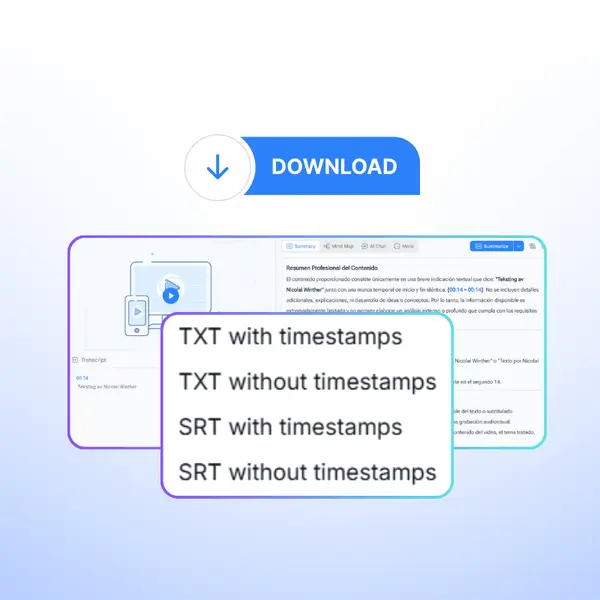
Step 3: Edit and Download

Step 3: Edit and Download

Check the text, make quick edits, and download it when you're ready.

Ready to Transcribe Video to Text Now?

Got a video waiting? Turn it into clear text in just a few clicks. No setup, no hassle. Works for long videos, meetings, or clips. Just upload, transcribe, and get your text fast.

What Users Say About Transcribing Video to Text

J. K. avatar

J. K.

Project Manager

I use NoteGPT to transcribe video to text for my weekly meetings, and it honestly saves me hours. Before, I had to pause and type everything myself, which was slow and tiring. Now I just upload the recording and get a clean transcript in minutes. It even handles long videos without issues, and the text is easy to edit.
L. M. avatar

L. M.

University Student

As a student, I rely on NoteGPT to transcribe video to text from lectures. It helps me review faster without replaying the whole video. The accuracy is solid, even with long classes, and I can quickly fix small parts. It's way easier than taking notes by hand.
A. R. avatar

A. R.

Content Creator

I create content online, and NoteGPT makes it simple to transcribe video to text from my YouTube clips. I can turn videos into captions or posts without extra tools. It saves time and keeps everything in one place, which makes my workflow smoother.
D. S. avatar

D. S.

Journalist

I've tried a few tools, but NoteGPT feels more reliable when I need to transcribe video to text for interviews. It works well with longer recordings and gives clear results. I don't have to spend hours fixing mistakes, which really helps on tight deadlines.
K. T. avatar

K. T.

Team Lead

NoteGPT helps me transcribe video to text for team calls and training videos. I can share the text with my team right away, so everyone stays on the same page. It's simple to use and doesn't take time to learn.
M. C. avatar

M. C.

Freelancer

I needed a quick way to transcribe video to text for client recordings, and NoteGPT did the job well. It's fast, handles longer files, and the results are easy to download and use. It just makes the whole process less stressful.

Transcribe Video to Text FAQs