NoteGPT
Unblur ImageMore Image Tools
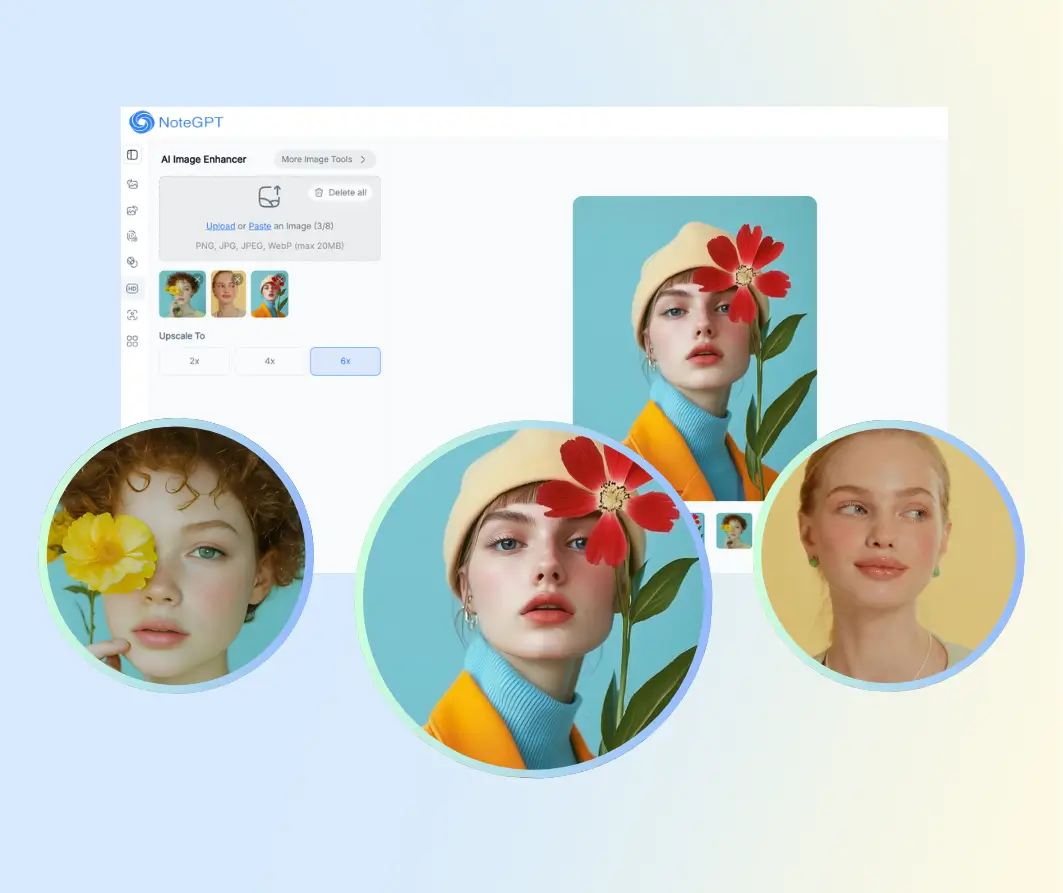
Upload or Paste an Image (0/8)
PNG, JPG, JPEG, WebP (max 20MB)
Upscale To
2 free image daily, then 2 premium credits / image.

Unblur Images with AI for Free

Upload a photo, remove blur, sharpen details, and get clear results for free.

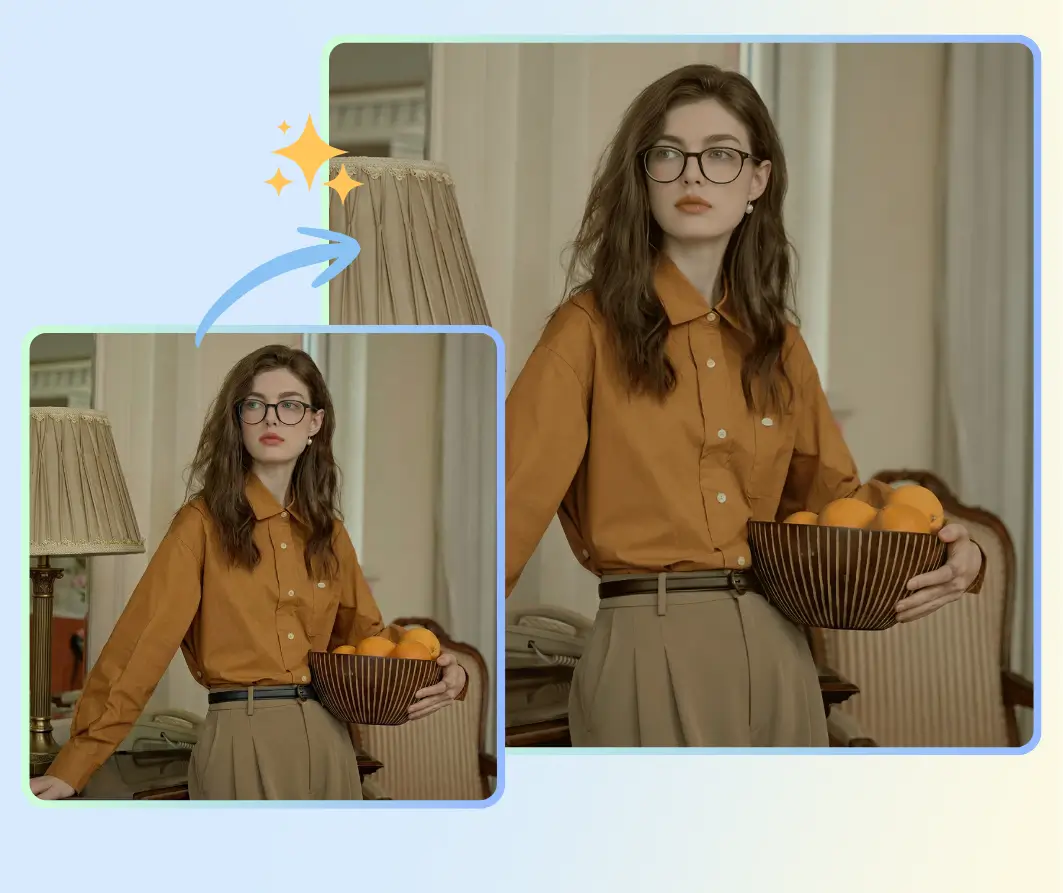
Before
Nano Banana Sample: Enhance image(after) | NoteGPT
After
Nano Banana Sample: Enhance image(before) | NoteGPT
NoteGPT - Rated 4.9+ by NoteGPT Users
4.9
Chrome Store
NoteGPT - Rated 4.9+ by NoteGPT Users
NoteGPT - 80,000,000+ Users
80,000,000+
Users
NoteGPT - 80,000,000+ Users
NoteGPT - Trusted By 12,000+ Schools & Teams
12,000+
Schools & Teams
NoteGPT - Trusted By 12,000+ Schools & Teams

Trusted by 12 million users worldwide.

Logo
Logo
YouTube
Logo
Logo
Logo
Logo
Logo
Logo
Logo
Logo
Logo
Logo
Logo
Logo
Logo
Logo
Logo
Logo
Logo
Logo
Logo
Logo
Logo
Logo
Logo
Logo
Logo
Logo
Logo
Logo
Logo
YouTube
Logo
Logo
Logo
Logo
Logo
Logo
Logo
Logo
Logo
Logo
Logo
Logo
Logo
Logo
Logo
Logo
Logo
Logo
Logo
Logo
Logo
Logo
Logo
Logo
Logo
Logo
Logo
Logo
Logo
YouTube
Logo
Logo
Logo
Logo
Logo
Logo
Logo
Logo
Logo
Logo
Logo
Logo
Logo
Logo
Logo
Logo
Logo
Logo
Logo
Logo
Logo
Logo
Logo
Logo
Logo
Logo
Logo

Unblur Images with AI - Remove Photo Blur Free Online

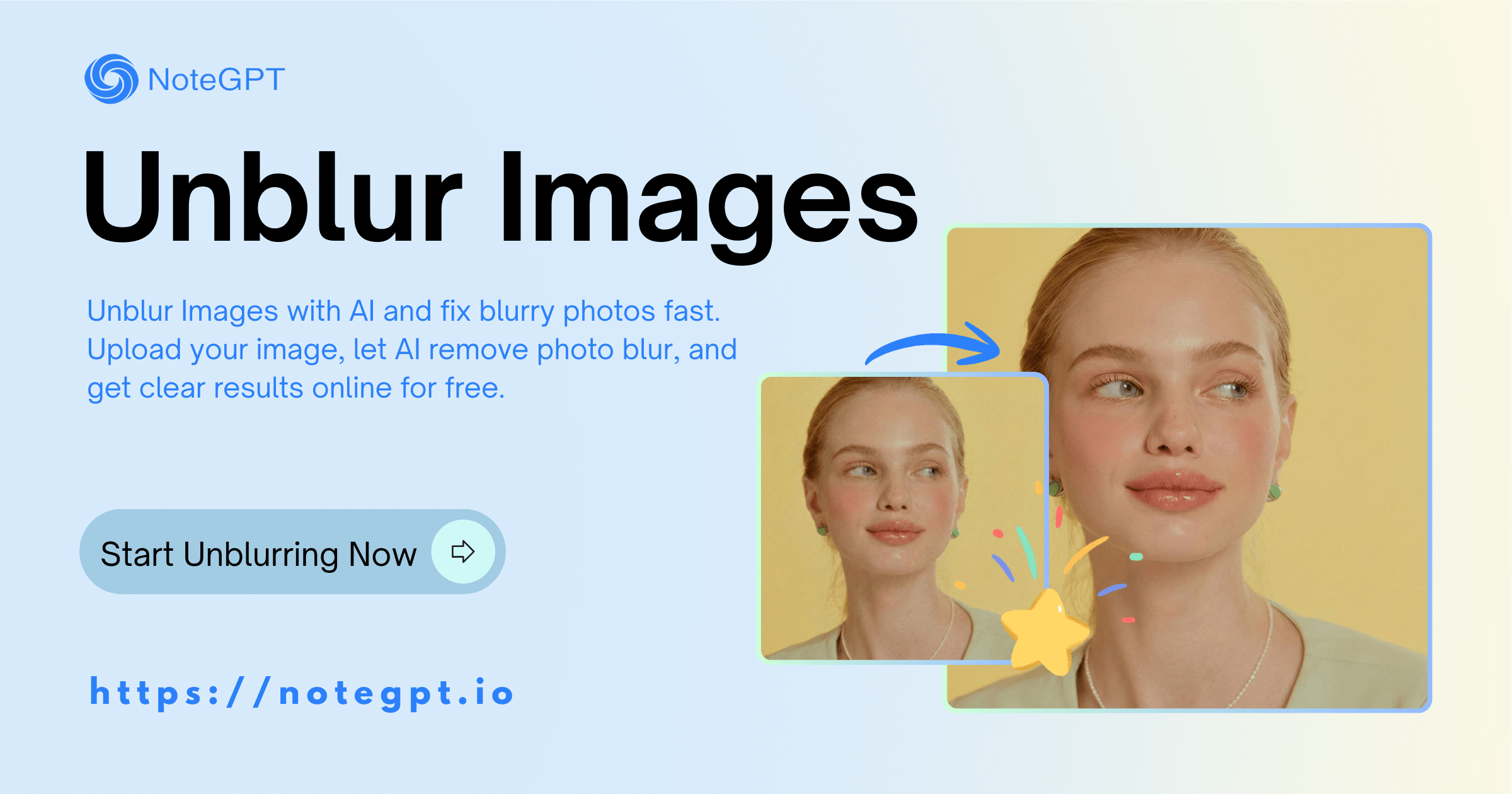
Unblur Images with AI and fix blurry photos fast. Upload your image, let AI remove photo blur, and get clear results online for free.

Unblur Images with AI - Remove Photo Blur Free Online

Introducing NoteGPT's Unblur Images AI Tools

NoteGPT's Unblur Images AI tools help you fix blurry photos fast and without hassle. Just upload a photo, and the AI will remove photo blur, sharpen details, and improve image clarity automatically. It works great for portraits, product photos, screenshots, and old images that look out of focus. No editing skills needed—unblur images online in seconds and get clear, natural results for free.

Introducing NoteGPT's Unblur Images AI Tools

Explore NoteGPT's AI Tool to Unblur Images

Upload a blurry photo, let AI do the work, and see the change instantly. Our Unblur Images Tool removes photo blur, sharpens details, and improves clarity in just a few clicks. No setup, no skills needed—just clear, natural results you can download and use right away.

Explore NoteGPT's AI Tool to Unblur Images

Unblur Images Safely and Keep Your Photos Private

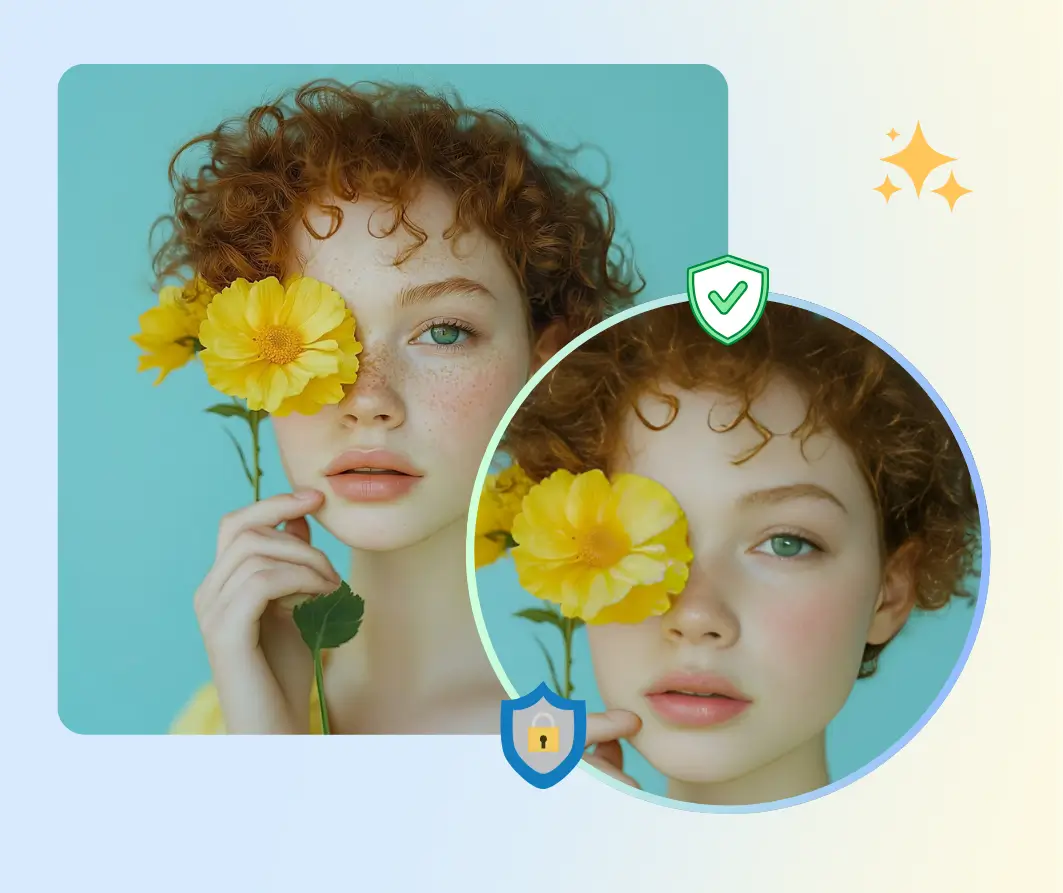
When you unblur images with our AI, your photos stay completely private. We never store or share your files, and everything is processed securely online. Just upload, let the AI remove the blur, and download clear results with peace of mind—fast, easy, and safe.

Unblur Images Safely and Keep Your Photos Private

Why Choose NoteGPT's AI Tool for Unblur Images

AI-Powered Unblur Images

Automatically remove photo blur with smart AI, restoring details and clarity in seconds.

Lossless Photo Output

Keep your images intact with no quality loss while unblurring photos online effortlessly.

Batch Image Processing

Upload multiple blurry photos and unblur images all at once, saving time and effort.

Why Choose NoteGPT's AI Tool for Unblur Images

How to Unblur Images with NoteGPT

Fix blurry photos online in just a few clicks.

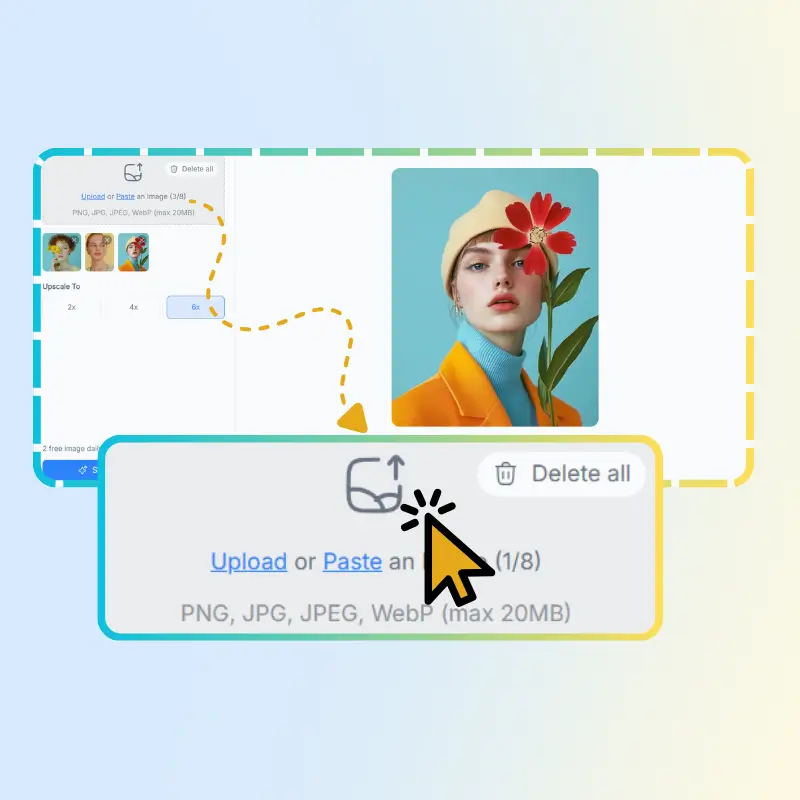
Step 1: Upload Your Photo

Step 1: Upload Your Photo

Choose the blurry image from your device and upload it to our tool quickly.

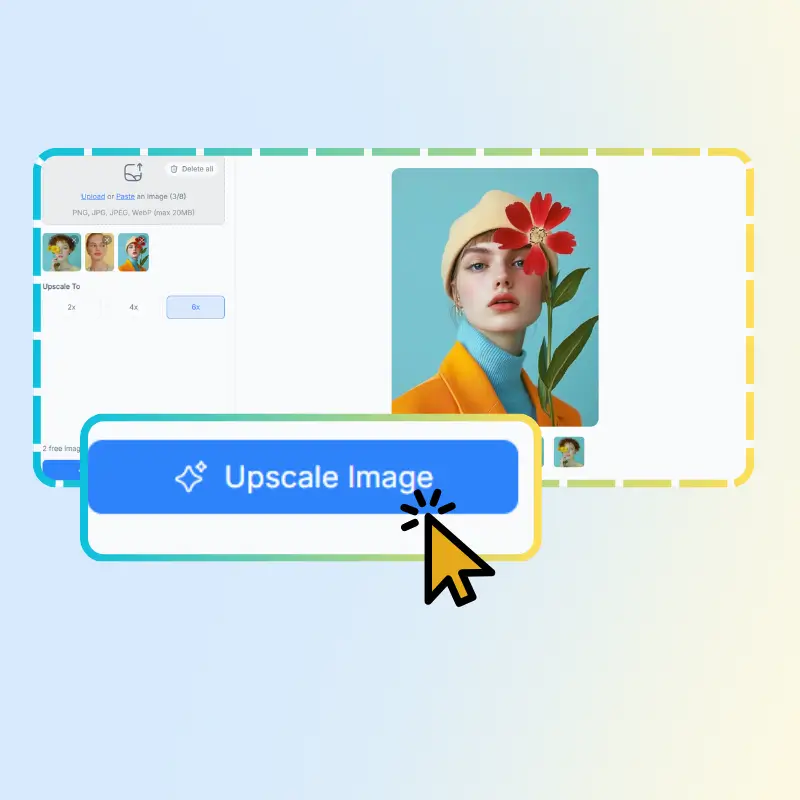
Step 2: AI Removes Blur

Step 2: AI Removes Blur

Let the AI automatically unblur images, sharpen details, and enhance clarity.

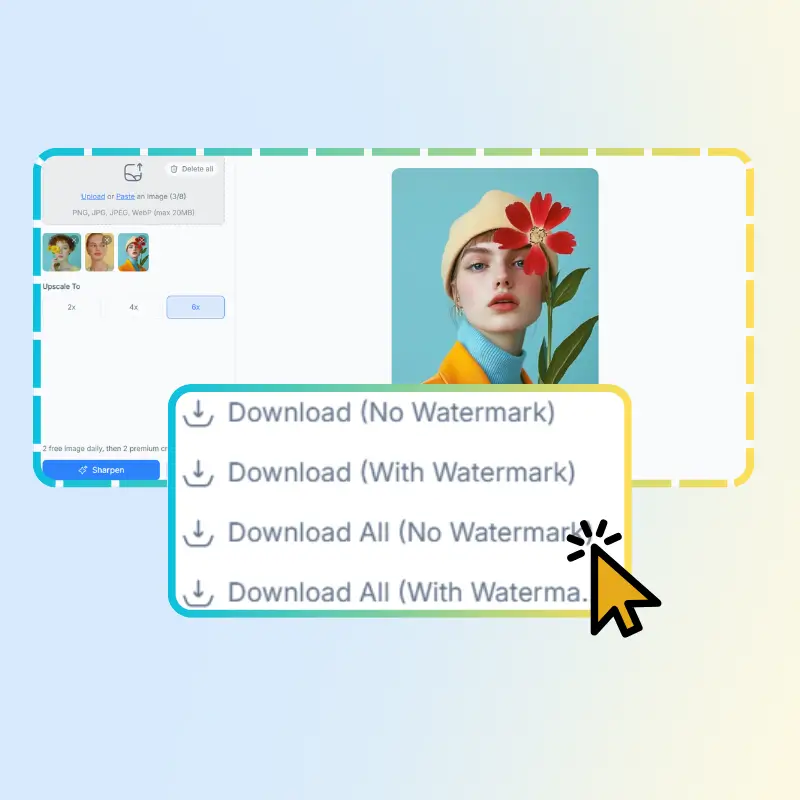
Step 3: Download Clear Photo

Step 3: Download Clear Photo

Get your restored image instantly and save it without losing any quality.

Ready to Unblur Your Images Instantly?

Start fixing blurry photos in seconds with NoteGPT's AI tool. Upload any image, remove blur, sharpen details, and get clear, natural results online—fast, free, and hassle-free.

See How Users Love Unblur Images

J.T. avatar

J.T.

Photographer

I tried NoteGPT's Unblur Images Tool on some old photos, and the results were amazing. The AI removed blur instantly and kept all details intact. It's so easy to use online, and I finally have clear images to share with friends.

S.L. avatar

S.L.

Small Business Owner

NoteGPT's Unblur Images Tool saved me so much time. I had a batch of blurry product photos, and in just a few clicks, everything was clear and ready for my online store. Really impressed with the speed and quality.
K.M. avatar

K.M.

Influencer

I love using NoteGPT's Unblur Images Tool for my social media posts. It's fast, simple, and the photos look sharp and natural. No more frustrating blurry pictures ruining my feed.
R.H. avatar

R.H.

Student

NoteGPT's Unblur Images Tool helped me restore scanned old family photos. The AI brought back so many lost details, and it was super easy to do. Now I can preserve memories in clear, sharp images.
L.P. avatar

L.P.

Hobbyist

As a hobbyist photographer, I often struggle with slightly blurry shots. NoteGPT's Unblur Images Tool fixes them perfectly. The AI does all the work, and I don't need any editing skills.
M.W. avatar

M.W.

Content Creator

NoteGPT's Unblur Images Tool is a lifesaver for screenshots and online images. It instantly removes blur and improves clarity. I use it every day for work, and it never disappoints.

Frequently Asked Questions About Unblur Images