

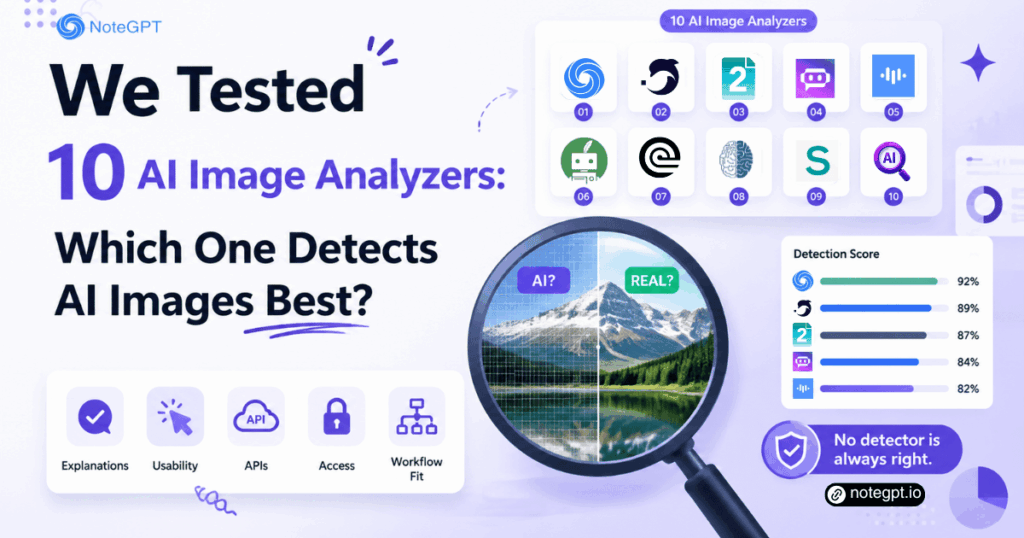
An AI Image Analyzer can be useful when a polished portrait, product photo, or viral post feels suspicious. Yet its result is a signal, not a verdict. Compression, editing, screenshots, and unfamiliar generation models can all change what a detector sees.
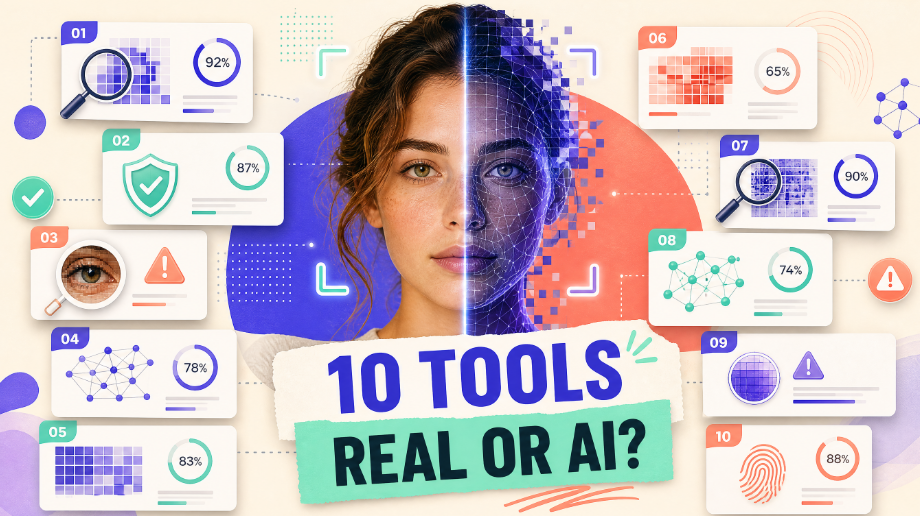
So, what does “we tested” mean here? This is an editorial comparison built around a consistent sample-set design, publicly documented capabilities, output quality, and a repeatable evaluation framework. We did not conduct or invent a laboratory accuracy trial, tool-by-tool hit rates, or dated benchmark results. Where no verified result exists, we do not manufacture one. Our ratings measure practical fit—not detection accuracy.
The short answer to the title is that no detector wins on every image. NoteGPT is a strong free, quick, explainable everyday choice; Hive and Sightengine fit API-scale moderation; Winston AI and Illuminarty suit deeper inspection. For an immediate browser check, try this ai image analyzer, then corroborate important decisions with other evidence.
Quick Comparison of 10 AI Image Analyzers
The table deliberately separates AI-generation detection from general image analysis. “Editorial rating” reflects practical fit, clarity, access, and workflow support based on public information. It is not accuracy, a laboratory score, or a claim that unlike tools completed identical jobs.
| Tool | Primary category | Best use | Editorial rating |
| NoteGPT AI Image Detector | AI-generation detection | Free, quick checks with probability and visual explanation | 4.6/5 |
| DeepAI | AI-generation detection | Simple probability-oriented second opinion | 4.0/5 |
| Metadata2Go | General image analysis | Safety, people/age estimates, descriptions, metadata, multi-image review | 4.2/5 |
| Poe | Bot platform | Trying third-party image analysis or detection bots | 3.8/5 |
| ScreenApp | General image analysis | Batch objects, OCR, scenes, colors, and structured export | 4.4/5 |
| QuillBot | AI-generation detection | Accessible percentage result with visual clues | 4.2/5 |
| Rev | Legal image analysis | Case-image Q&A, descriptions, citations, and cross-file checking | 4.3/5 |
| ZeroGPT | AI-generation detection | Upload/URL checks and enterprise batch or API workflows | 4.1/5 |
| Sightengine | AI-generation detection/API | Scalable, composable trust and moderation pipelines | 4.7/5 |
| MyDetector | AI-generation detection | Reports and suspicious-region cues | 4.1/5 |
How We Evaluated These 10 AI Image Analyzers
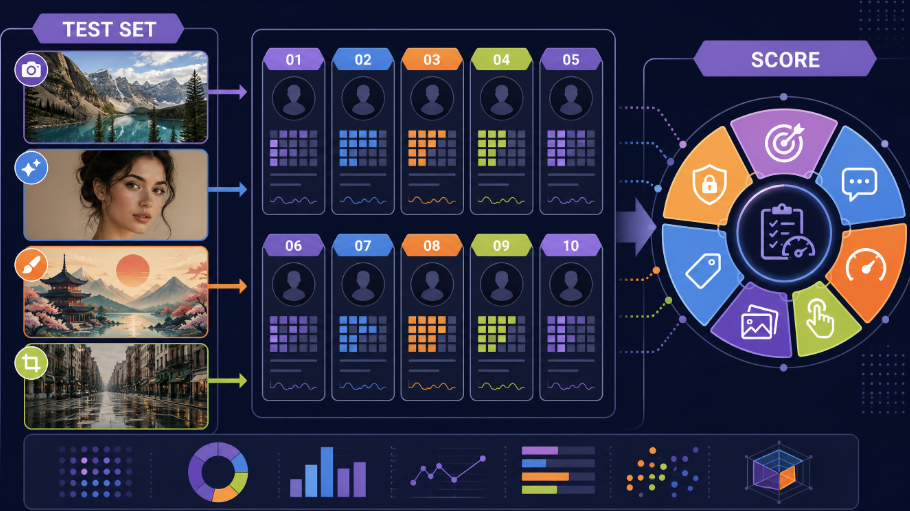
We designed one task matrix rather than pretending every product performs the same test. The detection track includes original camera files, generated pictures from several model families, edited images, screenshots, compressed reposts, and mixed human/AI composites. The general-analysis track includes text-heavy screenshots, multi-object scenes, files with and without metadata, and image questions tied to supporting documents.
For each AI Image Analyzer, we considered:
- Task fit: Does it address origin detection, visual understanding, or both?
- Output quality: Does it provide a probability, explanation, extracted content, citations, or a useful structured result?
- Explainability: Can a non-specialist understand what the output does and does not establish?
- Usability: Are submission and interpretation straightforward?
- Workflow support: Are batch processing, URLs, APIs, exports, or cross-file review available where relevant?
- Operational caution: Are limitations, privacy questions, and the need for verification apparent?
A genuine accuracy study would require labeled ground truth, blind testing, version logs, confidence intervals, and published failures. This article instead evaluates how documented capabilities fit repeatable tasks. The ratings cannot be converted into accuracy percentages.
AI-Generation Detection vs General Image Analysis
AI-generation detection asks a narrow provenance question: do learned pixel patterns resemble synthetic output? It usually returns a label or probability. General image analysis asks what an image contains: visible text, objects, people, dominant colors, safety concerns, metadata, relationships, or an evidence-based description.
An AI Image Analyzer built for detection should not be judged by OCR depth. Likewise, an OCR or legal-review system should not be presented as proof that a picture was camera-made or generated. Metadata can support provenance, but it can be removed or rewritten. A detailed scene description can be correct while saying nothing about origin. Keeping the questions separate prevents misleading rankings.
Top 10 Image Analyzers Reviewed
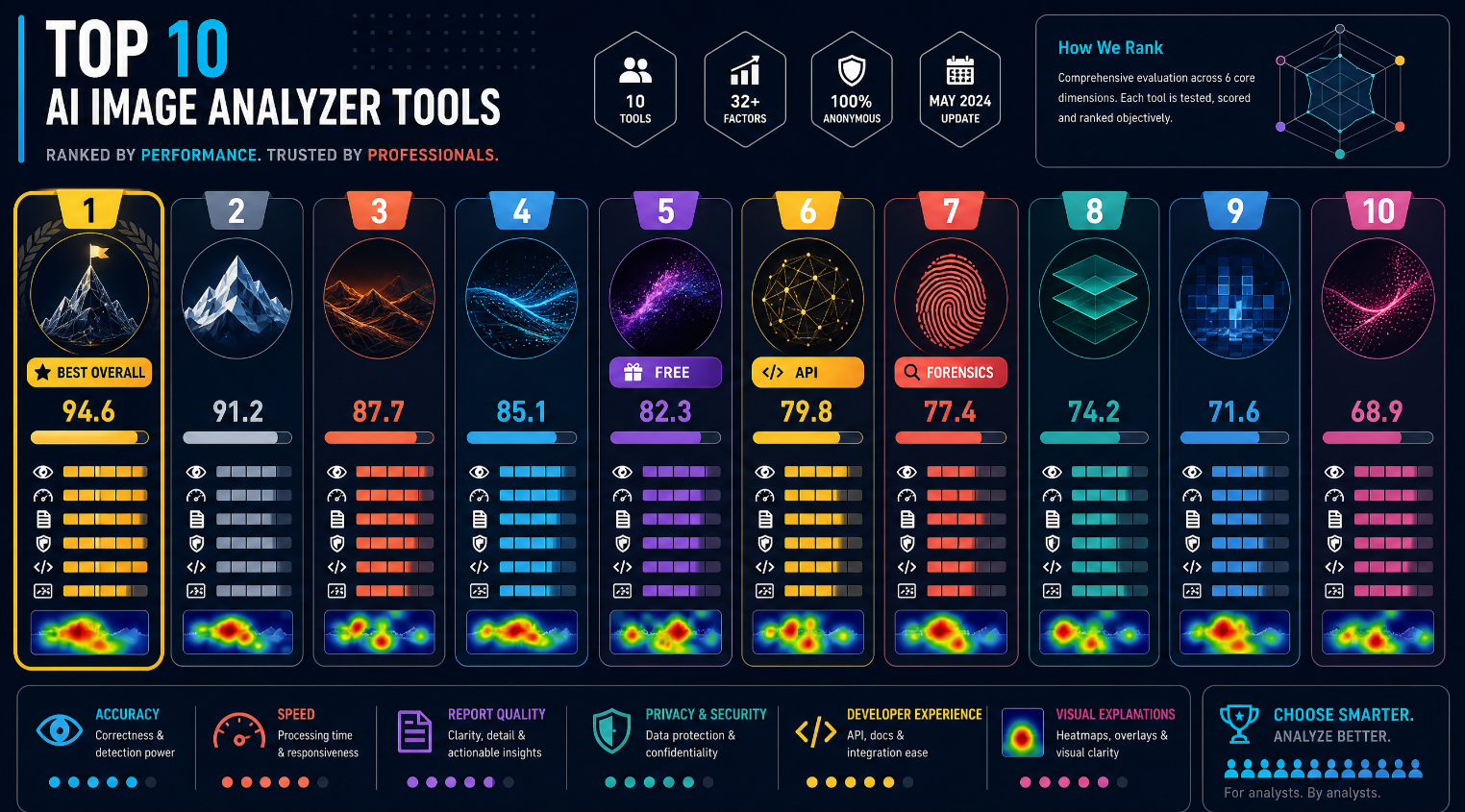
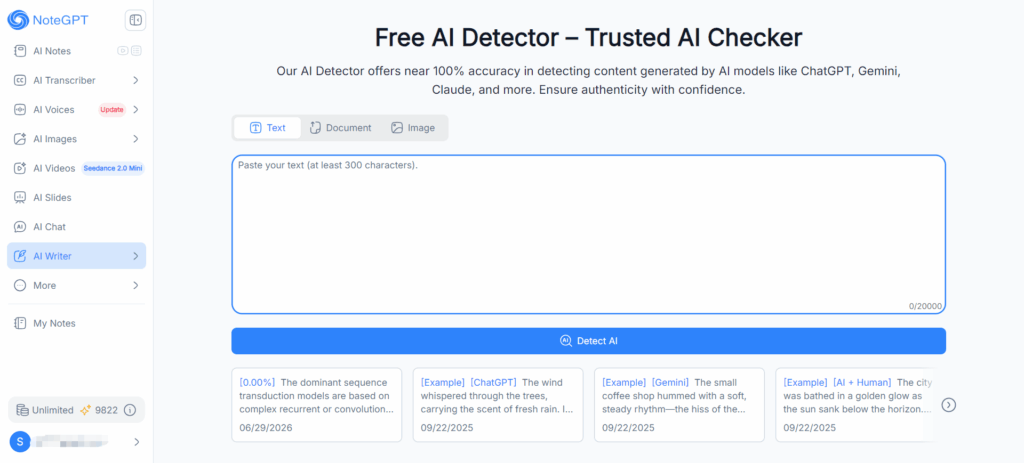
1. NoteGPT AI Image Detector — Best for Everyday Checks
NoteGPT supports common image formats, requires no registration for its free experience, and provides a probability with visual explanation. That makes its AI Image Analyzer approachable for creators, students, editors, and shoppers who need more context than a binary answer. Highlighted areas can guide closer inspection without requiring a technical setup.
Its result remains probabilistic. A marked region indicates a model signal, not proven fabrication, and editing or compression may affect that signal. Use NoteGPT as a first pass, preserve the original file, and seek corroboration before making a high-stakes claim.
2. DeepAI — Best for a Simple Second Opinion
DeepAI offers AI-image detection with a probability-style result. Its relatively direct experience suits users who want another detector’s view without building a complex workflow. As an AI Image Analyzer, it is most useful as one signal alongside source research and another independent method.
Do not read a displayed percentage as a measured chance that a specific person committed deception. It reflects the model’s classification behavior. Public features and access conditions can evolve, so confirm supported inputs, limits, privacy terms, and pricing on the official page at the time of writing.
3. Metadata2Go — Best for Broad File and Content Inspection
Metadata2Go is broader than a pure origin detector. Its public capabilities include content-safety assessment, people and age estimation, image descriptions, metadata inspection, and analysis of multiple images. This makes the AI Image Analyzer useful when a team wants to inventory, describe, or triage visual files.
Those outputs should not be relabeled as definitive AI-generation detection. Missing camera metadata does not prove synthetic origin, and an age estimate is not identity verification. Choose Metadata2Go for content understanding and file context; use a dedicated detector if the central question is whether a generative model made the image.
4. Poe — Best for Exploring Different Bots
Poe is a platform through which users can access various third-party image-analysis or detection bots. Consequently, there is no single Poe detection method or stable output format. One bot may describe a scene, another may discuss artifacts, and another may claim an origin estimate.
This flexibility makes Poe useful for exploration, but its AI Image Analyzer experience depends entirely on the selected bot, its underlying model, prompt, updates, and creator. Record the exact bot and date when documenting a result. Never generalize one bot’s answer into a platform-wide capability or treat conversational confidence as forensic validation.
5. ScreenApp — Best for Batch Extraction and Export
ScreenApp focuses on general analysis: batch image handling, object identification, OCR, scene recognition, dominant-color extraction, and structured results exportable as JSON, CSV, or tables. It is a strong choice when teams need searchable fields from many assets or want data ready for spreadsheets and downstream systems.
That does not make ScreenApp a dedicated AI-origin detector. Its AI Image Analyzer value lies in extracting what appears in files, not proving how those files were produced. OCR text, scene labels, and color data may still support a wider investigation by exposing inconsistencies or helping organize evidence.
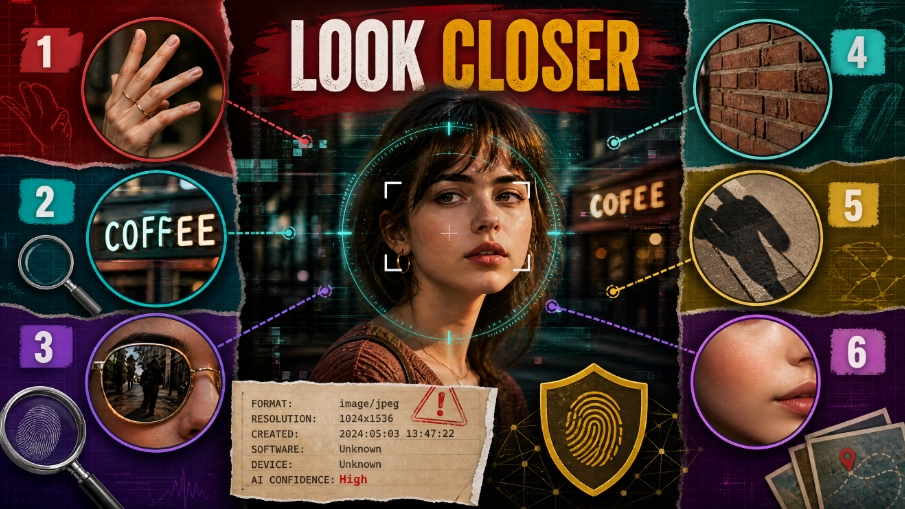
6. QuillBot — Best for Accessible Visual Clues
QuillBot provides AI-picture detection with a percentage result and visual clues. The familiar, low-friction interface can help everyday users move beyond an unsupported hunch. As with any AI Image Analyzer, the useful part is not merely the number but the opportunity to inspect why the file attracted attention.
Visual clues are investigative prompts, not proof. Retouching, unusual lighting, illustration styles, and aggressive recompression can complicate classification. Use the output to formulate questions, compare the original with reposted versions, and request provenance rather than accusing a creator from one scan.
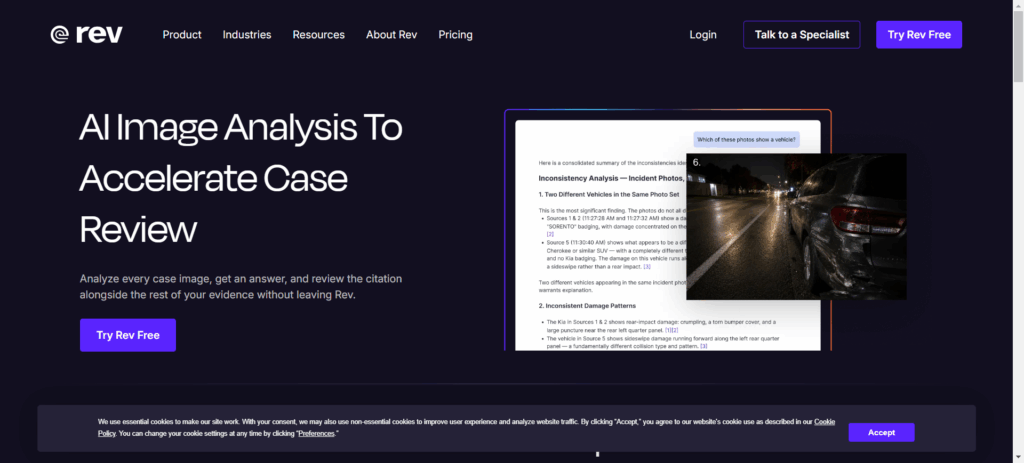
7. Rev — Best for Legal Image Understanding
Rev is oriented toward legal and case-related image work: asking questions about images, producing descriptions, connecting statements to sources, and checking details across files. This can help legal teams navigate exhibits and supporting records more efficiently while keeping answers tied to case context.
Rev is therefore general and domain-specific image analysis, not a pure AI-generation detector. Its AI Image Analyzer role is to help understand and cross-check evidence. Lawyers and investigators must still review cited material, confirm chain of custody, protect confidential data, and use appropriate forensic expertise when authenticity itself is disputed.
8. ZeroGPT — Best for Flexible Submission and Enterprise Workflows
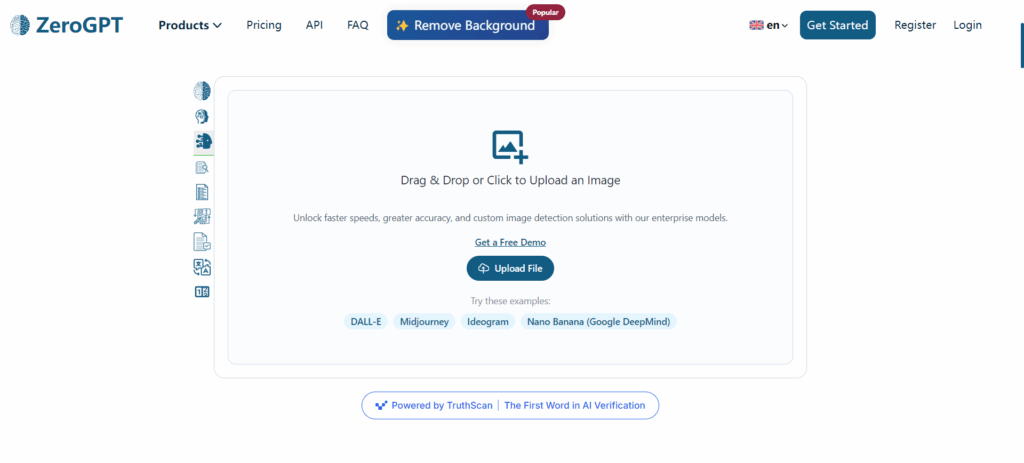
ZeroGPT supports image submission by upload or URL, returns a probability-style result, and positions enterprise users toward batch processing and API use. That combination can suit organizations that encounter images through multiple channels and need repeatable screening rather than one-off manual checks.
The AI Image Analyzer should feed a review queue, not automatically trigger punishment, takedown, or rejection. URL inputs may point to recompressed copies, and bulk thresholds require calibration against the organization’s real content. Verify current quotas, batch terms, API availability, retention, and pricing at the time of writing.
9. Sightengine — Best for API-Scale Detection
Sightengine offers a global AI-generation probability and generator-oriented probabilities through an API. It can also be combined with deepfake checks and C2PA-related capabilities, allowing developers to build a layered moderation or verification pipeline. This makes it the strongest editorial choice here for scalable detection integration.
Its AI Image Analyzer still requires careful engineering. Generation likelihood, face manipulation, and Content Credentials answer different questions. Missing C2PA information does not prove fraud, while valid credentials can provide stronger provenance evidence than pixel classification alone. Teams should log model versions, calibrate thresholds, monitor drift, and send uncertain cases to people.
10. MyDetector — Best for Report-Oriented Review
MyDetector supports common formats and provides a result report with cues about suspicious regions. That format can help users document what prompted concern and communicate where a closer visual review should begin. It is more informative than an unexplained yes/no label.
However, an AI Image Analyzer heatmap or region cue does not identify the author or reconstruct editing history. Natural textures, filters, and repeated patterns can appear suspicious. Keep the report with the source file and contextual evidence, and describe the result as a model assessment rather than a verified fact.
Which Tool Should You Choose?
Choose according to the question and operating scale:
- Free, quick, explainable everyday detection: NoteGPT is the clearest starting point.
- API-scale AI-generation screening: Sightengine offers the most composable developer workflow in this comparison.
- A simple detector second opinion: DeepAI, QuillBot, or MyDetector can add another model signal.
- Upload/URL and organizational screening: ZeroGPT may fit teams needing broader submission and batch/API positioning.
- Metadata, safety, people, descriptions, or multi-image analysis: Metadata2Go better matches the task.
- Batch OCR, objects, scenes, colors, and exports: ScreenApp is the more relevant analysis workflow.
- Legal exhibits and cross-document questions: Rev is purpose-aligned.
- Experimenting with third-party bots: Poe offers variety, provided every bot is evaluated separately.
If your only question is origin, use an AI Image Detector. If your real need is searchable text, a scene summary, or case-context review, choosing a general analyzer is more honest and productive.
Why AI Image Analyzer Results Disagree
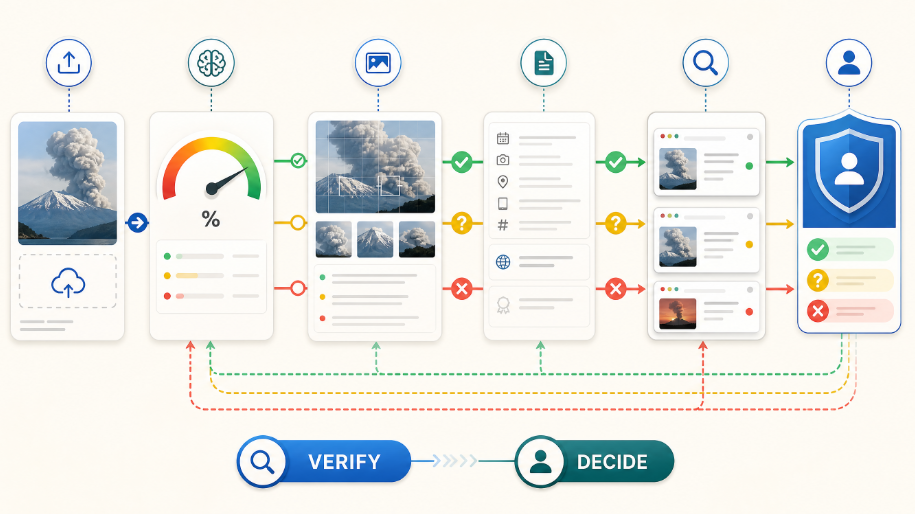
Different systems use different training sets, model versions, thresholds, resizing rules, and definitions of “AI-generated.” A photorealistic output from a newly released generator may be unfamiliar to one detector. A screenshot, crop, filter, or messaging-app recompression can remove or distort signals. Images that mix photography, generative fill, and manual editing also resist binary labels.
Probabilities are not standardized across vendors. A 70% result from one AI Image Analyzer is not directly equivalent to 70% from another. General-analysis tools can disagree for additional reasons: small text, occlusion, ambiguous objects, missing metadata, or insufficient cross-file context. Disagreement is a reason to investigate, not an invitation to average numbers mechanically.
A Human Verification Workflow
- Preserve the best source. Download the highest-quality original available; record its URL, time, and acquisition path.
- Define the question. Separate “What is shown?” from “Was this generated?” and “Has this been misleadingly edited?”
- Inspect context. Review the publisher, reverse-image history, accompanying claims, known event details, and earlier versions.
- Run an appropriate first tool. Use detection for origin questions and OCR, metadata, or legal analysis for content questions.
- Seek an independent signal. To check whether an image is AI-generated, compare another detector, provenance credentials, metadata, and visual evidence rather than repeating the same service.
- Review explanations. Examine highlighted regions and cited sources; do not rely only on the headline percentage.
- Document uncertainty. Save outputs, tool names, dates, file hashes where appropriate, and transformations made before upload.
- Escalate high-stakes cases. Use a qualified forensic specialist and applicable legal or editorial process before sanctions or publication.
This workflow turns an AI Image Analyzer into decision support rather than an automated judge.
FAQ
Can an AI Image Analyzer prove that an image is AI-generated?
No. An AI Image Analyzer estimates patterns associated with generated images. Provenance credentials, an original creation record, source testimony, and forensic context may strengthen a conclusion, but one model output is not proof.
Why can a real photo receive a high AI probability?
Heavy denoising, sharpening, filters, screenshots, unusual lighting, illustration-like textures, and compression can resemble learned synthetic patterns. New camera pipelines or rare subject matter may also fall outside a detector’s familiar distribution.
Is metadata enough to verify authenticity?
No. Metadata can be useful, but platforms often strip it and software can alter it. Its presence, absence, and consistency should be evaluated with source history and pixel-level or provenance evidence.
Should I upload confidential or case-related images?
Review the provider’s current retention, training-use, security, deletion, and account terms first. For legal, medical, private, or proprietary files, follow organizational policy and consider approved on-premises or contractually protected workflows.
Are free limits and prices stable?
Not necessarily. Formats, quotas, API access, exports, and plan boundaries can change. Check each official product page at the time of writing before adopting a workflow or promising capacity.
Conclusion
There is no universal winner because detection and analysis solve different problems. The right AI Image Analyzer depends on the question being asked. For everyday AI-generation checks, NoteGPT offers a compelling free, fast, explainable experience. For API-scale detection, Sightengine is the stronger fit. DeepAI, QuillBot, ZeroGPT, and MyDetector provide alternative detection workflows, while Poe varies by bot.
For OCR and structured batch extraction, choose ScreenApp; for metadata and broad content inspection, choose Metadata2Go; for legal image questions and cross-file review, choose Rev. Above all, treat every AI Image Analyzer output as evidence to interpret—not a verdict—and combine it with source checks, provenance, context, and accountable human judgment.