


Watching a 40-minute tutorial just to find one line someone said is a waste of time. A free YouTube Transcript Generator turns any video into readable, searchable text in seconds — no more scrubbing through the timeline to find the part you need.
Whether you're a student trying to review a lecture, a marketer repurposing a webinar into a blog post, or a researcher who just wants to skim instead of watch, the right tool can save you hours every week. This guide compares the 7 best free YouTube transcript generators in 2026, based on real free-tier limits, accuracy, language support, and — for a few of them — how well they turn a transcript into actual AI notes instead of a wall of text. If you just want a solid youtube transcript generator free enough for everyday use, there's a pick below for that too.
Quick Answer: The Best Free YouTube Transcript Generator in 2026
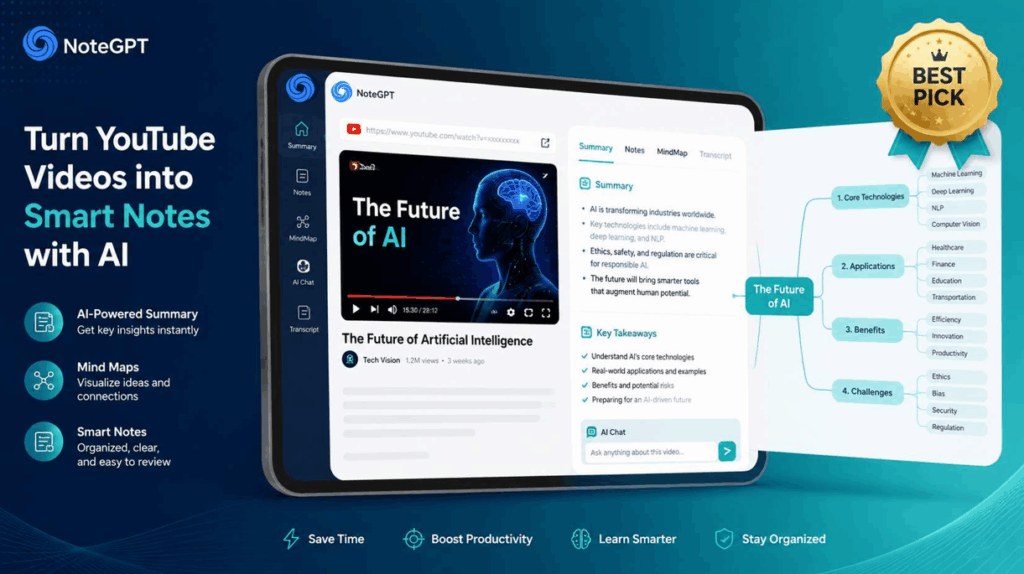
NoteGPT is the best overall pick: transcript extraction is free with no limits, and it also turns that transcript into AI summaries, mind maps, and flashcards. If you only need quick, no-frills text extraction, youtube-transcript.io works with a simple free token allowance. For professional-grade, speaker-labeled accuracy, ElevenLabs is the strongest option, though its free tier is capped and can't be used commercially.
Quick Comparison Table
| Tool | Free Transcript Limit | AI Features (Free) | Export Formats | Best For |
| NoteGPT | Unlimited transcript extraction | 15 AI actions/month | TXT, SRT | Free transcripts + AI notes |
| ElevenLabs | ~10 min/month (no commercial use) | Speaker labeling, editing | TXT, DOCX, SRT, VTT, JSON | Professional accuracy |
| Tactiq | 10 transcripts/month | 5 AI credits/month | TXT | Educational content |
| Kome AI | Free with limits | 5 AI summary credits/month | Copy/clipboard | 120+ language support |
| youtube-transcript.io | 25 tokens/month | Limited | Copy/download | Quick, no-frills extraction |
| Maestra | Free transcript tool | Paid AI add-ons | TXT, SRT, VTT | Multi-format export |
| YTTranscript.AI | 5 transcripts + 3 AI actions/month | Summary, quiz, mind map | TXT, SRT, VTT | Light, occasional use |
What Is a YouTube Transcript Generator?
A YouTube Transcript Generator is a tool that converts the spoken audio of a video into written text. Most tools do this one of two ways: they either pull the caption data YouTube already generates for the video, or they use AI speech recognition to transcribe the audio directly — which matters for videos that don't have captions at all.
Beyond saving time, a youtube video transcript generator makes content more accessible, easier to search, and simple to repurpose into blog posts, study notes, or social captions.
How We Evaluated These Free YouTube Transcript Generators
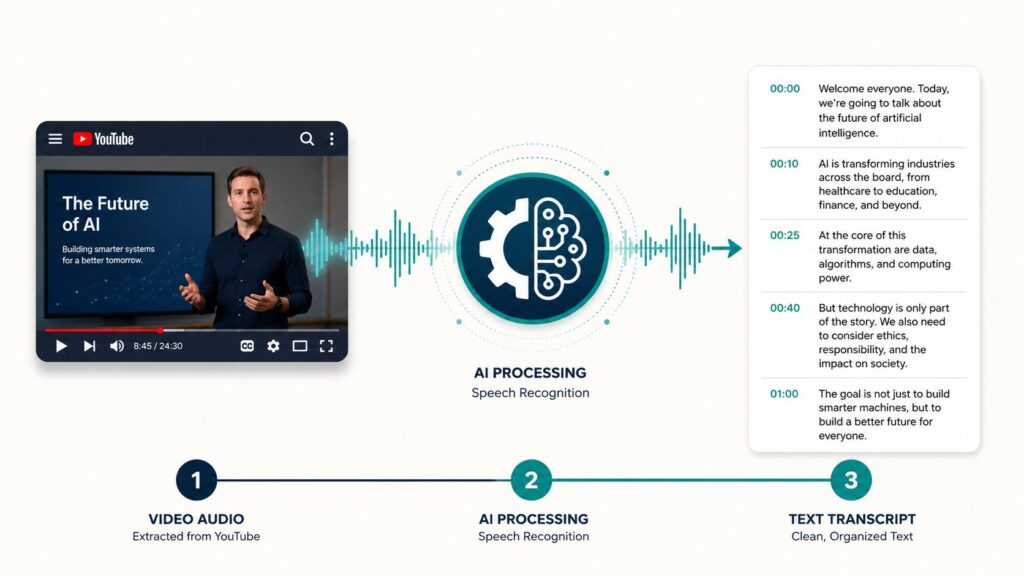
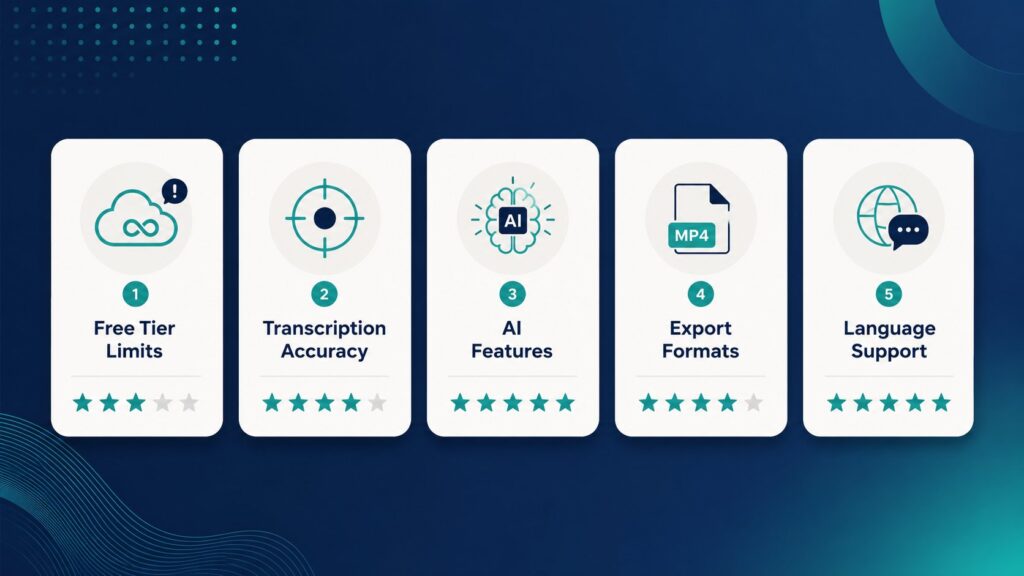
Each tool was assessed on five factors: how generous the free tier actually is (not just the marketing headline), transcription accuracy on both clear and accented audio, whether AI features like summaries or notes are included for free, the export formats available, and how many languages are supported. Free-tier limits were checked directly against each tool's official pricing page rather than third-party claims, since these numbers change often — plenty of pages market themselves as a youtube transcript generator free tool while burying the real restrictions further down the page.
7 Best Free YouTube Transcript Generators in 2026
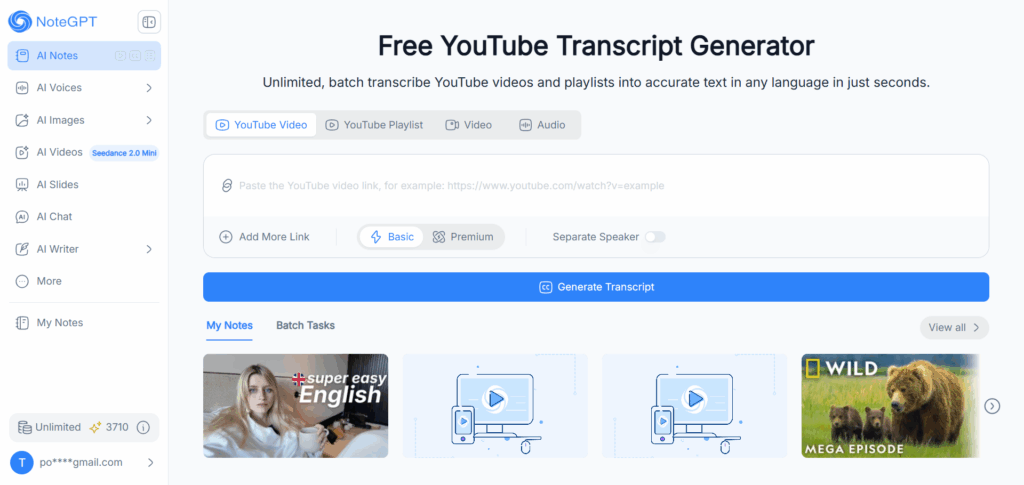
1. NoteGPT — Best Overall for Free Transcripts + AI Notes
Overview: NoteGPT is a free YouTube Transcript Generator that also turns transcripts into AI summaries, mind maps, flashcards, and podcasts. It supports single videos, full playlists, and even audio or local video file uploads from the same interface, with a toggle between Basic and Premium transcription modes.
Key Features:
- Unlimited, batch transcription for YouTube videos and playlists
- Basic and Premium transcription modes, plus a Separate Speaker option for multi-speaker content
- AI summary, mind map, and flashcard generation from the same transcript
- Editable transcript directly in the interface before exporting
Pros:
- Raw transcript extraction has no length or usage limit
- Batch processing an entire playlist in one go saves significant time over pasting links one at a time
- The AI layer (summaries, mind maps, flashcards) goes beyond what most transcript-only tools offer
Cons:
- AI note-taking features are capped at 15 actions per month on the free plan — enough for occasional use, though frequent users may eventually want to upgrade
- Speaker separation is a Premium-mode feature rather than available by default
Best for: Anyone who wants a transcript and AI notes in one workflow
2. ElevenLabs — Best for Professional-Grade Accuracy
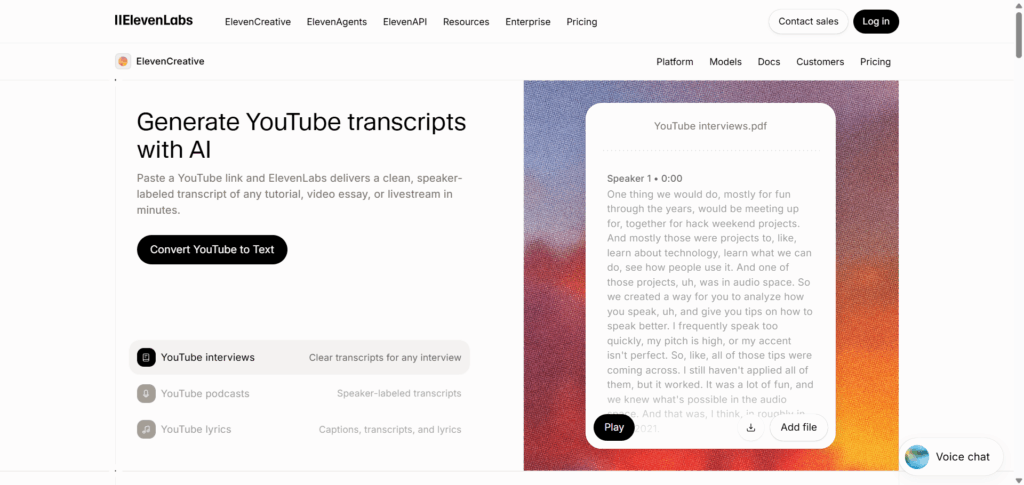
Overview: ElevenLabs offers a YouTube transcript generator built on its Scribe speech-to-text model, which identifies individual speakers and timestamps every word rather than simply pulling YouTube's existing captions.
Key Features:
- Speaker labeling and word-level timestamps
- In-line transcript editor for correcting terms or reassigning speakers without losing sync to the video
- Export support for TXT, DOCX, SRT, VTT, JSON, and HTML
Pros:
- High accuracy on accented, technical, or multi-speaker audio
- Widest range of export formats on this list, useful for developers or teams with specific tooling needs
Cons:
- Free plan is capped at roughly 10 minutes of transcription per month
- Free tier isn't licensed for commercial use — creators monetizing content need at least the Starter plan
Best for: Short videos where accuracy is the top priority
3. Tactiq — Best for Educational Content
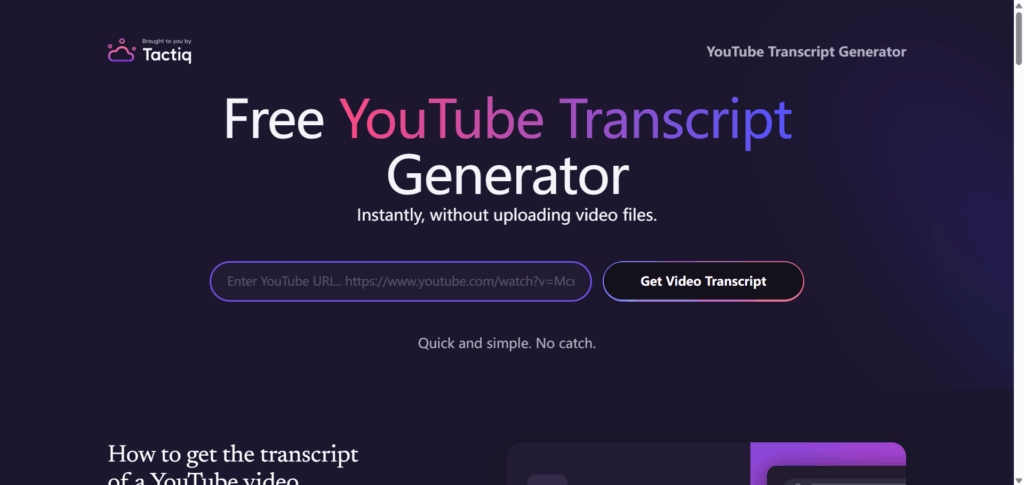
Overview: Tactiq started as a meeting transcription tool and later added a standalone YouTube transcript generator, letting users paste a video link and get a timestamped transcript without a Chrome extension for basic use.
Key Features:
- No-extension web tool for quick YouTube transcript pulls
- AI credits for generating summaries or action items from a transcript
- Originally a meeting transcription tool (Zoom, Google Meet, Teams), now with a standalone YouTube feature
Pros:
- Fast, simple workflow for pulling quotes or summarizing a single lecture
- No sign-up required for basic transcript access
Cons:
- Free plan caps out at 10 YouTube transcripts per month
- AI credits are limited to 5 per month, and transcription pauses once the monthly limit is hit
Best for: Students and researchers doing occasional lecture reviews
4. Kome AI — Best for Multi-Language Support
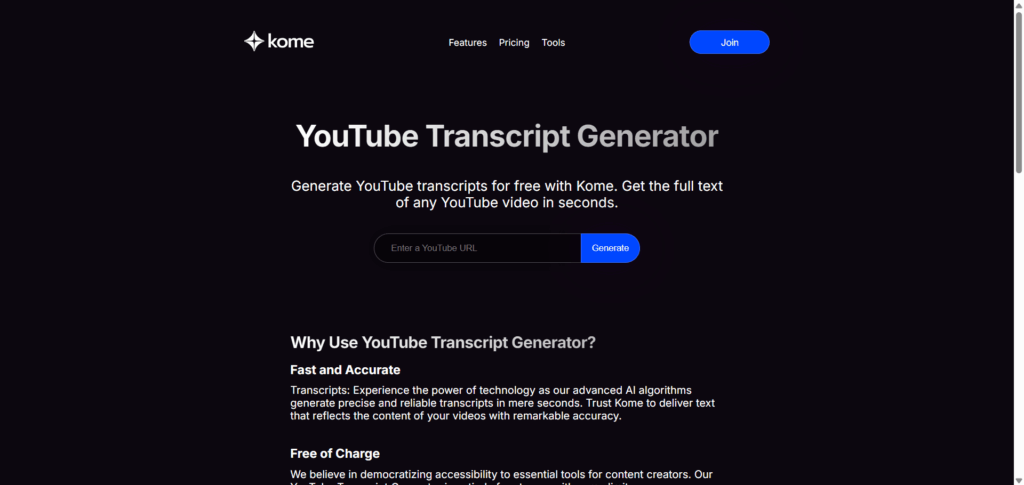
Overview: Kome AI is a free YouTube transcript generator with the broadest language coverage on this list, supporting more than 120 languages.
Key Features:
- 120+ language support, including Spanish, French, German, Japanese, Korean, and Chinese
- Chrome extension for pulling a transcript without leaving the YouTube page
- Basic AI summary feature for condensing a video's content
Pros:
- Strong choice for non-English or multilingual video content
- Simple, minimal interface — paste a link and get text
Cons:
- Raw transcription is free but usage-limited rather than fully unlimited
- AI summary features are capped at 5 free credits per month
Best for: Non-English or multilingual video content
5. youtube-transcript.io — Best for Quick, No-Frills Extraction
Overview: youtube-transcript.io is built for one job: paste a URL, get a clean transcript, move on — with no AI summary layer or note-taking workflow attached.
Key Features:
- Straightforward URL-to-text extraction
- Token-based free plan for new users
- One-click copy or download, with no extra setup
Pros:
- Fast and distraction-free for anyone who doesn't need AI features
- Low learning curve — no settings to configure
Cons:
- New users start with only 25 free tokens, enough for a handful of videos before needing a paid plan
- No built-in AI summary or note-taking features
Best for: A quick, single-purpose transcript pull
6. Maestra — Best for Multi-Format Export
Overview: Maestra's dedicated YouTube transcript generator is free to use and connects to a broader AI media toolkit for subtitling, translation, and voiceovers.
Key Features:
- 125+ language support
- Export support for TXT, SRT, VTT, and DOCX
- Part of a larger platform covering subtitles, dubbing, and translation
Pros:
- Widest format support on this list, useful for subtitle work
- Free transcript tool works as a standalone feature, not gated behind signup
Cons:
- The free transcript tool is essentially an entry point into a largely paid product — translation, dubbing, and advanced AI features require a subscription
Best for: Creators who also need subtitles or multi-language export
7. YTTranscript.AI — Best Emerging Tool for Light Use
Overview: YTTranscript.AI is a newer, lightweight option that generates a transcript with clean timestamps in seconds, with no signup required for basic use.
Key Features:
- Fast transcript generation with clean timestamps
- Basic AI actions — summary, quiz, and mind map — built into the free tier
- Export support for TXT, SRT, and VTT
Pros:
- No signup needed to generate a transcript
- AI actions (summary, quiz, mind map) are a nice bonus for a free tier
Cons:
- Free plan is capped at 5 transcripts and 3 AI actions per month
- As a newer tool, it has a smaller track record than more established options on this list
Best for: Occasional, one-off transcript needs
Use Cases: What You Can Do with a YouTube Transcript
Turn Lectures into Searchable Study Notes
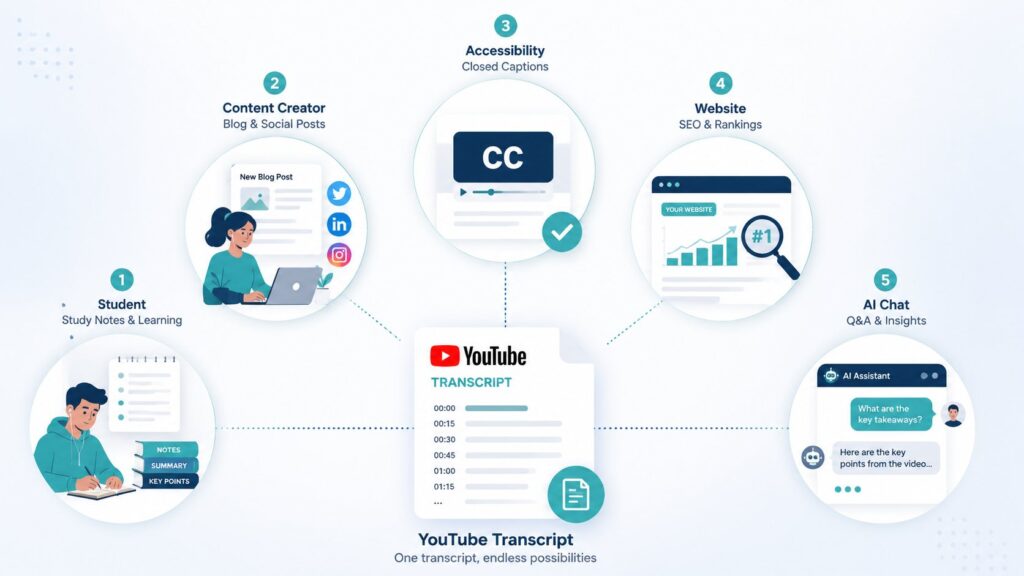
Instead of rewatching a 90-minute lecture to find one concept, a transcript lets you search the exact word or phrase and jump straight to that section. Pairing the transcript with an AI summary tool turns hours of lecture footage into a condensed study guide.
Repurpose Videos into Blog Posts and Social Content
A transcript is the raw material for turning one video into multiple pieces of content — a blog post, a Twitter thread, or a set of quote graphics — without retyping a single word.
Improve Accessibility with Text Versions
Text versions of video content make it usable for viewers who are deaf or hard of hearing, and for anyone in a sound-off environment like an office or a commute.
Boost SEO by Publishing Transcripts on Your Site
Search engines can crawl text but not audio. Publishing a video's transcript alongside the embed on your website gives search engines more content to index, which can improve how that page ranks.
Feed Transcripts into ChatGPT/Claude for Summaries and Q&A
Once you have the raw text, pasting it into an AI chat tool lets you ask follow-up questions, generate a summary, or pull out key quotes — turning a passive video into content you can actually search through and ask questions about.
How to Choose the Right Free YouTube Transcript Generator
Finding a youtube transcript generator free enough for how often you actually use it matters more than chasing whichever tool ranks highest. The right pick comes down to what you're actually trying to do with the text:
- Students: Look for a tool that pairs transcription with AI summaries or flashcards, like NoteGPT, so review time is shorter.
- Content creators: Prioritize export formats (SRT/VTT) for repurposing into subtitles, and check commercial-use terms on the free tier — ElevenLabs, for example, restricts this.
- Researchers: Multi-language support matters most here — Kome AI or Maestra cover the widest range.
- Marketers: Speed and volume matter more than polish; a no-frills tool like youtube-transcript.io can be enough for quick content audits.
How to Get a Free YouTube Transcript with NoteGPT (Step-by-Step)
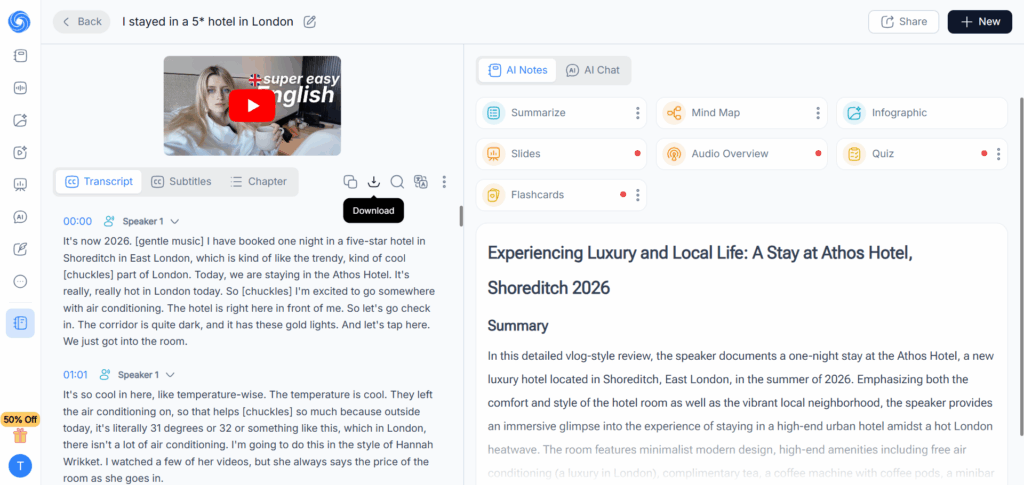
- Go to NoteGPT's YouTube Transcript Generator and paste the URL of the video you want to transcribe.
- Click generate — NoteGPT pulls the transcript in seconds, with timestamps included.
- Edit the transcript directly in the interface if you need to clean up any auto-generated text.
- Copy the text or export it as a TXT or SRT file.
- Optional: Use NoteGPT's AI tools to turn the same transcript into a summary, mind map, or set of flashcards without leaving the page.
FAQ
Is there a free YouTube transcript generator?
Yes. Several tools, including NoteGPT and YouTube's own built-in "Show transcript" feature, let you extract a transcript at no cost. Free tiers vary — some are unlimited for basic transcription, while others cap the number of transcripts per month.
Can I download a YouTube transcript for free?
Yes. Most tools on this list, including NoteGPT, Maestra, and YTTranscript.AI, let you download the transcript as a TXT or SRT file at no cost, though some limit how many downloads you get per month on the free plan.
Which YouTube transcript generator is the most accurate?
Accuracy comes down to two things: the source video's audio quality, and whether it already has manually added captions. For AI-generated transcription specifically, ElevenLabs' Scribe model is built for high accuracy on accented or technical speech, including speaker labeling.
How can I get a transcript from a YouTube video?
You can use YouTube's built-in "Show transcript" option under the video description, or paste the video URL into a third-party tool like NoteGPT for a faster, more editable version with export options.
Can YouTube transcript generators support other languages?
Yes. Support varies by tool — Kome AI and Maestra offer the broadest coverage at 120+ and 125+ languages respectively, while other tools are more limited on their free tiers.
Can I use NoteGPT to generate YouTube transcripts and AI notes?
Yes. NoteGPT lets you extract a YouTube transcript for free with no limit, and then turn that same transcript into an AI summary, mind map, or flashcard set using its built-in AI features.
Final Verdict
For most users, NoteGPT is the best overall choice among free YouTube transcript generators in 2026. It goes beyond basic transcription by combining YouTube transcript generation with AI-powered summaries and notes, helping users turn long videos into actionable insights.
If you only need quick transcript extraction, tools like youtube-transcript.io offer a simple and lightweight solution. For users who prioritize advanced speech recognition, speaker detection, or professional-level accuracy, ElevenLabs is a strong option despite its more limited free usage.
Overall, the best YouTube transcript generator depends on your needs — whether you want simple text extraction or a smarter way to understand video content. For a more complete workflow, try NoteGPT's free YouTube Transcript Generator to turn videos into transcripts, summaries, and AI notes in one step.