
NoteGPT

PDF OCR Converter

Upload, scan, and convert PDFs into searchable text with AI. Fast, handles large files, no sign-up.

NoteGPT - Rated 4.9+ by NoteGPT Users
4.9
Chrome Store
NoteGPT - Rated 4.9+ by NoteGPT Users
NoteGPT - 80,000,000+ Users
80,000,000+
Users
NoteGPT - 80,000,000+ Users
NoteGPT - Trusted By 12,000+ Schools & Teams
12,000+
Schools & Teams
NoteGPT - Trusted By 12,000+ Schools & Teams

Trusted by 12 million users worldwide.

Logo
Logo
YouTube
Logo
Logo
Logo
Logo
Logo
Logo
Logo
Logo
Logo
Logo
Logo
Logo
Logo
Logo
Logo
Logo
Logo
Logo
Logo
Logo
Logo
Logo
Logo
Logo
Logo
Logo
Logo
Logo
Logo
YouTube
Logo
Logo
Logo
Logo
Logo
Logo
Logo
Logo
Logo
Logo
Logo
Logo
Logo
Logo
Logo
Logo
Logo
Logo
Logo
Logo
Logo
Logo
Logo
Logo
Logo
Logo
Logo
Logo
Logo
YouTube
Logo
Logo
Logo
Logo
Logo
Logo
Logo
Logo
Logo
Logo
Logo
Logo
Logo
Logo
Logo
Logo
Logo
Logo
Logo
Logo
Logo
Logo
Logo
Logo
Logo
Logo
Logo

PDF OCR Converter: Searchable Text Online, Free & No Sign-up

PDF OCR Converter uses advanced AI to turn extra-long scans into searchable text in seconds. Get high-accuracy results online for free with no sign-up required.

PDF OCR Converter: Searchable Text Online, Free & No Sign-up

What is PDF OCR Converter?

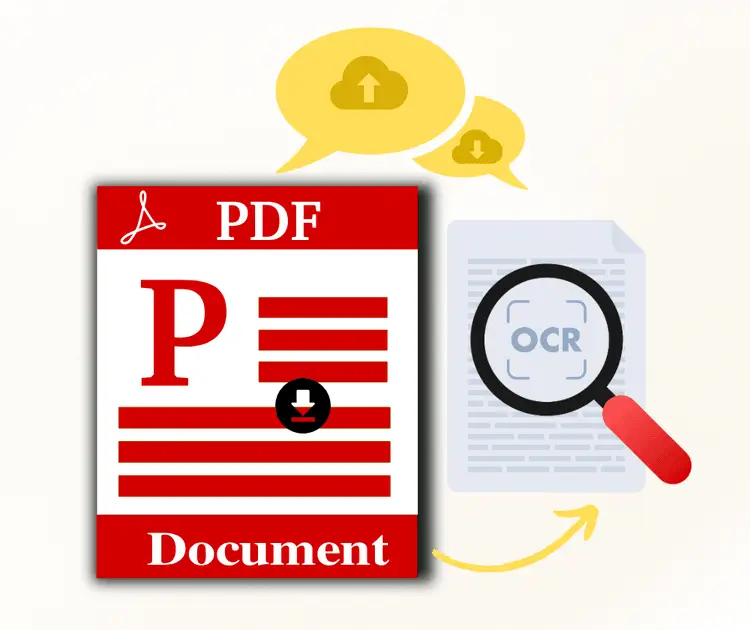
PDF OCR Converter is an easy online tool that turns scanned PDFs into searchable and editable text using AI. You can upload image-based files, extract text from PDF, and make documents searchable in seconds. It works well with large PDFs, keeps formatting clean, and helps you copy, edit, or reuse content without hassle.

What is PDF OCR Converter?

Tired of Typing Out Text from Scanned PDFs?

Most tools fail on long documents or force you to sign up just for one scan. Stop wasting hours re-typing. Our AI-driven PDF OCR handles extra-long files in seconds, turning blurry images into searchable text with zero effort.

Tired of Typing Out Text from Scanned PDFs?

Why Choose Our PDF OCR Converter?

Unlike standard tools that crash on large files, NoteGPT handles hundreds or even thousands of pages with ease. This AI-powered recognition engine turns massive scanned documents into editable text in minutes. It’s the smartest way to extract data from bulky PDFs without losing accuracy. Best of all? Your privacy comes first—no account required and no hidden costs. Just fast, reliable results for every document you scan.

Why Choose Our PDF OCR Converter?

Not Just Another Basic PDF OCR Tool

The following features make PDF OCR Converter stand out

Process Large PDFs Easily

Handle hundreds or even thousands of pages in one go without slowing down.

Accurate Text Recognition

Recognizes text with up to 99.9% accuracy, keeping your documents precise.

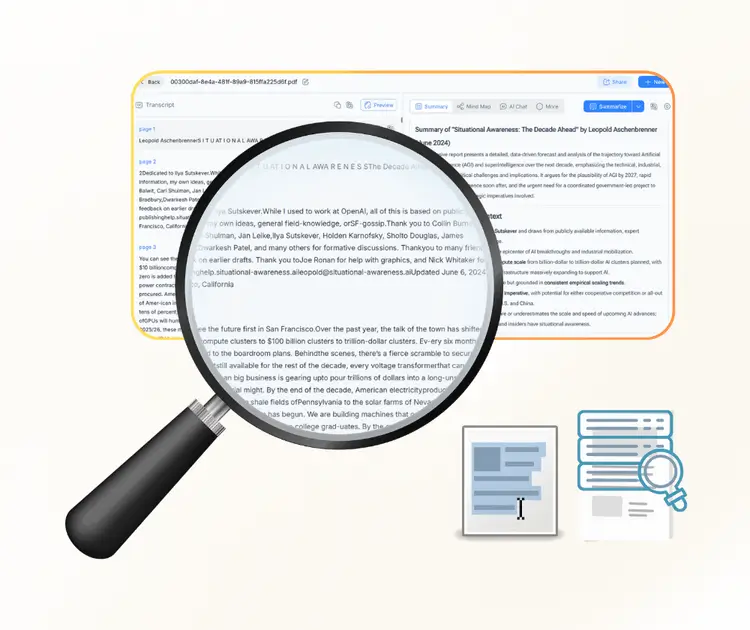
Make PDFs Selectable & Searchable

Turn scanned PDFs into text you can select, copy, or search in seconds.

How to Use PDF OCR Converter Easily

Using PDF OCR Converter is simple and fast. In just a few steps, you can upload your PDF, extract text with AI OCR, and download or summarize the results effortlessly.

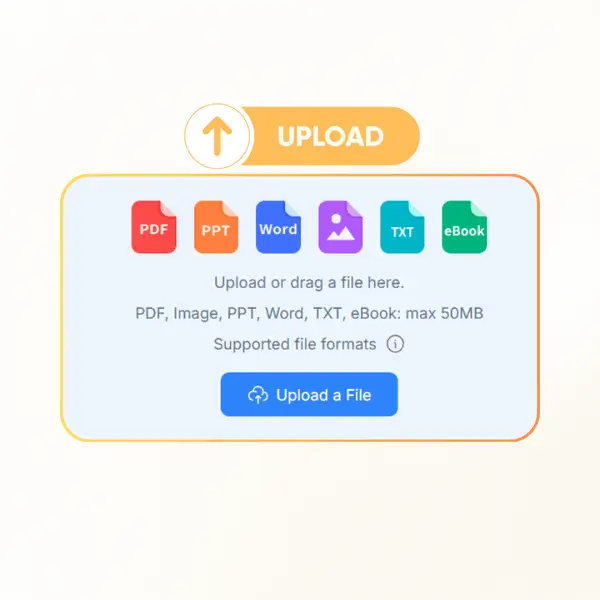
Step 1: Upload Your PDF

Step 1: Upload Your PDF

Select the file you want to convert and upload it to the online tool.

Step 2: Apply OCR

Step 2: Apply OCR

Let the AI-powered OCR process your PDF to make text searchable and editable.

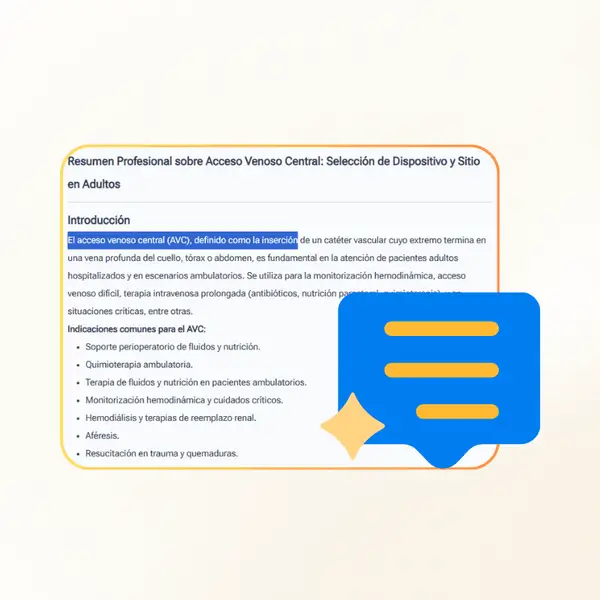
Step 3: Download or Summarize

Step 3: Download or Summarize

Save the searchable PDF or get a quick summary of your document instantly.

Start Using PDF OCR Converter Today

Ready to turn your PDFs into searchable, editable text? With PDF OCR Converter, you can quickly upload files, extract text with AI, and get accurate results in seconds. It’s fast, simple, and free—no sign-up needed.

Get Started Now

What Users Say About PDF OCR Converter

MK avatar

MK

Accountant

I’ve tried several tools before, but PDF OCR Converter really impressed me. It handled a 500-page scanned document quickly, made all text searchable, and kept the formatting clean. The AI recognition is accurate, and I didn’t have to install anything or sign up. It saved me hours of work.
AL avatar

AL

Researcher

PDF OCR Converter made my workflow so much easier. I was able to convert multiple image-based PDFs into editable text in minutes. The tool recognized almost every word perfectly, even in tables and charts, and it works directly in the browser without any hassle. Highly recommend it!
JS avatar

JS

Project Manager

I use PDF OCR Converter for all my scanned reports. It’s fast, precise, and can handle really large files without crashing. I especially like that the text is selectable and searchable after conversion, which makes reviewing documents way easier. This is a must-have for anyone dealing with PDFs regularly.
RC avatar

RC

Paralegal

PDF OCR Converter is a lifesaver for my legal documents. I can upload hundreds of pages, convert them to searchable text, and find any information instantly. The AI OCR is accurate, the interface is simple, and I don’t have to worry about losing formatting. I use it every week.
EM avatar

EM

Student

As a student, PDF OCR Converter helped me extract text from lecture PDFs quickly. The tool is fast, accurate, and can handle multiple files at once. It made summarizing notes and creating study materials so much easier. Definitely the best online PDF OCR I’ve used.
TR avatar

TR

Analyst

PDF OCR Converter worked perfectly for my business reports. Large PDFs were converted in minutes, text was clear and fully searchable, and I didn’t have to install software. It’s simple, reliable, and free to use online. I’ll keep using it for every PDF task.

Frequently Asked Questions About PDF OCR Converter