

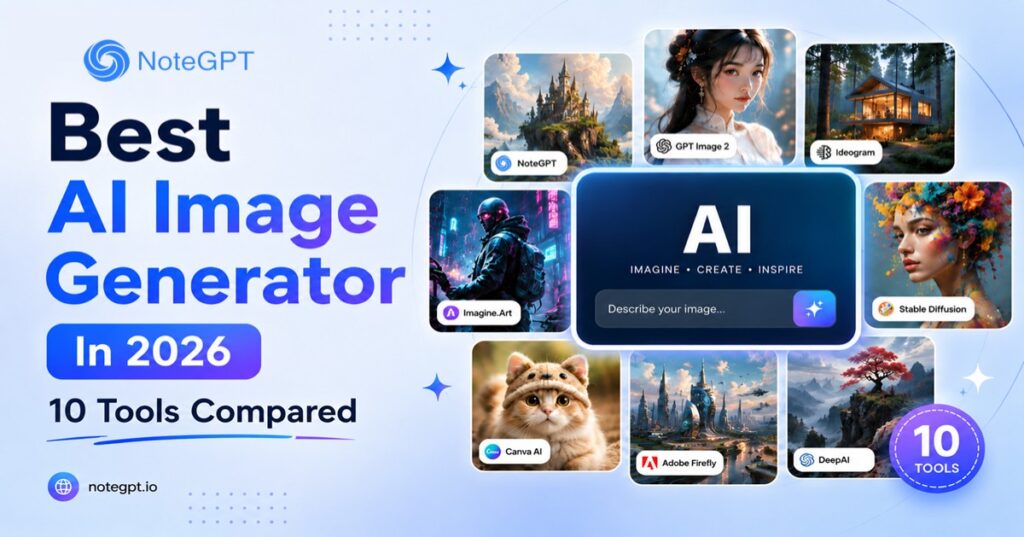
Finding the best AI Image Generator in 2026 is harder than it should be. Open three ranking lists and each recommends different tools — one swears by Midjourney, another by DALL-E, a third buries the actual best pick somewhere in the middle. Nobody explains why.
We fixed that. We ran the same detailed prompt through 10 of the most widely used AI Image Generators in 2026 — comparing image quality, speed, pricing, and free-tier value side by side. The results: price and reputation don't always predict quality.
What to Look for in the Best AI Image Generator in 2026
Not all AI image generators are built for the same job. Before diving into the rankings, it helps to understand what actually separates a useful tool from a frustrating one.
- Image quality and model access — Does the platform use a capable underlying model (e.g. GPT Image 2, Nano Banana Pro), and can you switch between models based on your needs?
- Speed — Some generators return results in seconds; others take 30–60 seconds per image. For iterative workflows, this adds up quickly.
- Ease of use — A clean prompt interface and sensible defaults matter more than a sprawling parameter panel you'll never fully learn.
- Free plan quality — Many tools advertise "free forever" but quietly limit resolution, add watermarks, or cap you at 5 images per month. We tested actual free-tier output.
- Commercial use licensing — If you're generating images for client work, marketing, or products, you need to know whether the output is yours to use commercially.
- Workflow fit — Some generators are standalone tools; others integrate directly into design platforms, note-taking apps, or video editors.
How We Tested and Ranked These 10 AI Image Generators
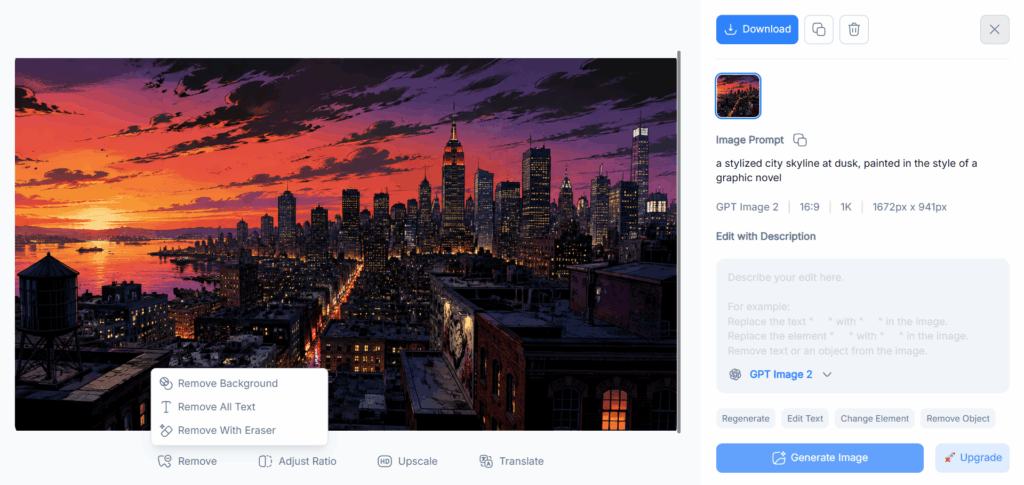
We used a consistent test prompt across all platforms: a photorealistic scene of a professional woman working at a modern desk, natural window light, shallow depth of field, editorial photography style. We also tested a second creative prompt — a stylized city skyline at dusk, painted in the style of a graphic novel — to assess versatility. Each tool was evaluated on free-tier output, default settings, and the time from prompt entry to final image. Where pricing was a factor, we used publicly available plans as of July 2026.
10 Best AI Image Generators of 2026 — Quick Comparison
| Tool | Quality | Speed | Ease | Free Plan | Best For |
| NoteGPT | ★★★★★ | Fast | Very Easy | ✓ 1 free, +1 with sign-up | Overall best value |
| ChatGPT (GPT Image 2) | ★★★★★ | Fast | Easy | ⚠ Limited | Photorealism & editing |
| Adobe Firefly | ★★★★☆ | Fast | Easy | ⚠ Credits | Commercial-safe output |
| Canva | ★★★★☆ | Fast | Very Easy | ⚠ Limited | Marketing & social media |
| Picsart | ★★★★☆ | Fast | Easy | ⚠ Watermarks | Photo editing + AI gen |
| Higgsfield | ★★★★★ | Moderate | Moderate | ✗ Paid | Cinematic & ad creative |
| Imagine.Art | ★★★★☆ | Fast | Easy | ✓ Available | Exploring multiple models |
| DeepAI | ★★★☆☆ | Very Fast | Very Easy | ✓ Free API | Simple / developer use |
| DeeVId AI | ★★★★☆ | Fast | Easy | ⚠ Limited | General purpose generation |
| Manus | ★★★★☆ | Moderate | Moderate | ⚠ Limited | Agent-driven creation & workflows |
1. NoteGPT — Best AI Image Generator Overall
NoteGPT Review: GPT Image 2 Quality in a Fast, Streamlined Interface
NoteGPT puts GPT Image 2 front and center — and the results speak for themselves. Our test prompts returned sharp, photorealistic output with accurate proportions and convincing natural lighting, consistently well-composed without requiring prompt gymnastics. Beyond GPT Image 2, switching to Nano Banana Pro revealed a distinct edge for fine detail — text within images came out remarkably clean, and style transfers between reference images felt intentional rather than approximated. Nano Banana 2 offers a faster option where quality stays close to Pro for most use cases.
The interface is one of the cleanest we tested. Reference image uploads, aspect ratio selection, and quality toggles are exactly where you'd expect — no feature-exploration phase, no nested menus. You open the page and you're generating within seconds. Generated images also flow directly into AI Notes, AI Slides, and AI Chat, which eliminates a surprising amount of friction if your workflow spans visual creation and documentation.
Where NoteGPT surprised us is its image editing capability. After generating an image, you can enter the editing page and brush directly onto areas you want to change — the AI regenerates only the painted region while keeping the rest intact. This inpainting workflow is intuitive: paint over a face to change the expression, brush across a background to swap the scene, or mark an object to replace it. No layers, no masks, no export-import loops. For most content creation use cases, the generation and touch-up pipeline is fast enough that you rarely need a separate editor.
Pros:
- GPT Image 2 delivers sharp, photorealistic output with excellent prompt adherence
- Nano Banana Pro excels at fine detail and text rendering within images
- Nano Banana 2 offers fast generation with quality close to Pro
- Brush-based inpainting — paint on the image to locally regenerate specific areas
- Clean, intuitive interface — zero learning curve
- Reference image support and multiple aspect ratios
- Integrates directly with notes, slides, and chat workflows
Cons:
- Heavy users will need a paid plan beyond the free starter generations
Verdict: NoteGPT delivers the smoothest combination of model quality and interface experience of any AI Image Generator we tested. It's the tool we'd recommend to anyone who wants professional-grade output without spending half the session learning how the platform works.
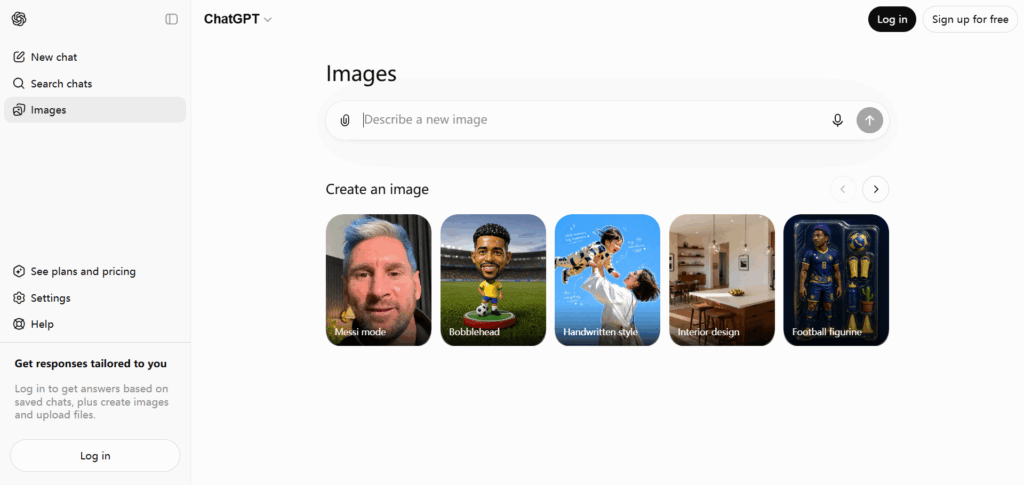
2. ChatGPT (GPT Image 2) — Best AI Image Generator for Photorealism & Editing
ChatGPT Review: Known for Photorealistic Images and Powerful Inpainting
GPT Image 2 inside ChatGPT remains one of the most capable AI image generators available in 2026, particularly when you need output that can pass for professional photography. Portrait lighting, skin texture, fabric folds, reflective surfaces — the model handles physical realism at a level that still surprises us even after extensive testing.
What sets the ChatGPT implementation apart from other GPT Image 2 access points is the conversational editing layer. You can tell it to "move the subject to the left," "change the background to a cafe interior," or "make her jacket dark green" — and it iterates on the existing image rather than regenerating from scratch. This inpainting-via-chat approach is genuinely useful for iterative creative work and reduces the back-and-forth that plagues most text-to-image workflows.
The main friction is access. Free ChatGPT accounts get limited image generations per month, and the DALL-E / GPT Image toggle isn't always obvious to new users. Heavy image generation use really calls for a Plus subscription, which puts it in a different cost bracket than tools like NoteGPT that offer similar model access for free.
Pros:
- Excellent photorealistic output, especially portraits
- Conversational inpainting and iterative editing
- Familiar chat interface lowers the learning curve
Cons:
- Free tier image generation is limited
- Best results effectively require a paid subscription
- Less useful for batch or automated image workflows
Verdict: The go-to choice for photorealistic images with conversational editing. Best for users already on a ChatGPT Plus plan; less compelling if you're paying purely for image generation.
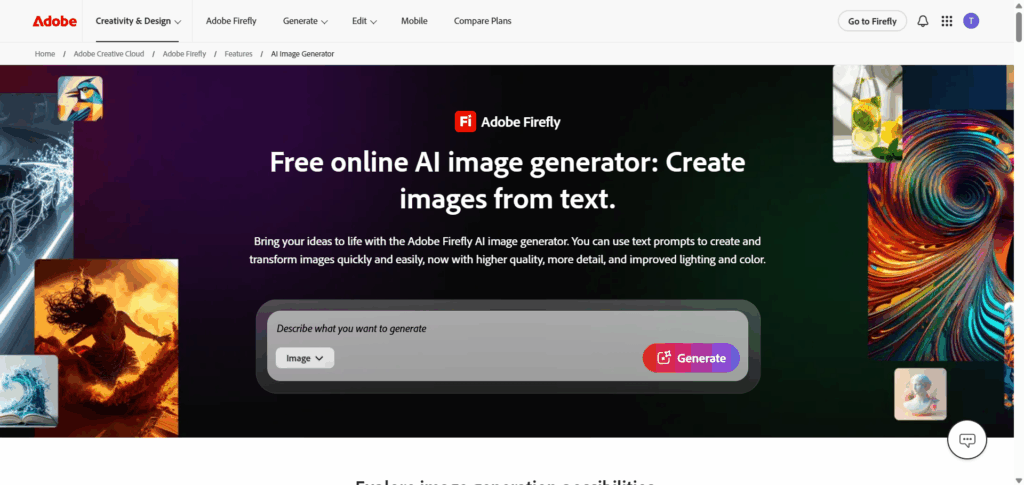
3. Adobe Firefly — Best AI Image Generator for Commercial-Use Projects
Adobe Firefly Review: Copyright-Safe AI Images Ready for Brand Campaigns
Adobe Firefly's defining feature isn't its image quality — it's the legal clarity. Every image generated by Firefly is trained exclusively on licensed content and Adobe Stock assets, which means outputs carry explicit commercial use rights. For agencies, in-house brand teams, and anyone producing work for clients, that matters enormously. It removes the copyright ambiguity that shadows most other AI image generators.
On quality, Firefly produces clean, well-composed images that sit comfortably in the "polished and professional" range. It won't win a photorealism contest against GPT Image 2, but its strength is consistency and style coherence — particularly when working within established brand guidelines. The integration with Adobe Creative Cloud (Photoshop, Illustrator, Express) is seamless for existing Adobe users: generate, refine, and export without leaving your existing tool stack.
The credit-based free tier is functional but restrictive for regular use. Power users and teams will want a paid Creative Cloud plan, which positions Firefly as an enterprise and professional tool rather than a casual consumer one.
Pros:
- Commercial use rights on all generated images
- Tight integration with Adobe Creative Cloud
- Consistent, brand-friendly visual style
Cons:
- Free tier credits run out quickly
- Output style can feel conservative compared to newer models
- Less useful outside the Adobe ecosystem
Verdict: The strongest choice for commercial projects where licensing matters. Less compelling for personal or experimental use where free access and raw creativity take priority.
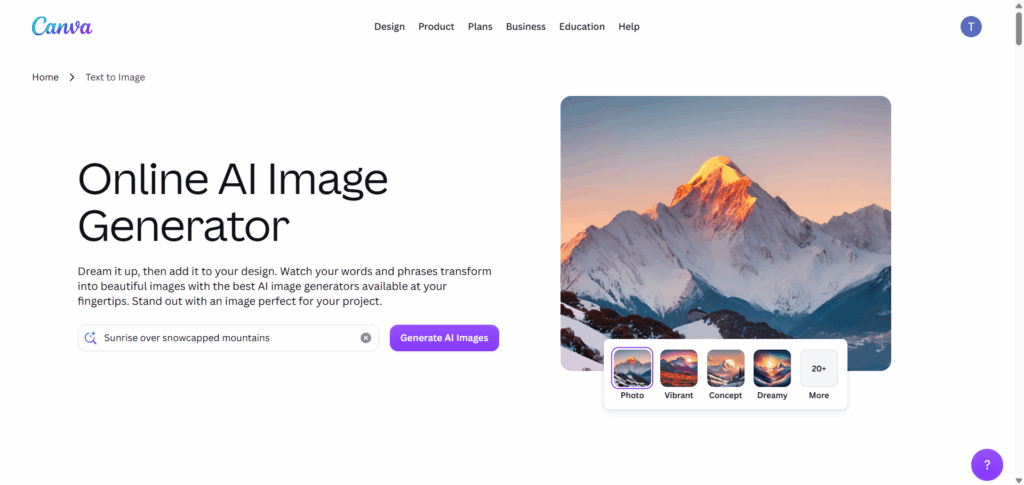
4. Canva — Best AI Image Generator for Marketing & Social Media
Canva Review: AI Image Generation Inside a Full Design Platform
Canva's AI image generation isn't trying to compete with standalone generators on raw model performance — and it doesn't need to. Its advantage is context: images are generated directly inside a design canvas where they can be immediately resized, layered, combined with text, and exported in the right dimensions for Instagram, LinkedIn, or a banner ad. That end-to-end convenience is worth more to a social media manager than a slight quality edge in a vacuum.
The Text to Image feature inside Canva produces results that are competent for marketing use — clear compositions, readable by algorithm, visually consistent with template-driven design. Where it falls short is in fine detail and photorealism; outputs lean toward illustrated or stylized rather than photographic. For social content, email headers, and presentation graphics, that's usually fine.
Free-tier access to AI generation is limited and varies by plan. Teams using Canva for Work or Pro already have it included, which makes the cost calculation easy.
Pros:
- Generate and design in the same canvas
- Huge template library for immediate social media use
- Easy for non-designers
Cons:
- Image quality below dedicated generators
- Limited generation count on free plan
- Less control over model and style parameters
Verdict: The right pick if your primary output is social media graphics and marketing assets. Weak if you need high-fidelity images or want to experiment with different generation styles.
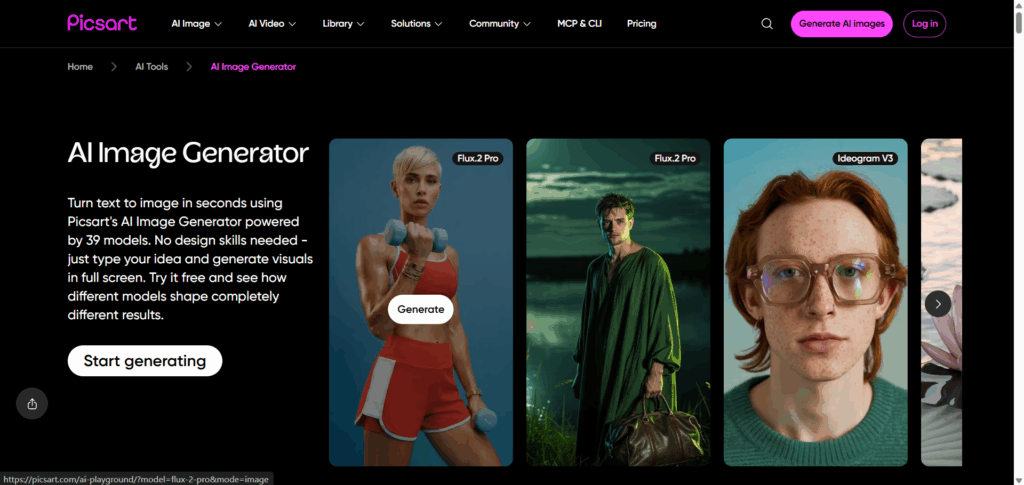
5. Picsart — Best AI Image Generator for Photo Editing & Enhancements
Picsart Review: Multi-Model AI Image Generation With a Full Editing Toolkit
Picsart is best understood as two tools in one: a photo editing platform that's been around for years, and a surprisingly deep AI image generator with access to 39+ models covering photorealism, illustration, anime, and stylized art. For users who want to generate an image and immediately apply edits — background removal, filters, text overlays, retouching — without switching apps, this combination is genuinely efficient.
We tested the generation across a few of the available models. The photorealistic options produced competent results for social media and content creation, though they fall short of GPT Image 2's ceiling. The illustration and anime-style models are where Picsart's multi-model advantage becomes visible — switching from photorealism to a graphic novel style is a one-click operation, and the output for those styles is more competitive. For creators who need different visual aesthetics for different projects, the breadth of model choice here is a real strength.
The free plan includes watermarks on downloads and limits resolution, which is a meaningful friction point. Users who edit images frequently will likely find a paid Picsart plan worthwhile.
Pros:
- AI generation and photo editing in one platform
- Large collection of filters, effects, and tools
- Good for mobile-first content creators
Cons:
- Watermarks and resolution limits on free plan
- Generation quality below top-tier standalone tools
- Interface can feel cluttered with features
Verdict: A strong choice for content creators who want generation and editing in one place. Less compelling if you only need raw generation quality or plan to edit in a separate professional tool.
6. Higgsfield — Best AI Image Generator for Cinematic & Ad-Quality Output
Higgsfield Review: Professional-Quality Images for Advertising
Higgsfield is positioned firmly at the professional end of the market. It's built for advertising agencies, brand studios, and creative directors who need outputs that hold up at production scale — campaign hero images, high-resolution marketing visuals, and studio-quality product shots. The platform's emphasis on color accuracy and controlled, intentional rendering shows in the output, with native 2K generation that upscales to 4K when the project demands it.
We tested it with an advertising brief-style prompt — a luxury skincare product against a marble background, editorial lighting — and the results were genuinely impressive. Highlights were well-controlled, shadows had depth, and the overall composition matched what a product photographer might deliver in a controlled studio shoot.
The trade-off is access. Higgsfield doesn't lead with a generous free tier; it's priced for professional use. For independent creators or those experimenting without a specific commercial project, the cost/benefit calculation is harder to justify compared to NoteGPT or Imagine.Art.
Pros:
- High production quality suitable for advertising
- Strong color accuracy and cinematic rendering
- Native 2K generation, upscalable to 4K
Cons:
- Paid-first model with limited free access
- Steeper learning curve for prompt optimization
- Overkill for everyday content creation
Verdict: The most appropriate choice for professional advertising and campaign creative. Not the right tool if you're looking for free or casual generation.
7. Imagine.Art — Best AI Image Generator for Exploring Multiple AI Models
Imagine.Art Review: Generate and Compare Across 30+ Models in One Place
Imagine.Art's core value proposition is variety. Instead of committing to a single underlying model, it gives you access to more than 30 different AI image models — ranging from photorealistic engines to anime-style generators to painterly illustration models — all within the same interface. For users who haven't settled on a preferred style or who need to match different visual aesthetics for different projects, this flexibility is genuinely useful.
The platform is well-organized considering the breadth of options, and switching between models is fast. We found the community gallery — where users share prompts alongside their outputs — a practical resource for learning which models work best for specific styles.
The depth of any individual model is naturally shallower than a platform that goes all-in on one engine, and the interface can feel like it prioritizes discovery over efficiency for users who already know what they want.
Pros:
- 30+ models covering a wide range of styles
- Free tier available for basic use
- Community gallery for prompt learning
Cons:
- Model variety can slow down focused workflows
- Individual model quality varies significantly
- Premium models require a paid plan
Verdict: Best for creative explorers and users who work across multiple visual styles. Less ideal if you need consistent, repeatable output from a single reliable model.
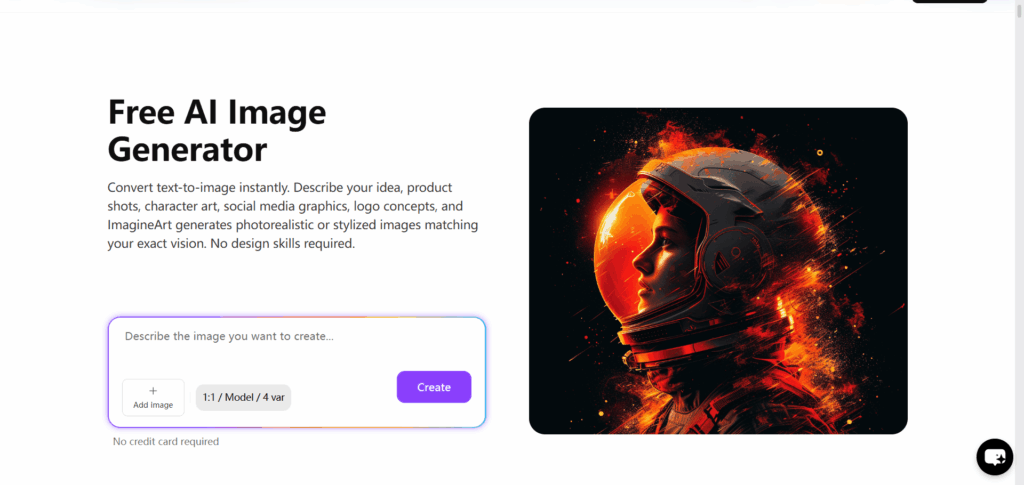
8. DeepAI — Best AI Image Generator for Simple, API-Driven Generation
DeepAI Review: No-Frills Text-to-Image With Developer-Friendly API Access
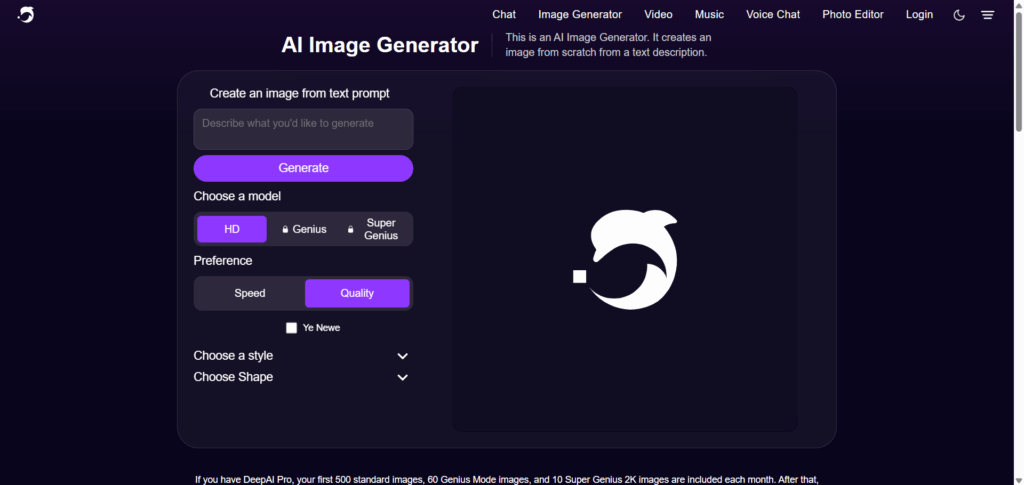
DeepAI is the most utilitarian tool in this roundup. There's no elaborate interface, no style library, no community gallery. You enter a prompt, you get an image — usually within a few seconds. For users who need fast, frictionless generation for prototyping, content drafts, or API-driven workflows, that simplicity is a feature rather than a limitation.
The API access is a genuine differentiator: DeepAI's API is well-documented and accessible on a free tier, making it one of the more developer-friendly options for building image generation into applications or automated pipelines without a significant cost barrier to start.
Output quality is noticeably below the top-tier tools in this list. The model shows its age in complex scenes and fine detail. For polished final output or client-facing work, you'll want something more capable. For rapid iteration, mockups, or background placeholder images, it does the job.
Pros:
- Very fast generation speed
- Free API access for developers
- Minimal interface reduces friction
Cons:
- Output quality below current leading models
- Limited style control and customization
- Not suitable for polished or client-facing output
Verdict: The right tool for developers building image generation into apps, and for fast, low-stakes prototyping. Not recommended when output quality is a priority.
9. DeeVId AI — Best AI Image Generator for Multi-Model Access
DeeVId AI Review: Straightforward Multi-Model Text-to-Image Generation
DeeVId AI takes a direct approach to AI image generation: pick a model, type a prompt, get an image. The platform supports multiple AI image models, which means you can switch between different generation engines depending on the style and output quality you need — without jumping between different websites or tools.
We tested it with both our standard prompts across a couple of available models. The photorealistic output was solid — not quite at GPT Image 2 levels of lighting and texture fidelity, but competitive with other mid-tier generators. The secondary models produced useful results for more stylized outputs. The interface is clean and intentionally minimal: no community galleries, no social features, no layered editing panels. For users who just want to generate images without interface clutter, that minimalism is a plus.
The free plan is functional but has generation limits that make it better suited for occasional use. Heavy or professional-level users will likely need to upgrade to a paid tier for daily use.
Pros:
- Multiple AI image models available in one interface
- Clean, distraction-free design
- Competent output quality for general use
Cons:
- Free tier has generation limits
- No advanced editing or inpainting features
- Output quality doesn't match top-tier models like GPT Image 2
Verdict: A solid, straightforward option if you want multi-model access in a clean interface. Not the tool for power users who need editing features or best-in-class image quality.
10. Manus — Best AI Image Generator for Agent-Driven Image Creation
Manus Review: GPT Image 2 Powered Generation With AI Agent Workflows
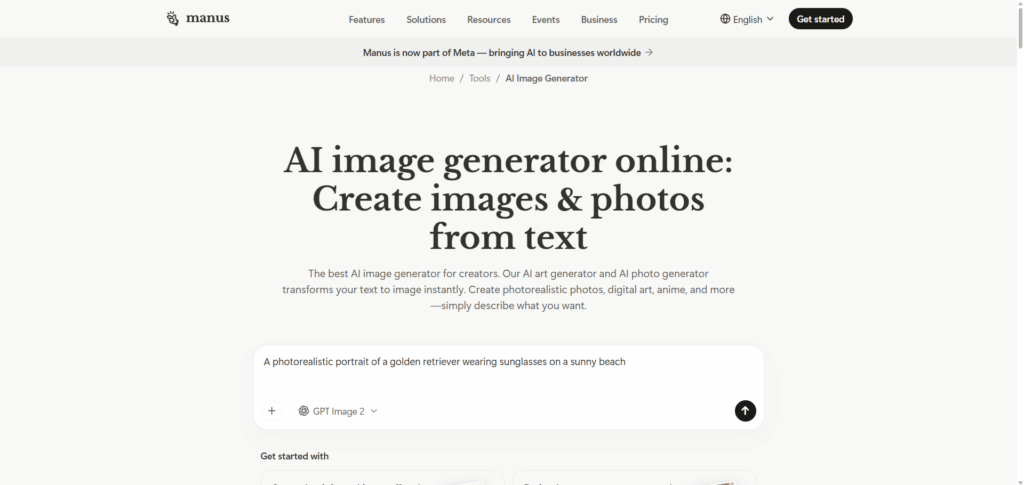
Manus gives you two ways to work with GPT Image 2: a straightforward text-to-image tool at manus.im/tools/ai-image-generator, and an autonomous agent workflow that can plan, generate, evaluate, and iterate on multi-step creative briefs without constant input. In direct mode, output quality matches what you'd expect from GPT Image 2 — sharp detail and solid prompt adherence. The agent mode adds a layer of automation that handles style consistency across batched outputs more reliably than manual prompting.
We tested both approaches. For our social media brief — three visuals for a product launch, consistent style across Instagram, LinkedIn, and Twitter variants — the agent workflow produced well-matched results with less manual effort than switching between platforms. For single-image tasks, the direct mode works just like any other GPT Image 2 interface.
The trade-off between the two modes is intuitive: agent mode trades speed for automation. Single-image generation is faster elsewhere, but for complex, multi-output briefs the autonomous approach can save real time.
Pros:
- Direct GPT Image 2 access with a clean interface
- Agent workflow handles multi-step creative briefs autonomously
- Strong style consistency across batched outputs
Cons:
- Slower than direct generators for single-image tasks
- Less granular control in agent mode
Verdict: Best for users who want GPT Image 2 quality plus the option to automate multi-output creative workflows. For single-image generation, simpler tools are faster.
Best AI Image Generator by Use Case
Best for Photorealistic Portraits & Product Shots
For images that need to pass as professional photography — portraits, product photography, architectural renders — ChatGPT (GPT Image 2) and NoteGPT's GPT Image 2 access are your strongest options. Both use the same underlying model; NoteGPT gives you 1 free GPT Image 2 generation without a subscription (and a second after free sign-up), while ChatGPT adds conversational editing capabilities on top. Higgsfield is worth considering for high-resolution advertising product shots where color accuracy and production finish are paramount.
Best for Marketing Campaigns & Social Media Graphics
Canva wins on workflow convenience for marketers — images slot directly into templates sized for every platform. Picsart is the better pick if you need more editing control after generation. For higher-quality campaign hero images, Adobe Firefly offers the commercial licensing clarity that brand teams require.
Best for Commercial-Safe, Brand-Ready Output
Adobe Firefly is the only tool in this list trained explicitly on licensed content, giving it a clear edge for projects where copyright and commercial use rights must be airtight. If you're producing images for advertising, products, or client deliverables, Firefly's licensing model removes a real business risk.
Best Free AI Image Generator for Beginners
NoteGPT is our recommendation for beginners who want high-quality output without a learning curve or credit card requirement. No credit card required, no credit system to navigate, and the default results from GPT Image 2 are genuinely good. Canva is the better choice if you want to immediately place generated images into a designed layout.
What Most Reviews Get Wrong About AI Image Generators
"Free" AI Image Generators Are Rarely Unlimited — Here's What You Actually Get
Every platform in this list advertises some form of free access, but the practical reality varies enormously. "Free" can mean 1 free image plus 1 after free sign-up (NoteGPT), a monthly credit allowance that disappears quickly with detailed prompts (Adobe Firefly), watermarked low-resolution downloads (Picsart), or an API tier that's genuinely functional but doesn't include a visual interface (DeepAI). Before committing to a platform based on its free plan, run your actual use case through it — not just a test prompt — and see where you hit the wall. Most reviews test the tool once and call it generous. Real usage often tells a different story.
Image Quality Depends on the Model, Not Just the Platform Name
The most important variable in AI image quality isn't the platform's brand — it's the underlying model. Multiple platforms in this list use GPT Image 2 or similar tier models but charge very different prices for access to them. NoteGPT gives you 1 free GPT Image 2 generation without an account (and a second after free sign-up); ChatGPT charges for the same model via a Plus subscription. The platform wrapper adds interface, editing tools, and workflow features, but the raw generation quality comes from the model. When comparing AI Image Generator, always ask which model is powering the output — not just what the product name is.
FAQs
What is the best AI image generator in 2026?
NoteGPT stands out for most users — free GPT Image 2 access with 1 image without sign-up and a second free image after creating a free account. Adobe Firefly is the top pick for commercial-safe output, ChatGPT (GPT Image 2) leads in photorealism and inpainting, and Canva works best for marketers who need AI images inside their existing design workflow.
Is there a truly free AI image generator worth using?
Yes — NoteGPT offers 1 free GPT Image 2 generation without an account, and a second free one after signing up. DeepAI provides a free tier for quick, simple generations. Most "free" plans come with daily limits, watermarks, or reduced resolution; heavy users will eventually need a paid plan regardless of platform.
Which AI image generator produces the most realistic results?
ChatGPT powered by GPT Image 2 is widely recognized for photorealistic images — portraits, product shots, and complex lighting scenes. Higgsfield is a strong contender for advertising and cinematic use. NoteGPT gives free access to GPT Image 2 for realistic output, with paid Nano Banana Pro available for users who need higher volume.
What is the best AI image generator for beginners with no experience?
NoteGPT and Canva are both strong beginner options. NoteGPT requires no sign-up — just type a prompt and generate. Canva integrates AI images into a familiar drag-and-drop editor. Picsart is a good fit if you want image generation plus photo editing in one app.
Can AI image generators replace professional photographers and designers?
For everyday use — social media graphics, blog illustrations, marketing banners — AI image generators are already effective. They still struggle with highly specific scenes, accurate text rendering, and licensed brand assets. Photographers and designers focused on original, contextual work are unlikely to be fully replaced in the near term.
Final Verdict: Which AI Image Generator Should You Choose?
For most users, NoteGPT is the place to start — GPT Image 2 quality with 1 free image upfront and a second after free sign-up. You're getting one of the best models available without a subscription. That's rare in 2026.
If commercial licensing is your priority, go with Adobe Firefly. If you live in Canva for marketing, its built-in AI generation is good enough to skip switching tools. For developers, DeepAI's free API remains the most practical entry point. DeeVId AI is worth testing if you want multi-model access in a clean, straightforward interface.
The AI Image Generator market moves fast — what was impressive six months ago is baseline today. Pick the tool that fits how you actually work, not the one with the most headlines.