


You typed "best AI Presentation Maker" into Google, clicked a few roundups looking for a reliable presentation tool, and walked away frustrated. Every list recommends the same tools with the same recycled praise. Nobody tells you what happens when you feed a real report into these things and need a coherent slide deck.
We spent two weeks testing the best AI presentation makers against real projects — quarterly reports, pitch decks, academic lectures, last-minute redesigns. We did not judge by demo reels. We judged by usable output. Here is what actually delivered as a practical AI slide generator.
What Makes a Great AI Presentation Maker in 2026?
How We Tested These 10 AI Presentation Makers
We ran every tool through four real-world scenarios. The Quarterly Report: a 12-page dense document — does the AI parse structure or flatten everything into text walls? The Startup Pitch Deck: six slides requiring narrative flow and visual storytelling. The Lecture Deck: forty slides from a professor's outline — we checked consistency and hierarchy. The Last-Minute Redesign: importing an ugly PPTX and asking each presentation software to fix it in one click. These scenarios separate genuine deck creation engines from template-fillers.
Our Evaluation Criteria
We scored every best AI presentation maker on output quality, content fidelity, generation speed, pricing and free-tier generosity, and ecosystem fit. Tools that aced demos but crumbled on real documents got penalized.
Quick Comparison: Which AI Presentation Maker Is Best for You?
| Tool | Best For | Starting Price | Free Tier | |
| 1 | NoteGPT | Any format — text, PDF, YouTube, URL | Free | ✅ Yes |
| 2 | Canva | Beautiful designs | Free | ✅ Yes |
| 3 | Gamma | Speed & fast creation | Free | ✅ Yes |
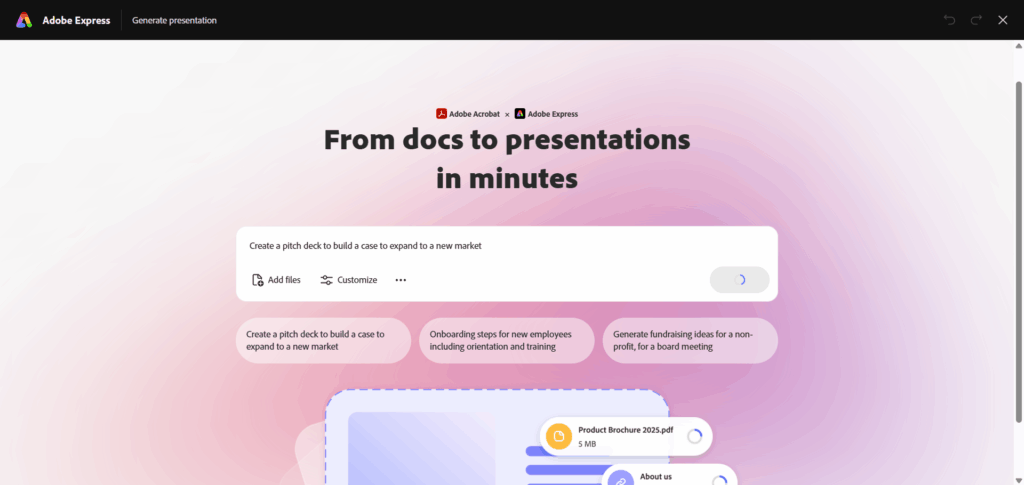
| 4 | Adobe Express | Creative professionals | Free | ✅ Yes |
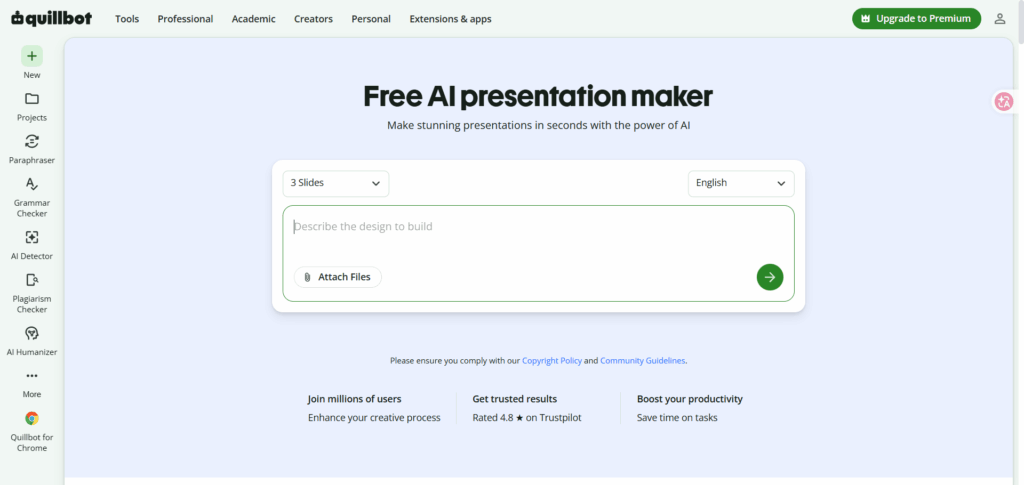
| 5 | QuillBot | Students & essays | Free | ✅ Yes |
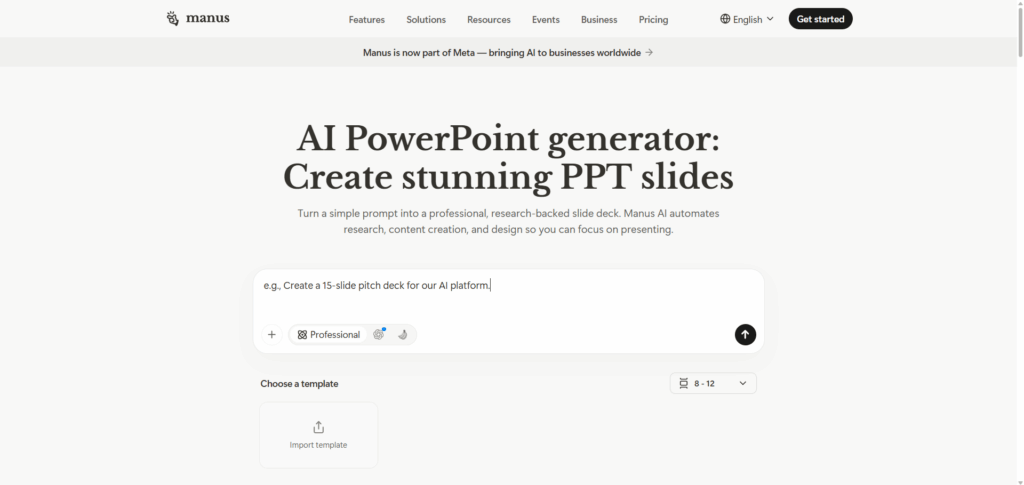
| 6 | Manus | Research presentations | Free | ✅ Yes |
| 7 | Beautiful.ai | Team collaboration | $12/mo | Limited |
| 8 | Plus AI | Google Slides users | Free | ✅ Yes |
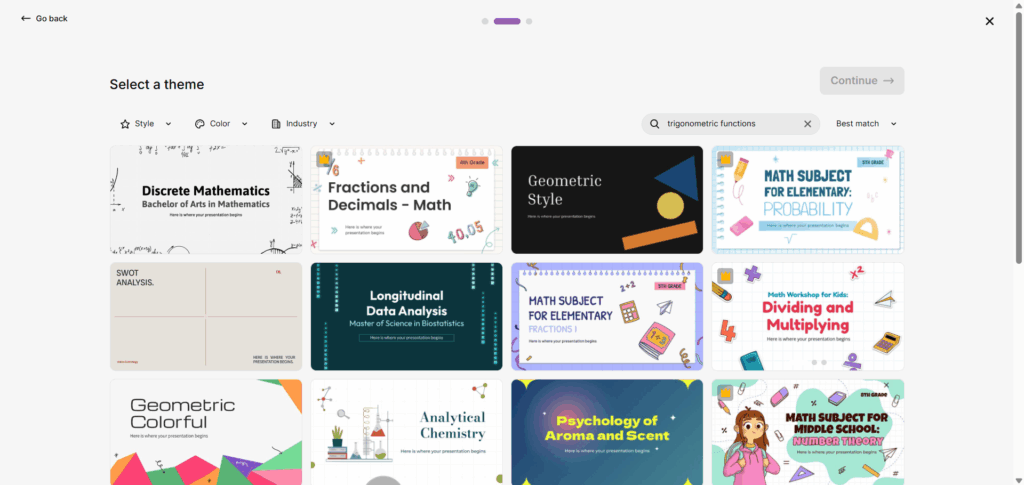
| 9 | Slidesgo | Free templates | Free | ✅ Yes |
| 10 | Genspark | Business research | Free | ✅ Yes |
Not sure which best AI presentation maker fits your workflow? Here is the short version: NoteGPT handles any content format, Canva wins on design, Gamma is the speed king, Slidesgo is the best free AI presentation maker for templates, and QuillBot is the student go-to. Scroll down for the full breakdown on every tool.
1.NoteGPT — Best AI Presentation Maker for Any Content (Text, PDF, YouTube & More)
Why NoteGPT Ranked #1 in Our Testing
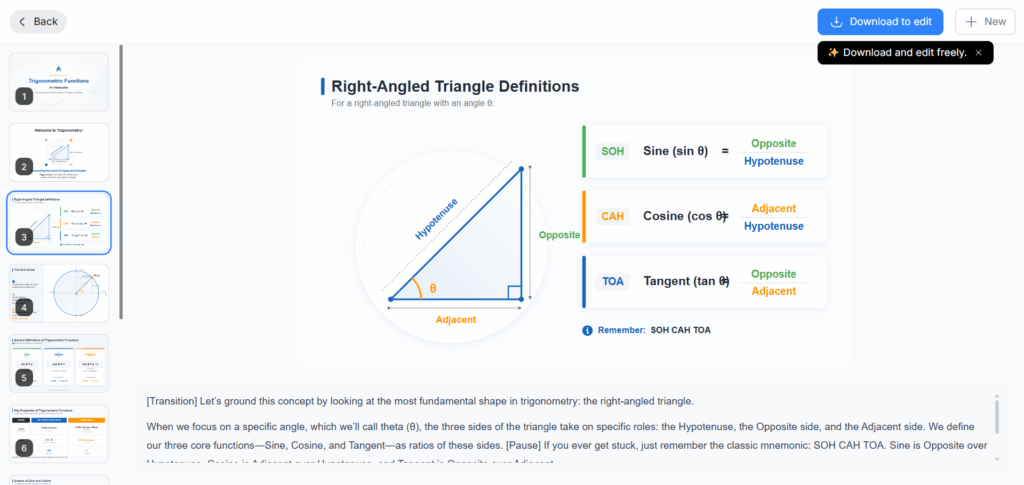
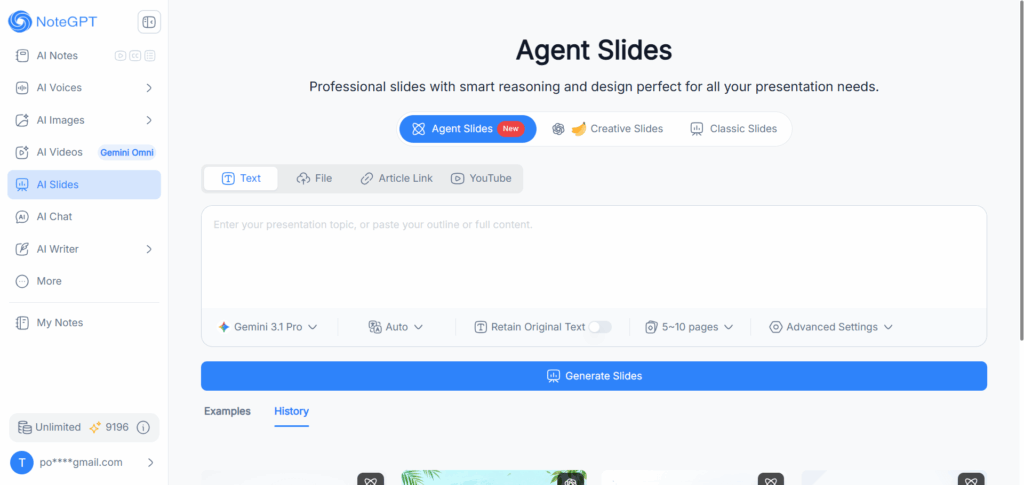
NoteGPT earned the top spot among the best AI presentation makers for one reason no other tool matched: it is the only AI presentation tool that accepts text, PDFs, article links, and YouTube URLs as input — paste a blog draft, drop a quarterly report, share a lecture link, and get back a structured slide deck without reformatting anything. No other tool we tested handled this range of input types without breaking content fidelity.
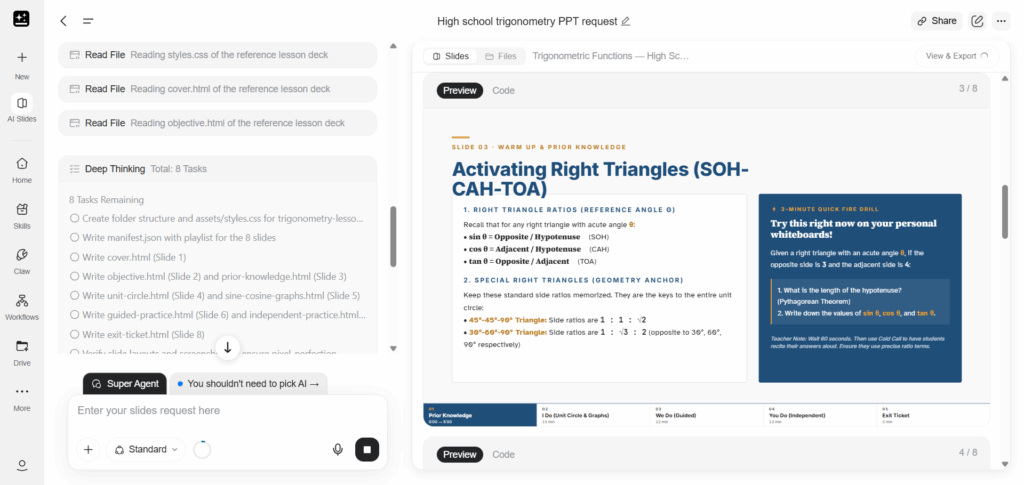
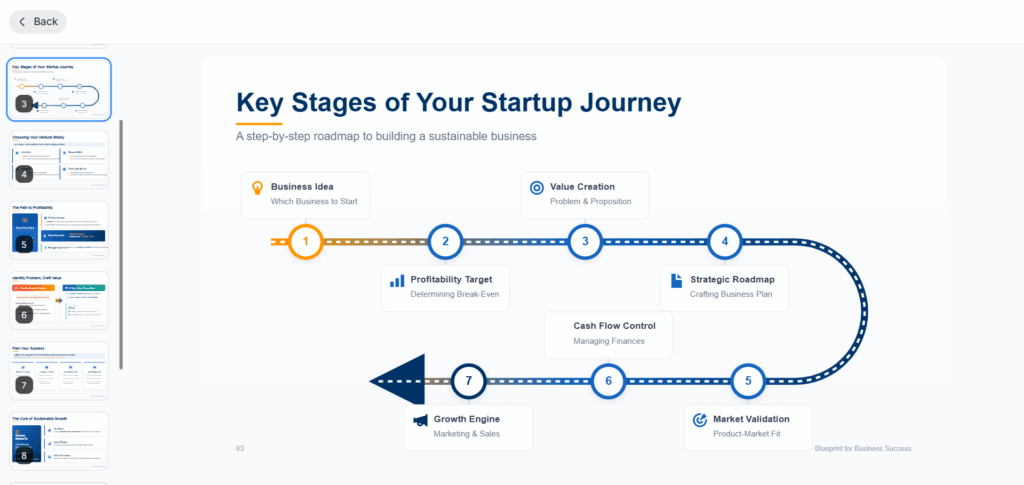
The three-engine architecture is what seals it. Agent Slides (Gemini 3.1 Pro) parses research-heavy documents while preserving headings and tables. Creative Slides (GPT Image 2 + Nano Banana) produces visually rich output for decks that need to impress. Classic Slides handles quick text-to-slide conversions. In testing, our 12-page quarterly report came through with structure intact, the startup pitch deck held a coherent narrative arc across six slides, and YouTube-to-40-slide summaries were something no other best AI Presentation Maker could replicate. Free tier, no watermark, standard format export.
Verdict: The best AI presentation maker for anyone working across diverse content sources — text, PDFs, articles, YouTube — who refuses to compromise on output quality. Three engines, four input modes, genuinely free. No other AI slide generator matches this combination.
2.Canva — Best AI Presentation Maker for Beautiful Designs
Canva Review: Best for Visually Polished Presentations
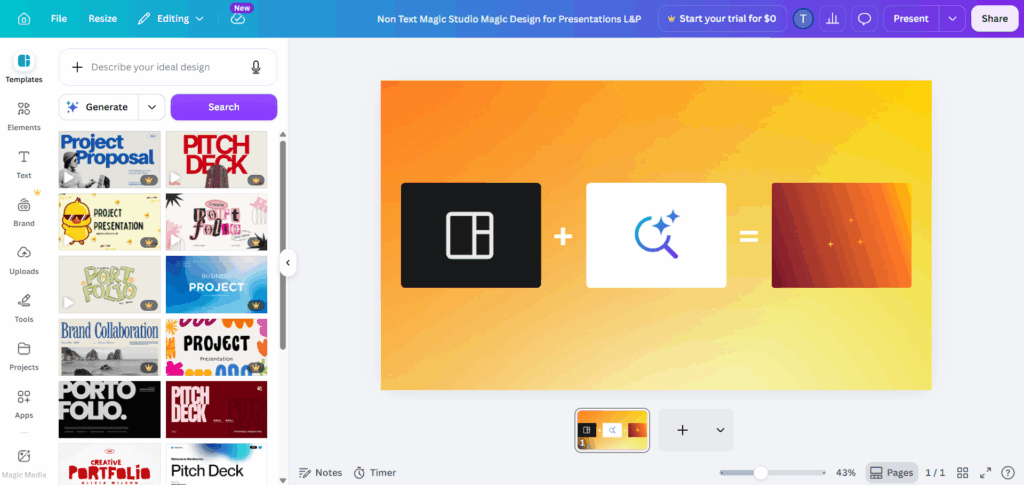
Canva's Magic Design turns a prompt or uploaded document into a full deck with brand colors, consistent typography, and intentional layouts. No other best AI presentation maker produces output this ready-to-present — the template library is enormous, and the brand kit ensures corporate consistency across every presentation design.
The trade-off: Canva's AI matches your content to existing slide templates rather than building layouts from scratch. For creative decks needing a unique visual identity, this can feel restrictive. The free tier is generous, but premium templates and AI credits require a subscription.
Verdict: The best AI presentation maker when design quality is your #1 priority and you are willing to operate inside the Canva ecosystem.
3.Gamma — Best AI Presentation Maker for Fast Slide Creation
Gamma Review: The Fastest Way to Create Presentation Decks
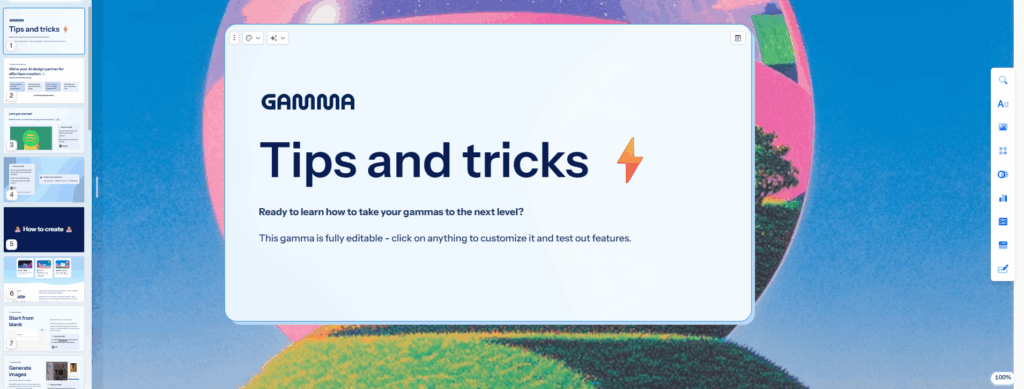
Gamma earned its reputation as the speed leader among the best AI presentation makers. Give it a topic sentence; it builds a multi-slide deck with imagery and narrative flow in under 60 seconds. For anyone searching for a gamma ai presentation maker, that speed is exactly the draw. The card-based editor is intuitive in a way most deck creation interfaces are not.
The weakness is data-heavy content. Gamma simplified our quarterly report charts beyond usefulness — multi-level hierarchies collapsed into flat lists. Beautiful output, but it sacrifices information density for visual flow. Perfect for rapid prototyping and automated presentation drafts; less ideal for data-dense reports.
Verdict: The best AI presentation maker for speed and visual storytelling. Not the right tool for data-dense professional documents.
4.Adobe Express — Best AI Presentation Maker for Creative Professionals
Adobe Express Review: Powerful Creative Control with AI
Adobe Express brings AI generation backed by Adobe's creative toolchain — output integrates with Photoshop, Illustrator, and Premiere Pro. For Creative Cloud subscribers, this is a zero-cost addition to existing presentation workflow. The Firefly-powered image generation means commercially safe visuals, a genuine differentiator for agency work.
The downside: Express is not a dedicated presentation tool. Slide-specific features like presenter notes and multi-slide transitions are shallower than Canva's. It works best as a design accelerator within Adobe's ecosystem, not a standalone best AI presentation maker — think of it as a deck design enhancer rather than a full builder.
Verdict: The best AI presentation maker for Creative Cloud subscribers who want AI speed with Adobe-grade polish.
5.QuillBot — Best AI Presentation Maker for Students
QuillBot Review: Quickly Turn Written Content into Slides
QuillBot is not the first name you think of for presentations, but with 4.8 stars from 12,000+ users, it earned its spot among the best AI presentation makers. Feed it a research paper; it extracts thesis statements, key arguments, and supporting evidence into logical slide groupings. Output is functional, not flashy — but it is accurate. For academic presentation needs, this accuracy matters more than aesthetics.
For students who need to turn a paper into a presentation at 2 AM, this slide builder is a lifesaver. Design quality is plain — you will want Canva or PowerPoint for final polish — but as a content-to-structure engine, QuillBot punches above its weight.
Verdict: The best AI presentation maker for students who need accurate content conversion, not pretty templates.
6.Manus — Best AI Presentation Maker for Research Presentations
Manus Review: AI Research with Built-In Citations
Manus takes a fundamentally different approach: it researches first, then builds slides. Tell it "create a presentation on renewable energy trends in Southeast Asia," and it browses the web, verifies sources, and embeds citations before a single slide appears. It was the only best AI presentation maker we tested that produced verifiable citations in-slide — a genuine edge for research deck work.
The agent workflow means slower generation than Gamma, and slide editing is less refined than Canva or Beautiful.ai. Manus is a research engine that outputs slides — thorough and well-sourced, but not polished out of the box.
Verdict: The best AI presentation maker for research-heavy decks where citations matter more than design flair.
7.Beautiful.ai — Best AI Presentation Maker for Teams
Beautiful.ai Review: Smart Templates for Collaborative Work
Beautiful.ai popularized adaptive templates, and it remains one of the best AI presentation makers for team consistency. Drop in content; the AI adjusts layout, spacing, and typography in real time. Real-time co-editing, shared brand libraries, and comment threads make it genuinely useful for marketing teams producing client-facing decks weekly — exactly the kind of marketing deck workflow where brand consistency matters most.
The limitation: Beautiful.ai is a layout engine, not a content generator. It structures your text beautifully but will not write slides from a prompt the way NoteGPT or Gamma will. At $12/month, the value depends heavily on team collaboration frequency and how many team presentation projects you ship.
Verdict: The best AI presentation maker for design-consistent team work. Not for solo users who need AI-powered content generation.
8.Plus AI — Best AI Presentation Maker for Google Slides
Plus AI Review: Create AI Slides Without Leaving Google Workspace
If your professional life runs on Google Workspace, Plus AI is the best AI presentation maker by default. It operates as a native Google Slides add-on — no new platform to learn, no export-import dance. AI-generated slides drop directly into Google Slides, editable with standard tools your team already uses. For teams that value presentation workflow continuity above all else, this is the frictionless choice.
Design quality is serviceable but not stunning — output looks like a well-made Google Slides deck, fine for internal use, less so for external pitch decks. Generation speed is average, occasionally slower than Gamma for lengthy documents.
Verdict: The best AI presentation maker for Google Workspace shops that value zero workflow disruption above feature depth.
9.Slidesgo — Best Free AI Presentation Maker
Slidesgo Review: Free AI Slides with Ready-to-Use Templates
Slidesgo is the best free AI presentation maker for anyone who needs Google Slides or PowerPoint-compatible output without spending a dollar. The AI generator pairs with a massive slide templates library — output starts from professionally designed bases, not blank canvases. No watermark. No "three slides then pay" dark pattern. For budget-conscious users, getting usable digital presentation output at zero cost is genuinely rare.
For teachers and students, Slidesgo is the standout free option: generate themed presentations in minutes, download as PPTX, edit natively. The AI is template-matching rather than true content creation — complex formatting requests produce mixed results — but for a free tool, the quality-to-cost ratio is exceptional.
Verdict: The best free AI presentation maker for budget-conscious users who prioritize template variety and format compatibility.
10.Genspark — Best AI Presentation Maker for Business Research
Genspark Review: From AI Research to Business Presentations
Genspark closes our list of the best AI presentation makers with a unique angle: AI-powered market research feeding directly into business deck creation. Unlike tools that generate slides from your existing content, Genspark does the research first — market analysis, competitor data, industry trends — and builds presentations from its findings.
We tested it with a market landscape prompt, and it returned slides with actual statistics, trend charts, and competitive analysis. For consultants and analysts preparing research-driven presentation content, this saves hours. The trade-off: design is corporate-generic, and you cannot easily inject brand assets mid-workflow.
Verdict: The best AI presentation maker for research-heavy business presentations where data depth matters more than design customization.
Which AI Presentation Maker Should You Choose for Different Needs?
Choose NoteGPT if you need an all-in-one AI presentation tool across formats
If your content lives in different places — a PDF here, a blog draft there, a YouTube lecture saved for later — NoteGPT is the best AI Presentation Maker because it is the only tool that accepts all of these as input. No reformatting, no copy-pasting between platforms. Drop anything in, get a structured deck out. Three engines behind the scenes mean you always get the right AI for your content type.
Choose Canva if you want design-heavy presentations
When visual polish matters more than AI content generation, Canva is your best AI presentation maker. The template library and brand kit are unmatched. The trade-off: Canva's AI matches your content to existing templates rather than building from scratch. Use it when design is the priority and you are comfortable operating inside the Canva ecosystem.
Choose Gamma if you want fast AI-generated slides
When speed is everything — internal decks, rapid prototypes, "I need slides in 5 minutes" moments — Gamma is the best AI presentation maker. Sub-60-second generation from a single prompt. The card-based editor is intuitive. Just know it sacrifices detail for speed; data-heavy reports will come back simplified.
Choose Slidesgo if you need free templates and simple slides
For budget-conscious users who want Google Slides or PowerPoint-compatible output without paying, Slidesgo is the best free AI presentation maker. Massive template library, no watermark, no "three slides then pay" dark pattern. The AI is template-matching rather than deep content generation, but for free slides that look professional out of the box, it delivers.
Best AI Presentation Makers by Use Case
Best AI Presentation Maker for PDF to PPT Conversion
NoteGPT is the best AI presentation maker for PDF to PPT conversion — drop a quarterly report, research paper, or business document and get back a structured deck with headings, tables, and narrative flow preserved. QuillBot is a solid alternative for academic papers. Most tools flatten PDF content into text walls during conversion; NoteGPT and QuillBot maintain document structure.
Best AI Presentation Maker for YouTube to Slides
NoteGPT stands alone for YouTube to slides conversion — no other best AI presentation maker we tested accepts a YouTube URL and produces a coherent slide deck from the video content. Paste a lecture link, conference talk, or tutorial and get structured slides with key points extracted. For students and content creators who learn from video, no competitor replicates this workflow.
Best AI Presentation Maker for Text to Presentation
NoteGPT handles raw text, blog drafts, and article URLs for text to presentation conversion — paste your content and get slides built around your structure. Gamma is the faster pick when starting from a short prompt. Canva works when you have polished copy and want AI to handle layout and design.
Best Free AI Presentation Maker with No Watermark
NoteGPT and Slidesgo are the two genuinely free options — both offer full-featured output with no watermark and standard format export. NoteGPT wins on AI capability and multi-input flexibility; Slidesgo wins on template variety. Most "free" alternatives cap you at 2–3 slides or brand exports before pushing a paid plan.
Best AI Presentation Maker for Business Pitch Decks
NoteGPT for converting business documents into clean pitch decks without reformatting. Beautiful.ai for team collaboration with brand-locked templates and real-time co-editing. Genspark for research-driven business presentations where market data and competitive analysis feed directly into slides.
FAQs
What Is the Best AI Presentation Maker in 2026?
NoteGPT is our top pick as the best AI presentation maker — its three-engine architecture covers every content type, and multi-source input outperforms every other tool we tested. For pure visual design, Canva is the stronger choice.
Is There a Free AI Presentation Maker Worth Using?
Yes — NoteGPT and Slidesgo both offer genuinely free tiers with usable generation and no watermark. Most "free" AI presentation tools cap you at 2–3 slides or brand exports before pushing a paid plan. These two are the real exceptions.
Can AI Turn PDFs or Documents into Presentations?
Yes. NoteGPT supports text, file upload, article link, and YouTube URL input modes for straightforward document-to-presentation conversion. Plus AI and QuillBot also import text docs and convert them into slide decks within your existing workflow.
Which AI Presentation Maker Works Best with Google Slides?
Plus AI is the best AI presentation maker for Google Slides — it operates as a native add-on, generating and editing without leaving Google Workspace. Slidesgo offers free Google Slides-compatible templates with AI generation as a free alternative.
Can AI Presentation Makers Replace PowerPoint?
Not completely. The best AI presentation makers generate first drafts far faster than manual creation, but professional workflows still need advanced animation, custom triggers, and offline access. Treat AI as a first-draft accelerator, not a total replacement.
Final Verdict: Which AI Presentation Maker Is Right for You?
Most “best AI presentation maker” lists focus on features, not real workflows. We tested these tools on real presentations like reports, pitch decks, and class slides to see how they actually perform.
There’s no one-size-fits-all tool. NoteGPT works best for turning text, PDFs, articles, and YouTube videos into structured slides. Canva is ideal for design. Gamma is fastest. QuillBot fits students. Slidesgo is a solid free option.
Your choice depends on how you actually build presentations.
If you need an all-in-one tool for different content types, NoteGPT is the most complete option in this list. For design or speed-focused workflows, other tools may fit better.
The best AI Presentation Maker is the one that helps you finish your slides faster — not the one with the most features.
Try NoteGPT if you want to turn your next idea into a presentation in minutes.