

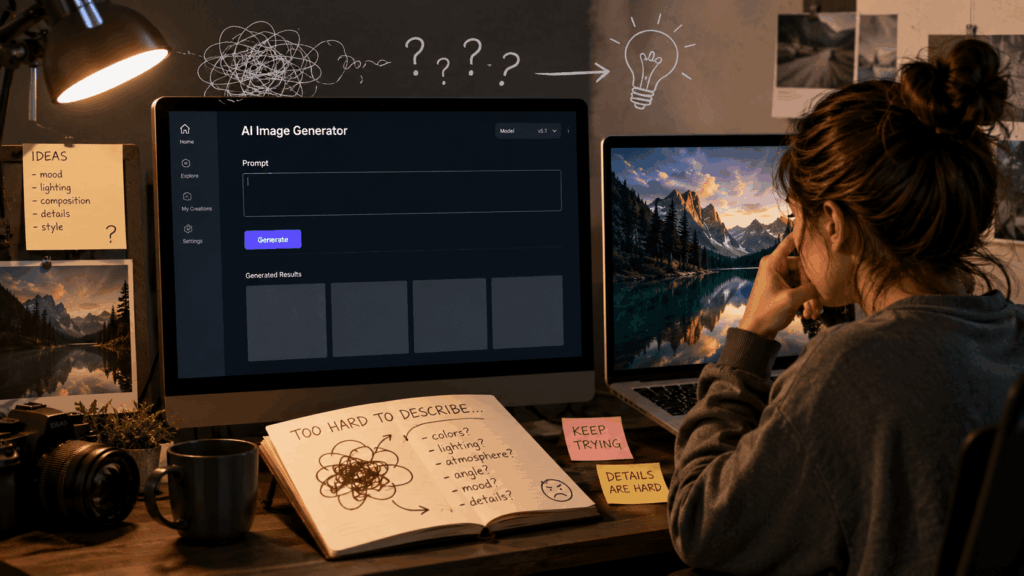
AI image generators have made it possible for anyone to create illustrations, product images, portraits, and creative designs with simple text instructions. However, writing a detailed prompt from scratch is often the hardest part of the process.
Many users know what kind of image they want but struggle to describe the visual details that AI models need, such as composition, lighting, style, camera angle, and atmosphere.
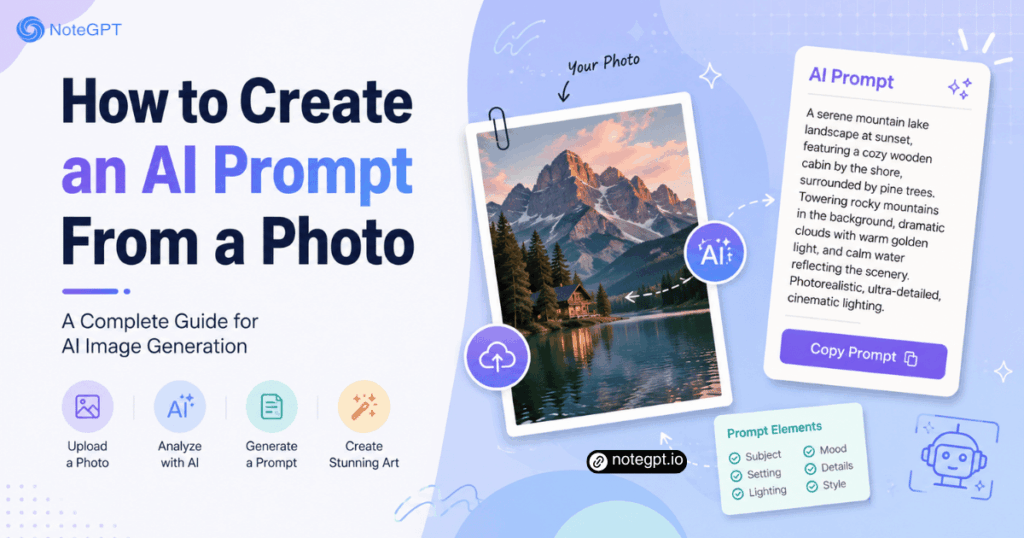
One effective solution is learning how to create an AI prompt from a photo.
By analyzing an existing image and converting its visual elements into text instructions, creators can generate more accurate and consistent AI images. Tools like an Image to Prompt Generator can help users transform reference images into structured prompts without needing advanced prompt-writing skills.
Why Create an AI Prompt From a Photo?
The Challenge of Writing AI Image Prompts Manually
Text-to-image AI models rely heavily on prompts. The quality of the generated image depends on how clearly users describe their ideas.
A basic prompt like:
"A person standing in a city"
may create a completely different result from what the user expects.
A stronger prompt includes details such as:
- Subject appearance
- Background environment
- Lighting conditions
- Artistic style
- Camera perspective
- Color palette
- Mood
For beginners, identifying and describing all these elements can be difficult.
A reference photo already contains many of these visual signals. Instead of guessing the right words, users can analyze the image and convert those elements into a reusable prompt.
How Image-Based Prompt Creation Improves AI Results
Creating prompts from photos helps bridge the gap between visual inspiration and AI generation.
For example, a designer may find a product image with:
- Minimalist studio lighting
- Soft shadows
- Premium materials
- A clean background
Instead of manually describing every detail, the image can be analyzed and converted into a prompt that captures the original visual style.
This approach is especially useful for:
- Recreating design styles
- Generating similar artwork
- Creating marketing visuals
- Building consistent image collections
What Information Does an AI Prompt From a Photo Include?
A high-quality AI prompt is more than a simple image description. It should capture the elements that influence the final generation result.
Subject and Object Description
The first part of an image prompt usually describes the main subject.
Examples:
Instead of:
"A dog"
A better prompt might include:
"A golden retriever sitting on a wooden floor, looking toward the camera, soft natural expression."
Important details include:
- Main objects
- People or characters
- Actions
- Position
- Appearance
AI models use these details to understand what should appear in the generated image.
Style, Lighting, and Composition
Visual style strongly affects AI-generated results.
A photo can be described through:
- Realistic photography
- Digital illustration
- Cinematic style
- 3D rendering
- Watercolor painting
Lighting and composition also influence the output.
Examples:
- Warm sunset lighting
- Soft studio lighting
- High contrast shadows
- Wide-angle composition
- Close-up portrait
These details help AI models reproduce the feeling of the original image.
Camera Details and Visual Effects
Professional image prompts often include photography-related information.
Examples:
- Portrait photography
- Macro lens
- Shallow depth of field
- Cinematic camera angle
- Ultra-realistic details
Adding technical descriptions can help AI image generators create more controlled results.
How to Create an AI Prompt From a Photo Step by Step
Step 1: Choose a Reference Image
Start with a clear image that represents the style or concept you want to recreate.
Good reference images usually contain:
- Clear subjects
- Visible details
- Strong composition
- Consistent lighting
For example:
- Product photos
- Character designs
- Landscape images
- Interior designs
- Fashion references
Step 2: Analyze the Visual Elements
Before writing the prompt, break the image into several components.
A useful framework is:
Subject
What is shown?
Environment
Where does the scene happen?
Style
What visual style does it use?
Lighting
How is the image illuminated?
Composition
How are elements arranged?
This process turns a simple image into structured information.
Step 3: Convert Image Details Into a Structured Prompt
A common AI image prompt structure is:
Subject + Environment + Style + Lighting + Camera + Details
Example:
Original image:
A futuristic city street at night.
Prompt:
"A futuristic city street at night with neon signs, advanced architecture, people walking under glowing lights, cinematic atmosphere, cyberpunk style, realistic photography, wide-angle lens, high detail."
This structure gives AI models more context than simple descriptions.
Step 4: Refine and Test the Prompt
The first generated result may not perfectly match the reference image.
Prompt refinement is usually an iterative process.
Users can adjust:
- Style keywords
- Object descriptions
- Lighting
- Camera settings
- Image details
Small changes can significantly improve the final result.
Using an Image to Prompt Generator to Create Better Prompts
Why AI-Assisted Prompt Generation Saves Time
Writing detailed prompts manually requires experience with both visual analysis and AI image generation.
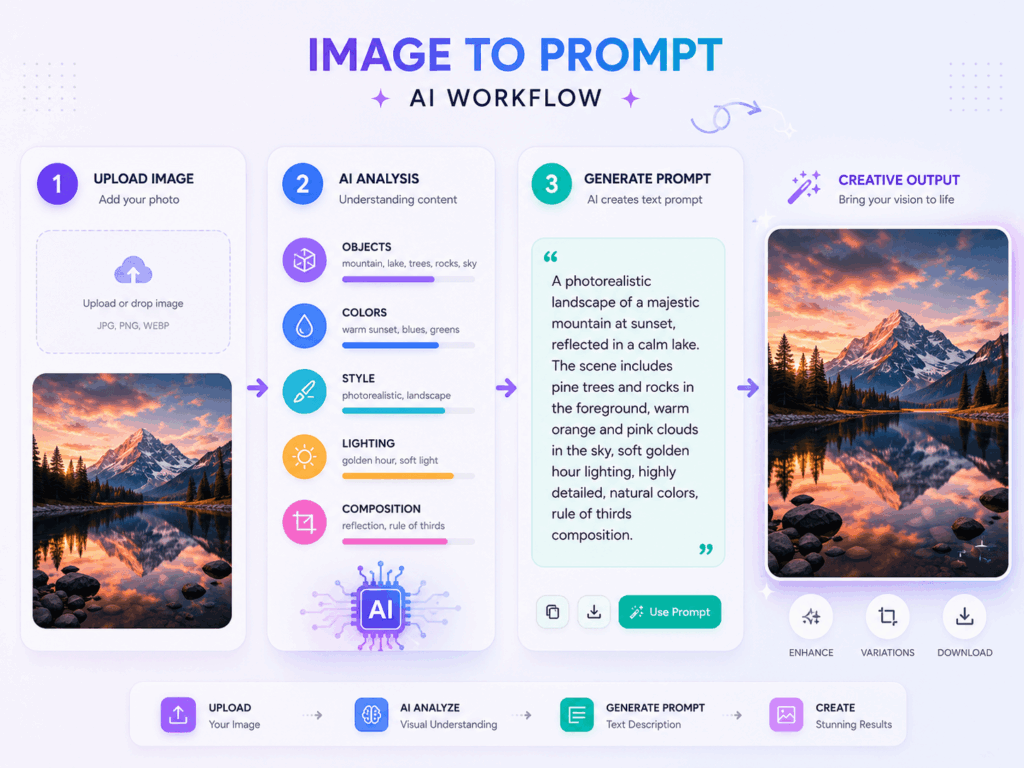
An Image to Prompt Generator simplifies this workflow by analyzing an uploaded image and generating a detailed text prompt based on its content.
These tools typically identify:
- Objects
- Colors
- Composition
- Style
- Lighting
- Visual atmosphere
Modern image-to-prompt tools can convert photos into reusable prompts that work with popular AI image generators.
How Image to Prompt Tools Work
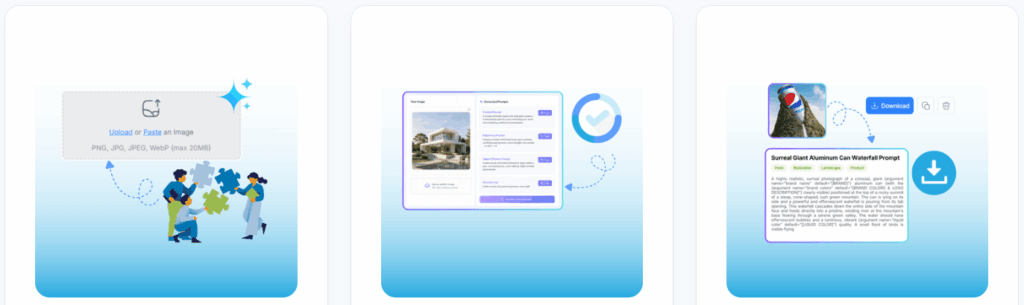
The general workflow is simple:
1: Upload an Image
Users provide a reference image, such as:
- A photo
- Artwork
- Product image
- Design reference
2: AI Analyzes the Image
The system identifies visual information, including:
- Main subject
- Style
- Composition
- Colors
- Scene details
3: Generate a Prompt
The tool converts the analysis into a text prompt that can be edited and used in AI image generators.
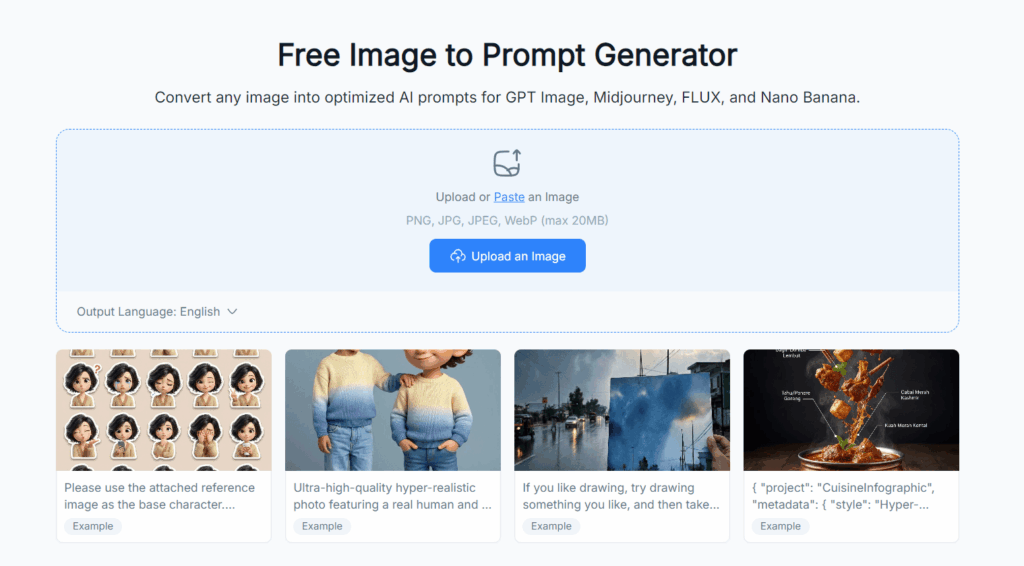
For example, NoteGPT's Image to Prompt Generator helps users transform images into AI-ready prompts by analyzing visual elements and generating structured descriptions.
Tips for Creating Better AI Prompts From Photos
Focus on Important Visual Details
Not every detail needs to be included.
Prioritize elements that influence the final image:
- Subject
- Style
- Lighting
- Composition
Too many unnecessary details may make the prompt less effective.
Add Style and Technical Parameters
Style keywords help define the output.
Examples:
- Cinematic photography
- Digital art
- Minimalist design
- 3D render
- Vintage film style
Technical terms can improve consistency:
- 4K resolution
- Professional lighting
- Depth of field
- High detail
Adjust Prompts Based on AI Output
Prompt creation is a creative process.
If the result is too different from the reference:
Add more details.
If the result is too complex:
Remove unnecessary descriptions.
Testing different prompt variations is often the fastest way to improve results.
Common Use Cases for Photo-Based AI Prompts
Creating Similar AI Artwork
Artists and designers can analyze existing images to understand:
- Visual style
- Color combinations
- Composition techniques
This helps generate new creative concepts.
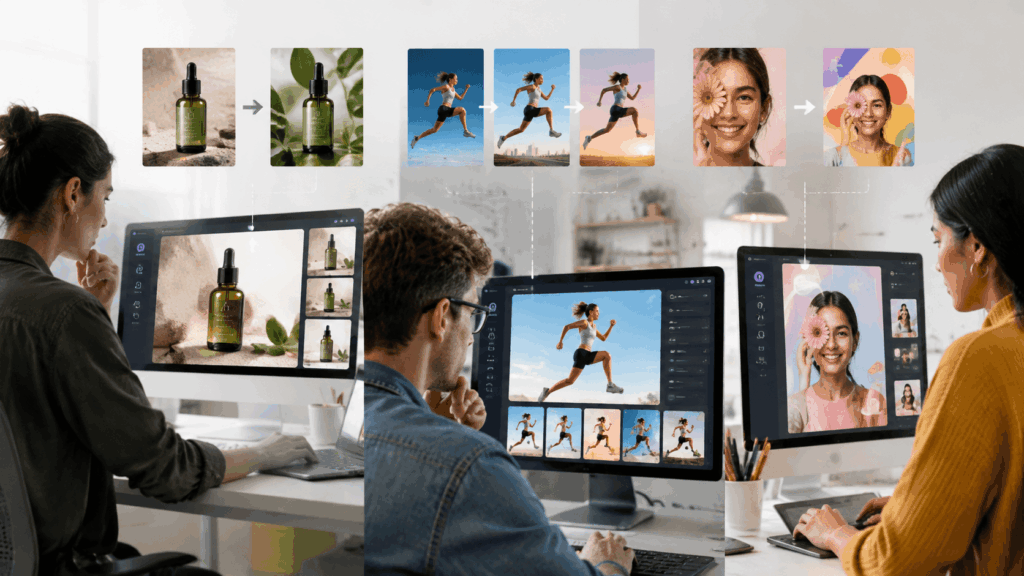
Product Design and Marketing
Businesses can use image prompts to create:
- Product variations
- Advertising visuals
- Brand content
For example, a product photo can inspire new lifestyle images without creating every scene manually.
Social Media Content Creation
Creators can use photo-based prompts to produce:
- Instagram visuals
- YouTube thumbnails
- Campaign graphics
- Storytelling images
This makes it easier to maintain a consistent visual style.
Final Thoughts: Turning Images Into Creative AI Prompts
Learning how to create an AI prompt from a photo allows creators to turn visual inspiration into actionable instructions for AI image generators.
Instead of starting with a blank text box, users can begin with an existing image and extract the details that make it effective.
Whether you are creating artwork, marketing materials, product designs, or social content, image-to-prompt workflows provide a faster way to generate better AI images.
For beginners, using an Image to Prompt Generator can be a practical starting point. It reduces the difficulty of prompt writing and helps transform visual ideas into detailed AI-ready instructions.