
NoteGPT
Upload or Paste an Image(0/8)
PNG, JPG, JPEG, WebP (max 20MB)
2 free image daily, then 6 premium credits / image.

Free AI ASCII Art Generator

Create unique ASCII character art from image or text with AI.

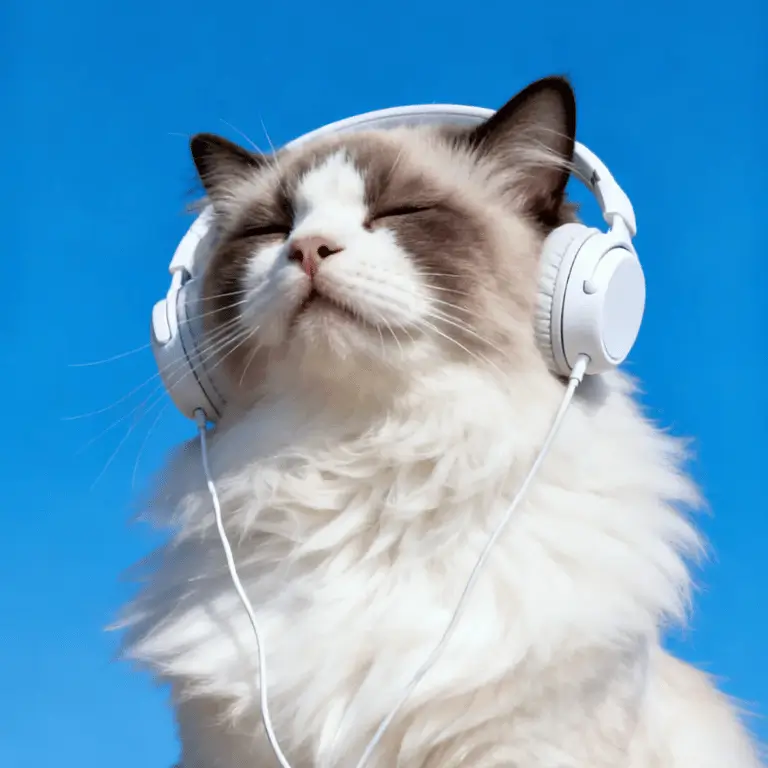
Before
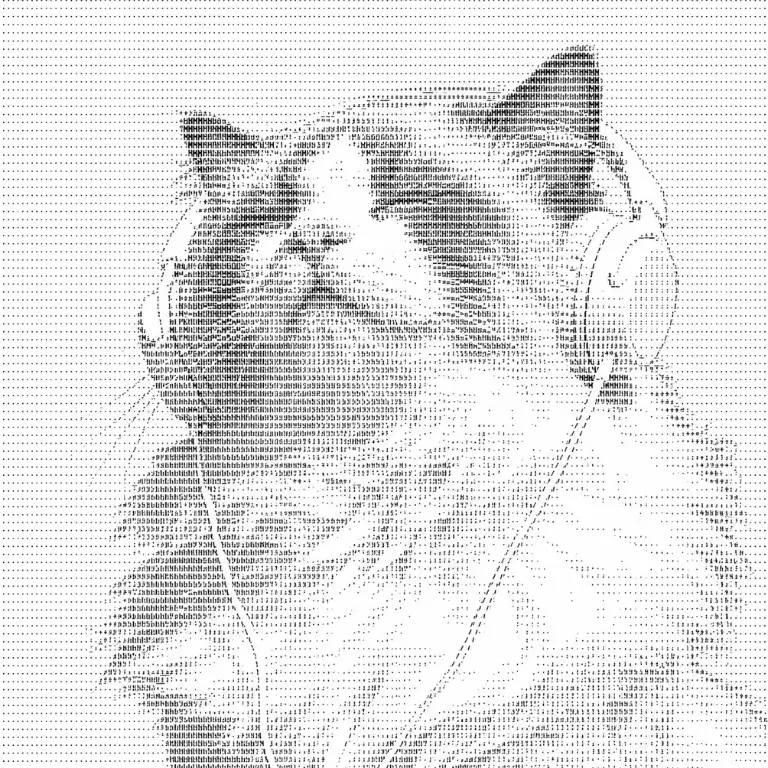
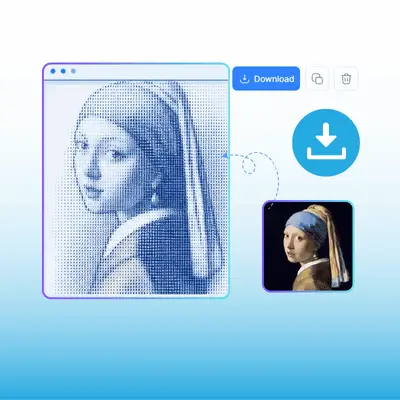
AI ASCII Art Generator Demo (After)
After
AI ASCII Art Generator Demo (Before)

AI ASCII Art Generator - Free Online with High-Detail ASCII

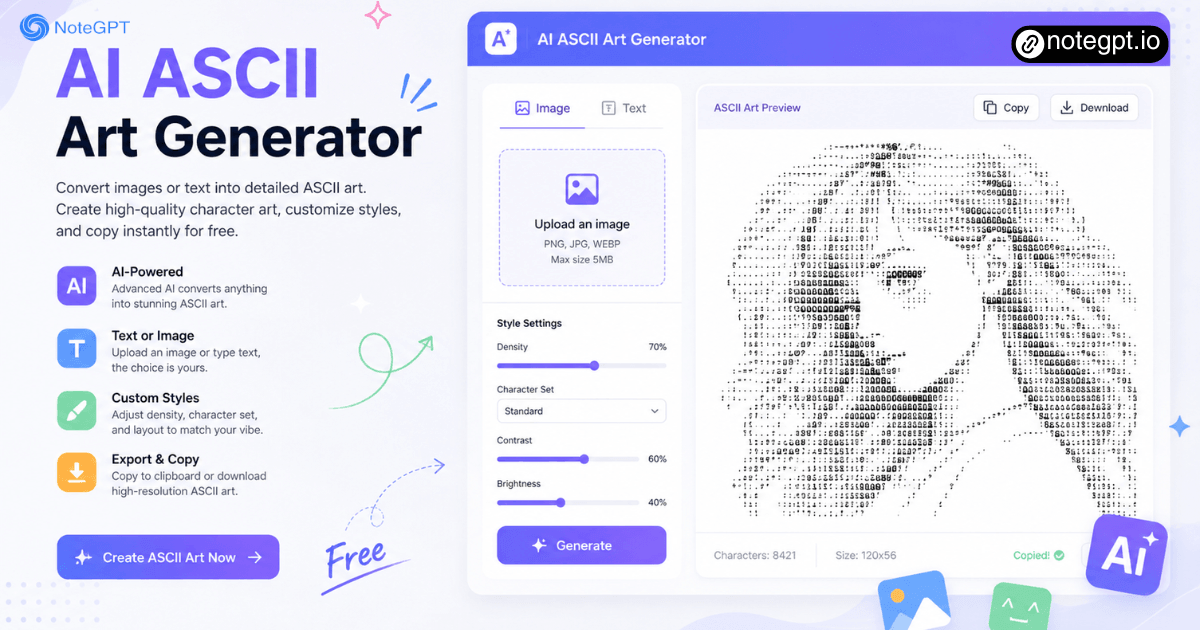
AI ASCII Art Generator convert images or text into detailed ASCII art. Create high-quality character art, customize styles, and copy instantly for free.

AI ASCII Art Generator - Free Online with High-Detail ASCII

What is AI ASCII Art Generator?

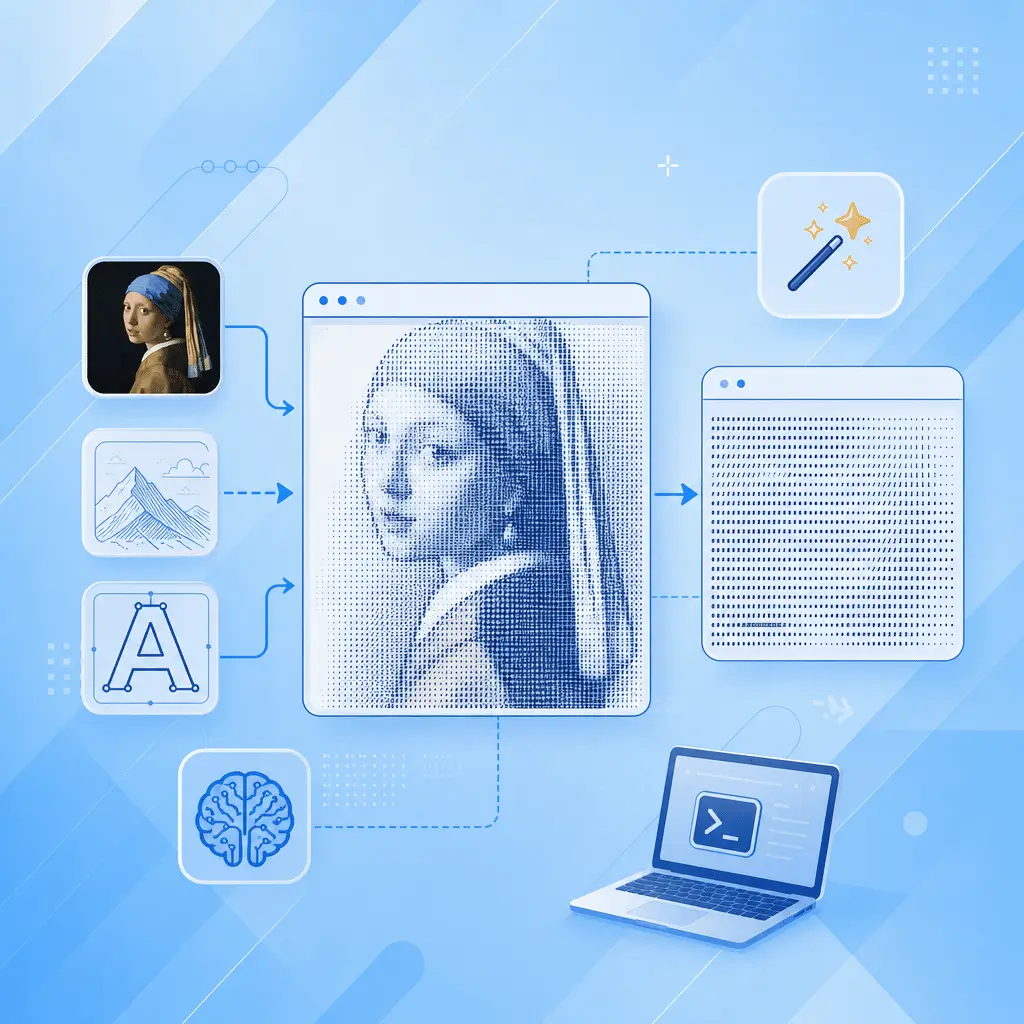
AI ASCII Art Generator is a tool that converts your images or text into detailed ASCII character art using AI-enhanced pixel analysis. Upload a photo, logo, or sketch, and the AI maps brightness gradients to characters with far more precision than traditional brightness-threshold algorithms.
What is AI ASCII Art Generator?

How AI Improves Traditional ASCII Art

Traditional ASCII converters use a simple brightness-to-character lookup table — darker pixel gets "@", lighter gets ".". It works, but edges blur, faces become unrecognizable blobs, and fine details vanish. Our AI-enhanced engine analyzes image context, detects edges and subjects, and selects characters that preserve structural detail.
How AI Improves Traditional ASCII Art

Still Using Outdated ASCII Converters?

Old ASCII generators map pixels to characters mechanically — no context awareness, no edge detection, no subject preservation. Upload a company logo and it becomes an unrecognizable jumble of @ and # symbols. Try to convert a portrait and the face disappears into noise. AI ASCII Art Generator actually understands what's in your image and preserves the shapes that matter.
Still Using Outdated ASCII Converters?

What Makes AI ASCII Art Generator Stand Out

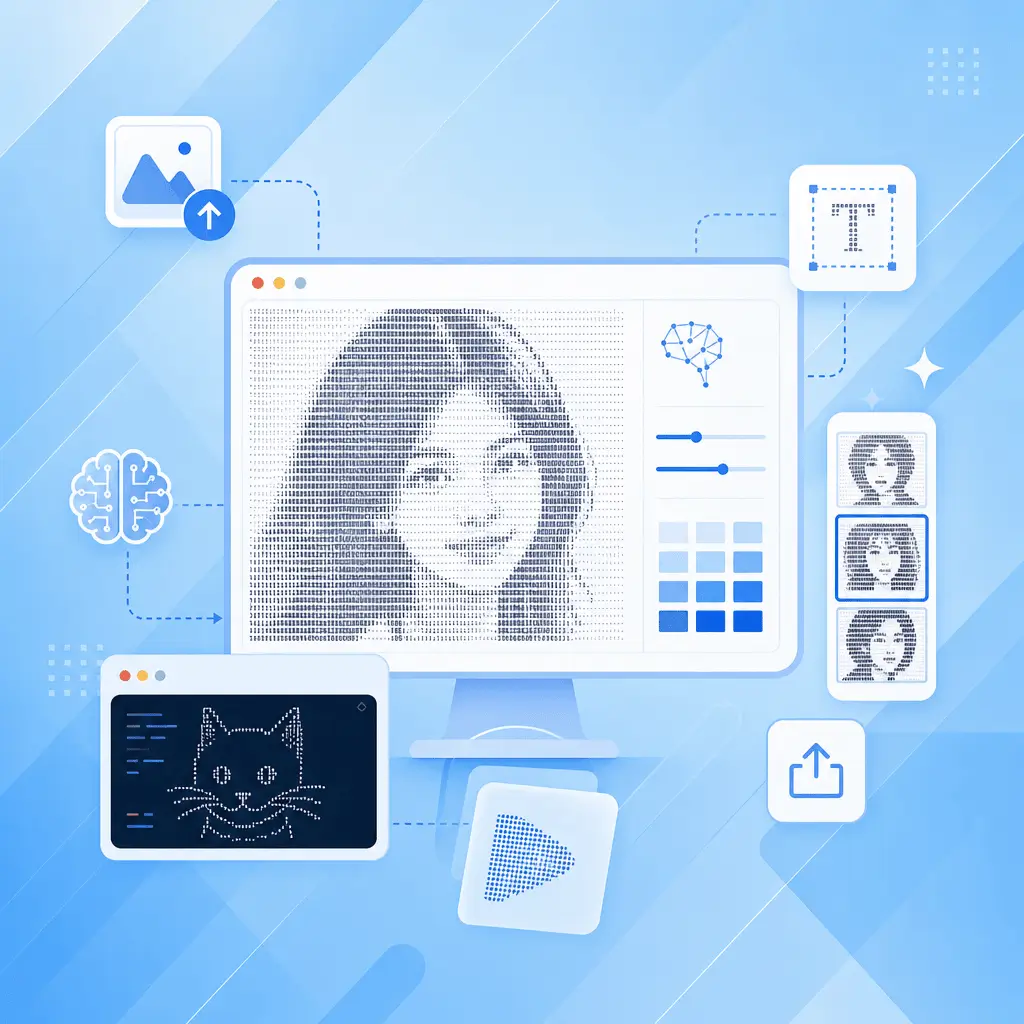
Go beyond basic ASCII conversion. Our AI ASCII Art Generator preserves fine details, supports both image and text creation, and gives you flexible export options for every project.

High Detail Conversion

The AI analyzes image context, detects edges and subjects, and selects characters preserving structural detail — not just brightness. Portraits keep recognizable faces, logos retain clean lines.

Image & Text Dual Mode

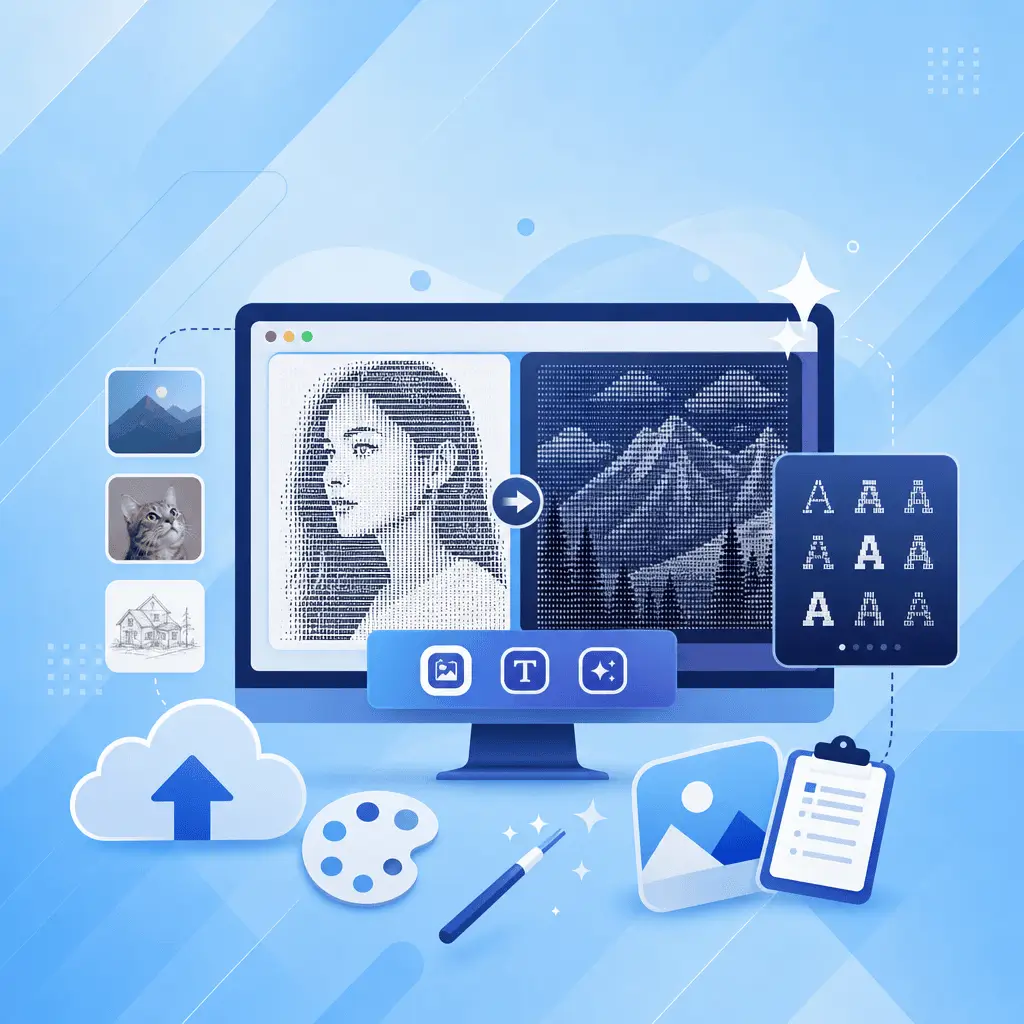
Upload any image (JPG, PNG, WebP, GIF, SVG) or type text with 50+ FIGlet fonts. Live preview updates as you adjust width, brightness, contrast, and character set. No render button — see changes in real time.

Instant Copy & Export

One-click copy to clipboard. Export as .txt, .png, or colored .html. Adjust density from 30 to 1000+ chars wide. Toggle color mode, invert, gamma correction, and edge detection for fine-tuning.

How to Use AI ASCII Art Generator in 3 Steps

No signup, no upload to servers, no waiting.

Step 1: Upload an Image or Type Text

Step 1: Upload an Image or Type Text

Drag and drop any image (JPG, PNG, WebP, GIF, SVG) or switch to text mode and type your headline. Everything runs locally in your browser — your image never leaves your device.

Step 2: Adjust Style and Density

Step 2: Adjust Style and Density

Pick a character set (Detailed, Standard, Blocks, Braille, Binary, or Custom). Adjust width, brightness, contrast, and gamma. Toggle color mode, invert, or edge detection. Watch the preview update in real time.

Step 3: Copy or Export

Step 3: Copy or Export

Click copy to paste your ASCII art into Discord, a README, a terminal, or any text field. Or download as .txt, .png, or colored .html. Done — no account, no watermark, no usage limit.

Ready to Turn Your Images into ASCII Art?

AI ASCII Art Generator converts any image or text into detailed, high-quality ASCII art — with AI-enhanced detail preservation, multiple character sets, and one-click copy. Free, no signup, runs in your browser. Your first ASCII masterpiece is one upload away.

Try AI ASCII Art Generator

What Our Users Are Saying About AI ASCII Art Generator

DK avatar

DK

Open Source Developer

maintain three open source CLI tools on GitHub and every README used to have a plain text header. I converted my project logos to ASCII art using this tool and the difference is immediate — the repos look professional and branded. The AI detail preservation means my logo's curves actually render correctly instead of becoming the usual @ and # mush.
VR avatar

VR

Discord Community Manager

I run a Discord community with about 5,000 members and we do weekly ASCII art challenges. Before this tool, everyone was using ancient converters that produced inconsistent results. Now our community generates high-quality art that actually looks good in code blocks. The Braille character set produces incredibly detailed results.
ML avatar

ML

Creative Technologist

As a creative coder, I use ASCII art in generative art installations and data visualization projects. Edge detection preserves structural detail that gets lost in other tools, and the multiple character set options let me match the aesthetic to each project. It's become a standard tool in my creative coding toolkit.
PH avatar

PH

Digital Media Professor

I teach a university course on digital media and retro computing aesthetics. Students always struggled with old converters that produced garbage from anything more complex than a stick figure. This AI tool actually preserves facial features in portrait conversions — my students can recognize themselves in the ASCII output.
TS avatar

TS

Backend Developer

I'm a backend developer who loves customizing my terminal. The text-to-ASCII mode with 50+ FIGlet fonts is a great bonus — I've created custom banners for every project directory. The fact that it runs entirely in-browser with no upload is important for work machines with strict security policies.
RC avatar

RC

Dev Agency Lead

Our dev agency adds ASCII art headers to client project READMEs as a signature touch. With this AI tool, we upload the client logo, pick a character set, and have a clean result in under a minute. The detail preservation on logos with thin lines is noticeably better than anything else we've tried.

Frequently Asked Questions About AI ASCII Art Generator