


You’ve just finished writing a lesson, recording a training video, or publishing a long-form blog post—and now you need a quiz.
Not tomorrow. Not next week. Right now.
Instead of spending another hour manually creating multiple-choice questions, formatting answers, and double-checking correctness, you start looking for an AI quiz generator. But here’s the problem: some tools are locked behind paywalls, some only generate five questions at a time, and others produce vague, low-quality quizzes that don’t actually test understanding.
If you’re an educator, course creator, marketer, HR trainer, or student, you don’t just need any quiz maker—you need a free AI quiz generator that’s fast, accurate, customizable, and actually useful. And ideally, you want to know which tools are truly free, which offer limited free plans, and which paid upgrades are worth it.
That’s exactly why we created this guide.
In this article, we’ll break down the Top 10 Free AI Quiz Generators in 2026 (Free & Paid)—comparing features, pricing, use cases, and real strengths. Whether you need to generate quizzes from text, PDFs, YouTube videos, or lecture notes, you’ll find the best AI quiz generator for your specific workflow.
Let’s dive in.
Why You Need an AI Quiz Generator in 2026
The digital classroom is evolving. With remote and hybrid learning becoming mainstream, the traditional quiz-making process—long hours drafting questions, formatting answers, and checking correctness—is no longer sustainable. AI quiz generators help bridge that gap.
Benefits of Using AI to Create Quizzes
AI quiz generators can transform a tedious task into a seamless experience. Imagine feeding a lesson plan or a PDF into a tool and instantly generating multiple-choice, true/false, or short-answer questions. This isn’t science fiction—it’s reality with tools like NoteGPT AI Quiz Generator, which allows you to humanize AI quizzes for a more natural, student-friendly feel. These tools can even suggest hints, explanations, or varying question difficulty automatically.
The benefits extend beyond time savings. AI quiz generators can:
- Ensure balanced question distribution across topics
- Randomize questions and answers to prevent cheating
- Analyze question difficulty to challenge students appropriately
- Generate instant answer keys, reducing grading stress
For educators who want to keep students engaged, AI-generated quizzes can be visually interactive, adaptive to learner performance, and ready for integration with online learning management systems.
How AI Saves Time for Teachers and Students
Teachers often spend hours curating and formatting quizzes manually. With AI quiz generators, this process can be cut down to minutes. NoteGPT’s AI Quiz Generator even allows educators to upload documents or input lessons directly, then automatically produces a complete quiz ready for distribution.
For students, AI-generated quizzes offer immediate feedback. Instead of waiting days for grades, learners can understand their strengths and weaknesses instantly. This real-time insight encourages active learning and self-improvement.
Moreover, AI tools reduce repetitive tasks for teachers, allowing more time for creative lesson planning and personalized instruction. In 2026, this efficiency isn’t a luxury—it’s a necessity.
Key Features to Look for in an AI Quiz Generator
Not all AI quiz generators are created equal. When exploring options in 2026, consider these critical features to ensure you pick the right tool.
Free vs Paid Features Comparison
Many AI quiz generators offer free versions, but limitations often exist. Free plans might restrict the number of quizzes per month, question types, or export options. Paid plans usually unlock advanced features like AI-powered question suggestions, in-depth analytics, or integration with LMS platforms.
NoteGPT AI Quiz Generator strikes a balance. Its free tier allows quick quiz creation and limited customization, while the paid version provides full control over AI output, answer key generation, and automatic grading, making it ideal for professional educators and institutions.
Ease of Use and Online Accessibility
User experience is crucial. A tool may have powerful AI capabilities, but if the interface is clunky, it slows down your workflow. Look for platforms that are intuitive, with drag-and-drop interfaces, easy text input, or bulk question import features.
Online accessibility matters too. Cloud-based AI quiz generators enable you to create quizzes from any device without software installation. Teachers can work from their laptops at home, tablets in class, or even smartphones on the go.
Multiple Question Types & Answer Key Support
A versatile AI quiz generator should support various question types: multiple-choice, true/false, fill-in-the-blank, and short answer. Some advanced tools, including NoteGPT, can even generate scenario-based or case-study questions for higher-order thinking assessments.
Answer key support is another must-have. Automated answer generation ensures grading accuracy and saves time. Some tools even provide explanations for each answer, enhancing the learning experience for students.
Top 10 Free & Paid AI Quiz Generators in 2026
1. NoteGPT – Best for Educators and Students
Who is it for: Teachers, tutors, students, and parents who need quick, reliable single-choice quizzes. Perfect for classroom exams, homework assignments, or self-assessment. High school, college students, or parents reviewing lessons at home can all benefit.
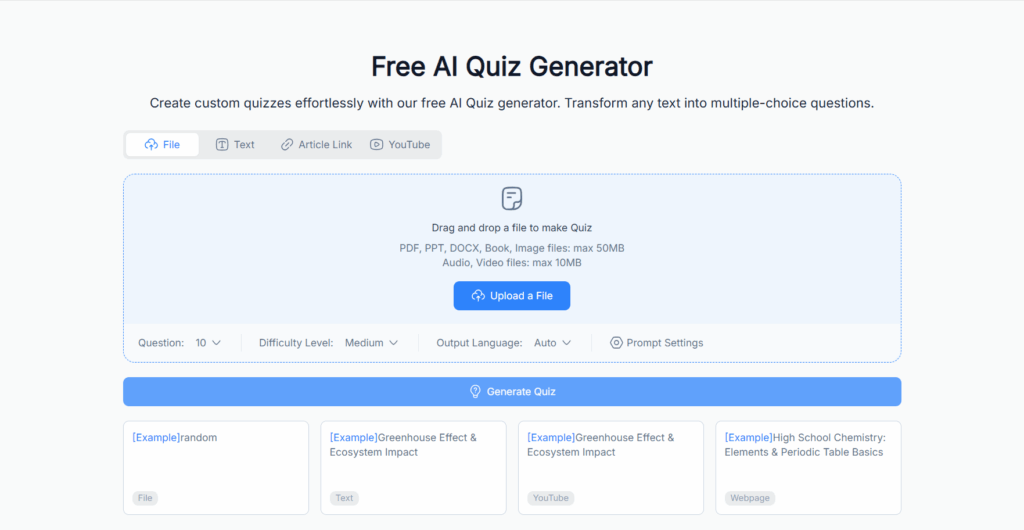
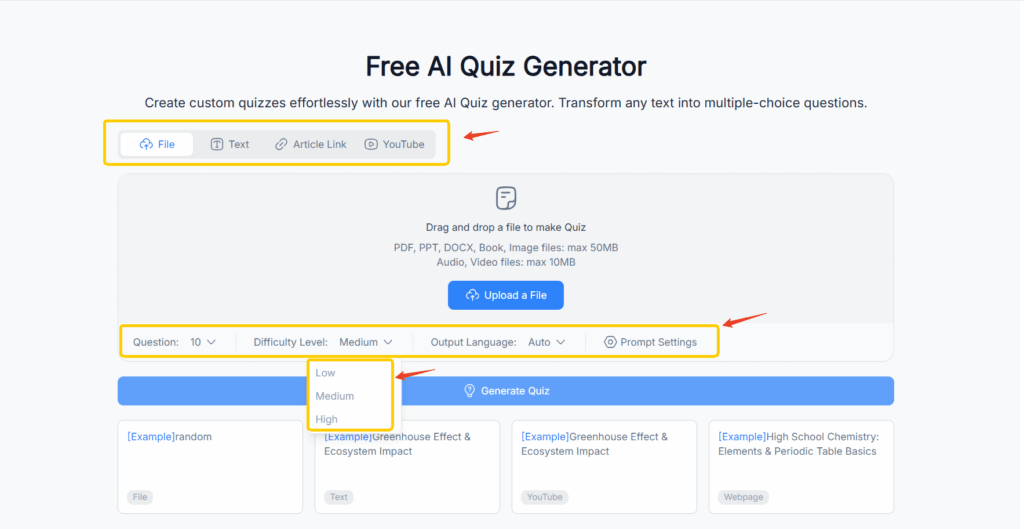
Core Features: NoteGPT is a 100% free AI Quiz Generator specialized in generating single-choice questions. Upload your lesson notes, PDFs, or text content, and the AI automatically produces a quiz where each question has one correct answer. An instant answer key is provided for grading and review.
What you can do with NoteGPT:
- Generate single-choice quizzes from PDF, Word, or text documents
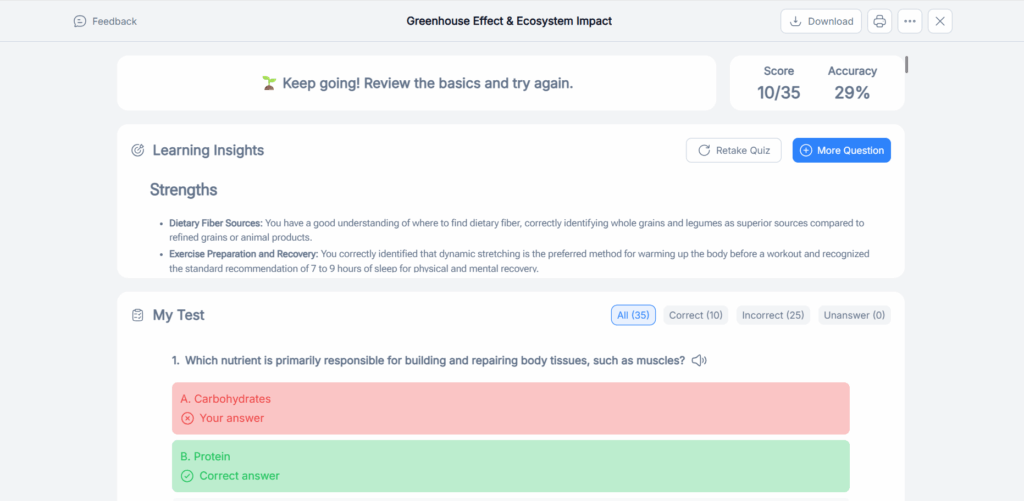
- Auto-create answer keys for instant grading
- Adjust the number of questions per quiz
- Humanized AI wording ensures questions are clear, natural, and student-friendly
- Export quizzes immediately to PDF or Word for classroom use or remote learning
Why it stands out: Many AI quiz generators limit free usage or require subscriptions, but NoteGPT is fully free with no hidden restrictions. Its simplicity makes it ideal for teachers and parents who only need single-answer quizzes. Students can quickly test their knowledge, get immediate feedback, and identify gaps without waiting for manual grading.
Limitations: Only supports single-choice questions. Cannot create true/false, short-answer, or scenario-based questions. However, if your goal is fast, accurate, and natural single-answer quizzes, NoteGPT is perfect.
Pricing: Completely free with no usage limits, making it one of the most accessible AI quiz tools in 2026.
My Take: If you need a free, easy-to-use tool for single-answer quizzes, NoteGPT is unmatched. Its speed, natural language output, and simplicity make it ideal for real classrooms, online teaching, and home study.
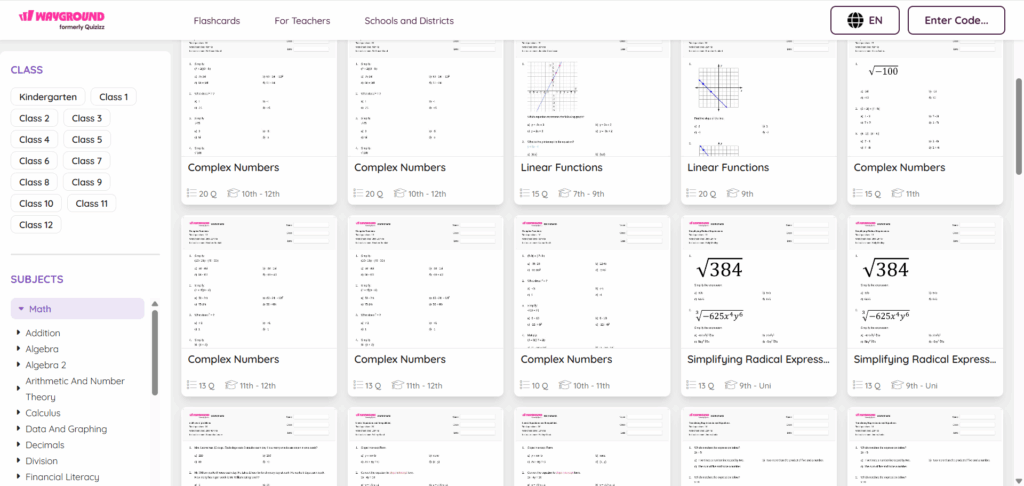
2. Quizizz – Fastest Quiz Creation for Classrooms and Home
Who is it for: Ideal for teachers who want to run live quizzes in class, homeschooling parents organizing fun revision, or tutors conducting remote sessions. Students benefit from interactive and gamified learning.
Core Features: Quizizz allows you to create quizzes from scratch or using templates. It supports multiple-choice questions (single or multiple answer), automatic grading, and instant feedback. Quizzes can be run live in class, assigned as homework, or shared via a link for self-paced learning. The platform includes gamification elements like leaderboards, timers, and badges to motivate students.
What you can do with Quizizz:
- Quickly design pop quizzes or full-length exams
- Assign quizzes for homework or online learning
- Automatically grade submissions and provide instant feedback
- Track class or student performance through reports
- Use gamified elements to keep students engaged
Why it stands out: Quizizz excels in speed and engagement. For instance, a teacher can create a 20-question review quiz in under 10 minutes, and students enjoy competing in real-time with points and badges. It’s perfect for last-minute revision or keeping energy high during remote classes. Parents can also use it to make study sessions fun at home.
Limitations: Some advanced features, like detailed analytics or large class support, require a paid plan. Free users are limited in the number of participants per quiz.
Pricing: Free plan is fully usable for small classes. Paid plans start around $10/month for more participants and detailed analytics.
My Take: For anyone needing fast, fun, and interactive quizzes, Quizizz is unmatched. Its gamified approach turns mundane tests into engaging learning experiences.
3. QuestionWell – Flexible Question Types for Higher-Order Learning
Who is it for: College professors, corporate trainers, and educators who need complex assessments beyond basic recall. Students preparing for in-depth exams also benefit from the platform.
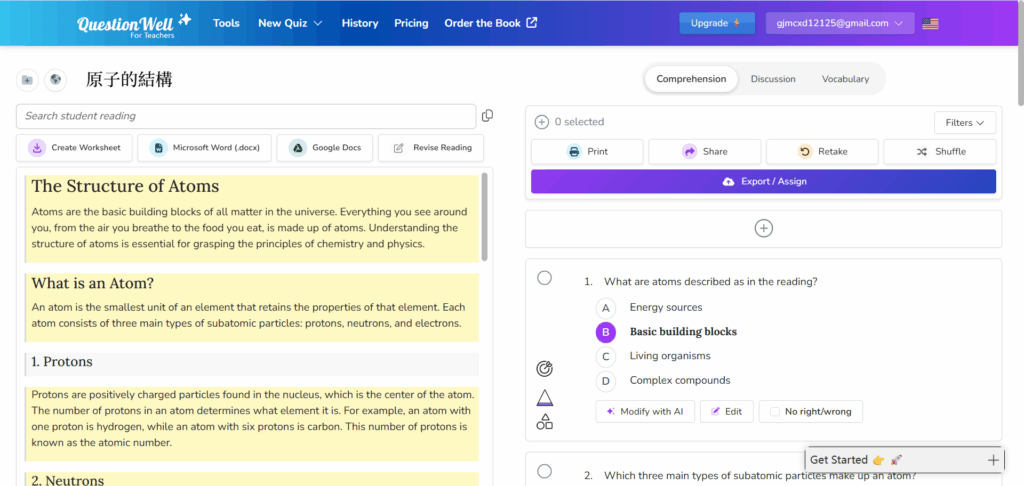
Core Features: QuestionWell supports multiple formats, including multiple-choice, essay, and scenario-based questions. AI suggestions help generate plausible distractors for multiple-choice, balance difficulty, and structure tests for real-world scenarios.
What you can do with QuestionWell:
- Create mixed-format quizzes for deep learning
- AI-assisted distractor suggestions for challenging multiple-choice questions
- Randomize questions and answer order to prevent cheating
- Provide instant grading for multiple-choice, while tracking essay submissions manually
- Export quizzes for online or offline use
Why it stands out: For example, a corporate trainer can upload safety manuals, and QuestionWell generates scenario-based questions that simulate real workplace situations. Professors can convert complex lecture notes into rigorous quizzes automatically, saving hours of manual work.
Limitations: Free tier is limited; complex question types often require a paid subscription. AI cannot fully grade essays or scenario-based questions yet.
Pricing: Free tier available with limited features. Paid plans start around $25/month, unlocking full question types and analytics.
My Take: QuestionWell is the best choice when you need flexible question types and AI-assisted distractor creation for professional or higher-education
assessments.
4. Quizgecko – Easy Starter for Home or Small Classrooms
Who is it for: Parents, tutors, and small-classroom teachers who need simple, effective quizzes quickly. Students can generate self-assessment quizzes to reinforce learning.
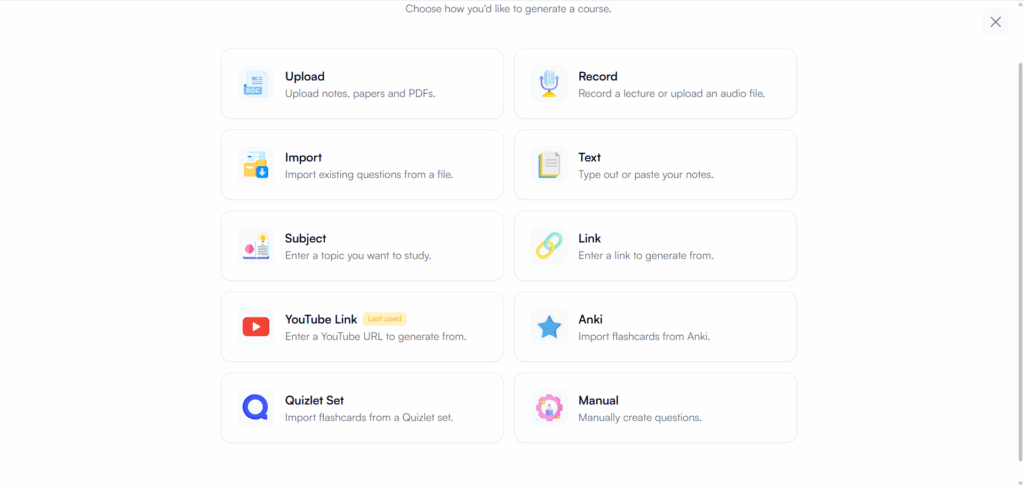
Core Features: Quizgecko creates multiple-choice quizzes (single or multiple answer) from uploaded text, PDFs, or lesson notes. Free tier supports basic quizzes, while paid versions unlock analytics and export options.
What you can do with Quizgecko:
- Generate quizzes in minutes from uploaded materials
- Randomize questions to prevent memorization
- Track progress for small groups of students
- Export quizzes for print or online use
Why it stands out: For parents homeschooling or tutors reviewing weekly lessons, Quizgecko is fast and user-friendly. Even students can generate quizzes themselves for self-study, instantly identifying weak areas.
Limitations: Free plan limits the number of quizzes and questions. More advanced customization, analytics, or bulk uploads require a paid subscription.
Pricing: Free plan available for basic quizzes. Paid plans start around $15/month for advanced features.
My Take: Quizgecko is perfect for quick, practical quizzes with minimal setup, making it ideal for small classrooms and at-home learning.
5. ProProfs Quiz Maker – Advanced Paid Option for Schools and Businesses
Who is it for: Institutions, universities, and corporate training programs that need robust analytics, LMS integration, and professional reporting.
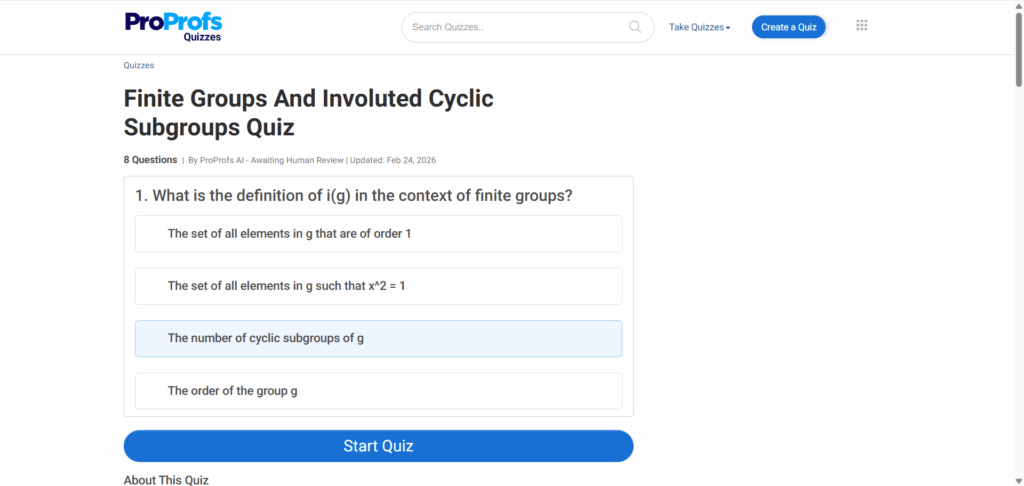
Core Features: Supports multiple-choice, essay, and mixed-format questions. AI-assisted question generation, bulk quiz creation, and detailed reporting make it suitable for professional environments. Integration with LMS platforms ensures smooth workflow for online courses.
What you can do with ProProfs:
- Generate quizzes from syllabi or uploaded materials
- Automate grading for multiple-choice questions
- Provide detailed analytics on student performance
- Issue certificates automatically
- Customize grading schemes and templates
Why it stands out: For example, a university can run simultaneous midterm exams across 10 courses, with automatic grading and detailed performance reports. Corporate trainers can deliver certification quizzes with scoring and completion tracking.
Limitations: Free plan is limited; advanced features and LMS integration require a paid plan. Some AI suggestions are available only for multiple-choice questions.
Pricing: Paid plans start around $25/month. Free trial available but limited in features.
My Take: ProProfs is ideal for professional-grade assessments, whether in schools or corporate settings, combining AI efficiency with detailed analytics.
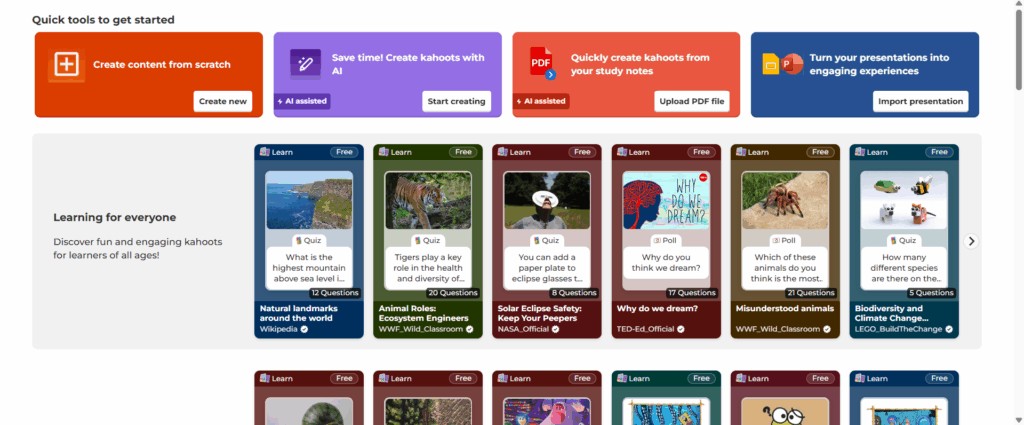
6. Kahoot! – Gamified Learning for Classrooms and Clubs
Who is it for: Teachers, club coordinators, and homeschooling parents who want to make quizzes interactive and engaging. Students enjoy live participation and friendly competition.
Core Features: Kahoot! allows educators to create multiple-choice quizzes that can be played live or assigned asynchronously. Gamification features include points, timers, and leaderboards. It supports importing questions from PDFs or other quizzes, and quizzes can be customized with images, videos, and themes to match lesson content.
What you can do with Kahoot!:
- Run live, interactive quizzes in class or online
- Assign quizzes for homework with automated scoring
- Track student performance with built-in analytics
- Engage students with gamified features like leaderboards and badges
- Customize quizzes with multimedia content to make lessons memorable
Why it stands out: Imagine a Friday afternoon review session in a high school biology class. Instead of a boring paper quiz, students join Kahoot! on their devices, compete for points, and get instant feedback. Teachers save hours grading, and students retain knowledge better due to active engagement. Parents can also assign Kahoot! quizzes to reinforce learning at home in a fun way.
Limitations: The free plan supports smaller groups and basic analytics. Larger classes or advanced reporting require a paid subscription.
Pricing: Free plan available for small groups. Paid plans start around $10/month for more participants and detailed reports.
My Take: Kahoot! is perfect for any situation where engagement and interaction are key. Its gamified approach turns assessments into a fun, memorable learning experience.
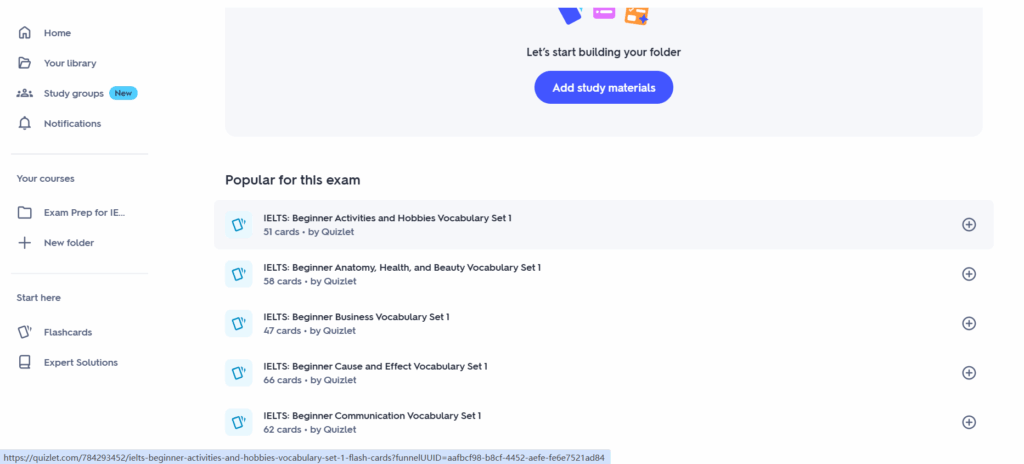
7. Quizlet – Mobile-Friendly AI Quiz Maker for Students
Who is it for: Students preparing for exams on the go, parents helping children revise at home, and tutors creating quick study aids. Especially useful for self-paced study and review sessions.
Core Features: Quizlet’s AI tools allow generation of single-answer multiple-choice quizzes and flashcards from text, PDFs, or lesson notes. Supports automatic grading for self-testing and instant feedback to help learners identify knowledge gaps. Works seamlessly on mobile devices for studying anywhere.
What you can do with Quizlet:
- Generate single-answer multiple-choice quizzes from lesson materials
- Create flashcards for self-study and memory reinforcement
- Track progress and performance over time
- Study on mobile, tablet, or computer
- Share quizzes with classmates or students for collaborative learning
Why it stands out: For students juggling homework, part-time jobs, or online classes, Quizlet provides a flexible study solution. Parents appreciate being able to create self-testing quizzes without printing or manually grading. Its mobile-first design means learning can happen anytime, even during commutes.
Limitations: Full analytics and collaborative features require a paid plan. AI generation focuses on single-answer quizzes, no essays or scenario-based questions.
Pricing: Free for core features. Paid plan (“Quizlet Plus”) starts around $5/month for advanced analytics and offline access.
My Take: Quizlet is ideal for students and parents who want a mobile-friendly, AI-powered tool for self-study and instant assessment.
8. ClassPoint AI – Multilingual Quiz Maker for International Classrooms
Who is it for: Teachers in international schools, language instructors, or parents teaching multilingual children. Also useful for online tutors with students from different countries.
Core Features: ClassPoint AI generates single-answer multiple-choice quizzes that integrate with PowerPoint, making interactive lessons seamless. Supports multiple languages, question randomization, and instant grading. Teachers can add images, diagrams, or videos directly into slides for richer content.
What you can do with ClassPoint AI:
- Generate multilingual quizzes directly in PowerPoint
- Auto-generate answer keys for quick grading
- Customize quizzes with media elements
- Randomize questions for each student to prevent cheating
- Track student performance across sessions
Why it stands out: A German language teacher with students in France, Italy, and Spain can generate quizzes in multiple languages without manually translating questions. Integration with PowerPoint allows seamless live teaching while students interact in real-time. Parents homeschooling multilingual children also benefit from its easy-to-use interface and translation support.
Limitations: Only supports single-answer multiple-choice questions. Some advanced integrations require a paid plan.
Pricing: Free basic plan available. Paid options start around $15/month for unlimited questions and reporting.
My Take: ClassPoint AI is perfect for international classrooms or multilingual learning environments, combining AI efficiency with powerful presentation integration.
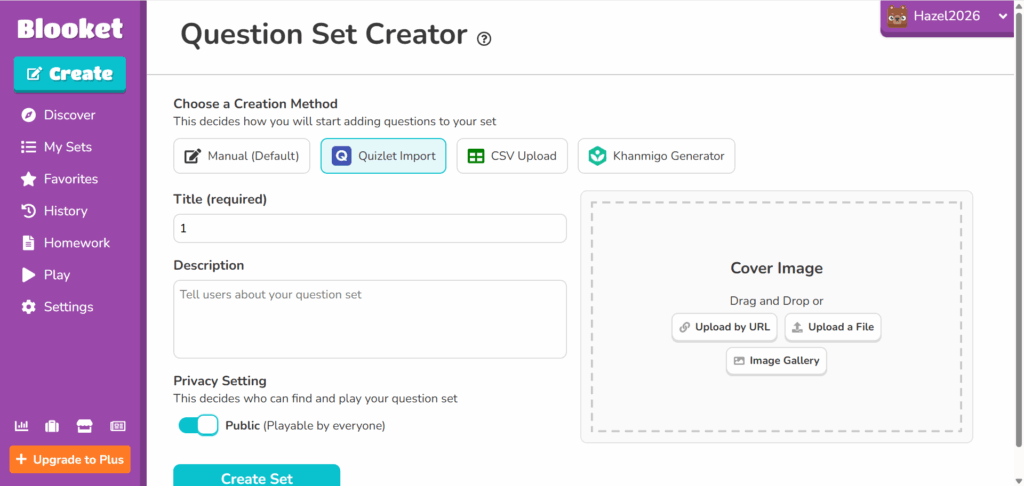
9. Blooket – Engagement-Focused Quiz Platform for Younger Students
Who is it for: Elementary and middle school teachers, parents homeschooling younger children, and tutors wanting to increase engagement. Excellent for interactive sessions and gamified learning.
Core Features: Blooket allows creation of single-answer multiple-choice quizzes with competitive, game-like modes. Students earn points, unlock badges, and compete in teams or individually. AI assists in generating questions from text or PDFs, keeping quizzes natural and student-friendly.
What you can do with Blooket:
- Create gamified quizzes to boost engagement
- Assign quizzes for classroom play or homework
- Use leaderboards and team competitions for motivation
- Track student performance and participation
- Customize questions with media content for interactive lessons
Why it stands out: Blooket turns study time into a fun, competitive experience. Imagine a fourth-grade class revising history while racing to earn points. Students remain engaged for longer, and teachers get immediate performance data. Parents can also run home quiz challenges to reinforce lessons.
Limitations: Free plan limits the number of game sessions. AI-generated questions are limited to single-answer multiple-choice.
Pricing: Free plan available with basic features. Paid plans start around $10/month for unlimited game modes and advanced reporting.
My Take: Blooket is best for younger learners who need interactive, fun ways to stay motivated while practicing quiz questions.
10. FlexiQuiz – Affordable and Versatile Option for Schools and Tutors
Who is it for: Small schools, private tutors, and homeschooling parents needing a budget-friendly, reliable AI quiz tool. Also suitable for professional assessments with simple grading needs.
Core Features: FlexiQuiz generates single-answer multiple-choice quizzes from uploaded content or text input. It provides instant answer keys, automated grading, and reporting dashboards. Paid plans allow unlimited quizzes, branding, and detailed analytics.
What you can do with FlexiQuiz:
- Generate single-answer multiple-choice quizzes quickly
- Auto-grade student submissions with instant feedback
- Export quizzes for online or offline use
- Track class or student performance
- Customize quizzes with logos and themes for professional appearance
Why it stands out: FlexiQuiz combines simplicity, affordability, and effectiveness. Tutors can generate weekly quizzes for multiple students without spending hours grading. Schools can run assessments without investing in expensive LMS platforms.
Limitations: Free plan has limits on the number of quizzes and questions. Only single-answer multiple-choice supported.
Pricing: Free tier available. Paid plans start around $15/month for unlimited quizzes and detailed analytics.
My Take: FlexiQuiz is an ideal budget option for educators or parents who need a dependable, easy-to-use AI quiz generator.
How to Choose the Right AI Quiz Generator for You
Choosing the best AI quiz generator in 2026 is not about picking the tool with the longest feature list. It’s about choosing the one that actually fits your workflow.
Teachers, students, parents, and corporate trainers all use AI quiz makers differently. What works for a university professor may be overkill for a homeschooling parent.
Let’s break it down in practical terms.
Consider Your Needs: Free or Paid?
Start with a simple question:
Do you actually need a paid AI quiz generator?
If your goal is to generate single-answer multiple-choice quizzes for classroom practice, chapter reviews, or exam preparation, a completely free AI quiz generator like NoteGPT may be more than enough.
It focuses on single-choice questions, generates answer keys instantly, and doesn’t require a subscription. For everyday quizzes, that simplicity is powerful.
However, you may need a paid AI quiz maker if you require:
- Mixed question types (essay, scenario-based, true/false)
- Advanced LMS integration
- Certification generation
- Collaboration tools for teams
- Detailed analytics dashboards
Real-world examples:
A high school teacher creating weekly 15-question review quizzes → A free AI quiz generator is perfectly sufficient.
A corporate HR department running compliance assessments → Paid analytics and reporting become essential.
A parent preparing weekly practice tests → Fast, simple, and free is usually the priority.
Don’t pay for features you won’t use.
Check Feature Coverage and Limits
Many tools advertise themselves as “free AI quiz generators,” but once you dig deeper, you may find:
- Monthly generation limits
- Restrictions on number of questions
- Export limitations
- Participant caps
- Watermarked downloads
Before committing to any AI quiz maker, check:
- Can you export quizzes as PDF or Word?
- Does it automatically generate answer keys?
- Is automatic grading included?
- Are there limits on how many quizzes you can create?
- Can you share via link for remote learning?
For example, NoteGPT stands out because it is completely free to use and does not limit basic quiz generation. It focuses on single-answer multiple-choice questions and provides automatic answer keys instantly.
For daily classroom or self-study use, that kind of unrestricted access matters.
By contrast, tools like Kahoot or Quizizz may limit class size or advanced reports unless you upgrade.
Always read beyond the word “Free.”
Compare Pricing and Value for Money
If you are considering a paid AI quiz generator, evaluate value — not just price.
Ask yourself:
- Does this tool save me at least 3–5 hours per week?
- Does automatic grading reduce my workload significantly?
- Does it improve student engagement or learning outcomes?
For schools and businesses, also consider:
- Bulk user management
- Data export and reporting
- Integration with existing systems
- Security and privacy compliance
An AI quiz maker is not just software. It’s a time-saving system.
If a $20/month tool replaces hours of manual work, it’s worth it.
If it adds complexity without real efficiency gains, it isn’t.
The goal is simple:
Save time. Improve accuracy. Reduce repetitive work. Increase engagement.
That’s the benchmark.
Tips for Making the Most of AI Quiz Generators
Having a powerful AI quiz generator is step one. Using it strategically is step two.
Here’s how to maximize results.
Integrate with Your Learning Workflow
The best AI quiz maker should fit into your existing teaching or training system.
Look for:
- Google Classroom integration
- Microsoft Teams compatibility
- LMS export options
- Shareable quiz links
For example, assigning a quiz directly inside Microsoft Teams eliminates extra steps. Students complete the assessment, grading happens automatically, and performance data is immediately available.
Even if you’re not using a full LMS, ensure the tool allows:
- PDF export for offline use
- Word export for editing
- Easy link sharing
Technology should streamline your workflow — not complicate it.
Automate Grading and Feedback
One of the biggest advantages of AI-generated quizzes — especially single-answer multiple-choice quizzes — is automatic grading.
Because answers are clearly defined, scoring becomes instant and objective.
In classroom settings, instant feedback helps students:
- Identify weak areas immediately
- Correct misunderstandings faster
- Stay motivated through quick progress tracking
For parents, automatic grading reduces the burden of manually checking homework after a long day.
This is where tools like NoteGPT shine. Since it focuses on single-choice questions, grading is straightforward and immediate.
Less time grading means more time teaching.
Use AI to Improve Question Quality
Don’t just generate a quiz and publish it blindly.
Treat AI as a collaborator.
After generating a quiz:
- Review question clarity
- Adjust difficulty level
- Remove repetitive or overly simple questions
- Strengthen distractor options
Good AI quiz generators can produce natural-sounding questions, but refinement improves quality dramatically.
NoteGPT, for example, tends to generate clear, human-like wording. That matters. Poorly phrased questions frustrate students and reduce assessment accuracy.
When you combine AI efficiency with human judgment, you get the best results.
Conclusion
In 2026, AI quiz generators are no longer experimental tools. They are practical, everyday solutions for modern education and training.
If you need:
Simple Fast Fully free Focused on single-answer multiple-choice quizzes
Then NoteGPT AI Quiz Generator is a highly practical option. It avoids unnecessary complexity and delivers exactly what many educators and students need: quick, natural-sounding single-choice quizzes with automatic answer keys — at zero cost.
If you require advanced reporting, mixed question formats, or enterprise-level collaboration, paid tools like ProProfs, QuestionWell, or Kahoot may better fit your needs.
The key is not choosing the most feature-heavy tool.
It’s choosing the right AI quiz maker for your real-world scenario.
The goal remains the same:
Spend less time creating quizzes. Spend less time grading. Spend more time teaching, learning, and improving.
AI will not replace educators. But it can absolutely remove unnecessary friction from assessment creation.
And in 2026, efficiency is no longer optional — it’s essential.